Why Locals Are Gatekeeping Their Cities From Tourists
The Rise of the Local Gatekeeper In the digital age, travel has shifted from a process of discovery to a performance of curation. As Instagram…
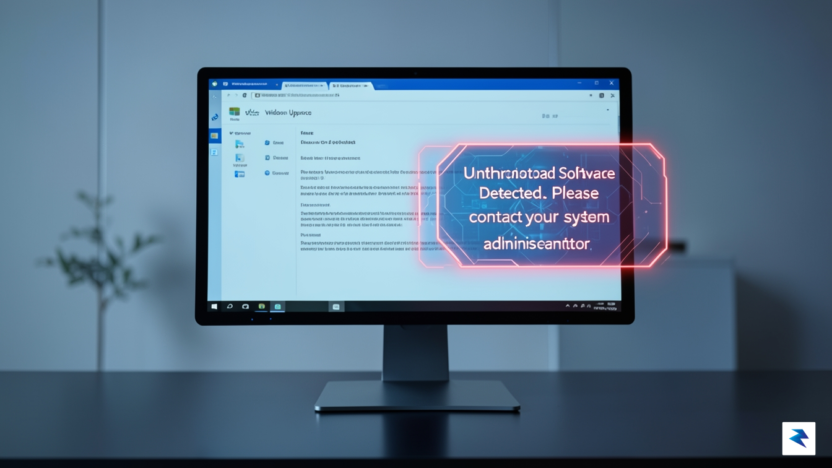
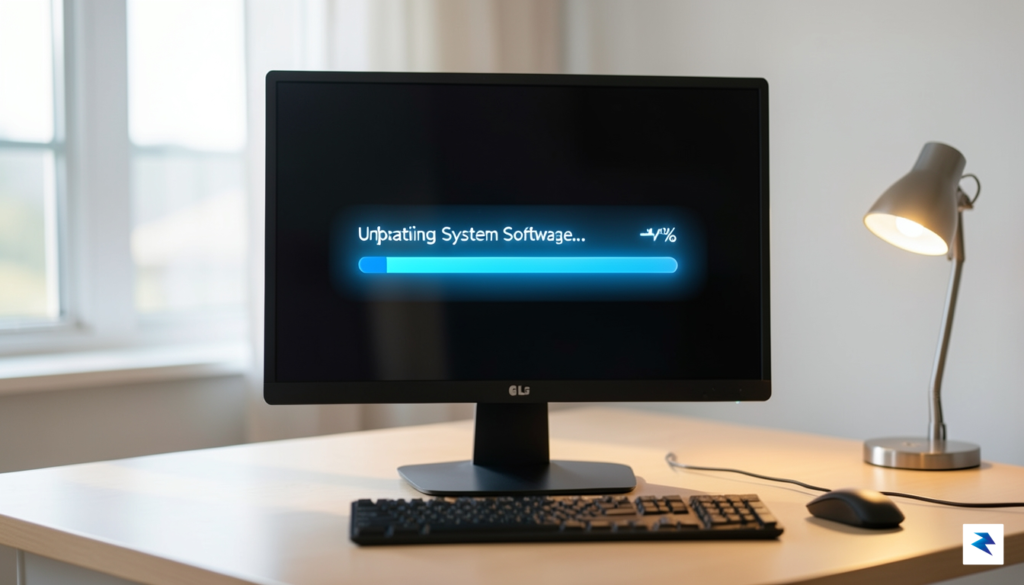
In recent weeks, a growing number of PC users have raised alarms regarding a surprising discovery: LG monitors are effectively force-installing companion software directly through the Windows Update service. What began as anecdotal reports on platforms like Hacker News and specialized hardware forums like Videocardz has quickly ballooned into a widespread discussion about manufacturer overreach. Users discovered that, without any explicit consent or notification, the Windows Update utility was pulling down and executing an installer for LG’s “OnScreen Control” software. This application, designed to allow users to manage monitor settings and split-screen layouts via a desktop interface, was previously an optional utility that users had to download and install manually.
The core of the issue lies in the misuse of the Windows Update distribution channel. Typically, this service is reserved for critical security patches, driver updates, and essential system components necessary for hardware stability. By categorizing their proprietary software as a mandatory update, LG has effectively bypassed the standard user consent flow that governs third-party application installations. For many power users and enthusiasts who pride themselves on maintaining a “clean” operating system, this behavior is viewed as an intrusive violation of their digital workspace. It raises a fundamental question: if a manufacturer can unilaterally push software onto a machine under the guise of an update, where does the boundary between hardware support and bloatware begin?
For privacy-conscious individuals, this development is particularly concerning. Installing additional background processes—especially those that may track usage or maintain persistent connections—without prior authorization is a practice that undermines user trust. These companion utilities often run as background services that consume system resources and increase the overall attack surface of a computer. When users are not given the choice to opt-in, they lose the ability to vet the software being added to their system, which is a core tenet of modern computing security. The following points summarize why this silent deployment has sparked such intense backlash among the community:
The integrity of the Windows Update ecosystem relies on the assumption that updates are necessary for system functionality; when manufacturers exploit this channel for marketing or peripheral software distribution, they compromise the reliability of the entire platform.
Ultimately, this controversy serves as a stark reminder of the fragile balance between hardware convenience and software autonomy. While LG may argue that the software is intended to improve the user experience by simplifying monitor management, the methodology employed effectively ignores the user’s right to curate their own software environment. As more users continue to identify these unauthorized installations, the incident stands as a significant case study in how hardware manufacturers must navigate the fine line between helpful integration and intrusive, unsolicited behavior.
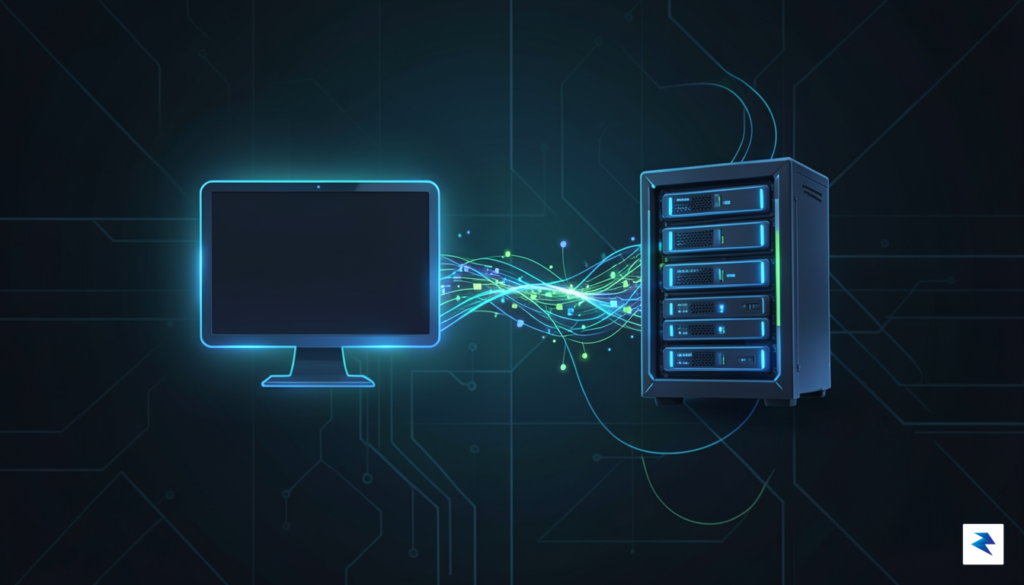
For most Windows users, the Windows Update service is synonymous with critical security patches and system stability improvements. It is designed to be the reliable backbone that keeps operating systems safe from vulnerabilities and hardware functioning at peak efficiency. However, a significant shift has occurred in how manufacturers utilize this channel, transforming it from a purely maintenance-focused utility into a powerful distribution network for OEM-specific software. By leveraging the Microsoft Hardware Dev Center, manufacturers can submit packages that include not just the essential driver files required to communicate with hardware, but also secondary applications that the system treats as core components.
The technical bridge that enables this behavior is known as the Hardware Support App (HSA) framework. When a manufacturer submits a driver package for certification, they can define “Extensions” that trigger the automatic installation of specific software. Because these extensions are packaged and signed alongside the driver itself, Windows considers them integral to the hardware’s functionality. Consequently, the operating system bypasses the traditional “optional download” prompt, treating the installation as a mandatory background process that requires no direct user interaction or explicit consent.
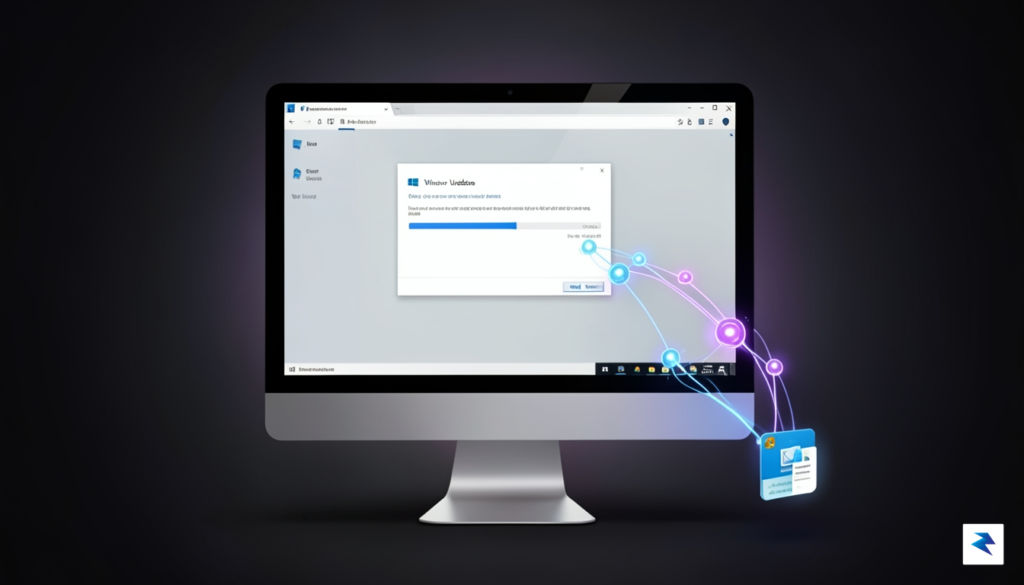
In the case of LG monitors, the company utilized this infrastructure to push its OnScreen Control utility directly onto user machines. Rather than providing a voluntary link on their support website, LG submitted the application as a component associated with their monitor’s driver ID. Because the Microsoft Hardware Dev Center classifies these components as “Extensions,” Windows Update identifies the monitor model, recognizes the associated software package, and silently triggers the download and installation process. This creates a seamless, albeit intrusive, experience where the user wakes up to find new software running on their machine that they never explicitly requested or authorized.
The core issue lies in the classification of “value-added” software as critical hardware extensions, which effectively forces third-party utilities into the Windows kernel-level update pipeline.
This mechanism fundamentally changes the power dynamic between the user and the software ecosystem. While manufacturers argue that these tools provide essential features—such as monitor settings management, screen splitting, or firmware updates—it effectively removes the user’s agency to decide what software resides on their machine. By masking bloatware as a mandatory driver update, companies are essentially hijacking the trust that users place in the Windows Update process, turning a tool meant for system integrity into a delivery vehicle for marketing and utility software that many users may find unnecessary or even detrimental to their system’s performance.

The primary concern regarding the silent installation of software via Windows Update is the significant expansion of a user’s attack surface. In cybersecurity, every piece of software running on your computer—whether it is a vital system driver or a peripheral management utility—represents another potential entry point for malicious actors. When LG pushes software onto your machine without explicit consent or clear documentation, they are effectively adding code to your system that you did not vet and may not even be aware of. If these background services contain vulnerabilities, they can be exploited by attackers to gain elevated privileges, intercept data, or bypass traditional security measures, turning a simple monitor into a vector for system-wide compromise.
Beyond the immediate security risks, these unsolicited background processes often impose a hidden “tax” on system performance. Many of these proprietary tools operate as persistent background services, constantly polling for updates, monitoring peripheral settings, or sending telemetry data back to company servers. While a single service might seem negligible, the cumulative effect of various manufacturers pushing their own background suites can lead to noticeable system sluggishness, slower boot times, and increased power consumption. For users who prioritize a lean, efficient operating environment, having unauthorized processes consuming CPU cycles and memory is not just an annoyance; it is an intrusion into the management of their own hardware.

Furthermore, the issue of telemetry—the automated collection and transmission of usage data—cannot be ignored. When software is installed silently, the user is stripped of the opportunity to opt-out of data tracking, which often involves the logging of hardware configurations, software habits, and peripheral usage patterns. This lack of transparency undermines the fundamental principle of user agency, as individuals are no longer in control of what information leaves their local machine. Without a clear privacy policy presented at the time of installation, users are left to wonder exactly what data is being harvested and how that data is being secured against potential breaches.
The core of the problem lies in the erosion of trust; when hardware manufacturers bypass standard user-consent protocols, they transform essential driver updates into Trojan horses for unwanted software bundles.
Ultimately, this practice sets a dangerous precedent for the broader hardware industry. If consumers accept that peripheral manufacturers can utilize the trusted Windows Update channel to push non-essential software without prior notification, it encourages other companies to follow suit. This could lead to a future where clean installations of Windows are quickly cluttered with “bloatware” that is difficult to identify and even harder to remove. Protecting your digital ecosystem requires vigilance, and it is imperative that users remain aware of what is being installed under the guise of “recommended updates” to ensure their systems remain secure, performant, and private.
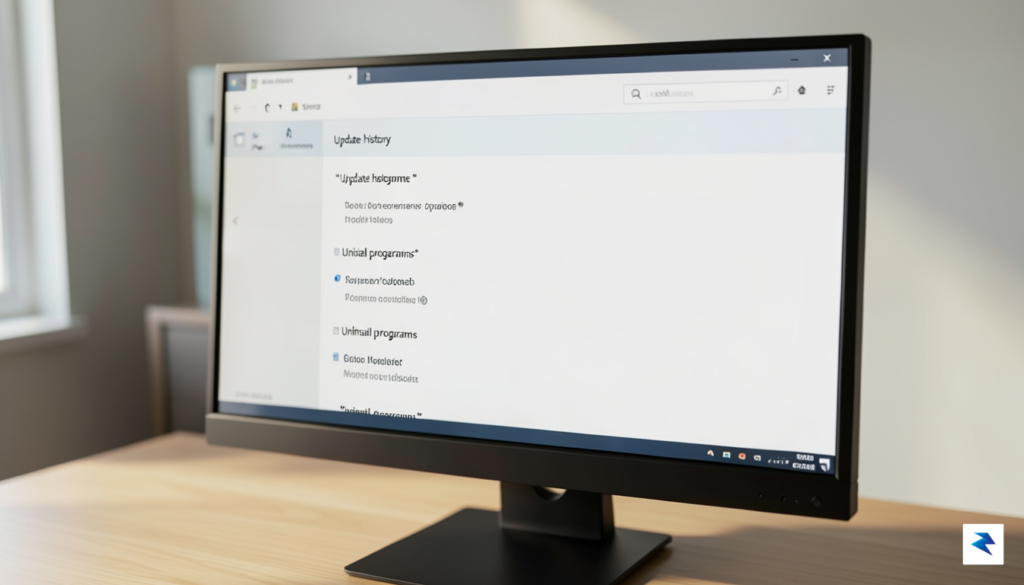
Taking control of your Windows environment begins with visibility, as it is difficult to manage what you cannot see. If you suspect that your hardware manufacturer—such as LG—has pushed unsolicited utilities onto your machine, the first step is to verify your installation logs. You can navigate to Settings > Windows Update > Update history to review a comprehensive list of recent driver and software installations. By clicking on “Driver updates,” you can often identify specific packages associated with your display hardware. If you spot a utility you did not authorize, it is likely the culprit behind the background processes you have been observing.
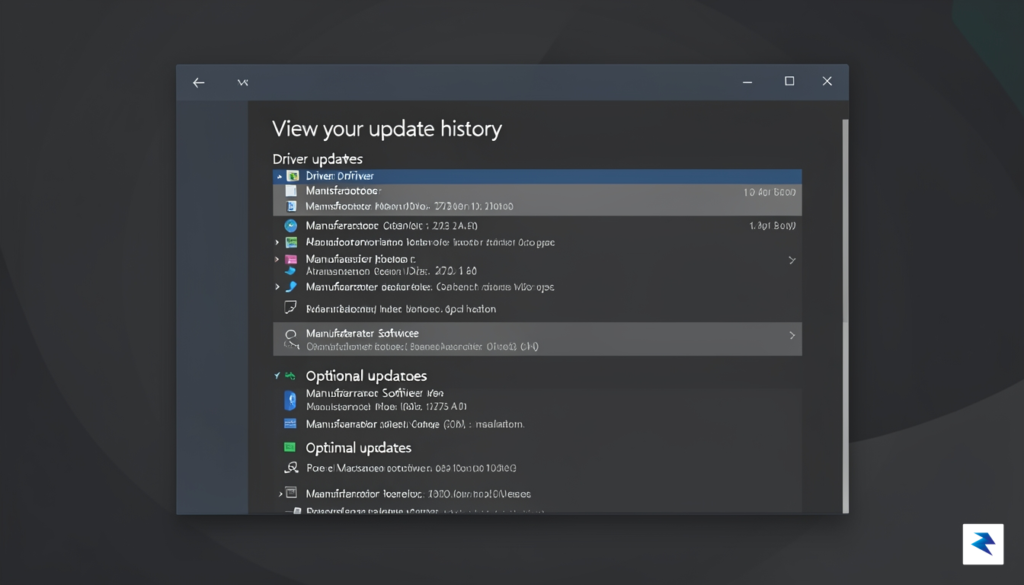
Once you have identified the unwanted application, the next logical step is to perform a clean removal through the standard Windows management interface. Open the Add or Remove Programs menu by pressing the Windows Key and searching for “Installed apps.” Scan the list for any monitor-specific software, such as “LG OnScreen Control” or similar proprietary management suites that may have been bundled with a driver update. Selecting these entries and choosing “Uninstall” will generally purge the executable files and registry keys associated with the software, effectively reclaiming your system resources and ensuring that your monitor functions solely as a display device rather than a platform for manufacturer-branded utilities.
For power users who wish to prevent Windows from automatically pulling these unwanted packages in the future, you can configure your system to ignore driver updates during the automatic update cycle. The most reliable method involves modifying the Group Policy Editor (available on Windows Pro and Enterprise editions). By navigating to Computer Configuration > Administrative Templates > Windows Components > Windows Update > Manage updates offered from Windows Update, you can locate the policy labeled “Do not include drivers with Windows Updates.” Enabling this policy ensures that while critical security patches continue to arrive, your system will no longer silently install OEM-provided software alongside your hardware drivers.
Pro Tip: If you are using Windows Home edition and lack access to the Group Policy Editor, you can achieve similar results by using the
wushowhide.diagcabtroubleshooter provided by Microsoft. This legacy tool allows you to “hide” specific updates, effectively telling Windows to skip the installation of unwanted monitor software during subsequent scan cycles.
Maintaining a clean operating system requires constant vigilance, especially when dealing with hardware drivers that carry extra payloads. By regularly auditing your installed applications and restricting the scope of Windows Update, you can create a much more stable and privacy-focused computing experience. Always remember that while manufacturer software can sometimes offer value, it should only exist on your machine with your explicit consent and clear understanding of what data it may be collecting or what background resources it is consuming.
The incident involving LG monitors serves as a sobering reminder of the growing friction between hardware manufacturers and the end users who purchase their products. For years, Original Equipment Manufacturers (OEMs) have attempted to extend their influence beyond the physical device, seeking to curate a proprietary software ecosystem that often feels more like an intrusion than a value-add. While companies frequently argue that pre-installed utilities—or those pushed silently via Windows Update—are designed to enhance functionality or provide critical driver support, this “invisible” deployment strategy fundamentally undermines user autonomy. When software is installed without explicit consent or clear communication, it transforms a helpful utility into a form of bloatware that erodes the boundary between the user’s personal computing space and the manufacturer’s corporate reach.
Transparency is no longer just a “nice-to-have” feature; it is the only viable path forward for hardware brands that wish to maintain long-term consumer trust. In an era where cybersecurity awareness is at an all-time high, users are naturally suspicious of any background process that modifies their system without notification. By bypassing the traditional user-led installation process, manufacturers inadvertently signal that their internal objectives—such as telemetry collection or product promotion—take precedence over the system integrity and performance preferences of the customer. To regain this lost trust, OEMs must shift toward a strictly opt-in model. This approach empowers the user to decide exactly which, if any, peripheral software serves their specific needs, rather than forcing a one-size-fits-all digital footprint onto every monitor or laptop sold.

True consumer loyalty is built through respect for the user’s environment; the moment a device begins acting on behalf of the manufacturer without clear permission, it ceases to be a tool and becomes an adversary.
Furthermore, the market is witnessing a significant shift in consumer sentiment, with a growing demand for “clean” hardware experiences. Modern users are increasingly tech-savvy and value lightweight, bloatware-free operating environments that remain fast and secure over time. When manufacturers clutter these environments with silent installs, they risk alienating their most loyal demographics who prioritize system performance above brand-specific software suites. Moving forward, successful companies will be those that view their hardware as a premium foundation for the user, rather than a delivery vehicle for unwanted software. By championing radical transparency and providing granular control over updates, hardware brands can move away from the current adversarial model and toward a partnership based on mutual respect and functional clarity.
You must be logged in to post a comment.