Understanding the 2026 MacBook Ecosystem
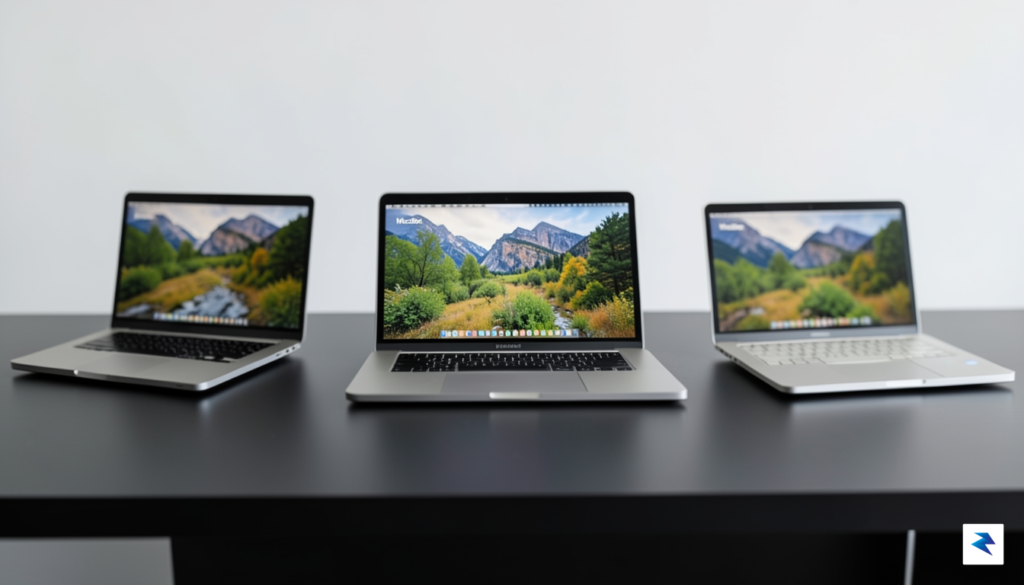
The year 2026 marks a pivotal evolution in Apple’s MacBook philosophy, moving far beyond the once-simple “good, better, best” hierarchy. Today, choosing a MacBook is less about a linear progression of power and more about aligning a highly specialized machine with your unique digital workflow, thermal requirements, and portability demands. This shift is profoundly influenced by the maturity of Apple Silicon, which has transcended mere efficiency gains to offer deeply integrated, purpose-built architectures. Modern M-series chips don’t just boast impressive raw power; they feature sophisticated neural engines for AI workloads, dedicated media encoders/decoders, and increasingly specialized core clusters designed for everything from casual browsing to intense 3D rendering, fundamentally reshaping how performance is delivered and perceived across the lineup.
Central to this specialized ecosystem is the critical role of thermal management. While Apple Silicon is renowned for its efficiency, sustained performance under heavy loads remains a key differentiator between the various MacBook models. A passively cooled machine, though silent and ultralight, will eventually throttle its performance to maintain safe operating temperatures, whereas a system with an advanced active cooling solution can sustain peak performance for extended periods. This means the choice isn’t just about the chip’s theoretical maximum output, but rather its ability to deliver consistent, high-level performance throughout your most demanding tasks. Understanding these thermal envelopes is paramount, as they directly dictate the real-world capabilities and limitations of each MacBook in scenarios ranging from lengthy video edits to complex software compilations.
Consequently, the traditional distinctions between casual, prosumer, and professional users have become far more nuanced in 2026. Apple’s expanded MacBook lineup now meticulously caters to these refined segments, acknowledging that a “prosumer” might prioritize specific I/O and a slightly larger thermal capacity over the absolute peak performance or extreme portability of other tiers. The MacBook Air continues its legacy as an ideal companion for everyday productivity and light creative tasks, excelling in portability and silent operation. However, the introduction of new tiers, alongside the established Pro models, addresses a growing demographic that demands more than the Air but doesn’t necessarily require the full, uncompromised power and expense of the top-tier Pro. These newer machines bridge the gap by offering enhanced capabilities, more robust thermal solutions, and specialized features tailored to creative professionals, developers, and power users who need sustained performance without sacrificing a balanced form factor.
The Case for the MacBook Air: Efficiency Meets Portability

For the vast majority of users in 2026, the MacBook Air stands as the undisputed champion of everyday computing. It is meticulously designed for those whose lives revolve around fluidity—students navigating dense lecture schedules, writers crafting long-form content from coffee shops, and business travelers who need a reliable, lightweight machine that disappears into a bag until it is needed. By prioritizing a razor-thin chassis and an incredibly light footprint, Apple has created a device that removes the friction often associated with mobile productivity.

At the heart of the 2026 MacBook Air experience is its sophisticated, fanless thermal architecture. Because the machine operates without mechanical cooling, it is completely silent, regardless of how intense your web browsing or document editing becomes. This is a significant advantage for users who frequently find themselves in quiet environments like libraries or conference rooms. Furthermore, the absence of moving parts not only ensures peace and quiet but also results in a more resilient chassis that can withstand the rigors of a nomadic lifestyle without the dust-clogging issues common to fan-based laptops.
The genius of the MacBook Air lies in its restraint; by intentionally avoiding the high-heat, high-draw components found in the Pro line, it delivers a consistent, cool, and snappy experience for the tasks that actually fill your day.
It is important, however, to understand the trade-offs inherent in such a streamlined design. Because the internal layout lacks active cooling, the system is not intended for sustained, heavy rendering tasks, such as exporting 8K video files or compiling massive software projects for hours on end. For the average user, this is actually a benefit rather than a drawback. By avoiding the power-hungry components required for those heavy-duty tasks, the Air optimizes its battery life for the work that matters most: multitasking through dozens of browser tabs, streaming high-definition media, and maintaining a lightning-fast response time for document creation. Ultimately, the MacBook Air is a masterclass in efficiency, proving that for most people, the most powerful computer is the one that is always with you, always ready, and never struggling to keep up.
The MacBook Neo: Bridging the Gap

For many years, the choice between a MacBook Air and a MacBook Pro felt like a stark dichotomy: ultra-portability for everyday tasks versus raw power for demanding professional workflows. However, as computing needs have evolved, Apple has shrewdly identified a significant segment of users who require more than what the Air offers, but don’t quite need (or want to pay for) the extreme overhead and bulk of the full-fledged Pro series. This is precisely where the MacBook Neo steps in, masterfully bridging that crucial gap and presenting itself as the Goldilocks option for a diverse array of users in 2026.
The Neo’s existence is predicated on delivering a substantial upgrade in performance and capability over the Air without fully committing to the Pro’s top-tier specifications. It’s expected to feature a more robust iteration of Apple’s M-series silicon, perhaps an M4 Pro variant that strikes a compelling balance between core count, GPU performance, and neural engine capabilities. This translates into significantly improved sustained performance for tasks like intensive photo editing, light video production, complex software development, or running virtual machines, all without the thermal throttling that might plague an Air under similar loads. Users will find it handles multi-tasking with far greater ease, ensuring a smoother, more responsive experience across the board.
A key differentiator for the MacBook Neo lies in its specialized cooling system. While the MacBook Air famously relies on a fanless design for silent operation, the Neo is anticipated to incorporate a sophisticated, whisper-quiet active cooling solution. This isn’t the aggressive, high-airflow system found in the MacBook Pro, designed for rendering 8K video or compiling vast codebases for hours on end, but rather a carefully engineered fan system that activates only when necessary, maintaining optimal chip temperatures during prolonged periods of moderate to heavy workload. This allows the M4 Pro chip to stretch its legs, delivering consistent peak performance without compromising on user comfort or excessive noise, making it ideal for those extended work sessions.
Beyond raw processing power and thermal management, the Neo also addresses common frustrations with the Air’s limited port selection. While retaining the sleek, modern aesthetic, it’s projected to offer a more versatile array of connectivity options. This might include an additional USB-C/Thunderbolt port, an HDMI output for direct external display connection, and potentially even an SD card slot – features that are invaluable for photographers, videographers, and presenters who frequently connect peripherals or transfer data. These additions significantly reduce the reliance on dongles, enhancing the overall user experience and streamlining workflows for professionals and advanced students alike, all within a chassis that remains commendably portable compared to its Pro counterparts.
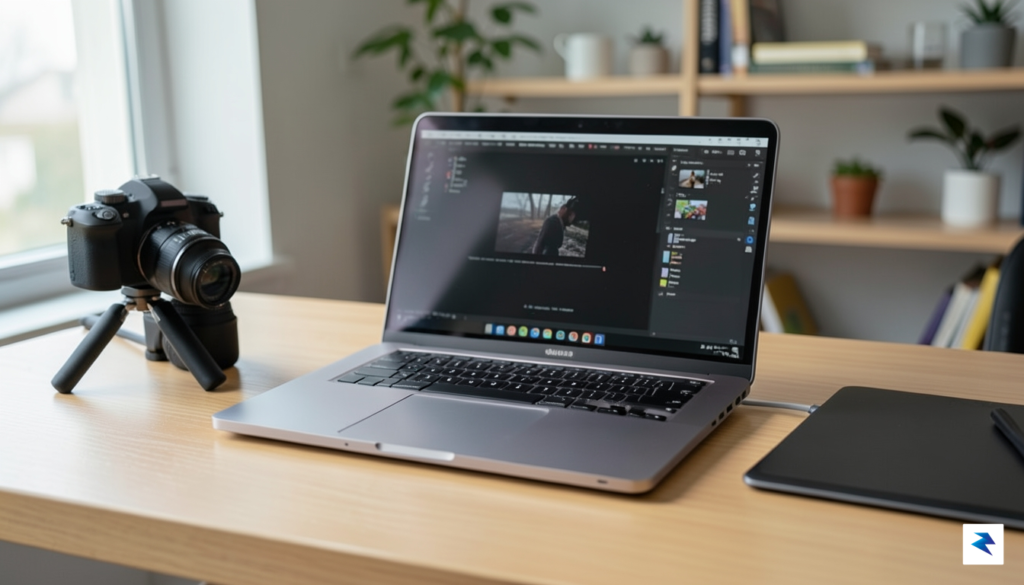
Ultimately, the MacBook Neo is designed for the discerning user who demands a premium computing experience that extends beyond basic productivity but doesn’t necessarily require the bleeding edge of professional performance. It’s for the graphic designer who works with large Photoshop files, the developer who needs to compile code efficiently, the student pursuing an engineering degree with demanding software, or anyone who simply appreciates a powerful, future-proof machine that feels just right in terms of performance, portability, and price point. It represents a thoughtful evolution in Apple’s laptop lineup, ensuring that there’s truly a perfect MacBook for every kind of user in 2026.
The MacBook Pro: Power for the Professional Workflow
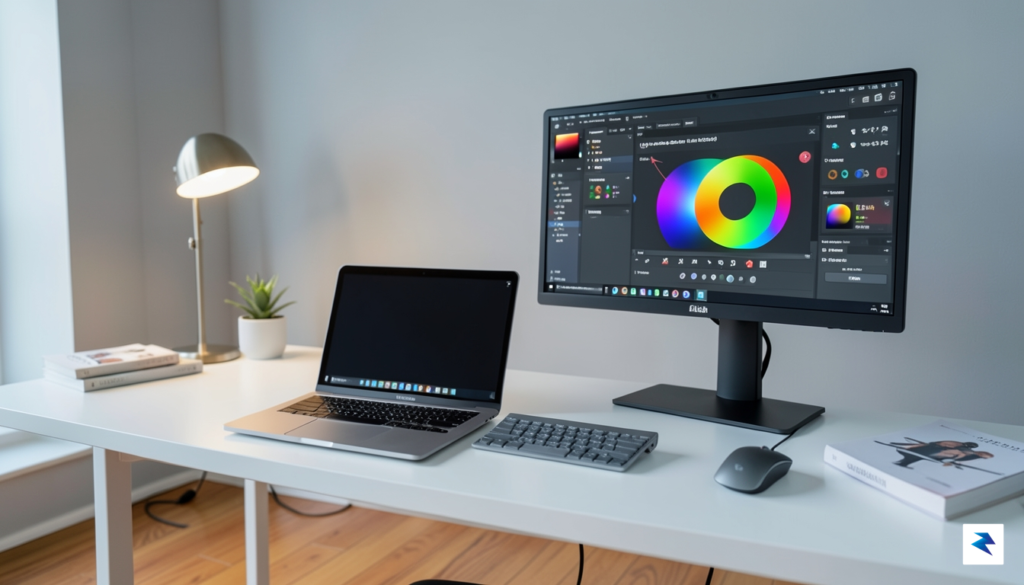
For the dedicated creative, engineer, or data scientist, the 2026 MacBook Pro is far more than a premium status symbol; it is a specialized tool engineered to handle the relentless demands of high-stakes computing. While the Air and Neo lines are marvels of portability, they are designed for bursty workloads that allow for thermal recovery. In contrast, if your daily existence involves rendering 8K raw video timelines, compiling massive monolithic codebases, or simulating complex CAD environments, you require the sustained performance architecture unique to the Pro chassis.
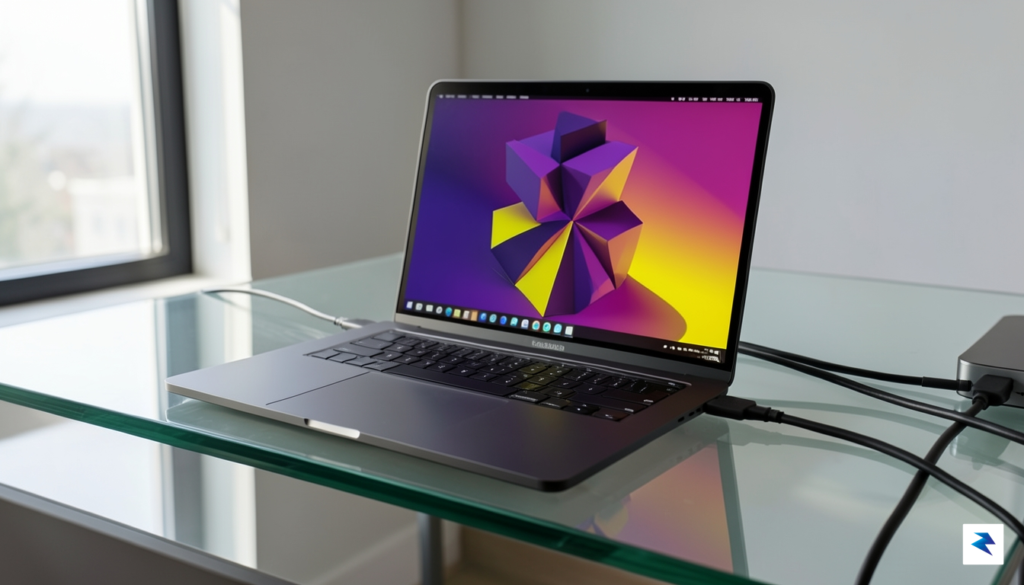
The core advantage of the 2026 Pro series lies in its refined thermal management system. Unlike thinner consumer models that rely on passive cooling or limited airflow, the Pro utilizes an advanced vapor chamber and high-density thermal piping system that allows the silicon to maintain peak clock speeds indefinitely. When you are halfway through a multi-hour export, the machine does not throttle or stutter; it keeps pushing at maximum capacity. This thermal headroom is the single most important factor for professionals who cannot afford a “performance cliff” during critical project deadlines.
The MacBook Pro’s true value isn’t found in its idle speed, but in how it performs during the final sixty minutes of a ten-hour render.
Beyond raw compute power, the Pro series remains the gold standard for visual fidelity. The Liquid Retina XDR display utilizes enhanced mini-LED technology that provides a level of contrast and color accuracy that is mandatory for professional color grading and high-precision design work. The deeper blacks and increased peak brightness ensure that what you see on your screen is exactly what your client will see in final production. Furthermore, the inclusion of a comprehensive I/O array—including an integrated SDXC card slot, HDMI 2.1, and multiple Thunderbolt ports—eliminates the need for cumbersome dongles, keeping your workspace clutter-free and your data transfer speeds at their absolute physical limit.
It is true that the MacBook Pro carries more weight than its ultra-portable counterparts, but this mass is a calculated engineering trade-off. Every gram of extra chassis material is dedicated to cooling efficiency, a larger battery capacity, and the structural integrity required to house an expanded array of professional-grade ports. For the professional, this is not a burden; it is an investment in reliability. By choosing the Pro, you are prioritizing a machine that is built to sustain your most ambitious workflows without compromise, ensuring that your hardware is always an asset rather than a bottleneck.
How to Choose Your Configuration: RAM, Storage, and Future-Proofing
In 2026, the era of user-upgradable hardware is firmly behind us, meaning the configuration you choose at the point of purchase is the hardware you will live with for the entire lifecycle of the machine. Because Apple’s unified memory architecture integrates the RAM directly onto the silicon, you cannot simply add more memory later if your workflow outgrows your current setup. To ensure your MacBook remains a productive tool five years down the line, we must look beyond today’s basic requirements and anticipate the inevitable creep of software bloat and increasingly resource-intensive operating system features.
Finding the Memory Sweet Spot
For the vast majority of users, 16GB of unified memory is the absolute functional floor in 2026. While entry-level models might still start lower, modern web browsers, background applications, and AI-driven background processes consume memory at a significantly higher rate than they did just a few years ago. If you plan on keeping your machine for more than three years, opting for 24GB or 32GB of RAM is the single most effective way to prevent system slowdowns as macOS updates become more demanding. Think of RAM as your computer’s “mental workspace”—the more you have, the more tasks you can juggle simultaneously without the system forcing you to close critical applications to free up breathing room.
Key Takeaway: If you are choosing between upgrading your storage or your RAM, always prioritize memory. You can always plug in an external drive to expand storage, but you can never add more RAM to a sealed internal chip.
Storage Strategy: Internal vs. External
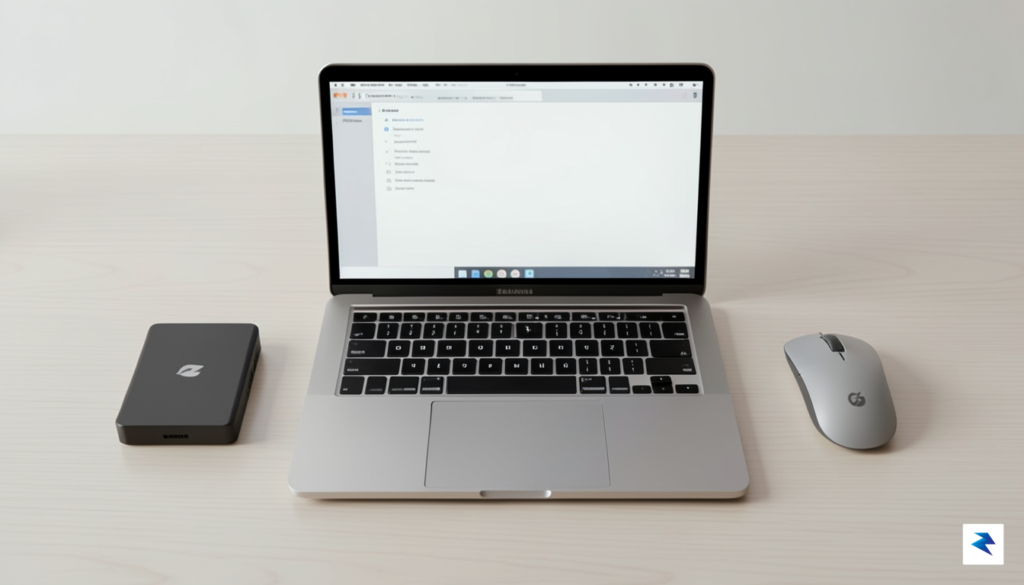
When it comes to internal storage, the temptation to save money by opting for the base configuration is high, but this can lead to significant frustration as your local library grows. High-speed internal SSDs are essential for the operating system and your most frequently used applications; however, you do not necessarily need to pay Apple’s premium prices for massive amounts of internal storage if you are willing to manage your files efficiently. For static media, archival project files, or large photo libraries, modern high-speed external NVMe SSDs—which now support Thunderbolt speeds—provide performance that is virtually indistinguishable from internal drives for everyday tasks.
To estimate your future needs, take a look at your current storage footprint and then add at least 30% to account for the natural accumulation of system snapshots, caches, and software updates over the next half-decade. If you find yourself currently hovering near 500GB, do not settle for a 512GB machine, as you will likely experience performance degradation once the drive reaches 80% capacity. Ultimately, a balanced approach—investing in sufficient internal RAM for longevity and utilizing high-speed external storage for data expansion—will provide the best return on your investment and keep your MacBook running smoothly well into the future.
Final Verdict: Matching Your Needs to the Right Machine

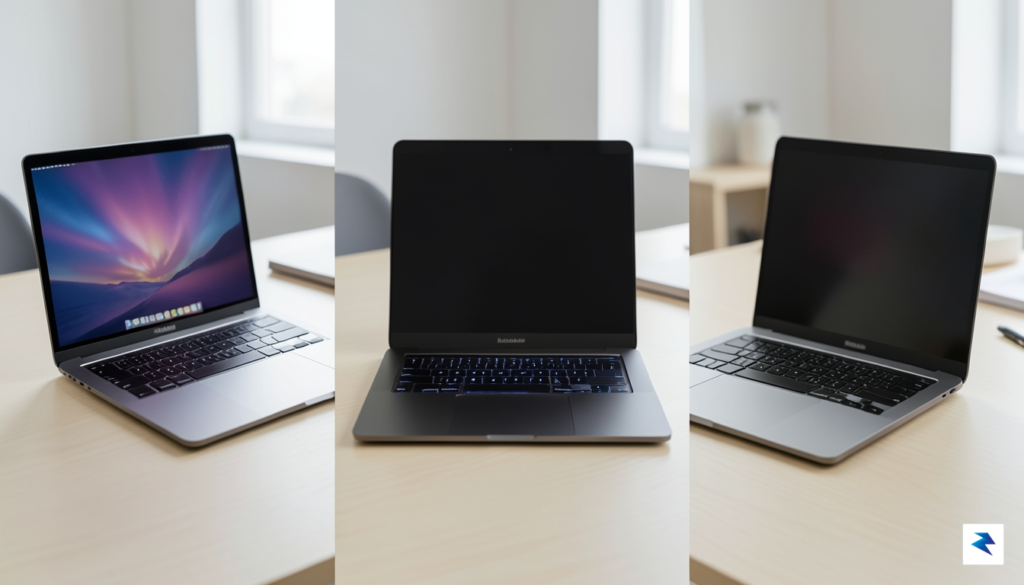
Choosing the perfect MacBook in 2026 ultimately comes down to an honest assessment of your daily digital life. While the hardware across the entire lineup is more capable than ever, the gap between the Air, Neo, and Pro models is defined by how you manage your time and your physical workspace. To find your ideal match, consider which of the following three profiles most closely mirrors your standard daily routine.
The Decision Matrix: Identifying Your Profile
If your day is primarily defined by web browsing, document drafting, and light media consumption, the MacBook Air remains the undisputed champion. It is designed for the mobile professional or student who values an ultra-light form factor above all else. Because you likely spend your time in cloud-based applications or writing tools, you do not need the thermal overhead of a cooling fan or the extra weight of a thicker chassis. For this group, the Air offers the best price-to-performance ratio, ensuring you don’t overspend on features that would remain dormant in your workflow.
Conversely, if your work involves mid-tier creative tasks, such as light video editing, managing complex spreadsheets, or running multiple virtualized environments, the MacBook Neo is your sweet spot. This machine occupies the critical middle ground, providing the sustained performance that the Air occasionally lacks without the bulk of the high-end Pro. If you find yourself frequently hitting performance bottlenecks while multitasking, the Neo provides the necessary thermal headroom to keep your projects running smoothly without compromising on portability.
Finally, if your primary activities revolve around professional-grade motion graphics, heavy software compilation, or high-fidelity 3D rendering, the MacBook Pro is the only logical choice. This machine is an investment in raw power, designed for those whose livelihoods depend on minimizing export times and maximizing screen real estate. The Pro is not just about raw silicon; it is about the display quality, the port selection, and the sustained output that allows creative professionals to work at peak efficiency without hardware interference.
The Core Philosophy: Buy for the tasks you perform 90% of the time, not for the “what if” scenarios that occur once a year. A machine that is too powerful becomes a burden to carry, while a machine that is underpowered becomes a source of daily frustration.
Ultimately, your purchase should be viewed as a long-term investment in your productivity. Regardless of which tier you choose, the 2026 lineup is built to last for several years of heavy use, meaning that a slightly higher upfront cost often translates to a lower cost of ownership over time. By aligning your hardware with your actual daily requirements, you ensure that your computer serves as a seamless extension of your workflow rather than a limitation. Select the model that complements your habits today, and you will find that your device remains an invaluable tool throughout its entire lifespan.