The Return of the Tactile Keyboard
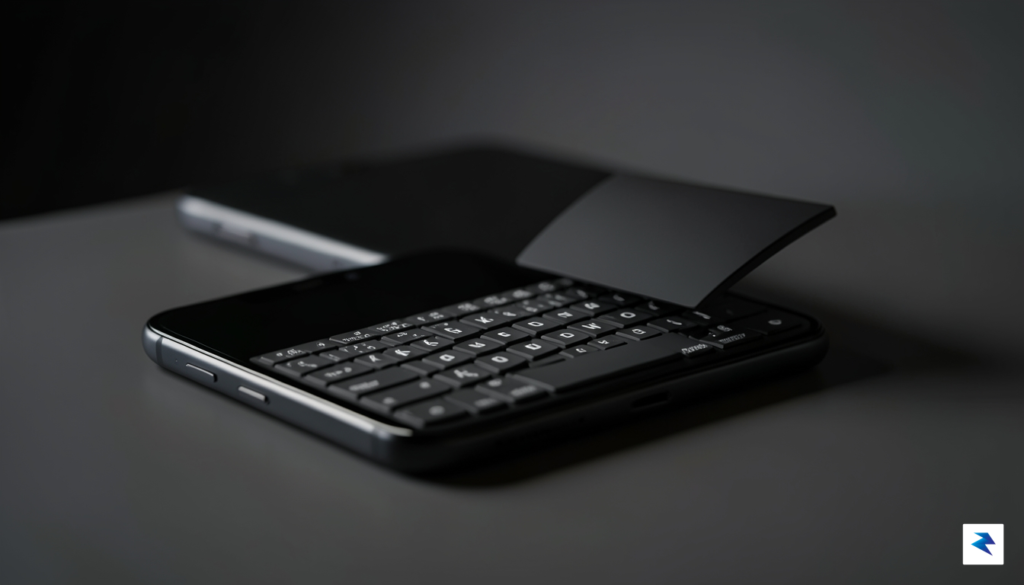
For well over a decade, the smartphone landscape has been defined by the monolithic slab of glass. While the transition to edge-to-edge displays provided us with expansive canvases for video consumption and high-fidelity gaming, it simultaneously homogenized the tactile experience of mobile interaction. We traded the satisfying, rhythmic click of physical keys for the flat, ethereal sensation of tapping on a screen. For many, this evolution was an unquestioned improvement, but a vocal segment of power users and tech enthusiasts has never quite moved on from the functional precision of the BlackBerry era. This longing for a tangible connection to our devices is not merely a bout of nostalgia; it is a fundamental reaction to the limitations of virtual keyboards, which often suffer from autocorrect mishaps and a distinct lack of physical confirmation.
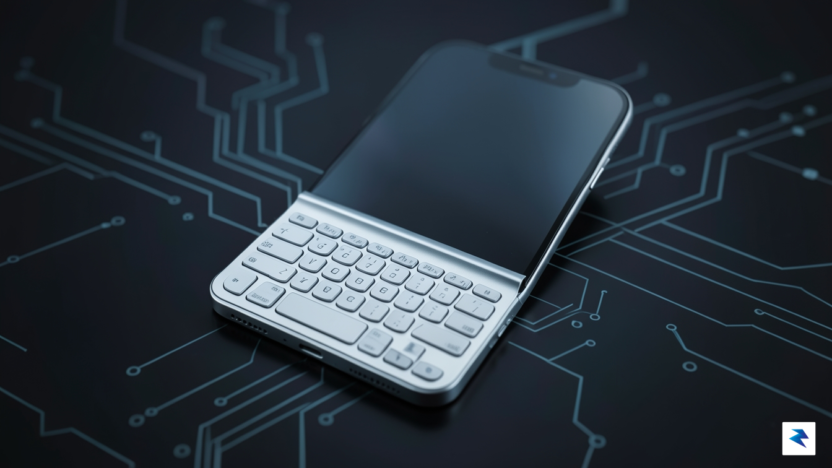
The Clicks Communicator arrives at a pivotal moment, serving as a bridge between the efficiency of yesterday’s hardware and the raw power of today’s mobile operating systems. By reintroducing mechanical keys to the modern smartphone, this accessory addresses the cognitive dissonance of typing on glass, where the brain must rely on visual cues rather than muscle memory to ensure accuracy. When you press a physical key, the resulting haptic feedback—the slight resistance and the audible click—acts as a sensory confirmation that the input has been registered. This tactile loop significantly reduces the error rate for frequent typists, allowing for a more fluid and intuitive drafting process that screen-based keyboards simply cannot replicate.
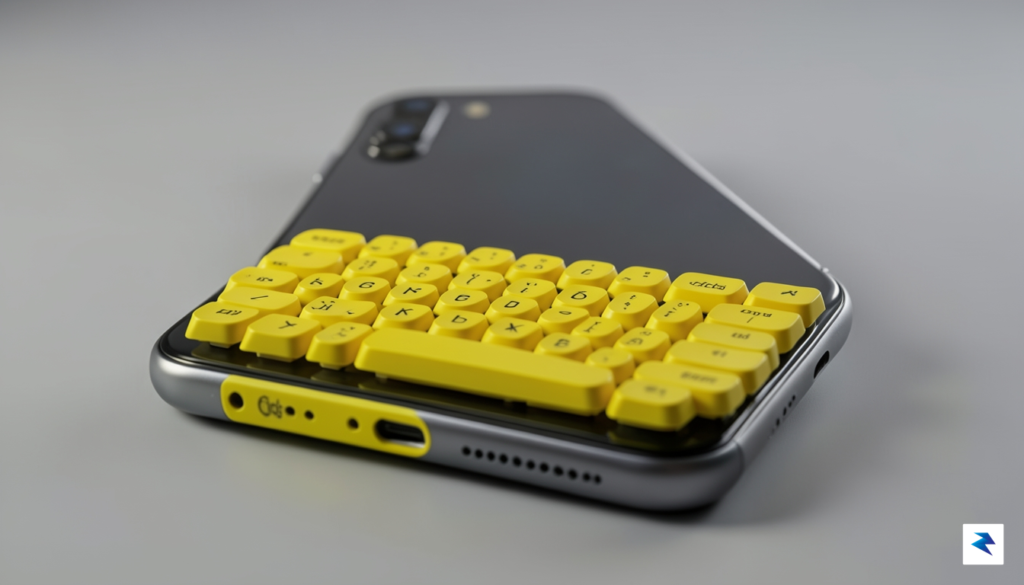
Beyond the simple joy of tactile feedback, there is a profound ergonomic and functional advantage to removing the software keyboard from the screen. On a standard smartphone, the virtual keyboard consumes nearly half of the display area, effectively obscuring the content you are currently interacting with or drafting. By shifting this input method to a physical attachment, the screen is liberated to show its full potential. Writers, coders, and professionals can finally see their entire workspace without the constant obstruction of an overlay. This reclaiming of screen real estate transforms the device from a passive consumption tool into a legitimate mobile workstation, proving that in the quest for minimalism, we may have inadvertently sacrificed a level of productivity that many are now eager to reclaim.
The resurgence of physical keys suggests that the future of mobile design may not be about stripping away every hardware element, but rather about harmonizing the convenience of the digital display with the reliability of physical input.
Ultimately, the appeal of the Clicks keyboard lies in its ability to offer choice in a market that has become increasingly rigid. Whether you are a long-time devotee of the tactile typing experience or a younger user who has never felt the distinct snap of a mechanical switch, the move toward hardware-integrated input represents a shift toward intentional, high-performance design. By blending modern performance with a classic form factor, this approach signals that we are moving toward a more nuanced era of mobile computing—one where the user’s preference for comfort and accuracy is once again given the priority it deserves.
Design Philosophy and Build Quality
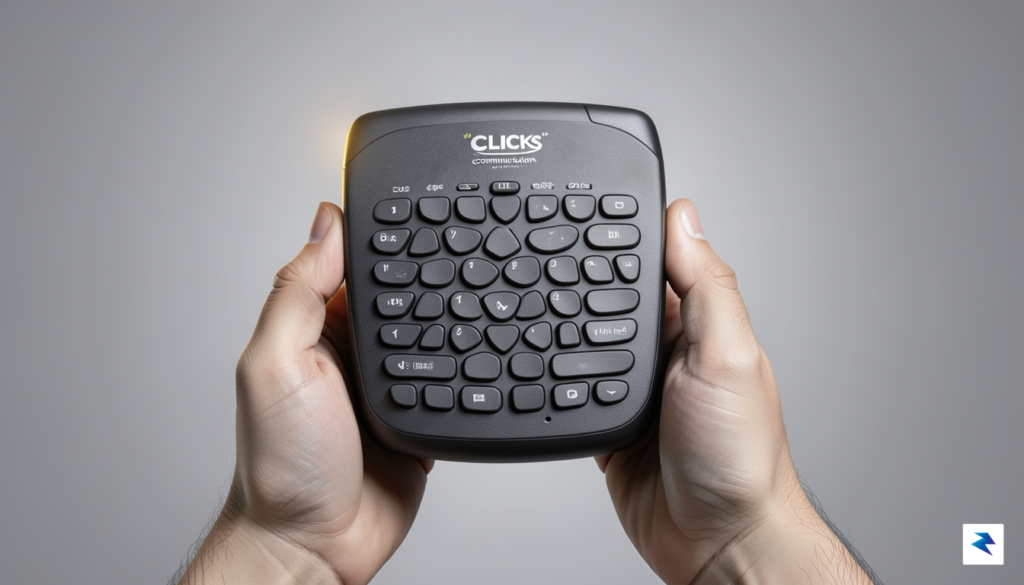
At first glance, the Clicks keyboard might seem like a nostalgic nod to the golden age of mobile communication, but a closer inspection reveals a piece of hardware engineered for modern productivity. The design team has moved well beyond the mere aesthetic of the early 2000s, focusing instead on the tactile precision required for serious, long-form writing. Each key is meticulously crafted with a specific dome-switch mechanism that offers a snappy, satisfying click, providing the kind of haptic feedback that glass screens simply cannot replicate. By prioritizing travel distance and resistance, the developers have ensured that the keyboard feels substantial and durable, capable of handling thousands of words without succumbing to the fatigue often associated with cramped, digital interfaces.
Integrating a physical keyboard into a modern smartphone profile is no small feat, yet the execution here feels remarkably intentional. When snapped onto a device, the keyboard adds a noticeable amount of length to the phone, creating a balance that actually improves ergonomics for two-handed typing. Because the weight is distributed toward the bottom, the phone feels anchored in the palms, reducing the top-heavy instability often found in today’s large-screen handsets. This shift in the center of gravity transforms the device from a fragile piece of glass into a robust mobile workstation, offering a grip that feels secure and deliberate during prolonged use.
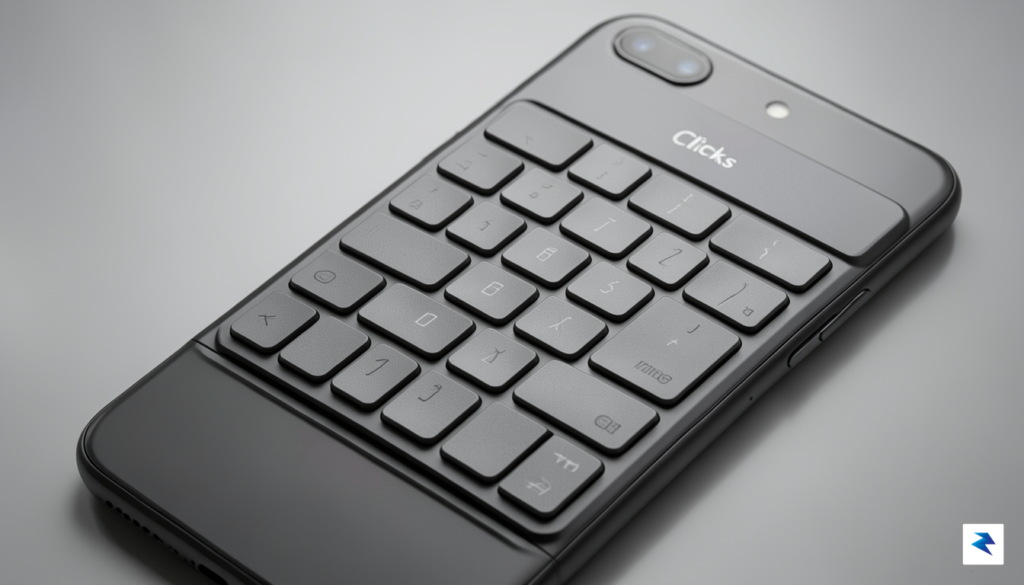
Beyond the raw mechanics, the aesthetic integration of the keyboard is a study in industrial utility. The materials chosen—a blend of high-grade polycarbonate and soft-touch finishes—ensure that the peripheral feels like an extension of the phone rather than an awkward afterthought. The keys themselves feature a slight curvature, which subtly guides the fingertips toward the center, minimizing errors and allowing for a rhythmic, natural typing cadence. This synthesis of form and function suggests that the designers were not interested in recreating the past, but rather in solving a modern problem: the loss of precision in an era dominated by autocorrect and flat, unresponsive glass surfaces.
The true success of the Clicks design lies in how it manages to make a modern smartphone feel like a professional tool again, effectively bridging the gap between tactile satisfaction and contemporary software capabilities.
Ultimately, the device represents a thoughtful compromise between the slim, pocketable nature of modern tech and the functional superiority of physical keys. While it certainly lengthens the phone, the gain in screen real estate—resulting from the keyboard taking over the space usually reserved for the software-based input field—is a game changer for power users. Every element, from the deliberate spacing of the keys to the way the peripheral locks onto the chassis, points toward a device designed for users who prioritize efficiency, speed, and the tactile joy of writing over the sleek, minimalist trends currently dominating the mobile market.
Modern Smartphone Integration
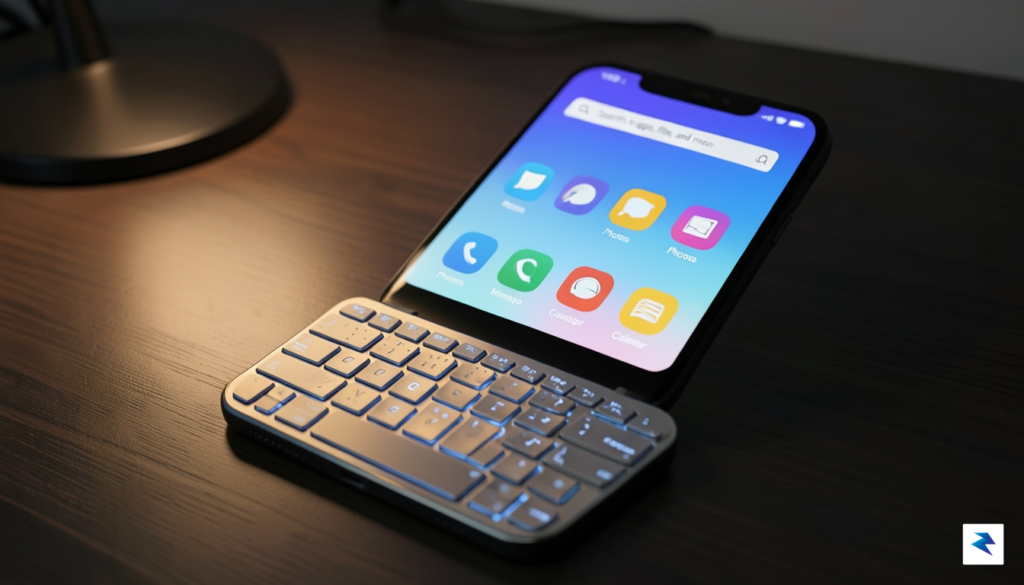
The most persistent challenge for any hardware-focused mobile accessory is the risk of software fragmentation, where a physical peripheral feels like an afterthought rather than a core component of the user experience. Historically, niche keyboard devices struggled because they forced users to navigate modern, touch-centric interfaces with clunky, incompatible inputs. The Clicks Communicator sidesteps this pitfall entirely by leveraging the native capabilities of modern mobile operating systems. Because the device bridges the hardware and software via a direct connection, it doesn’t attempt to reinvent the wheel; instead, it treats the keyboard as an extension of the system’s own input language. This ensures that you can jump from drafting a formal email in a productivity suite to firing off a quick message on social media without ever feeling like the software is struggling to keep up with your keystrokes.
One of the most impressive aspects of this integration is how the keyboard maps intuitively to standard system commands. Rather than requiring users to learn a proprietary set of controls, the device utilizes familiar keyboard shortcuts that mirror desktop workflows, such as Cmd + H to return to the home screen or Spacebar to scroll through web pages. This level of OS-level integration means that the software recognizes the keyboard not as a foreign object, but as a primary input method. Consequently, the fluidity of the touch interface remains intact while the tactile precision of physical keys is layered on top, creating a hybrid experience that caters to both power users and casual typists alike.
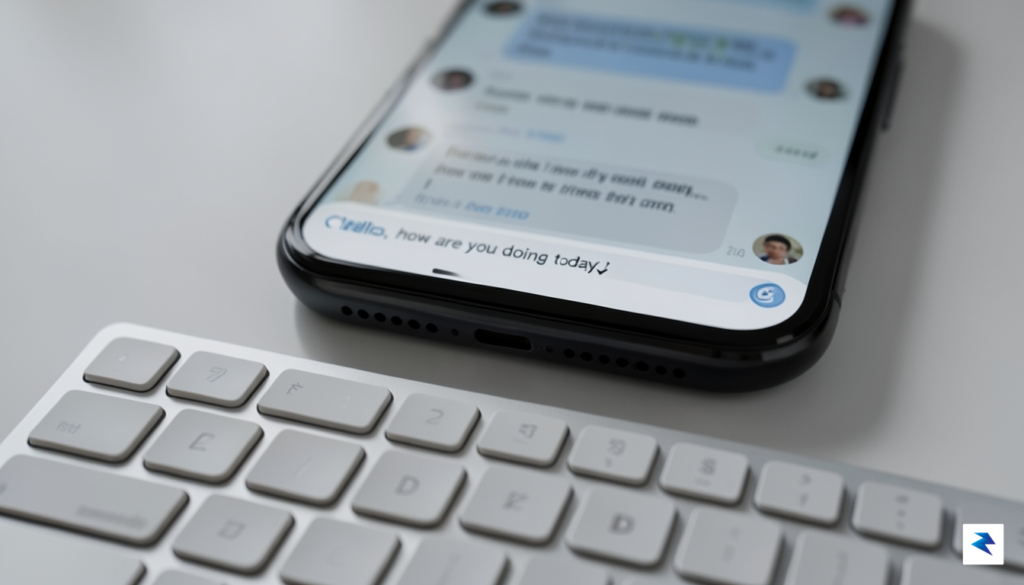
Latency—the dreaded delay between pressing a key and seeing the character appear on the screen—has been the death knell for many previous keyboard-equipped phones. However, the Clicks Communicator bypasses Bluetooth interference and wireless lag by establishing a physical, low-latency connection directly through the phone’s charging port. This design choice is critical for maintaining a seamless workflow, as it allows the software to register input instantaneously. Whether you are typing at a brisk pace or utilizing complex keyboard combinations, the reaction time is imperceptible, mimicking the snappy performance of a high-end laptop. By prioritizing this direct hardware link, the creators have ensured that the device feels like a natural part of the phone’s architecture rather than an external add-on.
The true success of the Clicks Communicator lies in its ability to marry the nostalgia of a tactile keyboard with the uncompromising power of today’s app ecosystem, proving that retro-inspired hardware doesn’t have to sacrifice modern software standards.
Ultimately, the device thrives because it respects the complexity of contemporary mobile applications. Modern software is designed with specific touch-based gestures in mind, and the Clicks Communicator manages to exist in harmony with these design paradigms rather than fighting against them. By allowing users to keep their fingers on the keys while the OS handles the heavy lifting of window management and notification navigation, the device actually enhances the utility of modern smartphones. It transforms the screen into a dedicated canvas for content, as the keyboard removes the need for an on-screen virtual keypad that would otherwise obstruct your view, resulting in a cleaner, more efficient workspace for every user.
Who is the Clicks Communicator For?

The Clicks keyboard is not designed for the casual consumer who merely scrolls through photo-heavy social media feeds or watches short-form video content. Instead, it targets a specific demographic of mobile power users—writers, journalists, busy entrepreneurs, and software developers—who view their smartphone as a legitimate workstation. For these individuals, the screen real estate lost to an on-screen software keyboard is a constant frustration, and the lack of tactile feedback often results in sluggish, error-prone typing. By shifting the input experience to physical keys, this device empowers users to reclaim their screen space and significantly increase their words-per-minute output while on the move.
Consider the professional who frequently finds themselves composing long-form emails, drafting blog posts, or managing complex messaging threads while commuting between meetings. Where touchscreens demand constant visual verification to ensure keys were struck correctly, the tactile nature of physical buttons allows for “blind typing,” a skill that significantly reduces mental fatigue during heavy communication sessions. For mobile-first entrepreneurs or coders who need to push quick updates to a repository or manage a server remotely, the precision of a physical key layout is not just a preference; it is a vital tool for maintaining accuracy under pressure.
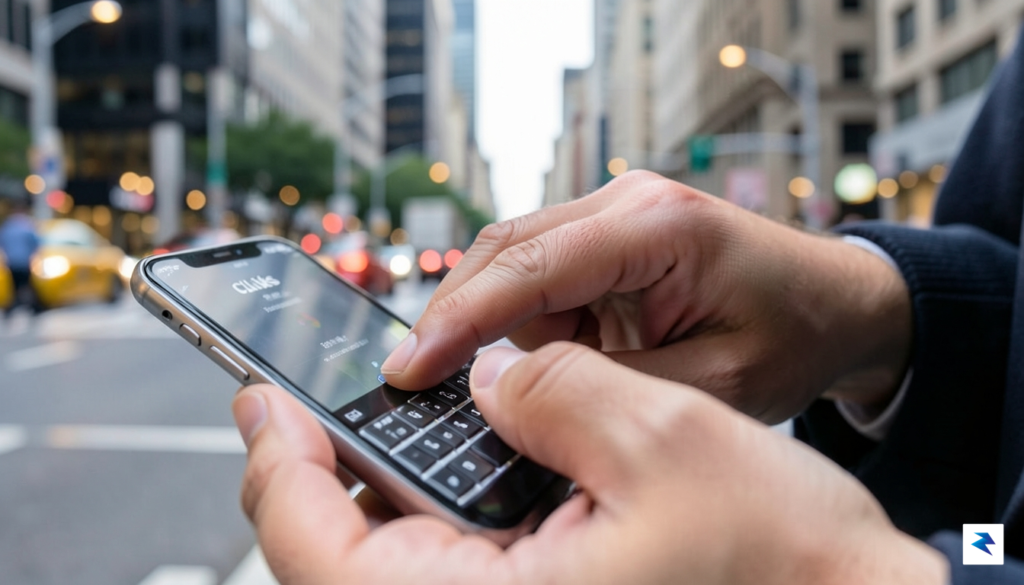
The true value of the Clicks keyboard lies in its ability to transform a passive consumption device into an active, high-speed creation tool.
Adopting this accessory does come with a notable learning curve, particularly for younger generations who have only ever known the glass-pane interface of modern smartphones. Users accustomed to predictive text and autocorrect will need to adjust their muscle memory to account for the physical resistance and travel distance of the keys. However, once that initial hurdle is cleared, the reward is a level of input control that touchscreens simply cannot replicate. Whether you are a novelist capturing sudden bursts of inspiration at a coffee shop or a social media manager coordinating real-time updates during a live event, the Clicks keyboard bridges the gap between the speed of thought and the limitation of mobile hardware.
Ultimately, this device is a statement piece for the “productivity-first” crowd. It acknowledges that while mobile technology has advanced in every other category, the actual act of inputting text has largely stagnated. By prioritizing mechanical feedback over sleek, buttonless aesthetics, the Clicks keyboard provides a specialized solution for those who refuse to compromise on their ability to create, edit, and communicate with precision, regardless of their location.
The Future of Niche Hardware
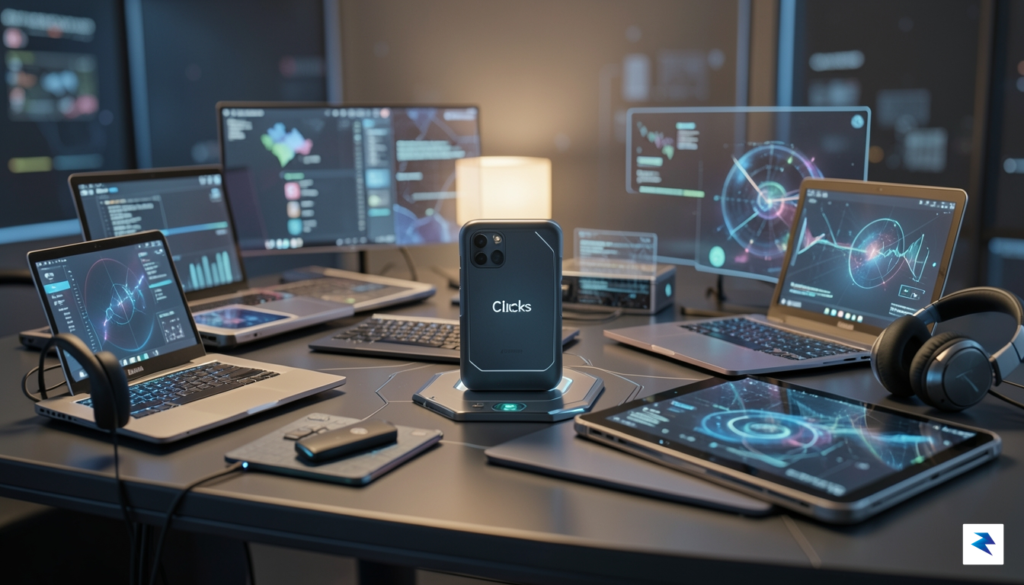
The emergence of the Clicks keyboard case serves as a poignant reminder that the monolithic, slab-style smartphone design—while efficient for mass production—has inadvertently created a vacuum for users who crave tactile engagement. For over a decade, mobile manufacturers have prioritized edge-to-edge screens, often at the expense of ergonomic input methods that once defined the early mobile era. By reintroducing a physical QWERTY layout, this device suggests that the “one-size-fits-all” philosophy of modern mobile engineering is beginning to fracture. It is a bold acknowledgment that a significant segment of the professional and enthusiast market remains deeply unsatisfied with the error-prone nature of glass-based typing, hinting that the future of mobile hardware may not be purely digital, but rather increasingly specialized.
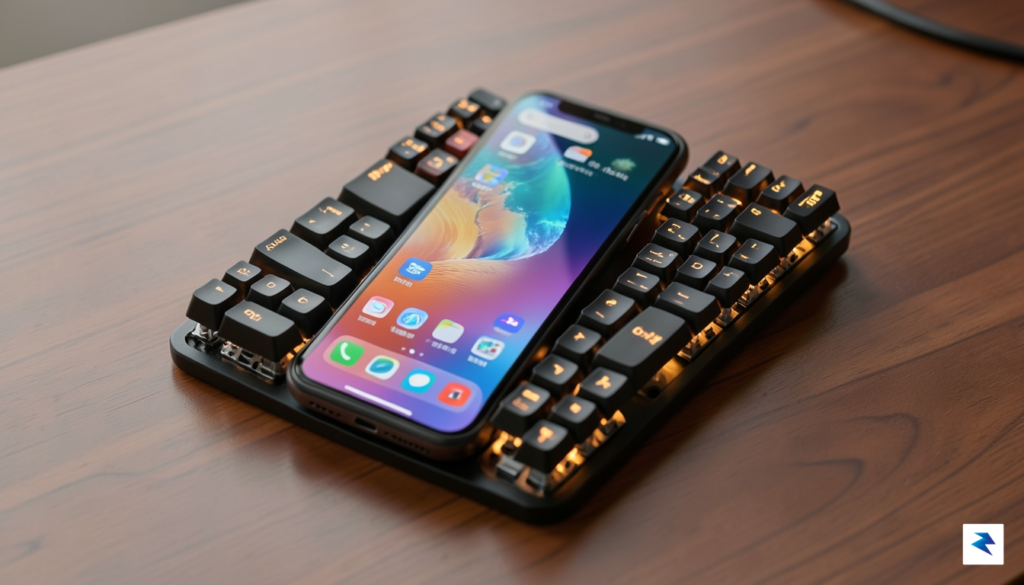
This shift points toward a broader trend of modularity that could redefine how we interact with our handheld tools. For years, the industry has pushed toward sealed units designed for general consumption, but the success of niche peripherals indicates a growing appetite for hardware that adapts to specific workflows. If developers and manufacturers begin to embrace this modular philosophy, we could see a resurgence of specialized attachments—not just for typing, but for high-fidelity audio, professional photography, or even retro-gaming interfaces. Instead of replacing the smartphone, these accessories transform the phone into a multi-purpose workstation, proving that hardware can be both personal and highly adaptable to individual professional needs.
Coexistence in an AI-Driven World
There is a common misconception that physical hardware is inherently at odds with the rise of AI-driven touch interfaces, yet the reality is likely to be far more nuanced. As artificial intelligence becomes embedded into the operating system, the bottleneck for productivity is no longer the intelligence of the device, but the speed and precision of human input. A physical keyboard provides a consistent, tactile interface that allows users to draft long-form content or manage complex tasks with a level of reliability that a flat screen simply cannot replicate. Rather than competing, these two technologies could form a powerful synergy: the keyboard provides the rapid, accurate physical interface, while the AI manages the context, predictive text, and formatting.
The true value of niche hardware lies in its ability to solve specific friction points that mass-market devices ignore, proving that there is a sustainable market for tools that prioritize efficiency over minimalism.
Ultimately, the viability of projects like this hinges on the willingness of the tech industry to embrace diversity over uniformity. While we are unlikely to see a full-scale abandonment of the touchscreen, the demand for tactile feedback proves that user preference is moving toward a more diversified ecosystem. If the mobile market continues to lean into this modular approach, we can expect a future where devices are no longer static objects, but fluid, customizable platforms that allow us to tailor our hardware to the specific demands of our digital lives.