Beyond the Hype: Why iOS 27 Matters
While the tech headlines are currently dominated by the flashy promises of generative AI and the race toward seamless digital assistants, it is easy to lose sight of what truly makes a smartphone experience successful: consistency. We are currently witnessing a period of palpable “AI fatigue,” where users are becoming increasingly wary of features that feel experimental or intrusive. iOS 27 effectively pivots away from this noise, choosing instead to double down on the foundational elements that govern our daily interactions. For the average user, the true value of an operating system update lies not in how much it can hallucinate or create, but in how reliably it manages the tasks we perform hundreds of times a week without thinking.
Stability and refinement are the true hallmarks of a mature platform, and in this latest iteration, Apple has prioritized the “under-the-hood” mechanics that define long-term device health. By focusing on deep-level optimization, the engineers have managed to harmonize system processes that were previously fragmented, leading to a noticeable reduction in background power consumption. This shift is critical because it directly translates to improved battery longevity and smoother performance consistency, even as our devices age. When a phone runs cooler and manages memory more efficiently, the entire user experience feels faster and more responsive, regardless of whether you are interacting with complex AI models or simply scrolling through your photo library.
This incremental approach serves as a necessary reminder that innovation does not always have to be disruptive to be meaningful. In fact, the most significant updates are often those that save us minutes throughout the day, turning friction-heavy workflows into seamless actions. By refining existing system architectures, iOS 27 ensures that the device remains a tool of utility rather than a source of distraction. The focus here is on performance overhead, background task management, and system-wide responsiveness—the boring, yet essential, pillars of software design that prevent hardware from feeling obsolete after a single year.
The mark of a truly great operating system is not found in the features that grab the headlines, but in the ones that work so well you eventually forget they are even there.
Ultimately, these foundational improvements represent a commitment to the user’s long-term investment. By prioritizing efficiency and stability over experimental feature bloat, Apple is ensuring that the hardware we carry in our pockets remains reliable for years to come. As we move deeper into the capabilities of this update, it becomes clear that the most “intelligent” feature of iOS 27 is its ability to simply work better, faster, and more reliably than its predecessors, allowing us to spend less time managing our devices and more time actually using them.
Productivity Enhancements and Workflow Automation
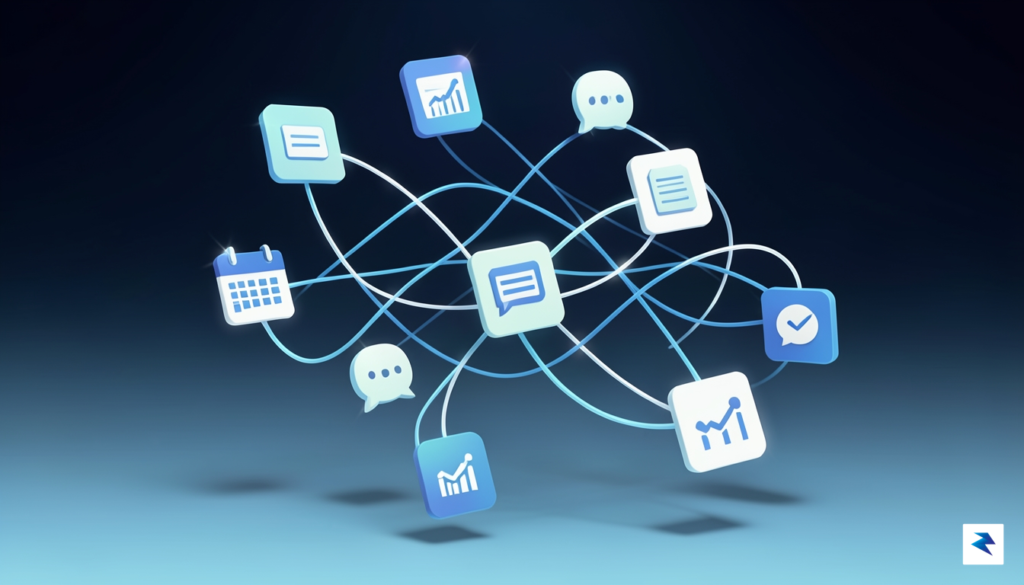
The latest iteration of iOS introduces a sophisticated overhaul to the Shortcuts app, transforming it from a niche utility into a robust engine for deep digital orchestration. At the heart of these upgrades are new, context-aware triggers that respond to your device’s state with unprecedented granularity. Whether it is detecting the precise moment you connect to a specific office Wi-Fi network or reacting to changes in your calendar availability during a focus session, these triggers allow your iPhone to become a proactive assistant rather than a reactive tool. By reducing the number of manual inputs required to initiate complex sequences, the operating system effectively flattens the learning curve for high-level automation.
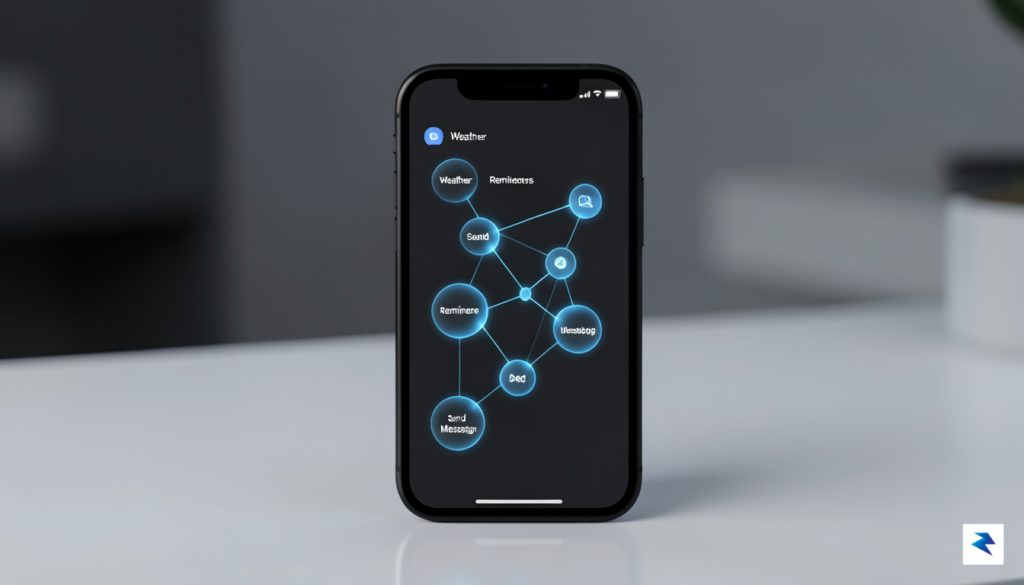
Central to this newfound efficiency is the improved cross-app data sharing protocol, which facilitates a more seamless exchange of information between native apps and third-party services. Developers have been granted deeper hooks into the system’s backend, allowing data to flow between apps like Mail, Notes, and CRM software without the need for constant manual copy-pasting. This means that a client email can automatically trigger the creation of a categorized folder in your Files app, populate a draft in your notes, and add a deadline to your calendar—all without you lifting a finger. Such integration minimizes the friction often associated with professional digital environments, where fragmented workflows usually lead to wasted time and missed context.
Advanced Document Management and Files Integration
The Files app has also received a significant performance boost, specifically regarding how it handles document metadata and batch processing. Users can now create “Smart Folders” that automatically sort, rename, and move documents based on content analysis and tags, effectively eliminating the manual upkeep of digital archives. For power users who manage dozens of documents daily, this represents a massive leap forward in organizational speed. By leveraging the system’s machine learning capabilities, iOS 27 can now suggest tagging structures, ensuring that your digital workspace remains as orderly as it is functional.
The true power of these automation updates lies in their ability to strip away the repetitive labor of file management, allowing the user to focus on high-value creative and analytical work rather than digital housekeeping.
Efficiency gains are further amplified by the refined multitasking interface, which allows for instant “App Pairs” to be saved as a single automation. You can now launch a workspace configuration that opens your research browser side-by-side with your writing application, while simultaneously silencing notifications and turning on a focus-driven ambient playlist. This capability is not just a convenience; it is a fundamental shift in how we approach mobile productivity. By minimizing the cognitive load required to switch between tasks, iOS 27 ensures that your device adapts to your work style, rather than forcing you to adapt to the limitations of your phone.
Privacy and Security: The Invisible Upgrades

In iOS 27, Apple has taken a sophisticated approach to privacy by making security feel like a natural, background extension of your device rather than a series of disruptive interruptions. The new central Permission Dashboard serves as the command center for your digital footprint, offering a unified view of every app that has requested access to your sensitive data, such as your camera, microphone, or precise location. Instead of reacting to pop-ups in the moment, you can now proactively audit your permissions with a single glance, allowing you to revoke access for apps that no longer serve a purpose in your daily routine. This shift moves the power dynamic back to the user, ensuring that your data remains yours by default without forcing you to endure constant, intrusive configuration prompts.
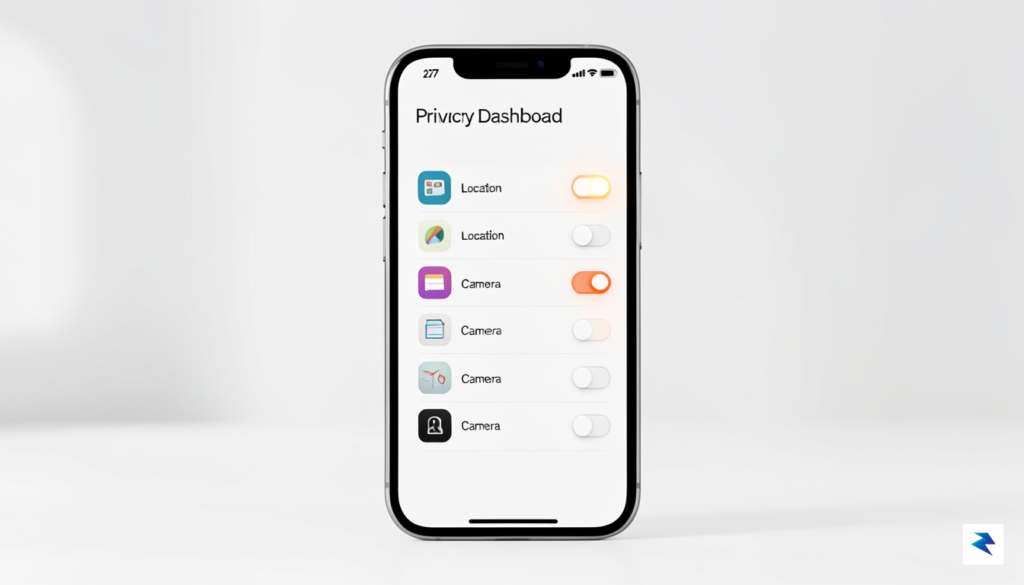
The latest iteration of App Tracking Transparency has also received a significant upgrade, moving beyond simple “allow” or “deny” buttons to offer more granular control over how your activity is monitored across third-party platforms. iOS 27 now provides “Data Minimization Reports,” which intelligently detect when an app is requesting more information than it needs for its stated function and prompts you to provide only a sanitized or randomized version of that data. For instance, if a weather app requests your exact location, the system can now automatically supply a general city-level coordinate instead, keeping your specific whereabouts private while still providing the utility you expect. This invisible layer of protection ensures that you can continue using your favorite services without sacrificing your anonymity.
True privacy is not about choosing between functionality and security; it is about the system working silently to ensure you never have to make that trade-off in the first place.
Security is further bolstered by the introduction of Advanced Local Encryption for all device backups. Whether you are backing up to a computer or storing data in the cloud, iOS 27 now employs post-quantum cryptographic standards that shield your information from even the most advanced decryption attempts. This enhancement works entirely in the background, meaning there is no complex setup required on your part to ensure your photos, messages, and health data remain unreadable to unauthorized parties. Furthermore, the enhanced Privacy Report provides a weekly summary that highlights which apps attempted to reach out to external servers and blocked those connections automatically, giving you total transparency into how your device is defending itself against background telemetry.
Customizing Your Security Posture
To get the most out of these updates, it is recommended that users take a moment to explore the new Security Recommendations tab located within the Settings menu. Here, you can enable “Ghost Mode” for specific apps, which creates a secure sandbox environment that prevents the application from reading any data outside of its own dedicated storage folder. Additionally, you should review your “Data Sharing” settings periodically to ensure that only the essential metadata is being shared with developers for analytics. By proactively adjusting these settings, you turn your iPhone into a personalized fortress, ensuring that your digital life stays private, secure, and entirely under your control.
Refining the User Experience: Continuity and Ecosystem Integration

The true power of the Apple ecosystem has always resided in the invisible threads that connect your devices, and with iOS 27, those connections have become significantly more robust. Apple has fundamentally reimagined the Handoff protocol, moving beyond simple clipboard sharing to a more fluid, state-aware synchronization. When you transition from your iPhone to your Mac, the system no longer just opens the same app; it now anticipates your workflow by pre-loading the exact scroll position, cursor focus, and even unsaved drafts, effectively erasing the friction that previously existed between hardware boundaries. This shift creates a singular, continuous environment where the device you happen to be holding feels less like a separate tool and more like an extension of your current task.
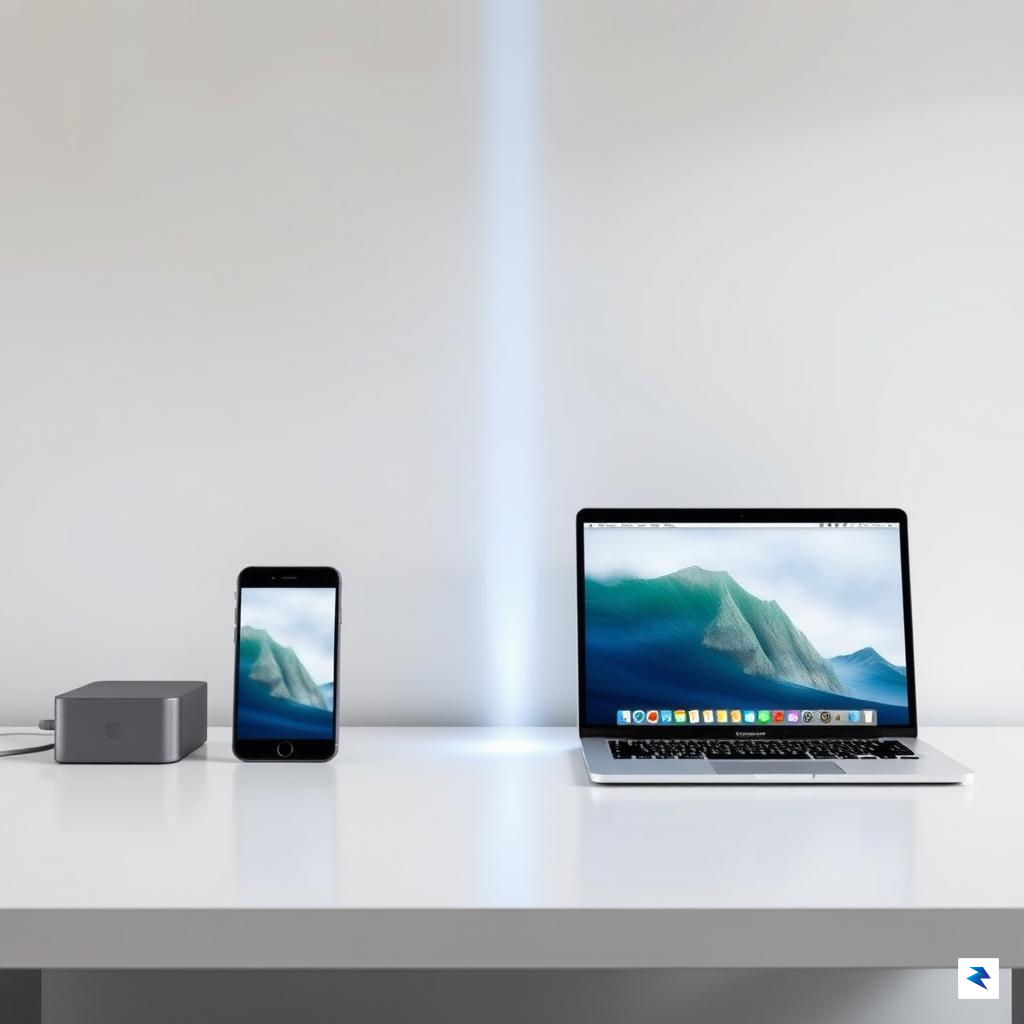
Universal Control has also received a major overhaul, moving away from its early days of beta-like instability toward a highly reliable, low-latency experience. You can now drag and drop complex assets, such as high-resolution video files or layered graphics, between an iPad and a Mac with near-instantaneous feedback. The latency that once plagued these interactions has been virtually eliminated, thanks to improved peer-to-peer networking protocols that prioritize direct device-to-device communication over local network traffic. This means that even in environments with crowded Wi-Fi signals, your peripherals—like your mouse and keyboard—can jump across device boundaries without the stutter or connection drops that were common in previous iterations.
“The hallmark of iOS 27 is the transition from ‘interoperability’ to ‘continuity,’ where the platform layer effectively hides the physical hardware, allowing the user to focus entirely on their creative or professional intent.”
Furthermore, AirDrop has undergone a significant architectural change to boost reliability and speed. By leveraging a refined Ultra-Wideband handshake, iOS 27 allows your devices to recognize one another faster and maintain a more stable connection, even when moving through a room. You will notice that large file transfers are now more resilient; if the devices move out of range or experience a momentary signal dip, the transfer no longer fails entirely. Instead, it pauses intelligently and resumes the moment the connection is re-established, a change that feels like a massive quality-of-life improvement for professionals who rely on their ecosystem for mobile media production.
Ultimately, these updates represent a broader strategy to anchor the user within the Apple hardware ecosystem by making it painful to leave. By smoothing out the rough edges of device communication, Apple has turned the “walled garden” into a highly efficient, interconnected workspace. Whether you are pushing a document from your phone to a tablet for a presentation or mirroring your desktop to a portable device for a quick review, iOS 27 ensures that the technology serves the user’s intent rather than forcing the user to manage the technology’s limitations.
Accessibility and Inclusive Design Features
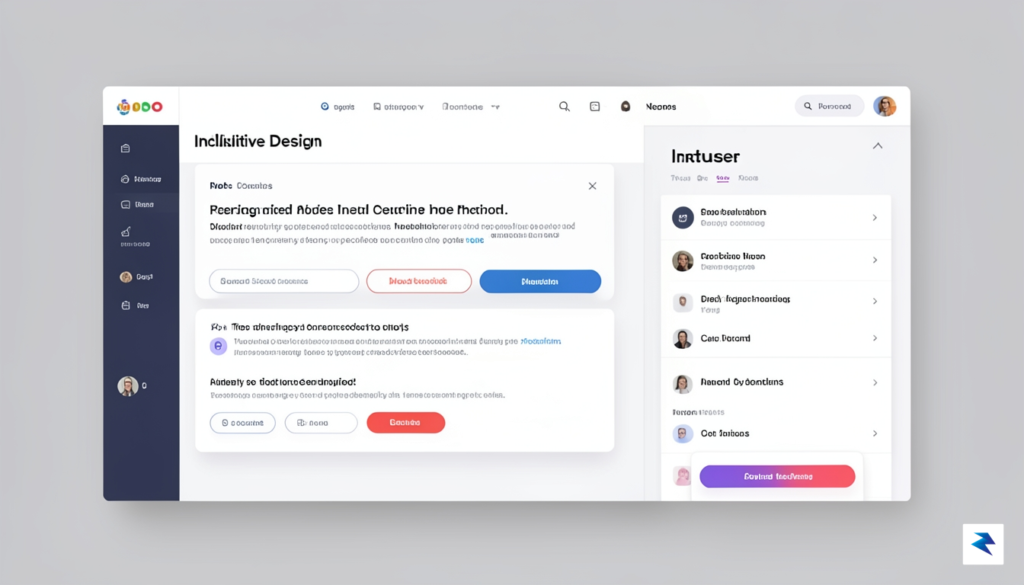
Apple has long established itself as the industry benchmark for inclusive technology, and iOS 27 reinforces this commitment by integrating sophisticated tools directly into the core operating system. Rather than treating accessibility as an afterthought, these new updates are woven into the fabric of the user experience, ensuring that every individual—regardless of physical or cognitive ability—can navigate their digital world with autonomy and confidence. By prioritizing universal design, Apple continues to dismantle barriers, transforming the iPhone from a simple communication device into a powerful, personalized companion that adapts to the unique needs of every user.
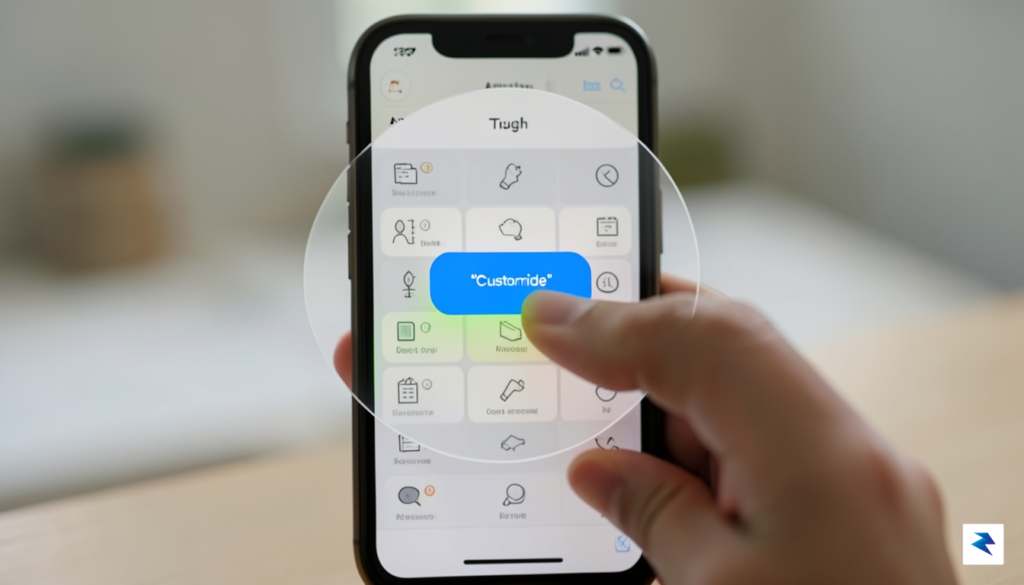
Revolutionizing Navigation and Interaction
One of the most significant leaps in this iteration is the expansion of Assistive Touch. New gesture-based triggers allow users with limited motor control to execute complex multi-touch sequences with a single, subtle tap or a specific eye movement when paired with compatible tracking hardware. These refined controls are not just about reaching buttons; they are about fluidly interacting with dynamic interfaces that previously felt out of reach. Furthermore, the enhanced VoiceOver capabilities now utilize advanced on-device machine learning to provide richer, more descriptive audio feedback. When a user navigates a photo or a cluttered webpage, VoiceOver can now articulate specific spatial relationships and visual textures, providing a depth of context that was previously missing for the visually impaired community.
The true measure of innovation lies not in the complexity of the hardware, but in how effectively it empowers every user to interact with the world on their own terms.
Sensory Feedback and Visual Comfort
To further support those with visual impairments, iOS 27 introduces a suite of nuanced haptic cues that act as a silent language for navigating the OS. By utilizing distinct vibration patterns—ranging from subtle pulses to rhythmic taps—the device provides non-visual confirmation for common actions like hitting a back button, reaching the end of a scrollable list, or confirming a successful file upload. These haptic signatures are fully customizable, allowing users to build a tactile map of their digital environment that feels intuitive and responsive.
Beyond these sensory enhancements, the introduction of advanced, granular UI scaling represents a major win for user comfort. Users can now adjust text density, icon padding, and contrast ratios independently across specific applications, rather than relying on a global setting that might distort the intended layout of every app. This level of customization reduces eye strain and cognitive load, particularly for neurodivergent users or those with low vision, by creating a cleaner, more manageable visual field. By allowing the OS to bend to the user’s specific preferences, Apple has ensured that iOS 27 remains the most inclusive platform available today.
Conclusion: Is the iOS 27 Update Worth the Install?
Deciding whether to take the plunge with a major operating system update is always a delicate balance between the excitement of new functionality and the practical need for a stable, reliable device. After reviewing the comprehensive suite of tools, interface refinements, and privacy upgrades introduced in this release, it is clear that iOS 27 provides a significant step forward for both power users and casual enthusiasts alike. The integration of smarter AI-driven automation and the deep customization options for the home screen elevate the daily user experience, making your device feel more like a tailored extension of your personal workflow rather than a static piece of hardware.
Your Pre-Installation Checklist
Before you tap that install button, it is essential to ensure your device is prepared to handle the transition smoothly. Skipping the preparatory phase is often the primary reason users experience performance hiccups or unexpected data loss during major upgrades. First and foremost, perform a full encrypted backup of your device to iCloud or your computer so that your photos, messages, and app data remain secure regardless of what happens during the installation process. Additionally, check your available storage; iOS 27 requires a significant amount of headroom to unpack and install its files, so clearing out unused apps or redundant large media files is a wise move. Finally, verify that your specific hardware model is fully supported by checking the official compatibility list, as older devices may find the new features taxing on their aging processors.
The true value of iOS 27 lies not just in its flashy, headline-grabbing features, but in the subtle, incremental improvements that harmonize your digital ecosystem and provide a more cohesive, secure environment for your data.
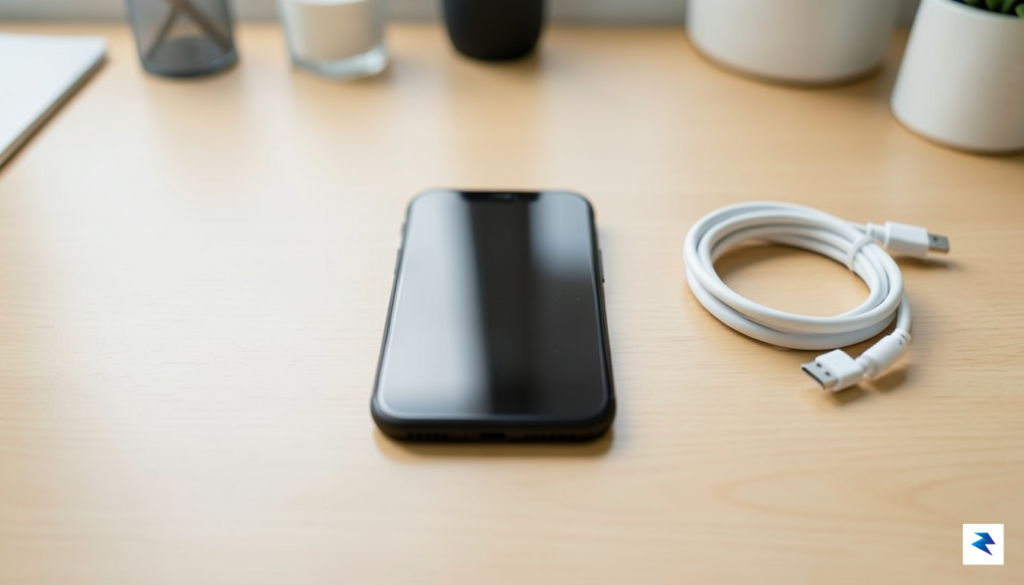
Ultimately, the decision to update rests on your tolerance for the minor, fleeting bugs that often accompany the first few weeks of a major release. If you rely on your phone for mission-critical professional tasks, waiting for the first point-release patch is a sensible, cautious approach that guarantees maximum stability. However, for those who thrive on the latest innovations and are eager to experiment with the new interface capabilities, the benefits of iOS 27 far outweigh the potential for minor inconveniences. Even if you choose to wait, remember that these incremental updates act as the backbone of your device’s longevity, ensuring that security patches and performance optimizations keep your technology feeling modern long after its initial purchase date. Whether you jump in today or wait a few weeks for the software to settle, one thing remains certain: Apple has once again managed to refine the user experience in ways that make the smartphone feel more intuitive than ever before.