
Understanding the Android 17 Pixel Exclusive Launch
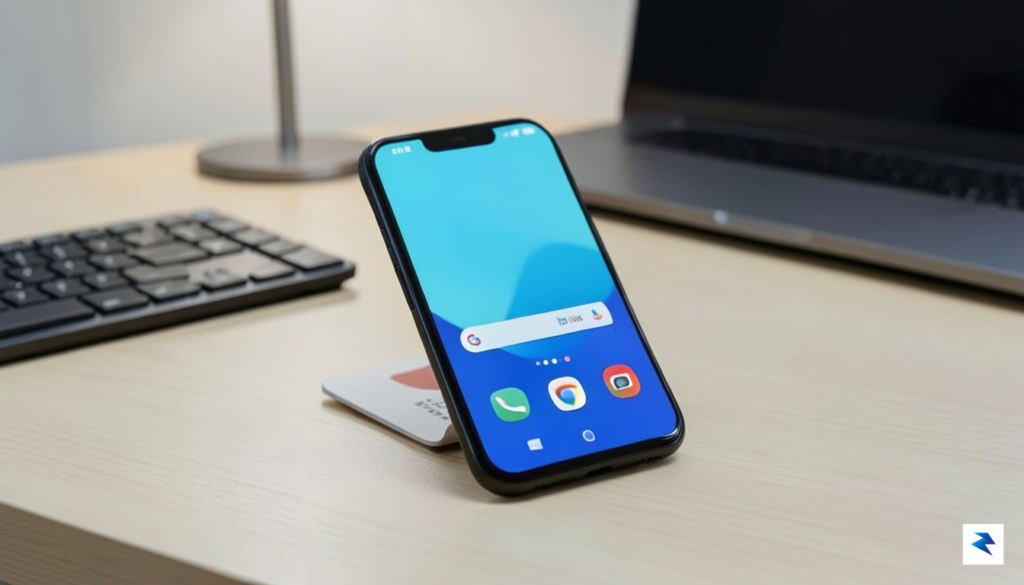
The official rollout of Android 17 has officially commenced, signaling a new chapter in mobile innovation that currently resides exclusively within the Google ecosystem. For the time being, this major platform upgrade is limited to the latest Pixel lineup, specifically ranging from the Pixel 6 series through the most recent flagship iterations. While this staggered approach has become a familiar rhythm for the Android community, it remains a point of frustration for users of Samsung, OnePlus, and other major manufacturers who must wait for their respective OEMs to tailor the software to their specific hardware configurations. By prioritizing its own devices, Google is effectively treating the Pixel line as the ultimate “reference platform,” ensuring that the most cutting-edge features are deployed in a controlled, stable environment before they are disseminated to the wider market.
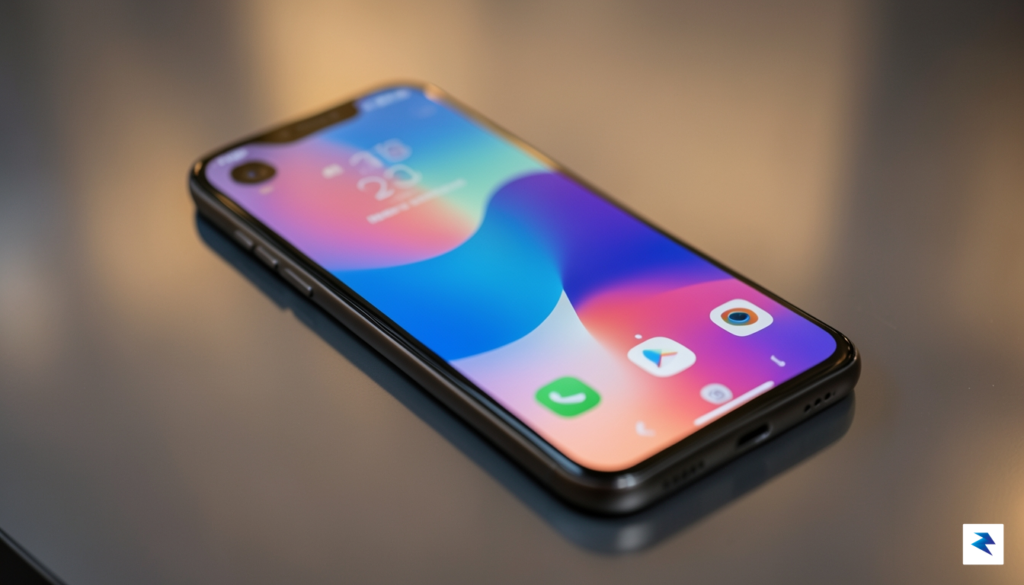
There is a profound strategic logic behind why Google funnels these early releases into its own hardware first. The cornerstone of this strategy is the seamless vertical integration between the Android operating system and Google’s custom-designed Tensor silicon. Because Google oversees both the intricate hardware architecture and the software stack, they can achieve a level of optimization that third-party manufacturers simply cannot replicate overnight. This tight-knit relationship allows the OS to leverage specific machine learning accelerators and power-management protocols built directly into the Tensor chips, resulting in performance gains and battery efficiencies that serve as a showcase for what Android 17 is truly capable of achieving.
The Pixel-first rollout is not merely a marketing tactic; it is a vital engineering necessity that allows Google to refine the OS through real-world telemetry before the update hits the billions of disparate devices that constitute the global Android footprint.
For developers and enthusiasts, this period of exclusivity serves as a critical sandbox for innovation. Early adopters often play an essential role in identifying edge-case bugs and performance bottlenecks that might otherwise go unnoticed during internal testing phases. Developers, in particular, use this window to update their applications, ensuring that they can fully exploit the new APIs and design languages introduced in Android 17. By engaging with these early versions, power users gain a significant head start on mastering the latest interface changes and privacy enhancements. While the wider Android audience may feel left behind in the short term, this deliberate, phased rollout ensures that when the update finally reaches the broader ecosystem, it is a polished, highly stable experience that upholds the integrity of the platform.
Why Pixel Devices Lead the Android Upgrade Cycle
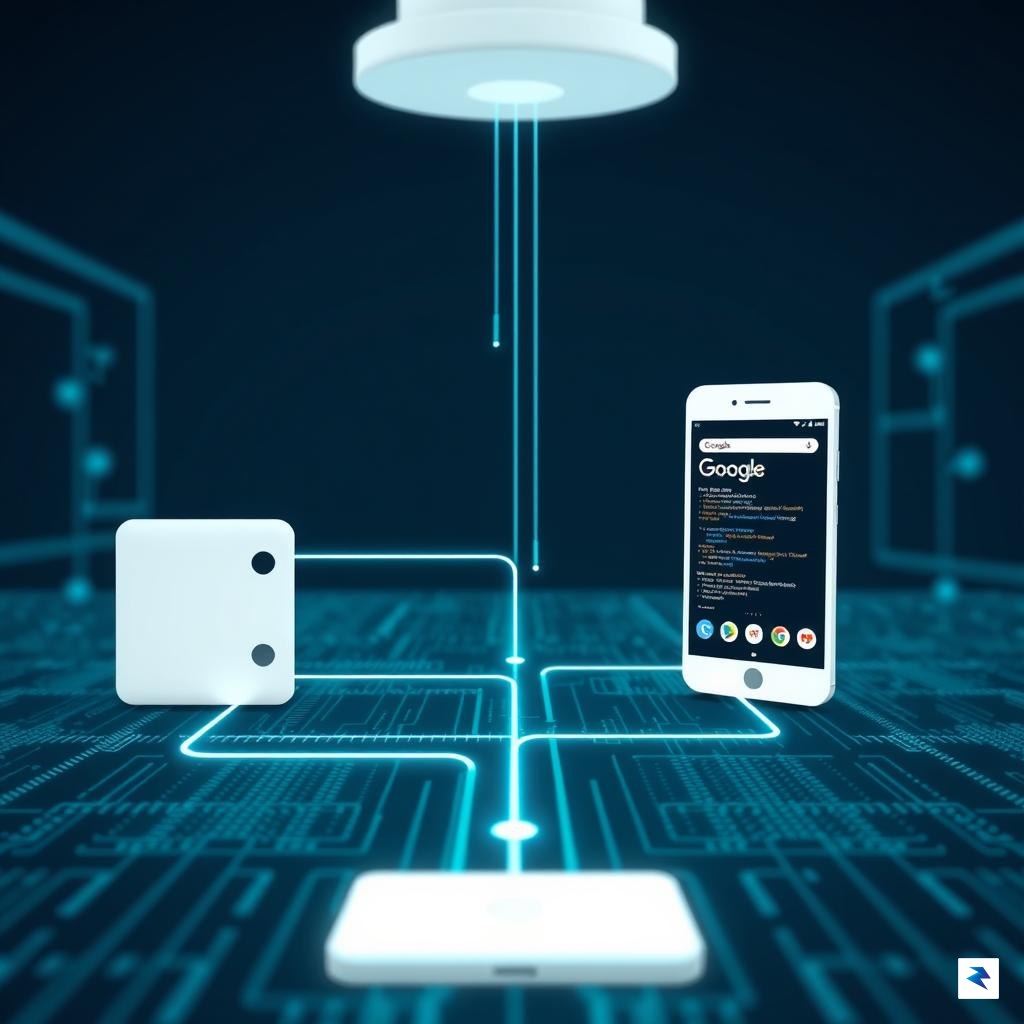
The primary reason Pixel devices consistently stand at the front of the line for major OS rollouts—including the highly anticipated Android 17—is the architectural synergy that only Google can achieve. By designing both the underlying hardware and the software stack, Google eliminates the complex middleman negotiations that typically plague the Android ecosystem. When a new version of the operating system is ready, it is optimized specifically for the Tensor chip architecture, allowing for a streamlined deployment process that bypasses the extensive re-engineering required by third-party manufacturers. This level of vertical integration means that the kernel-level testing and system-wide optimizations are completed in a vacuum of compatibility, ensuring that the software is perfectly tuned for the device’s specific silicon long before it touches a Samsung or OnePlus handset.
Fragmentation has long been the Achilles’ heel of the Android platform, primarily because manufacturers often implement heavy, proprietary UI skins that sit on top of the base operating system. Unlike Google’s “clean” approach, brands like Samsung with One UI or Xiaomi with HyperOS must take the vanilla Android code and painstakingly integrate their own features, design languages, and security patches. This logistical hurdle turns a simple update into a months-long development cycle, as engineers must ensure that every new OS feature plays nicely with their custom interface. Because Google’s Pixel software remains relatively close to the stock Android experience, the friction between the core OS and the user interface is virtually non-existent, allowing for a near-instantaneous transition from beta testing to final release.
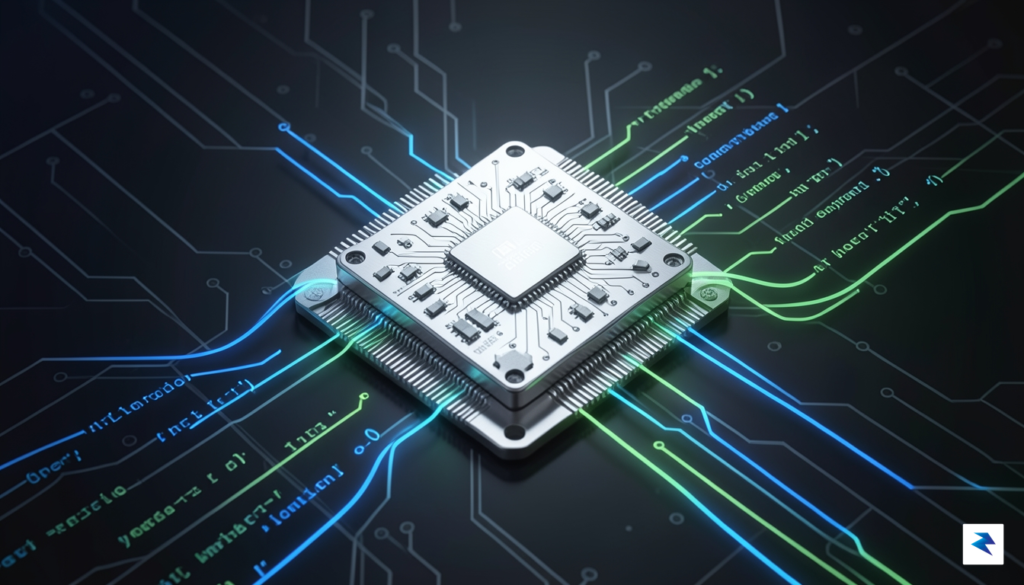
The speed of an Android update is often inversely proportional to the amount of custom software sitting between the user and the core kernel.
Beyond the logistical convenience, this direct control leads to superior stability and performance benchmarks. By pushing Android 17 to Pixel devices first, Google can leverage a controlled environment to stress-test the OS against its own proprietary hardware, effectively using its user base to identify edge-case bugs that would be catastrophic if released across a fragmented ecosystem. For the average user, this means that the version of Android 17 arriving on a Pixel is not just “earlier,” but arguably more refined, as it has been stress-tested against the exact hardware architecture it was built to run on. While other manufacturers will eventually provide these updates, they are tasked with the unenviable job of retrofitting the OS to function within the constraints of third-party drivers and custom software layers, which often leads to the minor performance regressions or battery inefficiencies frequently reported in the weeks following a non-Pixel update.
The Reality for Samsung and Third-Party OEM Users
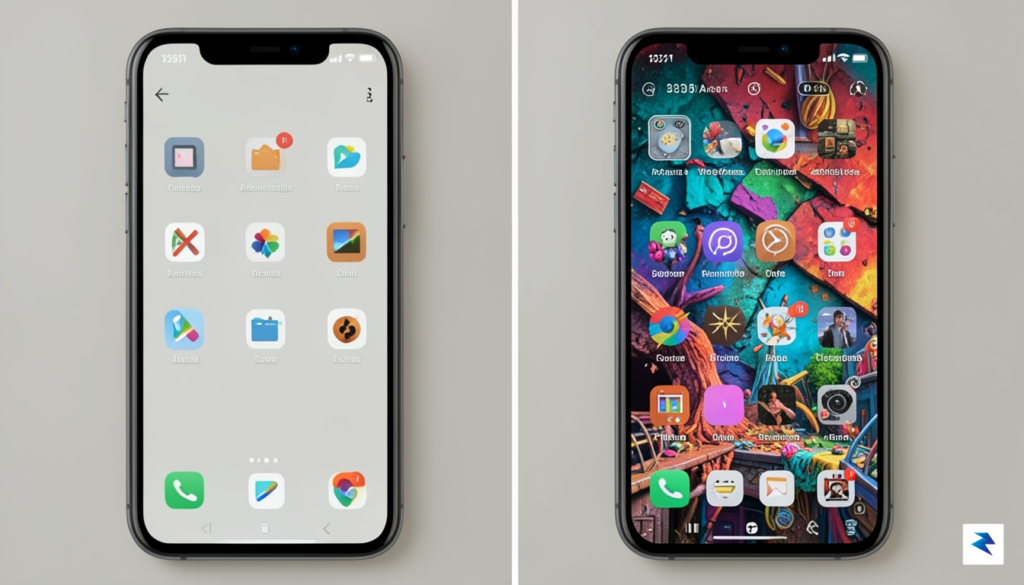
While Pixel owners are currently enjoying the latest features of Android 17, those of us using devices from Samsung, OnePlus, Motorola, or other manufacturers find ourselves in a familiar waiting game. It is easy to feel left behind when Google pushes the button on a new release, but the delay isn’t a matter of neglect; it is a consequence of the complex software architecture that makes these phones unique. Unlike the “stock” experience on a Pixel, companies like Samsung build massive, feature-rich interfaces—such as One UI—on top of the base Android code. This means that every single line of code Google updates must be meticulously integrated, tested, and often re-written to ensure that proprietary features like Samsung DeX, customized camera processing, or unique hardware-level security layers do not break during the transition.
The “skinning” process is a monumental engineering task that goes far beyond a simple aesthetic overlay. When Android 17 introduces new APIs or system-level changes, manufacturers must ensure their proprietary interfaces remain fully compatible without sacrificing stability or battery life. If an OEM were to rush this integration, the result would likely be a flurry of critical bugs, system crashes, and poor optimization that would damage the brand’s reputation. Consequently, manufacturers typically spend months running internal beta tests, often followed by public beta programs, to refine the experience. This rigorous quality assurance cycle is the primary reason why the rollout for non-Pixel devices is staggered, as engineers prioritize a polished, functional release over a hurried one.
For users eager to know when their specific device will make the jump to the newest version, it is essential to look beyond general internet rumors and consult official channels. Manufacturers have become significantly more transparent in recent years, often publishing detailed software support roadmaps directly on their community forums or support websites. To manage your expectations effectively, consider the following steps:
- Check official community forums: Brands like Samsung and OnePlus frequently post official timelines or beta registration windows in their dedicated user forums.
- Review your support policy: Many modern devices come with a stated promise of “X years of OS updates,” which can help you verify if your specific model is even eligible for the Android 17 upgrade.
- Monitor regional variations: Remember that update schedules often differ significantly based on your carrier and your geographic region, so an update appearing in one country may not land in yours for several more weeks.
Patience is a virtue in the Android ecosystem; waiting a few extra months for a stable, optimized, and feature-rich interface is almost always preferable to installing a rushed, buggy version of the operating system on your primary device.
Ultimately, the wait is a trade-off. By choosing a manufacturer that invests heavily in a custom software experience, you gain specialized tools and design choices that are not available on a stock Pixel. While the delay can be frustrating, the engineering work happening behind the scenes is designed to ensure that when your device finally receives the update, it feels like a seamless extension of the phone you already know and rely on.
Enterprise and IT Considerations for the Android 17 Transition

For IT departments and fleet managers, the arrival of a major operating system update like Android 17 represents a significant shift in infrastructure management rather than a simple feature upgrade. While individual users might focus on interface changes or camera enhancements, enterprise administrators must prioritize the stability of their device ecosystem. The transition requires a rigorous evaluation of how new security protocols and privacy sandboxes will interact with internal proprietary applications. Because these updates can inadvertently break legacy software, IT teams must treat the initial rollout as a high-stakes compatibility project rather than a routine patch deployment.
The most effective strategy involves leveraging Enterprise Mobility Management (EMM) and Mobile Device Management (MDM) platforms to conduct controlled testing. Administrators should utilize the Android 17 beta environments to sandbox critical business applications, ensuring that underlying APIs—which may have been deprecated or altered—do not compromise workflow continuity. By performing these compatibility audits early, organizations can identify potential friction points in authentication, data storage, or background process management before the update reaches the broader workforce. This proactive stance is essential for preventing the costly downtime often associated with “broken” enterprise apps following a major OS migration.
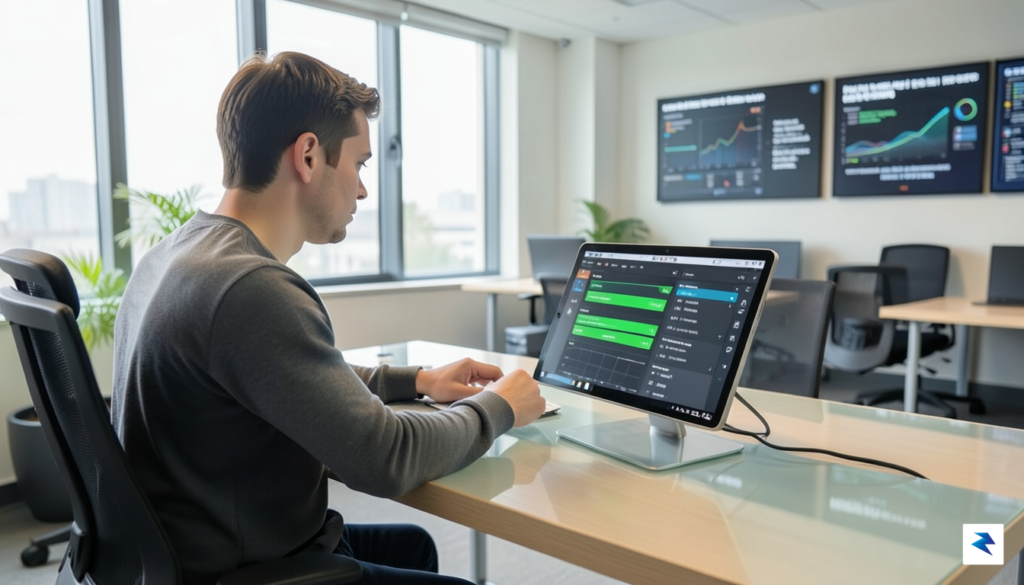
Proactive validation of proprietary apps within the Android 17 beta environment is the single most effective way to prevent widespread operational disruptions.
Furthermore, the implementation of Android 17 introduces more stringent privacy sandboxes that may restrict how corporate data is accessed and shared between applications. IT managers need to review their current data security policies to ensure that these new restrictions align with their existing mobile security framework. Rather than pushing an immediate, company-wide update, the recommended approach is a staged rollout strategy. This allows for a pilot phase involving a small cohort of non-critical devices, providing a safety net to monitor for unexpected bugs or performance degradation before a full-scale deployment.
To ensure a seamless transition, IT departments should consider the following actionable steps:
- Inventory Assessment: Catalog all mission-critical internal applications and prioritize them based on their dependency on system-level permissions.
- Staged Deployment: Use MDM policies to push the update to IT staff first, followed by a departmental pilot group, and finally the remainder of the fleet.
- Security Policy Review: Audit current EMM configurations to ensure that the new privacy sandboxes do not inadvertently block legitimate enterprise data syncing.
- Rollback Planning: Always maintain a tested recovery path for devices that may encounter critical failures during the update process.
Ultimately, the wait time for non-Pixel devices should be viewed as an opportunity for preparation. By utilizing this window to optimize MDM profiles and update application code, IT teams can transform a potentially disruptive OS update into a controlled, secure, and beneficial transition for the entire organization.
Preparing Your Ecosystem for the Latest Android Iteration
While Pixel owners are currently exploring the latest features of Android 17, those tethered to other manufacturers must adopt a proactive mindset to ensure their digital environment is ready for the eventual rollout. For the average user, the period leading up to a major OS update is the perfect window to perform routine “digital hygiene.” Start by executing a comprehensive cloud or local backup of your critical files, photos, and app data to ensure that nothing is lost during the system migration. Furthermore, verify that your device has sufficient internal storage space; major updates often require several gigabytes of free room to unpack and install system files without triggering performance bottlenecks. It is also wise to keep a close eye on your specific manufacturer’s support forums or official social media channels, as these platforms often provide the most accurate timelines and device-specific caveats that general tech news outlets might overlook.

For developers and power users, the arrival of a new Android iteration brings more than just visual flair; it introduces fundamental shifts in API behavior that can disrupt existing workflows if left unaddressed. Android 17 focuses heavily on refined background processing limits and enhanced privacy permissions, meaning that apps relying on legacy methods for data syncing or location tracking may require a significant refactor. Developers should prioritize auditing their codebase against the latest Android 17 API documentation, specifically looking for deprecated methods that could cause unexpected crashes or performance degradation. By running your existing applications within the latest Android Emulator environment before the update hits your primary hardware, you can identify and mitigate compatibility issues early, ensuring that your core tools remain functional from day one.
The transition to a new operating system is not merely about receiving new features; it is about ensuring that the deep integration between your hardware and software remains stable and secure.
Ultimately, it is helpful to reframe this waiting period not as a delay, but as a crucial phase of maturation for the software. Because Android operates across a vast, fragmented ecosystem of hardware configurations—ranging from budget-friendly tablets to high-end foldables—manufacturers must invest time in tailoring the OS to suit specific chipsets and display drivers. This necessary testing ensures that once the update reaches your device, it is stable, battery-efficient, and optimized for your specific hardware architecture. By preparing your ecosystem now, you move from a state of passive waiting to one of active readiness, ensuring that your transition to the latest version is seamless, efficient, and entirely free of data-related headaches.