Understanding the Role of a Home NAS
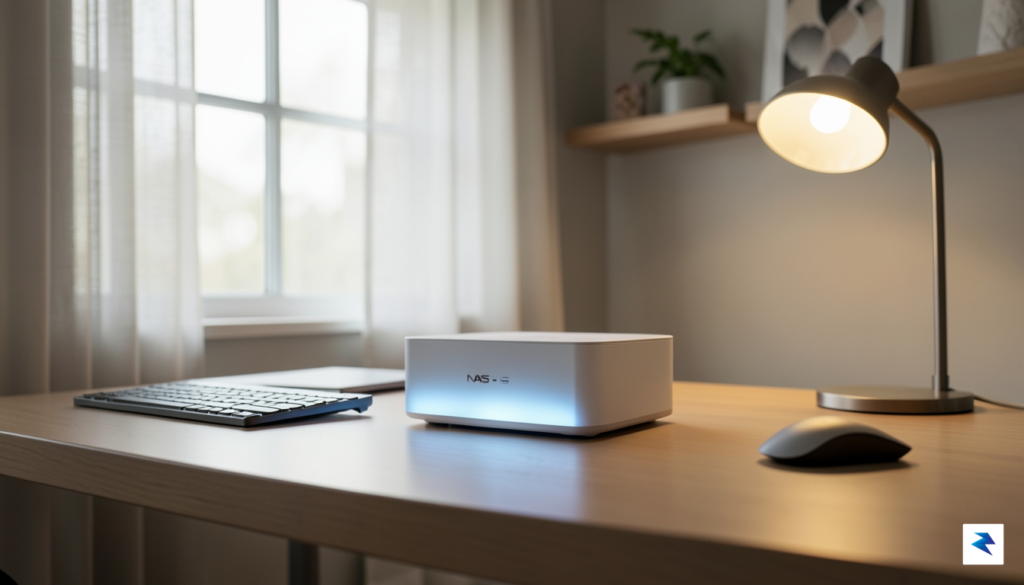
In our current digital landscape, we have become accustomed to the convenience of cloud storage, often fragmenting our precious memories and vital documents across a dozen different subscription services. A Network-Attached Storage (NAS) device functions as the antidote to this digital sprawl, acting as a private, high-capacity server that lives right in your home. By consolidating your files into one centralized hub, a NAS ensures that your data is no longer held captive by recurring monthly fees or the shifting terms of service of third-party platforms. Instead, it places the power of a professional-grade server directly into your hands, providing a localized sanctuary for everything from high-resolution family photos and 4K video libraries to critical system backups.
The transition from cloud reliance to local ownership offers tangible, long-term advantages that extend far beyond simple cost savings. When you store your data on a NAS, you benefit from blazing-fast local access speeds that cloud providers simply cannot match, as your files are served over your home network rather than a congested internet connection. Furthermore, you gain complete sovereignty over your privacy; your sensitive information never leaves your physical perimeter unless you explicitly grant it permission to do so. This eliminates the uncertainty of where your data is stored or who might have access to it, providing a level of security and peace of mind that is increasingly rare in the modern age of data mining.
Many people hesitate to adopt this technology due to the outdated misconception that NAS systems are exclusively complex tools for IT professionals and enterprise environments. In reality, the landscape of home storage has shifted dramatically over the past few years, with manufacturers prioritizing intuitive, app-based interfaces that feel as accessible as any consumer smartphone or tablet. Modern operating systems for these devices allow you to manage your storage, set up automated backups, and stream media with just a few clicks, stripping away the need for advanced technical certifications.
The true value of a home NAS lies in its ability to transform digital chaos into a structured, reliable, and private ecosystem that grows alongside your family’s needs.
Beyond simple file storage, today’s NAS units act as the “brain” of a smart home, capable of running private photo-organizing apps that rival Google Photos or acting as personal media servers for your home theater. By investing in your own hardware, you are building an infrastructure that is both scalable and sustainable. As your digital life expands, you can simply add more drives to your array, ensuring that your storage capacity stays ahead of your requirements without forcing you into higher subscription tiers. Ultimately, adopting a NAS is an investment in your digital future, granting you the stability, speed, and ownership that every modern household deserves.
Key Criteria for Choosing Your Network Storage
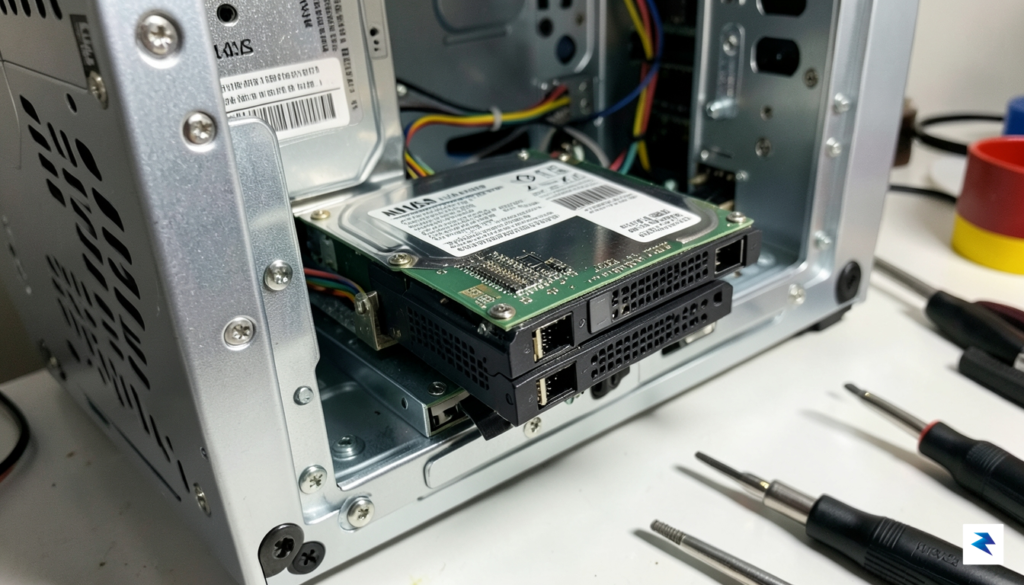
When selecting the backbone of your home network storage, it is easy to get caught up in flashy specifications or aesthetic design, but the true value of a Network Attached Storage (NAS) device lies in its structural balance. You aren’t just buying a box to hold hard drives; you are investing in a data management hub that needs to serve your household for the better part of a decade. To make the right choice, you must weigh your immediate capacity requirements against your future digital footprint, ensuring that your hardware won’t become an obsolete bottleneck as your photo libraries, media collections, and backup needs inevitably grow.
Balancing Capacity and Scalability
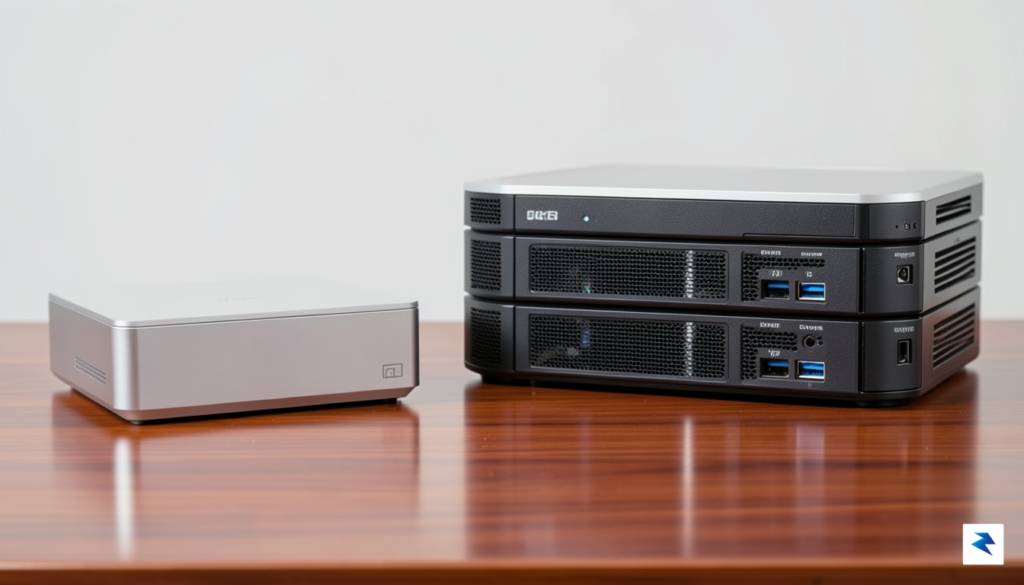
The most immediate decision you will face is the number of drive bays, with two-bay and four-bay models being the standard for home users. A two-bay NAS is often the entry point for those focused on simple backups and basic file sharing, offering a compact footprint and lower power consumption. However, if you anticipate your storage needs expanding, a four-bay unit is almost always the superior long-term investment. By opting for four bays, you gain significantly more flexibility in how you manage your storage pools and data redundancy, allowing you to add drives incrementally without needing to migrate your entire system to new hardware prematurely.
Processing Power and Transcoding Capabilities
Beyond physical storage, the “brains” of your NAS—the processor—determines what your device can actually accomplish. Entry-level units often utilize ARM-based processors, which are perfectly adequate for basic file storage, light file synchronization, and simple backups. If, however, you intend to use your NAS as a media server capable of streaming high-definition video to multiple devices, you should prioritize models equipped with Intel or AMD processors. These chips support hardware-accelerated transcoding, which allows the NAS to convert video files into a format compatible with your playback device in real-time, preventing stuttering and buffering during your movie nights.
Data Integrity Through RAID
Perhaps the most critical technical consideration is how your NAS handles data redundancy through RAID (Redundant Array of Independent Disks) configurations. Rather than simply using your drives as isolated storage, RAID allows you to mirror or stripe data across multiple disks so that if one drive fails, your information remains intact and accessible. For most home users, RAID 1 (on a 2-bay system) or RAID 5 (on a 4-bay system) provides the optimal balance between usable storage capacity and robust protection against hardware failure.
Choosing the right RAID configuration is your primary line of defense; never underestimate the peace of mind that comes from knowing a single mechanical drive failure won’t result in the permanent loss of your family photos or essential documents.
Ultimately, by aligning your choice of processor power, bay count, and redundancy strategy with your specific usage habits, you transform a simple piece of hardware into a reliable, long-term asset. Whether you are a casual archiver or a power user building a comprehensive media kingdom, these criteria provide the roadmap necessary to build a storage environment that is as resilient as it is efficient.
Top NAS Recommendations for Different User Profiles
Navigating the myriad of NAS devices available can be daunting, but our extensive testing reveals that the ideal choice truly hinges on your specific requirements and technical comfort level. Not every user needs the same raw power or advanced features; some prioritize simplicity and cost-effectiveness, while others demand uncompromising performance for professional workflows. Therefore, matching a specific device to your daily tasks, from merely streaming media to executing complex automated backup routines, is absolutely critical for long-term satisfaction and reliability.
The Best Overall for Home Users: Synology DiskStation DS224+
For the vast majority of home users seeking a robust, reliable, and exceptionally user-friendly experience, the Synology DiskStation DS224+ stands out as our top recommendation. This 2-bay NAS strikes an excellent balance between powerful hardware, intuitive software, and an accessible price point, making it a perfect all-rounder for everything from centralizing family photos and videos to running a personal cloud and setting up automated backups. Its Intel Celeron processor and ample RAM ensure smooth performance for multiple concurrent tasks, effortlessly handling media streaming, file serving, and even light virtualization or container applications. The ease of setup, guided by Synology’s acclaimed DiskStation Manager (DSM) operating system, transforms what could be a complex process into a straightforward, step-by-step installation, ensuring even novices can get up and running quickly and confidently.
The true strength of the DS224+ lies in Synology’s DSM, which is arguably the most polished and feature-rich NAS operating system available today. DSM provides a comprehensive suite of applications for every conceivable need, including robust backup solutions with Synology Drive and Hyper Backup, a versatile multimedia station with Video Station and Audio Station, and even surveillance capabilities with Surveillance Station. Furthermore, Synology’s commitment to consistent software updates and strong community support ensures that your investment remains secure and functional for years to come. This combination of powerful software, reliable hardware, and an intuitive interface solidifies the DS224+’s position as the premier choice for home users looking for a premium experience without an exorbitant price tag.
The Budget-Friendly Option for Beginners: TerraMaster F2-212
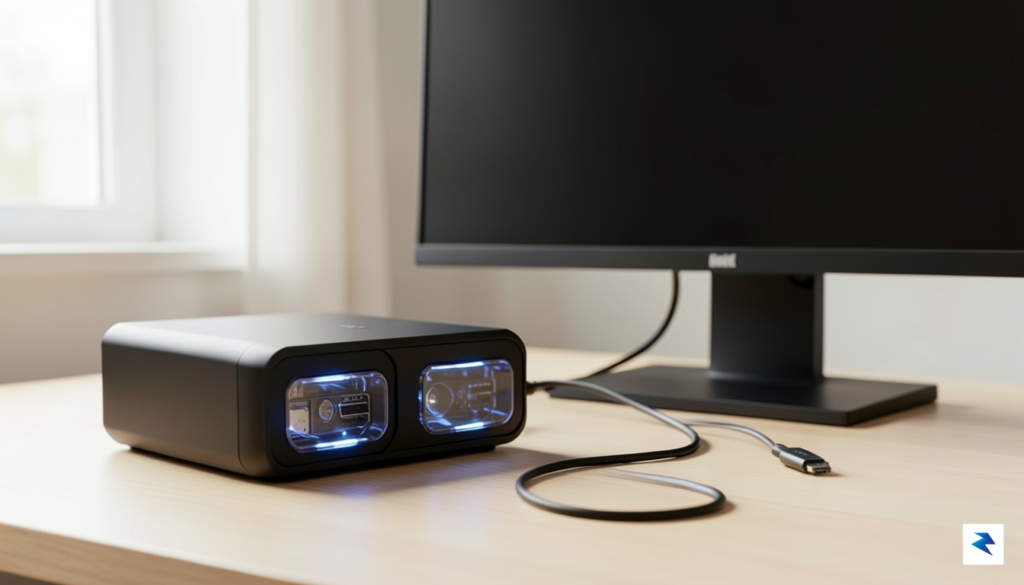
If you’re new to the world of network-attached storage and are looking for an affordable entry point that doesn’t compromise on essential functionality, the TerraMaster F2-212 is an excellent budget-friendly choice. This 2-bay NAS is specifically designed to cater to beginners, offering a simpler interface and a more straightforward setup process compared to its more feature-rich counterparts. It provides all the core functionalities you’d expect from a personal cloud storage device, including centralized file storage, basic file sharing across your network, and personal backup solutions, all within a compact and economical package. While it may not boast the raw processing power or extensive application ecosystem of premium models, its ARM processor is perfectly adequate for basic media streaming, document storage, and routine data backups, making it an ideal first NAS.
The primary appeal of the TerraMaster F2-212 is its accessibility, both in terms of price and user experience. Its TOS (TerraMaster Operating System) is designed to be intuitive, guiding new users through initial setup and basic configurations with minimal fuss. This focus on simplicity ensures that even those with no prior NAS experience can quickly begin managing their digital files and securing their data. While it might not handle intense transcoding tasks or advanced virtualization, for individuals simply looking to get their toes wet with network storage, create a personal cloud, or backup essential files without a significant investment, the F2-212 offers remarkable value and reliable performance. It serves as a fantastic foundational device, allowing users to experience the benefits of a NAS before potentially upgrading to a more powerful system as their needs evolve.
The High-Performance Model for Media Enthusiasts and Content Creators: QNAP TVS-472XT
For media enthusiasts, professional content creators, or small businesses demanding uncompromising performance, high-speed connectivity, and advanced features, the QNAP TVS-472XT stands out as a true powerhouse. This 4-bay NAS is engineered to tackle the most demanding workloads, featuring a powerful Intel Core processor, the ability to upgrade RAM significantly, and critical high-speed connectivity options that are essential for large file transfers and real-time collaboration. Its inclusion of 10GbE and Thunderbolt 3 ports is a game-changer for professionals working with massive 4K or 8K video files, enabling lightning-fast data transfers directly to workstations and significantly reducing bottlenecks in production workflows. Moreover, dedicated PCIe slots allow for further expansion, such as adding NVMe SSD cache drives for accelerated performance or additional
Data Security and Backup Strategies
Many first-time NAS owners fall into a dangerous trap: they believe that copying their files to a shiny new network-attached storage device means their data is permanently safe. While a NAS provides excellent local redundancy through RAID configurations, RAID itself is not a backup strategy. If your home suffers a fire, a flood, or a severe power surge, or if you fall victim to a sophisticated ransomware attack, the data on your NAS can be lost just as easily as the data on a single laptop. True data security requires you to view your NAS not as a single, flawless safety net, but as the foundational hub of a comprehensive, multi-layered backup ecosystem.
Implementing the 3-2-1 Backup Strategy
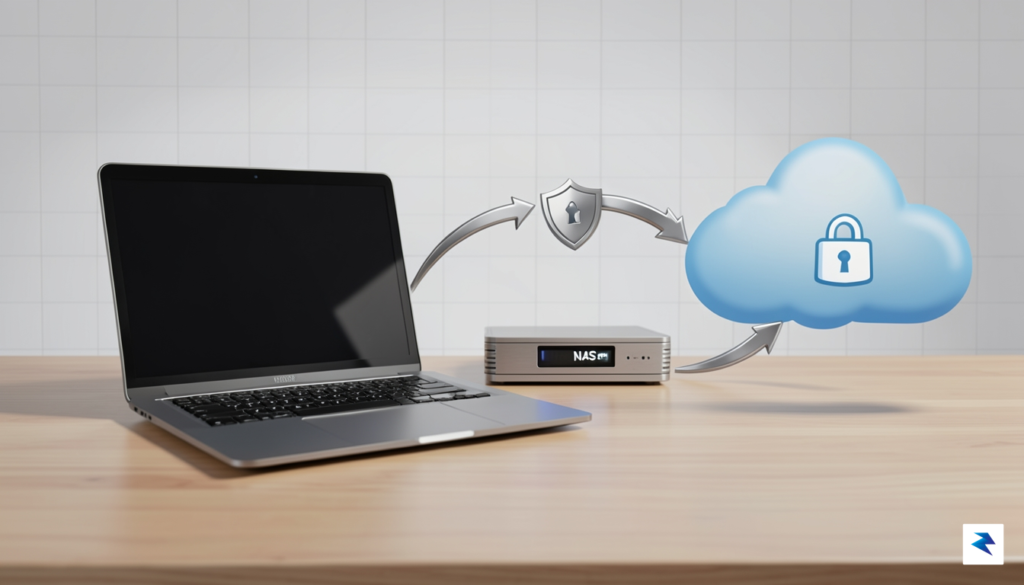
To guarantee your irreplaceable family photos and critical documents survive any disaster, you should implement the industry-standard 3-2-1 backup rule. Under this framework, you maintain three copies of your data: the primary working copy on your computer, a secondary local copy stored on your NAS, and a third copy stored completely off-site. Your NAS makes managing this strategy incredibly simple, as modern operating systems like Synology’s DSM or QNAP’s QTS feature built-in applications that can automatically replicate your data to cloud providers like Backblaze B2, AWS, or even a second NAS located at a relative’s house. By automating this pipeline, you ensure that even a catastrophic physical event at your home won’t result in total data loss.
Defending Against Ransomware with Snapshots
In the modern digital landscape, physical disasters are only half the battle; software threats like ransomware are increasingly targeting home storage systems. This is where snapshots become your ultimate line of defense. Unlike traditional file copies, snapshots are read-only, point-in-time records of your file system that consume minimal storage space. If you accidentally delete an important directory or find your files suddenly encrypted by malware, you can instantly roll back your entire system to a state from hours or days prior, completely neutralizing the threat. Utilizing modern file systems like Btrfs or ZFS on your NAS allows you to schedule these snapshots automatically, providing near-instantaneous recovery options without degrading your system’s performance.
Key Takeaway: RAID protects your system from hardware drive failures, but only snapshots and off-site backups can protect your data from human error, physical disasters, and malicious cyberattacks.
Securing Your Gateway: VPNs Over Port Forwarding
Having access to your files from anywhere in the world is one of the greatest conveniences of owning a NAS, but exposing your device directly to the open internet is a recipe for disaster. Many users mistakenly use port forwarding on their home routers to make their NAS accessible, which inadvertently paints a giant target on their network for automated malicious scanners. Instead, you should always secure remote access by setting up a Virtual Private Network (VPN). Many top-tier NAS devices support modern, lightweight VPN protocols like WireGuard, allowing you to establish an encrypted tunnel directly to your home network. By requiring a VPN connection before anyone can even view your NAS login page, you drastically reduce your attack surface and keep your private data secure from prying eyes.
Optimizing Your Home Network for NAS Access
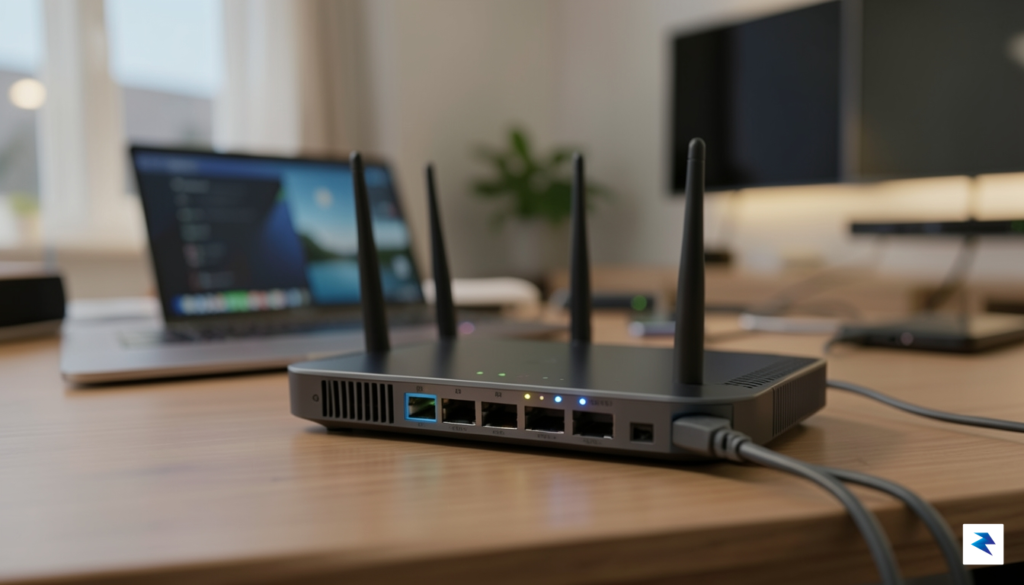
Even the most powerful network-attached storage device will feel sluggish if your home infrastructure cannot keep pace with the data being moved. Your NAS is ultimately only as fast as the network path connecting it to your computer, tablet, or television. To treat your NAS like a seamless, high-performance extension of your local drive, you must first evaluate the capabilities of your router, switches, and cabling. While traditional Gigabit Ethernet (1GbE) is sufficient for simple file backups and document storage, it often acts as a bottleneck for modern media workflows, limiting transfer speeds to roughly 110-120 MB/s. If you frequently transfer large photo libraries or multi-gigabyte project files, upgrading to 2.5GbE or 10GbE hardware can drastically reduce wait times and make the storage feel as responsive as an internal SSD.
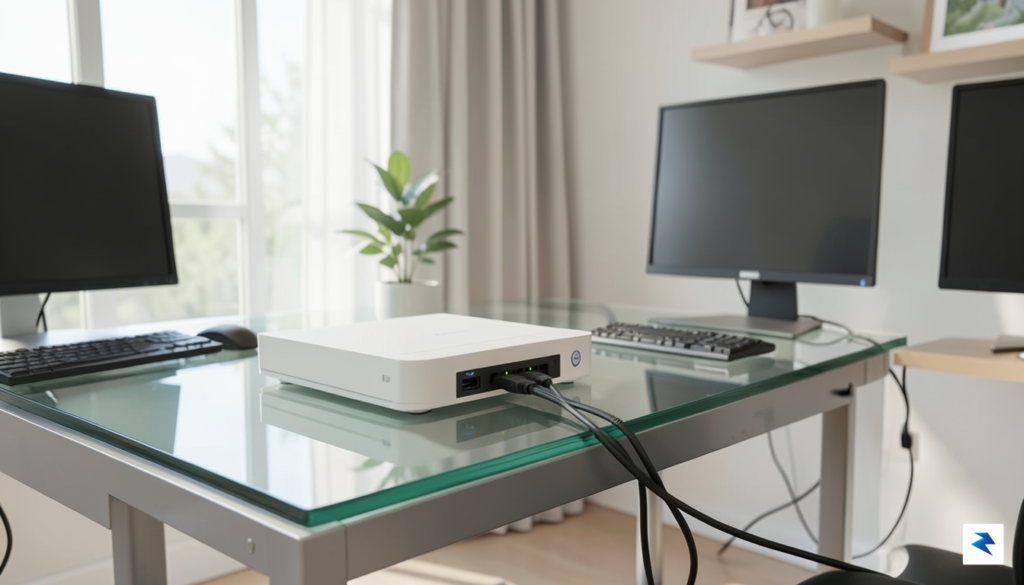
For demanding tasks such as live 4K video editing or high-bitrate media streaming, a hardwired connection is non-negotiable. Wi-Fi, regardless of its generation, introduces latency and potential packet loss that can cause stuttering during playback or crashes during large file transfers. By utilizing Cat6 or Cat6a cabling, you ensure that your NAS maintains a stable, full-duplex connection capable of sustaining the high bandwidth required for intensive creative work. If your workstation or NAS is located in a different room, consider installing permanent wall-run Ethernet or utilizing high-quality powerline adapters as a last resort, though a direct copper run will always provide the most reliable performance.
Leveraging Wireless Advancements
While wired connections are superior for heavy lifting, the rise of Wi-Fi 6 (802.11ax) and Wi-Fi 6E has significantly improved the NAS experience for mobile users. These newer standards offer better management of multiple simultaneous connections and lower latency, which is a massive upgrade for those streaming stored movies to tablets or browsing photo backups on their phones. If your home network is still relying on older Wi-Fi 5 hardware, you will likely notice intermittent buffering when accessing high-resolution media from the NAS. Upgrading to a Wi-Fi 6 router can harmonize your wireless environment, allowing your portable devices to interact with your central storage repository with much greater fluidity.
To maximize your investment, ensure that every device in the chain—from your router and switch down to the specific Ethernet port on your PC—supports the speeds you are aiming to achieve. A single Gigabit-only switch placed between a 2.5GbE NAS and your computer will throttle the entire connection back to 1GbE speeds.
Ultimately, the goal is to eliminate “choke points” throughout your home. By auditing your existing network gear and planning for incremental upgrades, you transform your NAS from a slow, remote archive into a robust and immediate data powerhouse. Whether you are aiming for simple convenience or a professional-grade media workflow, the infrastructure supporting your data is just as important as the drives you choose to install inside your NAS chassis.