
Context Bombing: The New Defensive Hack Disabling AI Agents
The Rise of Autonomous AI Hacking Agents The landscape of cybersecurity is undergoing a seismic shift as we move away from the era of manual,…
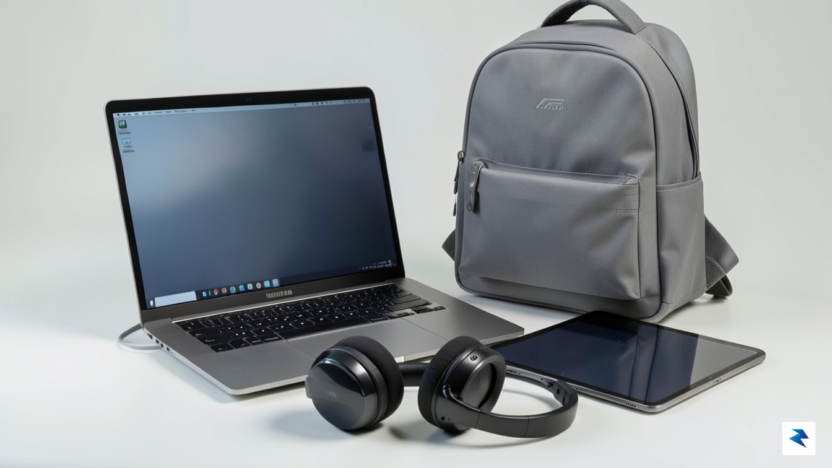
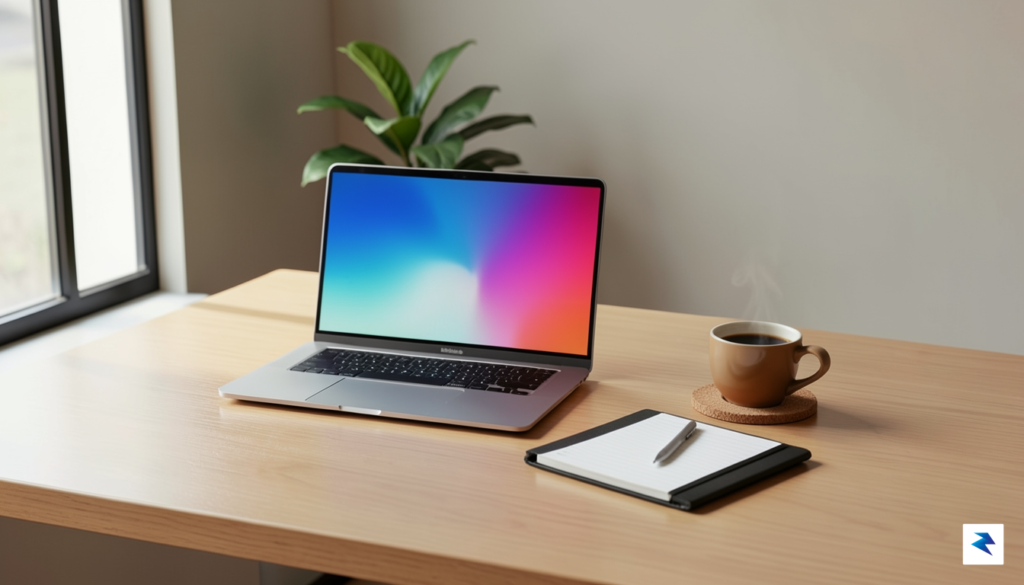
Choosing the right laptop is arguably the most pivotal decision a student will make when preparing for academic success, serving as the central hub for nearly all coursework, research, and communication. Far from a mere accessory, this device will be an indispensable companion throughout years of intense study, countless research papers, and collaborative projects. Therefore, the selection process should prioritize critical factors like longevity, robust battery life, and ergonomic comfort over merely chasing the highest specifications, ensuring the chosen machine can reliably withstand the rigors of campus life and evolving academic demands. A thoughtful investment now will pay dividends in sustained productivity and reduced stress down the line.
The first major fork in the road involves balancing raw power with ease of transport, leading to a choice between sleek ultrabooks and more robust workstation-class laptops. Ultrabooks, characterized by their thin profiles, lightweight designs, and typically excellent battery life, are ideal for students whose primary tasks involve extensive writing, web-based research, presentations, and general productivity software. They are effortless to carry between lectures, library sessions, and group meetings, making them perfect for humanities, social sciences, and many business majors where heavy computational tasks are rare. However, their integrated graphics and often limited RAM expansion mean they might struggle with demanding software or large datasets.
Conversely, students pursuing fields like engineering, architecture, computer science, graphic design, or video editing will likely require the substantial horsepower offered by workstation-class laptops. These machines typically feature more powerful discrete graphics cards, multi-core processors, ample RAM (often 16GB or more), and advanced cooling systems to handle resource-intensive applications such as CAD software, 3D rendering, video editing suites, or complex simulations. While they offer superior performance, this often comes at the cost of increased weight, shorter battery life, and a higher price point, demanding a trade-off for those who genuinely need the extra processing muscle.
Regardless of academic discipline, a laptop’s battery life is a non-negotiable feature that profoundly impacts a student’s autonomy and productivity. Aiming for a device that consistently delivers 10 hours or more of real-world usage is paramount. Imagine moving from a morning lecture to a library study session, then to a group project meeting, all without the constant anxiety of finding a power outlet or carrying a bulky charger. This extended uptime allows students to be truly mobile, adapting to campus schedules and spontaneous study opportunities without interruption, fostering a sense of independence and ensuring work continues uninterrupted even when outlets are scarce or inconveniently located.

In an increasingly connected academic environment, the selection of ports on your laptop is more critical than ever for seamless integration with campus infrastructure and external devices. Modern laptops should ideally feature at least one versatile USB-C port, preferably with Thunderbolt 3 or 4 capabilities. This single port can serve multiple functions: charging the laptop, connecting to external high-resolution monitors or projectors in classrooms, and transferring data at lightning-fast speeds to external hard drives or docking stations. While some ultrabooks might sacrifice traditional USB-A or HDMI ports for a thinner design, considering a reliable USB-C hub or adapter can bridge this gap, ensuring you can connect to older peripherals or the ubiquitous displays found in lecture halls and study rooms.
The choice between macOS and Windows often boils down to specific academic requirements and personal preference, each offering distinct ecosystems and advantages. macOS, found exclusively on Apple’s MacBooks, is frequently favored by students in creative arts — graphic design, video production, music composition, and photography — due to its intuitive user interface, robust built-in creative software (like iMovie and GarageBand), and seamless integration with other Apple devices. The ecosystem is renowned for its stability and strong performance with professional creative applications, though it often comes with a premium price tag and less hardware variety.
Conversely, Windows remains the dominant operating system globally, offering unparalleled hardware diversity across a vast range of manufacturers and price points, making it an excellent choice for almost any major. It is particularly indispensable for students in engineering, computer science, business, and specialized scientific fields, where specific industry-standard software often has exclusive or superior compatibility with Windows. Furthermore, Windows laptops generally offer greater flexibility for upgrades and repairs, alongside a broader selection of gaming and productivity applications, providing a versatile platform that can adapt to diverse academic and personal needs. Always check with your department or program for any mandatory software requirements before making your final decision.
The modern student’s digital toolkit has evolved far beyond the traditional laptop. While a powerful computer remains central to academic life, a new ecosystem of auxiliary devices, particularly tablets and high-quality input peripherals, has fundamentally reshaped how students engage with their coursework. These tools aren’t merely supplemental gadgets; they are integral components designed to optimize annotation, streamline digital workflows, and significantly boost overall study efficiency. Embracing this expanded digital backpack means equipping oneself not just for passive consumption but for active, engaged learning that leverages every technological advantage available for deeper understanding.
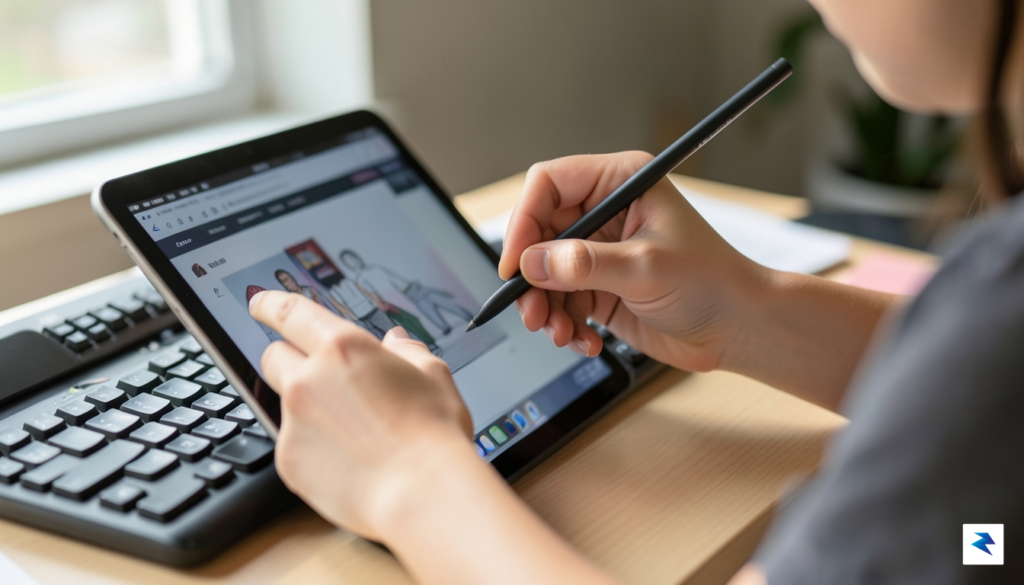
Tablets, in particular, have carved out a unique and indispensable niche as secondary note-taking devices, proving themselves far more agile for certain tasks than even the most portable laptops. They excel in environments where active annotation and immediate digital capture are paramount, such as during lectures or while reviewing complex diagrams. Instead of replacing a full-fledged computer, a tablet complements it by offering a flexible, pen-first interface perfect for handwritten notes, sketching concepts, or directly marking up PDFs of textbooks and research papers. This direct interaction can often lead to better information retention and a more personalized learning experience compared to typing alone, fostering a more hands-on approach to learning.
When selecting a tablet, the specific demands of a student’s major should heavily influence the choice. For students in reading-heavy disciplines like law, literature, or history, an e-ink tablet can be a game-changer. These devices mimic the look and feel of paper, drastically reducing eye strain during long reading sessions and offering unparalleled battery life that can last for weeks on a single charge. Their distraction-free environment, devoid of notifications and vibrant colors, fosters deep concentration on academic texts, making them ideal for reviewing extensive documents and digitally highlighting key passages without the fatigue associated with traditional LCD or OLED screens.
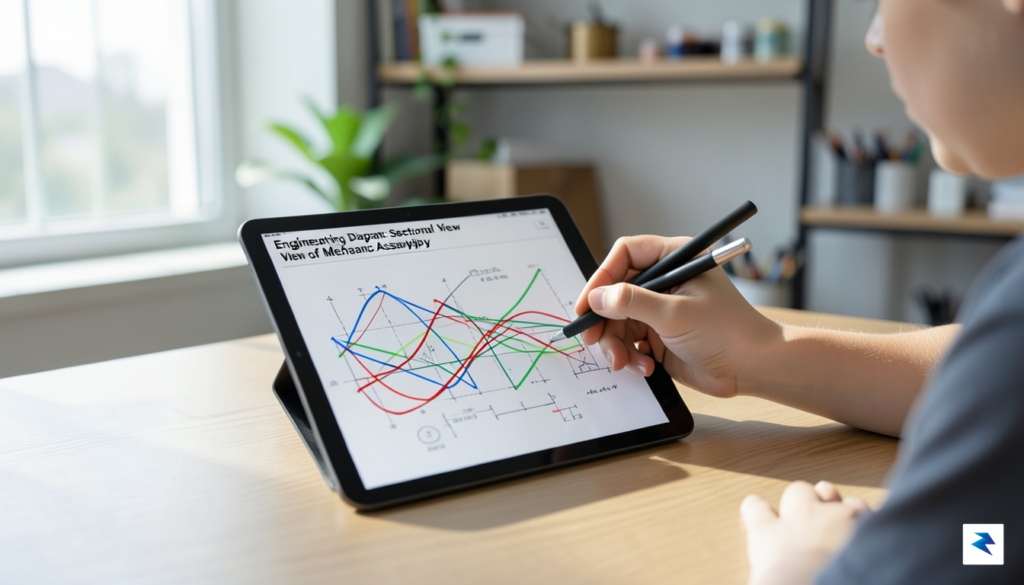
Conversely, students pursuing design, architecture, engineering, or other visual and interactive fields will find high-refresh-rate tablets with vibrant displays to be invaluable. These tablets, often paired with advanced styluses, provide the responsiveness and color accuracy necessary for detailed digital art, precise CAD annotations, or interactive simulations. The smooth, fluid motion of a stylus across a high-refresh-rate screen enables a natural drawing or writing experience, essential for capturing intricate designs, mathematical equations, or chemical structures with accuracy. Furthermore, their capability to run demanding applications makes them powerful tools for on-the-go creative work and complex problem-solving, acting as a portable studio or lab.
Beyond tablets, investing in high-quality external input devices can dramatically improve comfort and efficiency during long study sessions, particularly for those undertaking extensive writing projects like theses or dissertations. A well-designed mechanical keyboard, for instance, offers superior tactile feedback and key travel compared to most laptop keyboards, reducing typing fatigue and improving accuracy. Students can choose from various switch types to match their preference for clicky, tactile, or linear feedback, transforming hours of typing into a more comfortable and even enjoyable experience, thereby sustaining focus over extended periods.
Similarly, an ergonomic mouse provides crucial support for the wrist and hand, preventing strain and discomfort that can arise from prolonged use of a laptop’s trackpad or a standard, ill-fitting mouse. For tasks requiring precision, such as graphic design, statistical analysis, or navigating complex software interfaces, an external mouse offers unmatched control and speed. By distributing workload across these specialized peripherals, students can maintain better posture, minimize the risk of repetitive strain injuries, and sustain higher levels of productivity throughout their academic journey. These thoughtful additions transform a basic tech setup into a truly optimized and health-conscious workstation.
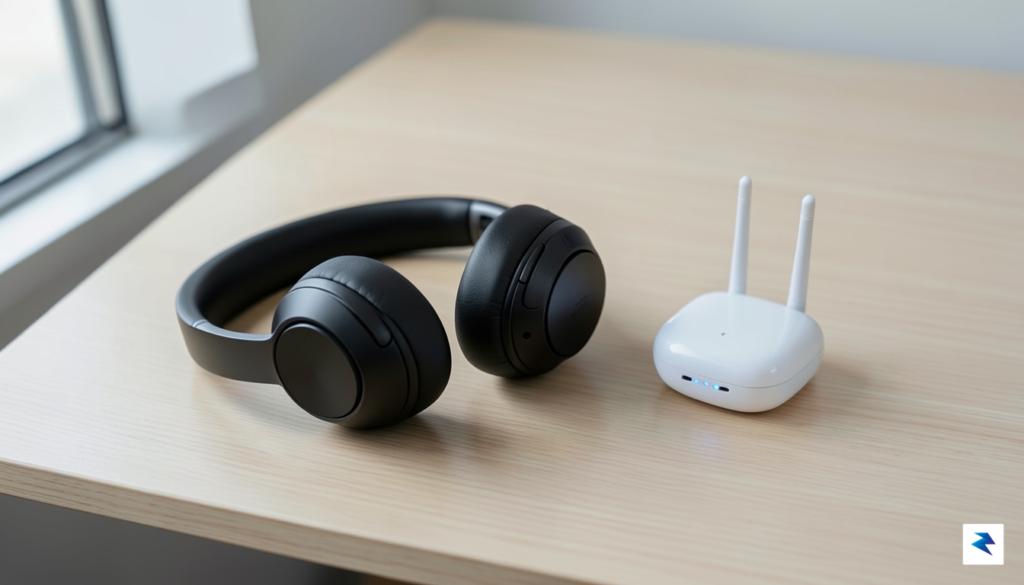
In the modern academic landscape, your ability to cultivate a private sanctuary within a chaotic public space is perhaps the most significant factor in your productivity. Whether you are hunkering down in a bustling campus coffee shop or attempting to study amidst the unpredictable acoustics of a shared dormitory, the right audio equipment serves as your primary tool for environmental control. Investing in a high-quality pair of active noise-canceling (ANC) headphones is no longer a luxury; it is a fundamental requirement for deep work. These devices utilize sophisticated microphones to sample ambient noise and generate inverse sound waves, effectively muting the low-frequency hum of air conditioners, the chatter of nearby patrons, and the persistent background activity that often sabotages a student’s focus.
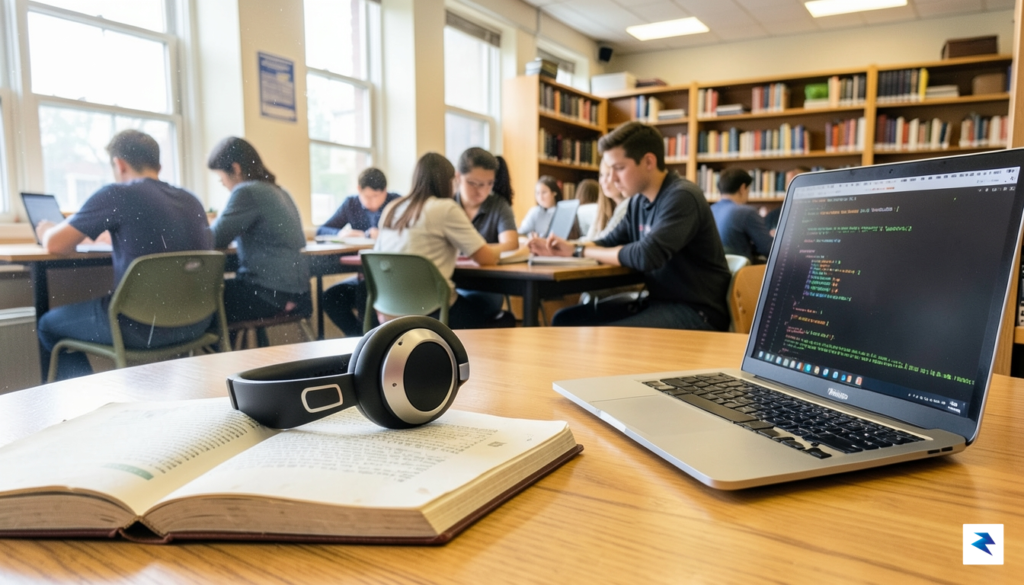
Beyond personal focus, the transition toward hybrid learning has made microphone quality an essential component of your academic toolkit. It is not enough to simply be able to hear your professors during virtual lectures; you must also ensure that your contributions are heard clearly during seminars and collaborative group calls. Many built-in laptop microphones struggle to isolate your voice from background noise, leading to muffled audio that can hinder communication. By opting for a headset with a dedicated boom microphone or a noise-rejecting internal array, you ensure that your participation in breakout rooms and digital presentations is professional, clear, and distraction-free. This clarity prevents the frustration of repeated explanations and allows you to participate with confidence in any environment.
Success in university is often determined by the quality of your focus; if you can control the noise, you can command your concentration.
While audio gear manages your immediate sensory environment, consistent network connectivity is the invisible thread that keeps your academic life tethered to university resources. Campus Wi-Fi can be notoriously unreliable in older buildings or densely populated residence halls where signal congestion is rampant. To mitigate these connectivity gaps, consider incorporating a high-speed USB-C to Ethernet adapter into your tech kit. Plugging directly into a wall port whenever possible provides a stable, low-latency connection that is superior to even the strongest wireless signal, especially during critical moments like online exams or large file uploads. For students living in off-campus housing with spotty coverage, a portable Wi-Fi range extender or a mesh networking node can bridge the gap between a distant router and your desk, ensuring that your research sessions remain uninterrupted by the dreaded “loading” icon.
Ultimately, curating your technology stack is about removing friction from your daily workflow. By prioritizing gear that stabilizes both your auditory environment and your digital connection, you are proactively protecting your time and energy. When you reduce the effort required to get online or stay focused, you free up valuable mental bandwidth for the complex tasks that truly define your academic performance.
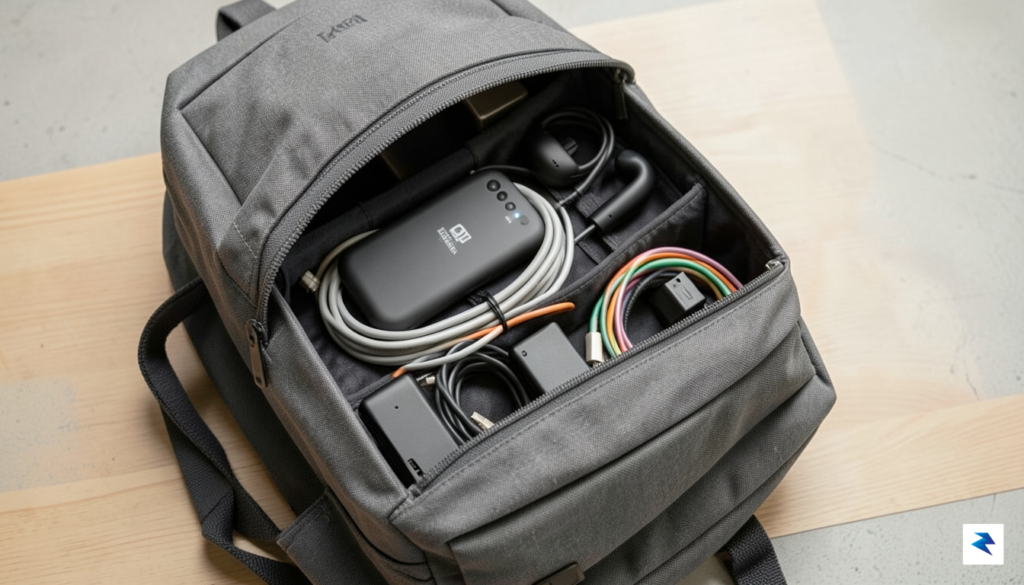
Nothing disrupts a carefully planned study session quite like the dreaded low-battery notification appearing on your laptop screen in the middle of a lecture. As academic schedules become increasingly digitized, the reliance on mobile technology has never been higher, turning battery anxiety into a genuine productivity killer. To stay ahead of the curve, it is essential to build a robust power ecosystem that supports your workflow from your first morning seminar to those late-night group projects in the library. Relying on wall outlets that are often occupied or non-existent in older campus buildings is no longer a viable strategy for the modern student.
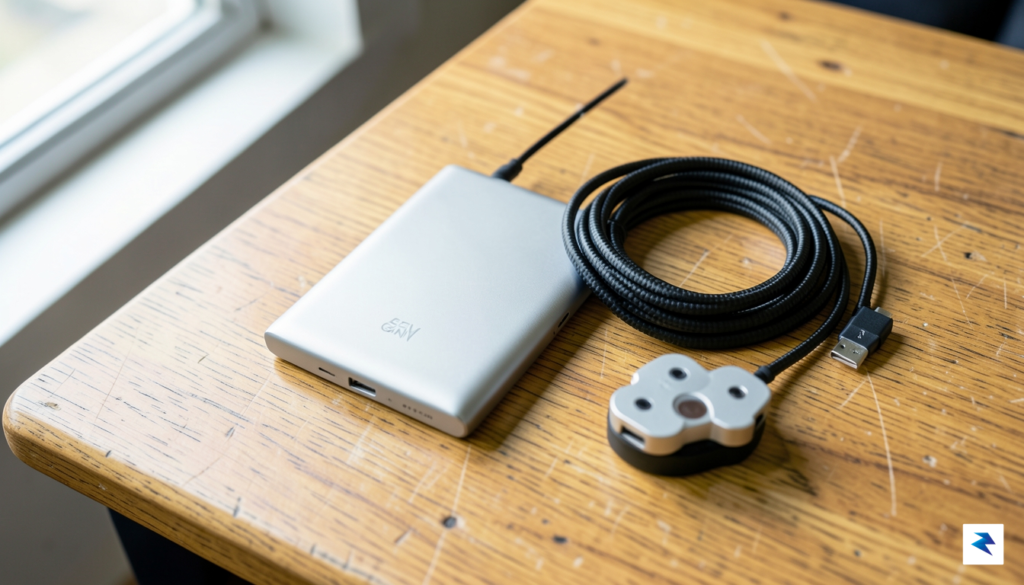
The foundation of a reliable mobile workflow is a high-capacity power bank capable of charging a modern laptop. When shopping for these devices, look specifically for those that support at least 65W Power Delivery (PD) through a USB-C port. Utilizing GaN (Gallium Nitride) technology is a game-changer here, as it allows chargers and power banks to be significantly smaller, lighter, and more efficient than traditional silicon-based alternatives. A 20,000mAh battery with 65W output is generally the sweet spot for students, as it provides enough capacity to fully recharge most ultrabooks while remaining compact enough to slide into a standard backpack side pocket without adding significant bulk.
Investing in high-quality hardware now prevents the frustration of mid-semester equipment failure and saves money in the long run by eliminating the need for constant, cheap replacements.
While the power bank provides the energy, the delivery method is equally critical. Flimsy, thin charging cables are prone to fraying at the stress points, especially when they are constantly coiled and shoved into bags. Transitioning to high-quality, braided cables is one of the most effective ways to ensure longevity. Braided nylon shielding provides superior strain relief and resistance to tangling, ensuring that your connection remains stable even after months of heavy use. Pair these with a compact, reliable portable power hub that features multiple USB-C ports, an HDMI output, and an SD card reader to keep your connectivity options open. By integrating a hub into your kit, you transform your laptop into a full-fledged workstation, allowing you to project presentations, transfer research files, and charge secondary accessories simultaneously, no matter where your studies take you.
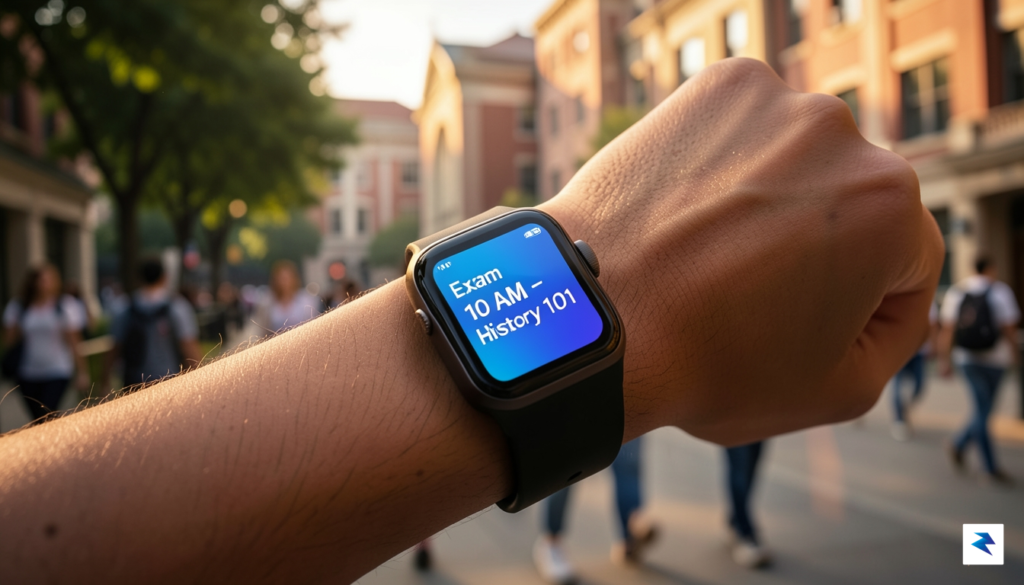
True academic success in the modern era relies on far more than just raw processing power or high-speed internet; it is fundamentally rooted in a student’s ability to maintain physical well-being and master the art of time management. When the pressures of coursework, extracurriculars, and social commitments collide, smart wearables become an indispensable support system. For instance, high-end smartwatches have evolved beyond simple step counters into sophisticated wellness hubs that monitor stress levels, sleep quality, and heart rate variability. By leveraging these metrics, students can gain objective insights into when they are overextending themselves, allowing them to pivot toward restorative breaks before burnout takes hold.
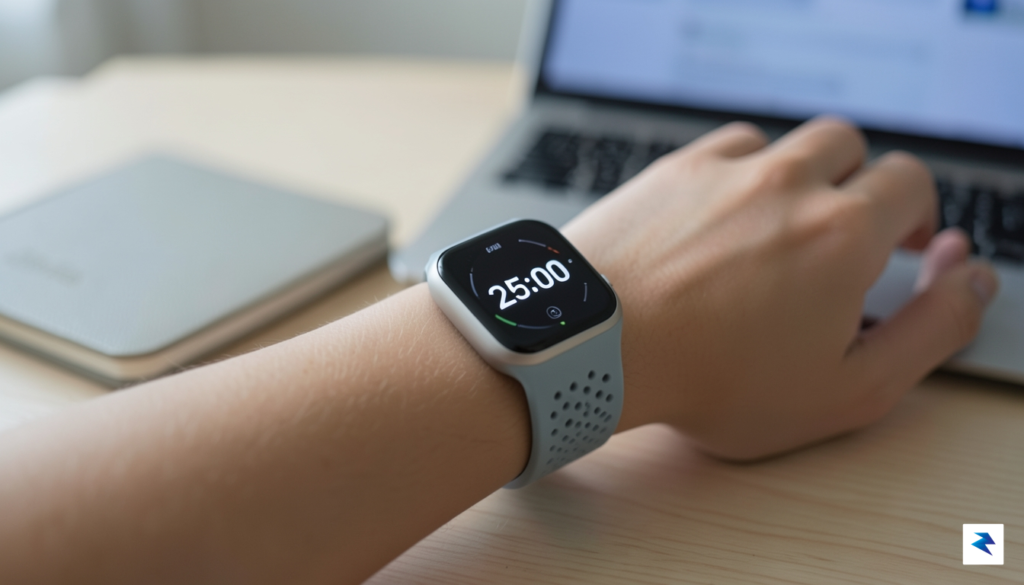
Beyond physical health, these devices are powerful tools for cognitive productivity. Many students now utilize their wearables to implement the Pomodoro technique, setting discreet, vibrating timers that facilitate focused 25-minute study sprints followed by mandatory rest. This rhythmic approach to learning prevents the mental fatigue that often sets in during long, aimless cram sessions. When your wrist-worn tech acts as a gentle taskmaster, it removes the cognitive burden of constantly checking the clock, allowing you to remain fully immersed in your research or writing assignments.
While wearables manage your physical state, your digital ecosystem governs your academic output. Integrating cross-platform task managers, such as Notion, Todoist, or Obsidian, allows for a seamless transition between lecture halls, the library, and your dorm room. The key to staying organized is not just choosing a powerful app, but ensuring that your workflow syncs effortlessly across your phone, tablet, and laptop. By centralizing your syllabus dates, reading lists, and project milestones in a single cloud-based repository, you eliminate the anxiety of missed deadlines and fragmented notes.
Success is not merely about working harder; it is about building a sustainable infrastructure that protects your mental bandwidth and keeps your schedule transparent.
When curating this digital command center, prioritize longevity over the allure of fast-fashion tech. It is easy to be swayed by the latest gadget every semester, but true academic value lies in investing in hardware and software ecosystems that are built to last. Opting for durable, repairable devices and software platforms with long-term support cycles not only reduces your environmental footprint but also provides a stable foundation for your entire degree program. Remember that the best technology is the kind that fades into the background, providing the support you need to excel without becoming a distraction in itself.
You must be logged in to post a comment.