
Is Your Period Tracker Spying on You? How to Protect Your Private Health Data
The Hidden Price of Free Health Apps In the digital age, we have grown accustomed to the “freemium” model, where high-quality utility is…
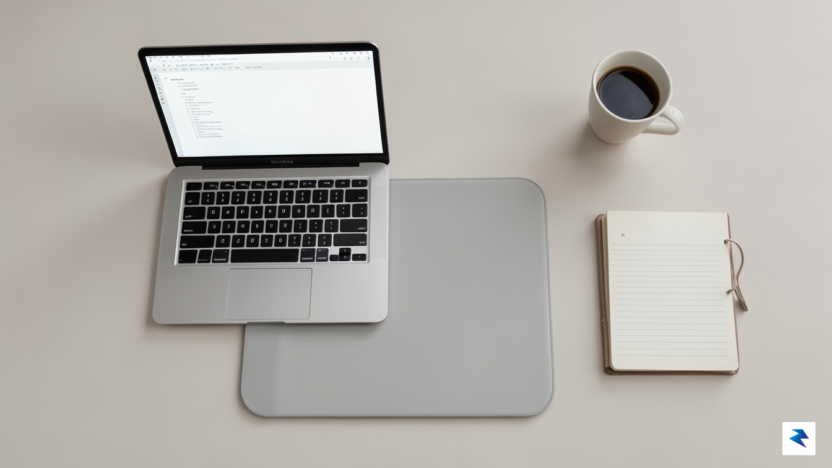
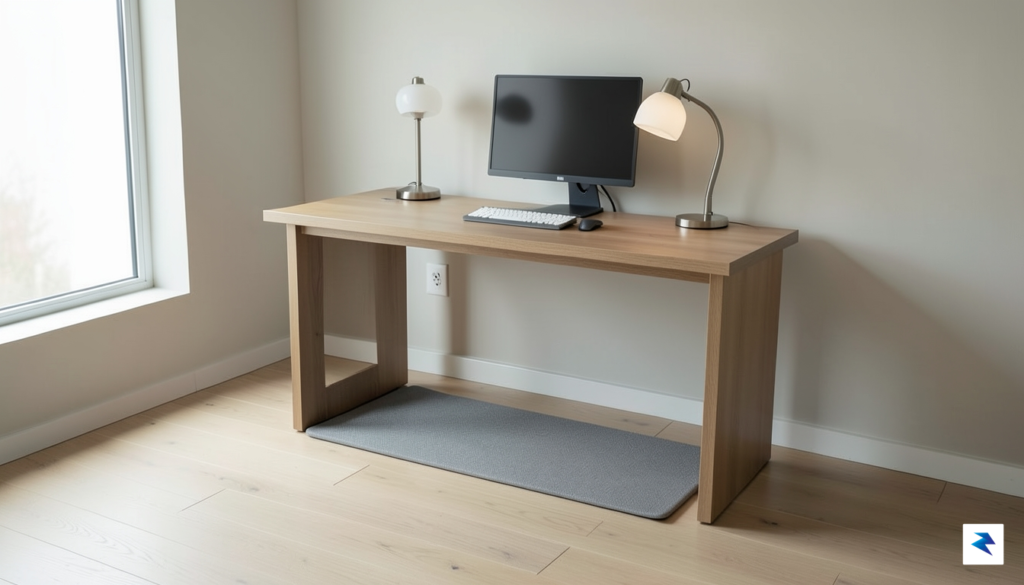
For years, the modern professional landscape has been defined by the chair. While remote work has offered unprecedented flexibility, it has also tethered many of us to our desks for eight to ten hours a day, cementing the harmful reality that “sitting is the new smoking.” Prolonged periods of inactivity are linked to a host of metabolic issues, from reduced insulin sensitivity and poor circulation to chronic back pain and muscle atrophy. By staying sedentary, we inadvertently signal our bodies to slow down, leading to afternoon energy crashes and a long-term decline in cardiovascular health. Transitioning to a more active workday is no longer just a fitness trend; it has become a necessary ergonomic intervention for those who spend their lives behind a screen.
The solution lies in the concept of Non-Exercise Activity Thermogenesis, or NEAT. Unlike high-intensity gym workouts, which are often difficult to sustain during a busy workday, NEAT focuses on the energy expended during daily life movements—like standing, pacing, or walking at a slow, steady pace. By incorporating a walking pad, you bridge the gap between productivity and movement without the physical exhaustion associated with traditional cardio. Low-intensity walking keeps your metabolism active, encourages better blood flow to the brain, and helps maintain cognitive sharpness throughout the day. Because the intensity is kept low, you can reap these metabolic benefits without the need for a post-work shower, making it a seamless addition to your professional routine.
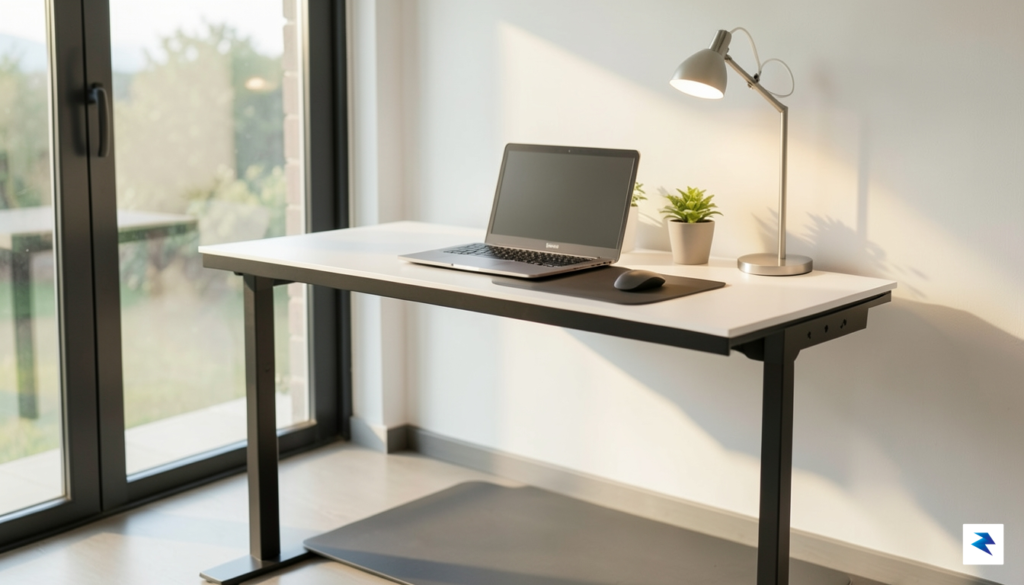
Integrating gentle movement into your workflow doesn’t just improve physical health; it stabilizes your focus, reduces stress-induced tension, and prevents the dreaded ‘afternoon slump’ that often accompanies hours of stagnant sitting.
Historically, the idea of a home office treadmill felt like a pipe dream for anyone living in a small apartment or a dedicated corner of a bedroom. Traditional treadmills were notoriously bulky, loud, and impossible to store, effectively turning a home office into a cluttered gym. Modern walking pads, however, are engineered specifically for the constraints of today’s living spaces. These devices feature a slim-profile design that is lightweight enough to slide under a bed or stand upright in a closet when not in use. By prioritizing portability and noise reduction, these tools allow you to reclaim your office space while simultaneously prioritizing your long-term physical well-being. Investing in a walking pad is essentially an investment in your future self, ensuring that your career success does not come at the cost of your physiological health.
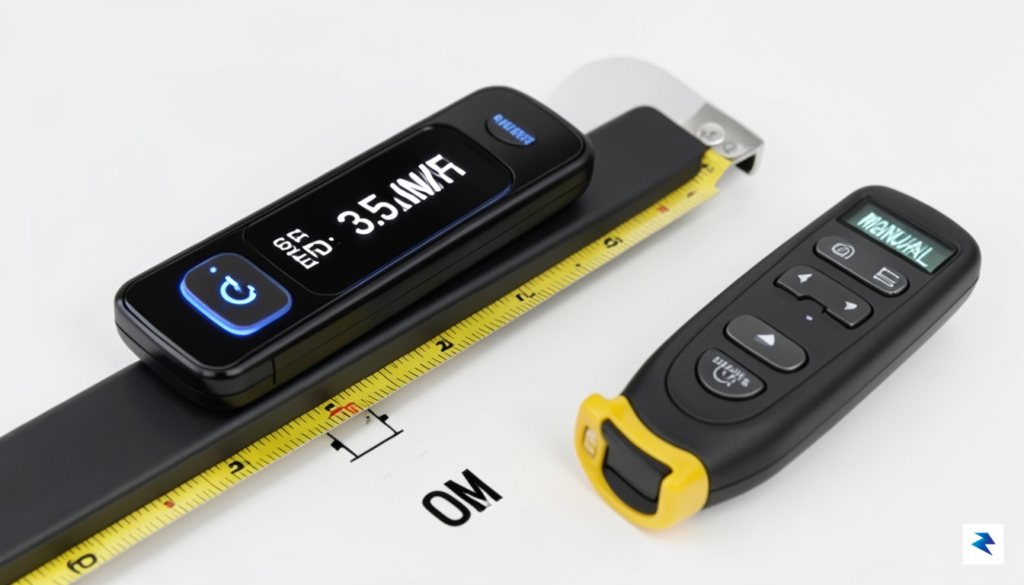
When selecting an under-desk treadmill, the technical specifications serve as the foundation for your long-term satisfaction. The most critical component is the motor’s horsepower; while many entry-level models utilize 1.0 to 1.5 CHP (Continuous Horsepower) motors, you should aim for a motor that can handle your weight and intended pace without straining. A robust motor ensures consistent speed delivery, preventing the belt from stuttering or dragging when you apply pressure during a brisk walk. If a motor is underpowered, it will not only struggle to maintain pace but will likely wear out prematurely, leading to a loud, grinding experience that disrupts your concentration.
Beyond raw power, you must scrutinize the belt dimensions and the deck’s shock absorption capabilities. A belt that is too narrow can cause you to feel restricted and prone to misstepping, while a short deck may force you to shorten your stride unnaturally. Look for a walking surface that measures at least 17 to 18 inches in width to ensure a natural gait. Furthermore, verify that the deck includes integrated cushioning layers. Because walking pads are often placed on hard surfaces like hardwood or tile, quality shock absorption is essential to protect your joints, knees, and lower back from the repetitive impact that accumulates over a standard eight-hour workday.
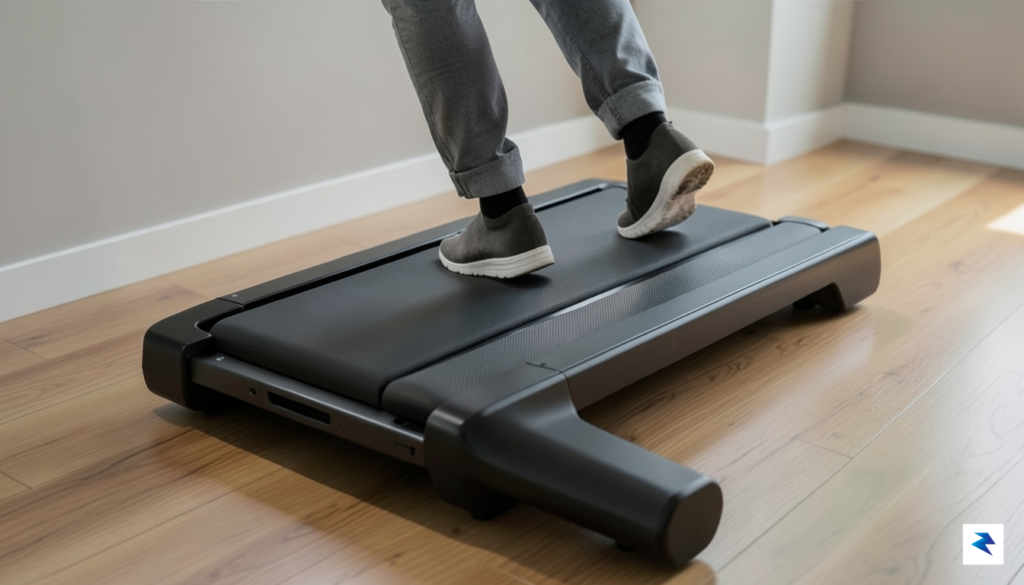
Space efficiency is often the primary motivator for choosing these machines, but it is vital to distinguish between a product’s usage footprint and its storage footprint. Many models advertise a slim profile, yet they lack the necessary mechanisms—such as fold-flat hinges or integrated transport wheels—to actually make storage convenient in a tight home office. Similarly, pay close attention to the machine’s maximum weight capacity. This figure is not just a safety rating; it is a proxy for build quality. A treadmill designed to support a higher weight threshold typically utilizes more durable steel frames and sturdier internal components, which significantly extends the lifespan of the equipment under daily use.
To maintain a productive workspace, prioritize units that operate at or below 50-60 decibels. This noise level is comparable to a quiet refrigerator, ensuring that your walking remains undetectable during conference calls or virtual meetings.
Finally, consider the noise floor of your potential purchase. Because you will likely be multitasking, a distracting whir or rhythmic thumping is a dealbreaker. Look for models featuring brushed or brushless DC motors specifically engineered for low-noise output. Additionally, verify if the treadmill requires periodic belt lubrication or tension adjustments; machines that are “maintenance-free” or include easy-access tension ports will save you hours of frustration down the line. By balancing these technical requirements—motor reliability, ergonomic dimensions, physical durability, and acoustic performance—you can invest in a device that seamlessly integrates into your professional routine rather than becoming a source of distraction.
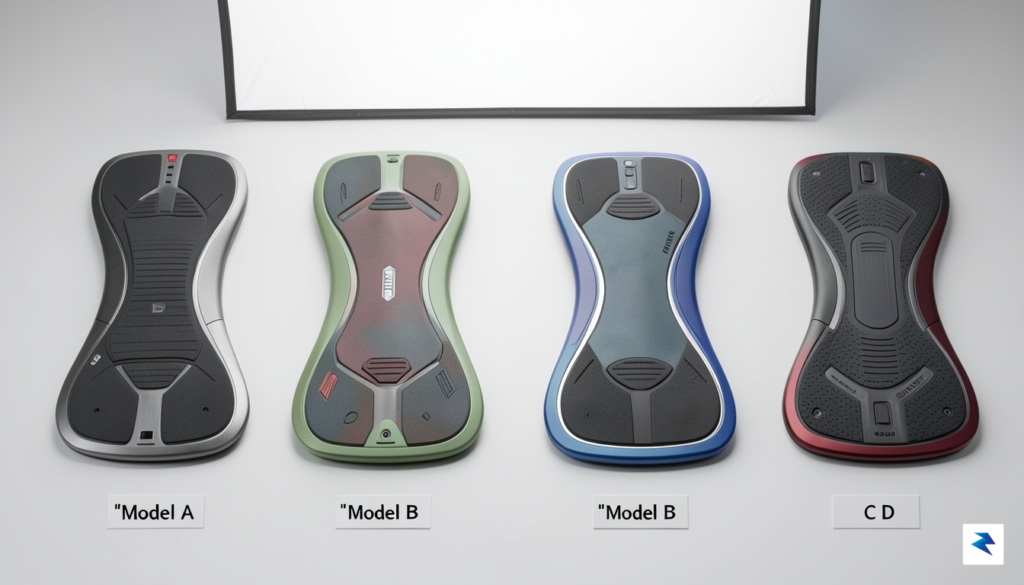
Finding the right walking pad requires balancing your specific workspace constraints with your long-term fitness goals. After rigorous testing across dozens of models, we have distilled the market down to four standout options that excel in durability, user-friendliness, and storage efficiency. Whether you are a remote worker looking to hit your step count during meetings or a fitness enthusiast seeking a way to stay active during sedentary hours, these picks represent the current gold standard for 2026.
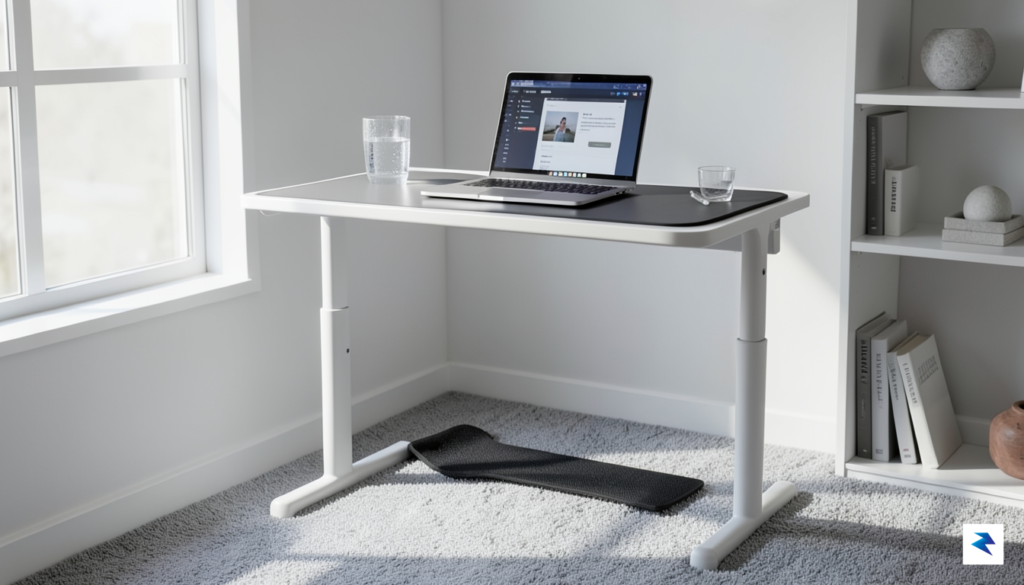
For the daily user who prioritizes aesthetics and seamless integration, the X21 Pro remains our top recommendation. Its unique double-folding technology allows it to collapse into a footprint so small it can slide into a closet or behind a door with ease. The integrated LED display in the handrail provides real-time feedback without cluttering your desk, and the quiet motor ensures you won’t disturb your coworkers or housemates during a conference call.
If you are just beginning your journey into “walking while working,” the UREVO 3-in-1 is an accessible entry point that does not sacrifice safety. It features a sturdy frame and a user-friendly remote control, making it perfect for those who want a “set it and forget it” experience. Despite the lower cost, it offers a surprisingly smooth belt surface and a robust weight capacity, making it a reliable workhorse for casual daily use.
For those living in studio apartments or homes with limited square footage, the Sperax walking pad is a masterclass in space-saving engineering. It is incredibly thin, allowing it to slide under almost any piece of furniture when not in use. Despite its slim profile, the walking surface is surprisingly wide, providing enough room for a natural stride without feeling like you are walking on a tightrope.
For users who want more than just a leisurely stroll, the Lifespan TR1200-DT3 is the superior choice. Unlike most under-desk pads, this unit is built with high-quality components that can withstand longer, more intense walking sessions and even light jogging. It is designed for longevity, making it the ideal investment for those who plan on spending several hours a day on their feet.
Pro-Tip: If you intend to use your walking pad for more than two hours per day, prioritize motors with higher continuous duty ratings, as they are less prone to overheating and wear over time.

Acquiring a walking pad is only the first step toward a more active lifestyle; the true challenge lies in mastering the art of movement while maintaining your professional output. Many newcomers make the mistake of attempting a full-day trek on their first attempt, only to end up with sore shins and intense fatigue by noon. To build a sustainable habit, treat your walking pad as a training tool. Start with a conservative “ramp-up” schedule: begin with 15 to 20 minutes of walking during low-intensity tasks—such as catching up on emails or sitting in on listen-only conference calls—and gradually increase your time in 10-minute increments every few days. This gradual approach allows your leg muscles and lower back to adapt to the constant motion without risking repetitive strain injuries.
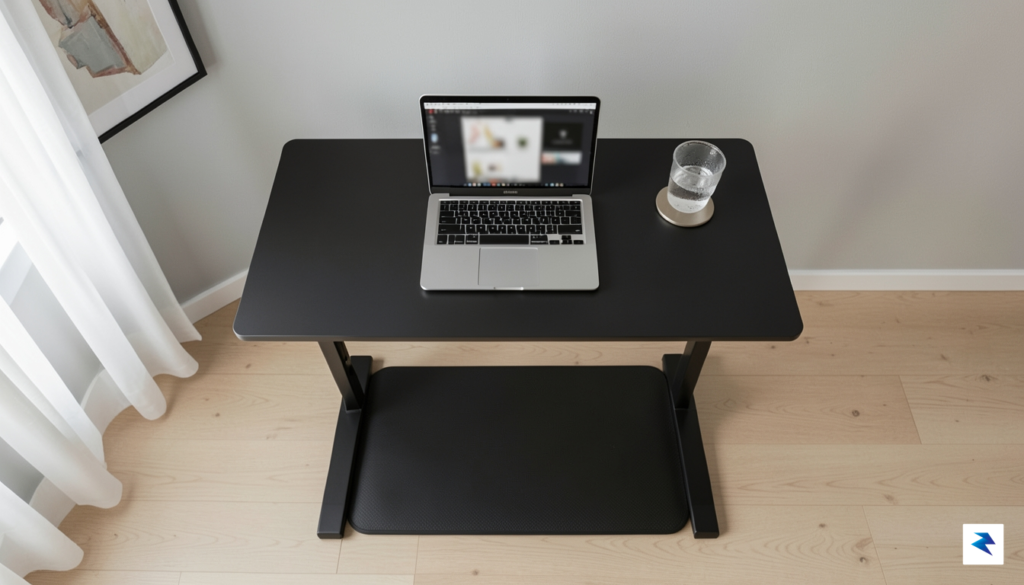
When it comes to the mechanics of walking while working, speed is arguably the most critical variable. For the vast majority of people, the “sweet spot” for cognitive tasks falls between 1.0 and 2.0 mph. At this pace, you increase your heart rate and circulation enough to stave off the lethargy of a sedentary afternoon, yet the movement is rhythmic and steady enough that it does not disrupt your focus or hinder your typing accuracy. If you find yourself struggling to hit the keys or if your screen is bouncing too much, lower your speed until you regain your rhythm. Remember, the goal is not to break a sweat or hit a specific fitness milestone during your workday; the goal is to keep your body in motion to prevent the stiffness associated with prolonged sitting.
The most successful users view their walking pad as a supplement to, not a replacement for, their chair. Use your walking time for passive tasks, then switch to a static standing or seated position when you need to perform deep, high-focus work.
Footwear is another non-negotiable factor that often gets overlooked. Walking on a treadmill belt is fundamentally different from walking on a hardwood floor or a carpeted rug, as the belt creates a unique surface tension that can irritate the arches of your feet if you are wearing thin house slippers or walking barefoot. It is highly recommended to keep a pair of dedicated, supportive sneakers—ideally with moderate arch support and extra cushioning—exclusively for your office use. By keeping these shoes by your desk, you create a psychological trigger that signals your brain it is time to get moving, while simultaneously providing the structural support necessary to prevent foot fatigue and plantar fasciitis.
Finally, do not underestimate the importance of taking structured breaks. Even if you feel energized, your body requires periods of complete rest to recover from the repetitive motion of walking. A sustainable rhythm involves walking for 45 minutes, followed by 15 minutes of standing still or sitting down entirely. This rotation allows you to shift your weight and reset your posture, ensuring that you maintain the energy needed to remain productive throughout the entire workday. By being intentional about your pace, your gear, and your recovery periods, you transform the walking pad from a novel piece of equipment into a cornerstone of your long-term health and professional efficiency.
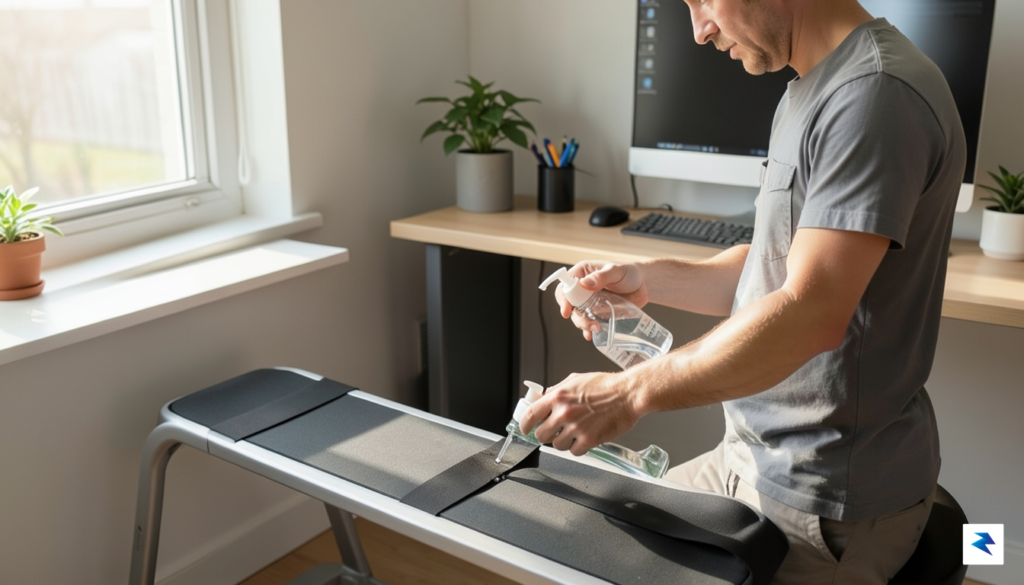
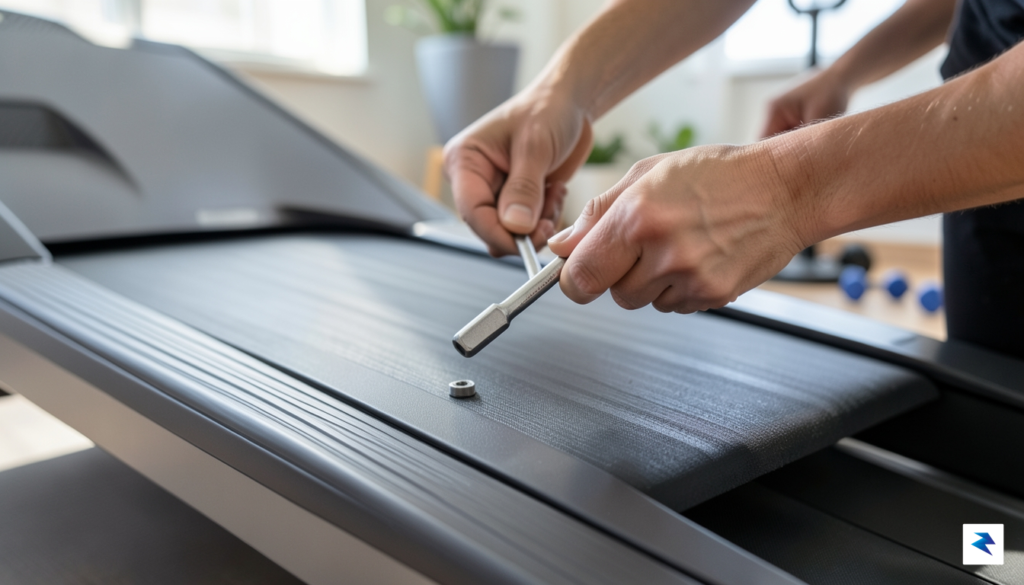
To ensure your walking pad remains a reliable companion for your daily movement goals, proactive maintenance is essential. Like any motorized fitness equipment, the mechanical components are subject to wear and friction that can compromise performance over time if ignored. The most critical aspect of upkeep involves the walking belt itself; if you notice the belt drifting to one side, you must immediately address the alignment. Most models feature adjustment bolts at the rear of the unit that allow you to fine-tune the tension and tracking, ensuring the belt remains perfectly centered. A belt that is too loose may slip during use, while one that is too tight can strain the motor and increase energy consumption, so finding that precise balance is key to prolonging the life of your device.
Beyond alignment, regular lubrication is the lifeblood of your walking pad. Friction between the belt and the deck generates heat, which can degrade the internal components and eventually lead to motor failure. Depending on your usage frequency, you should consult your manufacturer’s manual to establish a lubrication schedule—typically every three to six months—using a silicone-based treadmill lubricant. Applying the oil beneath the belt allows it to glide smoothly across the deck, reducing noise and preventing the premature wear of the motor brushes. If you notice a “stuttering” sensation or squeaking sounds while walking, it is often a reliable indicator that the deck is becoming too dry and requires immediate lubrication.
Operating a walking pad in a home office or small living space requires a mindful approach to safety, particularly regarding cable management and physical clearance. Because these devices are often tucked under standing desks, power cords can easily become tangled or stretched, creating a significant tripping hazard. Always route your power cables away from high-traffic areas, or utilize cable sleeves to keep them organized and tucked neatly against the wall. Furthermore, it is vital to maintain a clear “safety zone” behind your walking pad; never place furniture or heavy objects immediately behind the device. In the event that you lose your footing, having an unobstructed space allows you to step off the belt safely rather than being forced into a collision with office equipment.
Key Takeaway: Always ensure your walking pad is placed on a flat, non-slip surface, and verify that your desk stability is not compromised by the vibration of the treadmill during higher-speed walking sessions.
When minor issues arise, such as error codes on the LED display or a momentary loss of power, do not panic. Most common problems can be resolved by performing a simple hard reset—unplugging the device for several minutes to allow the capacitor to discharge—before plugging it back in. If the device fails to start, check that the magnetic safety key is securely attached to the console, as this is a frequent culprit for “dead” machines. By treating your walking pad as a piece of precision machinery rather than a static piece of furniture, you protect your investment and ensure that your path to a more active workday remains uninterrupted for years to come.
You must be logged in to post a comment.