
How an AI Agent Secured a $100M Fundraise: The Lyzr Case Study
The Rise of Autonomous AI in Venture Capital The enterprise technology landscape is currently undergoing a profound transformation, shifting…


In the current landscape of software development, the traditional “patch-and-pray” approach to security is rapidly becoming a relic of the past. As modern applications grow increasingly reliant on complex, interconnected supply chains, the sheer volume of third-party dependencies creates a massive surface area for potential exploits. Relying solely on reactive measures—where security teams scramble to address vulnerabilities only after they have been publicly disclosed—leaves organizations perpetually trailing behind sophisticated threat actors. To close this gap, security engineering must pivot toward a proactive posture, embedding rigorous testing mechanisms directly into the development lifecycle.
This is where the concept of a vulnerability harness becomes indispensable. A vulnerability harness is essentially a specialized testing framework designed to simulate specific attack vectors against a piece of software in a controlled, isolated environment. Rather than waiting for a breach to occur in production, developers use these harnesses to wrap their code in a protective layer that continuously probes for weaknesses, misconfigurations, or logic flaws. By treating security as a functional requirement rather than an afterthought, engineers can gain deep visibility into how their application handles malformed inputs, unexpected states, or malicious payloads before a single line of code is ever deployed.
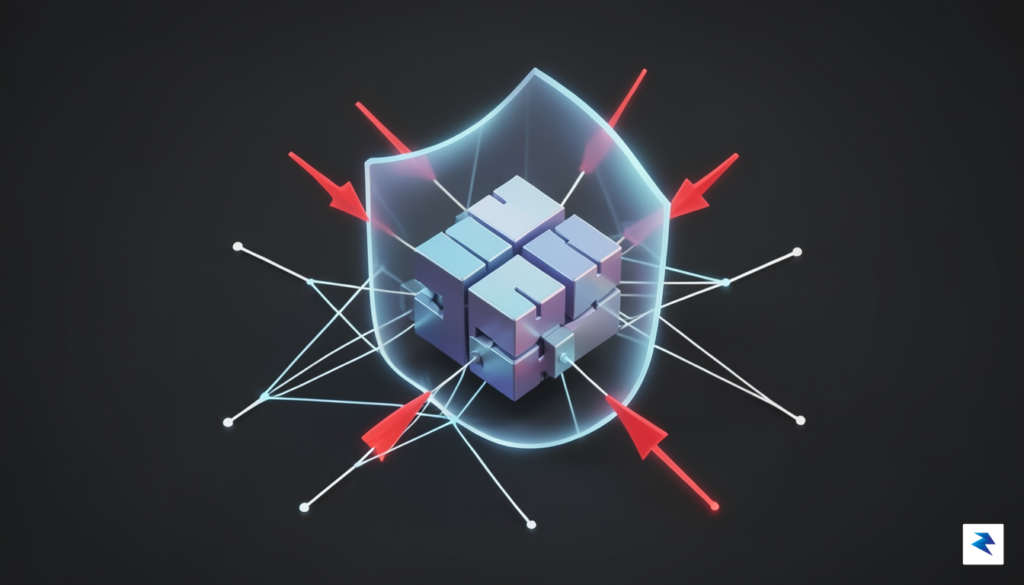
The transition from manual penetration testing to automated vulnerability harnesses is a fundamental shift in how teams achieve high-assurance code. While manual penetration testing is invaluable for uncovering high-level architectural flaws or complex business logic vulnerabilities that require human intuition, it is inherently episodic and difficult to scale. In contrast, an automated harness provides consistent, repeatable validation of security controls every time a build is triggered. Because these harnesses operate at the speed of the CI/CD pipeline, they detect regressions and new vulnerabilities during the early stages of development, where the cost of remediation is significantly lower.
The most effective security strategy is one that forces developers to confront potential exploits as part of their daily workflow, turning security engineering into a continuous feedback loop rather than a gatekeeping checkpoint.
Ultimately, building your own vulnerability harness empowers teams to move beyond the limitations of generic scanners. While off-the-shelf security tools are useful for identifying known CVEs, they often lack the context-specific knowledge required to test the unique logic of your internal APIs or specialized microservices. By crafting a custom harness tailored to your application’s specific architecture, you gain the ability to simulate targeted attacks that mirror the strategies of real-world adversaries. This proactive methodology not only hardens the application against known threats but also fosters a culture of security-first thinking, ensuring that the software remains resilient in the face of an ever-evolving threat landscape.
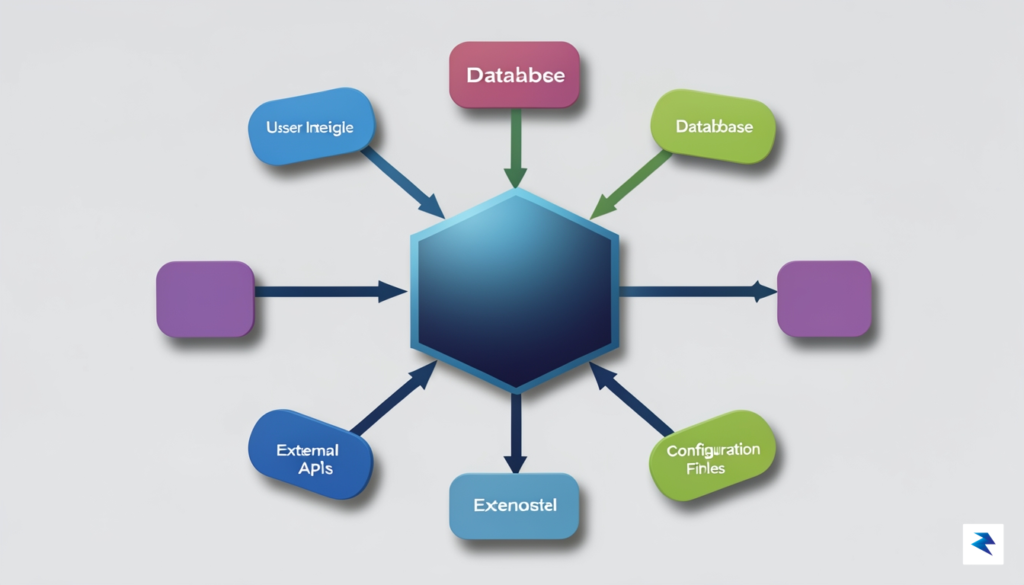
At its core, a vulnerability harness acts as a controlled laboratory environment for your software, designed to expose hidden flaws without compromising the stability of your production systems. A robust architecture relies on three foundational pillars: the target wrapper, the input generator, and the observability layer. By decoupling these components, you ensure that your testing infrastructure remains modular, allowing you to swap out fuzzing strategies or target functions without needing to rewrite the entire testing suite from scratch. This separation of concerns is what transforms a simple script into a powerful, scalable security tool.
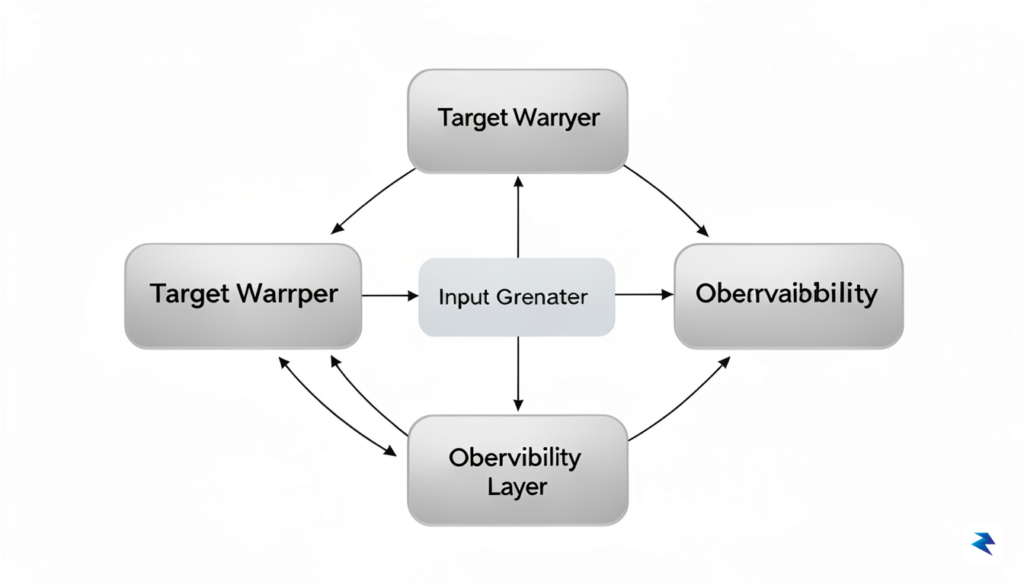
The target wrapper serves as the bridge between your raw application code and the testing environment. Its primary responsibility is to isolate specific functions—often those dealing with complex parsing or memory management—and expose them as entry points for external tools. To do this effectively, you must carefully manage dependencies by either mocking external resources like databases and network interfaces or using dependency injection to swap them with lightweight, deterministic stubs. By keeping the wrapper as thin as possible, you minimize the “noise” that can lead to false positives, ensuring that when an anomaly occurs, you can pinpoint the exact code path responsible for the behavior.
Once the target is isolated, the input generator—often referred to as a fuzzer—takes over. Instead of relying on manual test cases, a well-architected harness utilizes a generator that can produce a vast array of malformed, unexpected, or boundary-condition inputs. Whether you are using mutation-based fuzzing that modifies existing valid data or generation-based fuzzing that constructs data from scratch, the goal is to trigger edge cases that human developers might overlook. This component should be configurable, allowing you to prioritize specific data types or protocols based on the security requirements of the target function.
The true power of a security harness lies not just in finding crashes, but in the ability to capture the exact state of the system at the moment of failure.
The final pillar, the observability layer, is the intelligence of your harness. It monitors the target during execution, tracking metrics such as code coverage, memory usage, and execution time. When the harness detects a crash or an unexpected state, the observability layer must automatically capture and log the specific input that caused the issue, along with a stack trace or memory dump. To maintain a lightweight footprint, this layer should be implemented as an asynchronous logging system or a shared-memory buffer, preventing the monitoring process itself from slowing down the test execution. By investing in this structured, three-part architecture, you create a sustainable pipeline that turns security testing from a periodic chore into a continuous, automated feedback loop.

The most persistent adversary in any security testing pipeline is not the vulnerability itself, but the scourge of “flakiness.” When a test harness produces inconsistent results—passing one moment and flagging a critical security flaw the next—it erodes developer trust and stalls the remediation process. To be truly effective, your harness must function as a deterministic engine, transforming the chaotic nature of fuzzing and payload injection into a repeatable sequence of events. Achieving this requires a rigorous commitment to isolating your testing environment, ensuring that every variable remains constant across every execution.
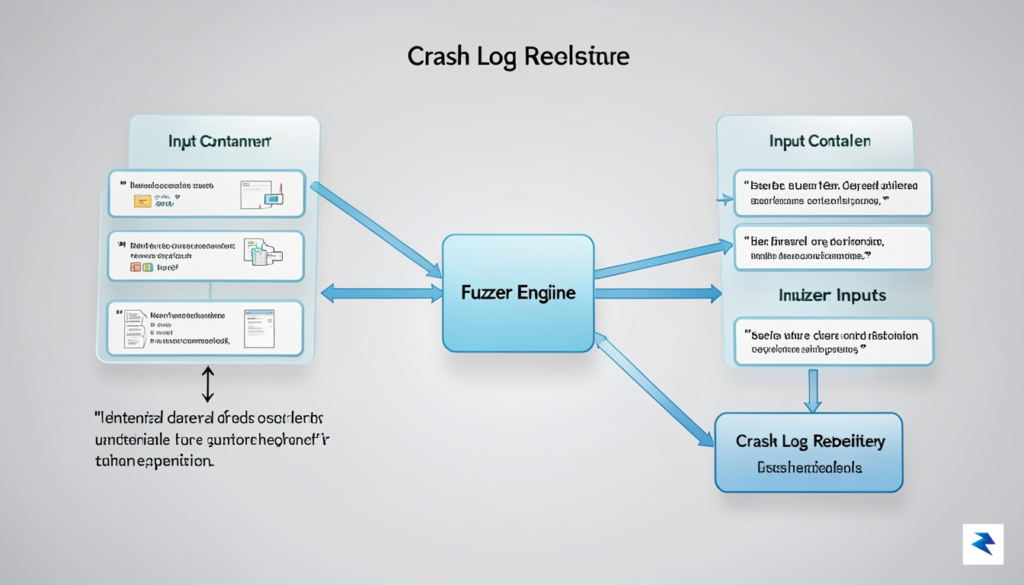
The first step toward achieving deterministic results is the strict adoption of environment containerization, typically through Docker. By packaging your target application along with its specific dependencies, kernel configurations, and library versions into a immutable container image, you eliminate the “it works on my machine” syndrome that plagues distributed teams. When every test run executes within an identical containerized sandbox, you strip away the environmental variables—such as varying file systems or network latency—that often cause non-deterministic crashes. This isolation allows you to snapshot the exact state of the environment at the moment of a failure, providing a stable baseline for engineers to investigate the underlying code.
While fuzzing relies on pseudo-randomness to discover edge cases, uncontrolled randomness is the enemy of reproducibility. To harness this power effectively, you must implement robust seed management. By logging the specific integer seed used for each fuzzing iteration, you gain the ability to replay the exact sequence of inputs that triggered a specific crash. Without this audit trail, a discovered vulnerability remains a “ghost” that might never be triggered again. Consequently, your harness should be architected to store these seeds alongside the resulting crash reports, effectively allowing developers to “rewind” the test execution to the precise moment of failure.
Consistent security testing is not just about finding bugs; it is about providing engineers with the actionable evidence required to fix them without guesswork.
Finally, the utility of your harness is measured by the clarity of the diagnostic data it provides to the development team. When a crash occurs, the harness must do more than simply report a failure; it must capture comprehensive stack traces, register states, and memory dumps associated with the process. By integrating automated logging that maps crashes directly back to specific lines of code, you bridge the gap between security discovery and engineering resolution. This level of transparency ensures that when a developer receives a notification, they are equipped with an immediate, reproducible path to the root cause, thereby transforming security testing from an investigative burden into a seamless part of the development lifecycle.

At the core of any robust vulnerability harness lies the fuzzer, which acts as the engine driving the discovery of hidden security flaws. While many developers begin with simple “dumb” fuzzing—generating entirely random streams of bytes—this approach often lacks the nuance required to breach complex input parsers. In contrast, coverage-guided fuzzing employs instrumentation to monitor which code paths are executed by specific inputs. By providing feedback to the harness, the fuzzer learns which mutations lead to new branches of logic, effectively evolving its input strategy to reach deeper, more fragile areas of your codebase that standard unit tests would inevitably overlook.

To truly maximize the effectiveness of your harness, you must move beyond generic byte-flipping and implement custom mutators tailored to your specific data formats. If your application processes structured data like JSON, XML, or proprietary binary protocols, a generic fuzzer will likely spend most of its time generating malformed syntax that is rejected immediately by the initial validator. By writing custom mutators, you can teach the fuzzer to respect the structural integrity of the protocol while intelligently permuting the values within those fields. This allows the harness to bypass superficial validation logic and inject malicious payloads directly into the application’s processing layer, where vulnerabilities are most likely to reside.
The most effective harnesses are those that understand the grammar of the input, allowing the fuzzer to explore deep semantic logic rather than just getting stuck on syntax errors.
Verification is just as vital as the input generation itself, as a harness is only as good as its ability to detect when something has gone wrong. Simply running code until it crashes is a start, but you should proactively instrument your application with comprehensive assertions that validate the integrity of your state. By placing assert() statements at critical junctions—such as checking for buffer bounds, object nullity, or logical invariants—you provide the fuzzer with a clear signal to stop and report a finding the moment an invalid state occurs. These assertions essentially act as “tripwires,” transforming subtle memory corruption or logic errors into explicit, actionable failures that your harness can immediately capture and categorize for further investigation.
Ultimately, a successful vulnerability harness is a living component of your development lifecycle. By iteratively refining your mutators and strengthening your internal assertions, you create a sophisticated laboratory that continuously audits your software against emerging threats. This proactive approach ensures that your security posture is not defined by the limitations of human-written test cases, but by the relentless, automated exploration of the code’s most hidden and dangerous corners.
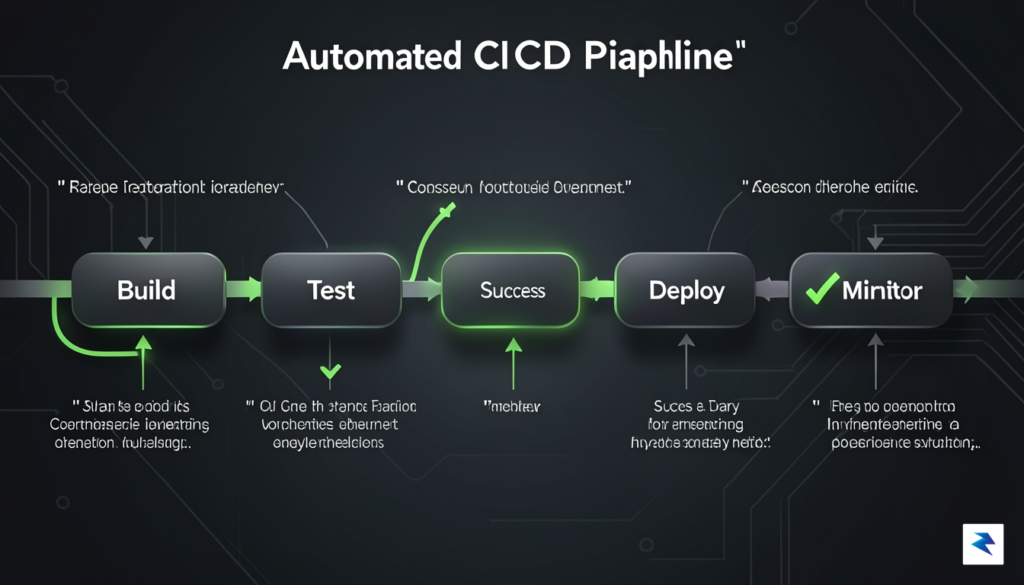
A vulnerability harness that sits idle on a developer’s local machine is merely a tool; it only becomes a security asset once it is woven into the fabric of your automated build process. By integrating your harness into CI/CD pipelines—such as GitHub Actions or GitLab CI—you transform security from a sporadic, manual check into a continuous, proactive gatekeeper. When a developer pushes code, the pipeline should automatically trigger the harness, executing a suite of test vectors against the new build to verify that no known vulnerabilities have been reintroduced. This transition from manual execution to automated gatekeeping ensures that you catch regressions early in the software development lifecycle, significantly reducing the cost and complexity of remediation before code ever touches a production environment.
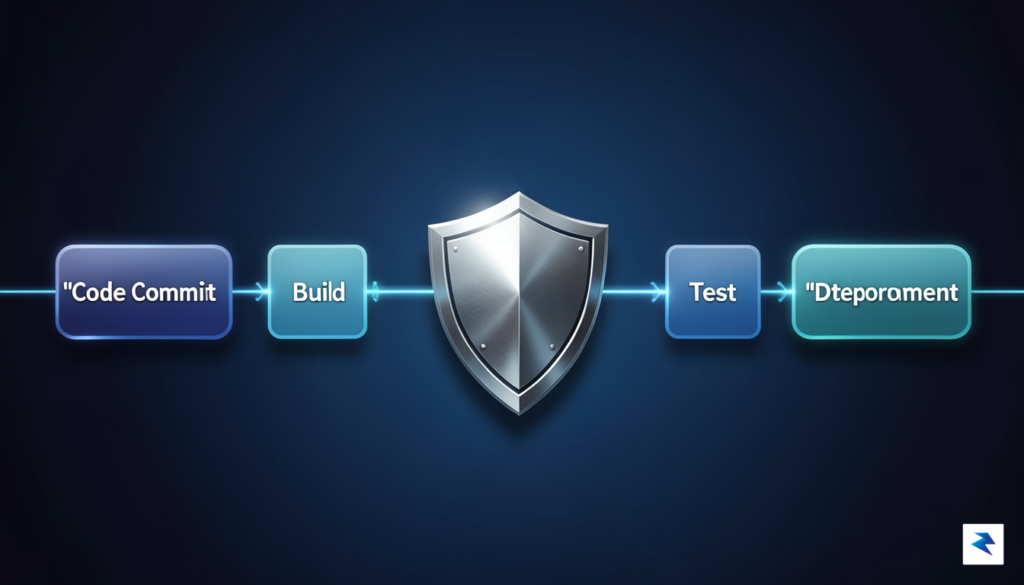
Achieving this level of automation requires a careful balancing act between testing speed and depth. Running an exhaustive battery of deep, payload-heavy security tests on every minor commit can lead to pipeline bottlenecks, frustrating engineering teams and slowing down deployment velocity. To mitigate this, consider implementing a tiered testing strategy: run a “smoke test” harness on every pull request that covers high-severity, low-latency attack vectors, and schedule more intensive, deep-dive scans for the main branch or nightly builds. By segmenting your tests, you ensure that developers receive near-instant feedback on critical issues while reserving the heavy lifting for processes that do not block the immediate development workflow.
The goal of continuous security is not to make the pipeline stop, but to make the pipeline smarter. Automation should empower developers to fix issues faster, not bury them under an avalanche of irrelevant alerts.
Finally, the most sophisticated harness is ineffective if the right people do not receive actionable intelligence the moment a vulnerability is discovered. Relying on generic email notifications is rarely sufficient; instead, integrate your harness output directly into your existing incident response ecosystem. Configure your CI/CD pipeline to push alerts into platforms like Slack, Microsoft Teams, or Jira, ensuring that the specific team responsible for the affected module is notified instantly. These alerts should be enriched with context, including the specific test case that failed, the associated code commit, and clear remediation guidance. When you democratize security alerts by putting them directly into the hands of the developers who wrote the code, you shorten the feedback loop and foster a culture of collective ownership over the security posture of the entire application.

To ensure your security harness remains a robust defender rather than a brittle relic, you must treat it as a first-class citizen of your codebase. Security infrastructure is not a “set it and forget it” utility; it requires the same iterative refactoring as your production logic. Whenever a developer modifies a core API, refactors a data validation module, or introduces a new dependency, the vulnerability harness must be updated in lockstep. If you allow the harness to lag behind, it will inevitably produce “false negatives”—situations where the tool reports a clean bill of health simply because it is testing outdated assumptions rather than the current application state. By integrating harness updates into your Definition of Done (DoD) for every major feature, you weave security into the fabric of your development lifecycle rather than treating it as an afterthought.

Neglecting documentation for your custom harness is a primary cause of “tribal knowledge” rot, where only the original creator knows how to tune or repair the system. To prevent this, maintain a living repository of your harness configurations, including the rationale behind specific test cases and the environmental dependencies required to run them. Clear documentation should outline how to extend the harness when new security requirements arise, ensuring that any engineer on the team can contribute without having to reverse-engineer the existing logic. When configurations are transparent and well-explained, the harness becomes a shared asset that grows with the collective expertise of your engineering team.
A security harness is only as effective as its ability to evolve; if your codebase has outpaced your testing logic, your security posture is effectively dormant.
To validate the long-term health of your security infrastructure, you must rely on objective metrics rather than intuition. Start by tracking code coverage specifically within your security testing suite; while high coverage doesn’t guarantee security, low coverage is a definitive indicator of blind spots in your harness. Furthermore, monitor the “bugs found per release” metric to determine if your harness is catching regressions before they reach production. If this number drops to zero over an extended period, it is rarely a sign of perfect code; instead, it often suggests that your harness has become stale and is no longer capable of identifying modern attack vectors. By treating these metrics as key performance indicators for your security health, you can make data-driven decisions about when to refactor, expand, or overhaul your testing framework to meet the challenges of an ever-changing threat landscape.
You must be logged in to post a comment.