Supreme Court Limits Geofence Warrants: What It Means for Your Privacy
Understanding the Geofence Warrant Ruling To understand the gravity of this recent judicial development, one must first grasp the mechanics of…
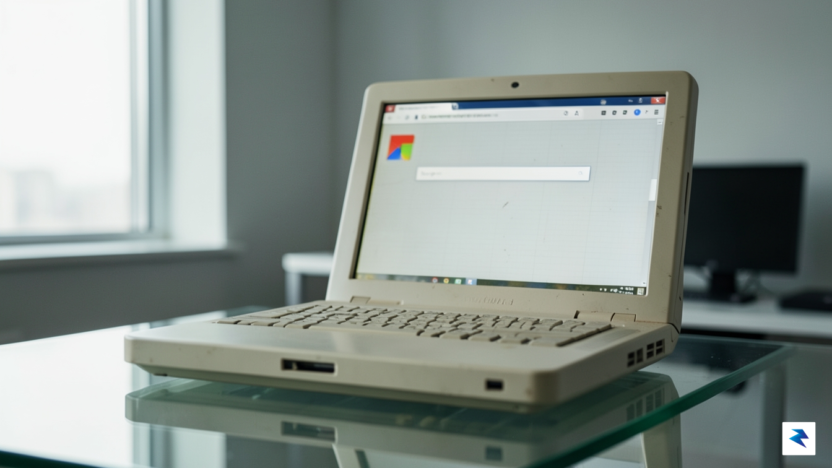
At its core, ChromeOS Flex is a cloud-first operating system designed by Google to breathe new life into aging hardware that has been rendered sluggish by modern software demands. Unlike traditional operating systems like Windows or macOS, which often grow heavy and resource-intensive over time, ChromeOS Flex is built on a streamlined, minimalist architecture. By shifting the heavy lifting away from the local processor and toward web-based applications, the system allows older PCs and Macs to perform with the speed and efficiency of brand-new devices. This approach effectively eliminates the “bloatware” that typically clutters older machines, ensuring that your computer’s limited RAM and aging CPU are dedicated solely to the tasks you actually care about, such as browsing, streaming, and light productivity work.
The significance of this software lies in its ability to challenge the cycle of forced obsolescence that plagues the modern tech industry. For years, consumers have been conditioned to believe that a slow computer is a dead computer, leading to a constant, costly cycle of upgrading hardware every few years. ChromeOS Flex disrupts this narrative by providing a secure, manageable, and highly responsive alternative that prioritizes software longevity over hardware replacement. When you install this system, you are not just getting a new interface; you are gaining a modern, enterprise-grade security environment that receives regular, automatic updates from Google, protecting your data without the need for constant manual maintenance or third-party antivirus subscriptions.
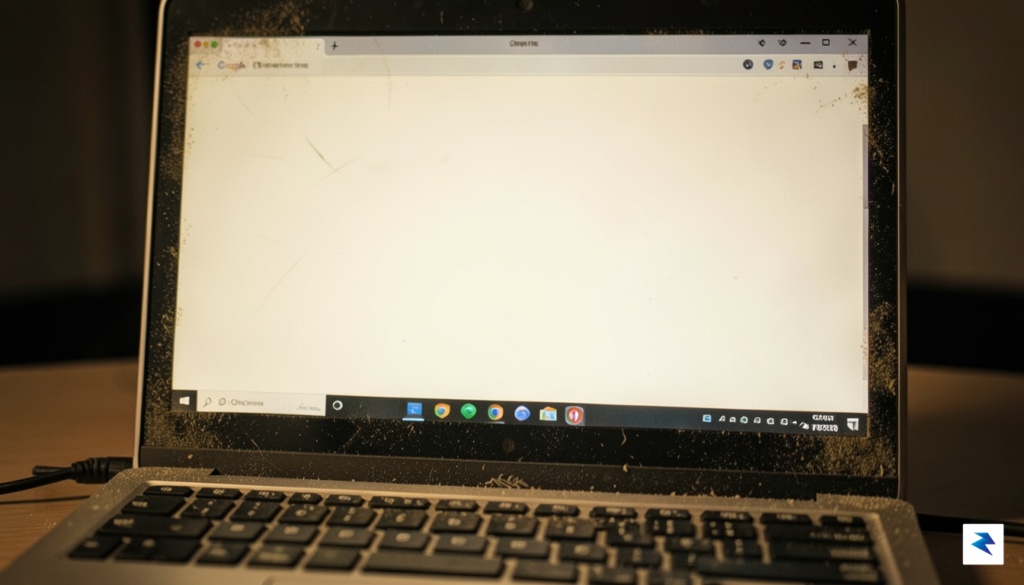
ChromeOS Flex represents a shift in philosophy: rather than discarding your existing device, you are simply upgrading its potential to meet the demands of the modern web.
Beyond the technical specifications, the true value of ChromeOS Flex is the psychological peace of mind it offers users who are tired of managing failing hardware. Transitioning to this OS turns a machine that was destined for a landfill into a functional tool for your home or office, reducing electronic waste while saving you significant money. Because the system is designed for ease of use, even those without a technical background can navigate the interface with minimal friction. By leveraging the power of the browser as the primary gateway to your digital life, ChromeOS Flex ensures that even a decade-old laptop can provide a fluid, reliable, and secure experience for years to come.
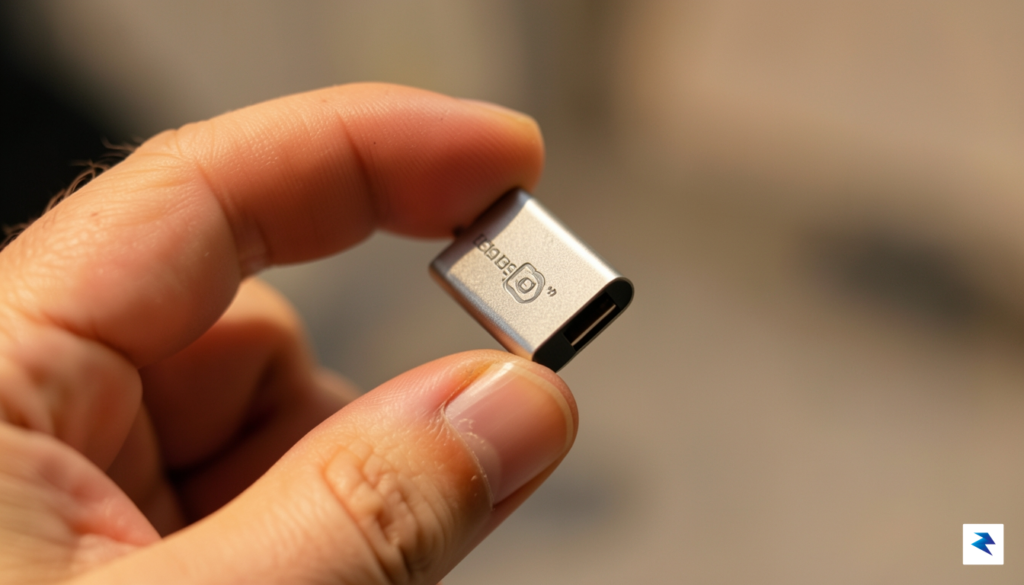
The decision to price the ChromeOS Flex recovery kit at a mere $3 is a deliberate move by Google to dismantle the psychological and financial barriers that often prevent users from reviving aging hardware. While the software itself is free to download, the process of navigating BIOS settings, choosing the correct partitioning tools, and flashing a bootable USB drive can be daunting for those who are not tech-savvy. By providing a pre-configured, plug-and-play solution, Google effectively democratizes the transition to a modern operating system. This low price point serves as a powerful incentive for users to experiment with older laptops that might otherwise end up in a landfill, proving that sustainable computing does not need to be an expensive or technically complex endeavor.
This initiative gains significant weight through Google’s strategic partnership with Back Market, a global leader in the refurbished electronics marketplace. This collaboration is rooted in the principles of the circular economy, focusing on extending the lifecycle of devices rather than encouraging a cycle of constant upgrades. By aligning with a brand that champions the refurbishment movement, Google is not just distributing hardware; it is validating a cultural shift toward conscious consumption. This partnership signals to the broader tech industry that major corporations are finally acknowledging the environmental imperative to reduce electronic waste by giving functional, older hardware a second life.
The rapid sellout of these kits highlights a massive, latent demand for sustainable tech alternatives that many manufacturers have historically overlooked. When consumers see that a $3 investment can potentially restore a sluggish, insecure machine to a functional workspace, the incentive to purchase a brand-new laptop diminishes significantly. This trend underscores a growing desire among the public to take control of their tech stacks and move away from the “planned obsolescence” model that has dominated the industry for years. As supply chains struggle to keep pace with this sudden surge in interest, it is becoming increasingly clear that users are not just looking for cheap software—they are looking for accessible pathways to keep their existing tools relevant in an ever-evolving digital landscape.
The success of the $3 USB kit proves that when the technical barrier to entry is lowered, everyday users are eager to embrace sustainable habits that extend the lifespan of their personal devices.
Ultimately, this initiative acts as a bridge across the digital divide, ensuring that high-quality, secure operating systems are available to everyone regardless of their technical expertise or financial means. By simplifying the installation process, Google is ensuring that the benefits of ChromeOS Flex—enhanced security, faster boot times, and access to modern web applications—are not gated behind a wall of technical jargon. As more users successfully revive their machines, the ripple effect on electronic waste reduction could be substantial, marking a significant milestone in the ongoing effort to make computing both more inclusive and more environmentally responsible.
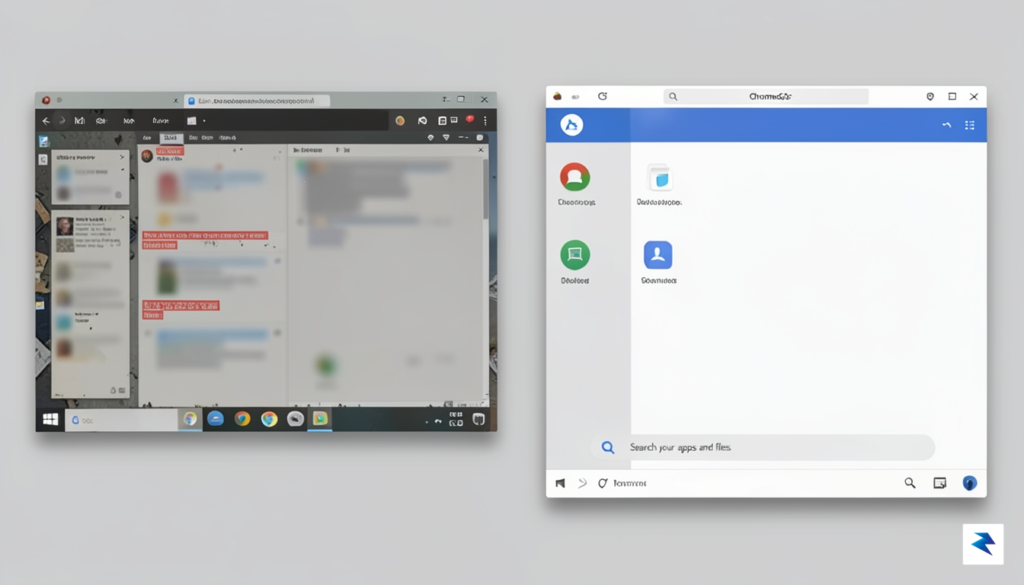
Before you embark on the journey of revitalizing your sluggish hardware, the most critical step is to perform a comprehensive backup of your existing data. While the transformation process is designed to be seamless, erasing a drive to install a fresh operating system means that any locally stored files—including photos, documents, and downloads—will be permanently wiped. Take the time to migrate your essential data to a cloud storage service or an external hard drive, ensuring that your digital footprint remains intact even as you clear away the accumulated digital clutter of years past.
Once your data is secured, the installation process begins by inserting your bootable media into the target machine. You will need to access your computer’s BIOS or UEFI settings, usually by pressing a specific function key like F2, F12, or Del immediately upon startup. Inside this menu, you must prioritize the USB drive in the boot order, which instructs the hardware to load the installer before attempting to launch the existing operating system. If you find yourself struggling to locate these settings, consult your manufacturer’s support documentation, as every motherboard interface differs slightly in layout and terminology.
One of the most user-friendly features of this installation kit is the ability to “Try it first.” Rather than jumping immediately into a full wipe and install, this live environment allows you to test the operating system directly from the USB drive. This is an invaluable step for confirming that your aging hardware’s components—such as the Wi-Fi card, trackpad, and display drivers—are fully compatible with the platform. If everything functions as expected, you can proceed with the full installation, which will effectively strip away an outdated, vulnerable legacy operating system and replace it with a lean, security-focused environment that receives regular, automatic updates from Google.
The true power of ChromeOS Flex lies in its ability to transform a cluttered, slow device into a streamlined workstation that feels nearly as responsive as the day you first unboxed it.
The final installation is a transformative experience, as it eliminates the “bit rot” that plagues older installations of Windows or macOS. By removing legacy bloatware and background processes that no longer serve a purpose, your machine will experience a significant boost in boot times and general responsiveness. Because Google manages the security updates centrally, you are effectively closing the door on the risks associated with running end-of-life software that no longer receives critical patches. You aren’t just cleaning your hard drive; you are granting your hardware a second lease on life, turning a dust-collecting relic into a reliable tool for browsing, streaming, and productivity.
While ChromeOS Flex serves as a transformative solution for breathing new life into aging hardware, it is essential to approach the installation with a clear understanding of its boundaries. At its core, this operating system is designed to turn legacy laptops and desktops into streamlined, web-centric machines. For the best experience, Google recommends a device with at least an Intel or AMD x86-64-bit processor and a minimum of 4GB of RAM. While it can run on older hardware, machines with significantly lower specifications may struggle with modern web standards, meaning that while the OS itself is lightweight, the heavy lifting performed by today’s complex websites will still demand a functional processor and adequate memory.
One of the most significant distinctions between a dedicated Chromebook and a device running ChromeOS Flex is the lack of support for the Google Play Store. Unlike traditional ChromeOS devices, Flex does not support Android applications or the Linux development environment in the same capacity, which means you cannot simply download your favorite mobile apps or games to run locally. This architecture is strictly optimized for web browsing, cloud-based productivity suites, and streaming services. If your primary goal for a device involves mobile gaming or specialized creative software like the full Adobe Creative Cloud suite, you will likely find that this operating system cannot replicate the functionality of a full Windows or macOS environment.
It is important to remember that ChromeOS Flex is a web-first operating system; it excels at turning a sluggish, insecure PC into a fast, secure gateway to the internet, but it is not intended to replace a high-performance workstation for local, resource-heavy tasks.
Regarding system stability and battery longevity, users often report a noticeable improvement in responsiveness and boot times compared to older, bloated Windows installations. Because the operating system is stripped down to the essentials, it manages background processes far more efficiently, which can lead to a cooler and quieter machine. However, battery life improvements are entirely hardware-dependent. If your laptop’s physical battery has degraded over years of use, ChromeOS Flex cannot magically restore its original capacity. While the software’s efficiency might squeeze out a few extra minutes of runtime, the physical health of your battery remains the limiting factor. By managing these expectations, you can better appreciate the OS for what it truly is: an elegant, secure, and incredibly fast way to keep your hardware out of the landfill and productive for daily web tasks.
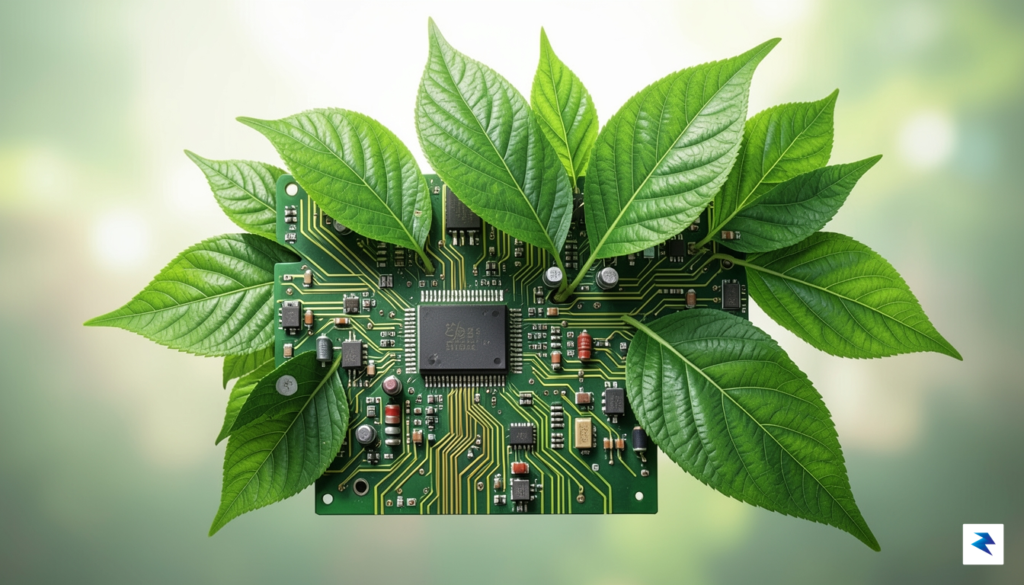
Every time a consumer chooses to discard a functional laptop, they inadvertently contribute to a global crisis that extends far beyond their own household. The manufacturing of modern computing hardware is an incredibly resource-intensive process, requiring the extraction of rare earth minerals, gold, and cobalt, often under environmentally taxing conditions. When we replace a device prematurely, we are not just buying a new piece of plastic and circuitry; we are essentially discarding the massive carbon footprint and the ecological disruption that occurred during the mining and assembly phases of that original machine. By choosing to revitalize an aging computer, you are effectively honoring the significant environmental investment already embedded in that hardware, ensuring that its useful life is maximized rather than cut short.
Beyond the undeniable environmental benefits, there is a compelling economic argument for extending the lifespan of your existing technology. High-quality laptops are often capable of running for a decade or more, yet they are frequently retired because modern operating systems eventually become too bloated for older processors or limited RAM. ChromeOS Flex acts as a bridge, stripping away the heavy background processes that slow down vintage machines and replacing them with a lightweight, secure environment focused on web-based efficiency. This transition allows users to sidestep the need for expensive hardware upgrades, effectively turning a “dead” device into a productive tool for browsing, streaming, and remote work, all for the negligible cost of a USB drive.

By treating our technology as a long-term asset rather than a disposable commodity, we can collectively slow the accelerating cycle of e-waste that clutters our landfills and depletes our natural resources.
Furthermore, this approach serves as a vital tool for digital inclusion, particularly for students and families who may not have the budget for the latest high-end consumer electronics. When we repurpose older hardware, we provide equitable access to modern educational tools and digital platforms, ensuring that technology serves as a bridge rather than a barrier. Giving a secondary life to a discarded PC means that a child can complete homework, a parent can manage household finances, or a remote worker can stay connected, all without the financial burden of purchasing new equipment. Ultimately, the power to combat the global e-waste crisis lies in our daily habits; by opting for software-based revitalization, we transition from passive consumers of disposable tech to proactive stewards of the resources we already own.
You must be logged in to post a comment.