Introduction: The Evolution of Mobile AI Development

The landscape of software development is in the midst of a profound transformation, driven largely by the accelerating capabilities of artificial intelligence. What were once considered experimental curiosities or niche tools have rapidly evolved into indispensable components of critical infrastructure, fundamentally reshaping how code is conceived, written, and deployed. Developers are no longer solely reliant on their own manual efforts for every line; instead, sophisticated AI agents are stepping in to assist with everything from boilerplate generation and debugging to suggesting complex architectural patterns and even drafting entire functions. This seismic shift is not merely about automation; it’s about augmenting human creativity and problem-solving with machine intelligence, leading to unprecedented levels of productivity and a renewed focus on higher-level strategic thinking within the development process.
Historically, the notion of “coding on the go” was often limited to reviewing pull requests, making minor text edits, or perhaps jotting down ideas in a note-taking app. True active development, involving intricate debugging or the orchestration of complex tasks, remained firmly tethered to the desktop environment. However, as AI agents become more autonomous and capable of handling significant portions of the coding workload, the need for developers to maintain oversight and provide guidance from anywhere becomes paramount. The ubiquity of mobile devices, combined with the increasing desire for flexibility and continuous engagement in our workflows, makes mobile accessibility for these powerful AI coding agents a natural and inevitable evolution. It’s about empowering developers to stay connected to their projects and their AI collaborators, ensuring that the development process never truly pauses, even when away from a traditional workstation.
This evolution signifies a dramatic redefinition of what it means to “code” in the modern era, especially away from the desk. The focus is shifting decisively from the granular act of typing out every character of code to the strategic management and active oversight of intelligent development workflows. With tools like Cursor’s new mobile app, developers gain the ability to review AI-generated code suggestions, approve or reject proposed changes, provide real-time feedback to guide an agent’s next steps, and even initiate new coding tasks directly from their smartphones or tablets. This isn’t about simply having a text editor in your pocket; it’s about having a command center for your autonomous coding partners, enabling you to direct and refine the development process with agility, ensuring projects stay on track and maintain quality, regardless of your physical location. This empowers developers to transition seamlessly between hands-on coding and high-level project management, optimizing their impact and efficiency in an increasingly AI-driven world.
How Cursor’s Mobile App Bridges the Gap
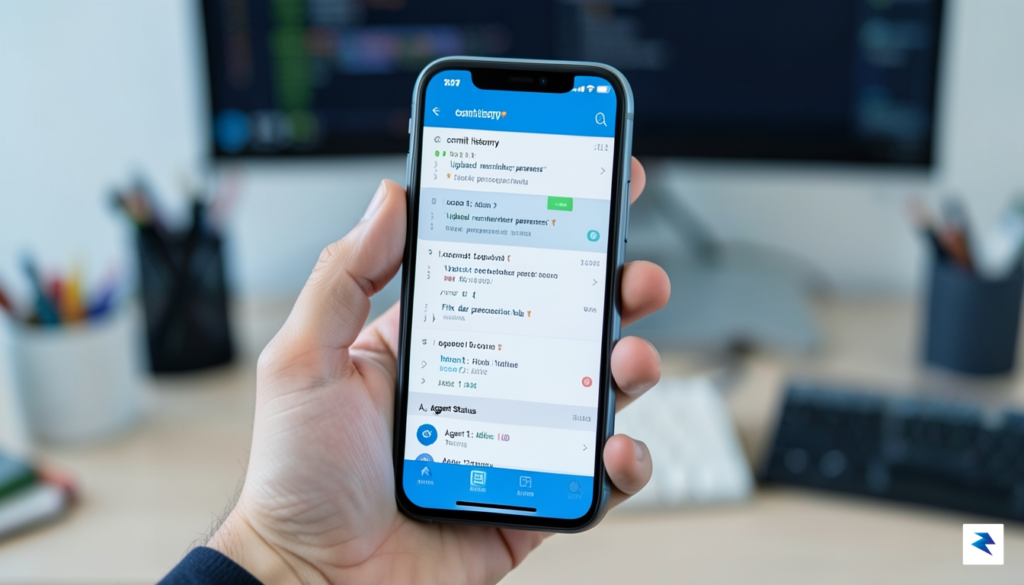
The new Cursor mobile application redefines how developers interact with their AI coding agents, transforming a traditionally desktop-bound activity into a fluid, on-the-go experience. Crucially, this app isn’t intended to replace your integrated development environment (IDE) or serve as a miniature code editor. Instead, it positions itself as a sophisticated command center, empowering developers to maintain oversight and control over their AI-driven projects from virtually anywhere. This strategic design ensures that your coding initiatives remain on track, even when you’re away from your primary workstation, fostering continuous progress and unprecedented flexibility.
The interface of Cursor’s mobile app has been meticulously designed with mobile-first principles, prioritizing clarity, intuition, and actionable insights. Navigating through complex project statuses, agent activities, and generated code snippets is made effortless through streamlined dashboards and concise visual cues. Developers can quickly assess an agent’s current task, review its progress, and understand any pending actions or roadblocks with a glance. Furthermore, the app incorporates intelligent notification systems, alerting users to critical updates, agent queries, or instances where a coding agent might require immediate intervention, ensuring that you’re always in the loop without being overwhelmed.
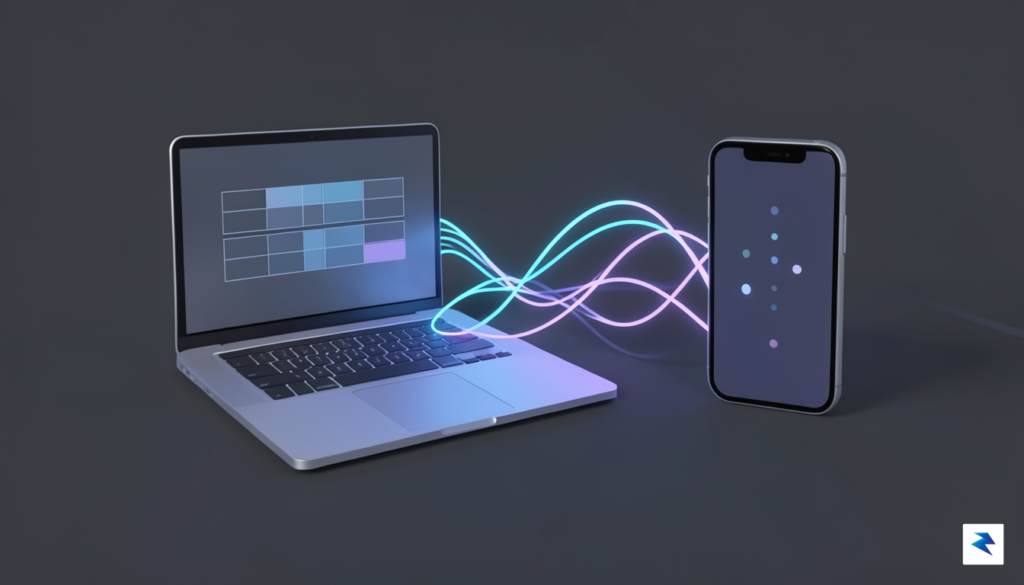
A cornerstone of the mobile app’s utility is its seamless, real-time synchronization with the desktop version of Cursor. This deep integration ensures that any work initiated on your computer, whether it’s a new task assigned to an AI agent or a significant code generation process, is immediately reflected and manageable on your mobile device. Conversely, any guidance or course-correction provided via the mobile app is instantly transmitted back to the desktop environment, ensuring a unified and consistent development workflow. This continuous data flow guarantees that your project’s state is always current across all your devices, fostering an environment of uninterrupted productivity and collaboration.
The app truly shines in its core functionality: enabling remote supervision and active guidance of your coding agents. Developers can monitor a live feed of their agent’s activity, reviewing proposed code changes, interpreting generated documentation, and tracking the overall trajectory of a task. When an agent requires clarification or deviates from the intended path, the mobile app provides intuitive tools to intervene. You can easily provide new prompts, offer specific feedback on code segments, or even steer the agent in a completely different direction, all from the palm of your hand. This level of granular control ensures that even the most complex AI-driven coding tasks remain aligned with your vision, regardless of your physical location.
Ultimately, Cursor’s mobile application delivers a profound value proposition: liberating developers from the confines of their desks while enhancing productivity and peace of mind. By providing a robust platform for monitoring, guiding, and course-correcting AI agents on the go, it minimizes downtime and prevents minor misunderstandings from escalating into significant project setbacks. This newfound ability to maintain continuous engagement with coding projects, even during commutes, meetings, or travel, empowers developers to sustain project momentum and capitalize on every opportunity to push their work forward. It truly transforms the concept of remote development, making advanced AI assistance accessible and controllable from anywhere.
Optimizing Your Workflow: Remote Oversight and Agent Management
The advent of mobile capabilities for managing AI coding agents fundamentally transforms a developer’s workflow, shifting from static desktop oversight to dynamic, on-the-go interaction. No longer are you tethered to a workstation to ensure your AI assistant is performing optimally; instead, the power to guide, adjust, and approve code is now literally in your pocket. This paradigm shift empowers modern development teams with unprecedented flexibility, allowing for continuous project momentum and real-time responsiveness, even when away from the primary development environment.
Effective agent management demands more than just glancing at status bars; it requires proactive engagement. With the mobile app, developers gain a granular view into their agent’s performance, accessing real-time dashboards that display task completion rates, resource utilization, and any critical error logs. This immediate visibility allows for swift identification of bottlenecks or deviations from planned tasks, enabling you to intervene long before minor issues escalate into major problems. For instance, if an agent is stuck on a particular module or generating a high volume of warnings, you can diagnose the issue and re-prioritize its objectives directly from your phone, ensuring continuous progress and efficiency.
Crucially, the mobile platform excels at consolidating and prioritizing the deluge of information that AI agents can generate. You’ll receive intelligent alerts and notifications for significant events, such as successful feature implementations, detection of dependency conflicts, critical build failures, or even potential security vulnerabilities identified in the agent’s proposed code. These notifications are often designed to be actionable, allowing you to triage issues with a simple tap. You can configure these settings to avoid information overload, ensuring that only the most pertinent updates reach you, thereby maintaining focus on high-impact decisions while staying constantly informed about your project’s health.
Perhaps the most impactful feature for mobile productivity is the ability to approve code changes and make high-level architectural decisions on the fly. When an agent proposes a significant code block or a refactoring effort, the mobile app presents the changes in an easily digestible format, complete with syntax highlighting and side-by-side diff views. This capability allows you to thoroughly review the agent’s logic, understand its implications, and either approve the merge, request revisions, or even directly suggest minor edits using an intuitive interface. This immediate feedback loop is vital for maintaining agile development cycles, preventing delays that often arise from waiting to get back to a desk to review critical pull requests.
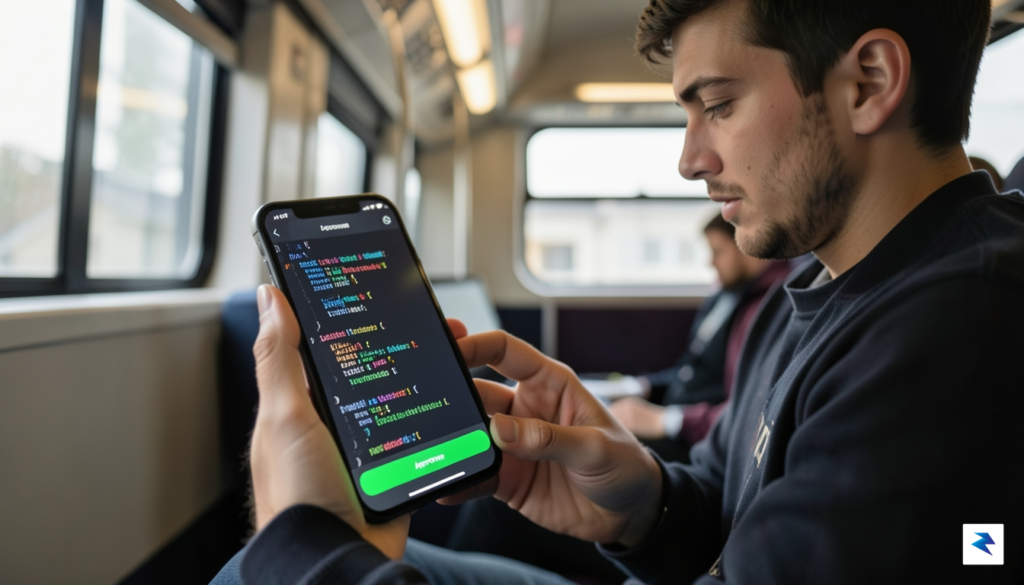
To efficiently review agent-proposed code changes from a mobile screen, developers should adopt specific strategies. Instead of attempting a line-by-line scrutiny of every single change, focus on the overall intent and potential impact of the agent’s contribution. Look for major logic alterations, performance implications, or security considerations first. Leverage any summarization features provided by the app, which might distill the agent’s rationale behind the changes. Establishing a mental checklist for mobile reviews—e.g., checking for test coverage, adherence to coding standards, and correct handling of edge cases—can significantly streamline the process and ensure quality without requiring a deep dive into every character.
Ultimately, this mobile capability liberates developers from geographical constraints, fostering a truly flexible and responsive development environment. By empowering you to monitor agent performance, handle urgent alerts, and approve critical code changes from anywhere, the mobile app significantly reduces project delays and enhances overall team productivity. Developers can now seamlessly integrate work into their day, whether commuting, traveling, or simply away from their desk, transforming their role into a more strategic conductor of their AI coding orchestra, ensuring projects move forward with uninterrupted momentum.
Security and Synchronization: Coding on the Move

When extending the power of AI-assisted coding to mobile devices, the paramount concern for any developer or team is unequivocally security. Managing intricate codebases and sensitive intellectual property from a smartphone or tablet introduces a unique set of challenges that demand robust, well-considered architectural solutions. Cursor has meticulously engineered its mobile application with security as a foundational principle, ensuring that the convenience of on-the-go agent guidance never compromises the integrity or confidentiality of your development environment. This commitment manifests through a multi-layered defense strategy, designed to protect your code at every touchpoint, from initial authentication to ongoing synchronization.
At the core of this secure framework lies advanced data encryption, safeguarding your code and agent interactions throughout their journey. All communications between your Cursor mobile app and your local development environment, or any connected cloud-based service, are protected using industry-standard Transport Layer Security (TLS) protocols. This means that every byte of information – from your agent’s proposed code changes to your conversational prompts and code context – is encrypted in transit, rendering it unreadable to unauthorized parties. Furthermore, Cursor is designed to act as a secure conduit; it doesn’t store your entire codebase on its servers or your mobile device. Instead, it securely streams only the necessary context for the AI agent to operate, ensuring that your core repository remains in its designated, secure location, whether that’s your local machine or a cloud IDE. This architectural choice significantly minimizes the surface area for potential data breaches, offering peace of mind even when you’re managing complex projects remotely.
Beyond encryption, robust authentication measures are critical to ensuring that only authorized users can access and interact with your coding agents and repositories. The Cursor mobile app integrates seamlessly with existing secure login flows, often leveraging the authentication mechanisms you already use for your desktop application or connected services. This typically involves secure token-based authentication, which verifies your identity without transmitting sensitive credentials repeatedly. For instance, when connecting to a local codebase, a secure handshake is established, perhaps through a companion desktop application, creating a trusted link. For cloud-based environments like GitHub Codespaces, the mobile app adheres to their established security protocols, ensuring that your mobile session respects all access controls and permissions configured within those platforms. This meticulous approach to identity verification and access management ensures that your coding environment remains accessible only to you, regardless of the device you’re using.
Maintaining real-time parity and code integrity across different environments – desktop, mobile, and the AI agent’s understanding – is another cornerstone of Cursor’s mobile strategy. The synchronization architecture is built to provide a consistent and up-to-date view of your codebase and the agent’s progress, no matter where you’re monitoring it from. Changes initiated on your desktop, or suggestions proposed by your AI agent, are reflected near-instantaneously on your mobile device, ensuring you’re always working with the latest context. This is achieved through an efficient, event-driven synchronization mechanism that pushes updates across connected clients. Critically, Cursor’s design for mobile-first oversight minimizes direct, complex code editing on the small screen, primarily focusing on guiding your agents, reviewing their outputs, and managing tasks. This design choice inherently reduces the risk of merge conflicts or accidental data loss that could arise from simultaneous, conflicting edits across vastly different interfaces, thereby preserving the integrity of your codebase and the seamless flow of your development workflow.
The Future of AI-Assisted Programming

The landscape of software development is undergoing a profound transformation, moving beyond the traditional image of a lone coder hunched over a keyboard. As AI coding agents grow increasingly sophisticated and autonomous, the role of the human developer is gracefully shifting towards that of an architect, strategist, and manager. This evolution sees us less involved in the meticulous, repetitive task of writing every line of code, and more focused on designing systems, setting high-level objectives, and overseeing the intelligent agents that do the heavy lifting. The recent introduction of mobile capabilities for guiding these agents is not merely a convenience; it represents the nascent stage of a much broader and more pervasive trend towards ubiquitous, AI-augmented software development, fundamentally altering how we interact with our projects and our code.
Looking ahead, the integration of AI agents into our mobile workflows will undoubtedly deepen, moving beyond simple command and control. We can anticipate a future where mobile devices become highly intuitive command centers, allowing for real-time voice directives to our agents, proactive notifications about critical issues or successful task completions, and even collaborative mobile interfaces where multiple stakeholders can review and approve AI-generated code snippets. Imagine an agent autonomously pushing a feature branch, then prompting you on your smartwatch to quickly approve the pull request with a voice command during a coffee break, or suggesting a refactor based on a newly detected pattern while you’re commuting. This seamless integration will blur the lines between passive oversight and active, contextual interaction, making development an ever-present, yet less intrusive, background process.

This shift towards mobile-enabled AI management promises significant long-term benefits, particularly in addressing persistent challenges like developer burnout and enhancing overall efficiency. By allowing developers to step away from their main workstation without losing touch with ongoing projects, the risk of burnout can be substantially