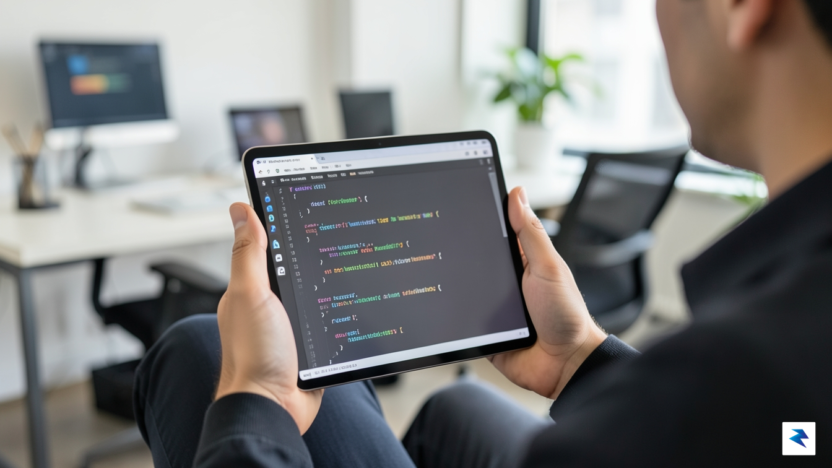
The Evolution of Mobile Development: Cursor Comes to iOS

For decades, the concept of mobile software development was confined to the realm of theoretical possibility or severely limited by the constraints of hardware and input methods. Early attempts at bringing coding environments to handheld devices were often relegated to simple text editors or remote-desktop solutions that felt sluggish and cumbersome. However, the paradigm is shifting rapidly as Cursor, the industry-leading, AI-integrated code editor, officially brings its powerful suite of intelligent agents to the iOS ecosystem. This is not merely a mobile port of a desktop application; it is a fundamental reimagining of how a developer interacts with their codebase, moving away from the “chained to the desk” mentality and toward a fluid, ubiquitous development experience.
Cursor stands as a true disruptor in the IDE space by embedding sophisticated AI models directly into the editing workflow, allowing developers to treat their code as a conversational, iterative project rather than a static block of text. By bringing this capability to the iPhone and iPad, the platform bridges the gap between passive ideation and active production. Developers are no longer restricted to performing trivial syntax checks or reading documentation on the go; they can now leverage high-level AI agents to refactor logic, debug complex modules, or draft entire functions while away from their primary workstations. This transition signifies a new era where the “always-on” developer can maintain momentum across various environments, ensuring that inspiration or critical fixes are never stalled by a lack of access to a desktop terminal.

The public beta launch, now available to paid subscribers, serves as a litmus test for the future of mobile-first programming. It suggests that the future of software engineering is less about the hardware specifications of the machine in front of you and more about the quality of the interface connecting your intent to the AI agent. By optimizing the interaction model for touch and mobile-friendly input, Cursor is effectively lowering the barrier to entry for high-stakes coding tasks. This portability invites a more spontaneous, agile approach to software architecture, where the developer acts as a conductor of AI agents, orchestrating complex changes from a park bench, a transit line, or any remote location where a digital connection exists.
The true power of AI-assisted mobile development lies in the ability to bridge the gap between creative thought and technical implementation, regardless of physical location.
As this technology matures, we can expect to see a profound transformation in developer productivity metrics. The ability to offload the cognitive load of boilerplate writing or syntax debugging to an AI agent—while maintaining full control via a mobile device—means that the “development cycle” is no longer a linear process tied to an office desk. Instead, it becomes a continuous, fragmented activity that fits seamlessly into the rhythm of daily life. By embracing this mobile-first iteration, Cursor is not just updating its feature set; it is redefining the very meaning of a modern coding environment, ensuring that the developer of tomorrow remains both mobile and incredibly potent.
How Cursor AI Agents Transform On-the-Go Coding

At its fundamental level, the Cursor mobile application acts as a sophisticated command center rather than a miniaturized version of a desktop IDE. Recognizing that compiling complex software requires significant computational overhead, the developers designed the app to function primarily as an agent manager that bridges the gap between your physical location and your cloud-based development environment. By serving as an interface for your existing workflows, it allows developers to maintain oversight of their AI agents without needing a dedicated workstation. This architecture ensures that when you are away from your desk, you are not merely glancing at static code; you are actively engaging with a dynamic, state-aware system that understands the context of your repository.
The user experience is built around a seamless synchronization loop that maintains consistency between your mobile device and your remote development environment. When an AI agent suggests a refactor or a bug fix, the mobile interface presents these changes in a readable, actionable format that allows for instant review. Because the app communicates directly with the cloud-based backend, any approval or modification you initiate on your phone is instantly reflected in the project’s state. This means that a developer can review a pull request, accept a suggested code block, or provide follow-up natural language instructions to an agent while commuting or traveling, effectively turning idle time into productive engineering hours.
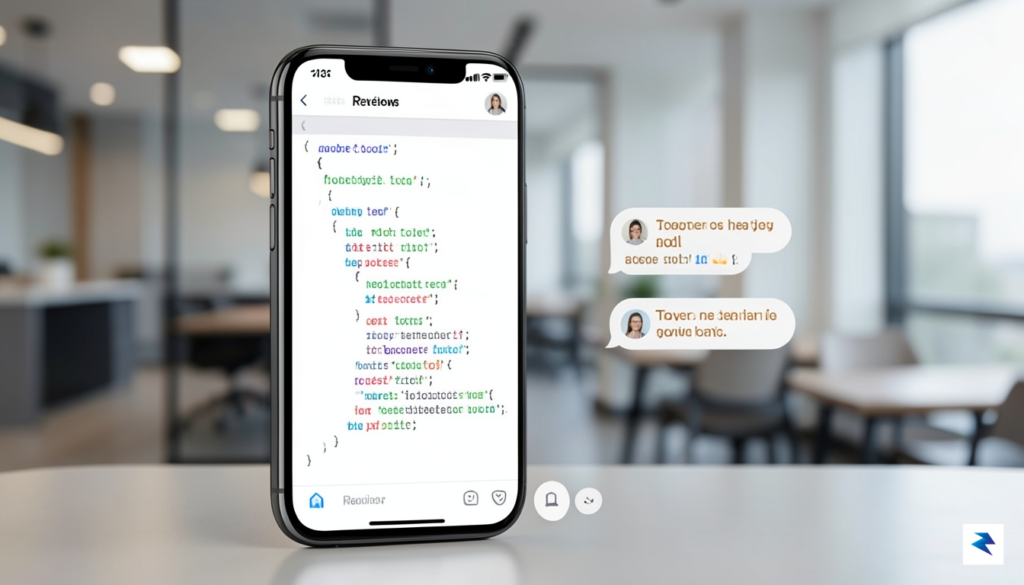
Interaction within the app is streamlined through a focus on high-level decision-making. You are not manually typing out thousands of lines of syntax; instead, you are acting as an architect who guides the agent’s path. The application provides a clear view of the agent’s logic, allowing you to inspect the reasoning behind a specific coding suggestion before committing it to the codebase. This interaction model effectively turns the phone into a mission control interface where you can monitor build statuses, evaluate AI-generated outputs, and pivot your strategy as project requirements evolve.
The power of the mobile agent manager lies in its ability to keep the developer in the loop, transforming the smartphone from a passive notification device into an active extension of the development lifecycle.
Ultimately, this approach solves the persistent problem of momentum loss that occurs when developers are forced to step away from their machines. By decoupling the management of AI agents from the necessity of a keyboard and monitor, the app empowers engineers to keep projects moving forward regardless of physical constraints. Whether it is responding to an urgent architectural question from the AI or simply tracking the progress of an overnight automated test suite, the mobile interface ensures that you remain the final authority on every line of code produced, providing a bridge between portability and professional-grade development power.
Features and Functionality: What Can You Actually Do on Mobile?
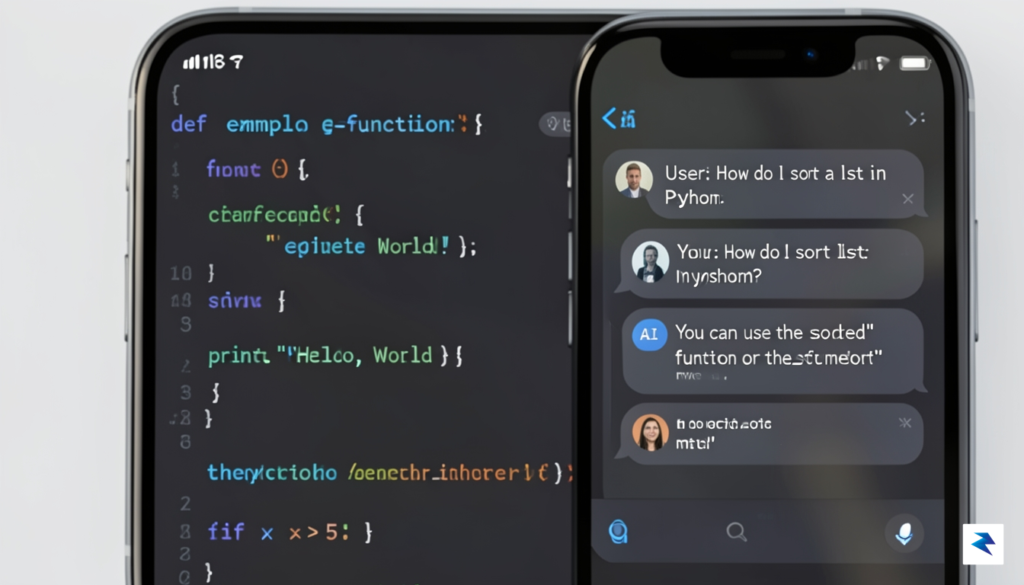
The transition of Cursor to mobile is not intended to replace the heavy-duty IDE environment where you spend hours grinding out complex logic; rather, it is designed to turn your iPhone into a high-impact control center. In this beta iteration, the focus is squarely on mobility, enabling developers to maintain momentum while away from their primary workstations. You aren’t expected to write thousands of lines of code via a virtual keyboard. Instead, the app empowers you to perform critical maintenance, conduct rapid bug reviews, and maintain structural oversight of your repositories with unprecedented ease. By offloading these high-level tasks to your mobile device, you ensure that your projects never stall, even when you are on the go.
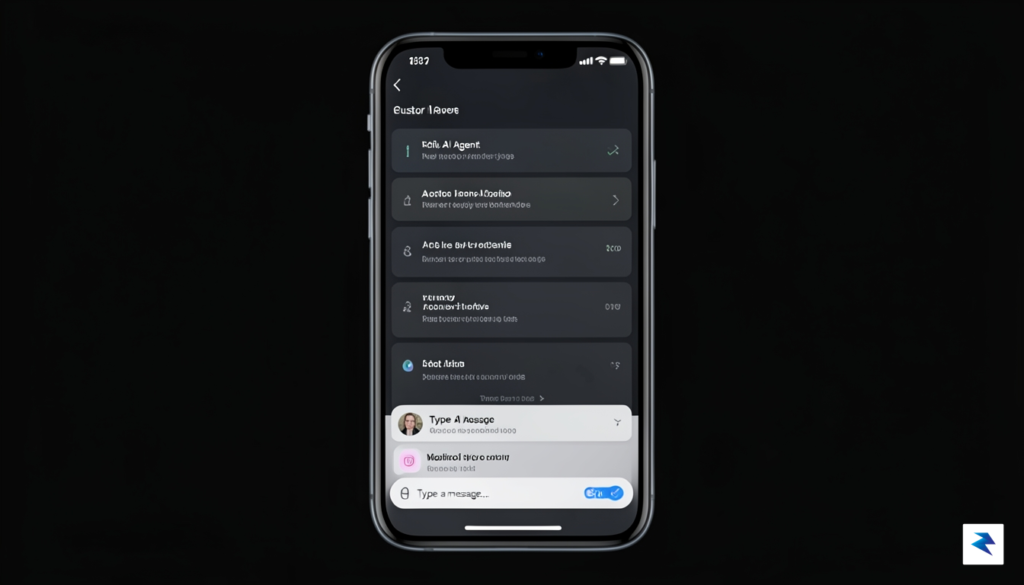
Core Capabilities for the Mobile Developer
At its core, the mobile experience centers on visibility and decisive action. You can actively monitor the progress of long-running AI agents as they work through background tasks, allowing you to check in on complex refactoring jobs or test suites without needing to remain tethered to a desk. If an agent hits a snag or requires a human override, you receive a notification, enabling you to intervene immediately. This capability transforms the typical “fire and forget” workflow into an interactive, real-time feedback loop. Furthermore, you can review AI-generated pull requests directly within the app, comparing diffs and providing approval or feedback with a simple touch, which significantly streamlines the CI/CD pipeline.
The true power of Cursor on mobile lies in its ability to bridge the gap between “away from keyboard” and “actively contributing,” turning idle travel time into productive technical oversight.
Beyond passive monitoring, the application provides robust chat functionality that is context-aware, meaning you can query the app about specific segments of your codebase as if you were sitting in front of your desktop IDE. You can ask the AI to explain a specific bug, suggest a fix, or summarize the current state of a feature branch while commuting or waiting for an appointment. Once you have settled on a path forward, you can trigger specific actions—such as deploying a hotfix, running a build, or initiating a new branch—directly from the mobile interface. This distinction between passive observation and active code orchestration is what makes the mobile experience feel like a genuine extension of the development process, rather than a mere notification tool. By prioritizing high-level structural oversight, Cursor ensures that your mobile device acts as a powerful lever for your overall productivity, letting you steer the ship even when you aren’t at the helm.
Bridging the Gap: Bridging Desktop Power with Mobile Accessibility
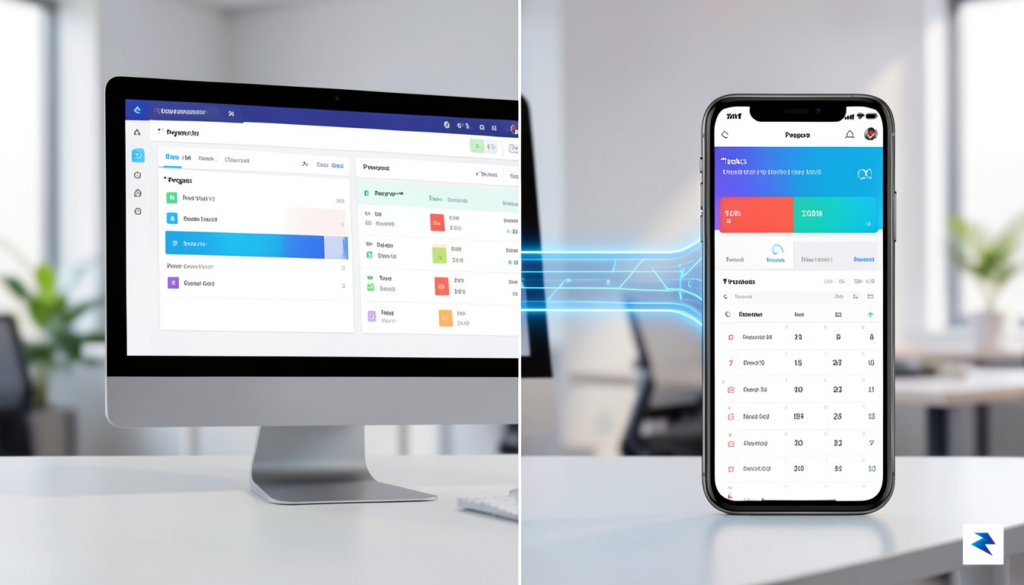
The true genius of the Cursor mobile experience is not found in its ability to write entire applications from a touchscreen, but rather in its seamless orchestration of a unified development state. By leveraging advanced cloud synchronization protocols, the mobile application acts as a real-time extension of your primary workstation. When you initiate a code review or prompt an AI-driven refactor on your iPhone, the changes are not siloed within the device; instead, they are pushed instantaneously through a secure backend pipeline to your desktop environment. This ensures that your local IDE and your mobile interface are always in lockstep, eliminating the friction of manual syncing or version conflicts that historically plagued cross-platform coding attempts.
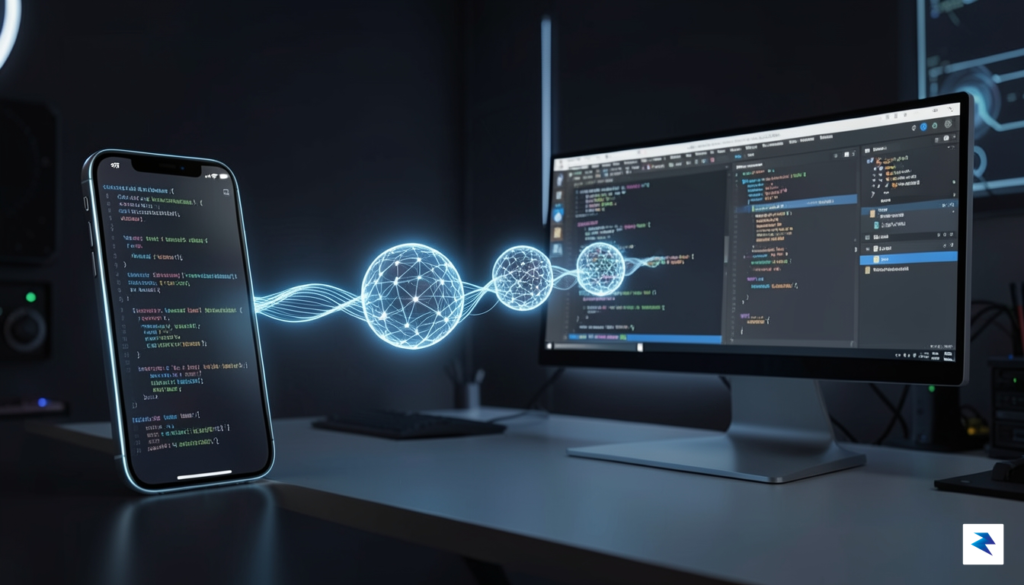
This architecture enables a new paradigm of mobile-assisted development where the mobile device serves as a high-level command center. Rather than forcing the user to struggle with complex file structures or heavy compilation processes on a small screen, the mobile app is optimized for triage, oversight, and iterative feedback. Developers can receive push notifications regarding build status, review AI-generated pull request summaries, or provide quick natural language instructions for the agent to resolve minor bugs while away from their desks. Because the mobile app maintains a persistent connection to the project’s metadata and context, these high-level inputs are immediately actionable the moment you return to your desktop.
The essence of this workflow shift is that mobile is no longer a secondary tool for passive monitoring, but an active, intelligent partner in the coding lifecycle.
The workflow is further refined by the way Cursor handles context retention across platforms. When you highlight a block of code on your phone to ask for an explanation or a suggested fix, the AI agent is already aware of the broader codebase architecture, thanks to the synced index maintained in the cloud. Consequently, the heavy lifting—such as complex dependency resolution, linting, and full-scale build execution—remains firmly rooted in the desktop IDE where the processing power resides. By offloading the strenuous computational tasks to the desktop while keeping the interface and intent-driven logic accessible on mobile, Cursor effectively bridges the gap between hardware mobility and the rigorous demands of professional software engineering.
Security, Privacy, and the Future of Mobile AI Development

Transitioning professional development workflows to mobile devices introduces an immediate tension between the agility of AI-driven coding and the rigid security requirements of enterprise environments. For developers handling proprietary codebases, the primary concern lies in how sensitive intellectual property is processed, stored, and transmitted when utilizing an AI-powered IDE on a smartphone. Unlike traditional desktop environments, which often operate behind managed VPNs or enterprise-grade firewalls, mobile devices frequently traverse public networks and unsecured Wi-Fi, necessitating a zero-trust approach to code access. Cursor’s expansion into this space suggests that the future of mobile development will rely heavily on robust authentication protocols, such as hardware-backed biometric security and scoped API tokens, to ensure that code remains accessible only to authorized personnel regardless of their physical location.
The reliance on cloud-based AI models adds another layer of complexity to the privacy equation. When an AI agent performs context-aware code completion, snippets of a codebase are often sent to remote servers for inference. For large-scale organizations, this raises valid questions regarding data residency and the potential for proprietary logic to be ingested into foundational models. To mitigate these risks, the next generation of mobile development tools will likely need to implement granular data-sharing controls, allowing developers to redact sensitive information locally before it reaches the AI backend. Furthermore, the integration of enterprise-specific privacy policies—ensuring that code transmitted for AI assistance is ephemeral and never used for model training—will be the baseline requirement for any mobile coding solution to gain widespread adoption in the corporate sector.
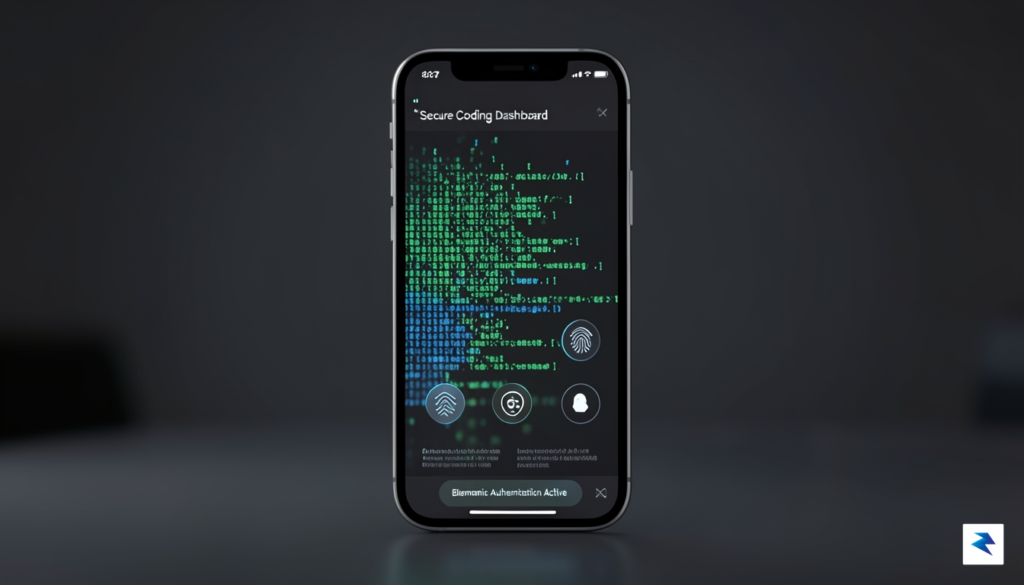
True enterprise-grade mobile development will ultimately depend on the ability to balance the speed of AI agents with the absolute sovereignty of the developer over their codebase.
Looking ahead over the next five years, the evolution of mobile IDEs will likely converge with advancements in edge computing and local large language models. As hardware capabilities on mobile devices continue to improve, we may see a shift toward on-device AI inference, which would theoretically eliminate the need to transmit sensitive code to the cloud for basic autocompletion or refactoring tasks. This architectural shift would provide the ultimate security guarantee for enterprise teams, effectively turning the mobile device into a self-contained, air-gapped development environment. Until that hardware maturity arrives, the industry will continue to rely on sophisticated encryption-in-transit and rigorous identity management to keep mobile coding safe. Ultimately, the successful integration of Cursor and similar tools into professional life hinges on building trust through transparency, proving that mobile convenience does not have to come at the expense of high-stakes security.