Introducing Gemini Spark for Mac

Google has officially bridged the gap between browser-based AI and desktop utility with the debut of Gemini Spark for macOS. For years, users have interacted with large language models primarily through static web windows, requiring constant context-switching and manual copy-pasting to bridge the gap between AI insights and actual work. The arrival of Spark changes this dynamic entirely, as it shifts the platform from a conversational chatbot into a native, system-level assistant capable of living directly within the Mac ecosystem. By embedding itself into the operating system, Google is signaling a move toward a more seamless, integrated AI experience that prioritizes speed and accessibility over the traditional limitations of a browser tab.
The core philosophy behind this release is the transition toward “agentic” AI, a significant leap forward in how we perceive digital assistance. While a standard chatbot waits for a prompt to generate text or answer a query, an agentic system like Gemini Spark is designed to be proactive and task-oriented. It possesses the capability to understand the context of what you are doing in real-time, whether you are drafting a complex report in a word processor or organizing data across multiple spreadsheets. Instead of simply providing information, Spark can actually execute sequences of actions on your behalf, effectively functioning as a digital collaborator that can navigate your Mac’s interface to complete multi-step workflows with minimal human oversight.
True agentic AI is defined by its ability to transition from a passive information source to an active participant in your workflow, effectively handling the “how” so you can focus entirely on the “what.”
For the average Mac user, this shift translates into a tangible boost in day-to-day productivity. By offloading repetitive or tedious administrative tasks to a system-aware agent, you reclaim the cognitive bandwidth often lost to multitasking and navigation. Because Spark operates natively on macOS, it maintains a persistent awareness of your active environment, allowing it to pull relevant data from disparate sources without requiring you to manually feed it every detail. This integration represents a massive step forward in cross-platform AI usability, transforming your computer from a collection of isolated applications into a cohesive, intelligent environment that anticipates your needs and streamlines your creative output.
Ultimately, the launch of Gemini Spark on Mac is not just about bringing a new feature to a new platform; it is about redefining the boundaries of human-computer interaction. As we move deeper into an era where AI is expected to do more than just talk, the ability for a system to “act” becomes the new gold standard for software excellence. By placing this level of intelligence directly into the hands of Mac users, Google is setting a new expectation for what a desktop assistant should be: a proactive, capable, and deeply integrated partner in your daily professional life.
The Shift Toward Agentic Computing
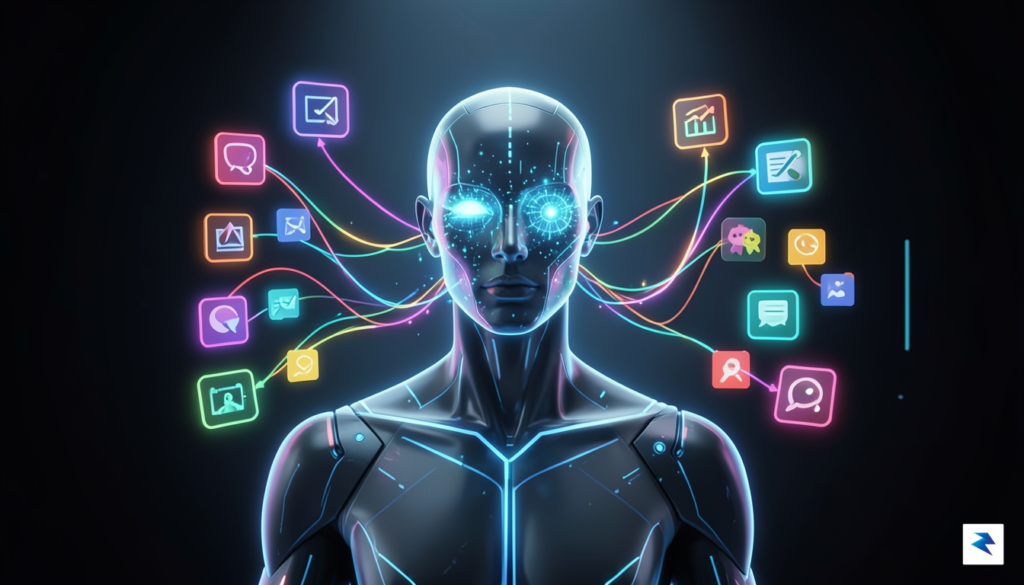
For years, our interaction with artificial intelligence has been largely conversational and reactive. We would input a prompt, wait for a Large Language Model (LLM) to process the data, and receive a static answer in return. While this “chat-based” paradigm was revolutionary, it remained limited by its isolation; the AI lived in a browser tab or a text box, unable to touch the files, settings, or applications that define our daily digital work. The emergence of agentic computing marks a fundamental departure from this model. Instead of merely acting as a sophisticated search engine, an agentic system is designed to act as a digital collaborator that can navigate the operating system, manipulate software interfaces, and execute complex, multi-step workflows on your behalf.
The technical distinction between a standard LLM and an AI agent lies in the transition from passive text generation to active reasoning and tool usage. An LLM predicts the next likely word in a sequence, but an AI agent is engineered to predict the next action required to reach a specific goal. By integrating deeply with the macOS environment, Google’s new system leverages a specialized framework that allows the model to “see” your desktop through real-time screen analysis and interact with UI elements as if it were a human operator. This isn’t just about parsing text anymore; it is about the AI perceiving the state of your computer, identifying the necessary buttons or menus to click, and managing the sequence of events required to finish a task without constant human intervention.
Agentic AI shifts the focus from “tell me what this is” to “get this done for me,” transforming the computer from a tool you manually operate into a proactive assistant that manages your digital environment.
To achieve this level of system-level interaction, Google has implemented a sophisticated architecture that bridges the gap between high-level reasoning and low-level system commands. Through a combination of computer vision and accessibility-aware APIs, the assistant can interpret the layout of your open applications, understand context-specific intent, and translate those insights into executable desktop actions. By enabling the AI to observe and manipulate the screen, the system moves beyond the constraints of traditional APIs, allowing it to interface with software that might not have built-in AI support. This evolution represents a significant leap in productivity, effectively turning your Mac into an environment where the most tedious, repetitive, or complex logistical tasks are handled by an intelligent layer that understands your goals, respects your workflow, and acts with precision in the background.
Key Capabilities and Real-Time Integration
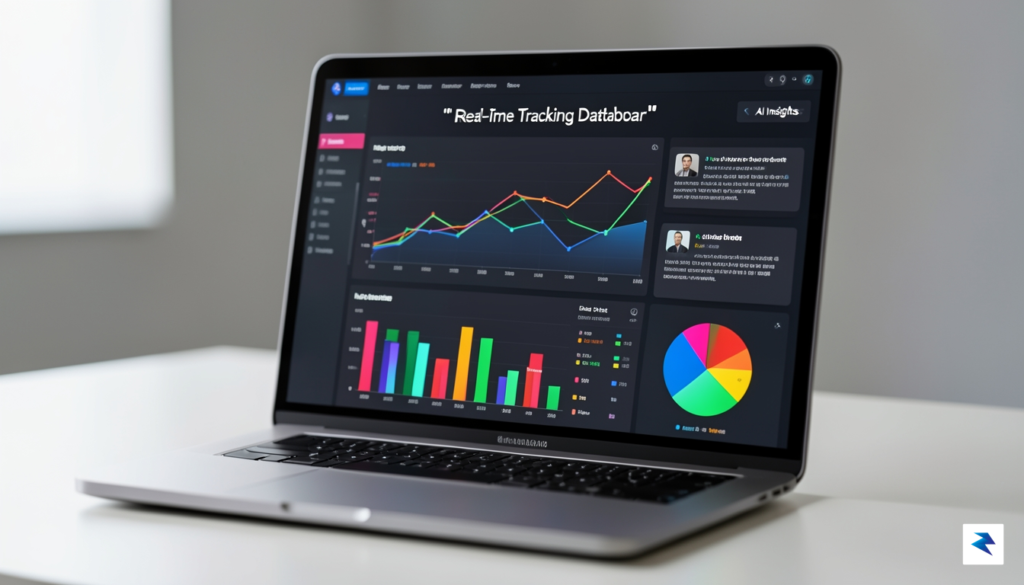
At the core of this transition to a native Mac experience is a fundamental shift in how the assistant processes information. Unlike traditional browser-based iterations that require manual prompts to refresh or retrieve data, the new agentic architecture is designed for continuous, ambient awareness. By tapping into live data streams, the assistant can now monitor volatile information—such as shifting stock market indices, granular project management milestones, or urgent calendar updates—with a level of precision that feels almost predictive. This isn’t merely about retrieving a static snapshot of information; it is about the assistant maintaining a persistent, real-time pulse on the metrics that matter most to your workflow.
The latency improvements in this native integration are substantial, effectively bridging the gap between an event occurring and the assistant providing actionable intelligence. By bypassing the inherent overhead of web-based environments, the assistant achieves near-instantaneous processing speeds. When a project deadline shifts or a critical notification arrives, the system doesn’t just display a generic alert; it evaluates the impact of that change on your broader schedule and suggests immediate, context-aware next steps. This responsiveness ensures that you are never left reacting to stale data, allowing for a more fluid and proactive approach to task management.
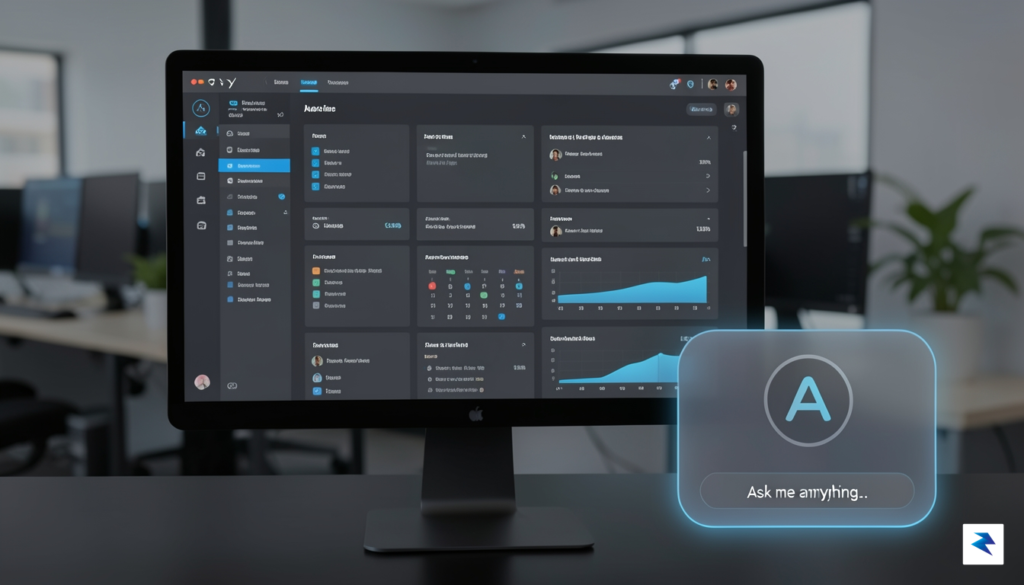
Harnessing Multi-Modal Intelligence
Beyond its speed, the assistant utilizes a deeply integrated multi-modal engine that interprets various types of data inputs simultaneously. Whether you are looking at a complex spreadsheet, a live video conference, or a series of rapid-fire internal communications, the model can synthesize these disparate inputs into a single, cohesive narrative. It doesn’t just read text; it understands the semantic relationship between a verbal mention of a deadline in a meeting and the corresponding entry in your task tracker. This holistic view enables the agent to act as a genuine partner, connecting the dots across your entire digital ecosystem without needing granular instructions for every minor adjustment.
The true power of this agentic assistant lies in its ability to transform raw, streaming data into a clear, prioritized path forward, effectively turning overwhelming information flow into a manageable list of decisive actions.
This capability is further enhanced by the assistant’s ability to “keep watch” over your active windows, providing a seamless bridge between different applications. When you are deep in a creative session, the assistant quietly monitors relevant background updates, only surfacing when it detects a change that demands your immediate attention. This filtered, intelligent alerting system ensures that you remain focused on high-value work while trusting that the assistant is handling the minutiae of data tracking. By balancing background awareness with proactive, non-intrusive notifications, the tool fundamentally changes the relationship between user and software, moving away from passive command-response loops toward a truly collaborative partnership.
Enhanced Workflow Automation and App Support

For years, the promise of artificial intelligence has been hampered by the "walled garden" effect, where tools functioned in isolation, requiring users to manually copy and paste data between disconnected platforms. Gemini Spark fundamentally shifts this paradigm on macOS by acting as a bridge between disparate software ecosystems. Instead of merely existing as a chatbot in a browser tab, this agentic assistant hooks directly into the macOS architecture, enabling it to bridge the gap between native Apple applications and the vast library of third-party software professionals rely on daily. By orchestrating interactions across these boundaries, Gemini Spark transforms a collection of individual tools into a cohesive, automated powerhouse.
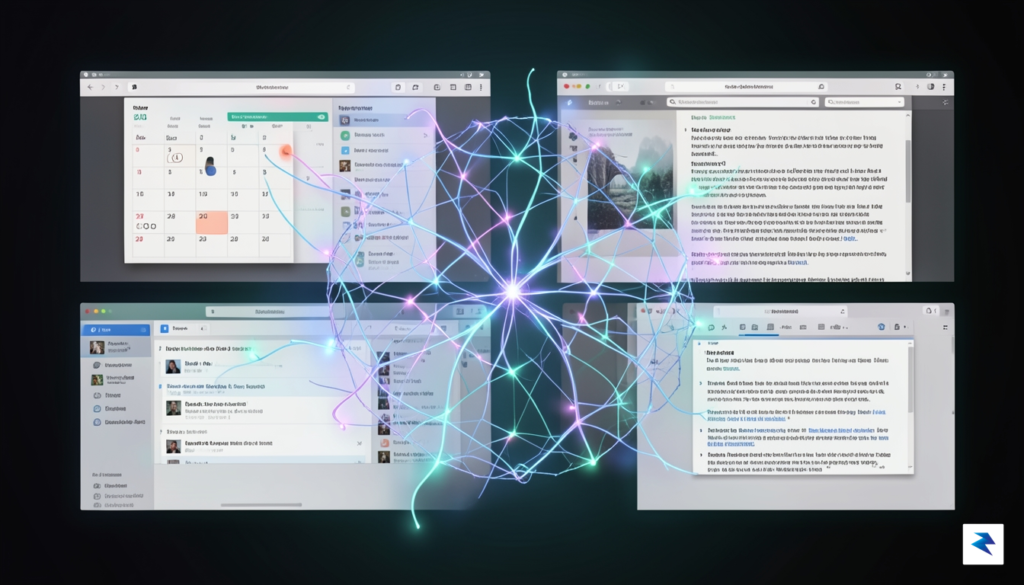
The practical impact of this integration is perhaps best illustrated through complex, multi-step workflows that were previously manual chores. For instance, consider a project manager who needs to synthesize data from a spreadsheet, draft a summary email, and schedule a follow-up meeting. With Gemini Spark, you can trigger a command that extracts key metrics from a local Numbers file, pulls relevant context from a Slack thread, and drafts a comprehensive brief in Microsoft Word or Notion, all while suggesting an optimal time slot in your Calendar. This level of cross-app orchestration reduces the cognitive load of switching contexts, allowing users to focus on high-level strategy rather than the mundane mechanics of moving data from one window to another.

By treating macOS as a unified operating system rather than a collection of silos, Gemini Spark allows AI to act as the connective tissue for your entire digital workspace.
However, it is important to maintain a realistic perspective regarding current app compatibility. While Gemini Spark boasts impressive support for major productivity suites, the depth of its control varies depending on whether an application provides robust AppleScript support or modern API hooks. Native macOS apps like Mail, Notes, and Reminders generally offer the most fluid experience, as the agent has deep-rooted permissions to read and write data. Conversely, some niche third-party applications may currently offer limited functionality, such as simple data extraction, without the ability to perform complex write-back operations. As the platform matures, Google is expected to expand these hooks, but early adopters should anticipate a learning curve as they identify which of their specific tools are fully "agent-ready" versus those that still require a human touch.
Key Workflow Advantages
- Contextual Awareness: Gemini Spark retains awareness of your active windows, allowing it to pull information from a document you are currently viewing without manual uploads.
- Reduced Context Switching: By executing tasks in the background, the agent eliminates the need to jump between apps to confirm details or update statuses.
- Intelligent Chaining: You can define sequential triggers where the output of one application automatically serves as the input for the next, creating a custom automation pipeline tailored to your unique professional needs.
Ultimately, the transition toward agentic workflows on Mac represents a move away from passive tools toward active, intelligent collaboration. While we are not yet at the stage of “set it and forget it” automation, the ability for Gemini Spark to navigate the ecosystem of your Mac significantly reduces the friction of daily operations. As developers continue to build deeper integrations, this assistant will likely become the primary interface through which we interact with our digital tools, turning fragmented processes into streamlined, automated experiences.
Security, Privacy, and Local Execution Considerations
Integrating an AI agent like Gemini Spark into your Mac environment naturally invites questions about the sanctity of your digital workspace. Because this assistant requires system-level permissions to read your screen and interact with your applications, Google has architected the framework with a “privacy-first” philosophy to mitigate potential risks. Instead of blindly granting unfettered access, the system utilizes a granular permission model that ensures the assistant only sees what you explicitly allow it to interact with. By leveraging macOS’s robust security protocols, Google ensures that the agent operates within a sandboxed environment, preventing unauthorized access to sensitive system files or private user data that falls outside the scope of your requested tasks.
One of the most significant aspects of this deployment is the careful balance between cloud-based intelligence and local, on-device processing. While complex reasoning tasks are still offloaded to Google’s high-performance data centers, the framework is designed to minimize the transmission of raw screen data. Whenever possible, sensitive visual information is processed locally, meaning the system extracts only the necessary metadata or context required to perform a specific action rather than streaming a live feed of your desktop to the cloud. This hybrid approach significantly reduces the data footprint of the assistant, ensuring that your personal activity remains largely contained within your local machine.

Managing Your Agentic Permissions
Transparency is a core component of this security model, and users retain complete control over how the assistant functions at any given moment. Through the macOS System Settings, specifically under the Privacy & Security tab, you can audit and revoke accessibility permissions at any time. This allows you to treat the AI as a transient tool rather than a permanent fixture; if you are working on highly sensitive financial or confidential documents, you can toggle off the agent’s permissions with a single click, effectively “blinding” it until you are ready to resume collaborative tasks. Furthermore, the system provides visual cues—such as persistent status bar indicators—whenever the agent is actively processing screen information, ensuring you are never unaware of its presence.
The core of Google’s security strategy is the principle of “least privilege,” which ensures that Gemini Spark only accesses the specific application windows required for a designated task, rather than granting the AI blanket permission to monitor every background process on your machine.
Ultimately, while the prospect of an agent interacting with your desktop may feel intrusive, the combination of hardware-level security and user-defined controls provides a substantial buffer. By regularly reviewing your application permissions and understanding the specific scopes of access you have granted, you can enjoy the productivity benefits of agentic AI without compromising your digital privacy. The responsibility ultimately rests on a dual foundation: Google’s commitment to transparent data handling and your own proactive management of the permissions granted within the macOS ecosystem.
How Gemini Spark Changes Mac Productivity

The introduction of Gemini Spark to the macOS ecosystem represents a fundamental shift in how professionals approach their daily digital workflows. Rather than functioning as a static search engine or a simple chatbot, this agentic assistant acts as a proactive co-pilot capable of executing complex sequences of tasks that previously required significant manual intervention. By deeply integrating with the operating system, Gemini Spark can synthesize information across disparate applications, effectively reclaiming the hours often lost to administrative friction, such as scheduling meetings, summarizing lengthy email threads, or cross-referencing project documentation. This evolution allows users to pivot away from the minutiae of file management and data entry, freeing up the cognitive bandwidth necessary for high-level strategic thinking and complex problem-solving.
In the realm of project management and creative output, the long-term potential of this tool is truly transformative. Professionals can now rely on the assistant to maintain continuity across evolving projects, ensuring that context is never lost as tasks shift from one platform to another. Whether it involves drafting initial creative briefs based on historical data or automating the preparation of status reports, Gemini Spark handles the heavy lifting of information synthesis with remarkable precision. This transition effectively turns the computer from a tool that requires constant instruction into a collaborative partner that anticipates needs, prioritizes relevant notifications, and streamlines the bridge between raw data and actionable outcomes.
The true value of an agentic assistant lies not in its ability to answer questions, but in its capacity to anticipate the next logical step in a professional workflow, effectively acting as an extension of the user’s own intent.
Looking ahead, the integration of agentic AI into macOS is still in its infancy, yet the trajectory suggests a future where the friction between human intent and software execution will continue to diminish. Users can expect upcoming updates to bring deeper contextual awareness, allowing the assistant to understand the nuances of specific professional fields, from legal research to software development. As the ecosystem matures, the boundary between “using an app” and “achieving a goal” will blur, with Gemini Spark managing the technical requirements of the former so that the user can focus entirely on the latter. This ongoing evolution promises a new standard of productivity where the operating system itself becomes a highly personalized, efficient, and intuitive environment designed to maximize human potential.