Mastering Design Systems with Claude: A Guide to AI-Driven UI
The Evolution of AI-Driven UI Design For years, design systems have served as the bedrock of digital product development, providing a crucial…

There is a unique, visceral sting that comes with having a long-awaited plot twist ruined before you have the chance to experience it yourself. When we engage with a story—be it a gripping television drama, a complex novel, or a high-stakes cinematic event—we are entering into a tacit agreement with the creator. We offer them our focused attention and emotional investment in exchange for a curated journey of discovery. When a spoiler is thrust upon us, that contract is fundamentally violated. This is not merely about losing information; it is about the theft of an emotional landscape. The element of surprise serves as the heartbeat of narrative tension, acting as the primary engine that drives our engagement and allows us to experience the raw, unscripted reactions the storyteller intended.
Psychologically, the “spoiler effect” can significantly dampen our capacity for enjoyment by shifting our focus from the emotional “what” to the analytical “how.” When the mystery is stripped away, the brain moves from a state of immersive curiosity into a state of passive observation. Instead of feeling the weight of a character’s betrayal or the sudden shock of a cliffhanger, we find ourselves watching the scene through a lens of inevitability. This shift diminishes the hormonal response associated with suspense and wonder, effectively flattening the peaks and valleys of the narrative arc. We lose the opportunity to be genuinely moved because we are no longer participants in the story’s unfolding; we are merely spectators to a sequence of events we already understand.

The desire to avoid spoilers is not a sign of being overly sensitive; it is a legitimate demand for the integrity of the artistic experience.
The modern digital landscape has only exacerbated this issue, as social media culture often prioritizes the speed of reaction over the quality of discourse. In an environment where the “first to post” wins the currency of likes and engagement, the nuance of a slow-burn narrative is frequently sacrificed for the immediate gratification of a viral reveal. This creates a hyper-competitive ecosystem where your digital space is constantly bombarded with unvetted information before you even have a chance to log on. Consequently, protecting your media experience has moved from a passive preference to an active necessity. Establishing rigorous digital hygiene is no longer about being antisocial; it is about curating a private sanctuary where you can engage with the culture on your own terms, free from the intrusion of those who treat storytelling as a race to the finish line.
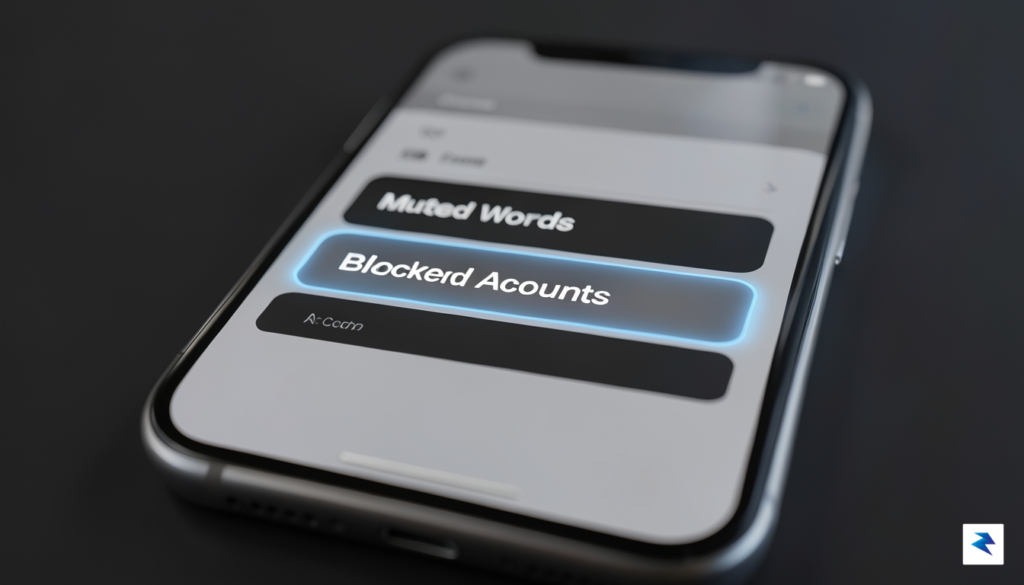
Modern social media platforms are designed to keep you engaged, which unfortunately means they often prioritize real-time discourse over your desire to remain blissfully ignorant of a show’s latest plot twist. Fortunately, you can reclaim control of your digital environment by mastering the native filtering tools that most users leave untouched. On X (formerly Twitter), the “Muted Words” feature is your first line of defense. By navigating to your Settings and privacy menu and selecting Privacy and safety, you can access the Mute and block section to add specific keywords, hashtags, or character names to your mute list. To maximize effectiveness, ensure you set these filters to apply to both your Notifications and your Home timeline, and always select “Forever” to avoid the common pitfall of having your protection expire just as a season finale airs.
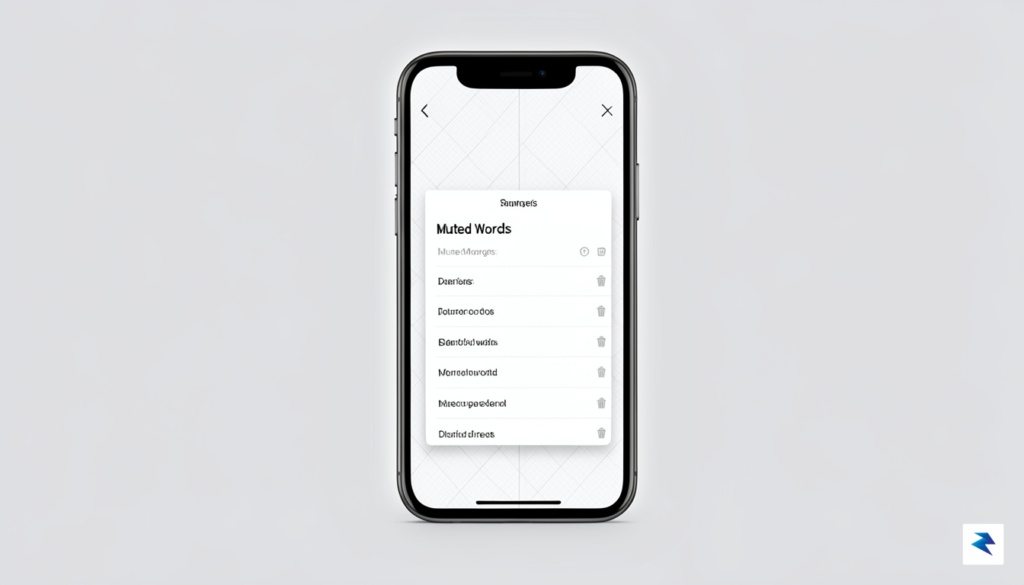
Instagram offers a slightly different approach, focusing heavily on comment moderation to protect you from unsolicited spoilers. Within your Privacy settings, you will find the Hidden Words tool, which allows you to create a custom list of words, phrases, and emojis that will be automatically filtered from your comments and direct message requests. This is particularly useful if you tend to post about your hobbies, as it prevents spoilers from appearing in the very interactions you seek to enjoy. Similarly, Reddit requires a more nuanced strategy due to its community-based structure. While the platform utilizes a robust system of spoiler tags—which blur images and hide text behind a clickable overlay—you can take further precautions by using third-party browser extensions or mobile clients that allow you to block specific subreddits entirely from your “All” or “Popular” feeds. This ensures that even if a community is prone to discussing a new release, their content will never cross your path.
Remember that muting is often superior to blocking; while blocking creates a permanent bridge-burn, muting allows you to prune your feed temporarily during high-risk periods without permanently severing connections with friends or creators.
The distinction between temporary muting and permanent blocking is essential for maintaining a healthy online social life. When you block an account, you lose the ability to see their content entirely, which can lead to social friction or missed updates on topics you actually care about. Conversely, muting an account or a specific set of keywords allows you to “hide” the spoilers while retaining the ability to engage with those people later. We recommend setting a recurring calendar reminder to review and clear your muted words list once a show or movie’s cultural hype cycle has subsided. By treating these settings as a dynamic toolkit rather than a “set and forget” solution, you can enjoy the internet without fear, ensuring that your media consumption remains as surprising and impactful as the creators intended.
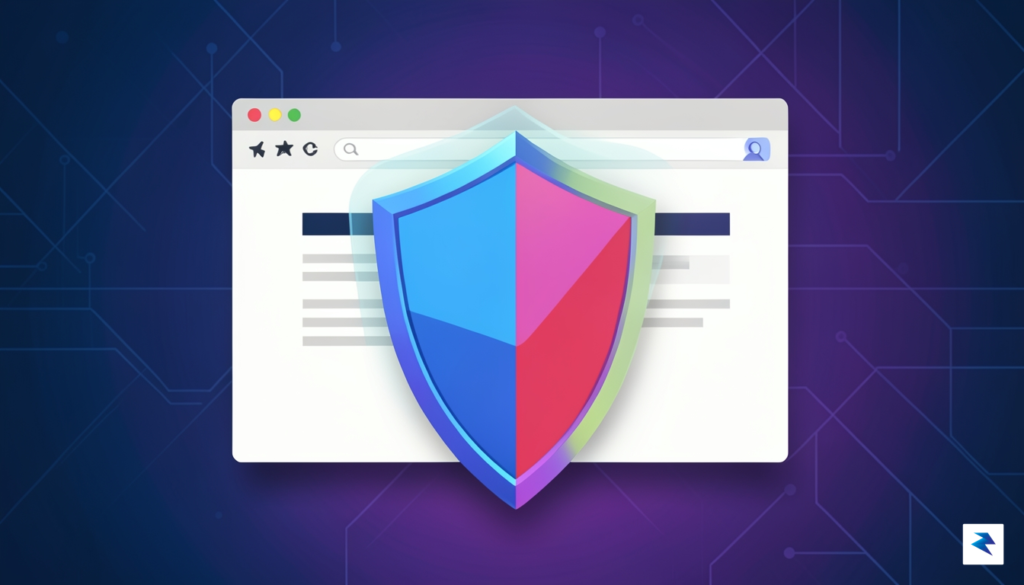
When manual vigilance isn’t enough to keep your digital experience pristine, browser extensions act as a robust, automated safety net. Relying solely on your own willpower to avoid glancing at a headline is often a losing battle, especially when algorithms are designed to put trending—and often spoiler-heavy—content directly in your path. Tools like Spoiler Protection 2.0 function by proactively scanning the text of every webpage you visit in real-time, effectively redacting predefined words or phrases before they ever reach your eyes. By transforming potentially ruinous information into innocuous blocks of color, these extensions provide a “set it and forget it” layer of security that works silently in the background while you browse.
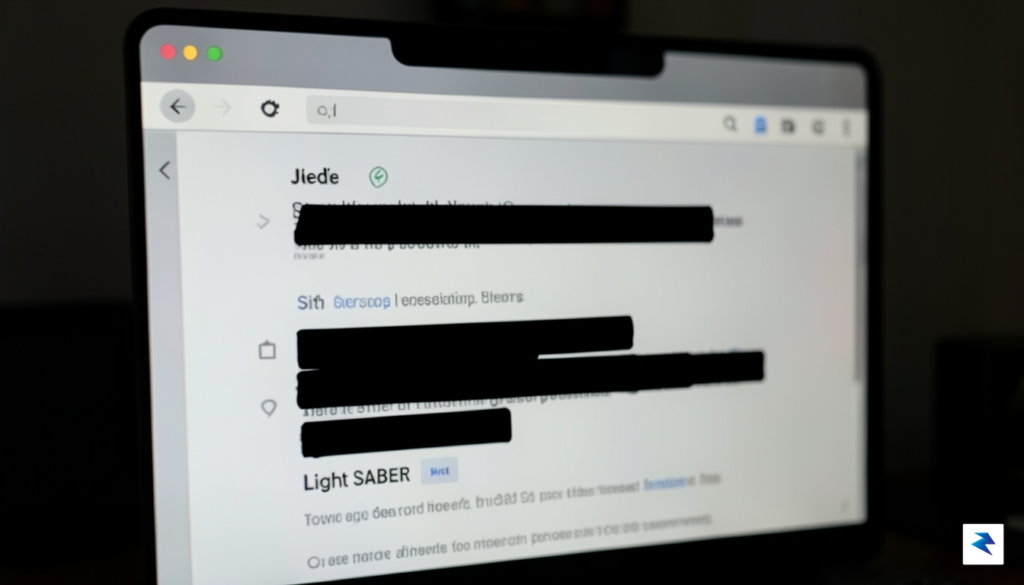
To get started, you must be strategic about how you configure your keyword lists. Most reliable extensions allow you to input custom lists of terms, ranging from specific character names and plot-critical locations to general show titles. It is beneficial to think broadly when building your filter; for instance, if you are avoiding news about a specific television series, include the names of major cast members, the show’s title, and common related hashtags. Once these keywords are saved, the extension continuously monitors page elements, including dynamic content on social media platforms, to ensure that any matching text is immediately obscured.
Pro tip: Regularly audit your keyword list to add new terms as your favorite show progresses, or remove old entries once you have finally caught up on the episodes you were avoiding.
However, it is important to acknowledge that there are trade-offs between automated filtering and raw browser performance. Because these tools must inspect the DOM (Document Object Model) of every page you load, they can occasionally introduce a slight delay or cause a momentary stutter on older hardware or memory-constrained devices. Furthermore, aggressive filters might inadvertently block harmless content if your keyword list is too broad—such as blocking a restaurant review because it happens to share a name with a character you are hiding. Despite these minor inconveniences, the peace of mind offered by automated protection is far superior to the anxiety of navigating the web without any safeguards. By balancing your keyword specificity with your browser’s capacity, you can create a customized digital environment that keeps the twists and turns of your favorite media safely hidden until you are ready to experience them.
Being a considerate participant in online spaces requires more than just avoiding your own disappointment; it necessitates an active commitment to protecting the experience of others. When you have just finished a high-stakes season finale or a long-awaited cinematic release, the urge to share your thoughts is completely natural, yet your enthusiasm should never come at the expense of someone else’s initial viewing. True digital citizenship is rooted in the understanding that everyone consumes media at their own pace, and respecting those boundaries is a hallmark of a thoughtful community member.
Modern platforms have provided us with excellent tools to facilitate spoiler-free discussions, and utilizing them effectively is a non-negotiable responsibility. On platforms like Reddit and Discord, the implementation of markdown features—such as the ||spoiler|| tag or built-in spoiler checkboxes—is essential for masking critical plot details. Before hitting send, take a moment to ensure that any potentially revealing text is hidden behind these native features, allowing users to opt-in to the information rather than having it thrust upon them. Furthermore, if you are creating a new post, always ensure your subject line is strictly neutral; never include names of characters, plot twists, or specific locations in the header, as these are visible to everyone regardless of whether they click on the content itself.
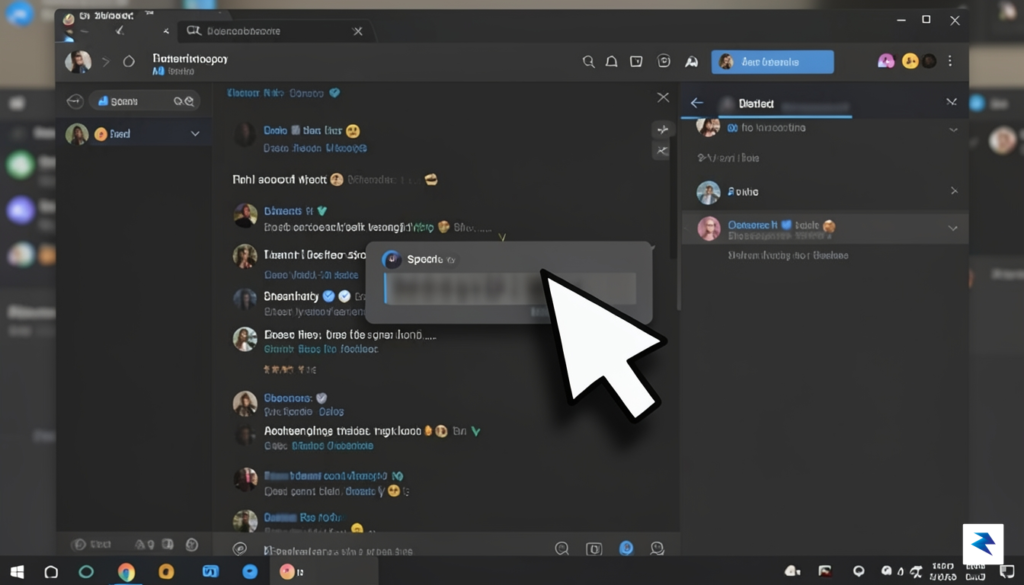
Beyond technical formatting, timing is perhaps the most significant factor in maintaining a healthy environment for your peers. The “48-hour rule” serves as a standard baseline for social media etiquette: refrain from posting any specific plot details or major reveals on public timelines for at least two days following a major release. This grace period accounts for those who have work, school, or other commitments that prevent them from watching the moment the content drops. If you feel compelled to discuss a piece of media before this window has closed, limit those conversations to dedicated threads or private channels specifically marked for fans who have already seen the material.
The core of online etiquette is the Golden Rule: share content in the manner you would prefer to receive it if you were trying to remain surprised.
Group chats and private message threads require an even higher level of vigilance, as the intimacy of these spaces can often lead to a false sense of security. Just because you are among friends does not mean everyone has consumed the same media at the same time. Before diving into a deep analysis or a character breakdown, always send a quick inquiry to the group: “Has everyone caught up with the latest episode?” By taking five seconds to verify the status of your friends, you avoid the sting of an accidental revelation and ensure that the conversation remains enjoyable for every single participant in the room.
When navigating the dynamic world of private messaging apps and group chats, the challenge of avoiding spoilers intensifies significantly. Unlike social media platforms that often employ algorithms or dedicated settings to filter content, apps like WhatsApp, Telegram, Discord, and Messenger operate on direct, unfiltered communication among participants. This means that a crucial plot twist or character fate can appear instantly in your chat feed, leaving little to no time for avoidance. Developing proactive strategies and communicating effectively with your contacts becomes paramount to preserving your viewing or gaming experience.
One of the most effective immediate defenses against accidental spoilers is to leverage the mute functions available in virtually all messaging applications. Before a highly anticipated show drops or a major game releases, identify the group chats that are most likely to discuss it. Proactively muting these specific chats for a set duration – whether it’s eight hours, a week, or even longer – can create a vital buffer zone. This allows you to check in on your own terms, perhaps after you’ve had a chance to catch up, rather than being ambushed by discussions you’re not ready for. Remember, muting doesn’t mean you’re disengaging permanently; it’s a temporary measure to protect your personal media experience during critical spoiler windows.
While muting is a reactive strategy, setting clear boundaries with friends and family within your chat groups is a proactive and sustainable approach. Many people genuinely don’t consider the impact of casual spoilers, especially in the excitement of discussing new content. A friendly, upfront conversation can make all the difference. Consider sending a brief message to the group or individual friends stating your desire to remain spoiler-free for a particular show or game. This direct communication fosters understanding and respect for your viewing preferences, ensuring everyone is on the same page regarding sensitive topics.
To facilitate discussions without ruining the experience for others, suggest specific protocols for “spoiler-tagging” messages. In apps like Discord, native spoiler tags are built-in (you can highlight text and mark it as a spoiler, or type `||spoiler text||`), which automatically blurs the content until clicked. For apps without this feature, propose a simple keyword system, such as prefacing spoiler-heavy messages with “SPOILER ALERT: [Show Name]” or using a series of emojis to denote hidden content. Providing clear, easy-to-follow guidelines makes it simpler for friends to comply and helps you navigate group chats with greater confidence, knowing that sensitive information will be clearly marked.
In extreme cases, particularly during the release of a monumental film, game, or series finale, and if group members are consistently failing to respect boundaries, temporarily leaving a chat might be your ultimate recourse. While it may seem drastic, this is a powerful self-preservation tactic to ensure your experience remains untainted. You can always rejoin the chat later once you’ve caught up, or ask a trusted friend for a quick summary of what you missed that *isn’t* spoiler-related. This option should be reserved for scenarios where other strategies have proven ineffective, but it’s a valid choice for protecting your mental space and media enjoyment.
You must be logged in to post a comment.