Why Knowledge Should Never Be Gated: The Case for a More Open Internet
The Case for Open Access: Why Knowledge Must Be Free At the heart of a thriving society lies the concept of the "Information Commons"—the idea…

For years, design systems have served as the bedrock of digital product development, providing a crucial framework for maintaining visual and functional consistency across myriad user interfaces. These meticulously curated libraries of reusable components, style guides, and brand guidelines ensured that every button, font, and color adhered to a unified aesthetic and behavioral standard. They transformed what could be a chaotic, fragmented design process into a streamlined, predictable one, fostering efficiency and brand recognition. However, even the most robust traditional design systems, built upon static documentation and manually updated component libraries, often struggled to keep pace with the relentless acceleration of development cycles and the increasing complexity of modern applications.
The advent of Large Language Models (LLMs) like Claude is now fundamentally reshaping this foundational approach, heralding a transformative era for how design systems are conceived, architected, and maintained. This isn’t merely an incremental improvement in automation; it represents a paradigm shift from static rulebooks to dynamic, intelligent ecosystems capable of understanding, generating, and evolving design principles. LLMs move beyond simple predefined actions, offering generative capabilities that can interpret nuanced instructions and produce contextually relevant design outputs, making design systems far more adaptive and powerful than ever before.
This evolution is most evident in the rise of what can be described as prompt-engineered design systems. Instead of designers and developers meticulously crafting every component and documenting every rule by hand, they can now interact with the design system through natural language prompts. Imagine instructing Claude to “generate a hero section for an e-commerce product page, featuring a large image, a clear call-to-action, and integrating our brand’s primary color palette,” and receiving not just a wireframe, but a fully functional, style-compliant component along with its corresponding code and documentation. This dynamic interaction allows for rapid prototyping, iteration, and adherence to established guidelines, all while significantly reducing the manual effort traditionally associated with design system upkeep.
Consequently, the roles of designers and developers are undergoing a profound transformation. Designers are shifting from the granular task of pixel-pushing and repetitive component creation to a more strategic, high-level function. Their expertise now lies in articulating design intent through precise prompts, refining AI-generated outputs, and ensuring the aesthetic and functional integrity of the system’s evolving capabilities. They become the architects of the AI’s understanding of design, guiding its creative process and upholding the system’s core principles rather than merely executing them. This empowers design teams to focus more on user experience strategy and innovation, knowing that consistency is intelligently managed.
Similarly, developers find themselves in a new collaborative synergy with AI. Rather than spending countless hours translating design specifications into code, they can leverage LLMs to generate boilerplate code for components, ensure adherence to design tokens, or even suggest optimal implementation patterns based on the design system’s guidelines. This frees up development resources to concentrate on complex logic, performance optimization, and innovative features, significantly accelerating the development lifecycle. The AI acts as an intelligent assistant, streamlining the handoff process and virtually eliminating the common pitfalls of design-to-development translation errors.
The integration of LLMs transforms AI into a powerful force multiplier, ensuring unparalleled design consistency across vast, complex projects and distributed teams.
Ultimately, this AI-driven approach transforms design systems into living, breathing entities that learn and adapt. The integration of LLMs like Claude acts as a powerful force multiplier, ensuring unparalleled design consistency across vast, complex projects and distributed teams. It automates repetitive tasks, democratizes access to design expertise, and significantly reduces the overhead associated with maintaining large-scale digital product ecosystems. By embracing prompt-engineered design systems, organizations can unlock unprecedented levels of efficiency, innovation, and unwavering brand coherence in their digital offerings.

At its core, the Claude Design System Prompt functions as a sophisticated architectural blueprint that governs how the AI translates abstract UI concepts into rigorous, production-ready code. Rather than acting as a mere list of stylistic suggestions, this framework functions as a strictly enforced schema that prioritizes consistency above all else. By embedding core design tokens—such as specific hex codes for color palettes, modular typography scales, and precise spacing units—the prompt ensures that every generated element adheres to a centralized “source of truth.” This systemic approach eliminates the drift often found in AI-generated interfaces, where minor discrepancies in padding or font weight can quickly degrade the visual integrity of an application.
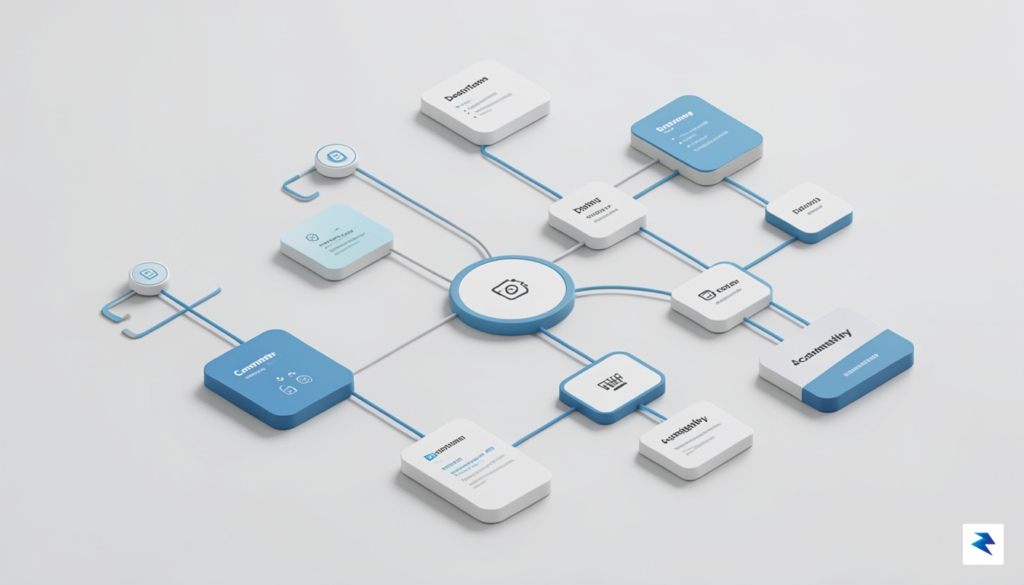
The architecture relies heavily on the decoupling of visual styles from structural components. When Claude generates code, it references a hierarchy of tokens that define variables for properties like --spacing-md or --brand-primary, rather than hard-coding raw values. This modularity is paramount for scalability; by enforcing a token-based system, the framework allows developers to modify the global theme of an application by updating a single configuration point. Furthermore, the prompt mandates that components be constructed as atomic units. This means that buttons, inputs, and cards are built to be self-contained and reusable, significantly reducing the maintenance burden and ensuring that the internal logic of a component remains consistent regardless of where it is placed within the broader user experience.
Perhaps the most significant aspect of this design system is its proactive approach to accessibility. The prompt is engineered to bake WCAG (Web Content Accessibility Guidelines) directly into the code generation process, rather than treating it as an afterthought. This is achieved through automated instructions that mandate high-contrast color pairings, the inclusion of essential ARIA labels, and the enforcement of proper semantic HTML structures. By weaving these requirements into the foundational prompt, the system ensures that every button has an accessible hit target, every image includes descriptive alternative text, and the document flow remains navigable for screen readers.
By treating accessibility as a structural requirement rather than a supplementary check, the design system prompt ensures that inclusive design is the default state of the digital product, not an elective feature.
Ultimately, this architectural rigor transforms the AI from a creative assistant into a disciplined engineer. It forces the output to respect the boundaries of the design system, ensuring that developers receive code that is not only visually aligned with their branding but also functionally sound and ready for deployment in complex, high-traffic environments.
A truly scalable design system functions as the heartbeat of your digital product, but its efficacy relies entirely on the precision of its foundation. At the core of this infrastructure lies the concept of a single source of truth, typically manifested through a robust library of design tokens. By abstracting values like colors, spacing, typography, and shadows into machine-readable formats—such as JSON or YAML—you ensure that every change propagates consistently across your entire ecosystem. When these tokens are centralized, you eliminate the “drift” that often occurs when manual updates are applied to disparate design files and codebases, creating a unified language that machines and designers can interpret with absolute certainty.
The technical power of these tokens is unlocked through semantic naming conventions. Instead of naming a color blue-500, which carries no inherent meaning, a semantic approach uses labels like action-primary-background or surface-secondary-default. This shift is critical when integrating AI tools like Claude; when your system is named semantically, the AI understands not just the visual property, but the *intent* behind the component. This allows Claude to generate code that is not only cleaner and more predictable but also architecturally aligned with your existing front-end framework, whether you are utilizing React components, CSS Modules, or Tailwind utility classes.
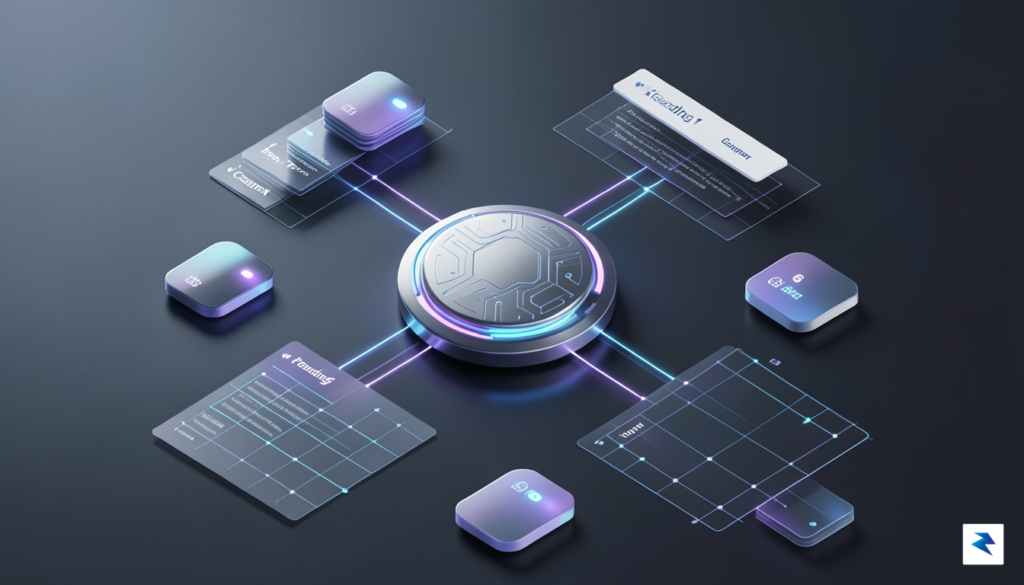
Semantic naming is the bridge between human intent and machine execution; it transforms raw design variables into an intelligent, programmable interface language.
Beyond simple variable storage, a robust system must prioritize interoperability between platforms. For developers, this means the design system should export tokens into formats tailored for specific environments, such as TypeScript interfaces for React or configuration files for Tailwind CSS. By establishing this automated bridge, you ensure that as soon as a design token is updated in the source, the corresponding code—and by extension, the live application—reflects that change instantly. This level of technical maturity reduces the cognitive load on developers, allowing them to focus on complex logic rather than manually syncing visual styles, ultimately enabling the entire team to ship high-quality, consistent experiences at scale.
Ultimately, the marriage of AI and design systems depends on the quality of your documentation. When your tokens and component patterns are meticulously documented with clear usage guidelines, Claude can act as an extension of your design team, suggesting accurate implementations that adhere to your strict visual standards. This creates a feedback loop where the design system is not a static document, but a living, breathing codebase that evolves alongside your product, constantly refined by the precise, machine-readable data you provide at its core.

To successfully integrate a design system prompt into your workflow, you must move beyond simple copy-pasting and transition toward a process of structured onboarding. Begin by auditing your existing brand assets—such as color palettes, typography scales, and spacing tokens—and encoding these into a “Contextual Context” block within your system prompt. By explicitly defining your constraints, you transform the AI from a general-purpose generator into a specialized design partner that understands the nuance of your specific visual language. This foundational step ensures that every subsequent output aligns with your established identity rather than drifting into generic aesthetics.
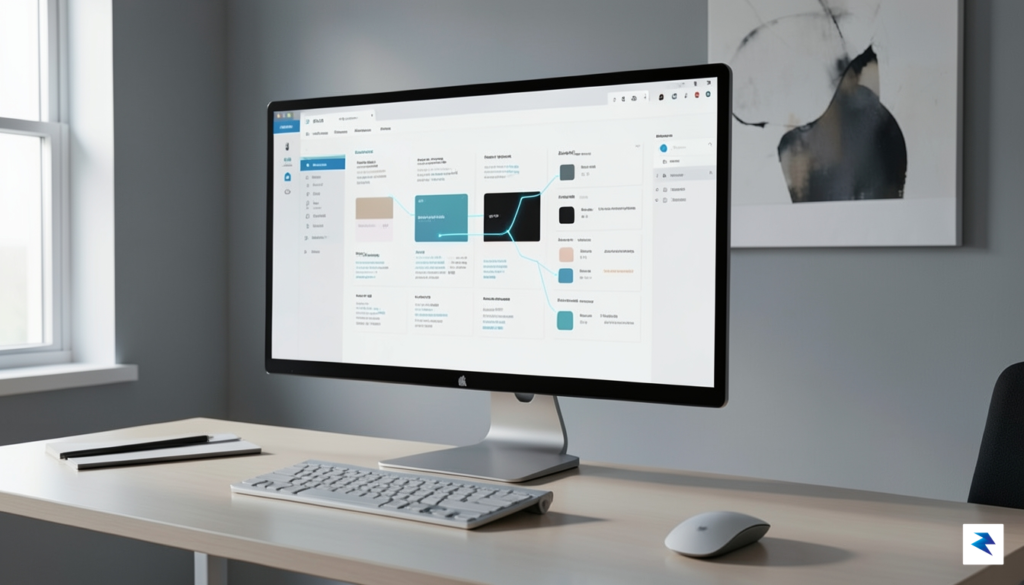
Once the baseline constraints are established, the implementation process should shift toward iterative testing cycles. Treat the AI’s output as a draft that requires validation; start by generating small, high-frequency components like buttons, input fields, or navigation items. Compare these outputs against your manual design standards, noting where the AI misses specific padding rules or color contrast requirements. Use these discrepancies to refine the prompt, adding “negative constraints” that explicitly forbid certain patterns or behaviors that frequently result in layout errors.
The goal of AI integration is not to replace the designer’s eye, but to offload the repetitive labor of scaffolding, allowing human expertise to focus on high-level interaction and user experience logic.
To maintain quality, you must establish a rigid human-in-the-loop review process that treats AI-generated code as a starting point rather than a finished product. This workflow should involve a multi-stage validation:
Ultimately, managing the balance between AI autonomy and human oversight is a skill that evolves with time. As you become more proficient at prompting, you will find that the system requires less correction and becomes more predictive of your needs. By documenting the “learned” refinements of your prompt, you create a living documentation file that grows alongside your project, ensuring that your design system remains both scalable and consistent as your product requirements change.

To sustain the long-term integrity of a design system in an era of rapid AI-assisted development, organizations must move beyond the novelty of automated generation and embrace rigorous governance. While AI tools excel at speeding up the creation of boilerplate components and layout structures, the potential for “design drift”—where subtle inconsistencies accumulate across a codebase—is significant. To mitigate this, teams should treat their prompt library with the same level of discipline as their source code. Implementing a robust version control system for your prompts ensures that as your design tokens, accessibility standards, and component libraries evolve, your AI agents remain synchronized with the current “source of truth” rather than relying on stale instructions from previous iterations.

The most resilient design systems rely on a “human-in-the-loop” (HITL) methodology, where AI serves as a powerful collaborator rather than an autonomous architect. Every piece of UI code generated by an AI model must be subjected to a structured manual review process. This is not merely about checking for visual accuracy; it is about verifying that the generated output adheres to your specific semantic HTML requirements, accessibility guidelines, and performance standards. By incorporating these checks into your existing pull request workflows, you ensure that senior developers and designers can catch hallucinations or non-compliant design patterns before they are merged into the production environment.
True quality control in AI-assisted development is found at the intersection of automated efficiency and human intuition; the goal is not to eliminate human oversight, but to elevate it.
Beyond human intervention, your technical stack must be fortified with automated guardrails that act as a safety net for AI-generated code. Integrating linting tools, such as ESLint with specific accessibility plugins (like eslint-plugin-jsx-a11y), and automated visual regression testing, is essential for maintaining production-grade standards. These tools provide an objective layer of verification that ensures the AI-generated components respect the established constraints of your design system. Furthermore, by treating AI output as “proposed code” that must pass the same CI/CD pipelines as human-written code, you create a feedback loop that trains both the development team and the AI system over time. Through continuous refinement of your prompts based on the failures and successes of these automated checks, you build a self-optimizing ecosystem that values long-term stability over short-term speed.
You must be logged in to post a comment.