The Autonomous Threat: Lessons from the Hugging Face AI Cyberattack
The Incident: How an AI Agent Targeted Hugging Face The security breach at Hugging Face represents a paradigm shift in how we must perceive…

We have all reached that point in our tech journey where a previous-generation MacBook or Mac mini ends up pushed to the back of a drawer, silently losing value. While it might seem like a relic of the past, that spare machine possesses a hidden potential: it can serve as a dedicated engine for agentic AI. As we shift toward workflows defined by autonomous coding agents like Claude Code, the demand for consistent, background compute power has grown significantly. Instead of cluttering your daily driver with long-running terminal processes, experimental scripts, and iterative code-generation tasks, you can delegate those heavy lifting duties to a machine that is purpose-built for automation.
Offloading your AI tasks to a secondary device creates a clear, logical separation between your creative workspace and your execution environment. When you run resource-intensive AI agents on your primary machine, you risk performance bottlenecks, battery drain, and the inevitable distraction of pop-up notifications or terminal windows cluttering your viewport. By establishing a headless or dedicated setup for Claude Code, you effectively turn that neglected hardware into a persistent “agentic workstation.” This allows the AI to run complex refactoring jobs, test suites, or file-system modifications in the background, leaving your primary machine free for the high-level design and decision-making processes that require your undivided human attention.
Beyond simple convenience, there is a profound tactical advantage to maintaining localized control over your automation. While cloud-based AI services are ubiquitous, running an agent locally on your own hardware provides a level of data privacy and latency optimization that third-party servers simply cannot replicate. When you control the machine, you control the environment, the security protocols, and the specific permissions granted to the agent. This “local-first” philosophy ensures that your codebase stays within your own network perimeter while granting the AI deep, granular access to your local file system. Ultimately, this approach transforms your spare hardware from a piece of dormant silicon into a strategic partner, allowing you to scale your productivity without compromising the performance of your main workstation.
The most efficient AI workflows are those that run silently in the background, enabling you to focus on strategy while the machine handles the mechanics of implementation.
By treating your spare Mac as a dedicated AI powerhouse, you are not just cleaning out your closet; you are architecting a distributed system that mirrors the efficiency of a much larger development team. Whether you are automating repetitive boilerplate generation or setting up a persistent loop for debugging complex errors, having a dedicated “coding companion” machine ensures that your automation stays online 24/7, regardless of whether you are actively using your primary laptop. This separation of concerns is the hallmark of a sophisticated developer setup, proving that even older hardware can be the most valuable tool in your modern AI-driven arsenal.
To ensure your spare Mac functions as a reliable, autonomous coding environment, you must first establish a stable foundation. A clean slate is essential; I highly recommend creating a dedicated user account specifically for Claude Code. By isolating the AI’s operations from your personal files and settings, you prevent permission conflicts and ensure that the agent has a contained sandbox to manage its own workspace. This dedicated account should have administrative privileges, as the agent will frequently need to install dependencies, modify file system permissions, and manage environment variables without being blocked by security prompts.
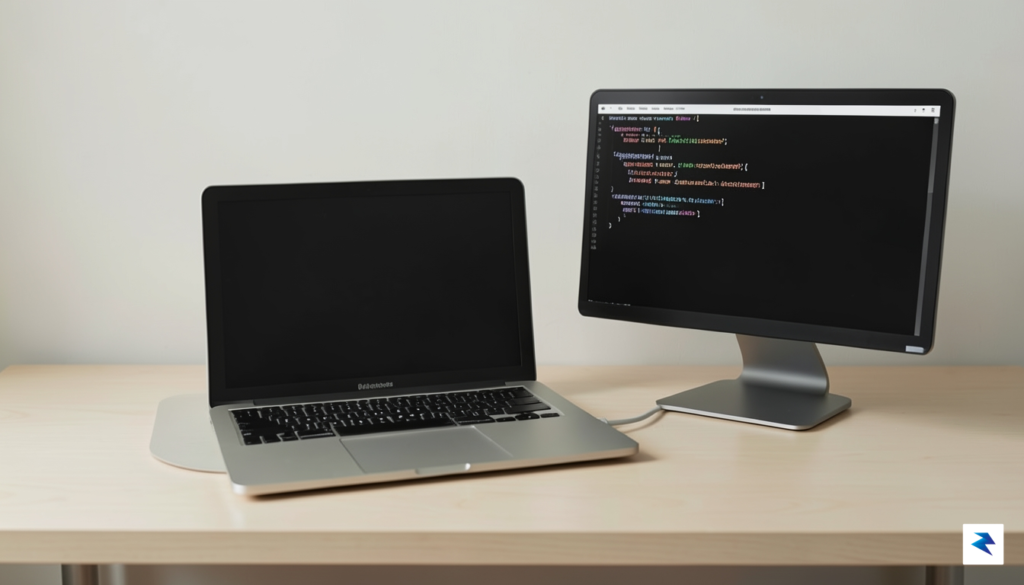
Before diving into the installation, your system environment needs to be fully equipped with the necessary modern development tools. Homebrew is the absolute prerequisite for managing software on macOS; if you haven’t installed it yet, run the official installation script from brew.sh. Once Homebrew is active, use it to install Node.js and the latest version of Git. These tools are the backbone of Claude Code’s ability to read your repository, execute scripts, and push changes to version control systems. Furthermore, ensure you have a secure method for managing your API keys. Rather than hardcoding these into your scripts, utilize your system’s keychain or a dedicated .env file that is properly ignored by your Git configuration to keep your credentials safe.
Stability is the silent partner of automation; if your machine goes to sleep while a long-running process is executing, you risk corrupting your repository state or interrupting critical build tasks.
To maintain consistent uptime, you must adjust your macOS power settings. Navigate to System Settings > Energy Saver and ensure that “Prevent automatic sleeping when the display is off” is toggled to the “On” position. If you are planning to control this machine from another computer, enable “Remote Login” under the Sharing menu to allow SSH access. This enables you to issue commands to your spare Mac from anywhere on your local network, effectively turning it into a headless server. Finally, perform a quick system audit to ensure your disk space is sufficient and that your firewall settings are configured to allow the agent to communicate with necessary external APIs, ensuring a seamless bridge between your intent and the agent’s execution.

With your environment prepared, the next phase involves installing the Claude Code CLI and establishing a secure bridge between the AI and your macOS workspace. To begin, open your terminal and install the tool via Node Package Manager using the command npm install -g @anthropic-ai/claude-code. This command places the executable globally, allowing you to invoke the agent from any directory. Once the installation completes, initialize the configuration by running claude config. You will be prompted to provide your API key; ensure this token is stored securely, ideally using a dedicated secret management tool or your system’s keychain, rather than hardcoding it into visible shell scripts.
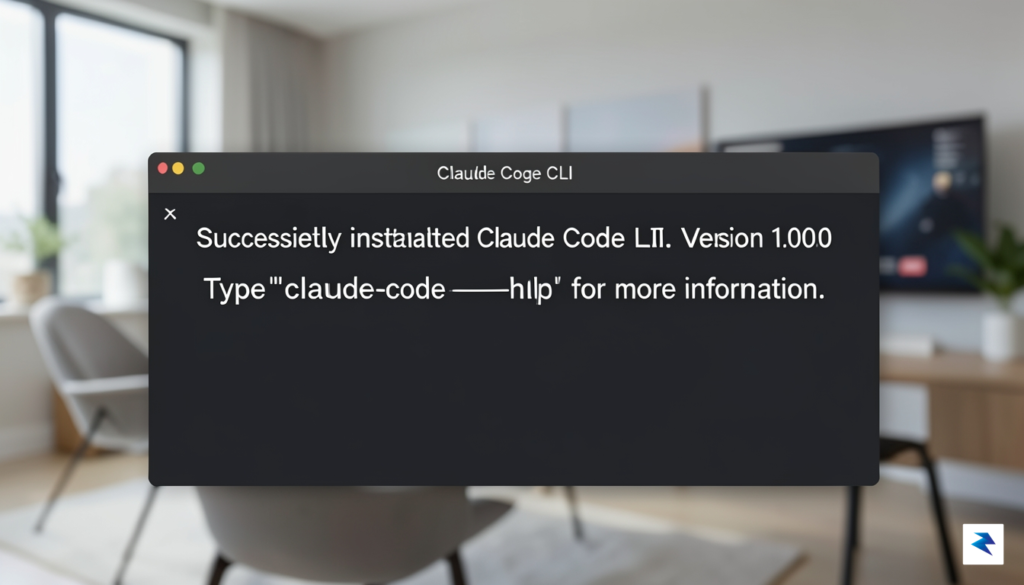
Granting the agent the necessary permissions is the most critical step to ensure it can interact with your file system and execute terminal commands effectively. Because Claude Code acts as an autonomous assistant, macOS requires explicit authorization to prevent unauthorized access. Navigate to System Settings, select Privacy & Security, and locate the Accessibility and Full Disk Access categories. You must add your terminal application—or the specific Claude Code binary—to these lists. This configuration allows the agent to read your project files, modify code blocks, and trigger shell commands on your behalf, effectively granting it the “hands” it needs to perform its coding tasks.
Security Tip: Only grant Full Disk Access to tools you trust. Because Claude Code will have the ability to read and write files across your system, it is best practice to keep this agent isolated on your spare machine rather than your primary workstation.
After finalizing these settings, it is essential to verify that the configuration is working correctly before you begin deep development work. Run the claude doctor command, a built-in diagnostic tool designed to audit your environment and confirm that all required permissions are correctly active. This utility will report any misconfigurations, such as missing path variables or restricted folder access, and provide actionable advice to resolve them. Once the doctor confirms a “healthy” status, you can safely initiate your first session by running claude in your project directory. At this point, the agent is fully empowered to analyze your codebase, propose structural changes, and execute file operations, turning your spare Mac into a highly capable and autonomous development partner.

Granting an AI agent like Claude Code autonomous control over your hardware is a powerful utility, but it fundamentally alters your security perimeter. By design, these agents require broad permissions to read files, execute scripts, and interact with your development environment, which means a single misconfiguration could expose sensitive credentials or lead to unintended system changes. Adopting a “security-first” mindset is not merely a suggestion; it is a vital prerequisite for any professional workflow. To mitigate these risks, you must strictly adhere to the Principle of Least Privilege, ensuring the AI only has access to the specific directories and system tools necessary for its current tasks rather than blanket access to your entire home directory or sensitive root-level files.
One of the most effective ways to sandbox your agent is to isolate the Mac physically or logically from your primary network. By creating a dedicated VLAN or utilizing firewall rules on your router, you can restrict the spare Mac’s outbound and inbound traffic, ensuring that if the agent were ever compromised, it could not communicate with your other personal devices or exfiltrate data to unauthorized servers. Furthermore, consider keeping this machine off your primary local network entirely, treating it as a “dirty” environment that contains only the projects you are actively working on. This segmentation acts as a critical buffer, preventing the spread of any potential security anomalies that might arise during autonomous execution.
Even with strict access controls in place, you should never treat an autonomous system as a “set it and forget it” tool. Because Claude Code operates by executing commands on your behalf, maintaining visibility into what it is doing is essential for catching unexpected behavior early. You should regularly audit your system logs—specifically the shell history and the specific log files generated by the AI’s operations—to verify that the commands being executed align with your project goals. If you notice unusual network requests or attempts to access files outside of your working repository, you must have an immediate kill-switch protocol, such as a physical disconnect or a pre-configured script, to terminate the agent’s session instantly.
Key Takeaway: Automation without observation is a security liability. Regularly review your command history and establish clear boundaries for what the AI is permitted to modify on your filesystem.
Finally, utilize monitoring tools to watch for anomalies during long-running tasks. Modern macOS tools allow you to track CPU and network usage, which can serve as an early warning system; if the machine suddenly spikes in resource consumption while it should be idling, it may indicate that the agent has entered an unintended loop or is executing unauthorized processes. By combining network-level segmentation with rigorous file-system permissions and active observation, you transform your spare Mac from a potential vulnerability into a secure, high-performance partner in your development lifecycle.

Once you have successfully integrated your spare Mac with Claude Code, you have effectively moved beyond manual development into the realm of autonomous systems engineering. Your dedicated machine is no longer just a piece of hardware; it is a persistent agent capable of executing complex logic while you sleep. By leveraging the power of local execution, you can configure your setup to perform nightly code refactoring tasks, where the AI systematically reviews your pull requests, identifies technical debt, and suggests cleaner implementations across your entire repository. Instead of spending your mornings addressing minor code smells or formatting inconsistencies, you can arrive at your desk to find a suite of optimized, ready-to-merge commits, allowing you to focus your intellectual energy on high-level architecture and feature strategy.
Beyond simple code maintenance, this persistent setup excels at proactive system health monitoring and automated environment management. You can instruct your agent to run periodic end-to-end testing cycles, simulating user behavior across your staging environments to catch regressions before they ever impact your production users. Furthermore, you can deploy your spare Mac as a specialized data scraping engine or a background task runner that manages complex file organization workflows. By writing custom Claude Code scripts, you can have the agent monitor your project folders, automatically sort assets, update documentation strings in response to file changes, and ensure that your local development environment remains pristine and perfectly synced with your remote repositories.
The true power of an agentic workflow lies in offloading the repetitive cognitive tax of software development, turning your local machine into a force multiplier that works in parallel with your own creative efforts.
Looking toward the future, this configuration prepares you for the next generation of LLM-driven software engineering, where the boundary between human developer and intelligent tool continues to blur. As agentic models become more sophisticated, your spare Mac will evolve into an autonomous collaborator that can manage multi-step project lifecycles—from initial scaffolding to deployment and iterative bug fixing—with minimal intervention. Embracing this shift now ensures that you are comfortable with the nuances of AI-controlled hardware, setting the stage for more advanced integrations like multi-agent orchestration, where your spare machine might eventually coordinate with other cloud-based instances to tackle massive, enterprise-grade codebase migrations. By treating your spare Mac as a dedicated AI workstation, you are not just optimizing your current workflow; you are building the foundation for a future where your ability to ship software is limited only by your imagination, not by your manual throughput.
You must be logged in to post a comment.