
The Best Family Board Games to Unplug and Reconnect Tonight
Why Board Games Are the Ultimate Screen-Free Connection In our current era of near-constant digital immersion, many of us suffer from a…
The recent discovery regarding LG’s UltraGear line has sparked a significant conversation about the boundaries between driver management and unsolicited software distribution. Investigations conducted by the team at Gamers Nexus brought to light a troubling mechanism where the LG Monitor App Installer is being pushed directly to Windows 11 systems through the Windows Update utility. While users typically expect Windows Update to handle essential firmware or peripheral drivers to ensure hardware stability, this specific process does not merely install necessary monitor drivers; instead, it automatically initiates the installation of a software suite that includes McAfee security products. Because this occurs silently in the background, many users find themselves greeted by persistent, intrusive pop-up advertisements for antivirus subscriptions despite never having authorized such software on their machines.
What makes this situation particularly alarming is the lack of transparency throughout the installation lifecycle. Typically, when a user connects a new monitor, they anticipate that the operating system will pull the appropriate display drivers to facilitate color accuracy and refresh rate adjustments. However, by masking the LG Monitor App Installer as a standard Windows Update component, the manufacturer has effectively bypassed the traditional user consent model. This decision caught the tech community by surprise because it fundamentally violates the expectation of trust between hardware manufacturers and their customers. When a user purchases a premium piece of hardware, they do not expect that device to serve as a delivery vector for third-party affiliate software or promotional marketing materials.
The integration of third-party promotional software into standard peripheral driver updates represents a dangerous shift toward treating hardware owners as an advertising audience rather than as consumers of a functional product.
This silent installation process operates by leveraging the automated nature of Windows Update, which is designed to be a “set it and forget it” tool for the average user. Because the software is bundled within what appears to be a legitimate driver update, the system treats the McAfee installer as a prioritized component. Consequently, even users who are diligent about their system’s security and software hygiene are inadvertently subjected to this bloatware. This discovery underscores a growing trend in the tech industry where peripheral management software is increasingly used to push auxiliary services. For LG UltraGear owners, the result is not just a cluttered system tray, but a genuine frustration regarding the unauthorized modification of their computing environment, raising important questions about the future of driver distribution and corporate accountability in the PC hardware space.
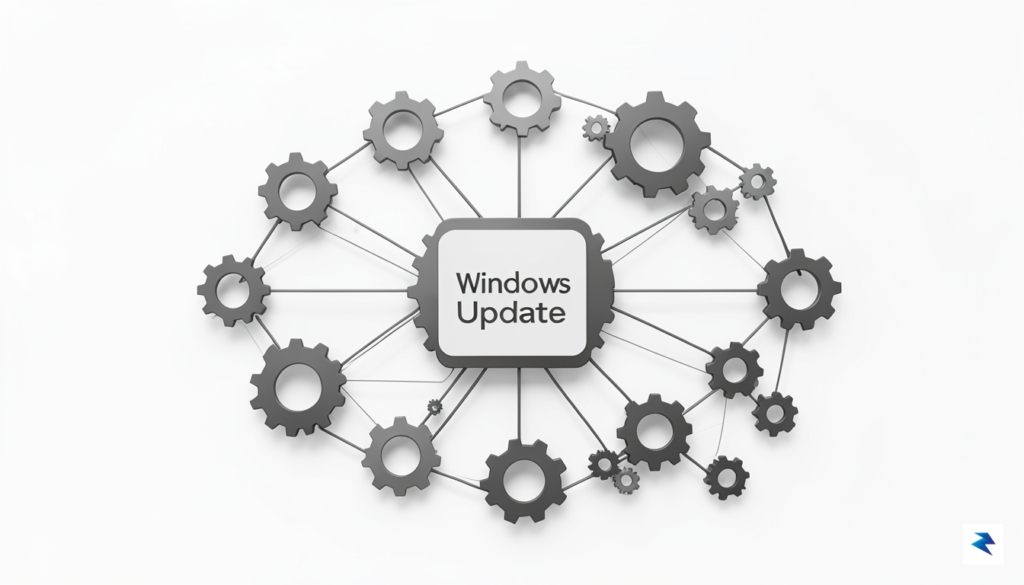
The seamless experience promised by Windows Update—where hardware connects, drivers install, and systems function without manual intervention—is increasingly being compromised by a practice that blurs the line between essential system maintenance and aggressive marketing. At the heart of this issue is Microsoft’s driver signing and distribution pipeline, a mechanism designed to ensure that the code running on your kernel is verified and secure. However, manufacturers like LG have found a way to piggyback unwanted third-party software onto these critical updates. When a monitor is plugged in, the system automatically fetches what it identifies as the “official” driver package, but in reality, that package often includes bundled installers for security suites like McAfee, which users neither requested nor consciously authorized.
This integration is problematic because it exploits the trust users place in the Windows Update ecosystem. Historically, users have been conditioned to believe that any update pushed through the official Microsoft channel is vetted for safety and necessity. By wrapping McAfee installation prompts within the driver delivery system, LG and other hardware vendors are essentially weaponizing this trust to facilitate “value-add” bloatware distribution. This creates a confusing experience where a user trying to optimize their display settings is suddenly confronted with a series of intrusive pop-ups urging them to subscribe to a paid antivirus service. It transforms a routine hardware setup into a high-pressure sales funnel, undermining the integrity of the operating system’s update infrastructure.
The systemic issue here lies in the broad definition of “vendor-recommended” software packages. Manufacturers frequently argue that these bundles provide extra value or security, yet they rarely offer a clean, driver-only alternative that is just as easy to acquire. Because these packages are submitted to Microsoft as a single, unified installer, the operating system lacks the granular control to separate the necessary driver from the optional, unwanted promotional software. Consequently, the user is left with a binary choice: accept the entire suite or risk monitor incompatibility by blocking the update entirely. This lack of transparency is fundamentally anti-consumer, as it forces users to act as involuntary participants in a commercial partnership between the hardware manufacturer and the software vendor.
The core of the controversy is not the driver itself, but the deliberate decision to tether essential system stability to the installation of third-party advertising software.
Moving forward, the industry needs to establish stricter guidelines regarding what constitutes a “driver” versus what constitutes a “bundled application.” If manufacturers continue to leverage the Windows Update pipeline to push intrusive marketing, it may lead to a total erosion of user confidence in automatic updates. For the average user, the takeaway is clear: just because an update is labeled as “official” or “recommended” by Windows doesn’t mean it is free from ulterior commercial motives. Vigilance is now a requirement, as even the most basic peripheral setup could be an entry point for unwanted software that consumes system resources and disrupts the user experience.

The recent discovery of McAfee pop-ups bundled within LG monitor drivers highlights a troubling trend in the hardware industry: the transformation of peripheral devices into vehicles for aggressive affiliate marketing. While users typically associate bloatware with pre-loaded laptops or budget smartphones, the integration of third-party security suites into monitor drivers introduces a new layer of friction. When software is installed silently or through opaque “recommended” prompts, it effectively bypasses the user’s informed consent. This lack of transparency strips consumers of their agency, forcing them to host background processes that they did not explicitly invite onto their systems.
Beyond the immediate frustration of intrusive advertisements, these unsolicited background processes pose significant risks to both system performance and data privacy. Security suites like McAfee are notoriously resource-heavy, often running multiple persistent services that monitor file system activity, network traffic, and web browsing habits to function. When these programs are installed without a clear purpose, they consume valuable CPU cycles and RAM that could otherwise be dedicated to the tasks for which the monitor was actually purchased—such as professional video editing, gaming, or high-end productivity. Consequently, the hardware user ends up paying a hidden “performance tax” to support a software ecosystem that serves the monitor manufacturer’s bottom line rather than the user’s computing needs.
The core issue lies in the erosion of trust; when a hardware manufacturer prioritizes affiliate revenue over a clean, streamlined user experience, they compromise the integrity of the ecosystem they have built for their customers.
Furthermore, the privacy implications of this practice cannot be overstated. By installing a third-party security suite, users are inadvertently authorizing an additional entity to collect telemetry data from their machines. This software often harvests information regarding system configurations, software usage patterns, and potentially sensitive browsing metadata to feed its own analytics engines. Because this installation occurs under the guise of an “official” driver update, the average user may not realize that they have granted a third-party vendor deep access to their system’s inner workings. This practice turns a piece of peripheral hardware into a trojan horse for data collection, raising serious questions about the ethical boundaries of hardware manufacturers who leverage their position to push invasive third-party software onto unsuspecting buyers.
Ultimately, the inclusion of such software represents a fundamental misalignment of incentives. Consumers purchase monitors to view high-quality content, not to host an advertising platform for third-party security providers. As hardware becomes increasingly interconnected, it is essential for users to remain vigilant about what is being installed alongside essential drivers. Moving forward, the industry must be held accountable for these practices, ensuring that device performance and user privacy are prioritized over the short-term financial gains of bundled software partnerships.
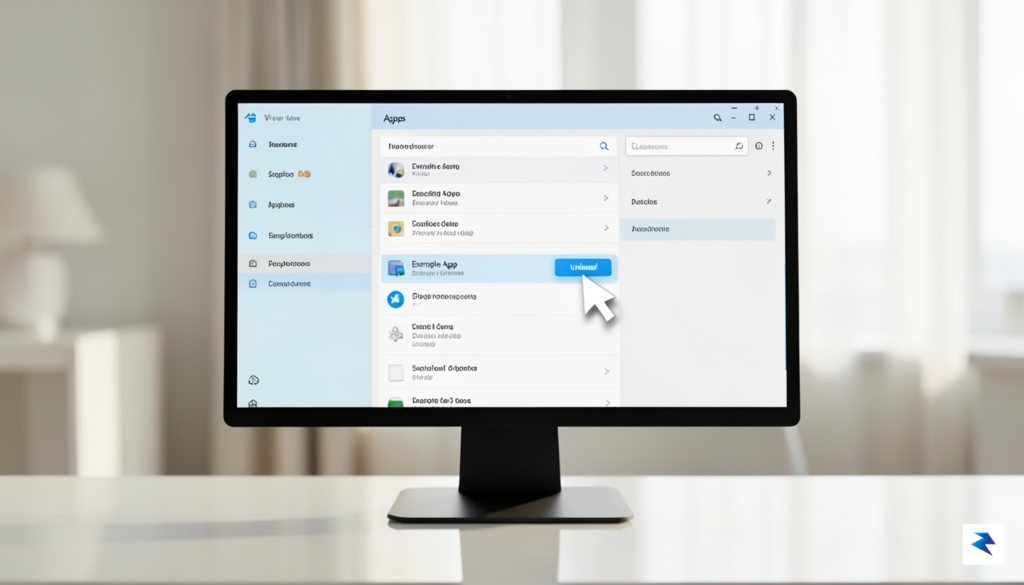
If you have recently configured a new LG monitor, there is a distinct possibility that your system is silently running background installers that you never authorized. These utilities often slip in alongside standard driver packages, masquerading as necessary support software while primarily serving as delivery vehicles for third-party promotions. To regain control over your Windows environment, you should begin by conducting a thorough audit of your installed applications. Navigate to Settings > Apps > Installed Apps and scan the list for any software published by McAfee or unexpected LG-branded “assistant” programs that you do not recall installing. If you spot anything suspicious, clicking the ellipsis (…) next to the application name will allow you to select Uninstall, which is the first line of defense in clearing out unwanted bloatware.
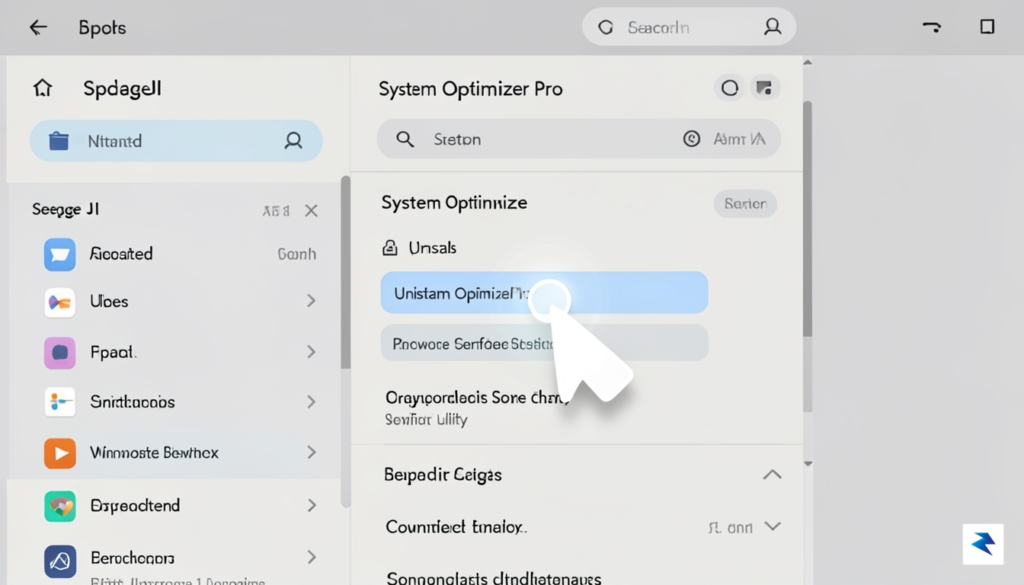
Beyond standard application removal, some persistent software may anchor itself within your system’s background processes. To address this, open the Task Manager by pressing Ctrl + Shift + Esc and navigate to the Startup apps tab. Here, you can identify any services that launch automatically when you boot your computer. Disabling these entries—especially those labeled with service names you do not recognize—prevents the software from consuming system resources and potentially triggering intrusive pop-ups before you have even opened a web browser. Once disabled, a quick restart of your computer will finalize the process, ensuring that these background tasks remain dormant until you explicitly choose to remove the underlying files entirely.
Pro Tip: Removing software is only half the battle; you must also ensure that Windows does not automatically re-install these programs during future driver updates.
To prevent these “optional” software installations from returning, you need to adjust how Windows handles device installation settings. By default, Windows may attempt to download manufacturer-specific apps whenever it detects a new hardware signature. You can mitigate this by pressing the Windows Key, typing Device Installation Settings, and selecting the option that says “No (your device might not work as expected).” While this is a more restrictive approach, it effectively stops the operating system from pulling down unsolicited promotional bundles. Furthermore, keeping a regular eye on your Windows Update history will provide you with peace of mind, allowing you to see exactly what has been installed and preventing unwanted surprises from cluttering your desktop experience. By taking these proactive steps, you ensure that your monitor remains a hardware peripheral rather than a gateway for unwanted advertisements.
The recent emergence of intrusive software practices within hardware peripherals signals a troubling shift in how manufacturers view their relationship with end-users. For decades, companies like LG have cultivated consumer trust by delivering high-quality display technology that functions as a silent, reliable partner in our daily digital workflows. By introducing third-party advertisements into driver installations or monitor utility software, manufacturers are effectively commodifying the user’s private desktop space. This strategy risks sacrificing long-term brand equity for the sake of short-term affiliate revenue, a trade-off that rarely benefits the customer and often leaves them feeling exploited by the very devices they purchased to enhance their productivity.
To restore the balance between necessary software support and user experience, the industry must move toward a more rigorous standard of transparency. Currently, many consumers are blindsided by “bloatware” that installs silently alongside essential drivers, leaving them to deal with persistent pop-ups and system notifications that they never actively requested. A more ethical approach would involve a strict opt-in model, where users are clearly informed of any third-party software before installation, with the option to decline without sacrificing the core functionality of their hardware. If a product requires driver software to perform its primary tasks, that software should be lean, focused, and entirely free of marketing agendas.
Ultimately, the desktop environment is a personal space that manufacturers should treat with a high degree of respect. When a user invests in a premium monitor, they are paying for the hardware, not for a subscription to a digital billboard. If hardware manufacturers continue to prioritize ad-driven models, they will inevitably face a backlash that drives consumers toward competitors who understand the value of a clean, unadulterated computing experience. Trust is remarkably difficult to build and incredibly easy to lose; for LG and its peers, the path forward must involve prioritizing the integrity of the user’s interface over the immediate financial gains of bundled software partnerships.
The true value of a peripheral lies in its ability to seamlessly support the user’s workflow, not in its capacity to serve as a gateway for unwanted third-party advertising.
As we look toward the future of peripheral software, the call for industry-wide accountability will only grow louder. Consumers are becoming increasingly tech-savvy and are quick to identify when their hardware is being used as a vehicle for unwanted marketing. By adopting “privacy-first” installation practices and committing to a bloatware-free experience, manufacturers can prove that they value their customers as more than just a data point for revenue. The decision to respect the desktop environment is not just a matter of professional courtesy; it is a fundamental requirement for maintaining the loyalty that sustains these companies in an intensely competitive market.
You must be logged in to post a comment.