OpenAI Doubles Bio-Security Bounty to $50,000: Searching for Universal Jailbreaks
The Evolution of AI Biological Threat Mitigation As artificial intelligence models evolve from simple text generators into sophisticated…
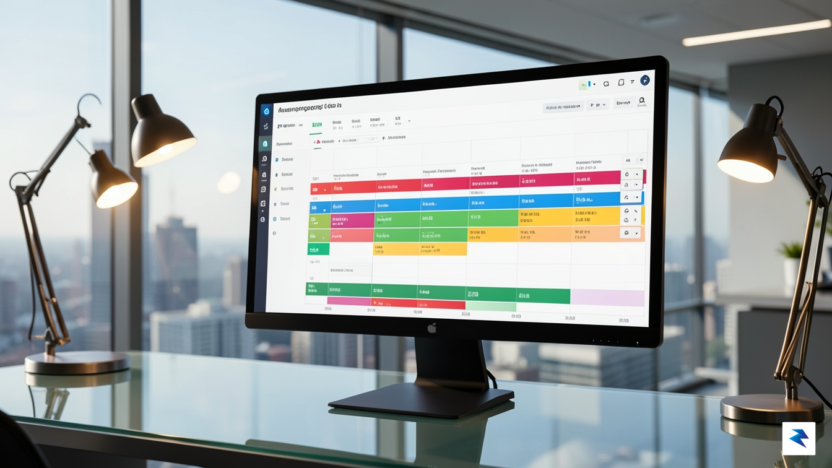
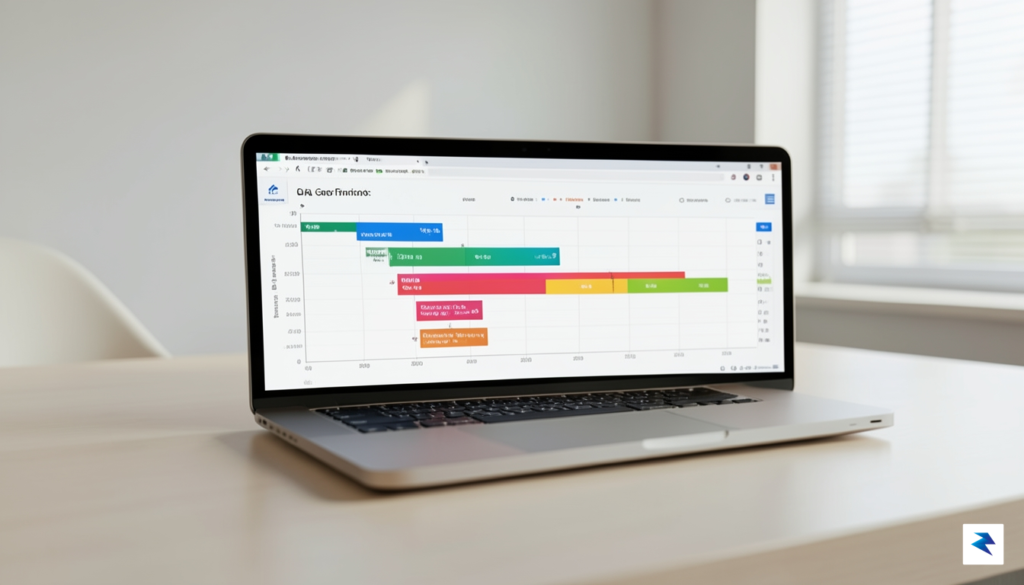
More than a century after Henry Gantt first popularized his horizontal bar charts during the industrial boom, these visual timelines remain the bedrock of professional project management. While critics often dismiss them as relics of the rigid “Waterfall” era, this perspective overlooks the fundamental human need for cognitive clarity. In our current era of rapid digital transformation, where teams are bombarded by a constant influx of asynchronous notifications and micro-tasks, the Gantt chart serves as a vital anchor. It transforms a chaotic, abstract list of deliverables into a coherent narrative, allowing stakeholders to grasp the “big picture” at a single glance without needing to sift through individual Jira tickets or Slack threads.
The psychology behind this effectiveness is rooted in our innate ability to process spatial relationships faster than textual data. When a project manager presents a Gantt chart, they are not merely showing a schedule; they are mapping the anatomy of an objective. By visualizing dependencies—the “if this, then that” relationships that define complex workflows—team members can immediately recognize how their specific contributions impact the critical path. Unlike a simple Kanban board, which excels at showing the immediate status of a task, the Gantt chart excels at showing the consequences of delay. It turns abstract deadline pressure into a concrete, visual reality that encourages proactive problem-solving rather than reactive firefighting.
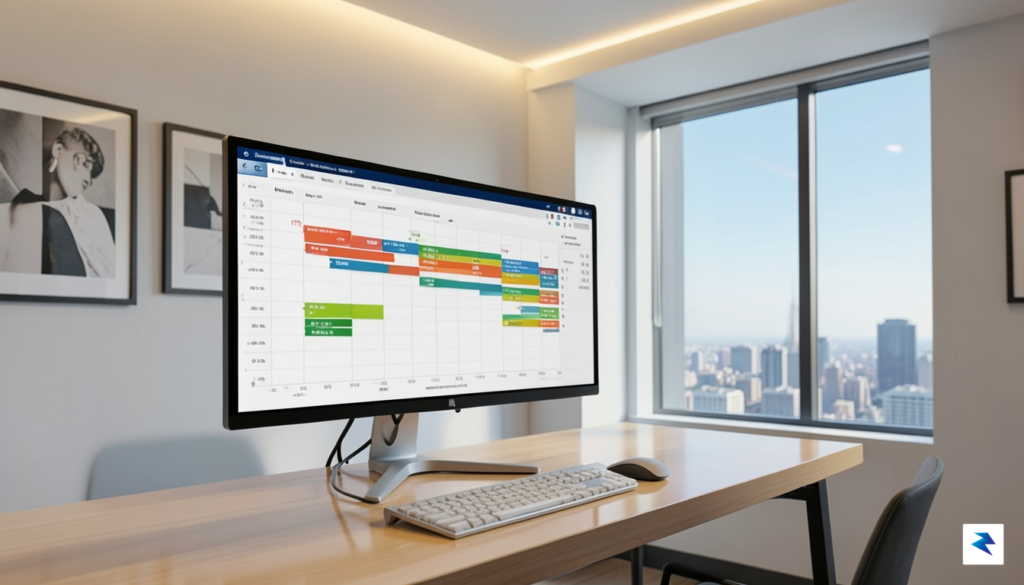
There is a persistent, yet fundamentally flawed, misconception that Gantt charts are incompatible with modern Agile methodologies. In reality, the most successful 2026 project management workflows utilize a hybrid approach, marrying the granular, iterative nature of sprints with the high-level oversight provided by a timeline. Agile teams often use Gantt charts to manage “release trains” or cross-departmental milestones where dependencies extend beyond the scope of a single two-week sprint. By layering these views, organizations ensure that while the execution remains flexible and adaptive, the strategic alignment remains rock-solid.
The true value of a Gantt chart is not in the rigidity of the plan, but in the visibility of the dependencies. It is the difference between knowing what you are doing today and understanding why you are doing it in that specific order.
Ultimately, a task list is just a static catalog of labor, whereas a Gantt chart is a dynamic model of success. As we move further into an automated future, the ability to clearly articulate complex timelines to executive leadership and cross-functional partners will only increase in importance. Those who master the art of the Gantt chart—using modern, cloud-based tools—are better equipped to mitigate risks, manage resource allocation, and communicate progress with a level of transparency that simple task lists simply cannot replicate. The chart is not a shackle; it is a roadmap that provides the necessary context for high-performing teams to navigate uncertainty with confidence.

Selecting the ideal project management platform is rarely about finding the tool with the most bells and whistles; it is about identifying the solution that aligns with the unique operational rhythm of your team. Before you commit to a subscription, you must prioritize real-time collaboration. In a modern, distributed workforce, the ability for team members to update tasks, share documents, and communicate within the context of a Gantt chart is non-negotiable. If your team has to toggle between a project tracker and a separate messaging app to discuss a deadline, you are already losing productivity to context switching.
Beyond collaboration, the UI/UX design of the platform plays a decisive role in long-term user adoption. You could invest in the most powerful enterprise-grade software on the market, but if the interface is clunky or overly complex, your team will inevitably revert to spreadsheets or sticky notes. An intuitive drag-and-drop interface, coupled with customizable dashboard views, ensures that stakeholders at every level—from technical developers to high-level executives—can interpret the data they need without extensive training. Remember, a tool is only as effective as the people who actually use it consistently.
The best software is the one that stays invisible, acting as a seamless bridge between your strategic goals and daily execution.
Technical requirements, specifically resource management and automated dependency tracking, form the backbone of professional project oversight. As projects grow in scale, manual scheduling becomes a liability; you need a system that automatically shifts downstream tasks when a predecessor is delayed. Furthermore, robust resource management features allow you to monitor team bandwidth, preventing burnout by highlighting over-allocated members before they hit their breaking point. Without these automated safeguards, your project timelines are likely to remain theoretical rather than actionable.
Finally, you must navigate the trade-offs between cloud-based and on-premise security. While cloud-based SaaS solutions offer unparalleled ease of access and automated updates, they require a high level of trust in the vendor’s data protection protocols. Conversely, if your organization operates in a highly regulated industry, an on-premise or private-cloud solution might be necessary to meet strict compliance standards. Evaluate the provider’s track record for uptime, their encryption standards, and the granularity of their user permission settings to ensure that your sensitive project data remains secure as your organization scales.
Choosing the right project management software is no longer just about tracking dates; it is about finding a digital ecosystem that matches your team’s cognitive style and operational velocity. In 2026, the market has matured, offering specialized solutions that cater to everything from agile startup workflows to rigid enterprise requirements. Below are the eight platforms that have redefined project transparency this year.
Smartsheet remains the gold standard for teams that live in spreadsheets but crave the power of a full-scale project management engine. Its grid-based interface is incredibly familiar, making it the top choice for finance and operations teams who need to manage complex dependencies without a steep learning curve. Conversely, Microsoft Project continues to lead for large-scale engineering and construction firms, offering deep integration with the Microsoft 365 stack and robust portfolio management features that are unmatched in terms of raw data processing and resource allocation.
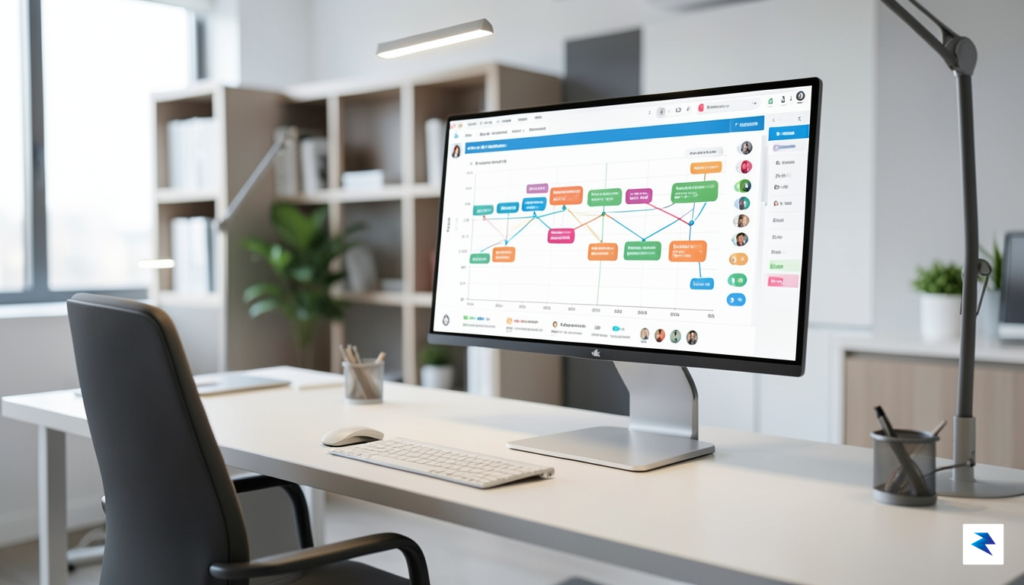
For fast-moving organizations, Monday.com and ClickUp have solidified their positions as the most versatile options. Monday.com shines with its highly visual, color-coded interface that makes complex workflows feel intuitive and engaging for non-technical stakeholders. On the other hand, ClickUp remains the ultimate “all-in-one” solution, packing a massive feature set—including documentation and whiteboarding—into a single workspace, which is ideal for remote-first startups looking to minimize tool sprawl. Asana continues to strike a perfect balance between ease of use and professional reporting, acting as the bridge for teams that need structure without the administrative burden of enterprise-grade software.
Key Takeaway: The best tool for your team is rarely the one with the most features, but rather the one that provides the least resistance to your team’s natural workflow. If your team values aesthetics and speed, prioritize Monday.com; if you are managing multi-million dollar infrastructure projects, the depth of Microsoft Project remains non-negotiable.
Ultimately, these platforms have evolved to become more than just calendars. By leveraging advanced automation—such as automatic dependency shifting and real-time resource balancing—these tools allow project managers to spend less time updating rows and more time mitigating risks. As you evaluate these options, consider not just the current cost, but the long-term impact on your team’s autonomy and project clarity.
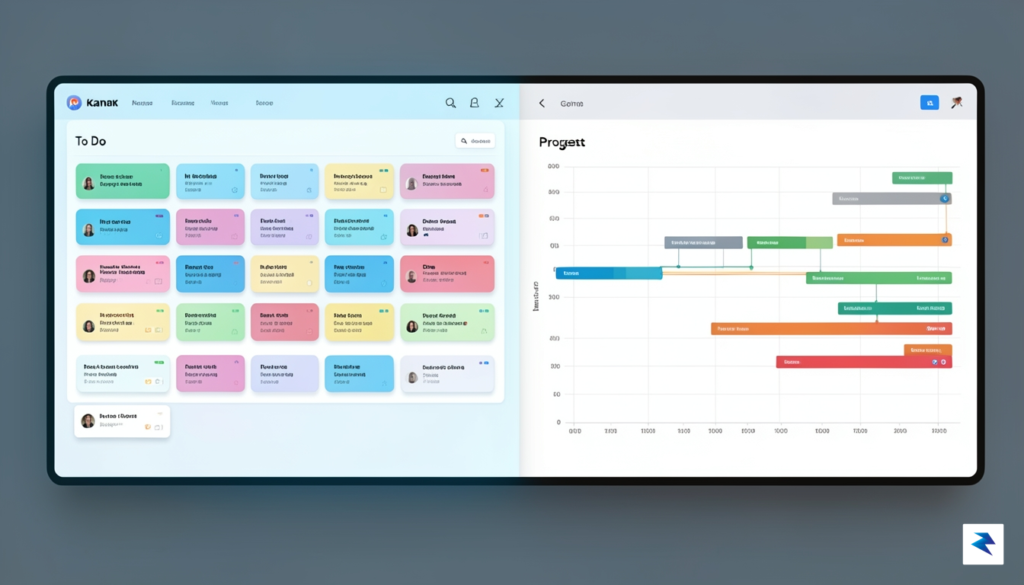
For years, project managers have treated the waterfall-style Gantt chart and the iterative Agile framework as oil and water—two methodologies that simply refuse to mix. However, the rise of “Hybrid Project Management” in 2026 has effectively debunked this myth. By leveraging modern software, teams can successfully marry the rigid, long-term vision of a Gantt timeline with the rapid-fire flexibility of two-week sprints. This approach doesn’t force developers to abandon their stand-ups or backlogs; instead, it provides a high-level roadmap that helps stakeholders visualize the “big picture” while the team remains focused on the granular, day-to-day execution of user stories.
The secret to this integration lies in mapping sprints directly onto your master timeline. Rather than treating individual tasks as static bars on a chart, think of your Gantt view as a series of “Sprint Containers.” Each container represents a fixed block of time, allowing you to visualize dependencies between major releases or cross-departmental handoffs without dictating the specific internal tasks within each sprint. This allows leadership to track progress against critical launch dates while leaving the development team the autonomy to adjust their scope as they learn from user feedback during the sprint cycles.
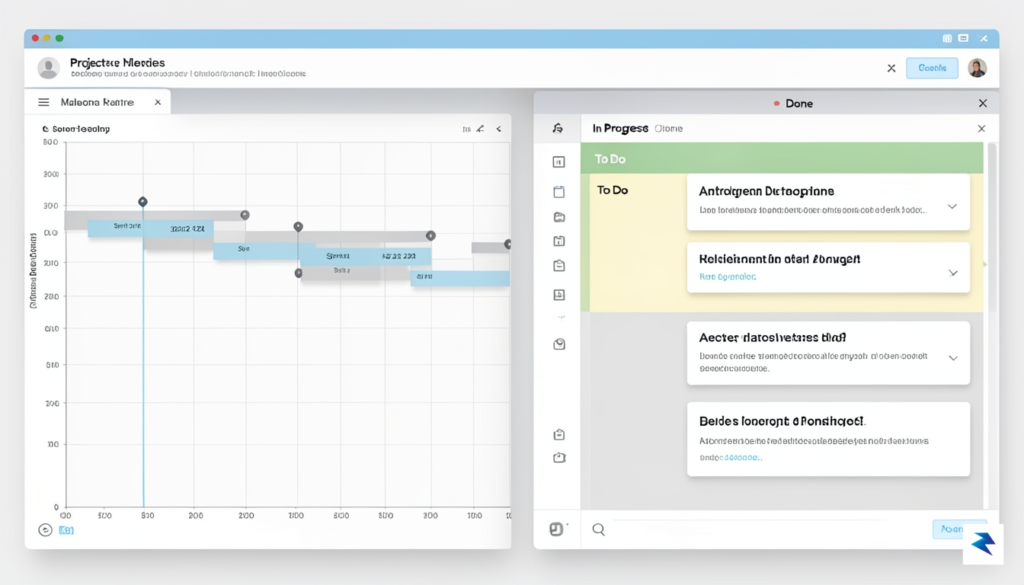
In a purely Agile environment, it is easy for teams to become so engrossed in the “next sprint” that they lose sight of the overarching product strategy. This is where Gantt milestones become indispensable. By placing non-moveable milestones on your timeline—such as Beta launches, compliance audits, or marketing campaign deadlines—you create essential “North Stars” that keep the team aligned. These markers act as a structural anchor, ensuring that while the path to get there might change based on sprint results, the destination remains clear and visible to everyone in the organization.
Hybrid management isn’t about control; it’s about context. When developers see how their current sprint impacts the long-term timeline, they gain a deeper understanding of the project’s overall health and the importance of their individual contributions.
To maintain this flexibility without descending into chaos, follow these three practical rules for structure:
Ultimately, the goal of integrating these two worlds is to provide transparency without bureaucracy. When executed correctly, the Gantt chart stops being a source of stress and starts being a powerful communication tool that bridges the gap between executive expectations and the reality of iterative development.

The landscape of project management has shifted dramatically in 2026, moving away from the era of manual, static tracking toward a new standard of predictive intelligence. Gantt charts, once considered rigid documents that required constant manual updating, are now living, breathing entities powered by artificial intelligence. Today’s software no longer just records what has happened; it actively anticipates what comes next. By leveraging machine learning algorithms that analyze historical project data, these tools can now forecast potential bottlenecks, resource shortages, and timeline drifts before they manifest as critical failures. This transition from reactive monitoring to proactive guidance allows project managers to pivot strategy with confidence, knowing that their software is identifying risks that the human eye might otherwise overlook.
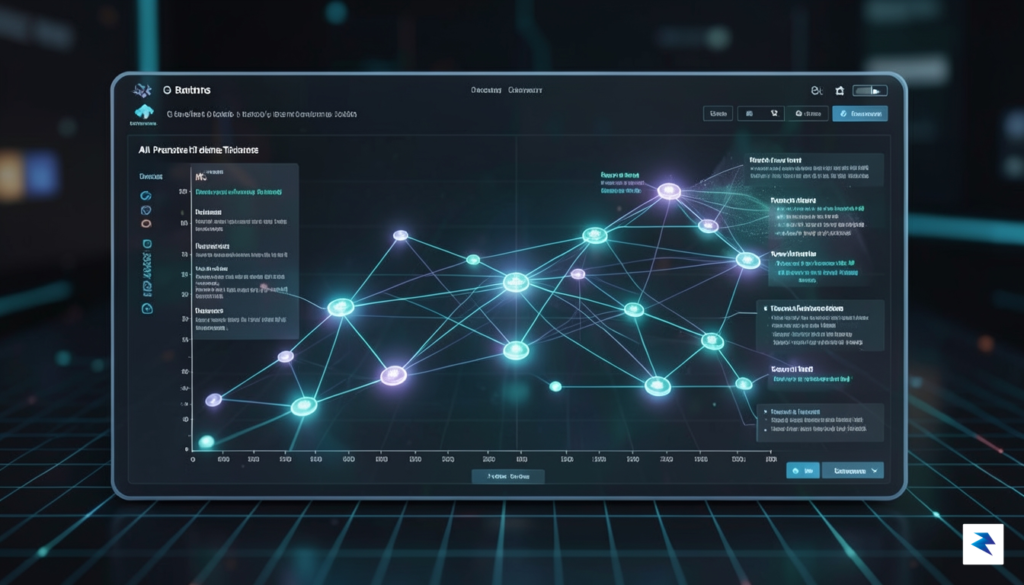
A major catalyst for this evolution is the integration of autonomous task scheduling. Modern platforms now utilize sophisticated engines that automatically rearrange dependencies and adjust deadlines based on real-time input from team members. If a key contributor experiences a delay, the system instantly recalculates the downstream impact, proposing optimized workflows to minimize downtime. Furthermore, the rise of predictive analytics has turned these timelines into strategic assets. Instead of asking, “Is this project on track?” managers are now asking, “What is the probability of completion by the target date based on current velocity?” These predictive models provide a statistical likelihood of success, allowing for data-driven conversations with stakeholders long before a deadline becomes a crisis.
As remote and globalized workforces become the permanent status quo, the importance of cross-platform integration through robust APIs cannot be overstated. The Gantt charts of 2026 act as a central nervous system for the entire tech stack, pulling data from communication tools, financial software, and code repositories to paint a complete picture of progress. This level of interoperability ensures that project visualization is never siloed. Whether a developer updates a ticket in a specialized tool or a remote consultant logs hours in a time-tracking app, the Gantt chart reflects these updates in near real-time, regardless of the user’s geographical location.
The most successful project managers in 2026 are those who have stopped managing data and started managing outcomes, letting AI handle the logistical heavy lifting of scheduling and resource allocation.
Ultimately, these tools are becoming more empathetic to the needs of the modern workforce. By automating the mundane aspects of project planning, software is freeing up project managers to focus on high-level strategy, team morale, and creative problem-solving. As we look further into the future, the boundary between the project manager and the software will continue to blur, creating a symbiotic relationship where the technology provides the foresight, and the human provides the vision. This shift is not merely about efficiency; it is about creating a more sustainable and predictable work environment for teams dispersed across every time zone.
You must be logged in to post a comment.