MSI Claw 8 AI+ Review: Is the Power Worth the Premium Price?
The Evolution of the Handheld PC Market For years, the dream of playing triple-A PC titles while lounging on a couch or commuting on a train…
The tablet market in 2026 has reached a point of unprecedented complexity, transforming what was once a simple decision into a strategic calculation. Apple’s current lineup is more segmented than ever, with hardware specifications tailored to niche workflows rather than general-purpose usage. As a result, the “one-size-fits-all” approach to buying an iPad is officially a relic of the past. Prospective buyers now face a landscape where entry-level models often feel constrained by software demands, while premium offerings command prices that rival high-end laptops, necessitating a much more critical eye before committing to a purchase.
Recent price adjustments across the 2026 catalog have fundamentally shifted the value proposition for every model. When the cost of admission rises, the margin for error shrinks; a device that felt like a bargain two years ago might now sit in an awkward middle ground where spending slightly more provides exponentially better longevity, or spending less forces unnecessary compromises. For the average consumer, this means that the “best” iPad is no longer just the one with the most powerful chip, but rather the one that aligns most closely with your specific daily requirements. Whether you are a student, a creative professional, or someone looking for a portable media consumption device, the increased financial barrier makes it essential to distinguish between genuine performance gains and mere marketing fluff.
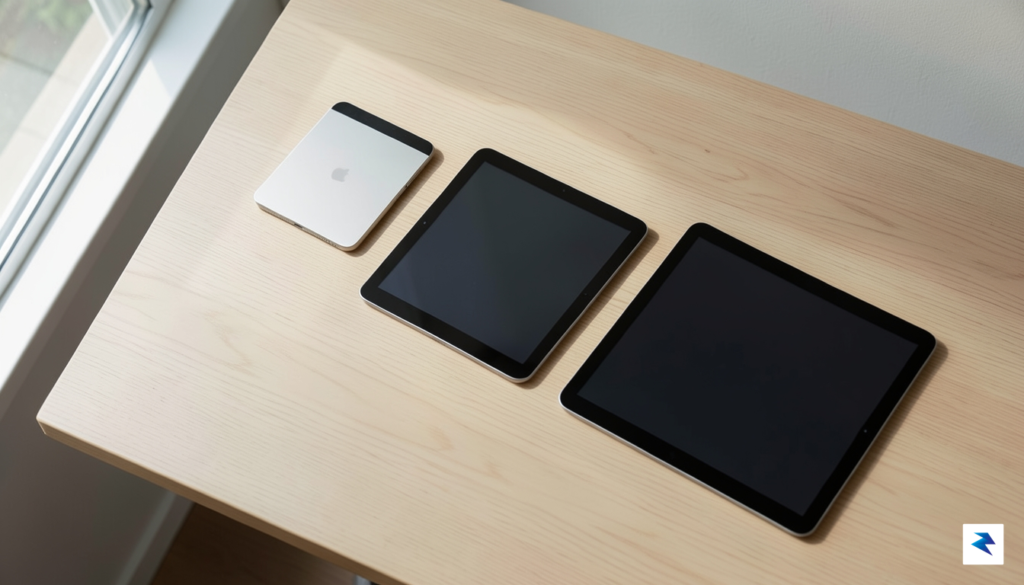
To navigate this effectively, we must evaluate potential purchases through three core pillars: longevity, raw performance, and hardware limitations. Longevity is perhaps the most critical factor in 2026, as iPadOS continues to grow in size and complexity, demanding more RAM and sustained thermal efficiency from older silicon. A smart purchase today must account for where the software will be in three to four years, rather than just how it performs the moment you unbox it. Furthermore, we must look past the flashy benchmarks and focus on physical hardware realities, such as screen refresh rates, port connectivity, and accessory compatibility, which often dictate the actual user experience more than a processor’s clock speed ever could.
The true value of a 2026 tablet isn’t found in the latest spec sheet, but in the intersection of your specific workflow needs and the device’s projected lifespan.
Ultimately, our objective is to strip away the manufacturer’s curated narrative and focus on the practical utility of each machine. By scrutinizing the gaps between the Air, Pro, and Mini lines, we can identify which models offer genuine utility and which are simply occupying price tiers to satisfy a quarterly earnings report. Armed with this perspective, you can ensure that your investment remains a productive tool rather than an expensive piece of tech that struggles to keep pace with your needs.
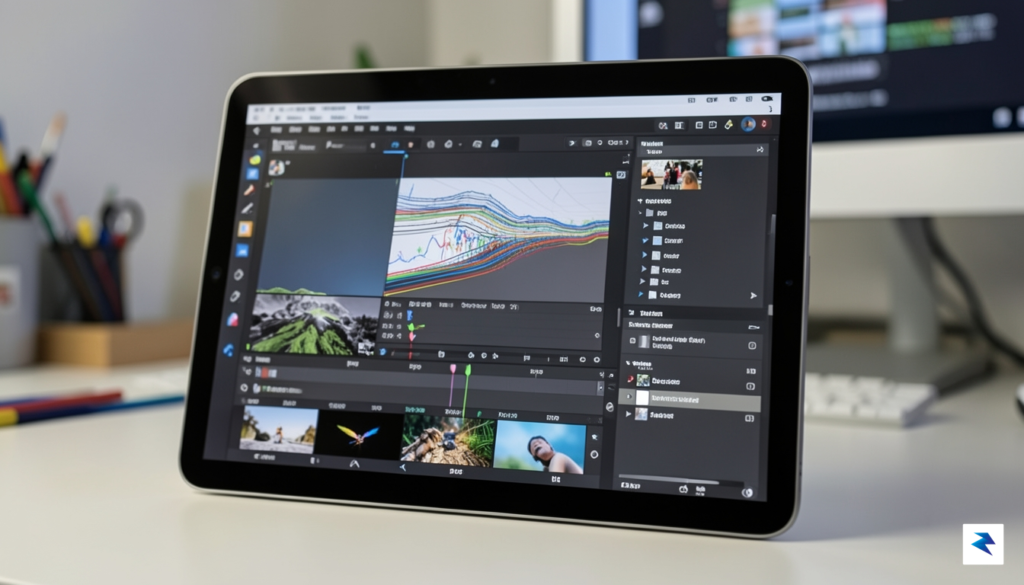
The iPad Pro sits at the apex of Apple’s tablet lineup, representing a convergence of desktop-class silicon and high-end display engineering. With the latest M-series chips powering these devices, the performance ceiling is incredibly high, effectively turning the tablet into a mobile workstation for 3D renderers, high-bitrate video editors, and digital illustrators. Beyond raw processing power, the inclusion of ProMotion display technology—offering fluid, adaptive refresh rates—combined with ultra-precise color accuracy, makes it an indispensable tool for those whose livelihood depends on visual fidelity. When you factor in the high-bandwidth Thunderbolt connectivity, which allows for seamless integration with external monitors and high-speed storage arrays, it becomes clear that this device is engineered for specific professional workflows rather than casual consumption.
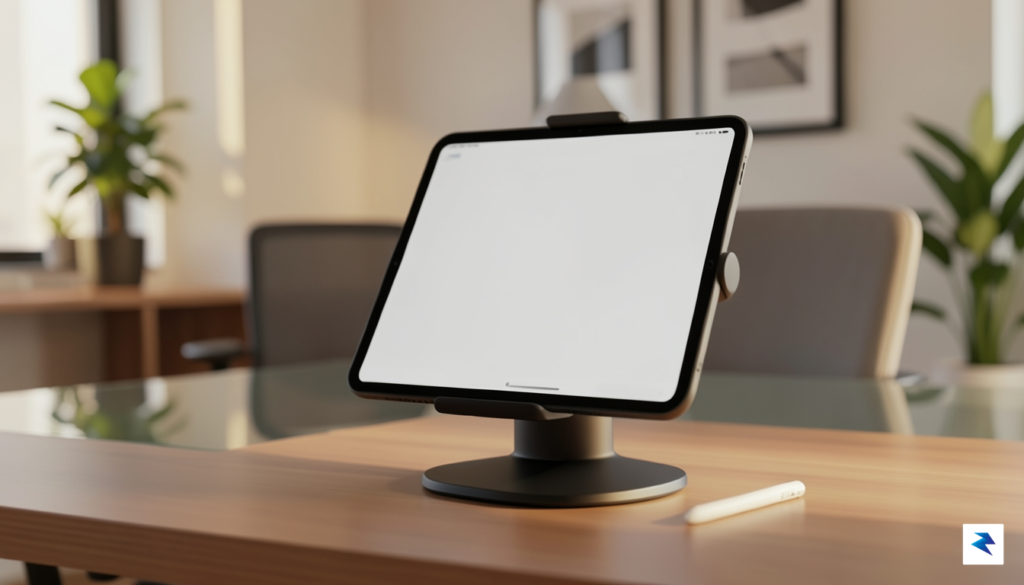
However, potential buyers must weigh this immense power against the reality of iPadOS. Despite Apple’s consistent efforts to bridge the gap, the operating system still imposes certain limitations that prevent it from being a true, one-to-one replacement for a traditional laptop. While features like Stage Manager and external display support have improved multitasking, the file management system and software compatibility remain fundamentally different from macOS. For many users, the “laptop replacement” narrative is more of an aspirational goal than a daily reality; if your workflow relies on specific desktop-only applications or deep-level system customizations, you may find yourself frustrated by the sandboxed nature of the iPad Pro, regardless of how much horsepower is under the hood.
The decision to purchase an iPad Pro should be driven by the specific demands of your projects, not just the desire for the latest technical specifications.
To determine if you truly belong in the Pro camp or if you are simply over-provisioning for the sake of future-proofing, consider this checklist before committing to the premium price tag:
Ultimately, if your answer to the visual and peripheral requirements is “no,” you are likely better served by the iPad Air. The Air line now offers enough performance to satisfy 90% of users, providing a more balanced value proposition. The Pro is a surgical instrument, not a jack-of-all-trades; when used for its intended purpose, it is worth every penny, but when purchased for light duty, the premium investment often fails to provide a meaningful return in day-to-day utility.

For the vast majority of users, the iPad Air represents the absolute pinnacle of value, functioning as the quintessential “Goldilocks” device in Apple’s lineup. While the Pro models often grab headlines with their cutting-edge specifications, the Air consistently delivers a premium experience that effectively bridges the gap between casual consumption and high-end productivity. By focusing on the essentials—a powerful processor, a sleek, portable design, and broad accessory compatibility—the Air avoids the “feature creep” that inflates the price of the Pro series, making it the most sensible long-term investment for students, creative professionals, and office workers alike.
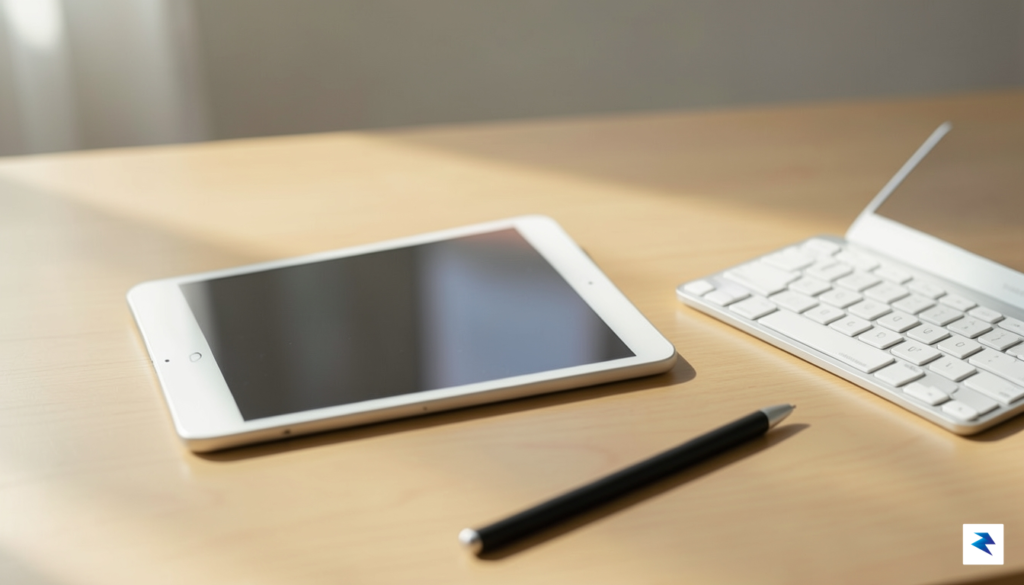
The performance parity between the current Air and its more expensive Pro counterparts is more pronounced than ever. Because the Air utilizes silicon that is more than capable of handling intensive multitasking, video editing, and complex document management, most users will find it impossible to distinguish the processing power of an Air from a Pro in daily workflows. While the Pro models reserve the ultra-smooth 120Hz ProMotion display and advanced camera sensor arrays for power users who specifically require those tools, the Air’s standard 60Hz display remains crisp, vibrant, and perfectly adequate for 90% of tasks, from drafting reports to streaming high-definition content.
The iPad Air is not a “lite” version of a tablet; it is a high-performance machine that prioritizes efficiency over excess, offering 95% of the utility of the Pro series at a significantly lower price point.
When weighing your decision, it is helpful to look at the specific trade-offs involved in choosing the Air. While you might sacrifice the slight depth of field provided by the Pro’s lidar sensors or the sheer brightness of tandem OLED displays, you gain a device that feels just as sturdy and capable in your hands. Furthermore, the Air’s storage tiers are thoughtfully aligned with the needs of the average user, allowing you to invest your money in the right amount of space without paying a premium for professional-grade hardware features that would otherwise sit idle. By selecting the Air, you are essentially opting for a device that maintains its resale value and software relevance for years to come, ensuring that your budget is spent on utility rather than hardware luxury. For the student navigating a busy semester or the professional managing a mobile office, the iPad Air remains the default recommendation—not because it is the cheapest option, but because it is the most balanced one.
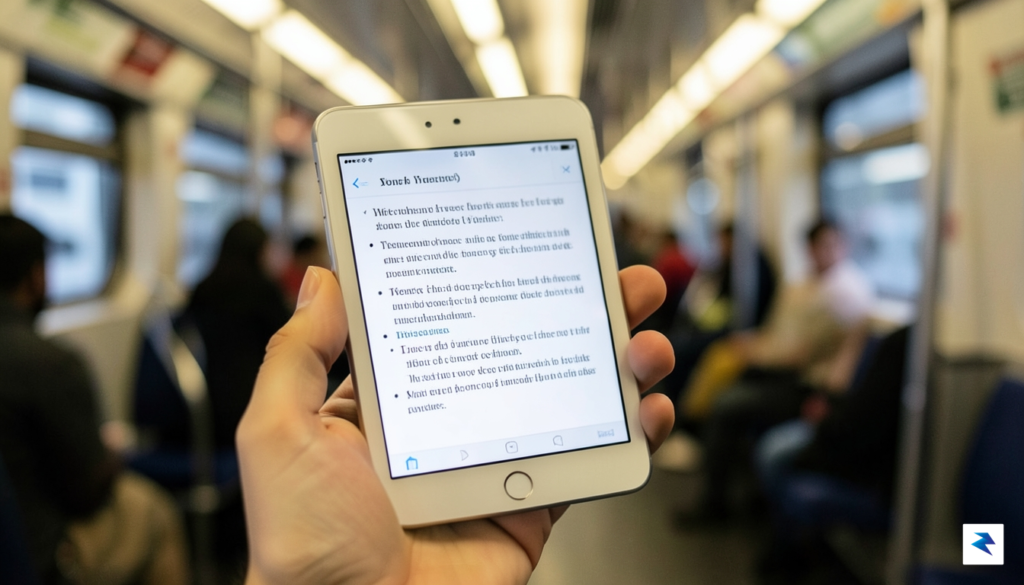
The iPad Mini occupies a singular space in Apple’s lineup, serving as a device that defies the conventional “bigger is better” trajectory of modern tablets. While its siblings are designed to replace laptops or serve as expansive canvases for digital artists, the Mini is built for the intersection of mobility and intent. It bridges the gap between the cramped screen of a smartphone and the cumbersome footprint of an 11-inch tablet, making it the premier choice for users who demand a device that disappears into a small bag or jacket pocket until the exact moment it is needed. For the frequent traveler, the digital nomad, or the dedicated field researcher, this form factor offers a liberating sense of freedom that larger devices simply cannot replicate.
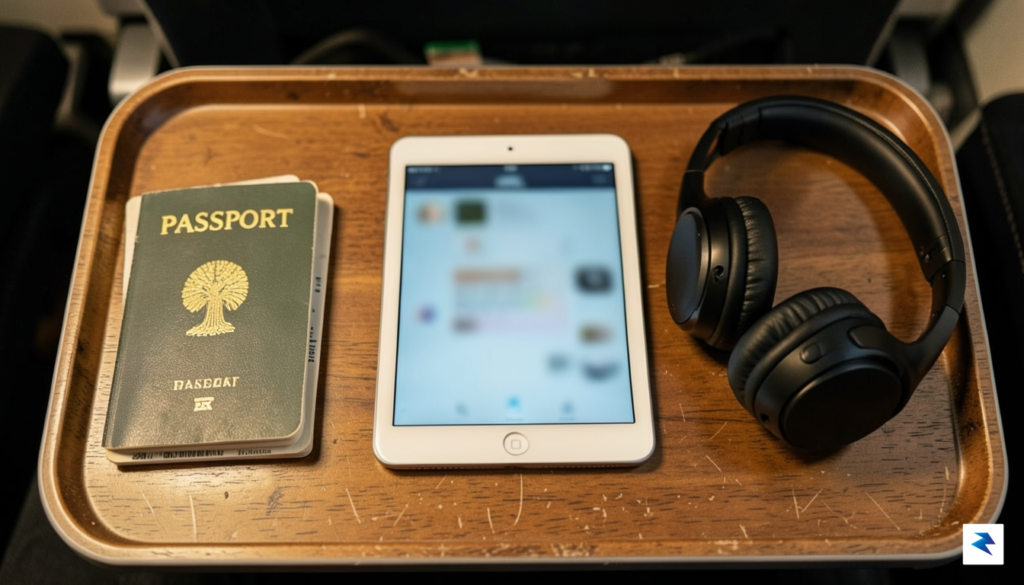
Its utility shines brightest in specialized workflows where bulk is an active hindrance. Pilots, for instance, have long favored the Mini for its ability to display intricate aviation charts without obstructing the cockpit controls, while avid readers find its weight distribution vastly superior to its larger counterparts during long-form consumption. Furthermore, the device has become a cult favorite for digital journaling and handheld gaming; its ergonomic profile allows for extended sessions without the wrist fatigue associated with holding heavier hardware. Because the screen is small enough to be viewed entirely within a single glance, it forces a level of focus that is often lost when multitasking on a larger, more distracting display.
The true value of the iPad Mini isn’t found in its raw processing power, but in how seamlessly it integrates into the gaps of a busy, mobile lifestyle.
However, it is important to acknowledge that this extreme portability necessitates certain compromises. By choosing the Mini, you are inherently sacrificing the screen real estate required for professional-grade video editing, complex split-screen multitasking, or creating detailed digital illustrations. The hardware is undeniably capable, yet the physical constraints of the chassis mean that long hours of typing or managing dense file structures can feel cramped compared to the expansive real estate of an iPad Pro. If your primary goal is to use your tablet as a laptop surrogate or a dedicated workstation, the Mini will likely leave you frustrated by its lack of physical workspace.
Ultimately, you should avoid the Mini if your workflow involves heavy media creation or if you suffer from vision constraints that require larger text and interface elements. It is not designed to be a primary computer; rather, it is a specialized tool for the minimalist who values efficiency over raw, expansive power. If you find yourself leaving your current tablet at home because it is simply too much of a burden to carry, the Mini is the corrective device that will bring digital utility back into your daily routine.
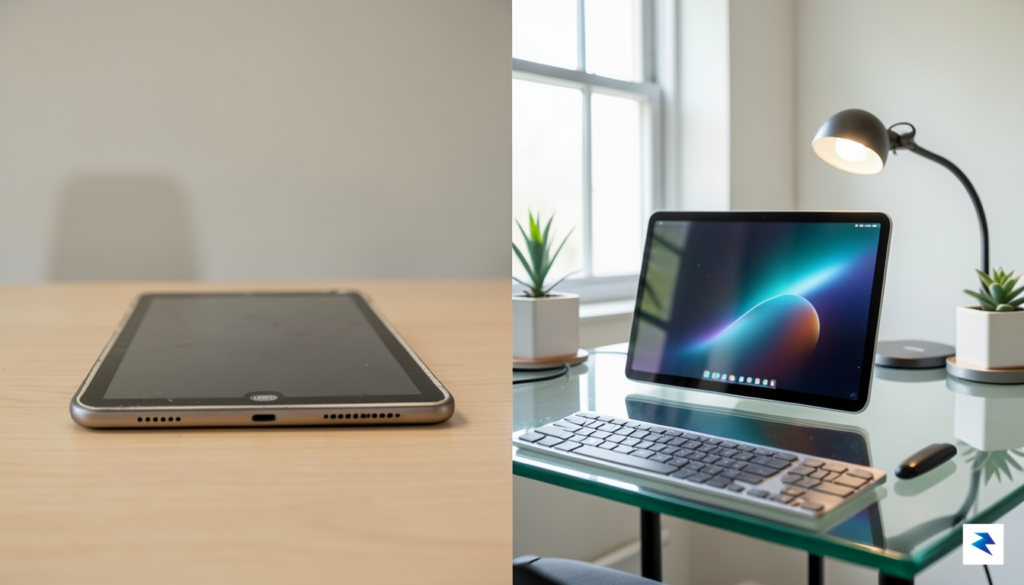
At first glance, the entry-level iPad often appears to be the most logical fiscal choice for the casual user, promising the core tablet experience at a fraction of the cost of the Pro or Air lineups. However, in the current 2026 landscape, this “budget” classification carries hidden costs that often render the device a poor investment over the long term. While the lower sticker price is undeniably attractive, the hardware compromises built into this model—most notably the non-laminated display and dated processor architecture—create a performance ceiling that users will hit sooner than they might anticipate. When you account for the rapid evolution of iPadOS and the increasingly resource-heavy nature of third-party applications, the entry-level model frequently struggles to keep pace, effectively shortening its own viability window to less than two years.
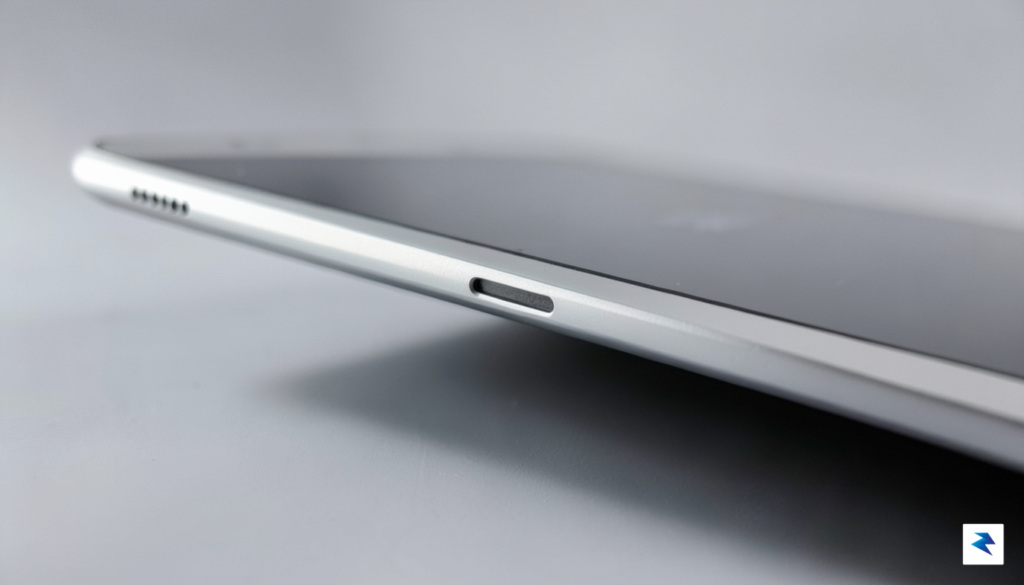
The hardware limitations extend beyond mere speed, directly impacting the tactile and functional experience of the device. The lack of a fully laminated display, for instance, introduces an air gap between the glass and the underlying panel, which can make drawing or precise note-taking feel disjointed and sluggish. Furthermore, because the base model often relies on legacy silicon, it lacks the advanced neural engines required for the latest AI-driven productivity features and creative tools that have become standard across the rest of the Apple ecosystem. For the buyer looking to avoid the frustration of a device that stutters under the weight of a standard software update, these bottlenecks are not just minor inconveniences; they are structural failings that stifle creative potential and professional utility.
The true cost of a budget device isn’t just the initial purchase price, but the frequency at which you are forced to replace it due to inevitable obsolescence.
Ultimately, opting for the base model is a classic case of short-term savings leading to long-term expenditure. When you factor in the inevitable need to replace a struggling, underpowered device every 24 months, the total cost of ownership quickly eclipses that of the more robust Air or Pro models. These premium alternatives not only provide a more refined user interface and better stylus compatibility, but they also offer a superior “future-proofing” buffer, ensuring the device remains responsive and capable for several years beyond the life cycle of the base model. If your goal is to acquire a tool that serves as a reliable daily driver rather than a temporary placeholder, the entry-level iPad represents a diminishing return that complicates, rather than simplifies, your digital workflow.
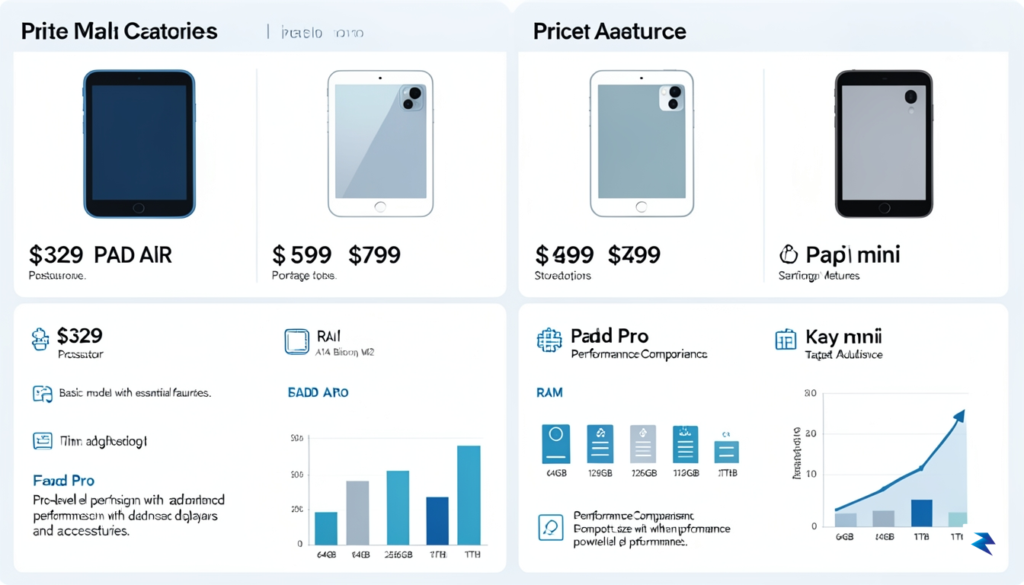
Navigating the Apple tablet ecosystem in 2026 requires a pragmatic approach that prioritizes your specific workflow over marketing buzzwords. If you identify as a Creative Professional, the iPad Pro remains your definitive choice; the tandem OLED display and the sheer processing power of the latest M-series chip are non-negotiable for high-end video editing and digital illustration. Conversely, Students should lean heavily toward the iPad Air, which offers the perfect equilibrium between stylus support, keyboard compatibility, and affordability. For the Media Consumer who primarily wants a device for streaming and casual reading, the iPad Mini is the undisputed champion, offering portability that larger models simply cannot match. Finally, the Traveler or mobile professional will find the base-model iPad perfectly sufficient for email, light document management, and entertainment on the go, provided they don’t require the advanced peripheral support found in the more expensive tiers.
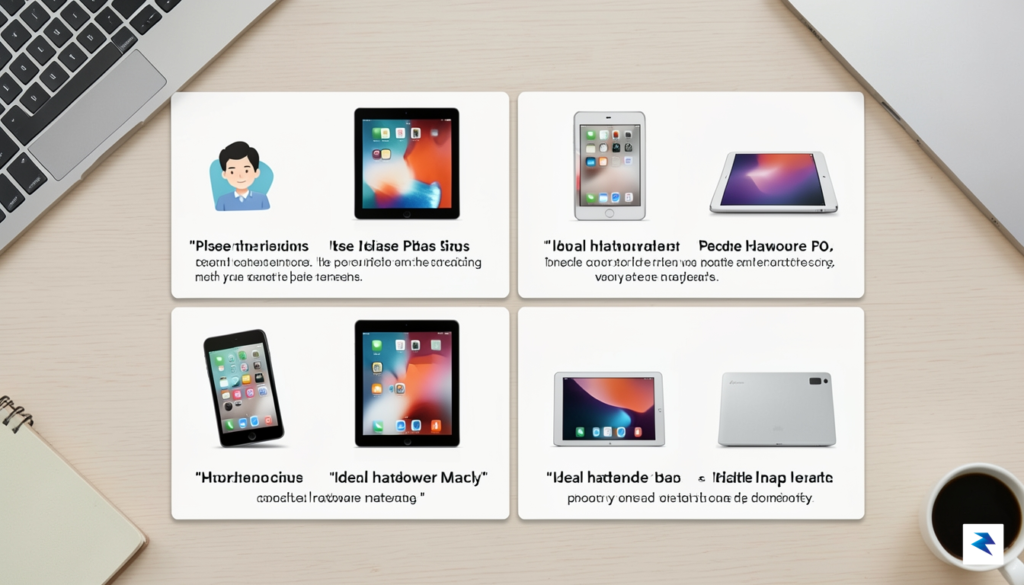
While the allure of a bargain can be strong, not every older model is a wise investment in 2026. You should strictly avoid any iPad model lacking an M-series chip or those still utilizing the legacy Lightning connector. These devices are rapidly approaching their software support cutoff, meaning you will miss out on future iPadOS features, security updates, and critical app optimizations. Furthermore, avoid purchasing any entry-level models from three or more generations ago, as their display technology and storage speeds will feel sluggish compared to current standards. Investing in these outdated units is essentially paying for a device that will be effectively obsolete within eighteen months, ultimately costing you more in the long run.
The most expensive iPad is the one you outgrow within a year; the best value is the device that remains performant for your specific daily habits for at least three to four years.
To finalize your decision, start by auditing your current digital habits: if you find yourself reaching for a laptop for complex tasks, the iPad Pro is your logical replacement. If your current tablet is mostly a companion device for your phone, the Mini or the base-model iPad will serve you far better without inflating your budget. Always opt for the storage tier above the base if you plan to keep the device for more than three years, as operating system footprints and media files only grow larger over time. By aligning your purchase with these clear-cut use cases, you ensure that your hardware works for you, rather than you having to work around the limitations of a device that doesn’t fit your lifestyle.
You must be logged in to post a comment.