
Cursor Zero-Day: Why Full Disclosure Was the Only Path to Security
The Vulnerability Landscape: Understanding the Cursor IDE Exploit The modern software development lifecycle has undergone a radical…
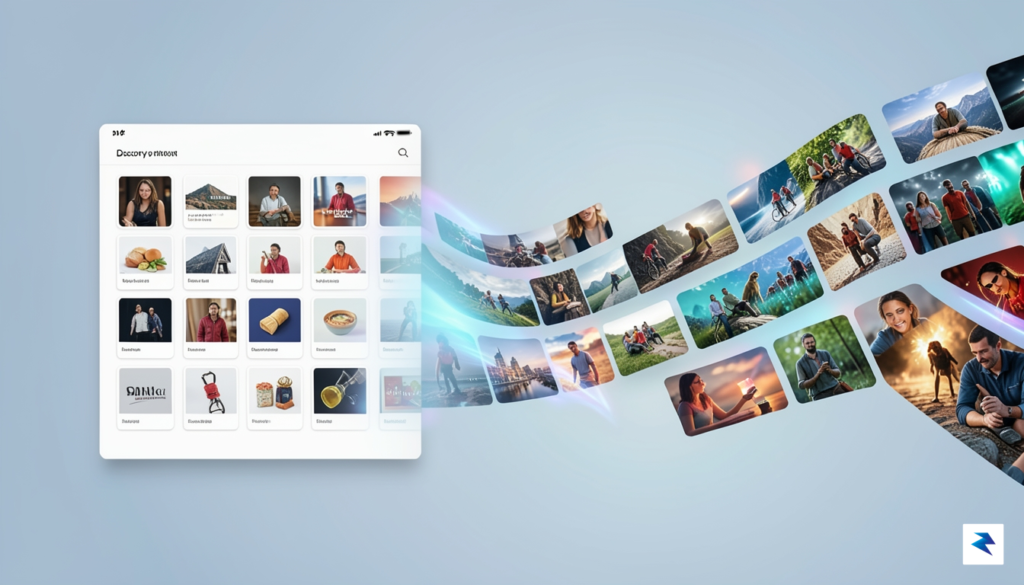
For decades, Google Images functioned primarily as a high-speed utility—a digital warehouse designed to retrieve specific visual data based on precise text queries. Users approached the interface with a clear intent: find a specific diagram, download a high-resolution logo, or identify a photo of a particular landmark. It was a tool of extraction, where the measure of success was how quickly a user could locate a file and navigate away to a third-party website. However, the landscape of digital consumption has shifted dramatically, moving away from rigid search requirements toward a more fluid, organic exploration of interests. By transforming its interface to prioritize discovery, Google is acknowledging that modern users often value the journey of visual browsing just as much as the destination of a specific file.
This strategic pivot toward a discovery-based model represents a fundamental change in how we interact with the internet’s vast repository of imagery. The human brain is inherently wired to process visual information significantly faster than text, making visual interfaces uniquely capable of triggering emotional responses and sustained engagement. When users engage in text-based querying, they are often limited by the specificity of their vocabulary; conversely, a discovery-led visual environment allows for serendipitous connections. By presenting a curated landscape of related imagery, Google is tapping into the same psychological mechanics that govern platforms like Pinterest, where the act of scrolling itself becomes a rewarding activity rather than just a means to an end.

The transition toward this more immersive experience is also a response to the evolving expectations of a mobile-first audience that craves seamless, endless content streams. By retaining users within the platform for longer durations, the company is effectively repositioning itself as a destination for aesthetic exploration rather than merely a gateway to other sites. This shift minimizes the friction of “search-click-exit” cycles, replacing them with a continuous loop of visual stimulation that encourages deeper exploration of topics without the need for constant, repetitive manual input. As a result, the platform is evolving from a mere index into a comprehensive visual ecosystem, designed to keep users engaged by predicting their interests before they even articulate them in a search bar.
The true power of this redesign lies in its ability to turn the passive act of looking into an active process of uncovering new ideas, effectively bridging the gap between functional search and ambient discovery.
Ultimately, this evolution mirrors the broader trajectory of the web, where user behavior is increasingly defined by visual shorthand and intuitive navigation. By prioritizing a more aesthetic, recommendation-driven architecture, the platform is not just changing its appearance; it is changing the very nature of how we conceptualize information retrieval. Whether the goal is to plan a home renovation, seek out fashion trends, or research artistic styles, the new layout fosters a sense of creative momentum that static lists of results simply cannot replicate. This change marks the end of the era where images were treated as mere documents, ushering in a future where they are the primary medium for both navigation and knowledge.

The core of this interface overhaul centers on a dynamic, personalized gallery that moves beyond simple query-response mechanics. Instead of merely acting as a repository for static image results, this new environment functions as a curated digital canvas that evolves alongside your specific interests. By analyzing your past search behavior, the platform builds a nuanced profile of your visual preferences, surfacing high-quality imagery that aligns with your aesthetic sensibilities before you even type a single keyword into the search bar. This shift signifies a departure from the traditional, transactional relationship users have long maintained with search engines, favoring a more immersive and exploratory experience.

At the mechanical level, this innovation relies on sophisticated pattern recognition that tracks the types of imagery you consistently interact with over time. When you engage with specific categories—such as minimalist interior design, landscape photography, or technical diagrams—the algorithm dynamically adjusts the content displayed in your personalized stream to favor those themes. This continuous loop of feedback ensures that the gallery is never static; rather, it refreshes to reflect your current curiosities. The integration of your browsing history acts as a foundational map, allowing the system to predict the visual information you are most likely to find compelling at any given moment, effectively bridging the gap between intentional searching and passive discovery.
The transition from a linear, text-driven search model to a visually-led discovery environment marks a pivotal moment in how we engage with the vast archives of the internet, turning every query into an opportunity for personalized exploration.
Aesthetically, the implementation of a masonry-style layout is perhaps the most striking visual change. By abandoning the rigid, uniform rows of the legacy model, the interface now allows images of varying aspect ratios to nestle together organically, creating a fluid and rhythmic browsing experience. This design choice does more than just look polished; it creates a more engaging environment that encourages users to scroll deeper and linger longer on the page. Unlike the old search-and-result model, which often felt like a utilitarian database, this new layout treats visual content with the weight and importance it deserves, framing every piece of media as a potential point of interest rather than just a thumbnail in a list.
Ultimately, this approach fundamentally changes the user journey. The legacy model required a clear objective—a user had to know exactly what they were looking for to receive a relevant outcome. In contrast, this new discovery-focused architecture acknowledges that users often browse to find clarity, ideas, or visual stimulation without a specific destination in mind. By synthesizing your unique data footprint with a more flexible, aesthetically pleasing arrangement of content, the platform successfully transforms a once-static tool into a proactive partner in your creative and informational pursuits.
At the heart of the modern visual search engine lies a complex architecture of machine learning models designed to move beyond simple keyword matching. In the past, searching for an image felt like browsing a library catalog, where your results were rigidly dictated by the specific text entered into the search bar. Today, Google has shifted toward a more fluid, intent-driven framework that treats your visual history as a dynamic map of your interests. By leveraging deep learning, the system now analyzes the semantic relationships between disparate images, connecting visual patterns that aren’t immediately obvious to the human eye, and presenting them as a cohesive, evolving narrative rather than a static list of files.
This curation process relies heavily on a sophisticated feedback loop driven by your behavioral signals. Every time you click on an image, linger on a specific composition, or refine your query based on previous results, you are effectively training the algorithm to better understand your aesthetic and functional preferences. The system interprets these interactions—such as dwell time and click-through rates—to build a unique profile of what you find valuable. Consequently, the arrangement of visual content you see becomes a personalized reflection of your habits, ensuring that the interface learns which textures, color palettes, and subject matters resonate with you most deeply over time.
By shifting from a request-response model to a discovery-based stream, the technology prioritizes contextual relevance over literal string matching, effectively predicting your next interest before you even articulate it.
However, the most challenging aspect of this algorithmic evolution is maintaining a delicate balance between hyper-relevance and serendipity. While personalization is designed to make your experience more efficient by showing you exactly what you want, there is a risk of narrowing your horizons into a digital echo chamber. To counter this, Google integrates stochastic elements into its modeling, intentionally introducing high-quality content that deviates slightly from your established patterns. This strategy ensures that while the system remains highly tuned to your specific tastes, it continues to offer unexpected discoveries, preventing the experience from becoming overly predictable or stale. By blending these data-driven insights with a degree of calculated randomness, the platform transforms the act of searching into an ongoing, engaging exploration of visual information.

For website owners and digital creators, this evolution in discovery signifies that visual assets can no longer be treated as mere decorative elements of a page. Instead, images must now be viewed as primary gateways for organic traffic, demanding a shift from keyword-centric optimization to a holistic strategy that prioritizes visual relevance and platform engagement. Because the updated interface emphasizes high-quality, immersive visuals, your content must be capable of capturing attention in a crowded, fast-paced grid. Investing in professional photography, clean graphic design, and consistent branding is now an essential prerequisite for maintaining visibility in this new search environment.
To succeed in this landscape, you must treat your visual assets as “pin-worthy” pieces of content that stand effectively on their own. This means moving beyond generic stock photos and leaning into unique, high-resolution imagery that tells a cohesive story or provides immediate, actionable utility to the viewer. When users encounter your images in a discovery-heavy layout, the visual hook must be strong enough to encourage a click-through to your site. Consider the composition, lighting, and clarity of your visuals, ensuring they remain compelling even when viewed as small thumbnails on mobile devices.
Success in the modern image search landscape relies on the intersection of aesthetic appeal and rigorous technical implementation. You aren’t just ranking for a query; you are competing for a user’s attention in a visually driven discovery experience.
Technical optimization remains the backbone of this strategy, even as the aesthetic requirements grow more stringent. You should continue to prioritize descriptive alt-text that accurately conveys the content of an image, as this remains a critical signal for search crawlers attempting to categorize your media. Furthermore, integrating structured data—specifically ImageObject schema markup—is more important than ever. By providing search engines with precise metadata regarding the creator, licensing information, and context, you significantly increase the likelihood that your content will be surfaced in the right discovery clusters. Combining these technical best practices with a focus on high-fidelity, original imagery ensures that your media library remains a powerful, indexable asset that drives sustained traffic to your domain.

Transitioning to this visually immersive environment requires a shift in how you interact with search results. Rather than treating the platform as a simple index for static files, you should view it as an active, evolving engine for your aesthetic preferences. To begin training the algorithm to align with your specific tastes, prioritize consistent engagement with the images that resonate with your goals. When you see a result that matches your vision, click on it, scroll through the related suggestions, and save items to your collections. By signaling your interest through these micro-interactions, you provide the system with the necessary data to filter out irrelevant content and surface results that are far more tailored to your creative trajectory.

Managing your digital footprint within this discovery-driven interface is equally vital for maintaining a personalized and private experience. You can exert control over your browsing history by periodically visiting your account settings to review and prune the activity data that informs your recommendations. If you notice that your suggestions are veering away from your core interests due to a one-off search, clearing your recent history or toggling off the personalization features can provide a clean slate. Taking ownership of your data ensures that the suggestions you encounter remain purposeful, preventing the engine from cluttering your view with topics or styles that do not serve your current project requirements.
The updated layout is exceptionally well-suited for building virtual mood boards, a process that simplifies the transition from abstract concept to concrete execution. Instead of simply downloading files to your local drive, use the integrated collections feature to group images by project, theme, or color palette. This organizational method allows you to revisit your progress, compare different textures or lighting styles side-by-side, and identify recurring motifs in your preferences. As you build these collections, the system learns from your groupings, creating a virtuous cycle where the results you see become progressively more aligned with the aesthetic direction of your work.
To maximize the utility of your collections, create distinct folders for every active project; this prevents visual noise from infiltrating your research and helps you stay focused on specific creative goals.
Ultimately, the effectiveness of this interface depends on your willingness to engage with it as a dynamic tool rather than a static directory. By actively curating your saved items and being intentional about your search queries, you transform the platform from a generic image repository into a bespoke creative consultant. This process of constant refinement not only saves time during the initial research phase but also uncovers hidden visual connections that you might have missed with a traditional, text-heavy search approach.

The transformation of Google’s visual interface signals a fundamental shift in how we interact with the digital landscape. By pivoting toward a more immersive, discovery-oriented layout, the company is effectively acknowledging that users no longer rely on search engines solely for transactional queries. Instead, the modern search experience is evolving into a hybrid environment where utility—the ability to find specific information—must coexist with deep engagement. This evolution suggests that the future of the internet is not just about retrieving data, but about curating personalized visual journeys that keep users within the ecosystem for longer durations.
There is an inherent tension in this design philosophy: balancing the speed of a targeted query against the serendipity of an open-ended browsing session. For years, the hallmark of a successful search was efficiency, characterized by a minimalist interface that delivered an answer and then allowed the user to depart. However, as the platform integrates more dynamic, visually rich components, it risks cluttering the user experience if the balance is not struck correctly. The challenge for developers will be to ensure that these new aesthetic flourishes do not obscure the underlying data, maintaining the platform’s reputation as the world’s most reliable information utility while simultaneously catering to the growing demand for interactive, media-heavy content.
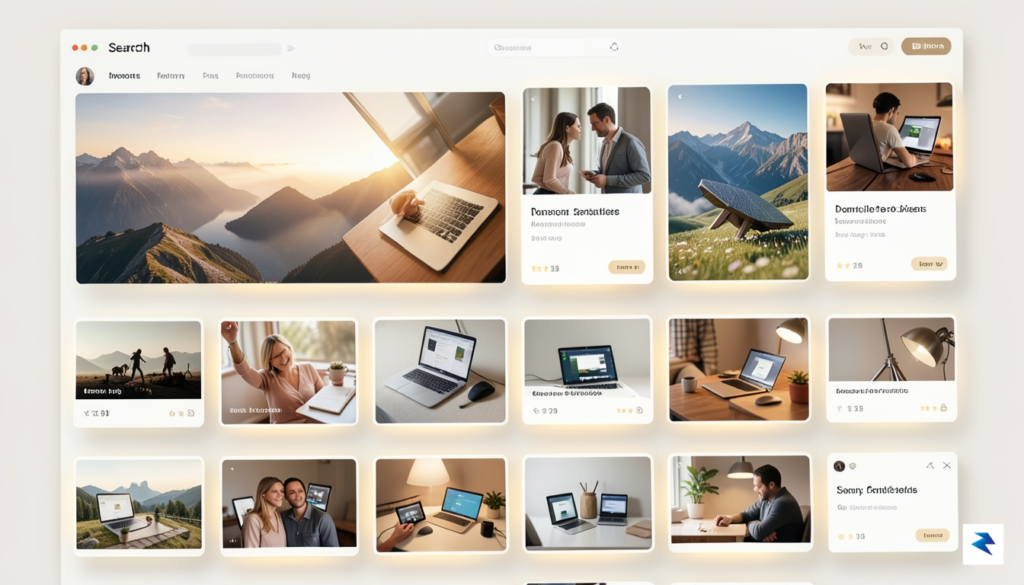
The transition toward a visual-first interface represents a move away from the static, text-heavy architectures of the past toward a fluid, content-rich paradigm that prioritizes human attention.
Looking ahead, this redesign is likely merely the first step toward a more sophisticated and immersive visual internet. We can expect to see advancements in artificial intelligence that allow for deeper contextual analysis of images, enabling the engine to understand not just what is in a photograph, but the aesthetic intent behind it. As machine learning models become more adept at predicting user preferences, the results we see will become increasingly tailored to our unique visual tastes, effectively turning the search bar into a personalized gallery. This trajectory points toward a future where the line between searching for an object and experiencing a curated lifestyle feed continues to blur, fundamentally altering how we discover, evaluate, and interact with the digital world around us.
You must be logged in to post a comment.