Security Alert: Grok Build Tool Caught Uploading Entire Codebases to Cloud
The Hidden Upload: Understanding the Grok Build Security Flaw A significant security vulnerability has recently come to light concerning…
For years, Siri has been a familiar voice on our Apple devices, adept at setting timers, checking the weather, or making quick calls. However, with the advent of iOS 27 and the public beta of its enhanced AI, we are witnessing a monumental transformation that redefines the very essence of a digital assistant. This isn’t merely an incremental update; it’s a foundational redesign, powered by a sophisticated Large Language Model (LLM) that allows Siri to move beyond rote commands and engage in genuinely intelligent, context-aware interactions. Users should prepare for a companion that doesn’t just execute tasks but understands intent, remembers context, and even anticipates needs, marking a significant shift in personal computing.
The core of this revamped Siri lies in its newfound ‘reasoning’ capabilities. Unlike its predecessor, which primarily functioned as a sophisticated command interpreter, the new Siri can now process and understand natural language with remarkable depth. This means it can handle multi-step requests, follow up on previous conversations, and even infer meaning from ambiguous prompts, much like a human conversation partner would. For instance, instead of just asking “Show me photos from last summer,” you could say, “Find photos of my dog from last summer, then create an album titled ‘Summer Paws,’ and share it with my spouse.” Siri can break down this complex request, understand the sequence of actions, and execute them across multiple applications, demonstrating a level of cognitive understanding previously unavailable.
Furthermore, the true power of this new Siri lies in its unprecedented ability to integrate seamlessly with your iPhone’s entire ecosystem. This deep integration allows the AI to access and manipulate data across first-party applications like Mail, Messages, Photos, Notes, and Calendar in ways that were previously unimaginable. Imagine asking Siri to “Summarize this long email thread and draft a reply acknowledging the key points,” or “Find my flight details from next month’s calendar and add a reminder to pack a day before.” This is no longer just about opening an app; it’s about performing complex actions within those apps, intelligently leveraging your personal data (securely and privately on-device where possible) to streamline your daily digital life and make your iPhone an even more powerful productivity tool.
As exciting as this leap forward is, it’s crucial for users diving into the iOS 27 public beta to approach the new Siri with realistic expectations. Being a public beta, the system is still in active development, meaning you might encounter occasional glitches, misunderstandings, or performance quirks. Features may evolve, and the AI’s accuracy will likely improve significantly before its official wide release. Your feedback during this phase is invaluable, as it directly contributes to refining Siri’s understanding and capabilities. Embrace the opportunity to experiment, provide constructive criticism, and witness firsthand how this revolutionary AI companion will continue to learn and grow, ultimately shaping the future of how we interact with our most personal technology.
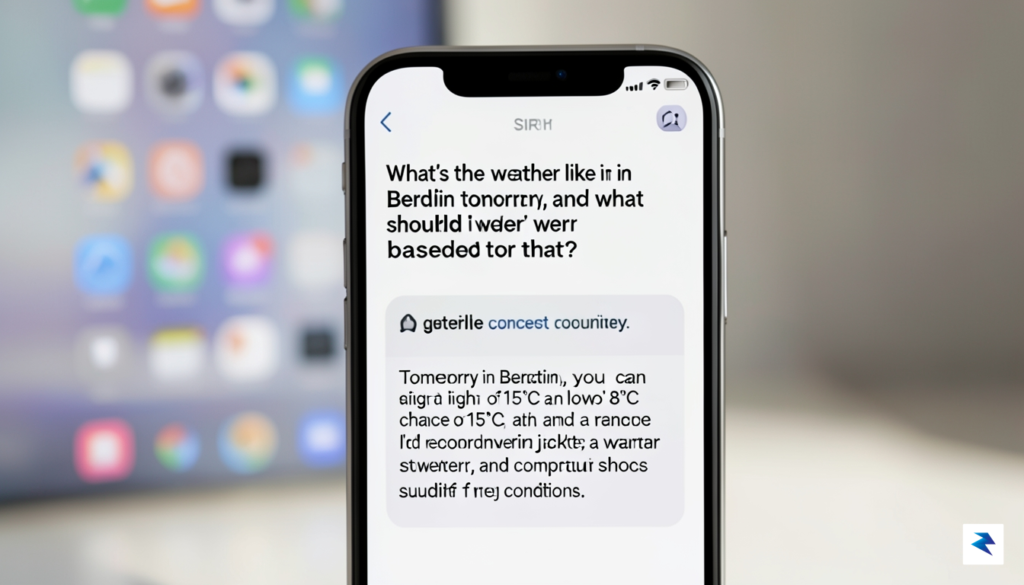
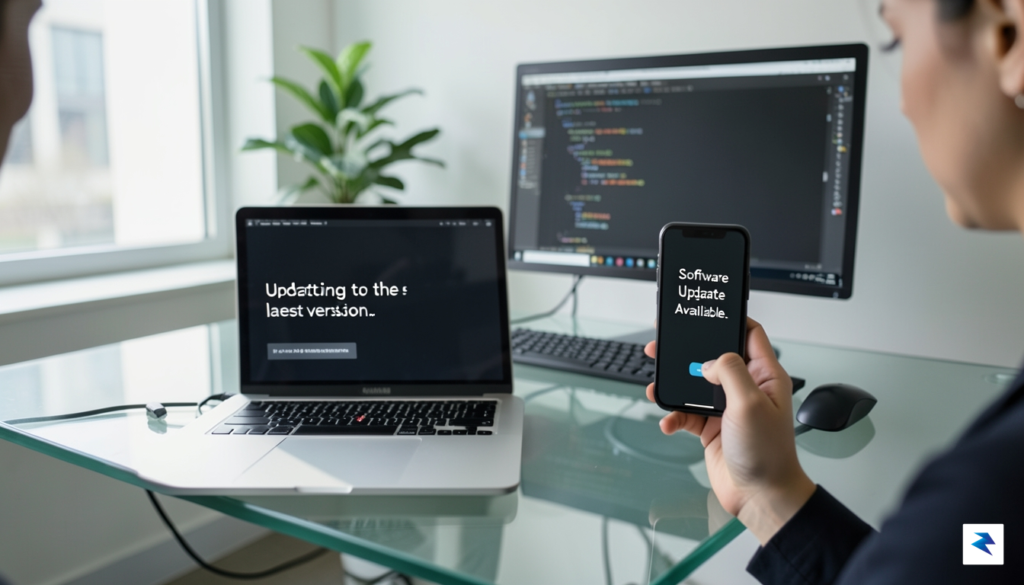
Before diving into the exciting new features that iOS 27 promises, especially the advancements with Siri AI, it is paramount to approach the public beta installation with caution and meticulous preparation. While Apple’s public beta program offers an incredible opportunity for enthusiasts to get an early look and provide valuable feedback, it is inherently pre-release software and can contain bugs, glitches, or even data-corrupting issues. Therefore, safeguarding your personal information and device stability should be your absolute top priority throughout this process. Rushing into an update without proper safeguards can lead to frustrating data loss or an unstable user experience, undermining the thrill of early access.
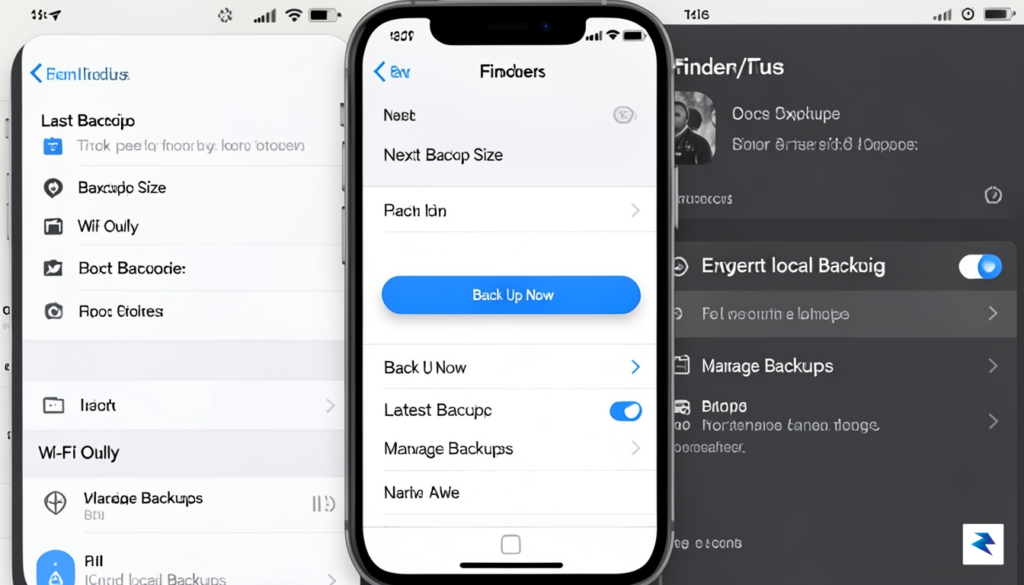
The single most critical step before installing any beta software is performing a complete, verifiable backup of your device. This provides a crucial safety net, allowing you to revert to a stable, pre-beta state if anything goes awry. You have two primary options: an iCloud backup or an encrypted backup via Finder on macOS (or iTunes on Windows). For an iCloud backup, ensure you have sufficient cloud storage, then navigate to Settings > [Your Name] > iCloud > iCloud Backup and tap “Back Up Now.” Alternatively, connect your iPhone to your computer, open Finder (or iTunes), select your device, and choose “Back up all of the data on your iPhone to this Mac” (or PC), making sure to check the “Encrypt local backup” option for maximum data preservation, including passwords and Health data. Do not proceed until this backup is complete and confirmed.
Once your data is securely backed up, the next step involves officially enrolling your Apple ID in the Apple Beta Software Program. Head over to beta.apple.com in your web browser. If you haven’t participated before, you’ll need to sign up using your Apple ID and accept the terms and conditions. If you’re already enrolled, simply sign in. This program grants you access to the necessary profiles and instructions for installing beta software across Apple’s ecosystem, including iOS, iPadOS, macOS, watchOS, and tvOS. Familiarize yourself with the program’s guidelines, as they outline expectations for beta testers, including the importance of reporting bugs.
After successful enrollment, you can proceed to download the beta profile directly onto your iPhone. On your device, navigate back to beta.apple.com/profile and tap the “Download profile” button. Your iPhone will prompt you to allow the download of a configuration profile. Once downloaded, open the Settings app, and you’ll typically see a “Profile Downloaded” option near the top. Tap on it, review the profile details, and then tap “Install” in the top right corner, entering your passcode when prompted. After installation, your device will require a restart to apply the new profile and make the beta update available.
Upon restarting, your iPhone is now ready to detect and download the iOS 27 public beta. Navigate to Settings > General > Software Update. Here, you should now see the option to upgrade to iOS 27 Public Beta. Tap “Download and Install,” and follow the on-screen prompts. Remember that
The latest iteration of Siri represents a monumental leap forward, transforming the familiar voice assistant from a simple command processor into a genuinely intelligent, proactive, and context-aware companion. This isn’t merely an update; it’s a fundamental reimagining of how users interact with their iPhone, leveraging advanced on-device AI to deliver a far more intuitive and powerful experience. Gone are the days of rigid commands and isolated queries; the new Siri is designed to seamlessly integrate into your digital life, anticipating needs and executing complex tasks with unprecedented ease, fundamentally shifting the paradigm of mobile interaction.
Perhaps one of the most striking enhancements is Siri’s newfound ability to understand and react to what’s currently displayed on your screen. This means Siri can now interpret the visual and textual information in your open apps, allowing for incredibly natural and efficient interactions. For instance, if you’re browsing a restaurant’s menu in Safari, you can simply ask, “What are their opening hours?” or “Add this to my calendar for Saturday night,” and Siri will intelligently pull the relevant details directly from the webpage without you needing to explicitly state the restaurant’s name or navigate away from the page. This capability significantly reduces friction, making multi-tasking feel effortless and remarkably intuitive.
This deep contextual understanding extends far beyond just web pages. Imagine viewing a photo in your gallery and asking, “Send this to my sister,” or looking at an email in your inbox and instructing, “Summarize this for me.” Siri will not only identify the subject of your request but also understand the implicit recipient or action based on your current view. This on-device processing ensures privacy while providing a level of responsiveness and accuracy previously unattainable, fundamentally changing how users interact with their apps and manage their information. It truly feels like Siri is “seeing” what you’re seeing, enhancing its utility across the entire iOS ecosystem by making it a truly embedded, aware assistant.
Building on this foundation of context awareness, the new Siri introduces powerful “Action” capabilities that allow it to perform complex, multi-step tasks directly within third-party applications. Historically, Siri could launch apps or handle very basic functions, but now it can truly manipulate them, executing commands that require intricate app interaction. This means you can articulate sophisticated requests that involve several steps, and Siri will orchestrate them seamlessly without requiring you to manually navigate through menus or input data. For example, instead of just opening a music app, you might say, “Create a new
Embracing the bleeding edge of technology often means navigating certain technical realities, and the iOS 27 public beta, with its advanced Siri AI features, is no exception. While the promise of a more intelligent and capable assistant is undoubtedly exciting, users should be prepared for the typical trade-offs associated with pre-release software. Foremost among these are potential impacts on device performance and stability. Beta builds frequently consume more resources than their final counterparts, which can manifest as noticeable reductions in battery life, sometimes causing your iPhone to require charging more frequently throughout the day. Furthermore, intensive AI processing, particularly during the early stages of optimization, can lead to increased device temperature, especially during prolonged use of the new generative AI capabilities. These are common characteristics of beta cycles as engineers fine-tune code and optimize for efficiency, and they are important considerations to weigh against the allure of early access.
Crucially, Apple has engineered its new AI architecture with privacy at its core, introducing what it terms “Private Cloud Compute.” This innovative system is designed to extend the on-device processing capabilities of your iPhone by leveraging Apple’s server-side resources for more complex AI tasks, but without compromising user data. When a query is too intricate for your device to handle locally, it is securely offloaded to dedicated Apple silicon servers. However, this isn’t a typical cloud interaction where your data might be stored or linked to your identity. Instead, these servers operate under strict cryptographic protections, ensuring that your requests are processed in an isolated, ephemeral environment where they cannot be accessed by Apple personnel or stored permanently.
The entire system is built on a foundation of cryptographic proof, meaning that even Apple itself cannot inspect or retain the raw content of your personal requests as they pass through Private Cloud Compute. This architecture allows the sophisticated AI models to run on powerful data center hardware while maintaining the privacy guarantees typically associated with on-device processing. For instance, sensitive information within your prompts is encrypted end-to-end, and the processing is designed to be unlinkable to your Apple ID. This commitment highlights Apple’s long-standing philosophy that powerful features should not come at the expense of user privacy, striving to offer advanced AI without requiring you to sacrifice control over your personal data.
In practice, Apple balances on-device processing with these secure server-side AI requests to maintain its stringent privacy standards. Simpler, more routine requests that don’t require extensive computational power, such as setting a timer or checking the weather, are still handled entirely on your device, ensuring maximum speed and complete data isolation. More complex, generative tasks—like drafting an email or summarizing a long document—are the ones that might utilize Private Cloud Compute. This intelligent delegation ensures that only necessary data leaves your device, and even then, it does so under layers of cryptographic security and with the assurance that it is processed anonymously and ephemerally. Therefore, while you’re enjoying the groundbreaking capabilities of the new Siri AI, you can be confident that Apple has taken significant steps to safeguard your personal information, even as the technology reaches beyond the confines of your iPhone.
Embarking on the journey with early beta software, such as the exciting iOS 27 public beta that introduces Apple’s groundbreaking new Siri AI, can be an incredibly rewarding experience, offering a sneak peek into the future of your iPhone. However, to truly savor this cutting-edge technology and minimize potential frustrations, it’s paramount to ensure your device is adequately prepared. Taking the time to evaluate your iPhone’s readiness and understand the inherent implications of running pre-release code will pave the way for a much smoother and more enjoyable beta testing period, allowing you to focus on discovering the innovative features rather than grappling with unexpected issues.
First and foremost, device compatibility is a critical hurdle to clear before even considering the beta installation. While Apple’s new operating systems typically support a wide range of recent iPhone models, older devices may eventually fall off the supported list to ensure optimal performance with the latest features. For iOS 27, it’s generally safe to assume that models from the iPhone 13 series and newer will be supported, offering the robust processing power required for advanced AI functionalities like the reimagined Siri. Always refer to Apple’s official developer website or public beta program page for the definitive list of supported devices as it becomes available, ensuring your specific iPhone model is indeed eligible for this transformative update.
Once compatibility is confirmed, turn your attention to preparing your device for the installation itself. A substantial amount of free storage space is essential, not just for the beta software download, which can be several gigabytes, but also for temporary files generated during the installation process and ongoing system operations. It’s wise to aim for at least 15-20 GB of free space to provide ample breathing room; you can check your current storage usage in Settings > General > iPhone Storage. Furthermore, a stable and reliable Wi-Fi connection is non-negotiable for downloading such a large update, preventing potential data corruption or lengthy interruptions that could brick your device. Avoid using cellular data for the download, as it can be slow, costly, and significantly less stable than a good Wi-Fi network.
Perhaps the most crucial step before installing any beta software is performing a complete and thorough backup of your device. Beta software, by its very nature, can be unstable, leading to unexpected crashes, data loss, or even rendering your device temporarily unusable. A recent backup, whether to iCloud or your computer via Finder (on macOS Catalina or later) or iTunes (on older macOS or Windows), acts as your safety net, allowing you to revert to a stable version of iOS if things go awry. This single precaution can save you countless hours of frustration and safeguard your precious photos, messages, and app data, making the beta experience significantly less risky.
As a public beta tester, you play an integral role in helping Apple refine and perfect the software before its general release. Therefore, understanding how to provide effective feedback is vital. Apple provides the dedicated Feedback Assistant app, which is automatically installed with the beta profile, serving as your direct line to the engineering teams. When you encounter a bug or an unexpected behavior, launch Feedback Assistant and provide as much detail as possible, including step-by-step instructions on how to reproduce the issue, screenshots, or even screen recordings. Concrete, reproducible feedback is invaluable for developers, helping them quickly identify and fix problems, ultimately contributing to a more stable and polished final product for everyone.
Despite your best preparations, it’s not uncommon for certain apps to behave unexpectedly on beta software. Some third-party applications might not yet be optimized for the new iOS version, leading to crashes, freezing, or features not working as intended. If an app misbehaves, start by force-quitting it and reopening it to see if the issue resolves. If not, restarting your entire device often clears up minor glitches. You should also check the App Store regularly for updates to your problematic apps, as developers frequently release beta-compatible versions. If the issue persists and significantly impacts your usage, consider reaching out to the app developer directly or, if it seems like a system-level problem, diligently report it via Feedback Assistant, contributing to a better overall ecosystem.
You must be logged in to post a comment.