
Why AI Token Budgets Are the Next Big Management Challenge
The Shift Toward AI Financial Accountability For the past two years, the integration of generative AI into the software development lifecycle…
The arrival of the iOS 27 Public Beta, specifically the highly anticipated “Golden Gate” stage, marks a pivotal moment for enthusiasts eager to experience the next iteration of Apple’s ecosystem. While the promise of a revitalized Siri and significantly snappier application performance is undeniably alluring, it is vital to approach this installation with a measured perspective. A public beta is not a finished product; it is a laboratory environment designed to gather real-world data and iron out unforeseen bugs before the official wide-scale launch. By opting into this program, you are transitioning from a passive consumer to an active participant in Apple’s quality assurance process, which inherently involves navigating a landscape of incomplete features and potential instability.
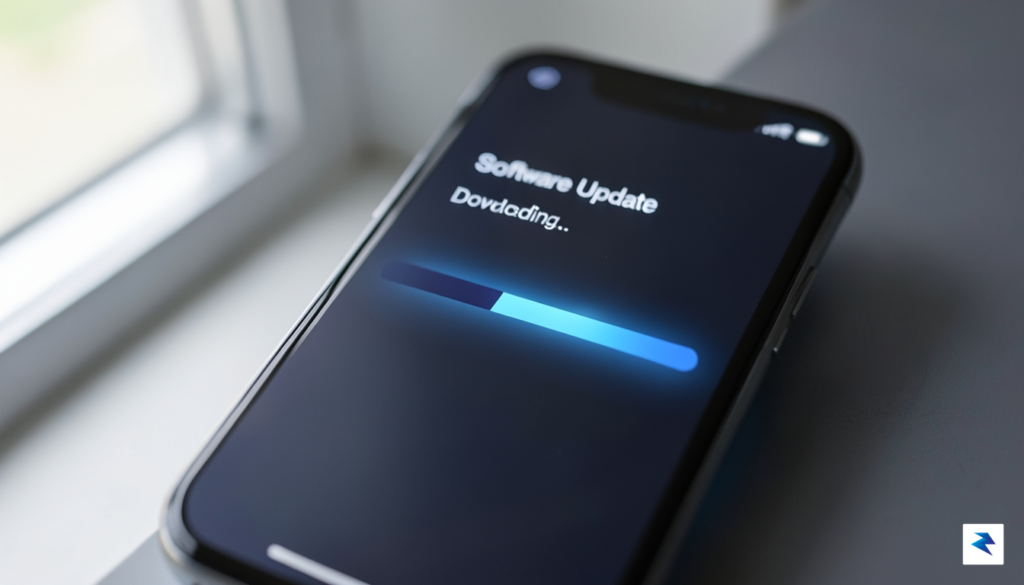
Before you commit to the update, you must acknowledge that your device may not behave with the same reliability you have come to expect from stable iOS releases. Common symptoms of pre-release software include accelerated battery drain, sporadic application crashes, and occasional system-wide hitches that can disrupt your daily workflow. Furthermore, while Apple works tirelessly to ensure data integrity, there is always a non-zero risk of data loss or file corruption when running early-access software. If your primary device is essential for your professional productivity or personal organization, it is strongly advised that you install this beta on a secondary device rather than your daily driver.
The “Golden Gate” label signifies that the software is nearing its final form, but it remains a testing environment where performance inconsistencies are expected rather than exceptional.
To prepare your device for the transition, a methodical approach to data management is non-negotiable. Before initiating any installation, you must perform a comprehensive, encrypted backup of your device using iCloud or a computer. This ensures that you have a viable recovery point should you decide to revert to the previous stable version of iOS. Additionally, verify your device compatibility by reviewing Apple’s official documentation, as older hardware may struggle with the increased processing demands of the latest features. Consider the following checklist to ensure a smooth transition:
Ultimately, while the allure of experiencing the new Siri and enhanced system speed is strong, patience remains your greatest asset. Treat the software as a work-in-progress, and you will find the experience of testing these innovations far more rewarding. By maintaining realistic expectations and safeguarding your data, you can safely explore the future of the iOS platform while contributing to the refinement of the final, public-ready release.
The evolution of Siri in the iOS 27 public beta represents the most significant architectural shift in the assistant’s history, moving away from rigid, keyword-dependent triggers toward a fluid, natural language processing engine. In previous iterations, users often felt they were “training” themselves to speak in a way Siri could understand, frequently defaulting to short, robotic phrases to ensure success. With this update, Apple has integrated advanced transformer-based neural networks that allow the assistant to comprehend nuance, intent, and colloquialisms. Instead of parsing a sentence for specific verbs and nouns, the new Siri treats every query as a holistic conversation, effectively bridging the gap between human speech patterns and machine execution.

Central to this transformation is a sophisticated on-device intelligence framework that prioritizes user privacy while simultaneously reducing latency. By processing complex requests locally on the device’s Neural Engine, Siri can interpret context without constantly pinging cloud servers, which significantly boosts response times. This means that when you ask for complex information—such as cross-referencing your calendar, recent emails, and location data—the processing happens almost instantaneously. Because the intelligence is baked into the hardware, your personal data remains strictly on your device, ensuring that even as the assistant becomes more “intelligent,” your privacy boundaries remain firmly intact.
The true power of the new Siri lies in its ability to handle multi-step requests that were previously impossible to execute in a single breath.
For example, consider a user who needs to organize a weekend trip. Previously, you might have had to set a reminder, check the weather manually, and then open a separate app to search for flights. Under the new architecture, you can simply say, “Find me a flight to Chicago for this Friday, check if I have any conflicts on my calendar, and then send the itinerary to my partner.” Siri now maintains a “memory” of the conversation, understanding the relationship between these distinct tasks and executing them in a logical sequence. This capability effectively changes Siri from a simple command-line tool into a proactive personal assistant that understands context as well as it understands commands.
Compared to the Siri of just a few years ago, the iOS 27 version is less of a voice-activated menu and more of a conversational partner. The difference is immediately palpable; the assistant no longer requires specific prompts to chain actions together, nor does it stumble over slightly complex syntax. Whether you are dictating long-form messages or managing smart home scenes, the assistant shows a newfound level of patience and adaptability. This leap forward ensures that as users demand more from their devices, their primary interface—Siri—is finally equipped to keep pace with those expectations.

Beneath the headline-grabbing intelligence updates, iOS 27 introduces a fundamental shift in how the operating system handles resources, marking the most significant architectural overhaul in recent memory. At the core of this transformation is a completely revamped memory management protocol that moves away from the traditional, static allocation models of previous iterations. By implementing a dynamic, predictive memory-paging system, iOS 27 can now anticipate the specific data requirements of an application before a user even taps the icon. This proactive approach ensures that vital assets are pre-loaded into the high-speed cache, effectively shaving milliseconds off cold-start times and providing a sense of fluidity that makes the entire interface feel remarkably more responsive.
The centerpiece of this performance boost is the introduction of the “Golden Gate” update, a sophisticated scheduling engine designed to recalibrate background thread prioritization. In older versions of iOS, background processes often competed indiscriminately for CPU cycles, which frequently led to micro-stutters during heavy multitasking. With Golden Gate, the system now intelligently categorizes background tasks based on their immediate necessity and user-facing impact. High-priority tasks, such as background audio rendering or real-time location syncing, are granted dedicated processing lanes, while non-essential maintenance tasks are deferred to periods of low device activity. This intelligent traffic control ensures that the foreground application always receives the maximum available processing power, effectively eliminating the “hanging” sensation often associated with launching complex apps.
The Golden Gate update represents a paradigm shift from reactive to predictive resource management, ensuring the hardware remains a silent, powerful engine rather than a bottleneck for user intent.
While these improvements are most evident on the latest flagship devices—where the raw power of the newest A-series silicon can fully leverage the granular control of the new scheduler—the benefits extend surprisingly well to older hardware as well. By optimizing the way memory is reclaimed and recycled, iOS 27 reduces the overall “memory pressure” that traditionally slows down devices with aging batteries or limited RAM. Users on older models will likely notice that apps stay in the background for longer durations without needing to be reloaded from scratch, significantly improving the overall longevity and usability of their devices. This optimization strategy creates a more uniform experience across the entire ecosystem, proving that Apple’s focus on efficiency is just as critical as its pursuit of raw hardware speed.
Ultimately, these under-the-hood optimizations translate into tangible, daily utility. Whether you are opening a heavy productivity suite, switching between multiple complex games, or simply navigating through the system settings, the reduction in cold-start latency is palpable. By streamlining the handoff between the operating system’s kernel and third-party application code, Apple has created an environment where software feels lighter and more agile. These refinements serve as a powerful reminder that performance is not just about faster processors, but about how intelligently the software directs those resources to meet the demands of the user.
Before you dive into the latest features of iOS 27, it is vital to acknowledge that running pre-release software is inherently a trade-off between experiencing cutting-edge innovation and maintaining absolute system reliability. Public beta builds are, by definition, works in progress that contain unpolished code and latent bugs that could potentially compromise your device’s stability. Because these versions are undergoing rigorous fine-tuning, you may encounter unexpected system crashes, degraded battery performance, or glitches that impact your daily workflow. Consequently, treating your device as a sandbox rather than a mission-critical tool is the most prudent approach to take during this testing phase.
The most critical step you must take before installing the beta is ensuring your data is fully protected. Relying solely on automatic cloud syncing is risky; instead, you should perform a comprehensive, encrypted backup of your device using your computer. By choosing the Encrypt Local Backup option, you ensure that sensitive information—including saved passwords, Health data, and HomeKit configurations—is preserved in a secure format that can be restored if the installation encounters a catastrophic failure. Failing to secure your data beforehand could result in permanent loss should the operating system encounter a critical error during the update process.
Beyond data integrity, you must consider the practical compatibility of your essential applications. Many enterprise-grade security suites, banking portals, and corporate authentication apps are strictly optimized for stable, public releases of iOS and may fail to launch or function correctly on beta software. These apps often implement rigorous integrity checks that detect the unauthorized environment of a beta OS, potentially locking you out of your accounts. Before you commit to the update, check with your IT department or review app developer forums to ensure that your “must-have” tools are currently compatible with the latest beta build.
Pro-tip: If you rely on your primary device for work or financial transactions, wait for at least the second or third public beta release. Early builds are statistically more likely to harbor severe bugs that can disrupt essential daily tasks.
If you do encounter a bug, your participation as a beta tester is most valuable when you contribute to the refinement of the operating system. Use the built-in Feedback Assistant app to document your findings, providing as much context as possible, including screenshots and descriptions of the steps that led to the issue. This collaborative effort helps Apple’s engineers squash bugs before the final public launch. However, if the instability becomes too disruptive to your life, do not hesitate to revert your device to the latest stable release. You can do this by using a computer to restore your device to a signed version of iOS, effectively hitting the “reset” button on your beta journey whenever you feel the software is no longer serving your needs.
Before you begin the installation process, it is vital to distinguish between the Apple Beta Software Program and the Apple Developer Program. While the Developer Program is intended for professionals building apps and requires a paid annual subscription, the Public Beta program is a free, accessible initiative designed for everyday users to test features before their final release. By joining the Public Beta, you are providing Apple with valuable diagnostic data, which helps refine the software for the general public, though you should always remember that beta software is inherently unstable compared to standard iOS versions.
To start your journey, navigate to the official Apple Beta Software Program website using your iPhone’s Safari browser. Sign in using your primary Apple ID, which is the same account you use for iCloud and the App Store. Once you have successfully logged in, you will be prompted to enroll your device. It is highly recommended that you perform a full iCloud or computer-based backup of your iPhone before proceeding; this ensures that if you encounter critical bugs or performance issues, you can easily restore your device to its previous, stable state without losing your personal data or media.
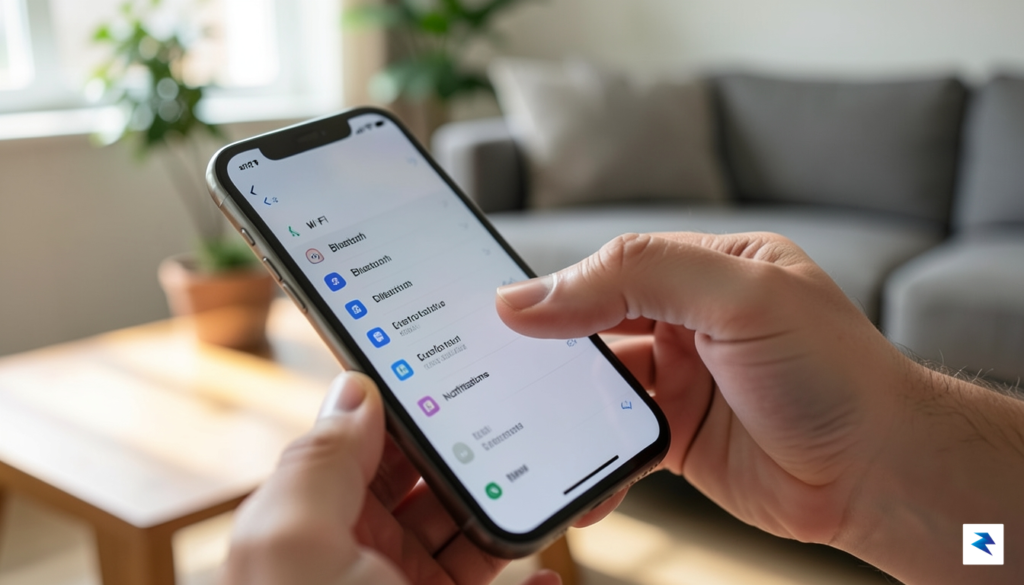
After your device is registered on the website, the installation process shifts to your iPhone’s internal settings. Follow these specific steps to trigger the update:
Pro Tip: Beta software often consumes battery life faster than standard releases as the system runs background diagnostic tasks. Keep your charger handy during the initial indexing period following the update.
Once the download completes, your iPhone will restart automatically to finalize the installation. Please be patient during this phase, as the initial boot-up after a major beta update can take significantly longer than a standard security patch. If you ever decide that the experience is not for you, you can always revert to the stable version of iOS, provided you have a proper backup created before the installation. By following these steps carefully, you can enjoy the new Siri capabilities and enhanced system speed while maintaining the integrity of your personal files.
You must be logged in to post a comment.