Are Food Preservatives Damaging Your Heart? What the Science Says
Understanding the Link Between Preservatives and Heart Health For decades, the standard Western diet has relied heavily on the convenience of…

In an era where digital devices are ubiquitous, modern smartphones, particularly, are engineering marvels designed with a singular, often insidious, purpose: to capture and hold our attention. For developing minds, this sophisticated design, featuring endless scrolls, autoplay videos, and a constant barrage of notifications, creates an environment profoundly challenging for focus and sustained thought. These mechanisms, perfected through years of psychological research, exploit our inherent need for novelty and connection, turning every interaction into a potential dopamine hit that can be highly addictive for children whose prefrontal cortex is still maturing. Consequently, kids find themselves trapped in a cycle of digital overstimulation, struggling with everything from reduced attention spans and difficulty concentrating in school to increased anxiety and disrupted sleep patterns.
Recognizing the detrimental impact of this ‘always-on’ culture, many parents are experiencing a significant paradigm shift in their approach to children’s technology. What began as a desire for constant connectivity, driven by safety concerns and the convenience of communication, has evolved into a sober realization that unrestricted smartphone access often does more harm than good for young users. This awareness is fostering a growing movement towards ‘digital minimalism,’ where the goal isn’t necessarily to eliminate technology entirely but rather to cultivate intentional, purpose-driven engagement. Parents are increasingly seeking ways to foster an environment where technology serves as a tool for learning and connection, rather than a master dictating attention and focus.
This burgeoning desire for a more balanced digital life has given rise to a fascinating proposition: transforming an existing iPhone into what effectively functions as a ‘dumb phone’ for children. The dilemma for many parents is clear: they appreciate the robust safety features, reliable communication, and familiar ecosystem that an iPhone offers, from GPS tracking to emergency call capabilities, but they vehemently want to strip away the addictive apps, social media, and endless digital distractions. The solution isn’t to abandon the iPhone entirely for a basic feature phone, which might lack crucial safety functions or be less familiar for a child eventually transitioning to a full smartphone. Instead, it involves leveraging the iPhone’s powerful hardware and software to create a bridge device—a smart device disguised as a simple one—that promotes focus, reduces digital noise, and empowers children with essential communication tools without overwhelming their developing minds.
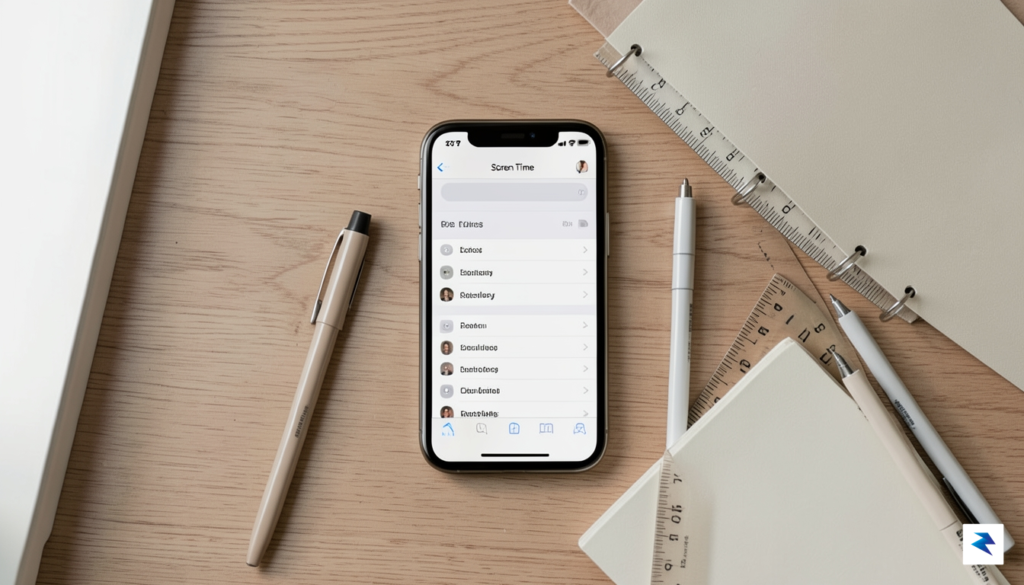
For years, parents have navigated the complex maze of iOS Screen Time settings, attempting to restrict access to the internet, social media, and distracting games. While these Parental Controls serve as a functional digital fence, they merely hide icons rather than fundamentally restructuring the device. True transformation for a child’s smartphone experience requires a deeper dive into Apple’s accessibility suite, specifically two powerful tools: Guided Access and the more recent Assistive Access. Originally designed to support users with cognitive disabilities, these features offer a radical departure from the standard, notification-heavy interface that defines the modern smartphone.
Assistive Access acts as a masterclass in interface simplification, stripping away the visual clutter and complex navigation of iOS to leave behind only the absolute essentials. Instead of the familiar grid of icons, the phone adopts a high-contrast, text-heavy layout with oversized buttons that are intentionally difficult to misinterpret. This isn’t just about limiting screen time; it is about changing the device’s fundamental purpose from an endless stream of content to a reliable, utilitarian tool. By removing the psychological triggers—such as red notification badges and infinite scrolling feeds—you effectively turn a hyper-connected computer back into a basic communication device.
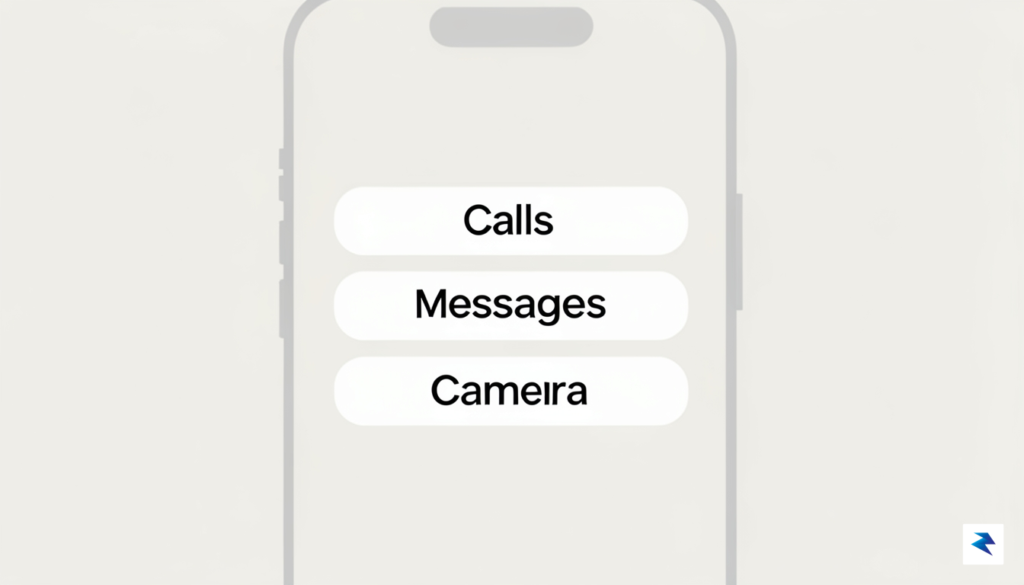
The power of this transformation lies in its ability to create a secure, inescapable sandbox. When you activate Guided Access or Assistive Access, you lock the user into a specific environment that remains tethered to a passcode. Unlike standard parental restrictions that a tech-savvy child might eventually learn to circumvent through settings or re-downloads, these accessibility tools sit at the operating system level. They restrict the user’s ability to exit the current app, switch tasks, or access the broader app library without explicit authorization from the device owner.
The genius of this approach is that it replaces the “restrictive” nature of traditional parental controls with a “focused” environment, essentially turning a complex smartphone into a distraction-free “dumb phone” that serves only the needs you define.
By leveraging these features, you effectively bridge the gap between providing your child with the security of a mobile phone and protecting them from the pitfalls of an unfiltered internet experience. It allows the device to function as a tool for safety—enabling calls and messages to family members—without exposing the user to the algorithmic traps and social pressures inherent in the standard iOS interface. This shift represents a proactive approach to digital parenting, where the technology is molded to fit the user’s needs rather than the user being forced to adapt to the demands of the software.
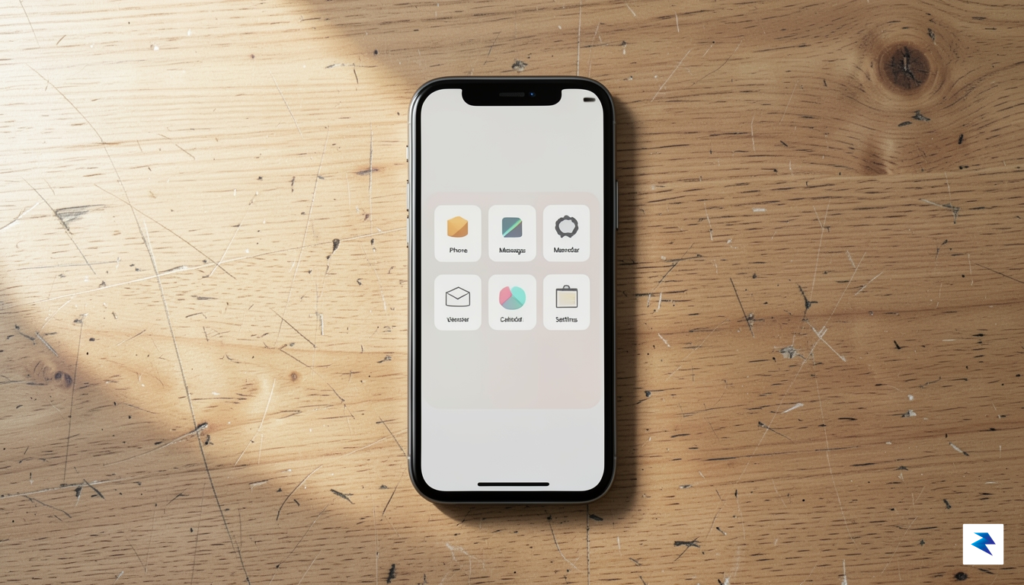
Transitioning a standard iPhone into a distraction-free device begins with leveraging Apple’s Assistive Access feature, a hidden gem buried within the Accessibility settings. This mode is the cornerstone of your transformation, as it fundamentally alters the user interface to prioritize simplicity and focus. To begin, navigate to Settings > Accessibility > Assistive Access and initiate the setup process. During this phase, you will be prompted to select a trusted contact who can assist with emergencies, ensuring that safety remains the device’s primary function while removing the clutter of the modern digital ecosystem.
Once you have enabled the interface, you must be surgical in your selection of “essential” applications. The goal is to provide your child with the utility of a phone—calls, basic photography, and navigation—without the addictive lure of social media or endless scrolling feeds. Carefully curate the home screen to include only the Phone, Camera, and Maps apps. By restricting the device to these core tools, you effectively turn a high-powered pocket computer into a reliable utility belt, ensuring that the device serves the child’s needs rather than competing for their attention.
Locking down the device is just as important as selecting the right apps. To prevent your child from downloading new distractions, you must head to Screen Time > Content & Privacy Restrictions. From here, toggle on the restriction settings and dive into the “iTunes & App Store Purchases” section to disable the ability to install or delete apps entirely. Furthermore, you should navigate to the “Allowed Apps” menu to toggle off Safari and any other web browsers. By disabling the web browser, you eliminate the biggest vector for unrestricted content, creating a safe, walled-garden environment that keeps the device focused on communication and safety.
To ensure long-term success, set a unique Screen Time passcode that is known only to you. This prevents the child from reversing these restrictions or adding unauthorized applications, maintaining the integrity of the “dumb phone” configuration.
Finally, solidify the safety protocols by configuring emergency contact settings within the Assistive Access menu. This ensures that even in the most locked-down state, the child maintains a direct, reliable line of communication to parents or guardians. Test these features thoroughly by simulating an emergency call to verify that the interface remains intuitive and responsive. By following this sequence, you aren’t just deleting apps; you are architecting a responsible digital experience that prioritizes real-world interaction over screen time.

For years, parents have turned to third-party parental control apps as a digital safety net, often paying monthly subscription fees for services that promise total oversight. However, these applications frequently require invasive permissions, such as installing custom VPN profiles or granting “root-level” access to the device’s system files. By design, these third-party tools operate as a persistent overlay, which not only drains the device’s battery life but can also inadvertently create massive security vulnerabilities. Because these apps must constantly intercept network traffic to filter content, they effectively act as a man-in-the-middle, exposing your child’s data to external servers that may not prioritize privacy as rigorously as Apple’s own walled garden.
Beyond the privacy concerns, third-party solutions are notoriously fragile. Tech-savvy children often discover that these apps can be easily bypassed by deleting the configuration profile, toggling off permissions in the settings menu, or simply finding loopholes in how the third-party software communicates with the operating system. When an app tries to force restrictions on top of iOS rather than working within it, it inevitably leads to system lag, crashes, and a frustrating user experience that makes the phone feel sluggish and unreliable. Instead of fighting against the operating system, Apple’s native Screen Time and Accessibility features are built directly into the kernel, meaning they cannot be bypassed by simple app deletion or background process termination.
The most effective digital guardrails are not found in the App Store, but within the settings of the device itself, where native integration ensures stability and privacy that third-party developers simply cannot match.
Utilizing native features also offers significant financial and performance advantages. By relying on tools like “Guided Access” or the “Content & Privacy Restrictions” menu, parents can achieve a superior level of control without paying a dime for recurring subscriptions. Since these features are written in native Apple code, they are highly optimized to run with minimal hardware overhead, ensuring the phone stays responsive and the battery remains healthy. You are essentially leveraging the R&D budget of a trillion-dollar company to secure your child’s device, rather than trusting a secondary developer to maintain compatibility with every iOS update. Making the switch from a third-party monitor to native controls isn’t just a cost-saving measure; it is a move toward a more stable, secure, and privacy-first digital environment that actually respects the boundaries of your family’s data.

The transition toward a restricted, utility-focused device is about far more than merely limiting screen time; it is a fundamental recalibration of how a developing mind interacts with the digital landscape. By stripping away the seductive, algorithmically driven interfaces that dominate modern smartphones, we effectively remove the constant pressure for social validation and the dopamine loops that keep children tethered to their screens. When the infinite scroll is replaced by a static, purposeful set of tools, the underlying anxiety associated with the fear of missing out—or the compulsion to compare one’s life to a curated digital highlight reel—begins to dissipate. This creates a psychological buffer, allowing children to reclaim their attention and direct it toward the tangible, physical world rather than a manufactured virtual one.

In this quieter digital environment, the necessity of boredom emerges as a powerful developmental catalyst. In a world saturated with passive consumption, boredom is often viewed as a void to be filled, but it is actually the fertile soil from which creativity and deep thinking grow. When a child is not constantly reaching for an app to occupy their idle moments, they are forced to engage with their own thoughts, develop internal resources for self-entertainment, and cultivate a sense of autonomy. This shift turns the device into a tool for intentional communication—reserved for calling a parent or checking a schedule—rather than a passive feedback loop that dictates their emotional state throughout the day.
The goal of removing digital friction is not to punish the child, but to liberate their cognitive bandwidth for the activities that define a well-rounded childhood: play, reflection, and face-to-face interaction.
As your child grows and matures, the process of transitioning from this restricted state to a more open digital experience should be treated as a gradual “digital apprenticeship.” Rather than flipping a switch and granting unrestricted access to the internet, consider a phased approach that treats technology literacy as a milestone. Start by introducing one controlled social tool at a time, facilitating conversations about the ethics of online interactions and the reality of the content they encounter. This step-by-step expansion allows the child to build the necessary emotional maturity to handle the complexities of the digital world, ensuring that when they finally do carry a full-featured smartphone, they do so with a grounded sense of self and an established habit of intentional, rather than addictive, use.
You must be logged in to post a comment.