Is Matter Winning? Inside the Industry’s Quest for a Unified Smart Home
The Genesis of Matter: A Vision for Unified Connectivity For many years, the promise of a truly "smart" home remained largely out of reach for…

When the Mac Studio first arrived, it was widely celebrated as the ultimate sanctuary for creative professionals. Apple expertly positioned the device as the dream machine for high-end video editors, music producers, and 3D animators who needed dense power in a compact footprint. For these users, the M-series architecture provided an unprecedented balance of thermal efficiency and raw performance, allowing for fluid multitasking across complex timelines and multi-track audio projects. The machine was designed to handle the heavy lifting of traditional media production, effectively replacing the aging Intel-based Mac Pro for the vast majority of the creative workforce.
However, the rapid ascent of local generative AI has fundamentally altered the desktop landscape, forcing a shift in how we define a “workstation.” Today, developers and researchers are increasingly moving away from cloud-based AI solutions, favoring local inference for models like LLMs (Large Language Models) and Stable Diffusion to ensure data privacy, reduce latency, and eliminate recurring subscription costs. The Mac Studio has naturally emerged as a prime candidate for this transition, thanks to its Unified Memory Architecture (UMA), which allows the GPU to access the same high-bandwidth memory pool as the CPU. This architectural advantage makes it uniquely suited for running complex neural networks that would otherwise struggle on consumer-grade hardware.
Despite this newfound status as an AI powerhouse, the transition has highlighted a significant friction point: the rigidity of Apple’s fixed memory constraints. Unlike traditional workstations where users can swap out RAM modules to accommodate the growing requirements of massive datasets, the Mac Studio is physically capped at the time of purchase. For local AI inference, memory is the single most critical bottleneck; as models grow in parameter count and complexity, they demand larger memory footprints to load into the GPU’s context. When a developer hits the ceiling of the machine’s integrated memory, there is no path for expansion, forcing a total hardware replacement that contradicts the long-term utility typically expected of a professional workstation.
The core tension facing the modern Mac Studio user is no longer about raw processing speed, but rather the hard wall of the memory bus. In an era where AI models are expanding in scale, the inability to scale memory alongside them creates a significant longevity gap for hardware that is otherwise perfectly capable of handling the underlying compute.
Ultimately, while the Mac Studio remains a formidable tool for local AI development, the “memory-first” reality of machine learning requires a more cautious approach to procurement than the creative workflows of the past. Users must now calculate their needs based on the potential size of future models rather than just current project requirements. This shift marks a evolution from the Mac Studio as a “set it and forget it” creative hub to a machine that demands careful long-term strategic planning in an increasingly memory-hungry technological environment.

Apple’s Unified Memory Architecture (UMA) represents a departure from the traditional computing model, where the CPU and GPU operate within siloed memory environments. In a conventional workstation, data must be copied across a relatively slow PCIe bus from system RAM to the dedicated VRAM on a graphics card, creating a bottleneck that can significantly throttle performance. By contrast, the Mac Studio’s UMA allows the CPU and GPU to access the same high-bandwidth pool of memory simultaneously. This eliminates the need for redundant data copying, enabling the system to handle massive datasets with unprecedented efficiency. For developers and AI researchers, this means that the GPU can instantly manipulate the same tensors that the CPU is processing, drastically reducing latency during complex computational tasks.
However, this integration introduces a structural ceiling that becomes particularly problematic when scaling up to large language models (LLMs). Because the GPU does not have a private, dedicated VRAM reserve, it is forced to share the total system memory with the macOS operating system, background applications, and various system processes. As models grow in complexity—requiring tens of gigabytes just to load the weight parameters—the “memory tax” imposed by the OS becomes a tangible constraint. If you possess a Mac Studio with 64GB of RAM, you are not truly getting 64GB for your AI model; rather, you are getting whatever remains after the system takes its cut. This creates a hard limit on the size of the models you can run locally, effectively preventing the use of ultra-large parameter models that would otherwise fit on a dedicated workstation with massive, expandable VRAM arrays.
The core trade-off of UMA is that while it optimizes data throughput and efficiency for medium-sized tasks, it creates a rigid capacity wall that hardware expansion—in the traditional sense—cannot easily bypass.
Furthermore, the nature of UMA means that users are effectively locked into the memory capacity they choose at the time of purchase. Unlike traditional PC workstations where a user might add a secondary GPU with additional VRAM to handle larger neural networks, the Mac Studio is a closed system. Once the memory limit is reached, the system must resort to “swapping,” where data is moved to the SSD, causing performance to crater instantly. This creates a challenging environment for AI professionals who need to future-proof their workflows; if a new, more memory-intensive model architecture is released, a user currently at the edge of their capacity will find themselves unable to upgrade, necessitating an entirely new machine rather than a simple hardware swap.
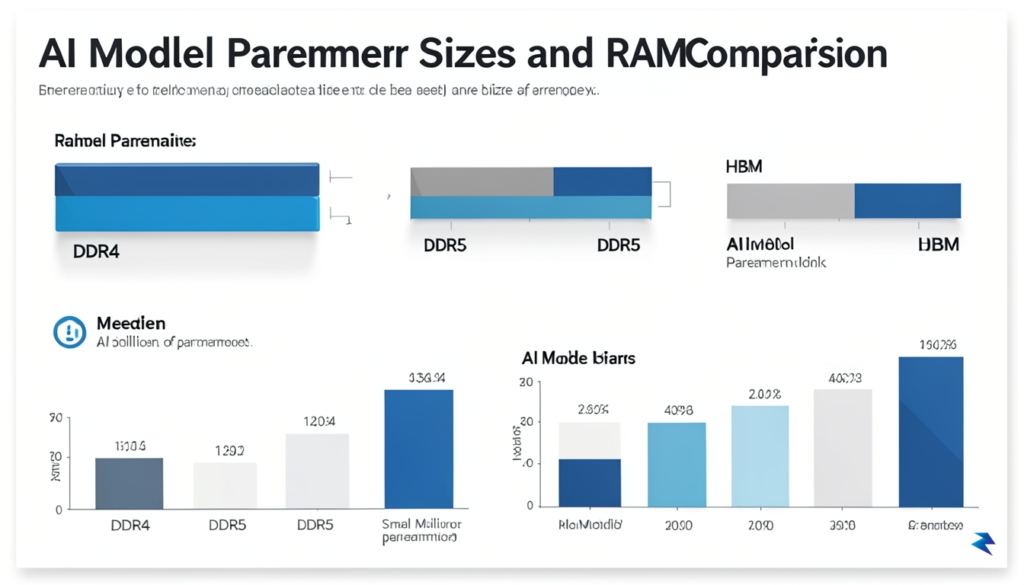
In the landscape of modern artificial intelligence, memory capacity functions as the primary gatekeeper for what is computationally possible on local hardware. Unlike traditional software applications that rely primarily on clock speed or core count, large language models (LLMs) operate by loading millions—or even billions—of parameters into memory simultaneously to perform inference. When a model’s parameter count exceeds the available unified memory of a machine, the system is forced to offload data to slower storage or crash entirely, creating a hard physical ceiling for local AI development. On Apple’s M-series architecture, which uses a unified memory pool shared between the CPU and GPU, this limit is both a strength and a potential point of failure for high-end research.
To understand the stakes, consider the mathematical relationship between parameter counts and memory requirements. A standard model with 7 billion parameters (7B) typically requires roughly 14GB of memory when using 16-bit precision, but as models scale to 70 billion parameters (70B), the requirements balloon well beyond 100GB of uncompressed memory. While developers often employ quantization—a compression technique that reduces the precision of these parameters—to fit larger models into smaller memory footprints, this process involves a delicate trade-off. By squeezing a 70B model into a 48GB or 64GB Mac Studio, users often sacrifice nuance and reasoning capability, effectively narrowing the gap between a high-end workstation and a consumer laptop.

The frustration for many developers lies in the “out of memory” (OOM) errors that occur when scaling up local experiments. When a developer attempts to fine-tune a model or run high-context inference, the Mac Studio’s unified memory architecture—while incredibly efficient at moving data—cannot be expanded after the point of purchase. If a project matures to a point where it requires a 128GB footprint for optimal performance and your system is capped at 64GB, the hardware becomes a static barrier to progress. This creates a scenario where the Mac Studio, once heralded as the ultimate local development tool, can quickly feel restrictive compared to modular PC workstations that allow for the stacking of multiple high-VRAM graphics cards.
The ceiling of your hardware is ultimately the ceiling of your model’s intelligence; when you run out of memory, you lose the ability to reason across larger datasets or deeper contextual windows.
Ultimately, the Mac Studio’s reliance on fixed unified memory represents a fundamental tension between Apple’s elegant, integrated design and the insatiable resource demands of cutting-edge AI. While the M2 and M3 Ultra chips offer impressive bandwidth that rivals server-grade hardware, the physical limit on capacity forces developers to choose between the convenience of the macOS ecosystem and the raw, expandable power of traditional desktop architectures. For those building the next generation of local agents, the decision to invest in a Mac Studio must be calculated with a forward-looking view of how quickly model sizes are evolving compared to the static nature of these machines.

For the professional developer or data scientist, the ceiling on unified memory is not merely a line item on a spec sheet; it is a rigid boundary that dictates the viability of entire project lifecycles. While hobbyists might find the Mac Studio’s performance perfectly adequate for running small-scale local LLMs or experimenting with Stable Diffusion, the enterprise landscape demands significantly more headroom. When a workstation hits a memory wall, the result is not a graceful degradation of performance, but rather an abrupt termination of processes or the forced migration of workloads to the cloud. This unpredictability creates a tangible bottleneck in daily workflows, as developers are frequently forced to prune datasets or shrink model parameters just to keep their local environments operational.
The decision to deploy these machines often hinges on a complex cost-benefit analysis regarding local inference versus cloud-based alternatives. On one hand, maintaining a local fleet of high-performance workstations offers long-term savings and low-latency interaction that remote servers simply cannot match. However, when those workstations lack the memory capacity to load larger, more sophisticated parameter sets, the hidden costs of developer downtime and the necessity of renting high-end GPU instances—like those found in AWS or GCP—begin to erode the initial hardware investment. Teams are consequently caught in a “memory-starved” trap where they possess powerful compute cores but cannot feed them the data they require to function at peak efficiency.
The true cost of hardware is not just the purchase price, but the recurring tax of developer time spent optimizing for limited system resources instead of focusing on model architecture and feature engineering.
Furthermore, these limitations fundamentally alter how project scope is defined during the planning phase. Architects and technical leads must now account for hardware constraints before a single line of code is written, often leading to the pre-emptive adoption of compromised solutions that are “memory-efficient” rather than “performance-optimized.” This shift can be incredibly frustrating for professional teams that expect a high-end workstation to act as a sandbox for innovation. Instead of pushing the boundaries of what local AI can achieve, developers are finding themselves relegated to a constrained environment where the hardware dictates the ceiling of their ambition, forcing them to rely on remote infrastructure sooner than they would prefer.
Ultimately, the Mac Studio remains a formidable machine, but its utility in the professional sector is increasingly bifurcated. For teams working on edge-case optimization or lightweight model refinement, the current hardware is stellar. However, for those engaged in serious, enterprise-grade model training and large-scale data manipulation, the memory limits necessitate a cautious procurement strategy. Companies must decide if the convenience of the macOS ecosystem outweighs the flexibility of modular, scalable hardware architectures that do not impose such restrictive ceilings on memory capacity.
When your AI training or inference tasks begin to outpace the unified memory ceiling of the Mac Studio, it is essential to recognize that you have hit a hardware bottleneck rather than a software limitation. While the Apple Silicon architecture is remarkably efficient for local development, it lacks the massive, high-bandwidth VRAM pools found in multi-GPU NVIDIA workstations. If your research involves training large language models (LLMs) or complex generative diffusion models that require 48GB or more of dedicated video memory per process, shifting toward a custom-built Linux workstation powered by dual or quad NVIDIA RTX 4090s or professional-grade A6000 GPUs becomes the logical next step. These systems offer the CUDA ecosystem’s unparalleled compatibility, ensuring that your research pipelines remain aligned with the industry-standard libraries that drive modern machine learning innovation.
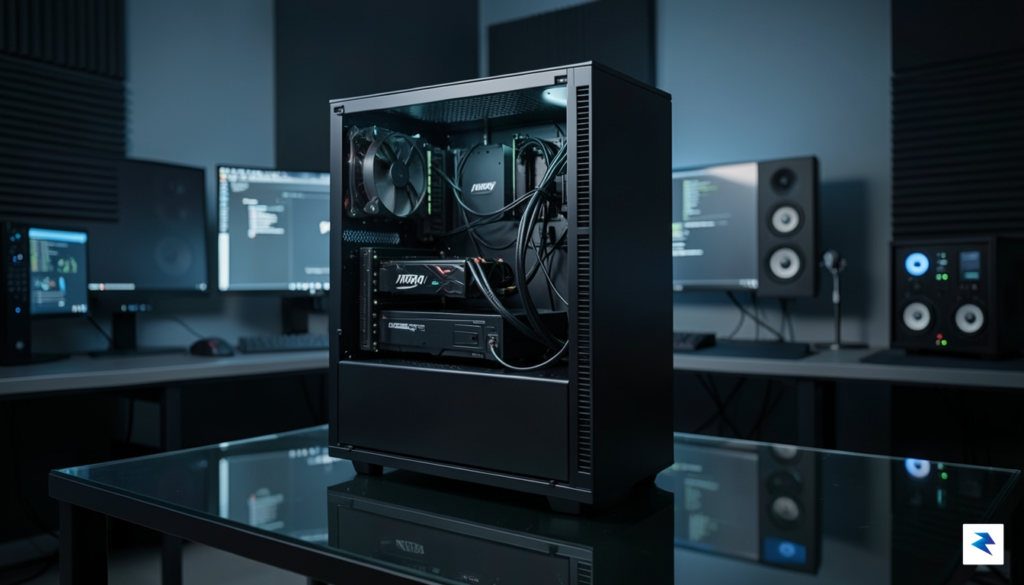
For projects that demand sporadic but massive computational bursts, cloud-based scaling is often more cost-effective than investing in a high-maintenance physical server rack. Platforms like Lambda Labs, AWS, and Google Cloud Platform provide instantaneous access to H100 or A100 GPU clusters, allowing you to scale your memory capacity into the hundreds of gigabytes at a moment’s notice. This “pay-as-you-go” model is particularly advantageous for professionals who need to perform final model fine-tuning or heavy-duty inference tasks that are simply impossible to run on a single local machine. By offloading these intensive jobs to the cloud, you can maintain your Mac Studio as a high-performance terminal for code development and local prototyping, reserving the heavy lifting for virtualized, scalable infrastructure.
Before committing to an expensive hardware overhaul or a recurring cloud subscription, you must first evaluate whether your current performance wall is truly a memory issue or a symptom of inefficient code. Often, memory overflows can be mitigated through strategic optimization techniques such as 8-bit quantization, gradient checkpointing, or utilizing more efficient model architectures that drastically reduce the memory footprint without sacrificing accuracy. If your model is constantly crashing due to out-of-memory errors, conduct a memory profile of your training loop to identify bottlenecks. If you find that your data pipeline is saturated or your model parameters are unnecessarily bloated, software-level optimizations will almost always yield better performance gains than simply throwing more raw hardware at the problem.
The most successful AI workflows are hybrid by design: using local workstations for rapid iteration and prototyping, while leveraging cloud-based GPU clusters for large-scale training and production-grade inference.
Ultimately, the decision to pivot away from the Mac Studio should be dictated by your specific project requirements rather than the allure of newer hardware. If you find yourself spending more time managing memory management errors than writing meaningful code, it is a clear signal that your current architecture is no longer aligned with your professional objectives. By maintaining a clear framework for when to optimize existing scripts and when to migrate to high-VRAM PC or cloud instances, you can ensure that your hardware remains an enabler of your creativity rather than a constraint on your technical progress.
Investing in a high-performance workstation for artificial intelligence requires a delicate balance between immediate production demands and the unpredictable velocity of machine learning research. Because AI models are becoming increasingly memory-hungry, the most critical metric for your purchase decision should not be raw clock speed, but rather the total unified memory capacity available to the GPU. When assessing your needs, consider the specific parameter size of the Large Language Models (LLMs) or diffusion models you intend to run locally; a 70-billion parameter model, for instance, requires significantly more VRAM than smaller, quantized versions. Calculating your requirements involves identifying your “ceiling”: determine the largest model you anticipate running within the next two years, add a 25% buffer for system overhead and future updates, and aim for that capacity as your minimum entry point.
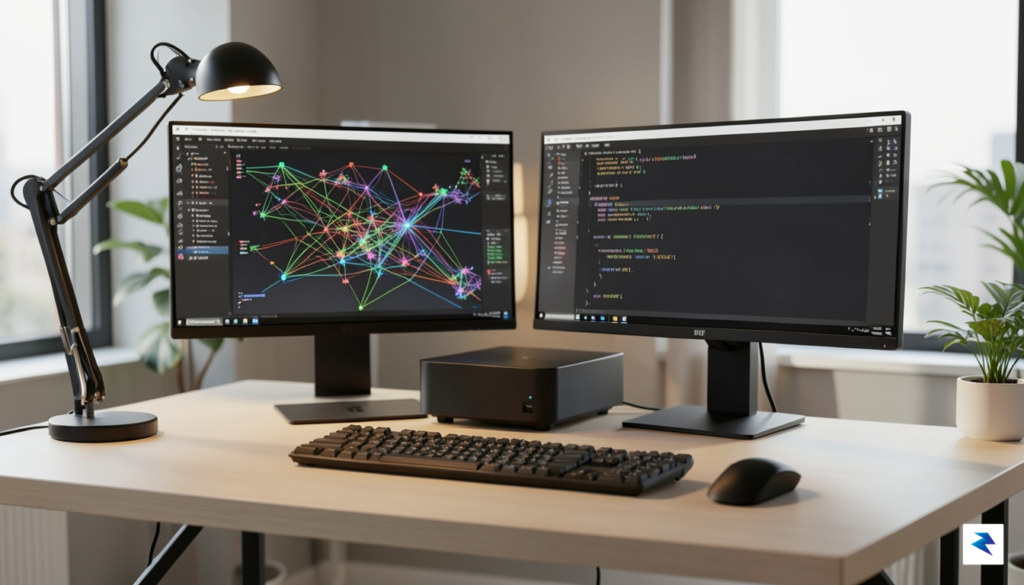
The role of Apple’s silicon roadmap adds another layer of complexity to these purchase decisions. While the current M-series architecture offers unparalleled efficiency for certain workflows, the rapid evolution of these chips means that a top-tier machine today might face architectural bottlenecks as software frameworks shift to leverage new on-die accelerators. It is wise to view the Mac Studio not as a permanent fixture, but as a high-performance node that will inevitably be succeeded by iterations with higher memory bandwidth and more sophisticated Neural Engines. Consequently, you should prioritize longevity by opting for configurations that maximize memory ceiling over marginal gains in CPU core counts, as RAM is the one component that cannot be upgraded after the purchase, rendering it the primary point of failure for future AI project expansion.
Pro Tip: When evaluating your budget, always prioritize the maximum available unified memory over storage upgrades. You can easily expand your storage capacity via external Thunderbolt drives, but there is no external solution for insufficient system memory when loading massive AI models.
Ultimately, the Mac Studio occupies a unique, albeit challenging, position in the modern AI ecosystem. It excels as a streamlined, power-efficient hub for development and local inference, yet it hits a functional wall when compared to modular desktop PCs that allow for multi-GPU arrays. To successfully navigate this landscape, maintain a realistic view of your hardware’s lifespan: treat your workstation as a strategic asset rather than a lifetime companion. By meticulously aligning your RAM capacity with the current trajectory of AI development and acknowledging the inherent limitations of a non-upgradable platform, you can cultivate a professional workflow that remains competitive and viable, even as the landscape of artificial intelligence continues its rapid, unpredictable shift.
You must be logged in to post a comment.