
Elastic Restructuring: What the 7% Workforce Reduction Means for the Future of Search
Understanding the Elastic Restructuring: A Strategic Shift The recent decision by Elastic to reduce its global workforce by approximately 7%…


For decades, Google’s primary infrastructure was designed around the concept of indexing—a massive, automated cataloging system that organized the internet’s existing content to make it discoverable. When you performed a search, the system acted as a digital librarian, pointing you toward relevant websites or images. However, the recent shift toward generative AI marks a fundamental evolution in this business model. Google is no longer just organizing information; it is actively consuming user-generated data to teach its proprietary large language and vision models how to “think” and “perceive” the world in a more human-like fashion.
This transition represents a significant pivot from passive indexing to active model training. By leveraging the vast streams of data flowing through its search ecosystem, Google is essentially turning every user interaction into a training exercise. While historical search queries were primarily used to improve ranking algorithms, current practices now prioritize the ingestion of behavioral patterns and media uploads to refine the generative capabilities of tools like Gemini. This means that when you interact with certain Google services, you are not merely retrieving data—you are potentially providing the raw material required to build the next generation of artificial intelligence.

One of the most consequential aspects of this policy shift involves the treatment of media files, particularly those shared via reverse image searches or cloud-based photo management tools. In the past, uploading a photo to search for similar images was a localized, ephemeral process. Under the new paradigm, these uploads are increasingly flagged for inclusion in machine learning datasets. This change means that your personal photos, screenshots, and visual queries may be analyzed to teach Google’s AI how to recognize objects, understand visual context, and generate its own synthetic imagery. The implications for personal privacy are substantial, as users are often unaware that their private visual data is being repurposed for corporate model development.
The integration of user-uploaded media into AI training cycles highlights a growing tension between the convenience of advanced search tools and the necessity of maintaining control over one’s personal digital footprint.
To navigate this new landscape, it is essential to understand that this data utilization is not an accidental byproduct but a core component of Google’s current strategic roadmap. Because the company views user data as the “fuel” for its AI ambitions, the default settings for most accounts are designed to facilitate, rather than restrict, this flow of information. By recognizing that your search history and uploaded media are now active components in the development of generative models, you can begin to take the necessary steps to audit your account permissions and opt out of these data-sharing practices.
When you conduct a reverse image search or utilize Google Lens to identify an object, you are engaging in more than a simple query-response interaction. Historically, these tools functioned as transient requests: you uploaded an image, the system analyzed it to find a match, and the data was eventually discarded or anonymized into aggregate traffic statistics. However, under Google’s current operational framework, this process has evolved. The images you upload are now integrated into a broader data lifecycle where they serve as foundational material for training and refining Google’s massive machine vision and generative AI models.
The technical shift lies in the transition from ephemeral processing to persistent ingestion. When your media enters Google’s servers, it is no longer treated merely as a temporary packet of data meant for a one-time lookup. Instead, it is categorized, tagged, and ingested into vast datasets that act as the fuel for algorithmic improvement. By analyzing millions of user-provided images, Google’s AI learns to better recognize complex patterns, identify obscure objects, and improve the contextual accuracy of its generative outputs. In essence, every photo you upload becomes a training example that helps the system understand the world with greater precision, effectively turning the user base into a collaborative contributor for its AI development.

It is important to distinguish between the search result you receive and the latent value Google derives from your file. While you are seeking an answer to a question—such as identifying a plant or translating a sign—the company is extracting metadata and visual features from your content to bolster its proprietary models. This machine vision training relies heavily on the diversity and authenticity of real-world user data, which is far more valuable than synthesized or curated imagery. Because these models are constantly learning, your personal media acts as a living input that shapes how the AI perceives geometry, lighting, color, and context in future iterations.
The core of the issue is the shift in data ownership; what was once a utility for the user has become a valuable raw material for the platform’s proprietary AI training pipelines.
To understand the depth of this integration, consider that these models are not just looking at the primary subject of your photo. They are analyzing the background, the composition, and the specific artifacts present in the file to build a more robust understanding of various environments. Whether you are using a mobile device to scan a menu or a desktop browser to search for a product, the underlying mechanism is designed to capture, store, and repurpose that information. By understanding this lifecycle, you gain a clearer picture of why Google is incentivizing more frequent media uploads and why opting out is a necessary step if you wish to maintain control over how your personal digital footprint contributes to the growth of commercial AI systems.
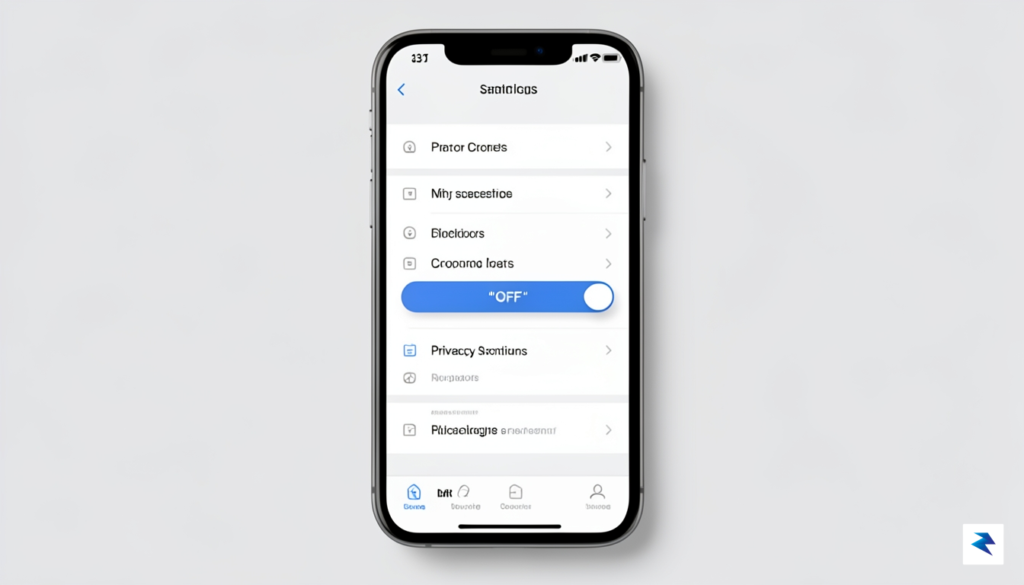
Regaining control over your digital footprint begins by navigating to the Google My Activity dashboard, which serves as the central command center for your data history. To start this process, sign in to your primary Google account and head directly to myactivity.google.com. Once you are there, look for the “Web & App Activity” section, as this is the primary setting that governs how your interactions—including searches, voice commands, and specific interactions with Google services—are stored and potentially utilized for model refinement. By clicking on this setting, you will be presented with a toggle that allows you to turn off tracking entirely, which is the most effective way to prevent future activity from being funneled into training pipelines.
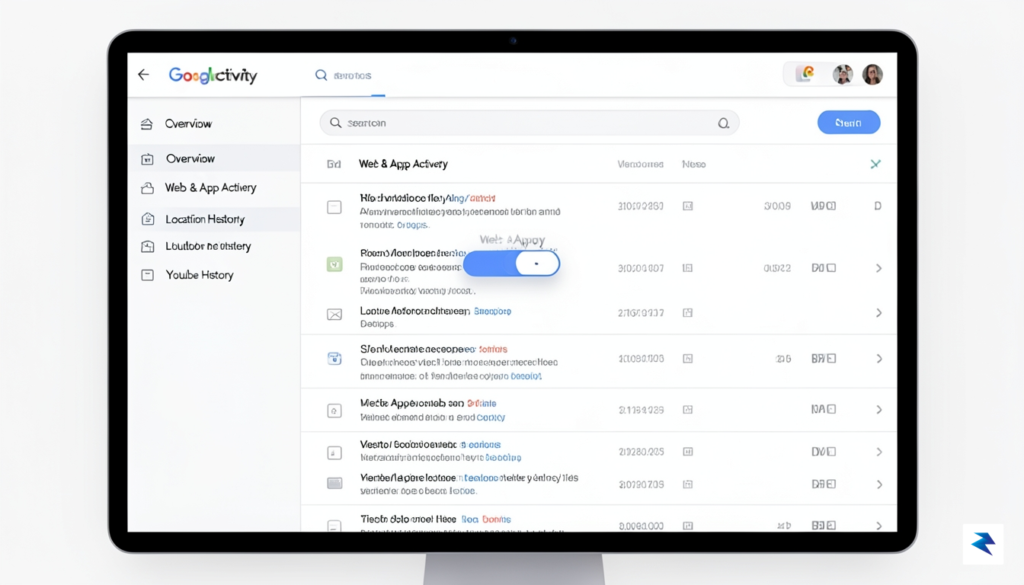
For those who prefer to keep their search history enabled for convenience but wish to exclude specific types of media or uploads, Google offers more granular controls. Within the “Web & App Activity” settings, you should navigate to the “See and delete activity” sub-menu. Here, you can actively manage which specific services are allowed to contribute to your profile. It is essential to review the “Include Chrome history and activity from sites, apps, and devices that use Google services” checkbox. If you uncheck this box, you significantly limit the breadth of data Google collects from your third-party browsing habits, thereby narrowing the scope of information available for their AI training algorithms.
Pro Tip: Turning off “Web & App Activity” does not automatically wipe your existing history; you must manually trigger the deletion process to ensure that past data is no longer accessible to Google’s internal machine learning systems.
After adjusting your privacy preferences, you should address the data that has already been collected. On the main My Activity page, you will notice a “Delete” button located near the top of the feed, which provides options to remove your history by timeframe, such as “Last hour,” “Last day,” “All time,” or a “Custom range.” Selecting “All time” is the most comprehensive approach for users who want a clean slate. Once you have initiated this deletion, Google will purge those records from its servers, effectively removing your past interaction history from any future training sets. Remember that these settings are account-specific, so if you maintain multiple Google identities for work or personal use, you must repeat these steps across every individual account to ensure full protection across your digital ecosystem.

Every photograph, document, or personal data point you upload to a cloud service acts as a building block for the increasingly sophisticated large-scale models that power modern artificial intelligence. When Google and other tech giants utilize this information for AI training, they are essentially converting your private digital footprint into raw material for automated systems. This process is not merely technical; it carries profound implications for your personal privacy. By allowing your data to be ingested into these models, you are indirectly teaching an algorithm how to perceive, categorize, and potentially recreate elements of your personal life, which can lead to a erosion of the boundaries between private storage and public accessibility.
The primary concern for most users lies in the potential loss of anonymity and the involuntary exposure of personal imagery. In an era where generative AI can synthesize information to create new, hyper-realistic content, there is a tangible risk that your photos could be inadvertently absorbed into datasets that train these systems. Once your imagery is part of a training set, it is nearly impossible to “extract” or delete it from the model’s learned patterns. This highlights the necessity of practicing rigorous digital hygiene. Taking the time to understand where your data goes is no longer just a recommendation for the tech-savvy; it is a fundamental requirement for anyone who wishes to maintain control over their digital likeness in a landscape that constantly prioritizes machine growth over individual sovereignty.
The choice to opt out is not merely a setting adjustment; it is a declaration of ownership over your personal narrative in an age where data is treated as a commodity.
Furthermore, the broader debate surrounding user consent in the age of generative AI centers on the lack of transparency in how data is utilized once it leaves your personal device. While many platforms frame their training initiatives as a way to improve user experiences, these benefits often come at the cost of your data autonomy. By opting out of these training features, you are exercising a critical form of digital agency, ensuring that your private moments are not repurposed for corporate interests without your explicit permission. Engaging with these privacy settings is a proactive step toward reclaiming your digital space and ensuring that your personal history remains yours alone, rather than becoming a permanent, unremovable component of a global algorithmic infrastructure.

While opting out of AI training represents a vital victory for your personal data, it is merely one piece of a much larger puzzle regarding your digital footprint. Relying on a single setting to protect your privacy is often insufficient, as Google’s ecosystem is designed to collect data across dozens of integrated services simultaneously. To truly maintain control, you must transition from reactive settings changes to a proactive, recurring maintenance routine that treats your Google account like a living document requiring constant cleanup. By auditing your broader account activity, you ensure that the data trail you leave behind is minimized, effectively shrinking the surface area available for both AI model ingestion and third-party data tracking.
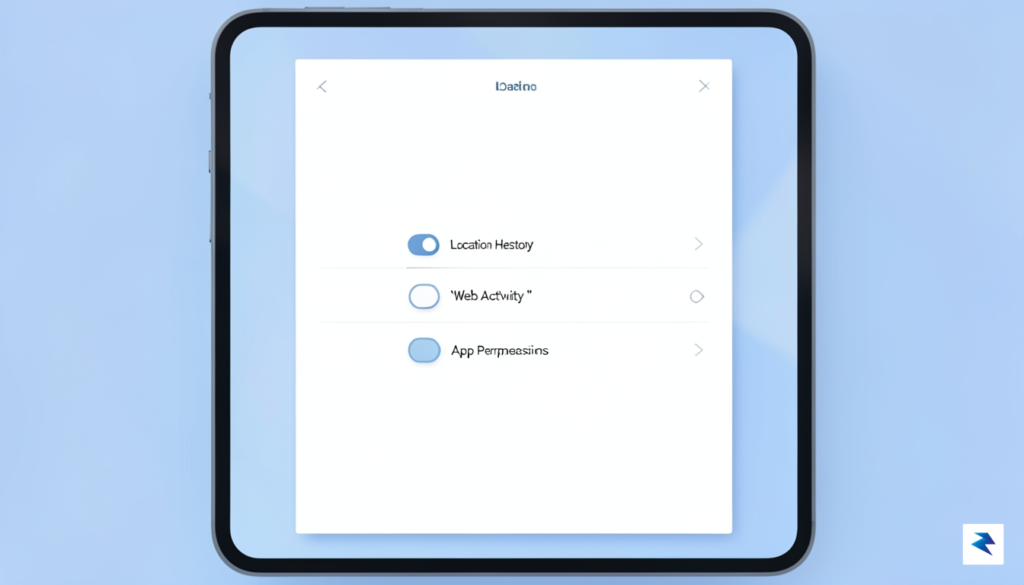
The most effective way to automate this process is to leverage Google’s built-in “Auto-delete” features. Instead of manually purging your data every few months, navigate to your “Data & Privacy” dashboard and configure your Web & App Activity, Location History, and YouTube History to automatically erase information after a set period, such as three or even eighteen months. This creates a rolling window of data retention, ensuring that Google’s servers do not hold onto your historical movements or search queries indefinitely. Furthermore, consider making a habit of using “Incognito” or “Private” browsing modes for sensitive searches or topics you would prefer not to link to your primary identity. These modes prevent the search engine from appending your queries to your account history, effectively shielding your specific interests from both ad-targeting algorithms and long-term behavioral profiling.
Privacy is not a destination, but a continuous process of auditing permissions and pruning unnecessary data traces.
Beyond browsing habits, it is essential to periodically review the “Third-party apps with account access” section within your Google security settings. Over time, we often grant “Sign in with Google” permissions to various websites, apps, and browser extensions that we no longer use, yet these services often maintain broad read-and-write access to your data indefinitely. Cleaning out these lingering connections is a critical step in reducing your exposure. You should also take the time to disable personalized ad tracking and location-based reporting, which are often enabled by default. By taking these holistic steps, you transform your Google account from a comprehensive repository of your private life into a lean, temporary tool that respects your boundaries while still providing the utility you expect from the platform.
You must be logged in to post a comment.