The Evolution of Remote System Management
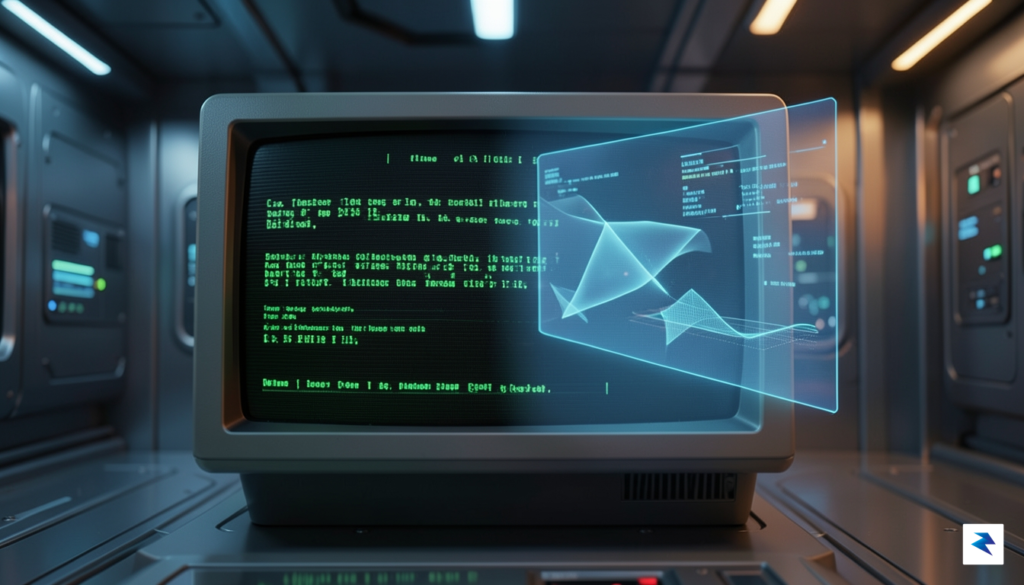
For more than three decades, Secure Shell (SSH) has stood as the undisputed bedrock of remote server administration. It transformed the internet from a collection of isolated machines into a cohesive, manageable global network, allowing administrators to execute commands, transfer files, and secure traffic with unparalleled reliability. While the landscape of software engineering has shifted dramatically—moving from monolithic local applications to distributed microservices and ephemeral cloud infrastructure—the interface through which we manage these systems has remained stubbornly rooted in the past. The text-based command-line interface (CLI) is a powerful, precise tool for experts, but as modern systems grow in complexity, the cognitive load required to manage thousands of nodes via raw text is reaching a breaking point.
The long-standing debate between the efficiency of the CLI and the intuitiveness of the Graphical User Interface (GUI) has often been framed as a zero-sum game. However, the emerging paradigm is not about replacing the terminal, which will always remain the most efficient way to execute discrete, repeatable tasks. Instead, it is about augmentation. Modern system management requires a bird’s-eye view of distributed systems, real-time observability, and visual correlation between disparate data points—tasks that are notoriously difficult to perform in a scroll-heavy terminal buffer. By integrating graphical elements into the SSH experience, developers are finally bridging the gap between raw execution and high-level system comprehension.
Historically, attempts to bring graphical interactivity to remote management have faltered because they relied on heavy protocols like X11 forwarding or VNC. These methods were essentially trying to “stream” a remote desktop, which suffered from excruciating latency, high bandwidth consumption, and a disjointed user experience that felt sluggish compared to local desktop applications. When you attempt to render a full graphical environment over a high-latency connection, the resulting interface becomes unresponsive, rendering it useless for actual administrative work. These legacy approaches failed because they attempted to transport pixels rather than abstract information.
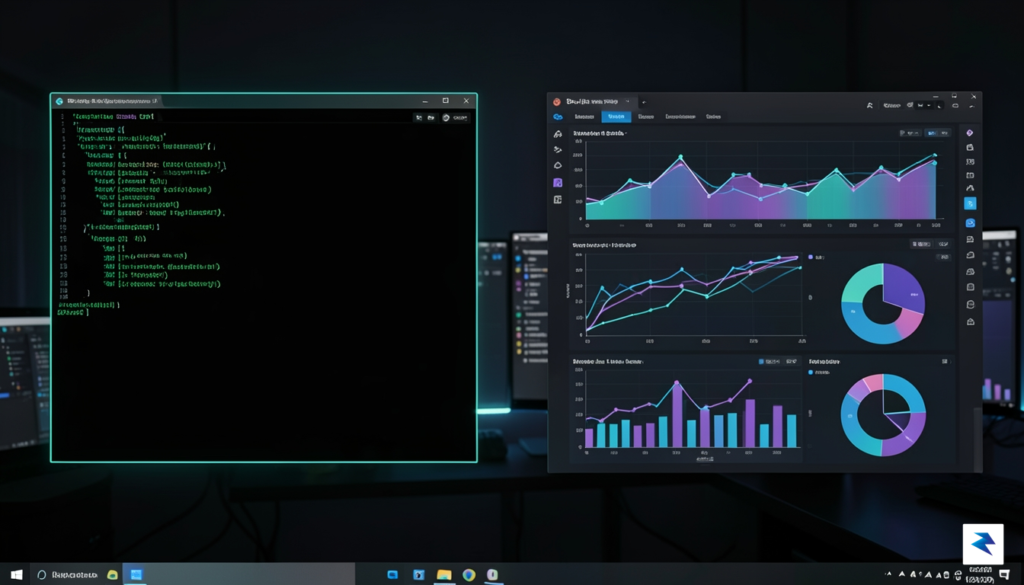
The next generation of remote management is not about replicating a desktop environment over the wire, but about rendering interactive, lightweight interfaces directly on the local machine that communicate with the server via efficient, metadata-driven protocols.
Native graphical shells represent a fundamental shift in this philosophy. By decoupling the interface from the remote rendering process, these tools allow the local machine to handle the heavy lifting of visual display while the remote server remains focused on processing commands. This hybrid approach provides the speed and low-latency feedback of a native application while retaining the deep, granular control that only SSH can provide. As infrastructure continues to scale, this synthesis of text-based precision and visual clarity is becoming the new standard for engineers who demand both power and context in their daily workflows.
Understanding the Native Graphical Shell Paradigm
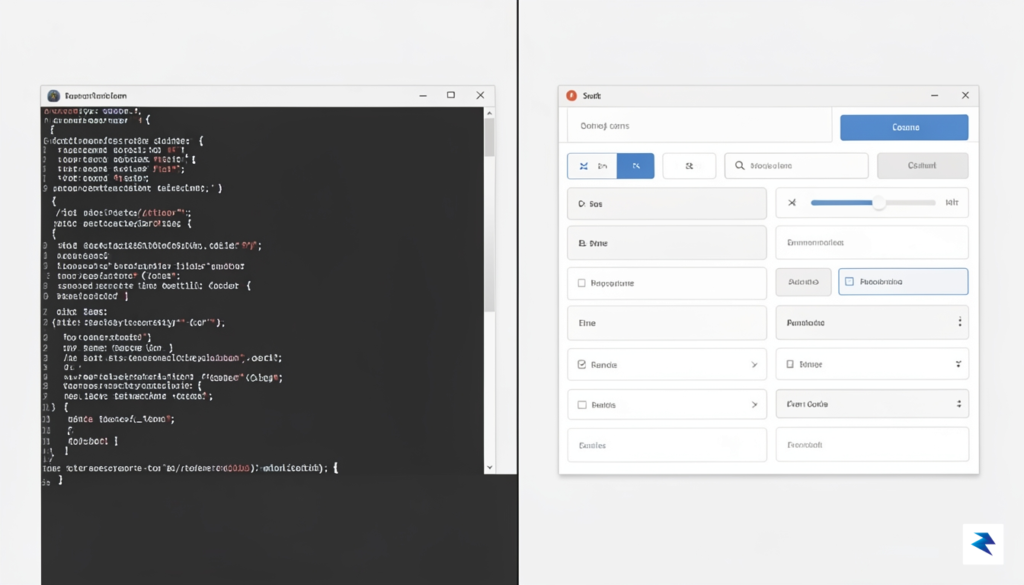
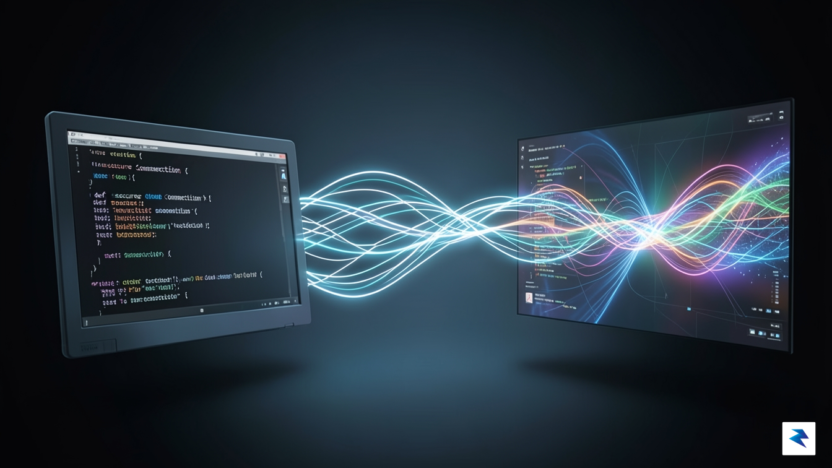
At its core, a native graphical shell for SSH represents a fundamental shift in how we interact with remote infrastructure. Unlike traditional remote desktop solutions that rely on streaming a pixel-by-pixel representation of a screen, a native graphical shell operates as an intelligent translation layer. When you connect to a server using this technology, the shell does not simply mirror a remote frame buffer; instead, it intercepts specific command outputs and data streams, interpreting them locally to render interactive, native UI elements on your machine. This means that buttons, file trees, and configuration menus are drawn by your local operating system, ensuring that every interaction feels as fluid and responsive as a local application.
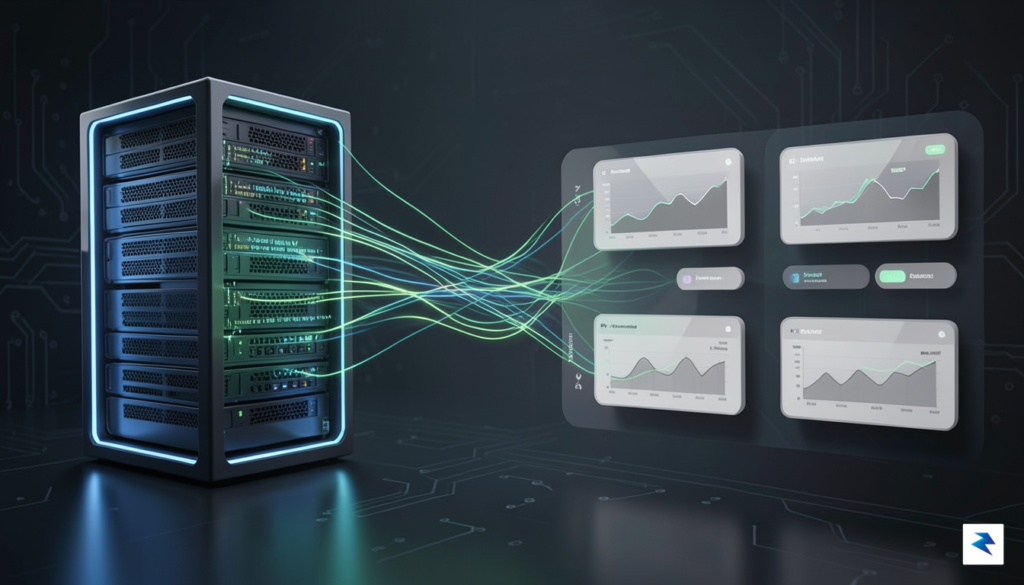
The technical architecture behind this approach is what sets it apart from legacy protocols like VNC or RDP. Traditional remote desktops are inherently bandwidth-heavy because they must transmit high-resolution video frames whenever the screen changes, even for something as simple as a blinking cursor. In stark contrast, a native graphical shell communicates in a lightweight, structured format. By sending only the essential data—the “what” rather than the “how it looks”—the system minimizes network overhead. Consequently, even on high-latency connections or limited bandwidth, the interface remains crisp and usable, effectively eliminating the frustrating “lag” that characterizes most remote desktop experiences.
The true power of a native graphical shell lies in its ability to marry the raw efficiency of the command line with the intuitive visual clarity of a modern desktop environment.
Furthermore, this architecture offers a significant advantage in terms of hardware acceleration and accessibility. Because the graphical components are rendered locally using your computer’s GPU, the interface supports high-fidelity animations, smooth scrolling, and sharp font rendering without placing a burden on the remote server’s resources. You are no longer tethered to the limitations of the server’s graphics capability; you are simply using the server as a high-performance engine while your local machine acts as the high-performance display. This decoupling of processing power from visual presentation is the key to creating a remote work environment that feels natural, professional, and entirely seamless.
- Efficiency: Drastically reduced data transfer compared to frame-buffer protocols.
- Responsiveness: Local rendering ensures zero latency for UI interactions.
- Flexibility: Native UI components adapt to your local display settings, including high-DPI scaling and dark mode preferences.
By moving away from the “broadcast” model of remote computing, this paradigm allows developers and system administrators to manage complex remote environments with unprecedented ease. It turns the remote server into a first-class citizen of your local workstation, transforming the once-daunting black box of the terminal into a rich, interactive dashboard. Ultimately, this approach proves that we do not need to sacrifice speed for aesthetics; we only need a smarter way to bridge the distance between our local displays and remote systems.
Key Benefits for Systems Administrators and Developers

For systems administrators and developers, the terminal has long been the primary gateway to server management. While the command line remains an indispensable tool, the cognitive load required to parse dense text output can lead to fatigue and critical oversight. By integrating graphical elements directly into the SSH experience, we move beyond the limitations of standard text-based output. This shift allows administrators to transition from mentally constructing mental models of complex systems to interacting with them through intuitive, visual interfaces that prioritize clarity and speed.
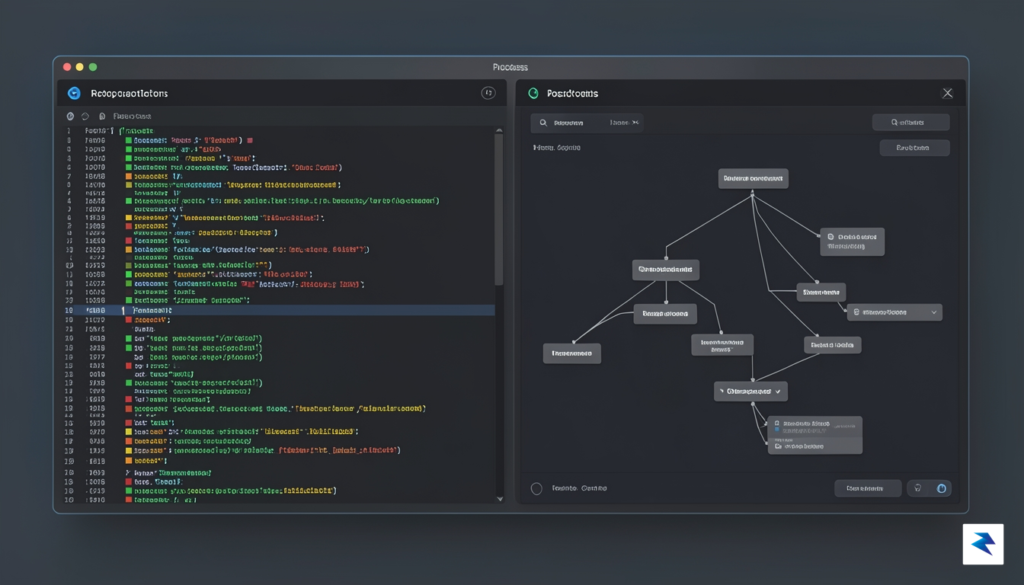
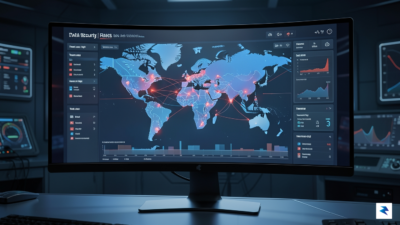
Consider the daily struggle of log analysis. Traditional methods like tail -f force users to scan a relentless wall of scrolling text, making it difficult to spot anomalies or sudden spikes in error rates. A native graphical shell changes this dynamic by offering real-time log visualization, where patterns, severity levels, and trends are highlighted through color-coded charts and searchable, interactive timelines. This transformation doesn’t just make the data more readable; it drastically reduces the time required to diagnose a production issue, as the most critical information is presented visually rather than buried in a sea of raw characters.
The efficiency gains extend well into system maintenance and file management, where the risk of syntax errors is perpetually present. Instead of relying on complex mv or cp commands—where a single mistyped character or flag can lead to catastrophic data loss—graphical shells allow for drag-and-drop file operations and visual directory exploration. Similarly, replacing the static, text-heavy top command with an interactive process management dashboard provides a superior way to oversee resource allocation. Users can sort, filter, and terminate processes with simple gestures, reducing the barrier to entry for junior developers while allowing power users to execute complex orchestration tasks with far greater precision.
The true value of a graphical SSH shell lies in its ability to bridge the gap between human intuition and machine complexity, turning abstract command-line operations into tangible, manageable interactions.
Ultimately, these advancements serve to democratize server management by lowering the learning curve for less experienced team members without sacrificing the control required by seasoned engineers. Junior developers often find the steep learning curve of shell scripting intimidating; however, by providing a visual safety net, they can perform essential tasks with confidence and reduced anxiety. Simultaneously, power users benefit from the reduced friction of repetitive administrative chores, freeing them to focus on architecture and high-level problem solving rather than the minutiae of terminal syntax.
Technical Implementation and Security Considerations

At its core, a native graphical shell built over SSH functions by multiplexing graphical streams through a standard encrypted tunnel. Unlike traditional X11 forwarding, which is notoriously chatty and prone to latency-induced bottlenecks, modern implementations utilize lightweight protocols that serialize UI state changes directly to the client. By leveraging the existing SSH transport layer, these tools inherit the robust public-key authentication and strong encryption that have secured remote server management for decades. The shell maintains state by synchronizing a virtual frame buffer or a structured component tree between the host and the remote machine, ensuring that even if the connection is momentarily interrupted, the session remains consistent and recoverable upon reconnection.
However, the transition from text-based consoles to graphical interfaces introduces a distinct set of security considerations that administrators must navigate carefully. While the SSH tunnel provides a secure pipe for data in transit, the graphical layer itself creates a larger attack surface, specifically regarding the potential for data leakage. When a remote desktop environment renders on a local machine, sensitive information such as application menus, system notifications, or open file contents can inadvertently be cached by the client-side graphical subsystem. To mitigate these risks, it is essential to implement strict local memory management policies and ensure that the graphical shell honors the host’s security policies, such as disabling clipboard synchronization or restricting screen capture capabilities within the remote session.
Security in a graphical SSH environment is not merely about protecting the pipe; it is about securing the visual information rendered at the edge of the network.
Furthermore, while the SSH protocol is resilient against man-in-the-middle (MITM) attacks when properly configured with key-based authentication and strict host-key checking, the graphical layer must be equally hardened. An attacker who gains unauthorized access to the client machine could theoretically attempt to inject malicious input events or intercept the rendered output of the remote session. To combat this, developers are increasingly integrating end-to-end encryption for the graphical stream itself, effectively creating a “tunnel within a tunnel” that prevents the host system from inspecting the visual data. Keeping the underlying SSH infrastructure patched and strictly managing access through identity and access management (IAM) policies remains the most effective defense, ensuring that only authenticated users can initiate a graphical session in the first place.
Best Practices for Secure Graphical Deployments
- Enforce Multi-Factor Authentication (MFA): Require secondary verification for all SSH sessions to prevent compromised private keys from granting immediate access to the graphical environment.
- Implement Session Timeouts: Configure aggressive idle timeouts to ensure that graphical sessions are terminated automatically when not in active use, reducing the window for unauthorized physical or remote access.
- Restrict Protocol Exposure: Limit the graphical shell’s access to the host file system using containerization or sandboxing, ensuring that the visual interface acts as a display layer rather than a root-level terminal.
- Maintain Host Key Integrity: Use tools to manage and verify SSH host keys across the enterprise to prevent the silent acceptance of fraudulent keys during the initial handshake.
Future Implications for Remote Workflows
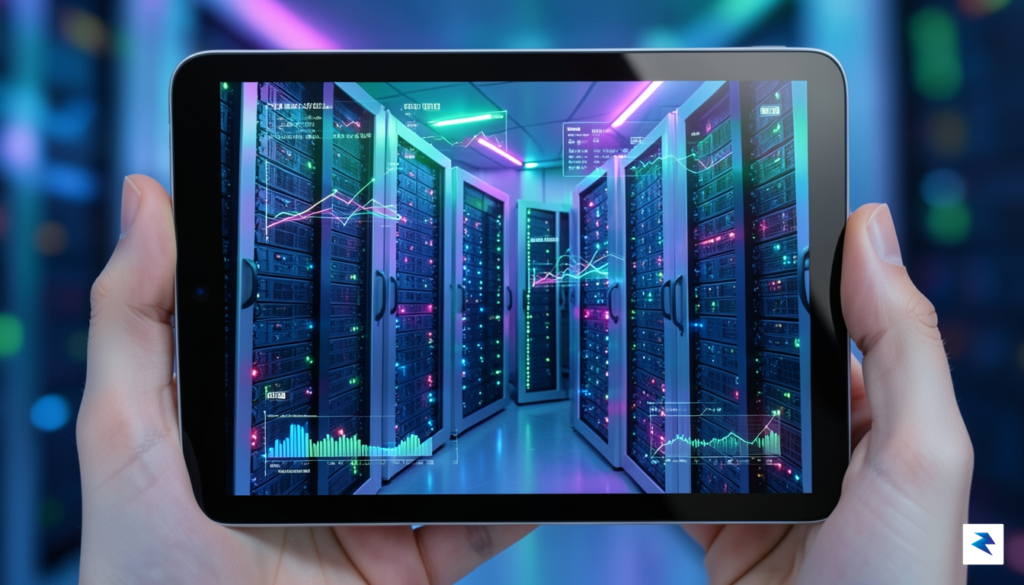
As we look toward the next five years, the integration of native graphical interfaces into the SSH experience promises to fundamentally redefine the boundary between local desktop environments and remote infrastructure. We are moving away from the era where a server is perceived merely as a text-based terminal hidden behind an abstraction layer; instead, the server is becoming a fluid extension of the developer’s own workstation. This evolution suggests that the future of system administration will rely on hybrid interfaces that combine the raw, scriptable power of the command line with the intuitive navigation of graphical displays, effectively lowering the barrier to entry for complex server management tasks without sacrificing the deep control that seasoned engineers require.
The Rise of Collaborative Remote Environments
Perhaps the most transformative potential of this technology lies in the development of collaborative, multi-user graphical shells. Currently, remote pair programming often involves clunky screen-sharing protocols that suffer from high latency and poor resolution. By enabling multiple users to interact with a shared, native GUI over an SSH-encrypted tunnel, teams will be able to troubleshoot, configure, and monitor systems in real-time with the same fluidity as local peer-to-peer collaboration. Imagine a scenario where a senior engineer and a junior developer can inspect a server’s graphical monitoring dashboard or debug a live application state together, with both parties having independent, synchronized input control. This transition will likely turn remote server management from a solitary, often isolated endeavor into a dynamic, communal team effort.
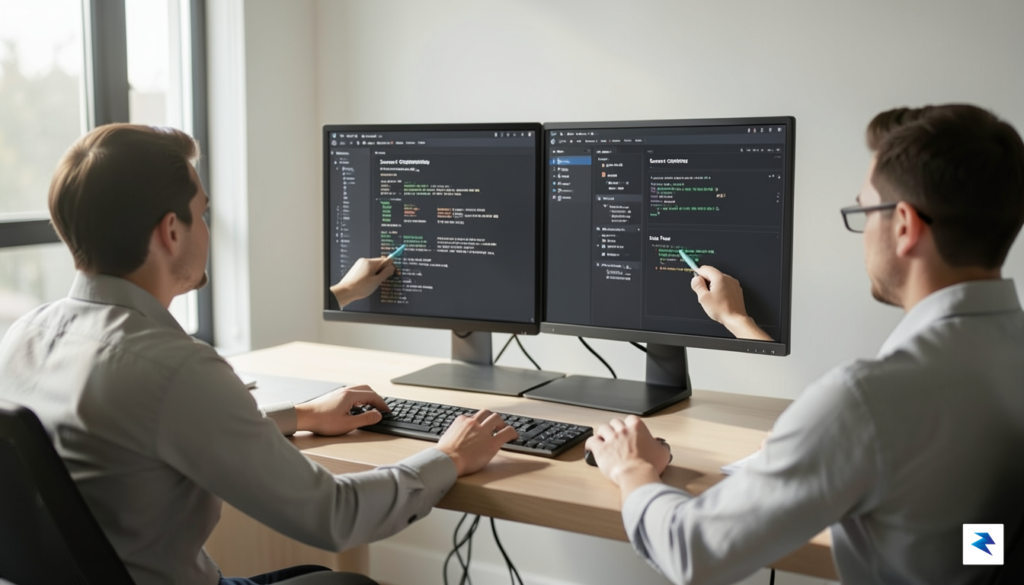
The true power of a graphical remote shell is not just in its visual clarity, but in its ability to foster shared understanding across distributed engineering teams.
However, as these tools mature, the industry must remain vigilant regarding the risks of proprietary ecosystems. The widespread adoption of graphical remote shells must be built upon open-source foundations to ensure that the infrastructure of the internet remains accessible and interoperable. If the tools that define our remote workflows become locked behind vendor-specific platforms, we risk creating fragmented silos that inhibit innovation and restrict administrative sovereignty. By prioritizing universal protocols and open standards, the developer community can ensure that these powerful new interfaces remain tools of empowerment rather than mechanisms of control. Ultimately, the future of server management depends on maintaining an ecosystem where developers own their tools, ensuring that the next generation of remote computing remains as flexible and transparent as the command-line heritage that preceded it.