Beyond the Voice: Redefining iPhone Intelligence
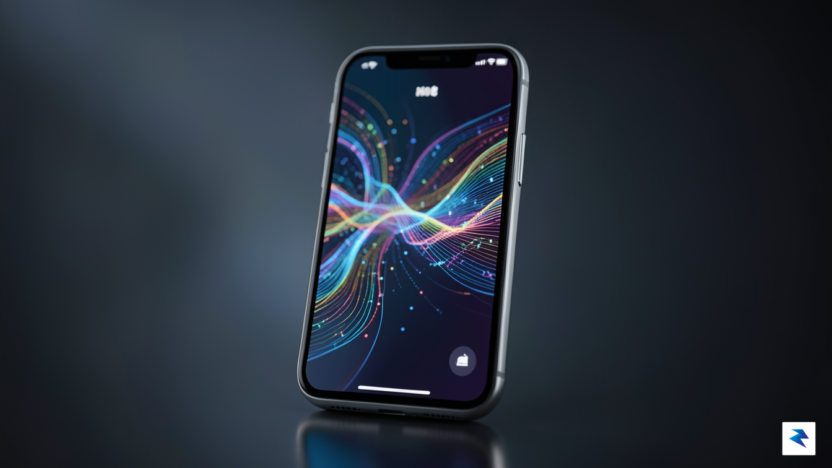
For years, the definition of artificial intelligence on the iPhone was tethered almost exclusively to the voice-activated interface of Siri. Users became accustomed to asking a virtual assistant for the weather or setting a timer, treating AI as a distinct, siloed application that required a direct prompt to activate. However, with the arrival of iOS 27, Apple is fundamentally dismantling this narrow perception. We are witnessing a decisive shift away from reactive, voice-centric novelty toward a form of systemic intelligence that lives within the very architecture of the operating system. This is no longer about talking to your phone; it is about your phone understanding the context of your digital life to provide seamless, proactive assistance before you even think to ask for it.
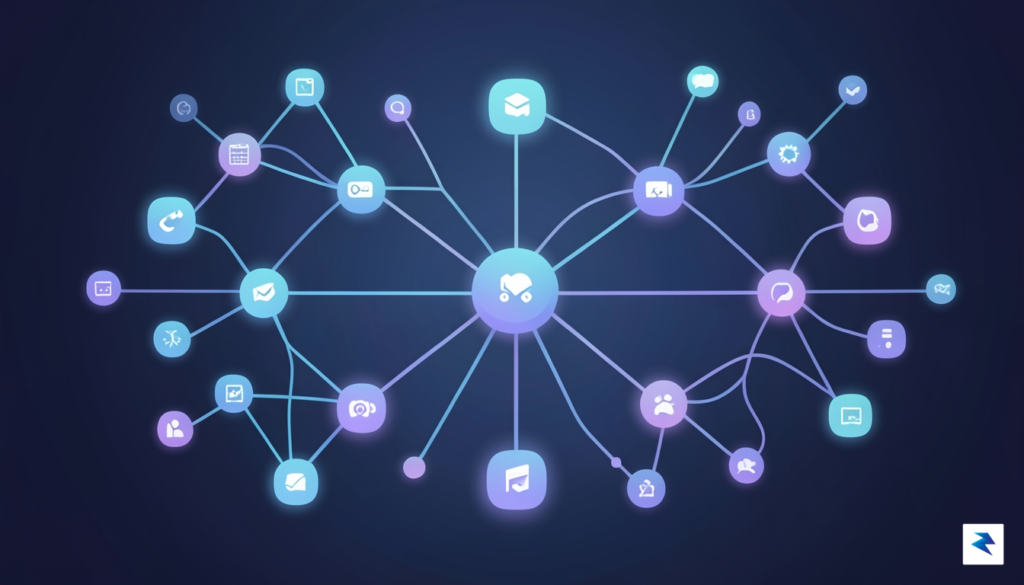
The philosophy of this new era centers on “invisible utility,” where the AI operates in the background to bridge the gaps between disparate apps and services. Instead of forcing users to rely on a conversational intermediary, iOS 27 integrates intelligence directly into the interface elements themselves. Whether you are drafting an email, organizing a complex photo library, or navigating a crowded calendar, the system now possesses a holistic awareness of your habits and priorities. By prioritizing deep integration over conversational flair, Apple is transforming the iPhone from a collection of isolated tools into a cohesive, highly personalized digital companion that anticipates needs rather than just executing commands.
The true measure of intelligence is not how well a machine mimics human conversation, but how effectively it removes friction from the user’s daily workflow.
This evolution represents a significant departure from the conversational-first approach that dominated the previous decade. While the allure of a chatty assistant was once the primary benchmark for progress, the focus has shifted toward practical, high-impact utility. iOS 27 leverages machine learning to process data locally, ensuring that the system can offer intelligent suggestions—like surfacing relevant travel documents at the airport or automatically grouping related files—without compromising user privacy. By embedding intelligence into the foundation of the OS, the iPhone can now recognize patterns, suggest optimizations, and manage complex tasks in the background. This transition marks the end of the “command-and-response” era and the beginning of a truly anticipatory mobile experience, where the device acts as a silent, efficient partner in managing the nuances of your day.
Writing Tools: Elevating Text Across iOS
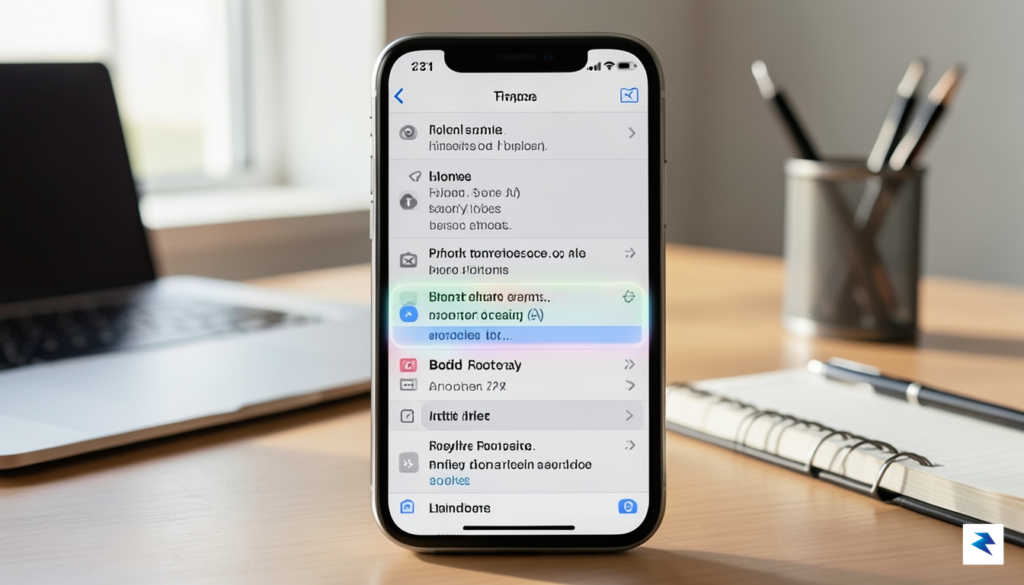
The arrival of iOS 27 heralds a transformative leap in how we interact with text on our iPhones, extending far beyond the conversational abilities of Siri. The most immediately apparent and impactful change is the deep integration of advanced writing assistance directly into the operating system. This isn’t merely about smarter autocorrect; we’re talking about a comprehensive suite of tools designed to refine, condense, and personalize your written communication across virtually every native and third-party app, ensuring your voice is amplified, not replaced.
Intelligent Tone Adjustment
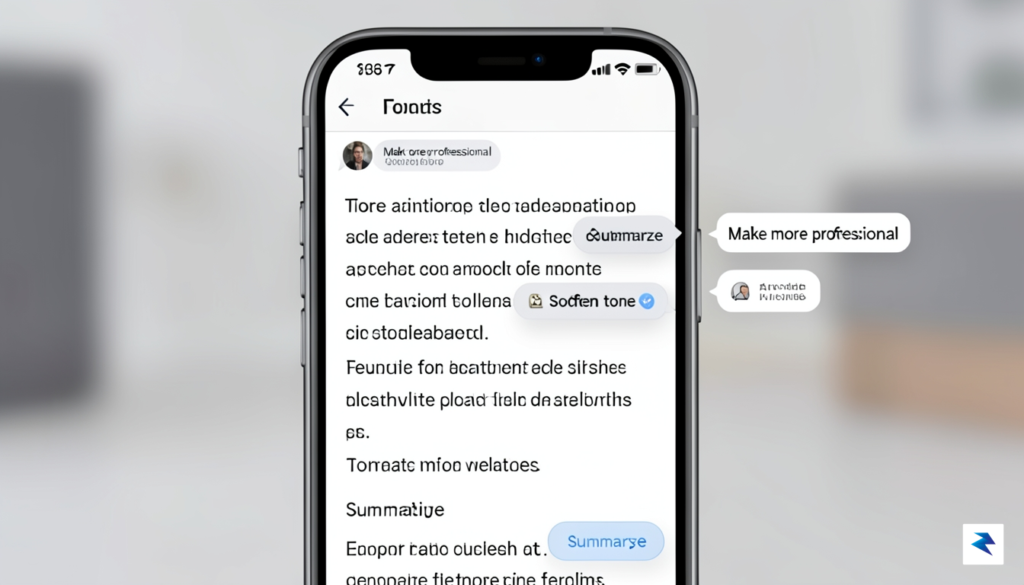
One of the standout features is the intelligent tone adjustment capability. Imagine drafting an email or a message and, with a simple tap, being able to shift its entire emotional register. Whether you need to transform a direct statement into a more diplomatic suggestion, infuse a professional report with a touch of empathetic warmth, or make a casual note sound more formal, the AI can analyze your text and propose nuanced changes. This means users can ensure their messages resonate precisely as intended, minimizing misinterpretations and fostering clearer, more effective dialogue in both personal and professional contexts.
Effortless Summarization
Beyond refining tone, iOS 27 introduces powerful summarization tools that are a game-changer for information overload. Faced with a lengthy email chain, an extensive article copied into Notes, or a dense message thread, the system can now instantly distill the core information into concise, digestible bullet points or a brief paragraph. This feature is invaluable for quickly grasping the essence of long-form content without having to meticulously read through every word, significantly boosting productivity and helping you prioritize your attention more effectively throughout the day.
Advanced Error Correction and Stylistic Refinement
The days of basic spell-checking are long gone. The new error correction goes deep into stylistic refinement, offering suggestions that improve clarity, conciseness, and grammatical correctness far beyond what we’ve seen before. It can identify awkward phrasing, suggest stronger vocabulary, rephrase convoluted sentences, and even check for consistency in terminology, all while learning your personal writing style to provide more relevant recommendations over time. This sophisticated assistance ensures your writing is polished and professional, allowing you to communicate with greater confidence and impact.
These powerful writing tools are not confined to a single application; they are seamlessly woven into the fabric of iOS 27. In apps like Mail, you’ll find contextual suggestions appearing as you compose, offering to rephrase sentences or summarize incoming messages. Within Notes, the AI can help organize your thoughts, refine your prose, or condense research. And in Messages, it can ensure your quick replies are articulate and your longer texts convey the right sentiment, all accessible through intuitive menus or even proactive prompts as you type. This ubiquitous integration means you’re always just a tap away from enhancing your communication, regardless of the app you’re using.
Furthermore, these text-based AI features offer profound accessibility benefits. For users with dyslexia, cognitive processing challenges, or those for whom English is not their native language, these tools can dramatically level the playing field. The ability to simplify complex sentences, correct grammatical errors automatically, or adjust tone can reduce the cognitive load associated with writing, enabling a wider range of individuals to express themselves clearly and confidently. It’s a significant step towards making digital communication more inclusive and less daunting for everyone.
Smart Organization: Photo and File Management
For years, the sheer volume of digital clutter on our iPhones has turned simple retrieval into a daunting, manual chore. Whether you are scrolling through a decade of photo memories or frantically searching for a specific PDF buried within the Files app, the process has historically required tedious manual tagging or endless scrolling. With iOS 27, Apple is finally shifting the paradigm from manual organization to intelligent, intent-based retrieval. The system no longer views your data as isolated files; instead, it utilizes advanced on-device neural processing to build a semantic map of your digital life, understanding the context behind every snapshot and document.
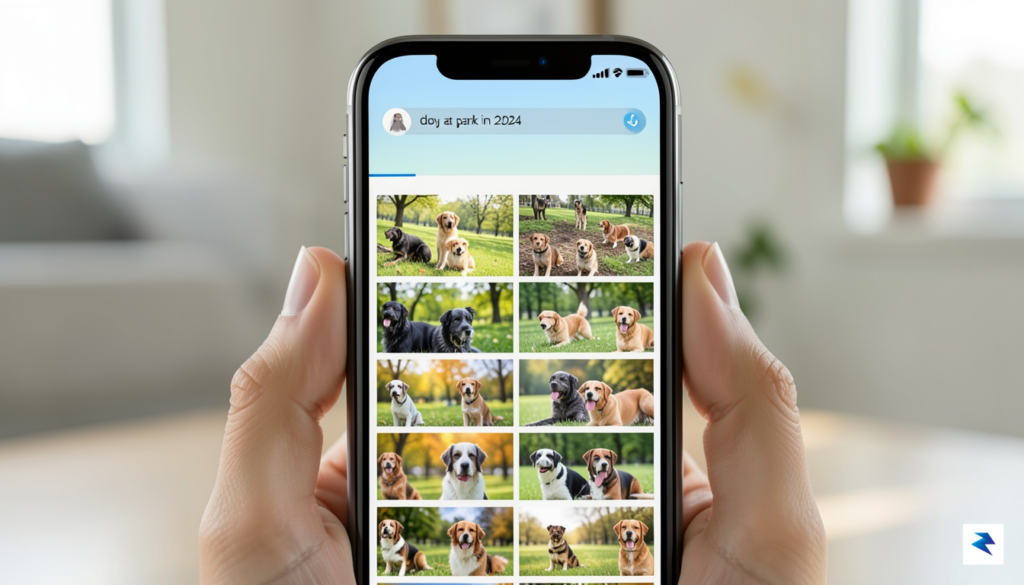
The most transformative change arrives in the Photos app through a sophisticated new semantic search engine. In previous iterations, search was largely limited to metadata or basic object recognition. Now, you can use natural, conversational language to pinpoint specific moments. For example, you might type “find the photo of my dog at the park in 2024,” and the system will instantly filter your library based on subject, location, and temporal data, even if you never manually labeled those images. By understanding the context of your life—connecting the “who,” “where,” and “when”—the software effectively acts as a personal archivist that knows exactly what you are looking for before you even finish typing your query.
The true power of iOS 27 lies in its ability to transform raw, unorganized data into a searchable, chronological narrative of your personal history.
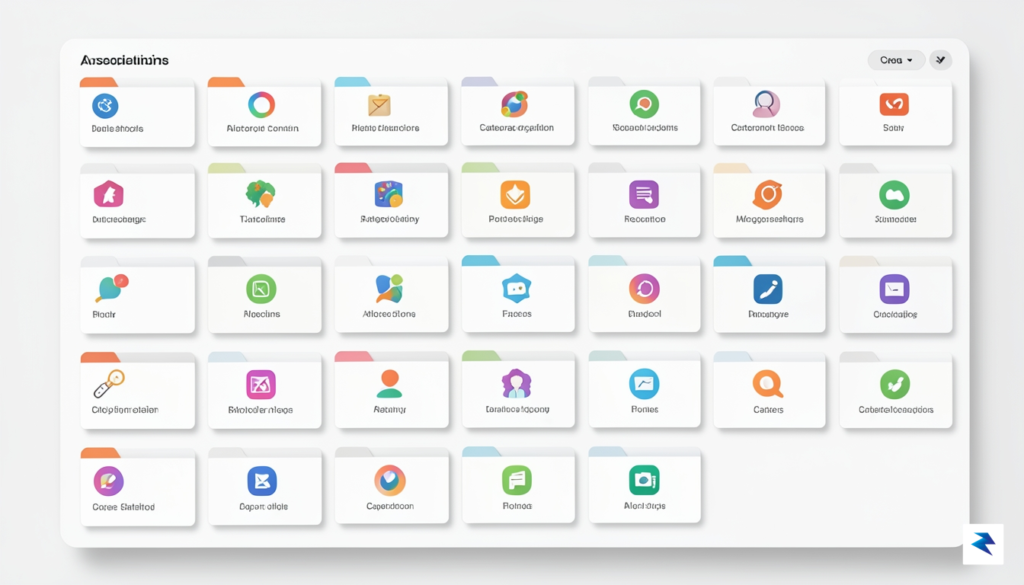
This intelligent organization extends well beyond your image library, fundamentally changing how you interact with the Files app. Productivity-focused users will find the new automated tagging system to be a significant time-saver, as it intelligently categorizes incoming documents based on their content rather than just their file names. Whether it is an invoice, a travel itinerary, or a research paper, the OS automatically assigns relevant tags and groups files into dynamic “smart folders” that update in real-time. This means that if you are working on a specific project, you no longer need to spend time moving files into nested directories; the system identifies the relationship between these documents and bundles them for you, ensuring that critical information is always at your fingertips when you need it most.
Ultimately, these advancements represent a major leap in efficiency for the average user. By offloading the mental load of organizing and cataloging, your device allows you to spend less time managing your digital footprint and more time focusing on the tasks that actually matter. The combination of semantic photo search and automated file management creates a cohesive ecosystem where information is retrieved through intent, not through tedious manual labor. This is not just a minor software update; it is a fundamental reconfiguration of how we store, access, and experience the vast amount of information we carry in our pockets every single day.
Contextual Intelligence in Daily Apps
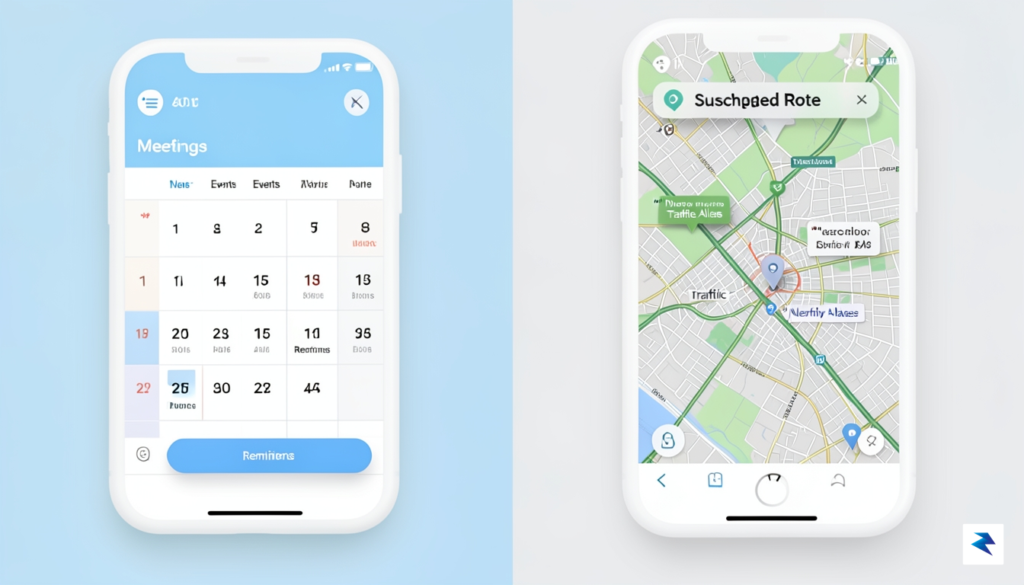
In iOS 27, the true power of artificial intelligence lies not in a flashy new interface, but in its ability to operate as an invisible, connective tissue woven throughout your entire digital ecosystem. Rather than requiring you to manually toggle between siloed applications, the operating system now functions as a proactive assistant that understands the relationship between your various tasks. By analyzing your long-term behavioral patterns and real-time environment, your iPhone creates a synchronized workflow that bridges the gap between disparate apps, effectively turning your device into a cohesive personal concierge.
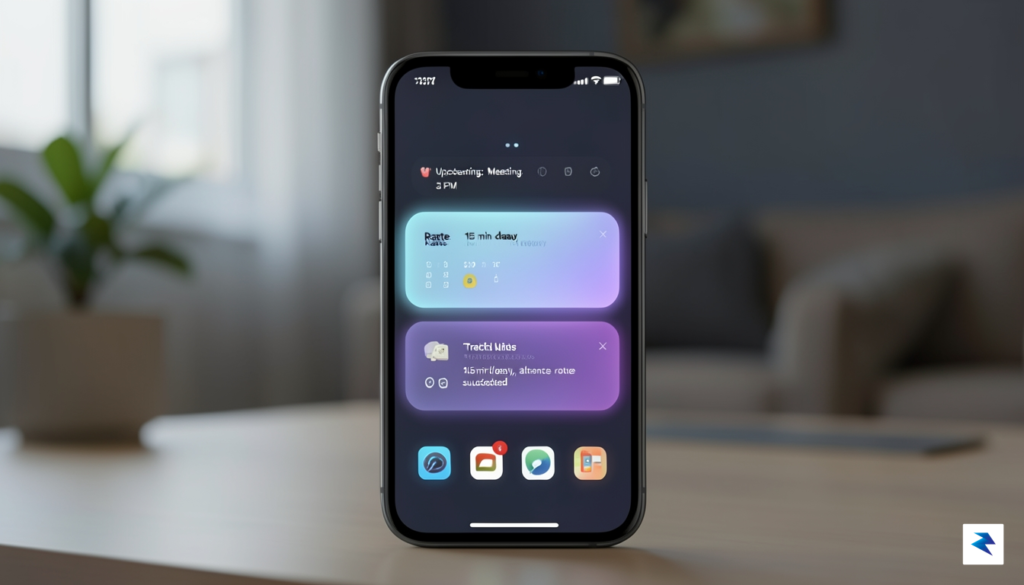
One of the most immediate improvements involves the deep integration of your calendar with real-time transit and weather data. Instead of simply reminding you of an upcoming meeting, iOS 27 preemptively calculates your commute time by pulling data from traffic sensors and public transit schedules. If a delay is detected on your usual route, the system doesn’t just alert you; it suggests an earlier departure time and provides a one-tap shortcut to launch your navigation app with the destination already pre-filled. This level of anticipation transforms the calendar from a static list of events into a dynamic schedule that actually helps you navigate the complexities of your day.
The core of this evolution is the transition from reactive technology to proactive utility, where your iPhone stops waiting for instructions and starts offering solutions before you have even identified the problem.
This intelligence extends to the way your phone manages the constant barrage of digital noise. Through advanced notification filtering, the system learns which communications are genuinely urgent and which can be safely relegated to a summary view. By identifying your most frequent contacts and the apps you rely on for work, iOS 27 intelligently suppresses non-essential pings while ensuring that a message from your manager or a time-sensitive update from a ride-sharing service cuts through the clutter. This smart prioritization is not static; it evolves as your habits shift, ensuring that your lock screen remains a curated feed of what actually matters to you throughout the morning, afternoon, and evening.
Furthermore, the system’s ability to predict your next move is perhaps its most time-saving feature. By observing your habits, the OS identifies patterns—such as opening a specific music app when you connect to your car’s Bluetooth or pulling up your grocery list as soon as you arrive at a specific geofenced location. These predictive shortcuts appear as subtle suggestions right where you need them, effectively allowing you to bypass the process of searching through folders or home screens. By treating your applications as a unified toolkit rather than isolated icons, iOS 27 ensures that your device is always one step ahead, ready to facilitate your next task before you even touch the screen.
Privacy-First AI: How Apple Distinguishes Its Approach

In an era where personal data has become the primary currency of the digital economy, Apple is fundamentally shifting the narrative of artificial intelligence by prioritizing local execution. The core of the iOS 27 experience relies on a sophisticated hybrid model that distinguishes between tasks handled directly on your device and those requiring more intensive computational power. By prioritizing on-device processing for day-to-day interactions—such as summarizing text messages, organizing photos, or suggesting calendar entries—Apple ensures that your most sensitive information never leaves your physical handset. This approach effectively creates a digital vault, where the heavy lifting of machine learning happens within the secure confines of your own silicon, shielded from the eyes of third-party servers.
When an AI request surpasses the limited power of a mobile processor, iOS 27 introduces the next evolution of its security architecture: Private Cloud Compute. Unlike traditional cloud-based AI models that store and analyze your queries in vast, centralized data centers, Apple’s private cloud environment is designed to treat your data as transient and untraceable. Through a combination of cryptographic verification and ephemeral processing, the system ensures that even Apple cannot access or retain the information sent to their servers. Once a complex task is completed, the data is instantly purged, leaving no permanent footprint behind. This creates a bridge between the convenience of cloud-scale intelligence and the rigorous privacy standards that users have come to expect from their personal devices.
The most powerful AI in the world is useless if it compromises the trust of the user; Apple’s strategy is built on the belief that privacy is not a luxury feature, but the foundational architecture of the modern smartphone.
This commitment to privacy serves as a significant competitive advantage in an increasingly crowded AI landscape. While many competitors rely on massive data ingestion to train their models and refine their algorithms, Apple’s architecture forces a more disciplined, privacy-preserving approach. By giving users granular control over when and how their data interacts with the cloud, the company empowers individuals to choose the level of intelligence they are comfortable with. Whether you are opting for complete local-only processing for maximum security or utilizing the expanded capabilities of the private cloud, iOS 27 provides the transparency and agency that has been largely missing from the industry-wide AI race. Ultimately, this ensures that the intelligence integrated into your iPhone remains a tool for your personal benefit, rather than a method for systemic data harvesting.
Preparing Your Device for the iOS 27 Update
Before you dive into the transformative AI landscape of iOS 27, it is essential to ensure your hardware is fully prepared to handle the increased computational demands. While Apple has optimized these intelligence features to run efficiently, the most advanced on-device processing—particularly for real-time video analysis and complex generative tasks—requires the Neural Engine capabilities found in the latest A-series and M-series chips. If you are using an older device, you may find that certain high-fidelity AI tools are offloaded to the cloud; therefore, checking your storage capacity and battery health beforehand is a proactive step that prevents performance throttling during the initial indexing phase.
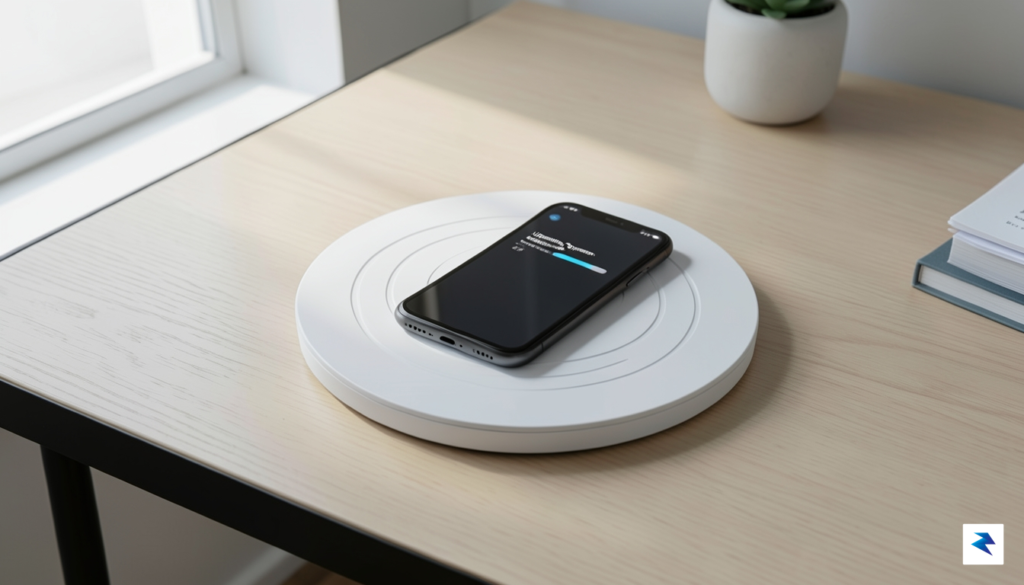
Once the installation is complete, your first priority should be navigating to the new “Intelligence & Privacy” dashboard located within your Settings app. This central hub allows you to toggle specific AI agents on or off, granting you granular control over which parts of your digital life—such as email drafting, photo editing, or predictive messaging—are managed by the system. We highly recommend reviewing the permissions for “Contextual Awareness,” as this feature allows the OS to pull information across disparate apps to provide personalized assistance. By carefully curating these settings, you strike a balance between high-level convenience and personal data autonomy.
To get the most out of your experience, treat your new AI tools as a collaborative partner rather than a static utility; the more you interact with the system, the more it mirrors your unique preferences.
Training the system to understand your unique voice and workflow is perhaps the most rewarding part of the onboarding process. Start by utilizing the “Preference Calibration” wizard, which asks you to review a few sample outputs and provide feedback on their accuracy and tone. Furthermore, do not hesitate to use the “thumbs up” or “thumbs down” icons that appear alongside AI-generated suggestions in Mail and Notes. This direct feedback loop is critical for the machine learning models to refine their predictive accuracy, eventually reducing the need for manual edits. By consistently engaging with these prompts during the first week of use, you effectively fine-tune the onboard intelligence to anticipate your needs, making your iPhone feel less like a tool and more like a seamless extension of your professional and personal life.
Key Preparation Checklist
- Clear Storage Space: Ensure you have at least 15GB of free space to allow the system to index files and cache local AI models without interruption.
- Review Privacy Toggles: Spend ten minutes in the Privacy settings to confirm that only the applications you trust have permission to share context with the AI engine.
- Calibrate Voice Profiles: If you use voice-activated AI features, re-run the voice recognition setup in a quiet environment to ensure the system understands your natural speech patterns clearly.
- Update Ecosystem Devices: If you use a Mac or iPad, update them simultaneously to ensure cross-device intelligence continuity remains stable and synchronized.