
Mojo Programming Language Goes Open Source: What Developers Need to Know
Introduction: The Evolution of AI-Centric Programming For years, the artificial intelligence community has navigated a persistent…

For modern developers and engineers, the MacBook has become the ultimate portable workstation, yet it harbors an infuriating design quirk: the moment the lid closes, the system is engineered to prioritize power conservation over active processes. This creates a significant conflict for those running autonomous AI agents or long-running local language models. When a script is mid-execution, a closed lid acts as a digital guillotine, abruptly halting processes and potentially corrupting data streams. Many engineers have resorted to the “half-open” laptop trend—balancing the screen at a precarious angle or using physical shims to prevent the sleep sensor from triggering—just to keep their local AI workers crunching through complex tasks while they step away from their desks.
At the core of this struggle is the rigid nature of macOS power management, specifically the pmset utility. While macOS is highly optimized for battery efficiency, it lacks granular control for users who need to distinguish between “system-wide sleep” and “background task persistence.” Existing sleep-prevention utilities often take a blunt-force approach to this problem. They typically operate on a binary “on or off” switch, which frequently leads to the classic developer blunder: leaving the override active overnight. This oversight often results in a dead battery, a hot machine buried in a backpack, or, worse, an accidental system wake-up in a confined space.
The reliance on tools like Amphetamine or similar menu-bar apps has become a double-edged sword for the AI-driven workflow. While these utilities solve the immediate problem of keeping the machine awake, they fail to account for the ephemeral nature of AI agent work. These agents do not necessarily need the machine to stay awake indefinitely; they only require the system to remain active for the duration of a specific task or a series of API-bound operations. When the agent completes its work, the machine should ideally return to its energy-efficient state immediately, rather than waiting for a manual toggle or a timer to expire.
The true cost of inefficient power management isn’t just a drained battery; it is the constant mental overhead of managing your machine’s state instead of focusing on the code execution itself.
This friction point highlights a broader shift in how we utilize high-performance laptops. We are no longer just using our MacBooks for browsing and document editing; we are treating them as local server clusters capable of running intensive, autonomous logic. When the hardware firmware and operating system policies remain tethered to an outdated paradigm of “lid closed equals idle,” the developer experience suffers. We need more intelligent, context-aware mechanisms that understand exactly when a workstation is performing essential labor, ensuring that our AI agents can work as hard as we do without tethering us to an open, vulnerable laptop display.
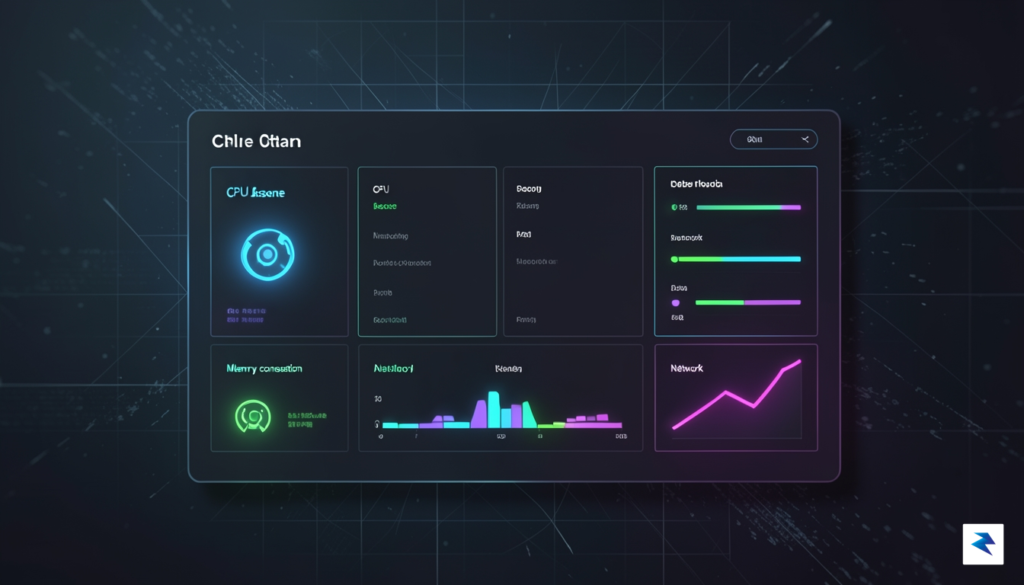
Managing the power state of a MacBook while running demanding AI agents has long been a frustrating exercise in compromise. Traditionally, users have been forced to choose between two extremes: manually toggling system wake settings, which inevitably leads to interrupted processes when you forget to adjust them, or using brute-force “caffeine” utilities that keep your machine powered on indefinitely. This “always-on” approach is not only detrimental to your battery health and cycle count but also poses a potential risk for thermal management when the laptop is tucked away in a closed bag. Adrafinil shifts this paradigm by acting as a context-aware bridge between your AI workloads and macOS power policies, ensuring that your hardware remains active only when genuine, productive computation is taking place.
The core philosophy behind this utility is rooted in the concept of “active-when-needed” power management. Rather than simply preventing the system from sleeping based on a static timer or a user-defined toggle, Adrafinil monitors the state of your AI agents to determine if the machine is truly performing work. If your agents are idling or have completed their current queue, the utility gracefully allows the system to return to its standard sleep protocol. This intelligent detection means that your MacBook is no longer tethered to a permanent wake-lock, effectively neutralizing the anxiety associated with leaving a high-performance machine running while it is not actively processing tasks.
Adrafinil transforms power management from a manual, binary switch into an automated, workflow-integrated process that respects both your battery longevity and your machine’s thermal limits.
By integrating this level of awareness into your local environment, you gain the ability to deploy long-running LLM tasks or autonomous agent loops without worrying about your laptop falling asleep mid-execution. Conversely, as soon as the terminal activity ceases or the agent reaches a dormant state, the system restores its natural power-saving capabilities. This creates a balanced environment where your hardware is always ready for the next request but never wastes energy when idle. Ultimately, this approach provides a sophisticated solution for power users who rely on local compute power but demand the energy efficiency of a modern, mobile device.
This utility represents a significant leap forward for developers and researchers who demand reliability without the trade-offs of traditional power-management tools. By focusing on the intersection of system state and actual computational demand, it bridges the gap between raw hardware power and intelligent software control. Whether you are running local inference, training small models, or managing complex autonomous agent flows, the utility ensures your focus remains on the output of your agents rather than the state of your device’s battery or sleep timer.
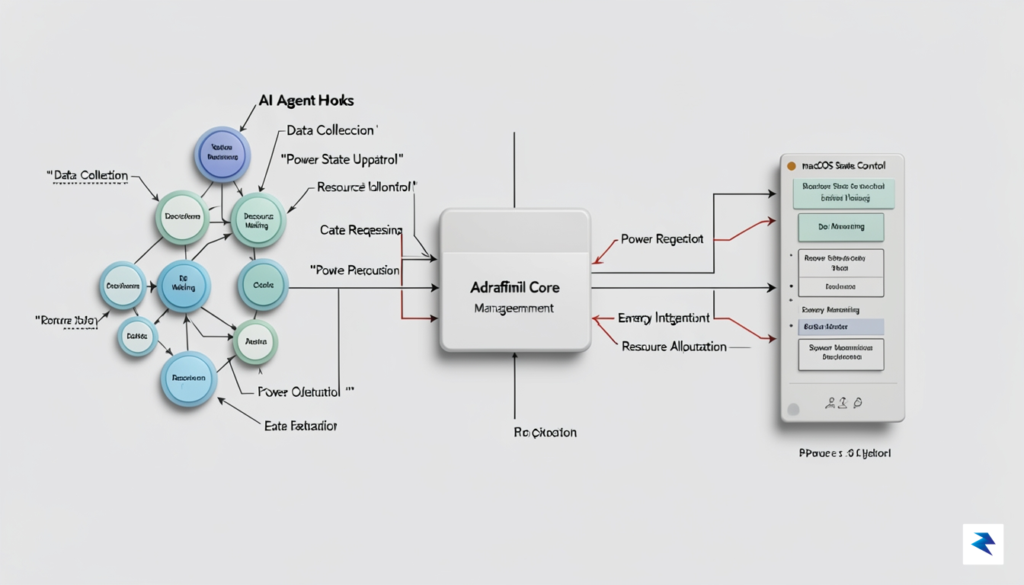
The core intelligence of Adrafinil lies in its sophisticated ability to act as a bridge between your terminal-based AI agents and your machine’s power management system. Rather than relying on blunt force—such as keeping your Mac awake indefinitely and draining your battery—it functions through a dynamic hooking mechanism. By monitoring the execution state of popular command-line tools like Claude Code, Cursor, or OpenAI’s Codex, the software creates a reactive environment. When these tools initiate a long-running process, such as refactoring a massive codebase or training a local model, Adrafinil intercepts the signal and triggers a pmset command to disable sleep mode, ensuring the hardware remains fully operational even with the lid closed.
This logic flow is governed by a strict state-machine architecture that prioritizes system health alongside productivity. As soon as the AI agent completes its task or the process exits, Adrafinil immediately triggers a reversion command, resetting the system to its default sleep settings. This fail-safe mechanism is essential for preventing unnecessary power draw and, perhaps more importantly, mitigating the risk of thermal throttling or hardware damage. To ensure that the user remains informed about the system’s current state, the utility provides real-time feedback through a dedicated menu bar icon that shifts color based on activity, accompanied by subtle audio chimes that alert you when a deep-work session begins or concludes.
The true genius of this approach is that it transforms your laptop from a passive piece of hardware into a context-aware workstation that knows exactly when to focus and when to rest.
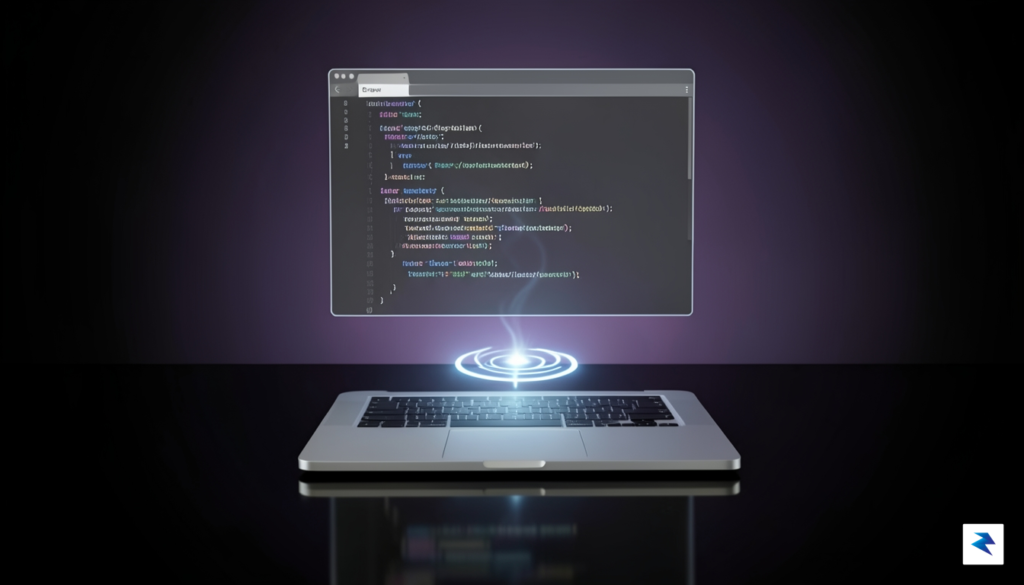
The technical integration goes beyond simple process tracking by incorporating environmental monitoring. If the software detects that the MacBook’s internal temperature has exceeded a safe threshold, it will override the sleep-prevention command, forcing the machine to pause and cool down regardless of the agent’s status. This safety-first approach ensures that your long-running automated tasks do not compromise the longevity of your hardware. Furthermore, users can customize these behaviors via a configuration file, allowing for granular control over which CLI tools are allowed to hold the “awake” lock. By bridging the gap between high-level AI workflows and low-level kernel power management, Adrafinil provides a seamless experience that feels less like a utility and more like an extension of your operating system’s native capabilities.
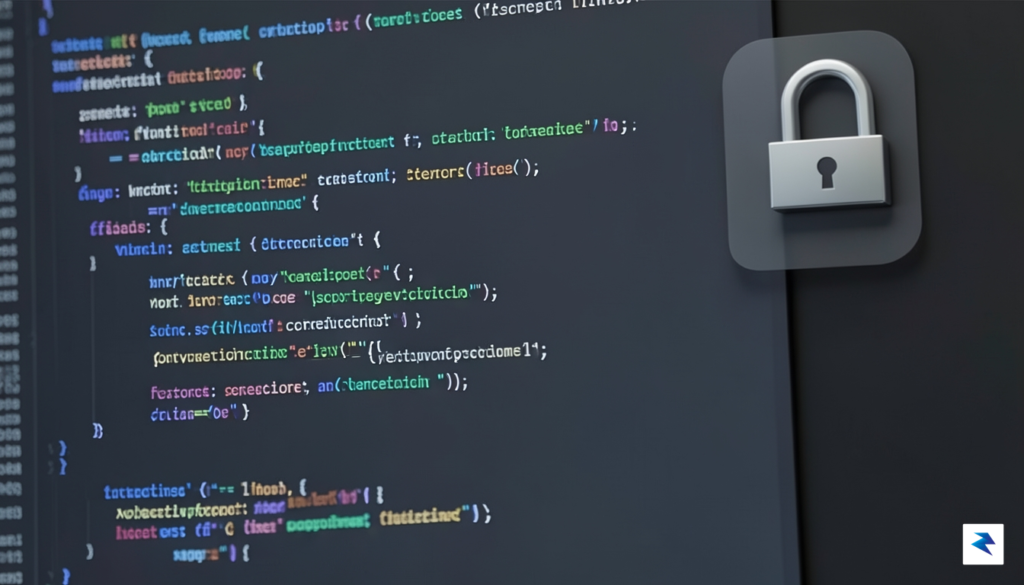
When dealing with system-level utilities that override native power management, security cannot be an afterthought. Adrafinil was built from the ground up with a “least privilege” philosophy, ensuring that the application only possesses the exact permissions necessary to function—and nothing more. By decoupling the high-privilege system calls from the user-facing logic, we have created a robust barrier that prevents unauthorized processes from manipulating your Mac’s sleep state.
The architecture is intentionally modular, relying on a four-binary system to segment responsibilities effectively. At the core of this design is a tiny, highly specialized root helper. This helper is strictly limited to executing a single, atomic task: the setSleepBlocked call. Because this binary is so focused, its code surface area is minimal, making it exceptionally easy to audit for vulnerabilities. All complex decision-making, such as monitoring your active agents or evaluating your specific power policies, remains entirely within an unprivileged user-space process. This means that even if a flaw were discovered in the main application logic, an attacker would lack the elevated system permissions required to compromise your machine’s kernel-level power settings.
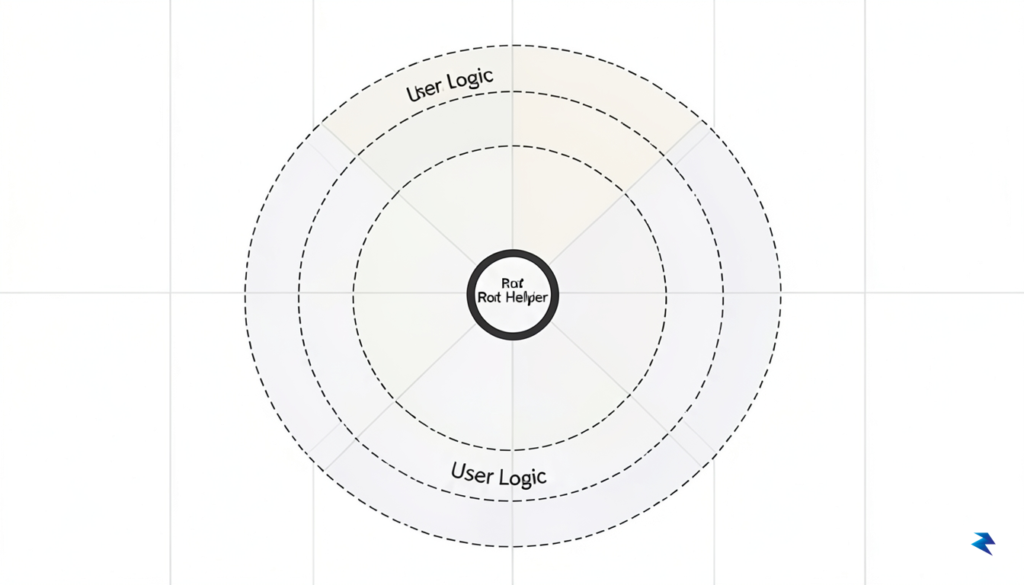
Transparency is the bedrock of our security model. Adrafinil is released under the MIT license, meaning the entire codebase is fully open source and available for public scrutiny. We believe that security through obscurity is a failed paradigm; instead, we invite developers and security researchers to inspect our implementation to verify that it behaves exactly as advertised. Every line of code is accessible, allowing you to see how the software interacts with macOS frameworks without any hidden telemetry or unexpected background tasks.
Adrafinil operates on the principle of extreme isolation: by keeping the sensitive root-level operations isolated from the complex, high-level logic, we ensure that your system stays secure while your agents stay productive.
Beyond the code itself, we prioritize a seamless and verified installation experience. The application is fully notarized by Apple, which confirms that the software has been scanned for malicious content and signed with a trusted developer certificate. This notarization process provides an additional layer of assurance, ensuring that the binary you download is identical to the one we have verified for safety. By combining a hardened architectural design with the accessibility of open-source development and the rigorous standards of macOS notarization, we provide a utility that is as reliable as it is powerful.
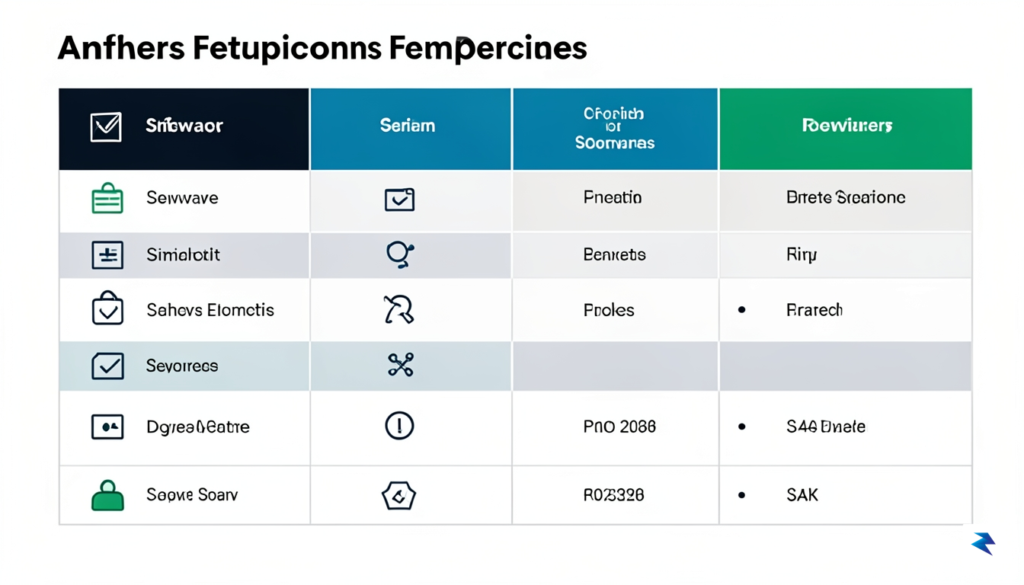
For years, the macOS ecosystem has relied on utility mainstays like caffeinate and Amphetamine to prevent the dreaded screen-dimming or sleep-mode interruption. While these tools are undeniably useful for general tasks like watching a long video or managing a local server, they suffer from a fundamental lack of context. Using caffeinate often requires a manual terminal command that you are likely to forget to terminate, leading to unnecessary battery drain and potential heat buildup in your backpack. Similarly, while Amphetamine offers a polished graphical interface, it operates on a binary “on-or-off” logic that is agnostic to what your machine is actually doing at any given moment. For the modern AI developer, these solutions are blunt instruments in an era that demands surgical precision.
Adrafinil shifts the paradigm by moving away from manual toggles and toward workload-dependent intelligence. Instead of forcing you to guess how long a training job or a recursive agent loop will take, Adrafinil observes the actual lifecycle of your AI agents. It recognizes that your hardware should only remain fully powered when there is active computation occurring, effectively acting as a smart gatekeeper for your Mac’s power states. This eliminates the “set it and forget it” anxiety that plagues current utilities, ensuring that your machine sleeps the instant your agent finishes its task, thereby preserving your hardware and extending battery longevity.
The true competitive advantage lies in its integration with the Model Context Protocol (MCP). By leveraging MCP, Adrafinil allows you to communicate with your OS power management using natural language instructions. You can explicitly command your agent to handle its own sleep lifecycle, creating a seamless feedback loop between your code and your hardware. This isn’t just a convenience; it is a fundamental shift in how we interact with our workstations.
Adrafinil transforms power management from a manual chore into an automated, context-aware extension of your development workflow.
Furthermore, because Adrafinil is designed specifically for agentic workflows, it avoids the common pitfalls of general-purpose apps that often conflict with macOS system settings. Where Amphetamine might inadvertently keep your Mac awake during a lull in local testing, Adrafinil remains dormant until it detects the specific signals from your agents that require sustained performance. By aligning your power settings with the granular requirements of your AI development stack, you achieve a level of operational efficiency that simple timers or toggle-based utilities simply cannot replicate. It is the first power management tool that finally understands the difference between a machine that is merely “on” and a machine that is truly “working.”
You must be logged in to post a comment.