
Beats Studio Buds Security Update: Everything You Need to Know
Understanding the Beats Studio Buds Security Vulnerability Apple recently released a critical firmware update for the Beats Studio Buds,…
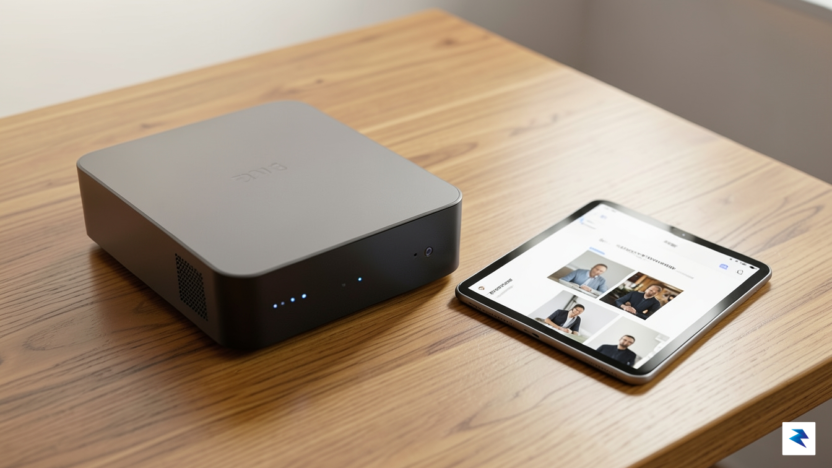
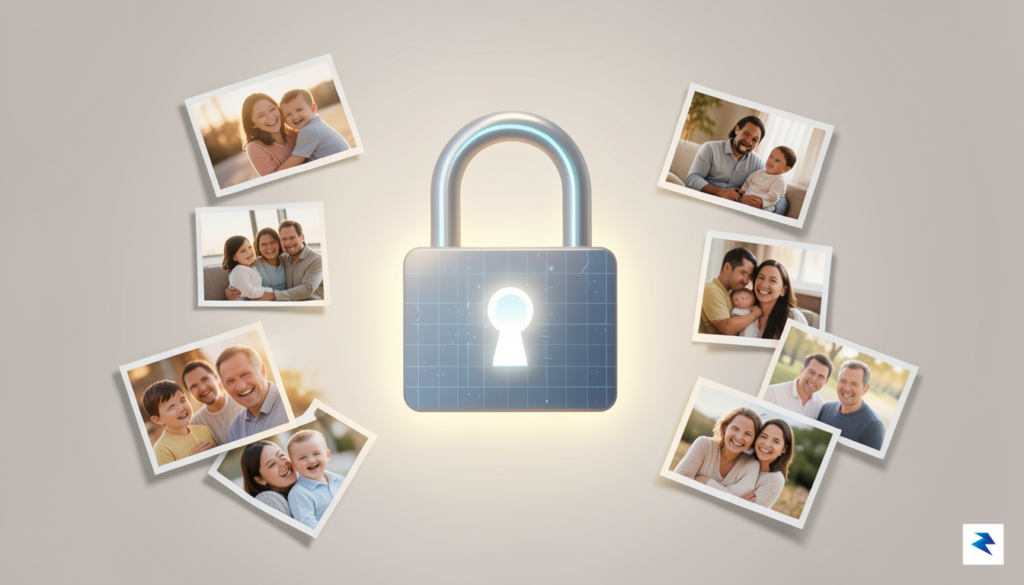
For years, the convenience of cloud-based storage services like Google Photos and iCloud felt like a digital miracle. We were promised seamless synchronization, effortless backups, and the ability to access our most precious memories from anywhere in the world with a single tap. However, this convenience has come at a mounting price—not just in monthly subscription fees that inflate over time, but in the subtle erosion of our digital autonomy. By entrusting our personal archives to corporate giants, we have effectively become tenants in our own digital homes, subject to shifting terms of service, sudden policy changes, and the looming threat of account lockouts that could strip us of our media in an instant.
The financial burden of these services is perhaps the most visible catalyst for change. As cloud providers move toward tiered pricing models that require constant, recurring payments to store high-resolution libraries, the cumulative cost over a decade becomes staggering. Unlike renting a digital locker, investing in your own hardware—such as a dedicated NAS or a small-form-factor home server—is a one-time capital expenditure that pays for itself within a few years. Beyond the balance sheet, there is the ethical dilemma of data mining. When you store your photos in the cloud, you are often providing companies with a rich dataset used to train AI models and refine targeted advertising profiles, turning your intimate personal history into a profitable commodity.
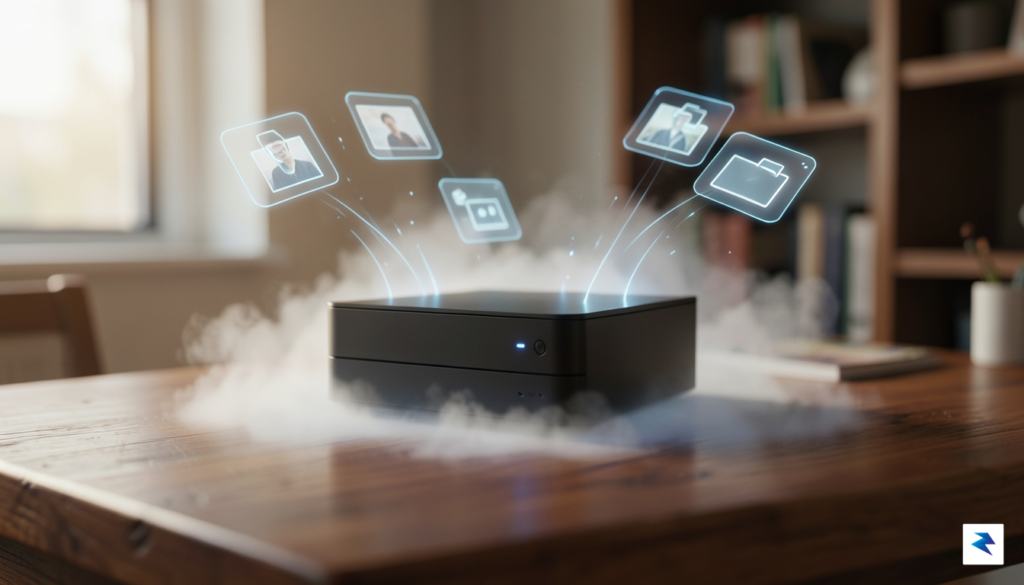
True digital sovereignty means that your data remains accessible to you regardless of an internet outage, a corporate policy shift, or a sudden change in subscription pricing.
Furthermore, self-hosting grants you a level of security and peace of mind that centralized platforms simply cannot match. When you host your own media, you retain absolute physical control over the drives where your data resides. You are no longer vulnerable to the “deplatforming” phenomenon, where a misunderstood automated algorithm might flag your account and effectively delete years of your life’s work without human recourse. With self-hosted solutions, you decide who has access to your photos, how they are processed, and how they are protected. Embracing this shift is not merely about being “tech-savvy”; it is about reclaiming the right to own your digital legacy, ensuring that your memories remain under your roof and under your control for as long as you wish to keep them.
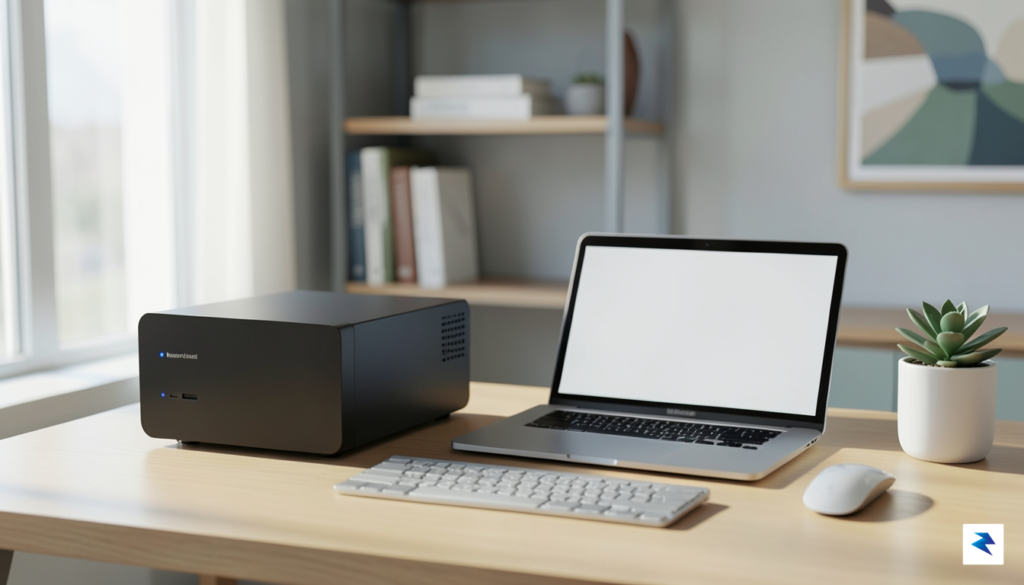
Before you commit to pulling your memories out of the cloud and into your own digital ecosystem, you must perform a realistic audit of your current technical infrastructure. Self-hosting is a rewarding endeavor that grants you total ownership of your data, but it also shifts the responsibility of maintenance, security, and redundancy squarely onto your shoulders. You should start by calculating the total volume of your existing photo and video library, keeping in mind that high-resolution footage from modern smartphones can rapidly consume gigabytes of space. A successful migration requires more than just a drive; it requires a reliable storage strategy that accounts for future growth and the inevitable need for backups.
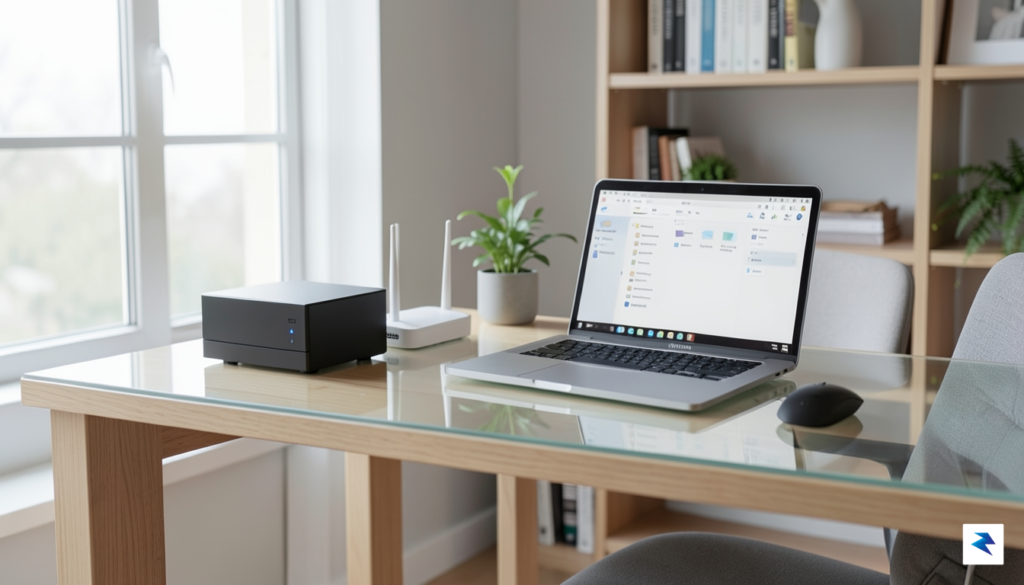
Your choice of hardware will significantly dictate your day-to-day experience with these platforms. While entry-level hobbyists might be tempted to repurpose a Raspberry Pi for their gallery, these low-power devices can struggle with the intensive CPU requirements of generating thumbnails, transcoding high-bitrate videos, or handling facial recognition algorithms. For a seamless, snappy experience, a dedicated Network Attached Storage (NAS) unit or a small-form-factor PC with a modern processor and ample RAM is often the superior choice. This hardware difference is the dividing line between a gallery that feels like a professional product and one that suffers from perpetual loading screens and stuttering playback.
Self-hosting is not a “set it and forget it” solution; it is a commitment to managing your own digital infrastructure. Prioritize hardware reliability today to avoid data loss and performance bottlenecks tomorrow.
Furthermore, you must consider the reality of your network environment, particularly if you intend to access your media while away from home. Relying on remote access requires a stable internet connection with decent upload speeds at your home location, as your local server must “serve” those large image files to your phone over the web. If your ISP provides a restrictive connection or utilizes CGNAT, you may need to learn about VPNs, reverse proxies, or specialized tunneling services to bridge that gap securely. Ultimately, the learning curve is steeper than simply paying a monthly subscription fee, but for those who value privacy and control, the ability to build a custom, secure vault for their life’s memories is an unmatched technical achievement.
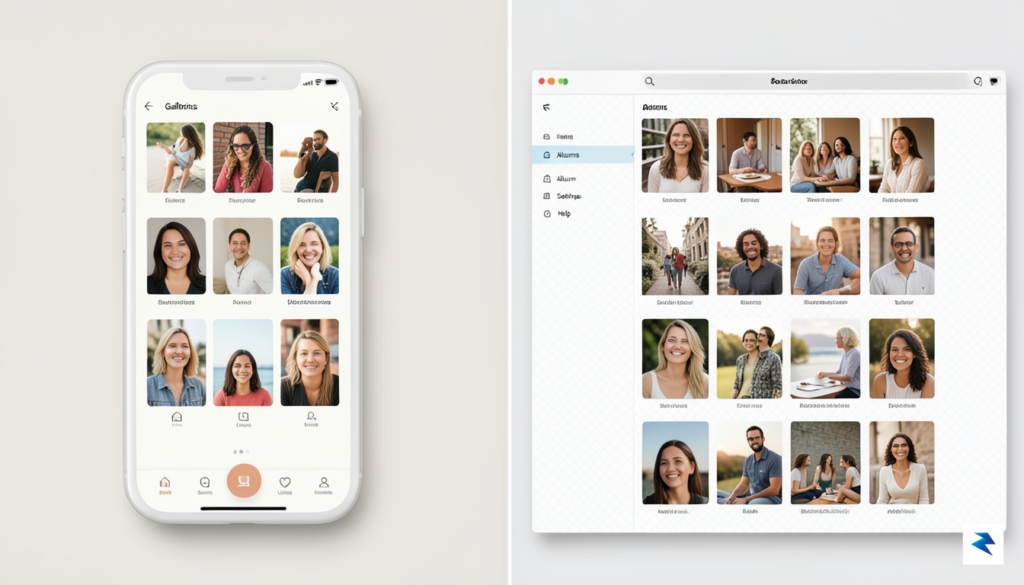
When transitioning away from mainstream cloud providers, the primary challenge is finding a platform that balances modern usability with robust self-hosting capabilities. The current landscape of self-hosted media management has evolved rapidly, moving from rudimentary file browsers to sophisticated, AI-driven ecosystems that rival commercial giants like Google Photos or Apple iCloud.
Immich has quickly become the gold standard for users seeking a seamless, high-performance experience. It features an incredibly polished mobile application that excels at background synchronization, ensuring your media is backed up the moment you snap a photo. Because it is built for speed, it handles large libraries with grace, offering a snappy interface that makes browsing years of memories feel effortless. In contrast, PhotoPrism focuses heavily on AI-driven organization. By utilizing Google’s TensorFlow, it can automatically tag objects, locations, and even faces, effectively turning a disorganized heap of files into a searchable, categorized database without requiring manual metadata entry.
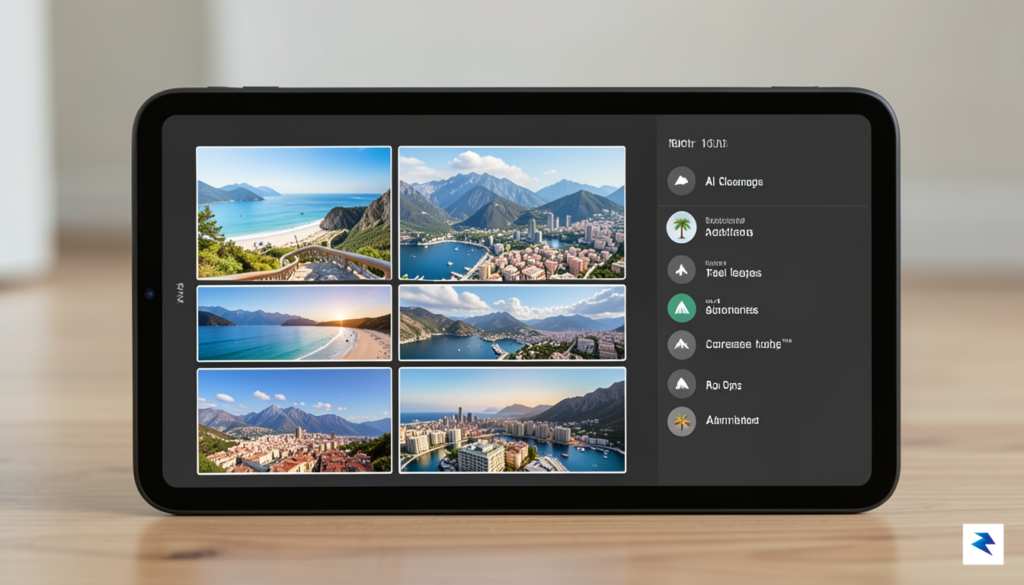
For those already entrenched in a broader self-hosted ecosystem, Nextcloud Memories acts as a powerful bridge. Rather than acting as a standalone silo, it integrates directly into your existing Nextcloud instance, allowing you to manage your documents, calendars, and photos in one unified space. While it may require more initial configuration, the benefit of having a single authentication point for all your digital data is unparalleled. Conversely, if your priority is long-term stability and granular control, Piwigo remains the veteran choice. Having been refined over many years, it offers a robust plugin architecture that allows power users to customize every aspect of their gallery’s presentation and access controls, making it ideal for those who value longevity over the latest trendy features.
Rounding out the top tier is LibrePhotos, an open-source project that emphasizes transparency and flexibility. It bridges the gap between the complex AI features of PhotoPrism and the open-source ethos that many enthusiasts demand, providing a highly customizable environment for those who want to tweak their facial recognition and database settings. Each of these platforms benefits from active communities that provide frequent updates, security patches, and helpful documentation, ensuring that even if you encounter a hurdle during installation, you are rarely left to solve it alone.
Key Takeaway: Choosing the right platform ultimately depends on whether you value a polished, “it-just-works” mobile experience like Immich, or if you prefer the deep, modular integration of a system like Nextcloud.
Ultimately, the move to self-hosting is no longer a compromise; it is an upgrade. By taking ownership of your digital assets, you gain privacy, complete control over your metadata, and the satisfaction of knowing your memories are stored exactly where you want them to be.
Transitioning to a self-hosted media server is an empowering step toward digital independence, but it shifts the burden of maintenance entirely onto your shoulders. Unlike cloud providers that manage redundancy behind the scenes, self-hosting requires you to be the architect of your own safety net. You must treat your photo collection not as a static archive, but as a living library that demands consistent oversight. True data sovereignty is defined by your ability to recover from catastrophic hardware failure, meaning that a “set and forget” mentality will eventually lead to heartache.
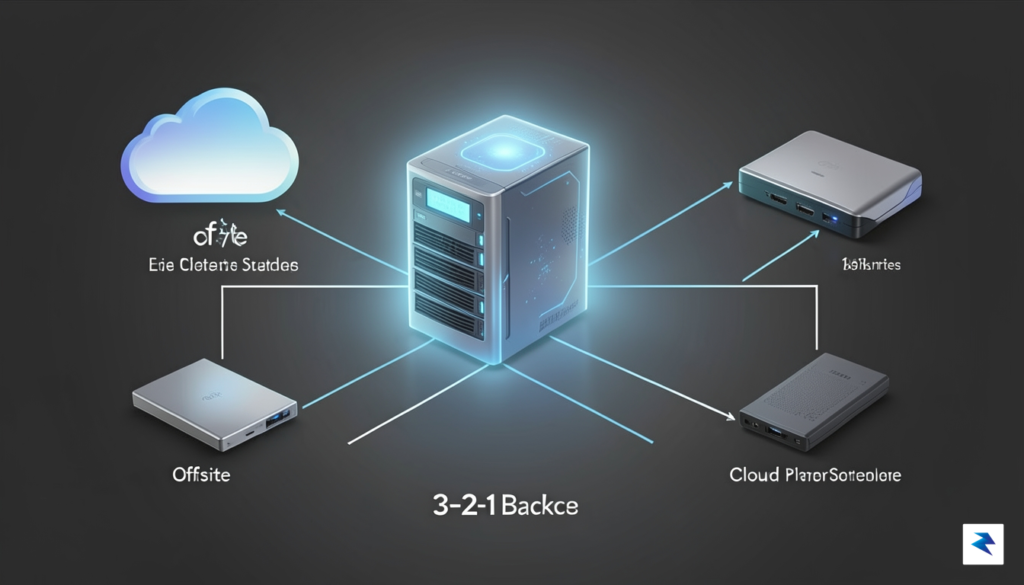
The gold standard for safeguarding your precious memories remains the 3-2-1 backup rule. This principle dictates that you should maintain at least three total copies of your data, stored on two different types of media, with one of those copies kept at an off-site location. For your photo gallery, this might look like your primary server, a secondary local NAS, and an encrypted cloud backup or a physical drive stored at a friend’s house. By diversifying where and how your data lives, you ensure that a single localized disaster—such as a fire, theft, or a sudden power surge—cannot permanently wipe out years of your life’s work.
Data is only as safe as its most recent backup. If you aren’t testing your restoration process, you don’t actually have a backup; you have a false sense of security.
Hardware redundancy is equally critical for preventing downtime caused by failing components. Implementing RAID (Redundant Array of Independent Disks) or using a file system like ZFS allows your server to continue operating even if a hard drive physically dies. While RAID is not a substitute for a backup, it provides the “uptime” necessary to replace a faulty drive without losing access to your gallery. When configuring your storage, prioritize mirrored drives (RAID 1) or parity-based setups (RAID 5 or 6) to balance storage efficiency with the robust protection required for long-term media retention.
While local access is simple, the real challenge begins when you want to view your photos from outside your home network. Avoid the temptation to open ports on your router, as this acts as an open invitation for malicious actors to probe your server for vulnerabilities. Instead, utilize a reverse proxy like Nginx Proxy Manager or Traefik combined with a domain name and SSL certificates to create a secure, encrypted tunnel for your traffic. Alternatively, for a more private and streamlined experience, tools like Tailscale or WireGuard create a “mesh VPN,” allowing you to connect to your home network as if you were sitting on your couch, without ever exposing your server to the public web.
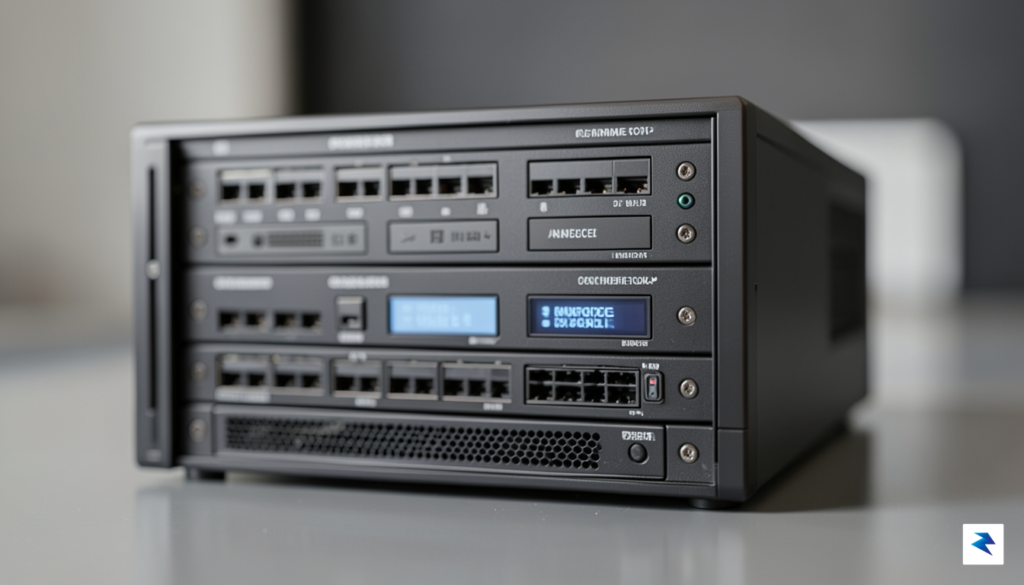
To achieve a seamless, cloud-like experience where your memories load instantly regardless of whether you are at home or halfway across the globe, you must pay close attention to your hardware foundation. A sluggish interface is often the primary reason users abandon self-hosting; however, by prioritizing high-performance components, you can eliminate the bottlenecking that typically plagues home servers. The cornerstone of a responsive photo gallery is the storage media. While bulk storage drives like HDDs are perfect for storing large archives of RAW files, your database and application metadata should reside on a high-speed Solid State Drive (SSD). This ensures that when you scroll through thousands of thumbnails, the metadata is retrieved in milliseconds rather than waiting for physical drive platters to spin up.
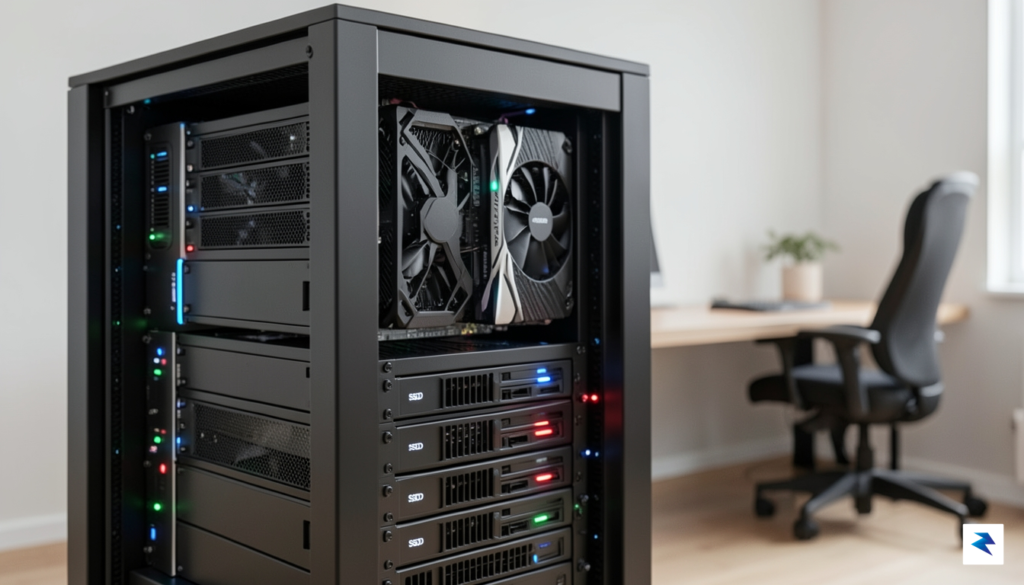
Modern photo and video galleries do far more than just store files; they perform on-the-fly thumbnail generation and video transcoding to ensure compatibility across different devices. If you rely solely on your CPU for these compute-heavy tasks, your server will quickly become overwhelmed. This is where hardware acceleration becomes indispensable. Utilizing an Intel processor with QuickSync or a dedicated GPU allows the server to offload intensive media encoding tasks from the central processor. By enabling hardware transcoding, you allow your gallery software to convert high-bitrate 4K videos into streamable formats instantly, ensuring smooth playback even on mobile devices with limited bandwidth.
Beyond the internal components, your network topology plays a critical role in how the service performs externally. If you intend to view your gallery while away from home, your home network’s upload speed is the ultimate limiting factor. Ensure your server is hardwired via Ethernet rather than relying on Wi-Fi, as the stability of a physical connection is paramount for consistent streaming. Furthermore, as your library grows, managing these services efficiently becomes a challenge. Utilizing containerization tools like Docker allows you to isolate your gallery services, ensuring that resource allocation remains stable and that your environment remains modular. Docker also simplifies the process of mounting hardware devices, such as GPUs, directly into your container, making performance optimization a streamlined, repeatable process.
Key Takeaway: The secret to a snappy self-hosted gallery lies in offloading media processing to dedicated hardware and ensuring your database resides on an SSD to keep the user interface responsive during heavy browsing.
Ultimately, a robust setup requires a balance between processing power and network availability. By combining the speed of SSDs, the efficiency of hardware-accelerated transcoding, and the organizational benefits of containerization, you can create a private infrastructure that feels just as fast—or faster—than any commercial cloud platform.
Stepping away from the convenience of corporate cloud giants is more than just a technical migration; it is a profound shift in how we value our personal history. For years, many of us have traded our privacy and data sovereignty for the illusion of free, effortless storage, only to find ourselves locked into rising subscription fees and unpredictable policy changes. By transitioning to a self-hosted gallery, you reclaim absolute ownership over your digital footprint. Your family photos, milestone videos, and private moments are no longer scanned by machine-learning algorithms or held hostage behind a paywall. Instead, they reside on hardware you control, protected by security measures you choose, establishing a permanent and genuinely private sanctuary for your memories.
Key Takeaway: True digital ownership means knowing exactly where your data physically lives, who has access to it, and ensuring that no third-party corporation can ever change the terms of your access.
It is entirely natural to feel a sense of hesitation when confronting the learning curve of self-hosting. The terminology alone—Docker containers, reverse proxies, port forwarding, and network-attached storage—can feel incredibly daunting to anyone who does not write code for a living. However, the modern self-hosting ecosystem has evolved dramatically, offering streamlined, user-friendly platforms that rival the polished interfaces of mainstream commercial services. You do not need a degree in computer science to break free from the cloud; rather, you simply need a willingness to learn and the patience to take things one step at a time. The vibrant open-source community is filled with step-by
You must be logged in to post a comment.