
John Jumper Leaves Google DeepMind for Anthropic: What This Means for AI
The Shift in the AI Talent Landscape The artificial intelligence sector is currently defined by an unprecedented "talent arms race," where the…

Apple recently released a critical firmware update for the Beats Studio Buds, addressing a significant security vulnerability that had the potential to compromise user privacy. This flaw, discovered through rigorous security research, could have theoretically allowed an unauthorized individual to intercept audio streams or manipulate device settings if they were within close proximity to an active set of earbuds. While the technical specifics are complex, the vulnerability essentially stemmed from a weakness in the Bluetooth communication protocol, which could be exploited to establish an unauthorized connection without the user’s explicit consent. Recognizing the gravity of this oversight, Apple’s engineering team acted swiftly to deploy a patch that reinforces the authentication process, effectively sealing the digital door that bad actors could have exploited.

It is important to emphasize that there have been no confirmed reports of this vulnerability being actively exploited in the “wild” against everyday users. Nevertheless, the nature of Bluetooth-enabled hardware makes these devices increasingly popular targets for researchers and malicious entities alike. Because wireless peripherals often handle sensitive data—ranging from private phone conversations to personal voice commands—they represent a unique attack surface that requires constant vigilance. As the ecosystem of interconnected devices grows, the industry as a whole is seeing a rise in specialized research aimed at identifying these “low-level” hardware flaws. For the average consumer, this means that the routine of updating firmware is no longer just about gaining new features or battery efficiency; it is now a fundamental component of personal cybersecurity.
Key Takeaway: Firmware updates are the primary defense against evolving digital threats. Even if you do not notice functional changes, installing these patches immediately is the best way to safeguard your hardware against unauthorized access.
The urgency of this update serves as a powerful reminder that our personal gadgets are essentially miniature computers, susceptible to the same types of vulnerabilities as a laptop or smartphone. When researchers identify these gaps, hardware manufacturers must work to balance the need for seamless connectivity with the necessity of robust encryption and secure pairing protocols. By patching this specific flaw in the Beats Studio Buds, Apple has demonstrated a commitment to maintaining the privacy standards expected of their premium audio line. For owners, the process is straightforward: ensuring your earbuds are connected to your device allows the firmware to update automatically in the background, keeping your audio experience both high-quality and secure. Staying informed about these updates is a simple yet essential practice for anyone looking to maintain their privacy in an increasingly wireless world.

At the heart of this security vulnerability lies a breakdown in the Bluetooth pairing handshake, the digital dialogue that occurs when your headphones look for a new device to connect with. Normally, this process is governed by strict authentication protocols designed to ensure that only trusted devices can establish a link. When you put your earbuds into pairing mode, they effectively broadcast a signal to the surrounding environment, essentially saying, “I am ready to connect.” In a secure system, the earbuds would only accept a connection from a device that can provide the correct cryptographic key or user verification, preventing unauthorized parties from hijacking the connection.
The flaw identified in the Beats Studio Buds effectively bypassed these standard safety checks by exploiting a weakness in how the earbuds managed that initial “open” window. Because the authentication process during this broadcast phase was not sufficiently robust, the earbuds could be tricked into accepting a pairing request from a malicious device without the user ever providing explicit permission. By mimicking a legitimate host device, an attacker could force the earbuds to complete a handshake, effectively “pairing” with an unauthorized source. This meant that once the connection was established, the attacker could theoretically intercept audio data, essentially turning the earbuds into a tool for wiretapping or eavesdropping on the user’s surroundings.

It is important to emphasize that this threat was strictly localized, meaning you were only at risk if you were in very close physical proximity to the attacker. Unlike sophisticated cyberattacks that can be launched from halfway across the globe, this vulnerability required the unauthorized device to be within the standard Bluetooth range of your earbuds—typically just a few dozen feet. This proximity requirement significantly limited the scope of the potential danger, as it necessitated that an attacker be physically near the user while the earbuds were in that vulnerable state of searching for a connection.
The core of the issue was a lapse in the handshake authentication, allowing an unauthorized device to masquerade as a trusted host during the brief, critical window when the earbuds were actively seeking a new connection.
Ultimately, the vulnerability turned a convenient feature—the ease with which these earbuds connect to new devices—into a temporary security liability. While the convenience of “plug-and-play” connectivity is a major selling point for modern wireless audio, this incident highlights the delicate balance manufacturers must maintain between user experience and stringent security measures. By failing to verify the identity of the requesting device with enough rigor during the handshake, the earbuds were left open to this specific type of localized interference, necessitating the firmware update that Apple has since deployed to tighten these authentication protocols.

The modern landscape of consumer electronics is defined by the seamless convenience of wireless connectivity, yet this very fluidity introduces significant security vulnerabilities. Proximity-based threats are uniquely insidious because they often bypass the need for traditional internet access or sophisticated remote software exploits. Instead, these attacks leverage the fundamental, underlying protocols that allow Bluetooth devices to identify, pair, and communicate with one another. When an attacker is within physical range—often just a few meters—they can attempt to intercept or manipulate these handshake signals, turning a device meant for personal enjoyment into a silent instrument of surveillance. In the case of the Beats Studio Buds, the security gap potentially allowed for unauthorized microphone access, illustrating how a compromised connection can transform a pair of earbuds into a tool for ambient eavesdropping without the user ever realizing their privacy has been violated.

At the heart of this issue is the prevalence of “man-in-the-middle” (MITM) attacks, where a malicious actor positions themselves between two legitimate devices to intercept data transmissions. Because Bluetooth relies on constant signal broadcasting to remain “discoverable” or ready for pairing, it creates a window of opportunity for unauthorized devices to spoof a connection. Once a connection is hijacked, the attacker can theoretically command the device to perform unintended actions, such as streaming audio from the internal microphone to a remote listener. This threat is particularly concerning because it exploits the trust inherent in the Bluetooth protocol itself, which assumes that a device attempting to pair is a legitimate user rather than a sophisticated intruder.
The core danger of proximity-based exploits is that they operate beneath the surface of the user interface, leaving no visual trace of an active intrusion while the device appears to be functioning normally.
To combat these evolving risks, hardware manufacturers have shifted toward a strategy of aggressive firmware-based security updates. These patches are essential for hardening the communication handshake protocols, ensuring that devices only pair with authenticated sources and encrypting data packets more robustly against interception. However, software updates are only one half of the security equation; user vigilance remains equally vital in maintaining a secure ecosystem. Simple habits—such as disabling Bluetooth when in crowded public spaces, refusing pairing requests from unknown devices, and keeping firmware current—create a layered defense that significantly mitigates the impact of potential hardware vulnerabilities. As our reliance on wearable audio grows, understanding that these devices are essentially small, connected computers is the first step toward reclaiming our digital privacy in an increasingly wireless world.
Securing your Beats Studio Buds is a vital step in maintaining your privacy, but because these devices operate across different ecosystems, the update process is not universal. Fortunately, Apple has designed the system to be relatively seamless, provided your device is connected to the internet and in close proximity to your earbuds. Whether you are deeply integrated into the Apple ecosystem or using an Android device, taking a few minutes to verify your firmware status will help patch the vulnerability and ensure your audio remains private.
If you are an iPhone or iPad user, the update process is designed to be largely invisible and automated. When your Beats Studio Buds are connected to your iOS device via Bluetooth, the system will periodically check for new firmware updates in the background. To encourage an update, ensure your earbuds are in their charging case with the lid open and that the case is connected to a power source. Keep your iPhone or iPad nearby with Bluetooth enabled, as the device will download and install the update automatically without requiring manual intervention from you. While this “set it and forget it” approach is convenient, it is important to remember that the update may not trigger instantly, so leave the devices paired and charging for a period of time to guarantee the installation completes successfully.
For Android users, the update process requires the Beats app, which serves as the bridge between your earbuds and your phone. First, ensure you have downloaded the latest version of the Beats app from the Google Play Store to ensure compatibility. Once the app is installed, open it and navigate to the settings menu for your paired Studio Buds. If a firmware update is available, you will typically see a notification or a prompt within the device settings screen. Simply tap the update button and follow the on-screen instructions, keeping the earbuds inside their case and near your Android phone throughout the process. Do not close the app or move your phone away from the earbuds until the progress bar reaches completion, as interrupting this connection can potentially leave your device on an older, vulnerable version.
Pro-Tip: If you are unsure if your update was successful, you can verify your firmware version manually. On iOS, go to Settings > Bluetooth and tap the “i” icon next to your Beats; on Android, check the About section within the Beats app. Compare this version number against the latest release notes on the official Apple support page to confirm you are protected.
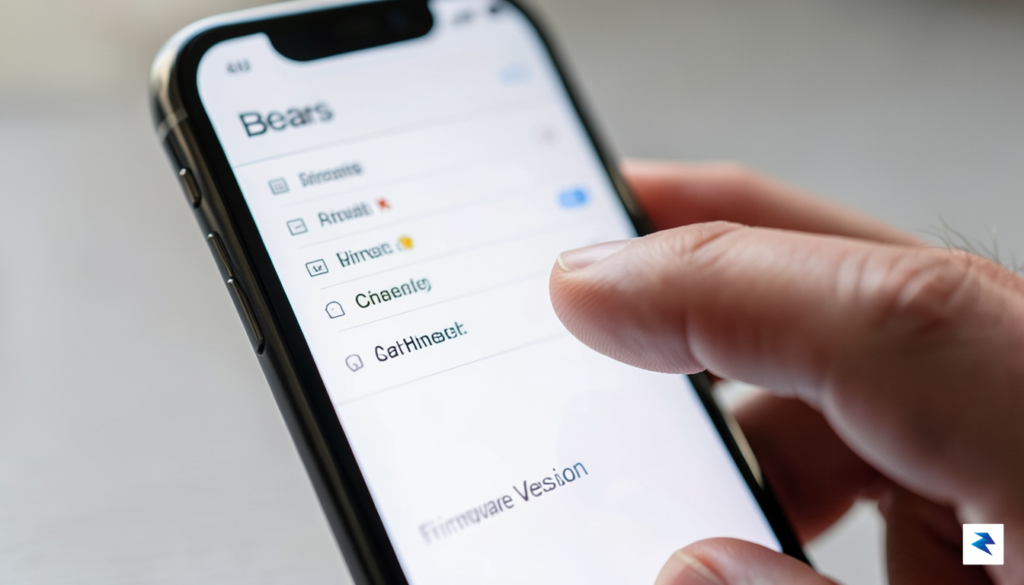
If you find that your device is persistently failing to update, troubleshooting is usually straightforward. Begin by performing a factory reset on your Beats Studio Buds; this clears out temporary cache issues that might be preventing the update from triggering. To do this, place both earbuds in the charging case, leave the lid open, and hold the system button on the case for fifteen seconds until the LED light flashes red and white. After the reset, re-pair the buds with your phone and reconnect to a stable Wi-Fi network. Often, a fresh connection is all that is needed to force the device to recognize and download the necessary security patches, effectively closing the door on potential wiretapping risks.

While the recent firmware update for the Beats Studio Buds provides a vital layer of protection, it serves as a broader reminder that wireless connectivity requires constant vigilance. As our daily lives become increasingly intertwined with Bluetooth-enabled peripherals—from headphones and smartwatches to vehicle infotainment systems—the attack surface for potential bad actors continues to expand. Securing your digital footprint is no longer a set-it-and-forget-it task; rather, it is an ongoing responsibility that demands proactive habits to mitigate the risks inherent in wireless communication.
The most effective strategy for maintaining Bluetooth security involves limiting your device’s visibility to the outside world. By default, many devices are set to “discoverable” mode, which essentially acts as an open invitation for any nearby hardware to request a connection. Whenever you are not actively pairing a new device, ensure your settings are toggled to “non-discoverable” or hidden mode. This simple step prevents malicious actors from scanning for your device’s unique identifier or attempting to initiate unauthorized pairing requests while you are commuting, working, or relaxing in public areas.
In addition to managing visibility, you should be hyper-aware of your surroundings when performing initial pairings. Crowded locations like airports, train stations, and busy cafes are prime environments for “man-in-the-middle” attacks, where a third party might attempt to intercept the pairing handshake between your smartphone and your wireless earbuds. Whenever possible, perform your initial setup in a secure, private environment, such as your home or office, where you can verify the identity of the hardware you are connecting to without the risk of nearby signal interference or unauthorized interception.
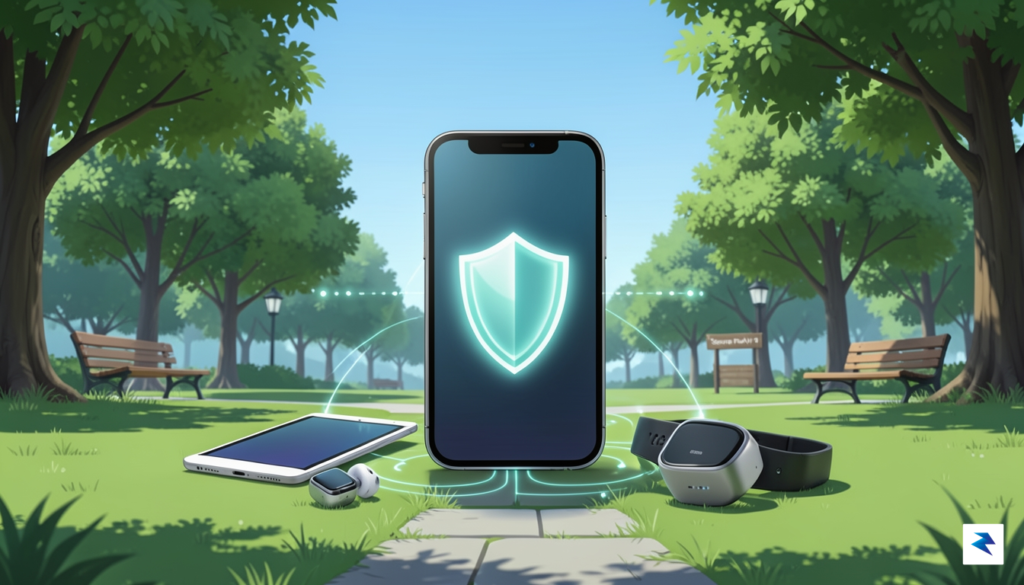
Key Takeaway: Treat Bluetooth pairing like a digital handshake; only initiate connections in environments where you have full control over the surrounding wireless traffic.
Maintaining the security of your wireless peripherals also requires a commitment to firmware lifecycle management. Much like your laptop or smartphone operating system, the firmware on your earbuds or fitness trackers is subject to vulnerabilities that developers discover and patch over time. Many users habitually ignore update notifications, yet these updates often contain critical security patches that prevent exploits like the wiretapping flaw addressed in the recent Beats update. Make it a monthly practice to check the companion apps for all your connected devices to ensure they are running the latest software versions provided by the manufacturer.
Ultimately, staying informed is your most powerful tool in the fight against evolving cyber threats. By cultivating a security-first mindset—periodically auditing your paired devices, keeping your software current, and practicing caution in public spaces—you can enjoy the convenience of wireless technology without compromising your privacy. Security is not a static destination but a continuous process of adaptation; by staying alert, you ensure that your personal data remains yours alone, regardless of the technology you choose to use.
You must be logged in to post a comment.