The Art of the Finale: Why Ending Complex Mystery Shows Is So Hard
The Architect’s Dilemma: Why Ending Mystery Shows Is So Difficult Ending a television series is a monumental undertaking under any…
The engineering team behind Flipper Zero carved out a niche by creating a tool that felt like a digital Swiss Army knife for cybersecurity enthusiasts, blending retro aesthetics with high-utility hardware. Having successfully mastered the complexities of sub-GHz radio protocols and penetration testing, the team is now pivoting their design philosophy toward a new, albeit related, challenge: the battle for human attention. Their latest creation, the Busy Bar, signals a deliberate shift from hardware designed to expose vulnerabilities in wireless systems to hardware designed to guard the most vulnerable asset of the modern worker—their focus.
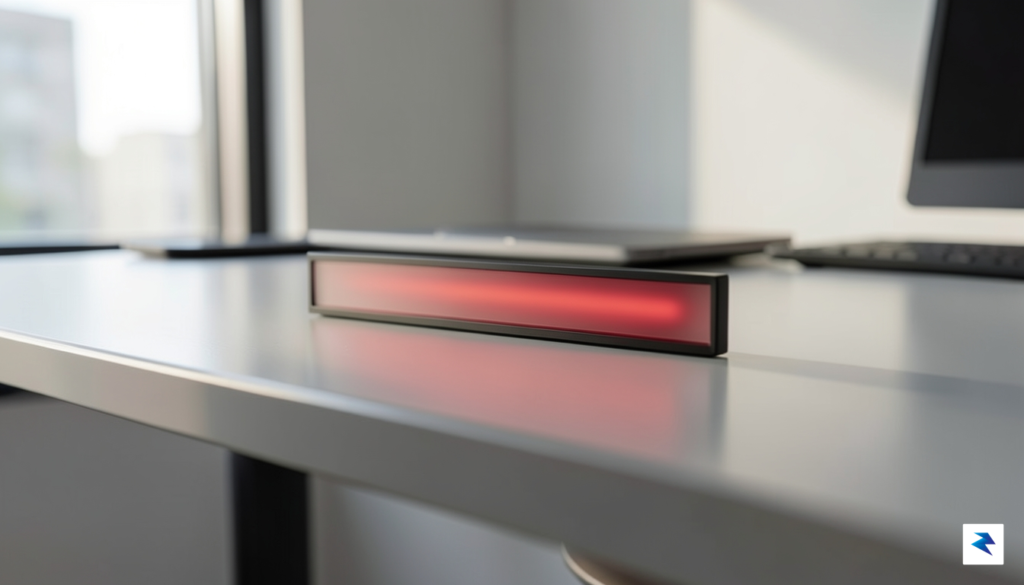
This transition represents more than a simple change in product category; it is a strategic evolution in how the team approaches user-centric hardware. While the Flipper Zero was built to interact with and analyze the invisible signals surrounding us, the Busy Bar is engineered to manage the visible social signals within our workspaces. By applying the same rigorous, hacker-inspired engineering standards to a productivity tool, the developers have crafted a device that feels tactile, reliable, and deeply intentional. It moves away from the chaotic, high-energy world of digital intrusion and settles into the quiet, disciplined domain of task management, proving that the team’s core competency lies in building bridges between software intelligence and physical hardware interaction.
The Busy Bar is not just an indicator light; it is a physical manifestation of boundaries in an era where the lines between professional output and digital noise have become dangerously blurred.
It would be a mistake to dismiss this device as a mere desktop novelty or a glorified status LED. Instead, the Busy Bar functions as a sophisticated, programmable interface that bridges the gap between digital calendars, communication platforms, and the physical environment. By providing an immediate, unmistakable visual cue to colleagues or housemates, the device eliminates the friction of unwanted interruptions without requiring the user to manually toggle software settings. It effectively offloads the cognitive burden of managing one’s availability, allowing the user to remain in a state of “deep work” for longer intervals. In this light, the Busy Bar is a natural successor to the Flipper Zero legacy, maintaining the spirit of empowering users to take control of their environment, whether that environment is a local area network or a busy open-office plan.
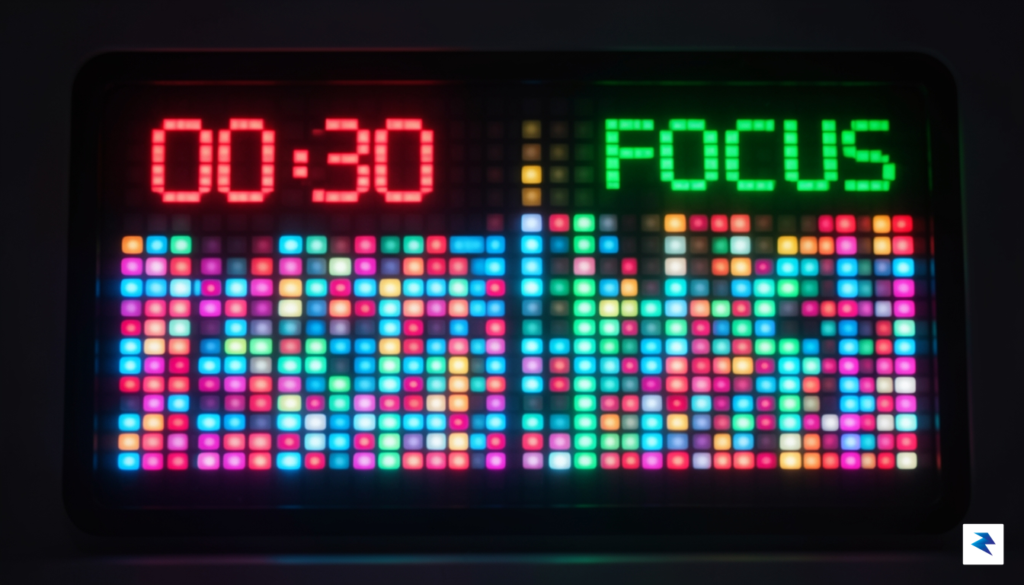
In an increasingly noisy digital world, where every application vies for your attention with a barrage of notifications, the concept of focused work often feels like a distant dream. This pervasive challenge is precisely what the Busy Bar, a novel creation from the innovators behind the Flipper Zero, aims to tackle head-on. At its core, the Busy Bar is a sophisticated physical notification and management system, meticulously designed to reclaim your precious attention from the endless digital churn. It functions as a dedicated hardware-based productivity aid, offering a tangible anchor in your physical workspace that intelligently interacts with your digital life, thereby bridging a critical gap often overlooked by software-only solutions.
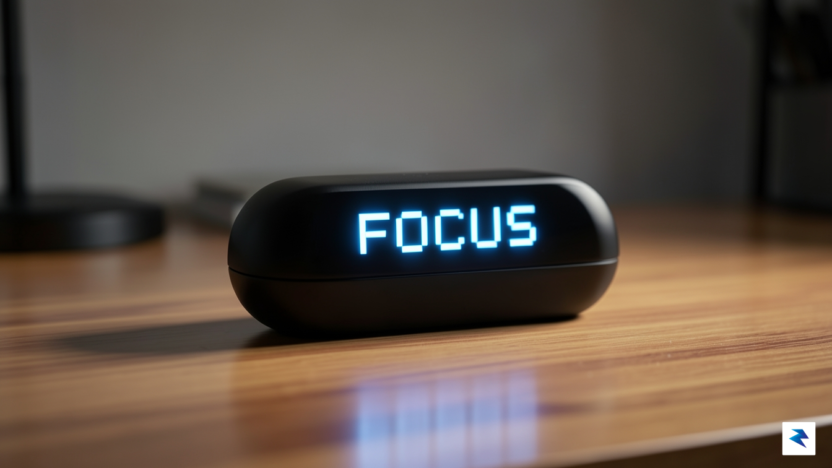
The Busy Bar distinguishes itself as a true productivity multitool through its unique approach to information delivery. Instead of relying on your computer screen or smartphone, which are themselves sources of distraction, it employs a vibrant, high-contrast pixelated LED display. This isn’t just a simple notification light; it’s an intelligent interface capable of displaying concise, critical information at a glance. Imagine a dedicated peripheral that can show you the status of your next meeting, a crucial incoming message, a pomodoro timer countdown, or even your current workload, all without requiring you to switch tabs, unlock your phone, or break your concentration on your primary task. Its physical presence on your desk transforms abstract digital data into a concrete, manageable overview, making it a central hub for your focus.
The brilliance of the Busy Bar lies in its ability to directly confront the modern dilemma of digital clutter and notification fatigue. We’ve all experienced the constant stream of emails, chat messages, social media alerts, and system pings that relentlessly chip away at our ability to concentrate deeply. This constant context-switching not only drains mental energy but also significantly reduces overall productivity and increases stress. By centralizing and externalizing these essential alerts onto a dedicated, non-intrusive display, the Busy Bar empowers users to manage their attention proactively. It provides a filtered, glanceable window into their digital world, allowing them to decide when and how to engage with interruptions, rather than being constantly pulled away by them.
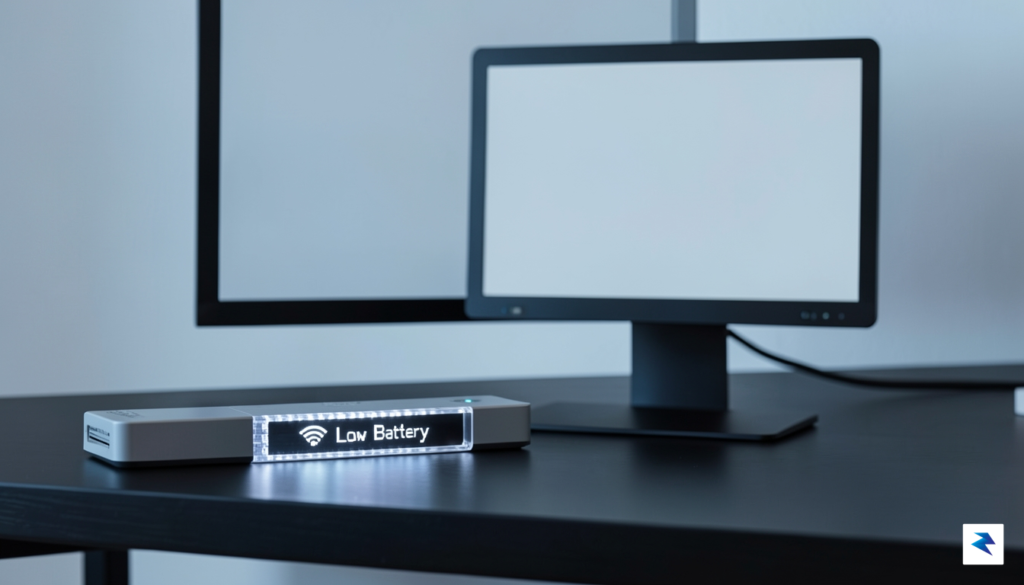
Ultimately, the Busy Bar’s role as a hardware-based productivity aid is to provide a much-needed layer of intentionality between you and your digital environment. It acts as a smart filter, ensuring that only the most relevant information reaches you in a way that minimizes disruption. This physical manifestation of your digital priorities helps to cultivate a more focused and less fragmented workflow, allowing individuals to dedicate their mental resources to deep work while remaining informed about critical updates. It is a tangible step towards regaining control over our digital lives and fostering a more productive, less stressful daily routine.
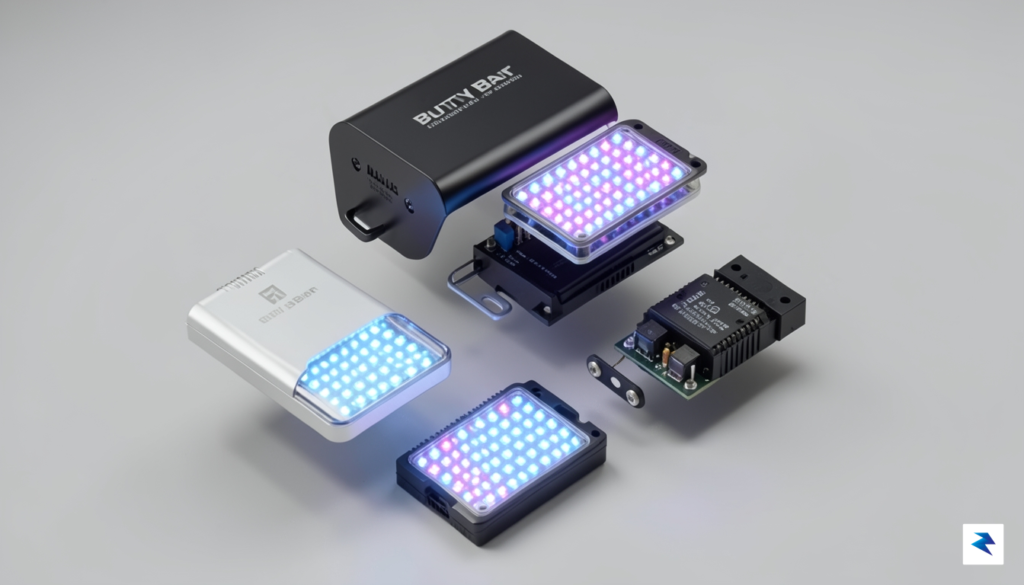
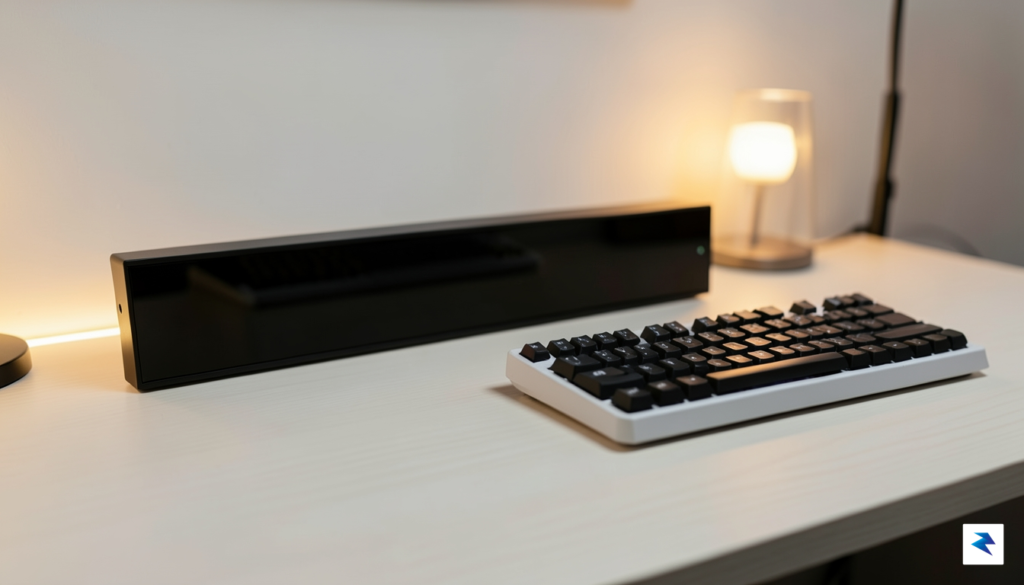
The Busy Bar arrives as a masterclass in intentional hardware design, echoing the rugged, industrial charm that turned the Flipper Zero into a cult phenomenon. Rather than chasing the ephemeral trend of sleek, fragile peripherals, the creators have opted for a chassis that prioritizes tactile longevity and a satisfying presence on the desk. The device feels substantial in the hand, utilizing premium materials that suggest it is built to withstand years of daily interaction. By focusing on a minimalist aesthetic, the team has ensured that the unit serves as an unobtrusive companion, blending seamlessly into professional workspaces—whether that is a minimalist coding setup or a chaotic creative studio—without introducing unnecessary visual clutter.
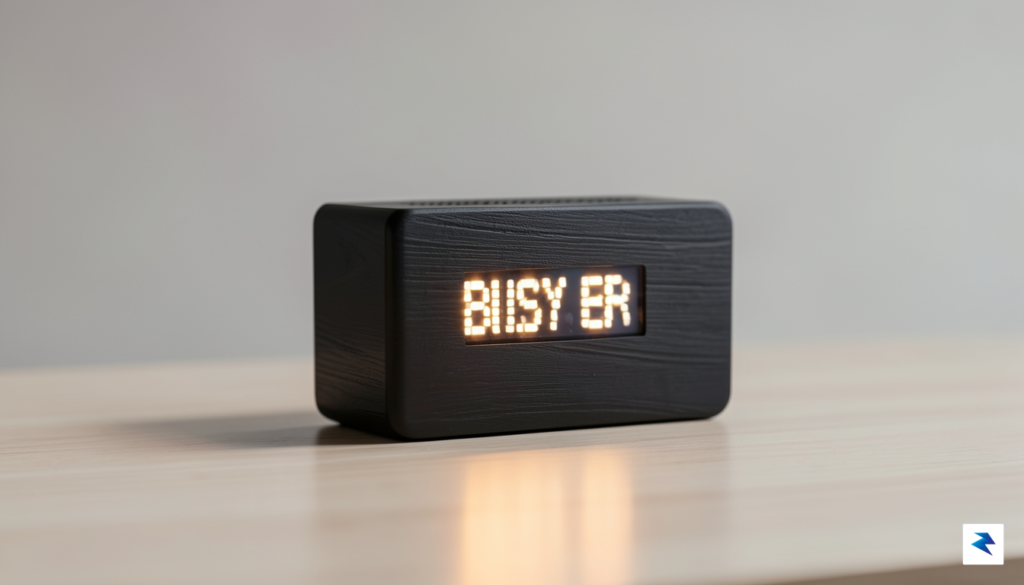
At the heart of the device lies a sophisticated pixelated LED array, which serves as the primary bridge between digital status updates and the physical world. This isn’t merely a decorative light strip; it is a high-density matrix designed to convey nuanced information through expressive, retro-inspired graphics. By opting for a low-resolution, high-contrast display, the designers have successfully captured a nostalgic aesthetic that feels both deliberate and functional. This choice minimizes eye strain and avoids the distraction of high-definition screens, allowing users to glance at their status and instantly glean information without being pulled into a loop of digital notifications or complex menus.
The marriage of physical hardware and digital status is a deliberate pushback against the “software-only” fatigue that plagues the modern professional.
The decision to invest in a dedicated physical peripheral in an era dominated by software-based productivity tools is a bold, philosophical statement. In a market where we are constantly tethered to virtual dashboards, the Busy Bar provides a tangible anchor for the user’s workflow. Its physical nature allows for an immediate, subconscious understanding of one’s availability or task progress, effectively offloading the cognitive burden of tracking status from the computer screen to the desktop environment. This is physical computing at its most refined: providing users with a sense of control that software simply cannot replicate.
As the July launch window approaches, anticipation is building for how these technical specifications will perform in the wild. The team has spent considerable time refining the internal components to ensure that the user experience is as snappy and reliable as the hardware is durable. By carefully balancing the power requirements of the LED array with a low-latency connection, the Busy Bar promises to be a seamless addition to any productivity stack. Prospective users can look forward to a device that doesn’t just sit on a desk, but actively enhances the workspace through meaningful, tactile interaction.
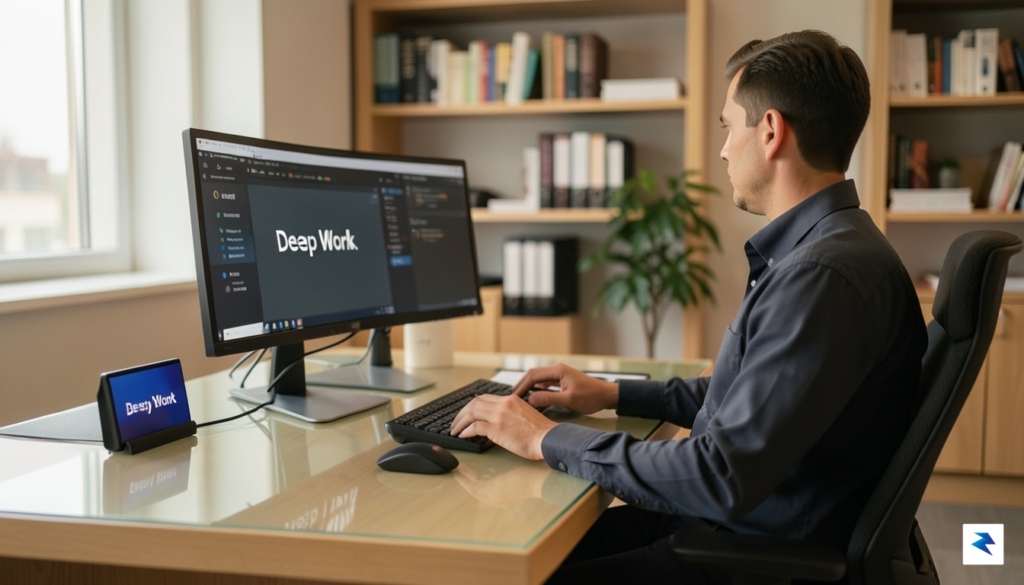
The Busy Bar isn’t just another gadget; it’s a dynamic tool designed to seamlessly integrate into and elevate your daily work rhythm, whether you’re navigating the complexities of a bustling office or managing tasks from a remote setup. Its true power emerges from its remarkable adaptability, allowing users to transform a simple display into a personalized command center for productivity and communication. This innovative device aims to minimize context switching and provide crucial information at a glance, fostering an environment where focus can thrive without constant digital interruptions. By offering a dedicated visual channel for critical updates, it helps to streamline workflows and reduce the cognitive load associated with managing multiple applications simultaneously, ultimately promoting a more efficient and less distracting workday.
One of the most intuitive applications for the Busy Bar is its function as a dedicated focus timer, perfectly suited for methodologies like the Pomodoro Technique. Imagine a vibrant progress bar or a simple countdown clearly visible on your desk, signaling the start and end of focused work sprints and much-needed breaks. This external visual cue helps to maintain discipline and prevent accidental overruns, ensuring you adhere to your chosen work-rest cycles without needing to constantly check a software timer on your main screen. Such a tangible, always-on display significantly reduces the temptation to open other applications, thus preserving deep work states and enhancing overall concentration throughout your day, leading to more productive sessions.
Beyond timing, the Busy Bar excels as a dynamic status indicator, particularly valuable in hybrid or remote work environments where physical cues are often absent. With a quick glance, colleagues can understand your availability without interrupting your flow with messages or calls. You could configure it to display “In a Meeting” when your calendar shows an active event, glow green when you’re “Available for Quick Questions,” or switch to a subtle red when you’re deep in “Do Not Disturb” mode. This proactive communication minimizes disruptions, fosters better team coordination, and ensures that critical focus time remains undisturbed, enhancing both individual and collective productivity across various work settings.
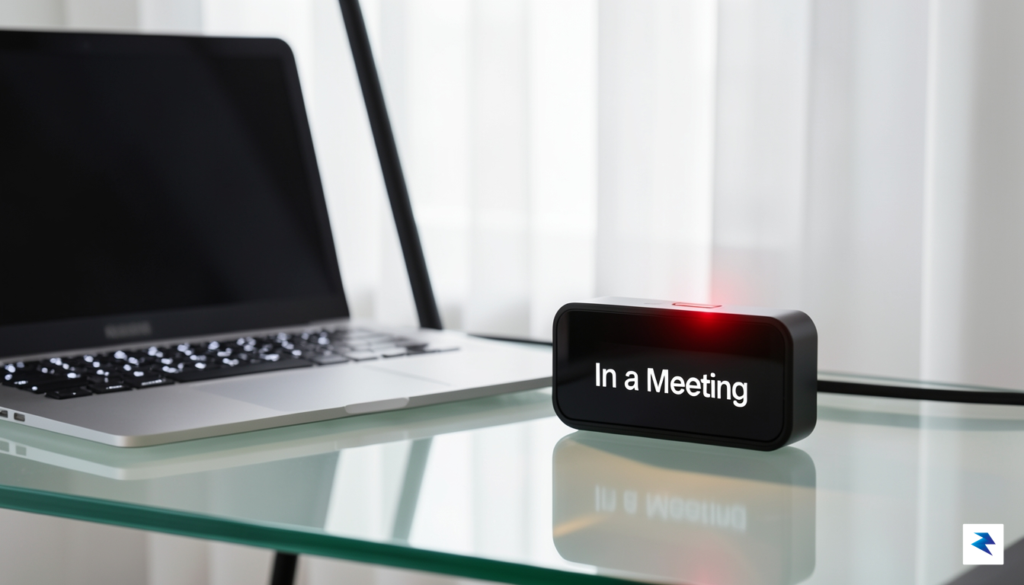
The true versatility of the Busy Bar shines through its role as a customizable notification hub, allowing you to tailor alerts precisely to your needs. Instead of being pulled away by every email or chat notification, you can configure the bar to display only the most critical information, such as urgent messages from specific contacts, important project deadlines, or even system alerts from monitoring tools. Its open-ended integration capabilities mean it can connect with a wide array of existing software and services, from calendar applications and project management tools to communication platforms and custom scripts. This allows for a deeply personalized experience, turning the Busy Bar into a central dashboard for only the information that truly matters to your workflow.
The device’s high configurability extends beyond just its display, offering robust customization options through its accompanying software or API. Users can define specific triggers, choose colors, set animation patterns, and even upload custom icons to represent different states or notifications, ensuring the Busy Bar perfectly matches their aesthetic and functional preferences. Furthermore, its sleek and compact design is inherently desk-space friendly, offering powerful functionality without adding clutter. By offloading visual alerts from your main screen, it helps to declutter your digital workspace, allowing your primary monitor to be dedicated entirely to your tasks while the Busy Bar discreetly handles essential background information, contributing to a more focused and organized physical and digital environment.
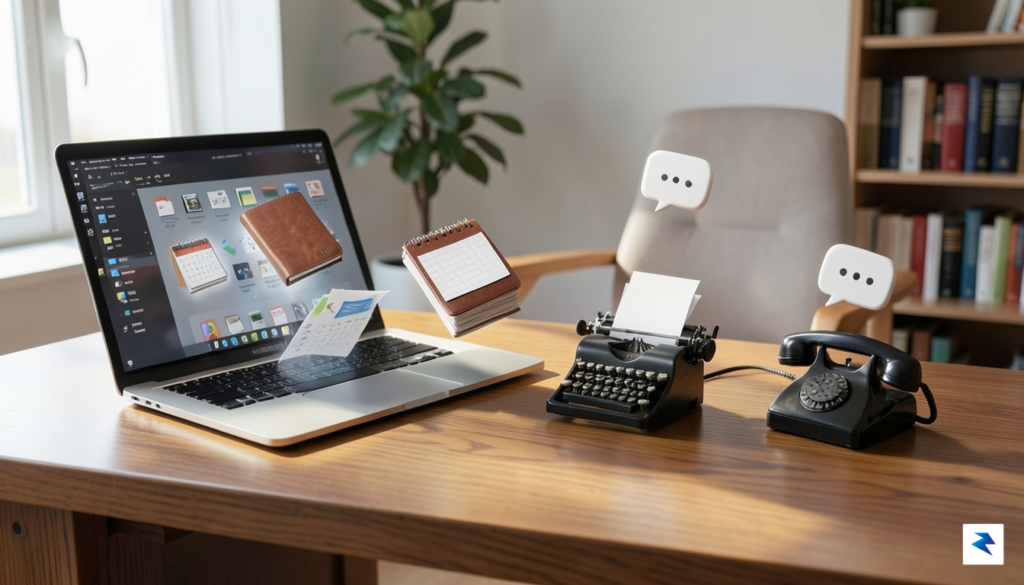
In an age defined by hyper-connectivity, our digital workspaces have become cluttered battlegrounds for our attention. With dozens of browser tabs open, constant Slack pings, and email notifications competing for focus, the modern professional often finds themselves trapped in a cycle of “context switching” that drains mental energy. This sensory overload has fueled a growing movement toward analog-style digital tools—devices that favor simplicity and physical presence over the infinite, distracting scroll of a smartphone or secondary monitor. By offloading essential status indicators to a dedicated piece of hardware, we can finally reclaim our primary screen for the task at hand rather than allowing it to be colonized by background noise.
The psychological benefit of this physical separation cannot be overstated. When information—such as a countdown timer, a focus status, or a system metric—is relegated to a peripheral device like the Busy Bar, it shifts from an active distraction to a passive ambient awareness. Instead of needing to alt-tab away from a complex creative project just to check if a task is running or if a meeting is about to start, a quick glance at a physical LED bar provides the necessary update without breaking one’s mental “flow state.” This deliberate decoupling of information from the primary display allows the brain to process status updates in the background, significantly reducing the cognitive load that typically accompanies digital multitasking.
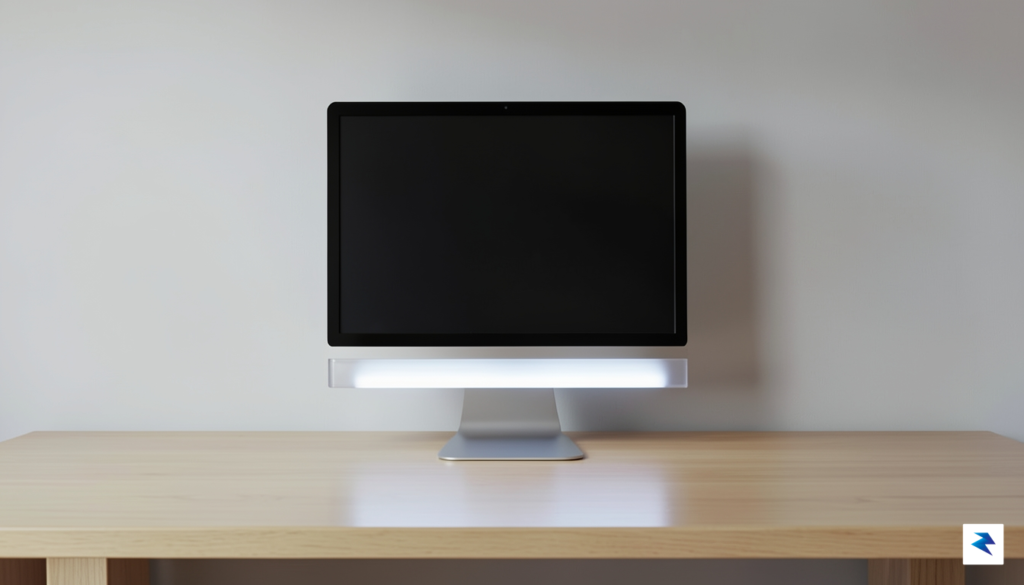
The Busy Bar is a particularly relevant addition to this ecosystem because it mirrors the tactile, intentional design philosophy that made the Flipper Zero a cult phenomenon. Rather than being just another software notification system that relies on intrusive pop-ups, it serves as a tangible anchor for the user’s environment. By providing a customizable, hardware-based interface, it allows professionals to curate exactly what information warrants their immediate attention, effectively turning off the digital firehose. In a world where we are increasingly exhausted by virtual interfaces, the move toward dedicated hardware that feels substantial and reliable represents a shift toward more mindful computing.
The most effective productivity tools are often those that work silently in the periphery, allowing the user to remain deeply immersed in their work without the constant urge to check for updates.
Ultimately, the rise of tools like the Busy Bar signifies a maturation in our relationship with technology. We are moving away from the era of “more is better” and toward a philosophy of intentional interaction, where the quality of our focus is prioritized over the sheer volume of data we consume. By integrating a physical device into the workflow, we create a boundary between our digital responsibilities and our creative output. This is not about escaping technology, but rather about refining how we engage with it, ensuring that our devices serve our needs rather than dictating our attention span.
You must be logged in to post a comment.