The Chevy Silverado EV Paradox: Why This Electric Powerhouse Isn’t Selling
The Electric Truck Paradox: Why the Silverado EV Struggles When General Motors first teased the Silverado EV, the automotive world buzzed with…
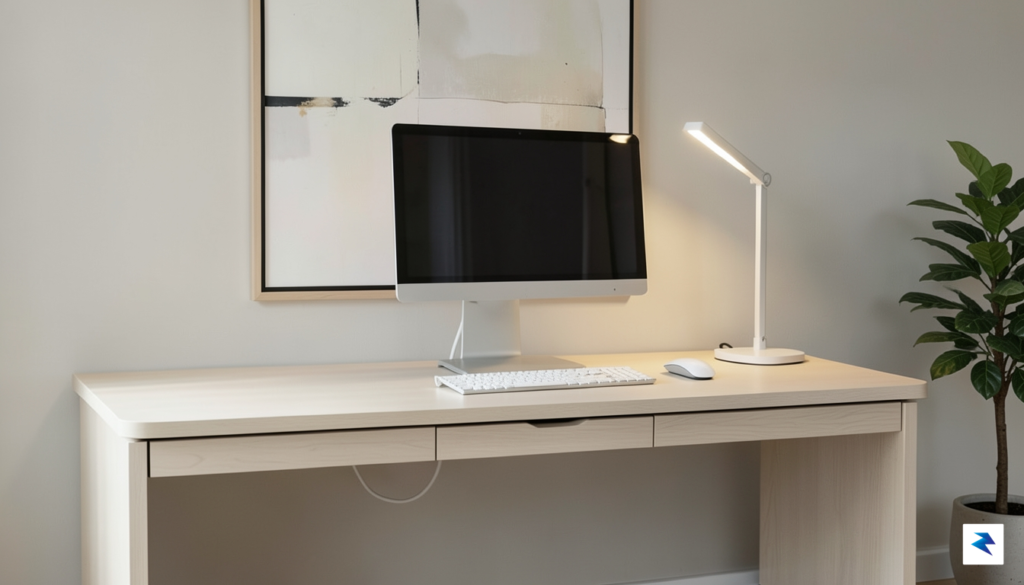
Modern professionals operate in a state of perpetual digital fragmentation, frequently jumping between communication platforms, creative suites, and data management tools. This rapid oscillation creates a significant “context-switching tax,” a cognitive drain that occurs every time we pause to navigate menus, hunt for obscure hotkeys, or fumble through overlapping windows. While our software environments have become increasingly sophisticated and dynamic, our physical interaction points—the standard mouse and keyboard—remain essentially unchanged from the era of the typewriter. These static peripherals force the user to adapt their workflow to the hardware’s limitations, rather than providing a fluid bridge between intention and execution.
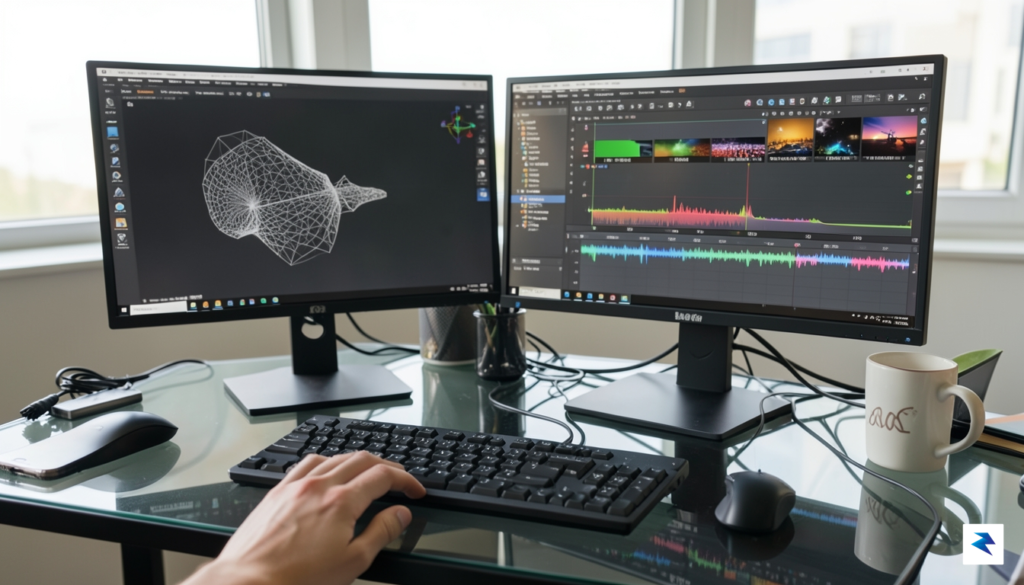
The limitations of traditional input methods become glaringly obvious when one considers the sheer volume of repetitive tasks required in a high-focus environment. Most keyboards are designed for linear text entry, not for the complex, multi-layered commands required to manage a modern digital workspace. When a professional needs to toggle a microphone, switch a camera feed, or trigger a specific macro during a high-stakes meeting, the keyboard often requires a complex combination of keys that breaks the user’s flow. This friction is not merely a minor inconvenience; it acts as a constant interruptor to deep work, forcing the brain to shift focus from the content of the task to the mechanics of the interface.
The true cost of modern productivity isn’t the work itself, but the constant, friction-filled transition between the tools we use to get that work done.
To reclaim our cognitive bandwidth, we must move beyond the “one-size-fits-all” hardware paradigm. The transition from general-purpose peripherals to specialized productivity tools is driven by the necessity for customization and tactile responsiveness. A device that can adapt its function based on the software currently in focus allows the user to maintain their mental momentum, effectively turning the peripheral into an extension of the workspace rather than a static barrier. By shifting the burden of complexity from the user’s memory to the hardware’s interface, we can finally align our physical tools with the agile, fast-paced nature of modern digital workflows.
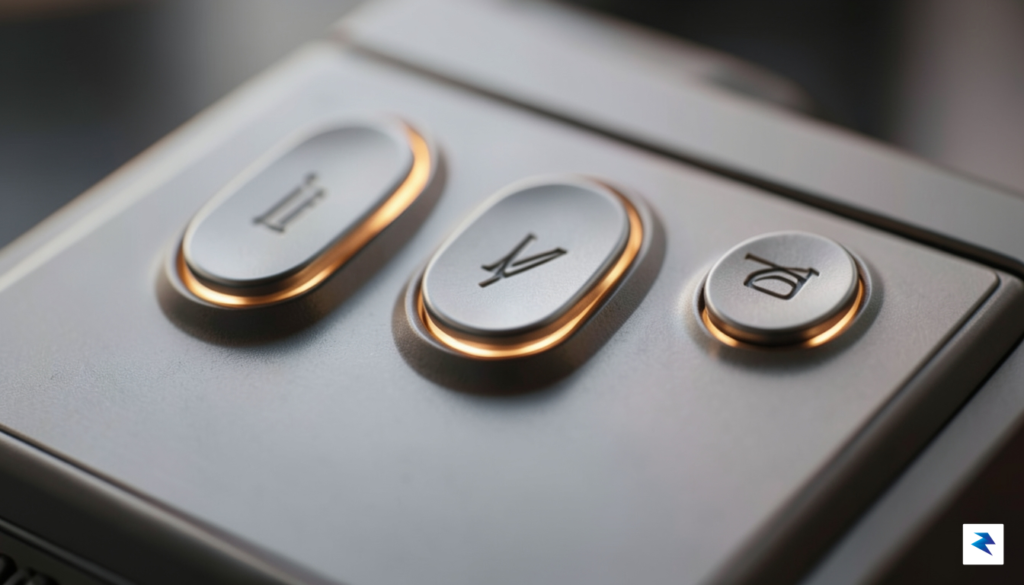
At first glance, the Dune Keypad appears deceptively simple, featuring a minimalist aesthetic defined by a compact, unobtrusive footprint that sits comfortably on any desk. Despite its small size, the device is anchored by three high-quality physical buttons that provide satisfying, tactile feedback with every press. This intentional design choice moves away from the complex, sprawling grids of macro pads that often overwhelm users, opting instead for a streamlined interface that prioritizes muscle memory and ease of use. By stripping away the visual clutter, the hardware forces you to focus on the task at hand rather than hunting for the correct key among dozens of identical switches.
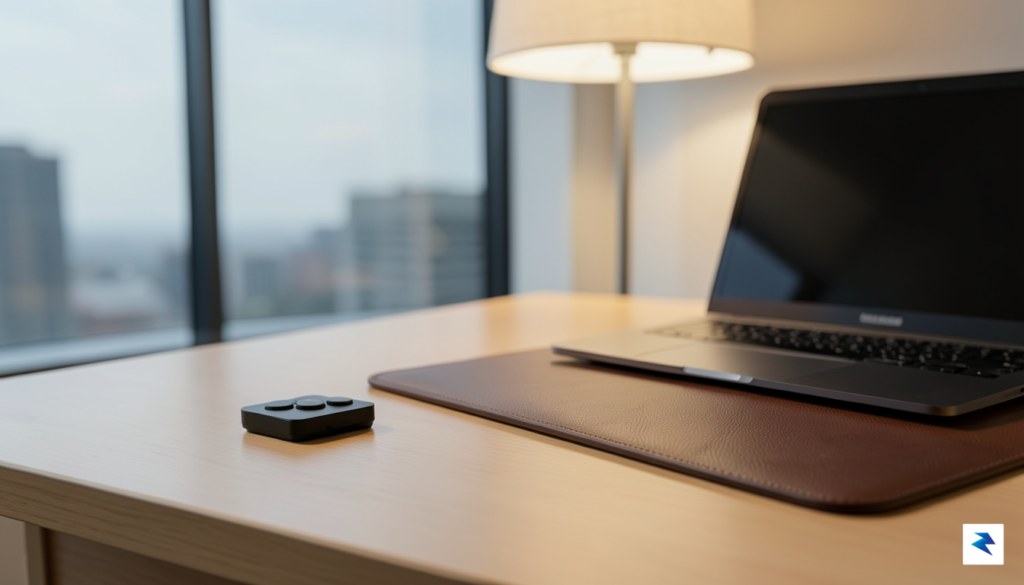
The true genius of the device, however, lies beneath its surface within the intelligent software logic that powers its behavior. Unlike traditional macro controllers that require manual profile switching, the Dune Keypad utilizes context-aware technology to detect which application is currently in the foreground of your operating system. Whether you are navigating a high-stakes Zoom meeting, managing project updates in Slack, or browsing research tabs in your web browser, the keypad instantly rebinds its functions to match your digital environment. This seamless transition eliminates the friction of switching menus, ensuring that your workflow remains fluid and uninterrupted as you move between different professional tools.
The power of the Dune Keypad isn’t in how many buttons it has, but in how intelligently it anticipates what you need to do next based on the software you are using.
By effectively automating the mapping of actions, the device transforms those three physical switches into a versatile command center that evolves with your workday. For instance, in a video conferencing application, the buttons might be automatically mapped to toggling your mute status, enabling your camera, and raising your hand. Conversely, once you shift your focus to a creative suite or a browser, those same physical keys might immediately shift to controlling playback, refreshing pages, or navigating through history. This sophisticated backend logic allows users to harness immense power through a remarkably simple interface, bridging the gap between complex digital workflows and the physical world through an intuitive, reliable, and highly responsive user experience.
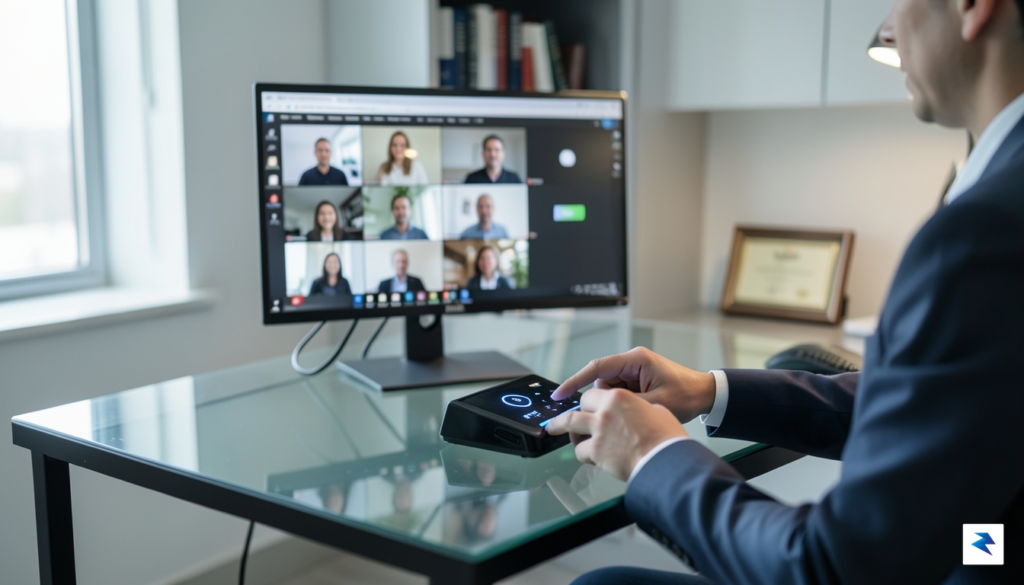
Navigating the modern virtual workspace often feels like a constant battle against digital clutter. We have all experienced the frantic, high-stakes scramble to locate the correct browser tab or window when the host suddenly calls on us to speak, only to fumble with a cursor that refuses to cooperate. The Dune Keypad effectively eliminates this friction by shifting essential meeting controls from the erratic precision of a computer mouse to the reliable, tactile certainty of physical buttons. By mapping functions like mute, unmute, and camera toggling to dedicated hardware, you no longer need to hunt for interface buttons buried deep within a crowded taskbar. This transition to physical controls means that your primary focus remains entirely on the conversation and the content being presented, rather than the software interface itself.
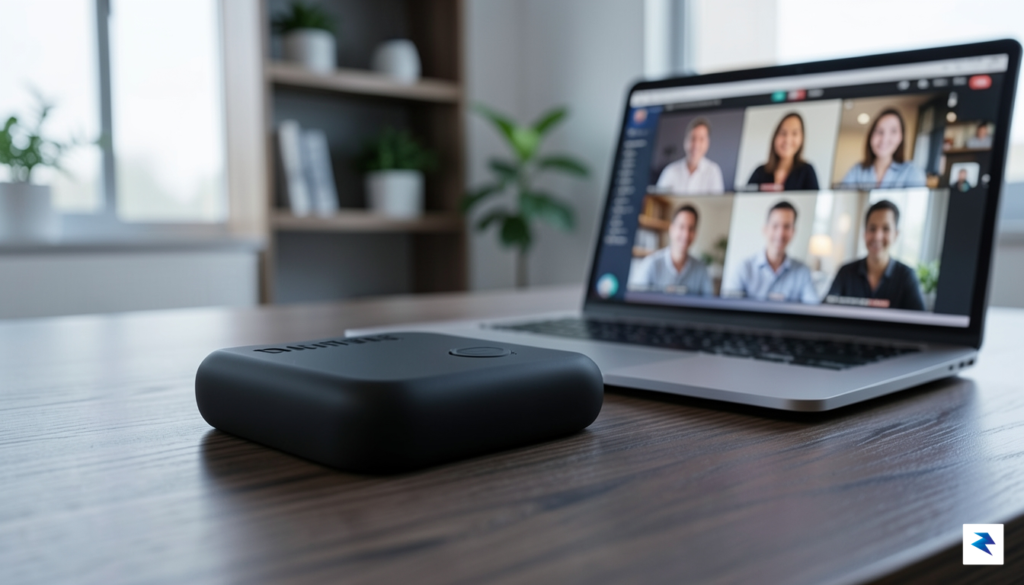
Beyond the simple convenience of silencing your microphone, the Dune Keypad offers a sophisticated level of control that transforms how you interact with your digital environment. Imagine the psychological relief of having a dedicated “Focus” button that instantly brings your meeting window to the foreground, regardless of how many documents or applications you have open. This tactile feedback loop creates a sense of confidence; you know exactly which action you are triggering because you can feel the physical press of the switch. Furthermore, by removing the need to hover and click through software menus, you reduce the cognitive load associated with multitasking. You are no longer “managing” the meeting software; you are simply participating in the meeting, with the technology working silently and efficiently in the background.
The true power of the Dune Keypad lies in its ability to turn complex software maneuvers into muscle memory, allowing users to reclaim their focus during high-pressure professional interactions.
Integrating this device into your daily workflow also promotes a more professional presence during video calls. When you don’t have to stare intently at your screen to find the “stop video” icon, your eyes remain locked on your colleagues or the presenter, maintaining a level of engagement that is often lost when one is distracted by interface navigation. This subtle shift in behavior conveys attentiveness and competence to everyone in the room. Whether you are toggling your camera feed to step away for a moment or muting your audio to prevent background noise from interrupting a flow of ideas, the Dune Keypad provides a seamless, professional experience that elevates your virtual communication to a more natural, human-centric level.
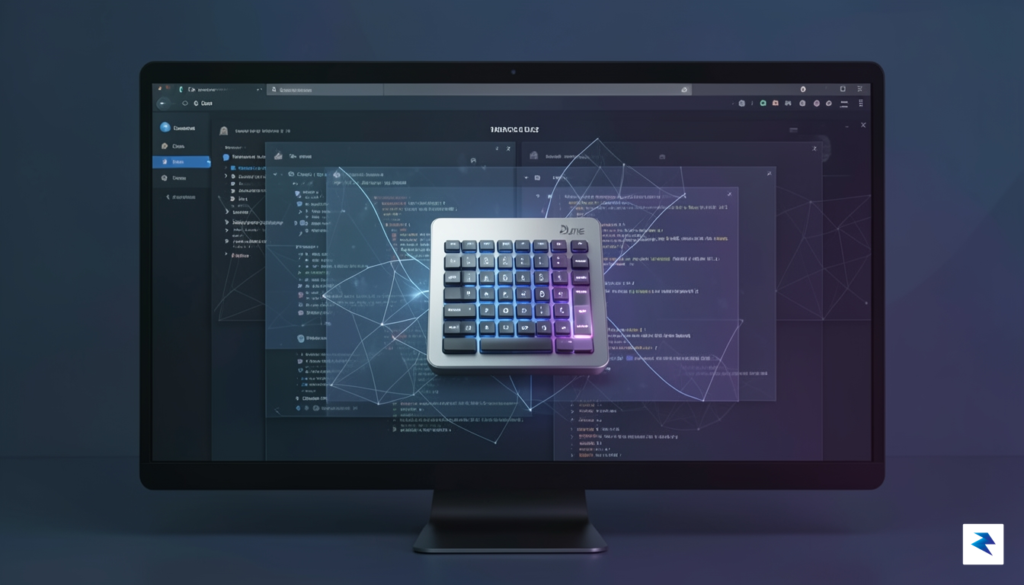
The true brilliance of this interface lies in its sophisticated background architecture, which acts as a silent digital companion that anticipates your next move before you even realize you have changed tasks. Unlike traditional macro pads that tether you to rigid, static configurations, this device utilizes an active event-monitoring system that tracks the foreground application in real-time. By constantly polling the operating system’s process tree, the controller ensures that its button mappings are perpetually synchronized with your current environment. This eliminates the cognitive friction typically associated with manual profile switching, as the hardware adapts instantaneously to the context of your workflow without requiring any physical intervention or menu navigation.
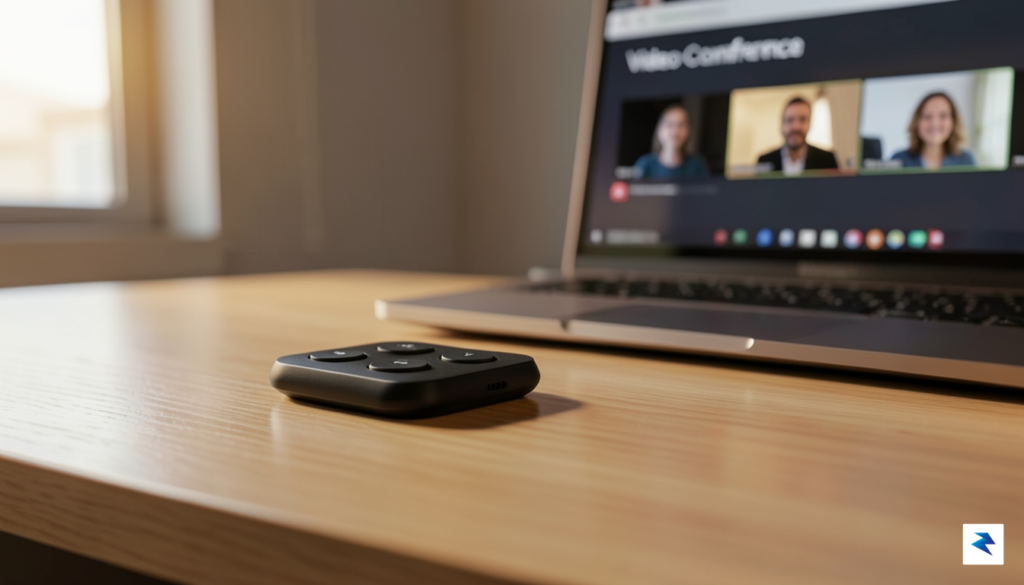
Traditional programmable controllers often force users into a state of “manual management,” where you must remember which layer is active or press a dedicated button to cycle through profiles. This requirement creates a jarring break in concentration, effectively pulling you out of your “flow state” and forcing you to interact with the tool rather than the work itself. By automating this transition, the device removes the barrier between intention and execution. Whether you are jumping from a complex spreadsheet to a high-definition video call or shifting from a creative design suite to a code editor, the device recognizes the shift in milliseconds. This seamless transition ensures that the buttons you press always perform the intended action for the specific software you are currently utilizing.
By automating the transition between software environments, the device effectively preserves the user’s cognitive momentum, turning a series of fragmented digital tasks into a continuous, fluid experience.
The underlying software layer is optimized for low-latency feedback, meaning there is no perceptible delay between clicking into an application window and the keypad updating its internal logic. This responsiveness is critical for professionals who rely on rapid context switching to manage busy schedules. By minimizing the time spent navigating software interfaces or adjusting hardware settings, you gain back precious seconds throughout the day that would otherwise be lost to administrative overhead. Ultimately, this device transforms the way you interact with your computer by treating the hardware as an extension of your intent, rather than a separate peripheral that demands constant supervision and manual configuration.
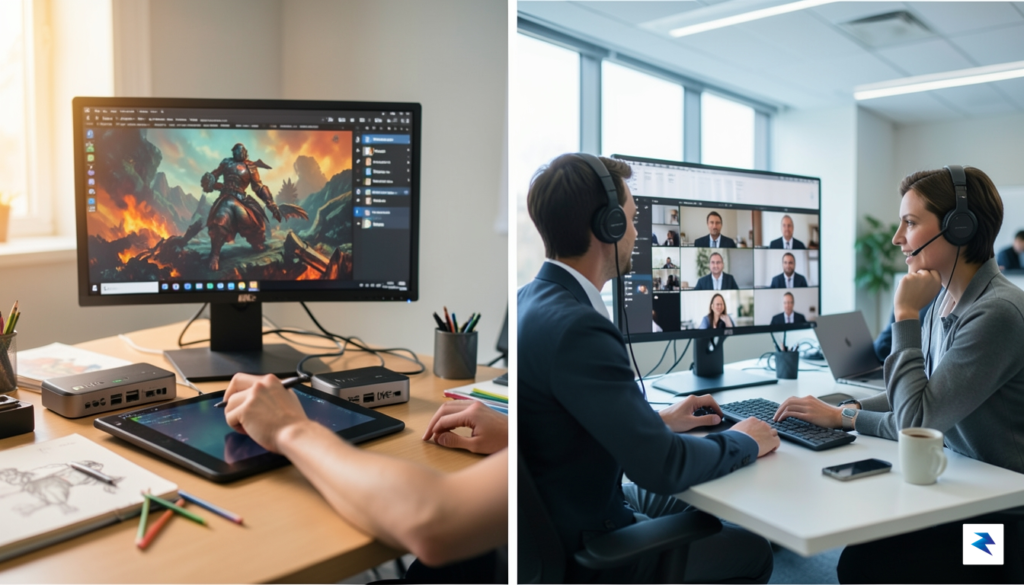
While the initial appeal of a minimalist controller often centers on streamlining the chaos of virtual conferences, the true power of the Dune Keypad lies in its potential to act as a universal command center for your entire digital workspace. By transcending its role as a mere mute-and-camera toggle, this device invites users to rethink how they interact with complex software suites. Whether you are a video editor scrubbing through a timeline, a developer managing terminal windows, or a writer navigating dense research tabs, the ability to map physical actions to software commands drastically reduces the cognitive load of switching between applications. Instead of memorizing obscure keyboard shortcuts or hunting through nested menus, you can assign high-frequency tasks directly to your fingertips, turning repetitive maneuvers into fluid, subconscious gestures.
The beauty of this hardware configuration is found in its deceptive simplicity. Though it offers only three physical buttons, power users can leverage multi-level mapping and layered configurations to unlock dozens of unique commands. By utilizing shift-keys or context-aware software profiles, a single button can perform an entirely different action depending on which application is currently in focus. For instance, in a creative suite like Adobe Premiere or Photoshop, these buttons might trigger precision adjustments or instant export macros, while in a web browser, they could effortlessly manage tab navigation, history searching, or screen captures. This versatility ensures that the hardware remains relevant even as your daily tasks evolve, providing a scalable solution that grows alongside your professional needs.
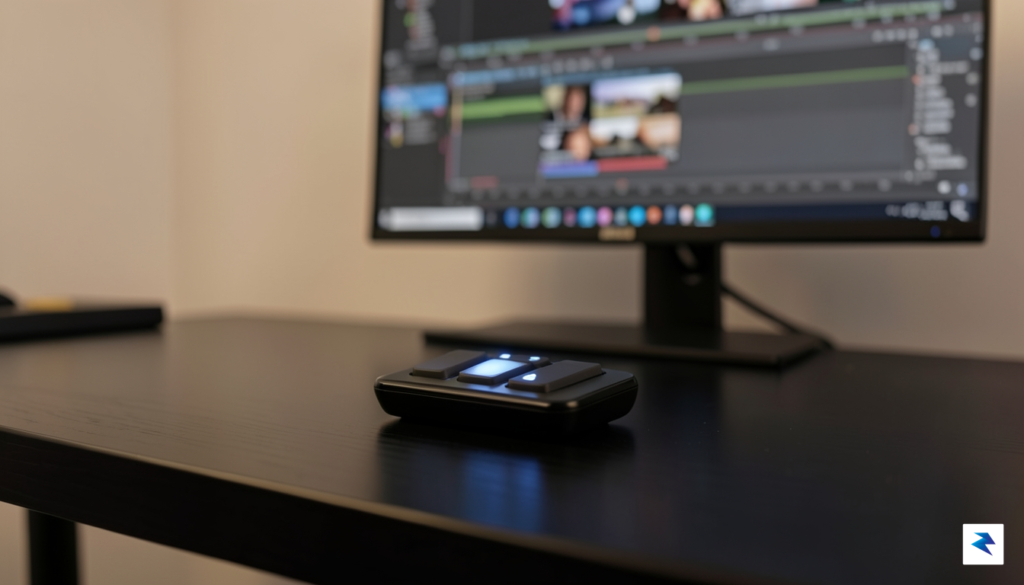
The true measure of a productivity tool is not how many buttons it provides, but how effectively it disappears into your workflow, making complex tasks feel like second nature.
Furthermore, the deep integration capabilities allow for a seamless transition between different modes of operation. Rather than struggling with manual system management or cumbersome trackpad gestures, you can program the Dune Keypad to act as a system-level controller, handling volume, brightness, or even launching specific workspaces with a single tap. This shift toward a hardware-centric control scheme fosters a more tactile and deliberate interaction with your computer. By offloading repetitive mouse clicks to a dedicated peripheral, you not only save time but also create a more ergonomic and focused environment. Ultimately, the device functions as a bridge between human intent and software execution, proving that you do not need an overwhelming array of switches to gain total control over your digital environment.
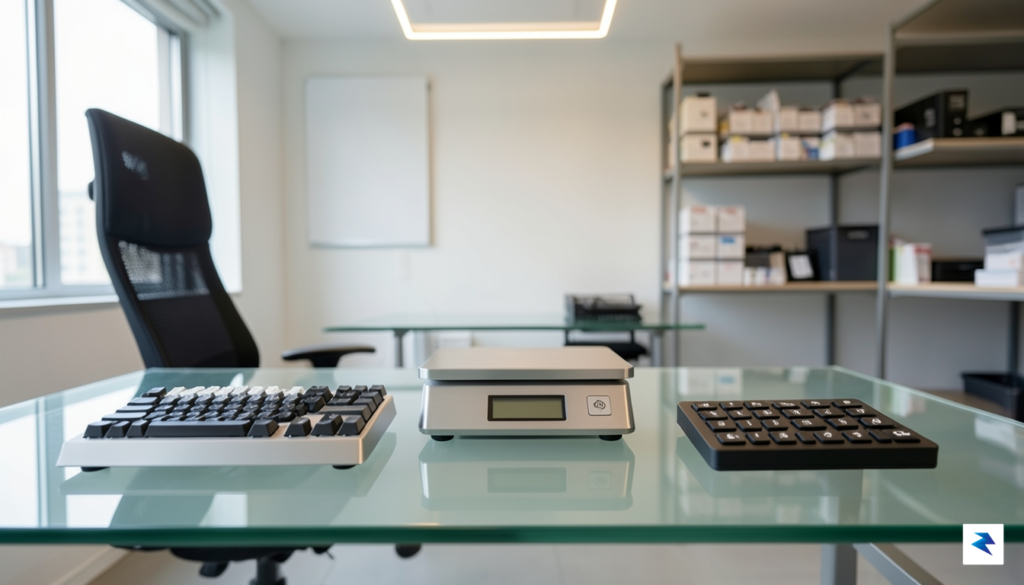
Determining whether a specialized macro pad like the Dune Keypad belongs on your desk requires a candid look at your daily digital workflow. For the casual user, the added complexity of mapping buttons and managing yet another peripheral might feel like an unnecessary hurdle. However, for remote workers juggling endless video calls, content creators managing complex OBS scenes, or corporate professionals buried in spreadsheet macros, the barrier to entry is quickly offset by the tangible reduction in cognitive load. The real question is not whether the device is a gadget, but whether your current keyboard and mouse setup is creating invisible friction that limits your creative or analytical flow.
The primary trade-off involves the physical real estate of your workspace versus the objective gains in speed. Modern desks are often cluttered with monitors, microphones, and audio interfaces, making the addition of a new piece of hardware a significant commitment. Yet, when you consider that a dedicated macro pad allows you to trigger intricate multi-step commands with a single physical press, the “space tax” begins to look more like an investment in efficiency. By offloading repetitive tasks to a tactile interface, you liberate your primary keyboard for actual input, effectively creating a dual-layered control system that feels far more intuitive than memorizing endless software shortcuts.
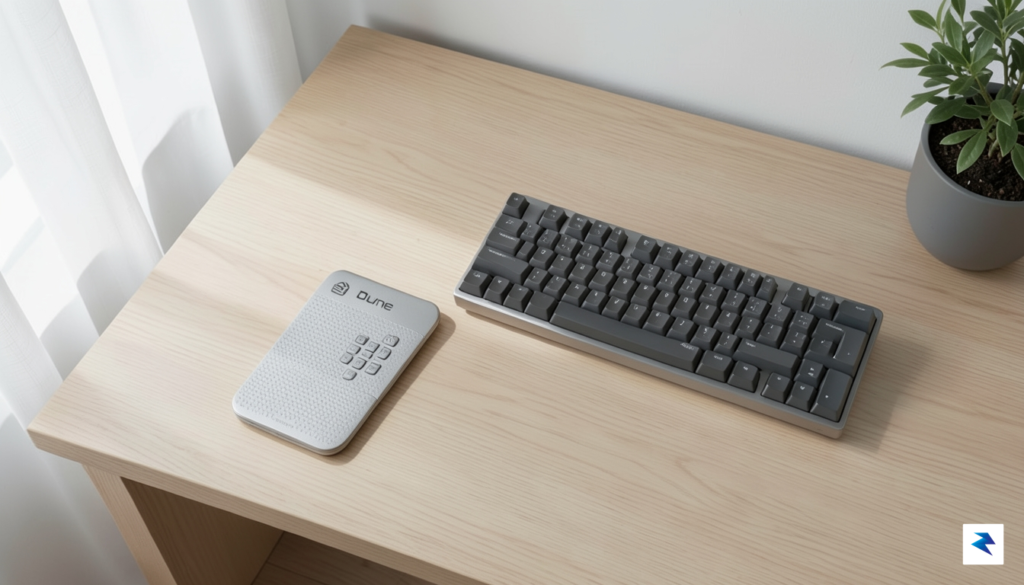
The true value of a specialized controller lies in its ability to turn complex, multi-click sequences into a single, reliable tactile action, effectively removing the margin for error in high-pressure environments.
Ultimately, the utility of this hardware innovation depends on the nature of your software stack and the frequency of your repetitive actions. Those who spend their days toggling between muted microphones, screen sharing, and application switching will find that a dedicated controller transforms these clumsy software-based interactions into fluid, physical reflexes. While there is undeniably a learning curve involved in programming the device to suit your unique needs, the long-term benefit is a more streamlined, responsive, and professional experience. If you find yourself constantly hunting for the right icon in a crowded taskbar or struggling to remember obscure keyboard combinations under pressure, the investment in a dedicated macro pad is likely to be a genuine game-changer for your daily productivity.
You must be logged in to post a comment.