Is the $50 Off Nintendo Switch 2 Bundle Worth the Hype?
Is the Nintendo Switch 2 Worth the Investment? The evolution from the original Nintendo Switch to the next-generation iteration represents…

For many enthusiasts, the appeal of a self-hosted media server lies in the promise of total autonomy and the ability to access a personal library regardless of external internet conditions. However, a recent wave of connectivity issues served as a stark reminder of the underlying architecture that powers the platform. Over the course of several hours, users across the globe reported an inability to access their movies, television shows, and music libraries, leading to a surge of activity on forums like Reddit and the official Plex support boards. As reports flooded in, it became clear that this was not an isolated glitch affecting a single region or server configuration, but rather a widespread disruption that effectively locked thousands of users out of their own digital collections.
The frustration was palpable, particularly for those who view their media server as a reliable, “always-on” utility for their home entertainment systems. Because Plex relies on centralized authentication servers to verify user credentials and facilitate secure connections, even those with perfectly functional local hardware found themselves staring at login screens or “server unreachable” errors. This design choice—often intended to streamline remote access and ensure secure communication between the client and the server—created a single point of failure that rippled through the entire ecosystem. When those centralized servers struggled to respond, the handshake required to validate a user’s identity simply failed, rendering perfectly healthy local libraries inaccessible.
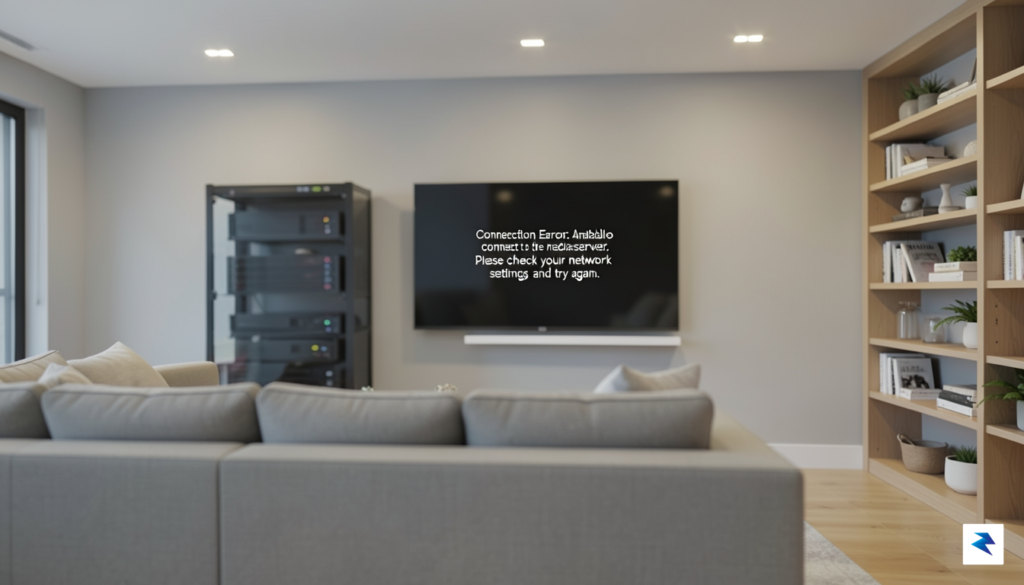
The incident highlights a fundamental tension in modern digital media: the convenience of cloud-integrated interfaces versus the desire for true, offline-capable ownership of personal content.
The timeline of the event was characterized by an initial period of confusion, as users scrambled to troubleshoot their local network settings, modem configurations, and firewall rules, only to discover that the issue originated entirely on the provider’s end. As the downtime extended, the conversation shifted from troubleshooting to a broader critique of the platform’s dependency on cloud-based authentication. While the company eventually acknowledged the disruption and worked to restore services, the event left a lingering impact on the community. For many, the outage was more than just a momentary inconvenience; it was a wake-up call regarding how much control they truly retain over their own local media when the software’s “phone home” requirement remains an unavoidable gatekeeper to their private libraries.
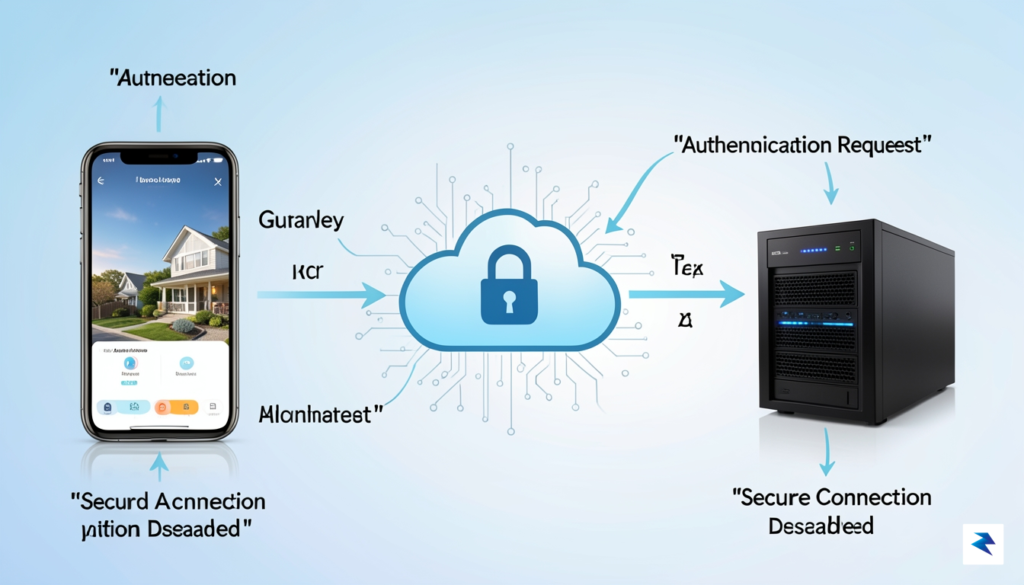
At its core, Plex is designed to act as a personal media hub, allowing users to aggregate their own files into a Netflix-like interface. However, the software relies on a hybrid architecture that necessitates a persistent link to Plex’s central cloud servers, specifically plex.tv. When you launch the application, your media server communicates with these external endpoints to facilitate authentication, verify your Plex Pass status, and synchronize user profiles. This handshake is essential for the “Plex Home” architecture, which manages complex permission structures, multi-user accounts, and parental controls. By offloading identity management to the cloud, Plex ensures that your personalized settings and watch states remain consistent across every device in your home, from smart TVs to mobile phones.
The dependency on these central servers becomes most apparent when attempting to facilitate secure remote access. Rather than requiring users to manually configure complex port forwarding or manage dynamic DNS settings on their routers, Plex utilizes a cloud-based relay system. When you are away from home and connect to your server, the platform acts as a secure broker, punching a hole through your firewall to establish an encrypted tunnel between your remote device and your home-based media library. While this “plug-and-play” remote access is arguably one of the most celebrated features of the platform, it creates a single point of failure; if the handshake server that facilitates this connection experiences downtime, your devices lose their ability to “see” your media, even if your local server is technically running perfectly.
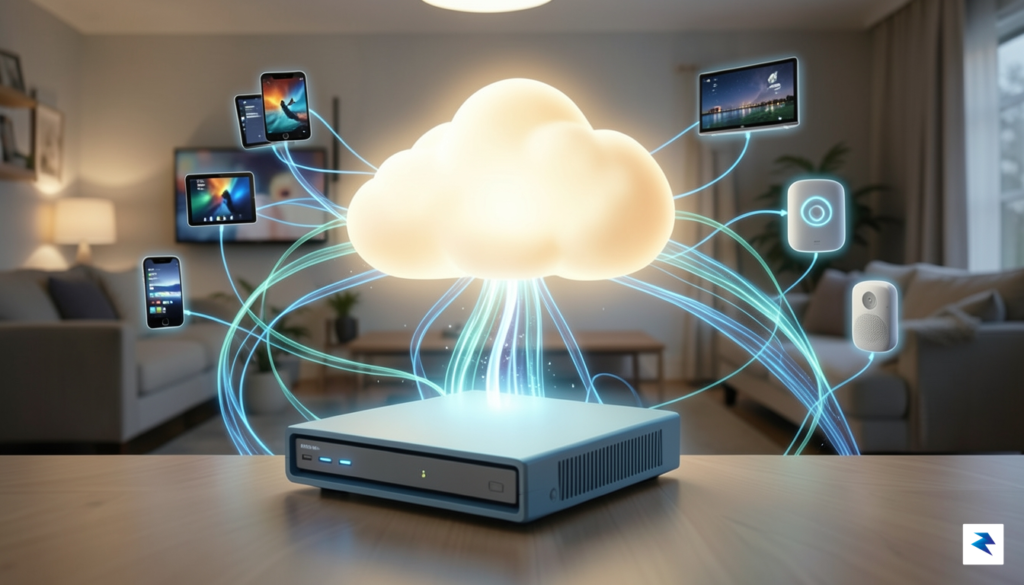
The trade-off for seamless ease of use is a structural reliance on external infrastructure that sits outside of the user’s local network.
This architecture is ultimately a trade-off between user convenience and absolute autonomy. By centralizing authentication and remote connectivity, Plex spares the average user from the technical headaches of maintaining an exposed, manually secured server. However, this convenience comes at the cost of total independence. When the company’s authentication services go offline, the software’s internal security checks fail to validate the user session, effectively locking the doors to your own digital library. For many power users, this highlights a significant vulnerability: the gap between a truly local, self-hosted system and a cloud-dependent service that wears the mask of a local application.
To mitigate these risks, some advanced users opt to configure local network bypasses or utilize alternative software entirely; however, for the vast majority of subscribers, the convenience of the cloud-managed ecosystem remains the primary appeal. Understanding this relationship is key to recognizing why a simple software glitch at the headquarters can render a home theater system completely inaccessible. In the modern era of streaming, even “local” media has become inextricably linked to the global internet, bridging the gap between physical files on a hard drive and the sophisticated cloud services required to organize, secure, and broadcast them.
The recent instability experienced by Plex users serves as a profound, albeit frustrating, reminder that our modern digital media libraries are rarely as autonomous as we believe them to be. While many enthusiasts build personal media servers under the assumption that they are creating a private, offline-capable vault, the reality is that much of the software governing these collections is tethered to a centralized “mothership.” When the authentication servers or metadata services provided by the developer experience an outage, the illusion of total ownership evaporates. This creates a jarring experience where users, despite hosting their own files on local hardware, find themselves unable to access their own content because the software requires a digital “handshake” with a remote server that is currently unreachable.
This reliance raises significant questions about the nature of modern digital stewardship. We have largely transitioned from a model of tangible ownership—where a physical disc or file remains functional indefinitely—to a model of licensed, cloud-tethered access. Even when the media itself is stored locally, the infrastructure required to navigate, organize, and stream that media often operates on a permission-based system. If the developer’s infrastructure is down, the interface that organizes your movies, music, and photographs essentially becomes a locked door. Consequently, users are forced to confront the fact that they do not strictly own their media ecosystem; rather, they are leasing access to the tools required to enjoy it.
The core vulnerability of modern media software lies in the trade-off between convenience and autonomy. By prioritizing seamless cloud-synced experiences and remote authentication, developers have inadvertently introduced a single point of failure into what was once a purely local hobby.
For many, this outage acts as a necessary wake-up call regarding the fragility of our digital dependencies. It prompts a shift in perspective, encouraging users to evaluate whether their media stacks are resilient enough to survive an internet blackout or a corporate service shutdown. While the convenience of centralized authentication—such as easy remote access and unified metadata—is undeniable, it comes at the cost of absolute control. As we move further into an era where software-as-a-service (SaaS) models dominate, the ability to maintain truly independent, local-only media environments is becoming a rare and technically demanding pursuit.
Ultimately, the risk is not just about a temporary inability to watch a movie; it is about the broader philosophical shift toward digital precarity. When we outsource the management of our libraries to third-party servers, we surrender a degree of sovereignty over our personal collections. Moving forward, a more robust approach to media management might involve diversifying one’s toolkit. By exploring open-source alternatives, maintaining offline backups of metadata, or configuring systems that do not require external authentication, users can reclaim the independence that initially drew them to home media servers in the first place.
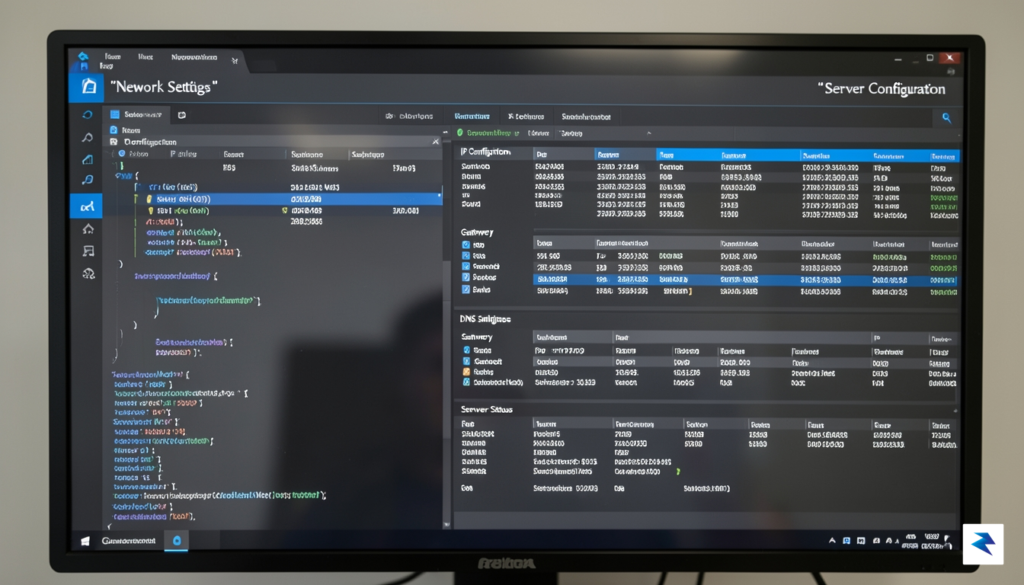
To reduce your reliance on Plex’s centralized authentication servers, you can configure your media server to bypass the standard login requirement for devices on your local network. This is achieved by modifying the List of IP addresses and networks that are allowed without auth setting found within the Plex Web interface. By specifying the subnet of your home network, you essentially instruct your server to trust any device connecting from within your local walls, effectively shielding your viewing experience from temporary cloud-based outages or internet service provider disruptions.
To implement this, navigate to your server’s Settings, select the Network tab, and scroll down to the advanced settings section. You will need to enter your network range using CIDR notation, such as 192.168.1.0/24. Once saved, devices on that network will be able to access your media library without needing to authenticate against Plex’s primary servers. However, it is vital to understand that this setting is not a magic fix for every scenario, as it comes with distinct trade-offs that you must carefully consider before making the change.
Important Note: This configuration only applies to connections initiated within your local area network (LAN). It does not provide access to your server from the outside world if the central Plex authentication service is unreachable.
When you enable this local-only bypass, you may notice that certain premium features or cloud-dependent functionalities become restricted. For instance, because the server is no longer verifying your account credentials through the cloud, metadata fetching for new media might stall, and your “Watched” status may not sync across your broader Plex account. Furthermore, this method is strictly intended for local playback; it will not help you stream your library while you are away from home if the main authentication servers are down. Because of these limitations, many users choose to keep this configuration as a backup rather than a permanent state, toggling it only when they encounter connectivity issues.
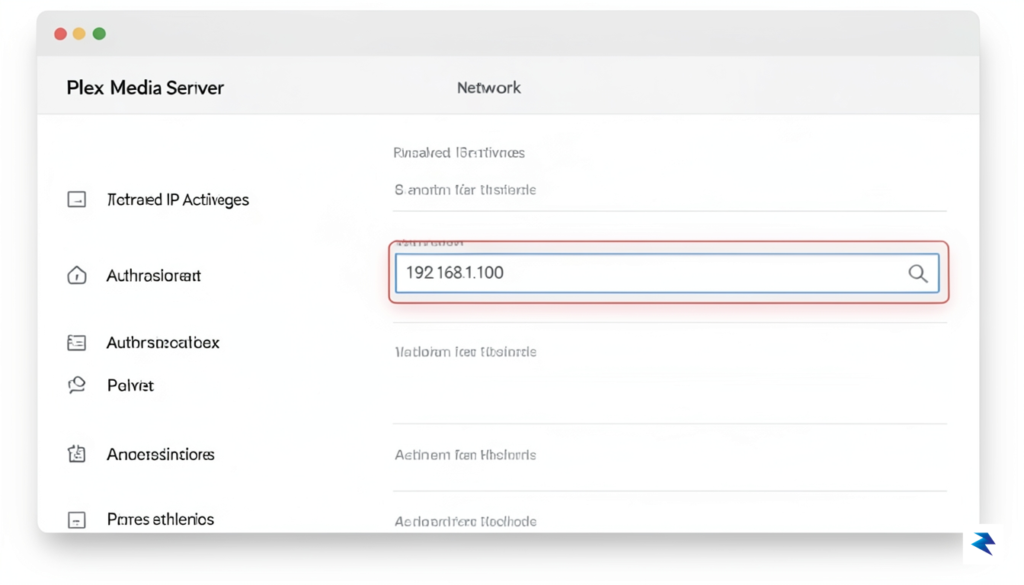
Before applying these changes, ensure that your server has a static local IP address assigned via your router’s DHCP reservation settings. If your server’s local IP address changes unexpectedly, the authentication bypass could fail, leading to confusing access errors. By maintaining a stable network environment and using this local-only toggle as an emergency fail-safe, you can ensure that your movie night remains uninterrupted, regardless of the status of Plex’s external infrastructure. It is all about finding a balance between the convenience of a modern, account-based streaming ecosystem and the reliability of a truly local, self-hosted media server.
The recent challenges faced by users trying to access their meticulously curated media libraries highlight a critical vulnerability in modern streaming solutions: an often-unseen reliance on external cloud infrastructure. While services like Plex offer unparalleled convenience, their hybrid nature – a local server coupled with cloud-based authentication and metadata services – means that even if your internet connection is robust, an issue at the service provider’s end can render your entire local collection inaccessible. This scenario has prompted many tech-savvy individuals and privacy advocates to re-evaluate their media management strategies, seeking solutions that truly put the user in command, irrespective of external factors or corporate decisions.
For those seeking genuine autonomy over their digital archives, a new generation of self-hosted media server software has emerged as a compelling alternative. These platforms are engineered with an “offline-first” philosophy, prioritizing local control and eliminating dependencies on external cloud services for core functionality. Chief among these robust alternatives are Jellyfin and Emby, both of which offer powerful features for organizing, streaming, and enjoying your movies, TV shows, music, and photos. Unlike their more mainstream counterparts, these solutions empower users to create a truly personal and resilient media ecosystem within their own homes, ensuring continuous access to their content without compromise.
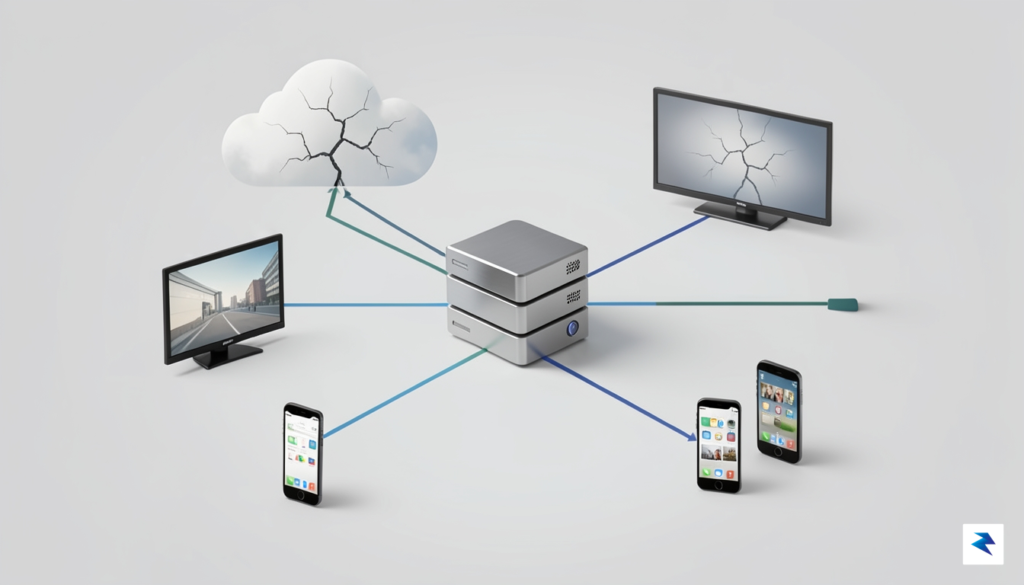
The fundamental difference between these platforms often lies in their approach to user authentication and external dependencies. Plex, for instance, typically routes user logins through its central plex.tv servers, even for local network access, unless specific advanced settings are meticulously configured to allow limited local fallback. This design, while simplifying remote access and user management, introduces a single point of failure that can disrupt local streaming if Plex’s cloud services experience an outage. Emby, another strong contender, offers more flexibility; while it has an optional “Emby Connect” cloud service for easier remote access and profile management, it can be configured to operate entirely locally, managing user accounts directly on your server without mandatory external authentication.
However, it is Jellyfin that truly embodies the spirit of complete local autonomy. As a fully open-source and community-driven project, Jellyfin is designed from the ground up to operate without *any* mandatory cloud integration whatsoever. Every aspect, from user authentication and profile management to metadata retrieval (though it can pull from online sources if available), is handled directly by your local server. This means that once your Jellyfin server is set up, you can stream content to any device on your local network even if your internet connection is down, or if Jellyfin’s developers were to vanish entirely. This complete severance from external services offers unparalleled privacy, security, and — most importantly — uninterrupted access to your media library, a critical advantage for power users and those deeply concerned with digital independence.
The implications of this “no-cloud-required” model extend far beyond mere convenience during an internet outage. It provides a level of data sovereignty and privacy that cloud-dependent solutions simply cannot match. Users retain full control over their personal data, their viewing habits, and their media library, free from the prying eyes of third-party services or potential data breaches. For those who invest significant time and effort into curating their digital collections, the peace of mind that comes with knowing their access is entirely within their control, immune to external service disruptions or policy changes, is an invaluable benefit. This focus on user empowerment makes Jellyfin, and to a significant extent Emby, the preferred choice for discerning users building robust, future-proof home media systems.
You must be logged in to post a comment.