Meta Under Fire: Why the EU is Targeting Addictive Social Media Design
Understanding the EU's Digital Services Act Crackdown The European Union’s recent formal inquiry into Meta represents a landmark shift in…
The landscape of mobile security in Southeast Asia has shifted dramatically with the emergence of RedHook, a highly sophisticated strain of Android malware that has fundamentally changed the playbook for digital fraud. Unlike earlier generations of mobile threats that relied on simple data harvesting, RedHook represents a specialized, targeted effort to compromise the integrity of the entire operating system. By masquerading as essential financial and government service portals, the malware lures users into a false sense of security, effectively weaponizing the very tools people rely on to manage their daily lives. Once installed, RedHook does not merely sit in the background; it establishes a persistent, high-level connection to remote command-and-control servers, granting attackers near-total visibility and control over the infected device.
At its core, RedHook is designed for comprehensive device takeover and stealthy data exfiltration. Upon gaining the necessary permissions—which it extracts through clever social engineering—the malware can intercept incoming SMS messages, monitor keystrokes, and even capture sensitive screen data in real-time. This level of technical sophistication far surpasses typical adware or basic credential stealers. The attackers behind this campaign are not just looking for quick one-off transactions; they are aiming to capture multi-factor authentication codes and banking credentials that allow them to bypass traditional security layers. By operating deep within the Android architecture, the malware can hide its tracks, making it exceptionally difficult for the average user or standard security software to detect its presence until it is far too late.
RedHook succeeds because it exploits the trust users place in official-looking digital interfaces, turning their own mobile habits against them.
The psychological manipulation employed by the creators of RedHook is perhaps its most dangerous attribute. The malware distribution relies heavily on convincing users to download malicious APK files from unofficial sources, often through phishing campaigns that mimic urgent government notifications or banking alerts. These messages are crafted with professional-grade polish, often using legitimate logos and branding to create a sense of manufactured urgency. By pressuring users to act quickly—to “update their account” or “verify their tax status”—the scammers bypass the critical thinking that might otherwise prevent a user from installing an unverified application. This human-centric approach to exploitation highlights a troubling trend: the technical barrier to entry for cybercrime is dropping, while the psychological expertise used to bypass human scrutiny is reaching new, alarming heights.
As this threat continues to propagate across Southeast Asia, it serves as a stark reminder of how fragile mobile security can be when confronted with persistent, state-level sophistication. The shift from generic malware to highly tailored, institutional-looking threats suggests that the perpetrators are well-funded and deeply invested in their operations. For the average user, the takeaway is clear: the safety of a mobile device is no longer guaranteed by app store vetting alone. Staying informed about the latest tactics and maintaining a healthy skepticism toward unsolicited links is now an essential part of basic digital hygiene in an era where our phones are the keys to our financial and personal lives.
The primary mechanism that allows RedHook to compromise an Android device is its sophisticated exploitation of the operating system’s Accessibility Services. Originally designed to assist users with disabilities by allowing apps to read screen content and perform actions on the user’s behalf, these services are essentially granted “god-mode” permissions. When a user is tricked into installing a fake banking application, the malware prompts them to enable these settings under a benign pretense, such as “optimizing system performance” or “enabling secure verification.” Once enabled, RedHook gains the ability to see everything on the user’s screen, click buttons, and interact with other installed apps without any further user intervention.
Once the malware has established this foothold, it begins its surveillance operations by leveraging the very permissions granted to it. RedHook functions as a silent observer, logging every keystroke entered into the device, which inevitably captures banking credentials, passwords, and private messages. Beyond simple logging, the malware can intercept incoming SMS messages—the standard method for two-factor authentication (2FA) codes—allowing attackers to bypass secondary security hurdles entirely. By programmatically filling in forms and navigating through banking interfaces, the threat actor can initiate fraudulent transfers or drain accounts while the victim remains completely unaware that their device is being remotely operated.
The danger of RedHook lies in its ability to mimic human interaction, effectively turning the victim’s own phone into an accomplice in the theft of their digital assets.
To ensure long-term persistence, the malware employs several techniques to evade standard security scans and manual detection. It often hides its malicious activity by cloaking its icon or operating within the background as a seemingly harmless system process. Furthermore, RedHook frequently checks for the presence of debugging tools or security software, and if detected, it may temporarily suspend its malicious behavior to avoid triggering an alert. This cat-and-mouse game is bolstered by the malware’s ability to communicate with command-and-control (C2) servers, which allow attackers to push updates to the malware code, effectively changing its signature to stay ahead of antivirus databases.

Ultimately, the malware creates a dangerous environment where the user’s trust in their device is weaponized against them. Because the permissions were granted by the user, the operating system treats the malware’s activities as authorized actions rather than unauthorized intrusions. This sophisticated manipulation of Android’s security architecture makes it incredibly difficult for the average user to identify the infection, as the malware leaves no obvious footprint of its presence until the damage is already done. By the time a victim notices unauthorized transactions or account lockouts, the attackers have typically already funneled the stolen funds through multiple layers of obfuscation, making recovery nearly impossible.
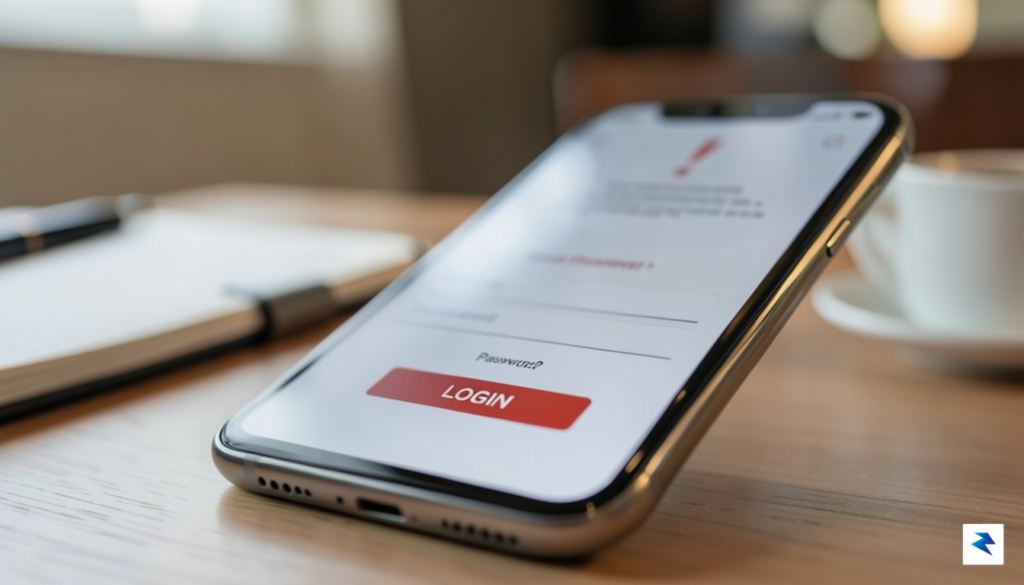
The success of the RedHook malware campaign hinges on a meticulous, multi-layered deception strategy that exploits human psychology rather than just software vulnerabilities. Scammers no longer rely on clunky, obvious phishing attempts; instead, they have pivoted toward high-fidelity replicas that mirror the digital ecosystems of major banks and government agencies. By investing heavily in professional-grade UI/UX design, these attackers ensure that their malicious applications look, feel, and function exactly like the genuine portals users trust. This visual parity is the cornerstone of their operation, effectively lowering the victim’s natural defenses before the malicious payload is ever triggered.
Distribution begins through a carefully orchestrated outreach phase, often utilizing social media messaging platforms and SMS phishing, commonly known as smishing. These initial touchpoints are crafted to create a sense of urgency or administrative necessity, such as a fake notification regarding an account suspension, a pending tax refund, or an unverified government document. Because these messages often arrive through channels where users feel comfortable, such as WhatsApp or Line, the barrier to entry for the scammer is significantly lowered. Once the target engages with the provided link, they are directed to a perfectly spoofed landing page that mirrors the legitimate institution’s branding, complete with official logos, consistent color palettes, and even functional customer support chat interfaces.
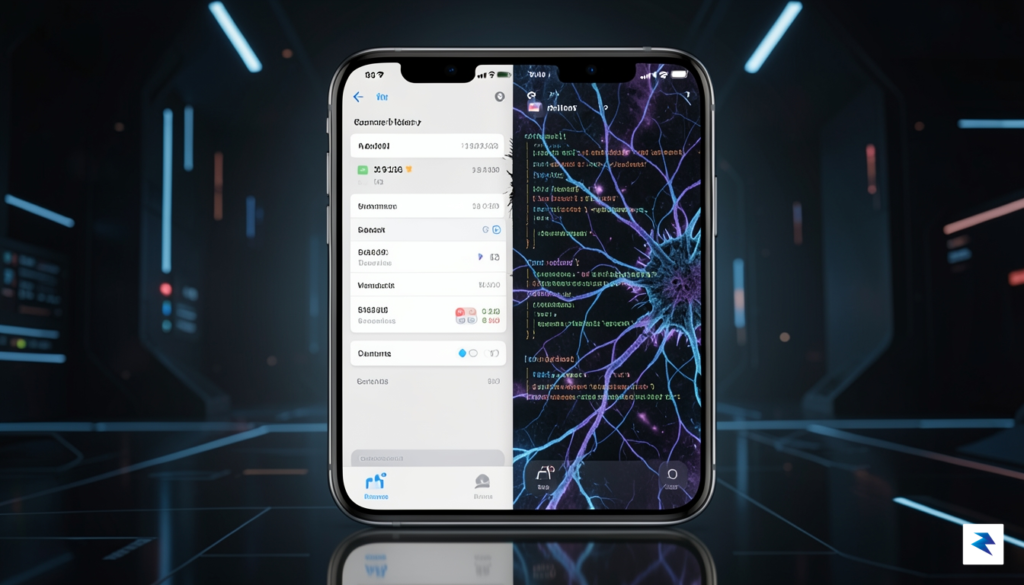
This “trust-building” phase is perhaps the most insidious part of the entire attack lifecycle. The scammers understand that for a user to grant the invasive permissions required for the malware to take control of the Android operating system—such as Accessibility Services—the user must be thoroughly convinced of the app’s legitimacy. They guide the victim through an installation process that mimics standard software updates, often instructing the user to disable security settings under the guise of “compatibility requirements” or “security patches.” By the time the user realizes something is wrong, the malicious app has already embedded itself into the device’s core, granting the attackers remote access to intercept credentials, monitor keystrokes, and even bypass two-factor authentication in real-time.
The sophistication of these campaigns lies in their ability to weaponize familiarity; when a user sees an interface they interact with daily, their critical thinking is often bypassed by an assumption of safety.
Ultimately, these threat actors operate more like digital con artists than traditional hackers. They rely on a consistent feedback loop where the visual polish of their fake apps reinforces the credibility of their fabricated narratives. By the time a victim is prompted to enter their banking credentials or scan a biometric identifier, the illusion of official interaction is so complete that the act of theft feels like a routine administrative task. This blending of social engineering with high-end graphic design represents a significant evolution in mobile security threats, turning the very tools we use to manage our daily lives into conduits for identity and financial theft.
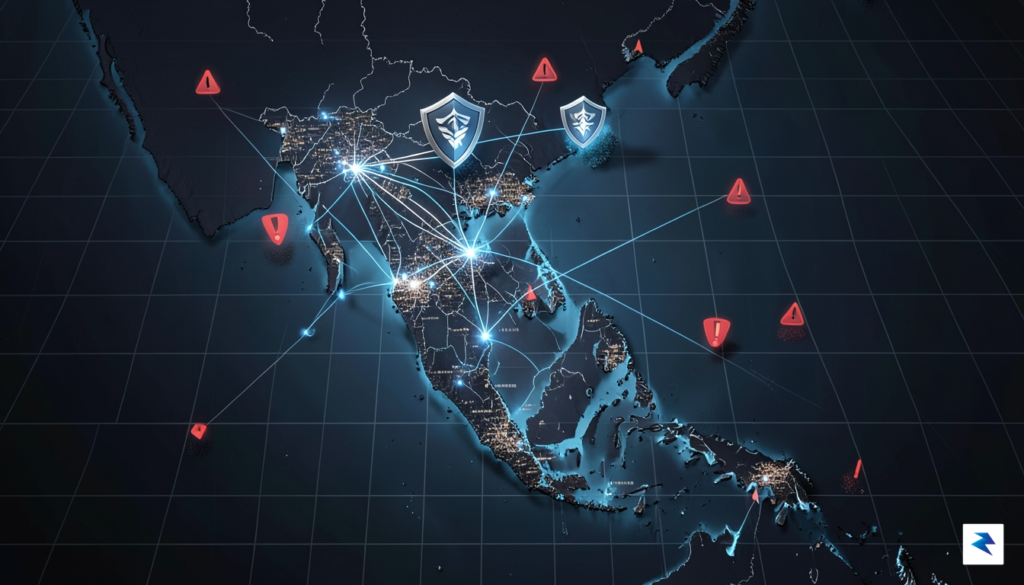
The rapid digital transformation of Southeast Asia has created a unique, high-stakes environment for cybercriminals. In countries like Vietnam and Indonesia, the transition from traditional banking to mobile-first financial ecosystems has occurred at a breakneck pace, often outstripping the development of corresponding cybersecurity infrastructure. This rapid adoption means that millions of users are managing their entire financial lives—from payroll deposits to daily commerce—through smartphones that may lack robust security protections. Because these regions have bypassed traditional desktop computing eras, the mobile device has become the primary, and sometimes only, gateway to the internet, making it the most lucrative target for sophisticated malware like RedHook.
The correlation between high smartphone penetration and the prevalence of cybercrime is not merely coincidental; it is a strategic calculation by threat actors. In Indonesia, where the mobile internet user base is among the largest in the world, the sheer volume of potential targets provides a massive surface area for social engineering campaigns. Scammers leverage this density to distribute fake banking applications that mimic legitimate services, banking on the fact that users are accustomed to downloading apps from diverse, sometimes unverified sources. When coupled with the relative novelty of digital banking for many demographic segments, the window for deception is wide open, allowing attackers to exploit trust in new financial technologies.

Furthermore, regional variations in cybersecurity awareness and regulatory oversight create a fragmented defense landscape that hackers are quick to exploit. While governments in Vietnam and Indonesia have made significant strides in drafting digital security legislation, the speed of implementation often struggles to keep pace with the evolving tactics of international crime syndicates. This regulatory lag, combined with a general population that may not be fully versed in mobile-specific threat vectors—such as permissions abuse or overlay attacks—creates an environment where users are inadvertently vulnerable. Attackers identify these gaps as “testing grounds” to refine their malicious code before potentially deploying it in more tightly regulated markets.
The intersection of rapid financial digitization and varying levels of public cybersecurity literacy has turned Southeast Asia into a strategic laboratory for mobile malware developers who prioritize high-volume, high-accessibility targets.
Ultimately, the focus on these specific nations represents a perfect storm of opportunity for cybercriminals. By targeting users who are eager to embrace the convenience of mobile banking but who may not yet be equipped with the tools to spot sophisticated phishing or malware-laden apps, attackers ensure a high success rate. Addressing this challenge requires more than just technical patches; it necessitates a concerted effort in public education and cross-border cooperation to standardize mobile security practices. Until that synchronization occurs, the region will likely remain the primary theater for the next generation of mobile-centric financial threats.
Staying safe in an era of increasingly sophisticated mobile malware requires more than just a bit of luck; it demands a disciplined, proactive security posture. The most fundamental line of defense is ensuring that you exclusively download applications from the official Google Play Store. While no digital marketplace is entirely immune to bad actors, Google’s Play Protect service performs continuous scans to identify and neutralize malicious software before it reaches your device. By sideloading apps from third-party websites, social media links, or unsolicited email attachments, you bypass these critical safety filters, effectively opening the door for malware like RedHook to compromise your sensitive data.
One of the most dangerous tactics used by modern banking trojans involves the manipulation of Android’s Accessibility Services. These permissions are designed to assist users with disabilities by allowing apps to read screen content and perform actions on the user’s behalf. However, when a malicious app gains these permissions, it can capture keystrokes, intercept two-factor authentication codes, and even navigate banking interfaces to initiate unauthorized transfers. Consequently, you must be extremely cautious when an app requests these permissions. If a calculator, flashlight, or random utility app asks for accessibility access, treat it as a significant red flag and deny the request immediately.
To maintain control over your digital identity, you should regularly perform a “security audit” of your smartphone. Start by navigating to your device’s Settings, selecting Apps or App Management, and carefully reviewing the list of installed software. If you encounter an application that you do not recognize, or one that you no longer use, uninstall it without hesitation. Furthermore, check your Special App Access settings to identify which programs have been granted administrative rights or accessibility permissions. Removing these privileges from suspicious apps is often enough to neutralize their ability to hijack your device.
Pro-Tip: Always check the “App Permissions” menu in your settings to ensure that apps are only accessing data necessary for their intended function. If a basic app requires access to your contacts, SMS messages, or accessibility features, it is likely malicious.
Beyond managing app permissions, the role of Multi-Factor Authentication (MFA) cannot be overstated. Even if a scammer manages to harvest your banking credentials through a fake app, MFA serves as a secondary, critical barrier that prevents them from gaining full access to your accounts. Whenever possible, opt for authenticator apps or hardware security keys rather than SMS-based verification, as scammers can intercept text messages via the very malware you are trying to avoid. By combining these security practices, you create a layered defense strategy that makes you a significantly harder target for cybercriminals.
You must be logged in to post a comment.