
Why Tech Stocks Are Cooling: Understanding the AI Spending Reality Check
The Shift in Market Sentiment: Why Tech Stocks Are Feeling the Pressure For months, the stock market seemed caught in a gravitational pull…

For years, a pervasive narrative has categorized SQLite as little more than a lightweight utility for mobile applications or a sandbox for local development scripts. This misconception often paints it as a toy—a database that is supposedly too fragile or feature-poor for professional, high-traffic environments. In reality, this perspective ignores the engine’s rigorous adherence to ACID compliance and its proven track record in some of the most demanding enterprise ecosystems on the planet. SQLite is not merely a file-based store; it is a full-featured, transactional SQL engine that prioritizes data integrity above all else, often outperforming traditional client-server databases in latency-sensitive applications by eliminating the overhead of network round-trips.
The transition from thinking of SQLite as an “embedded” tool to viewing it as a component of modern “distributed” architecture represents a significant shift in backend engineering. By moving the database closer to the compute layer, developers can achieve remarkable performance gains that are difficult to replicate with centralized database clusters. When configured with modern distributed storage primitives or specialized high-performance file systems, SQLite sheds its limitations and becomes a formidable player in cloud-native environments. It is no longer restricted by the constraints of a single machine; instead, it is being successfully deployed in edge computing scenarios where low latency and robust local availability are non-negotiable requirements.
SQLite is fundamentally a high-performance engine that trades the complexity of network-based database management for the sheer speed and reliability of local, transactional access.
Furthermore, the portability of the SQLite format is a massive operational advantage that is often overlooked in favor of complex database-as-a-service (DBaaS) offerings. Because the entire database is a single, standard file, backups, migrations, and snapshots become trivial operations that do not require specialized database administration tools or multi-hour downtime windows. This simplicity does not imply a lack of power; rather, it allows for a “database-as-code” philosophy where state can be versioned, moved, and audited with the same ease as application source code. As engineering teams continue to optimize for speed and maintainability, the professional-grade capabilities of SQLite—when paired with the right architectural patterns—make it a sophisticated choice for production workloads that demand both extreme efficiency and long-term reliability.

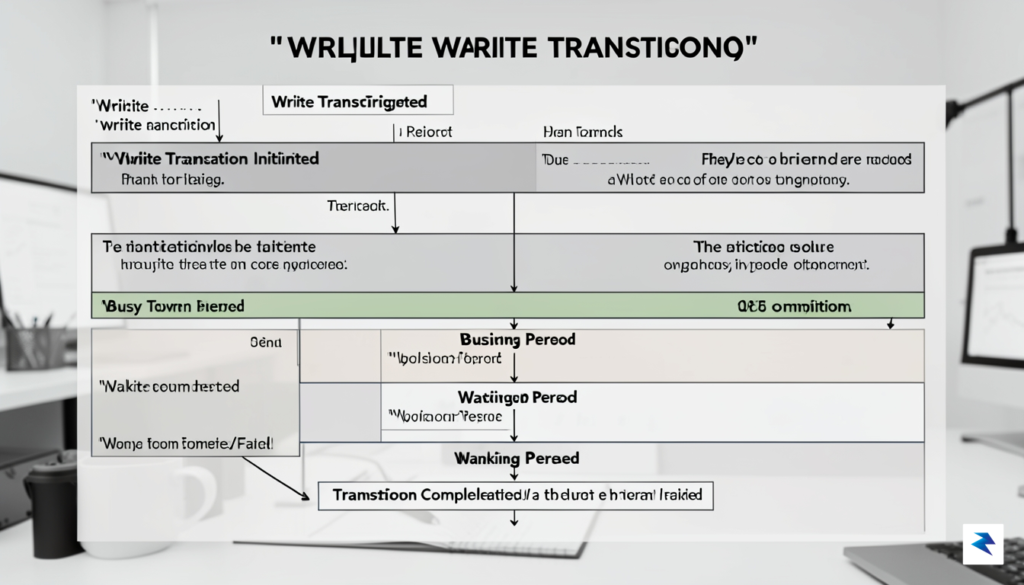
To master SQLite in a production environment, you must first move past the misconception that it is a “single-user” database. In reality, SQLite manages concurrency through a sophisticated system of file-level locks that evolve throughout the lifecycle of a transaction. When a process intends to modify data, it must transition through a series of states: Unlocked, Shared, Reserved, Pending, and finally, Exclusive. Understanding this progression is the key to preventing the dreaded SQLITE_BUSY error, which occurs when one connection attempts to write to the database while another already holds a lock that prevents modification.
Historically, SQLite relied on the traditional rollback journal mode, which effectively serialized access by locking the entire database file during writes. In this legacy approach, readers and writers are mutually exclusive; if someone is writing, no one else can read, and vice versa. This creates significant bottlenecks in high-traffic applications. Fortunately, modern SQLite development has shifted toward Write-Ahead Logging (WAL). In WAL mode, SQLite records changes in a separate -wal file rather than modifying the main database file directly. This architectural change allows multiple readers to operate simultaneously without blocking, and—more importantly—readers no longer block writers, nor do writers block readers. This is a transformative shift for performance, provided your application is configured to leverage these concurrency benefits.
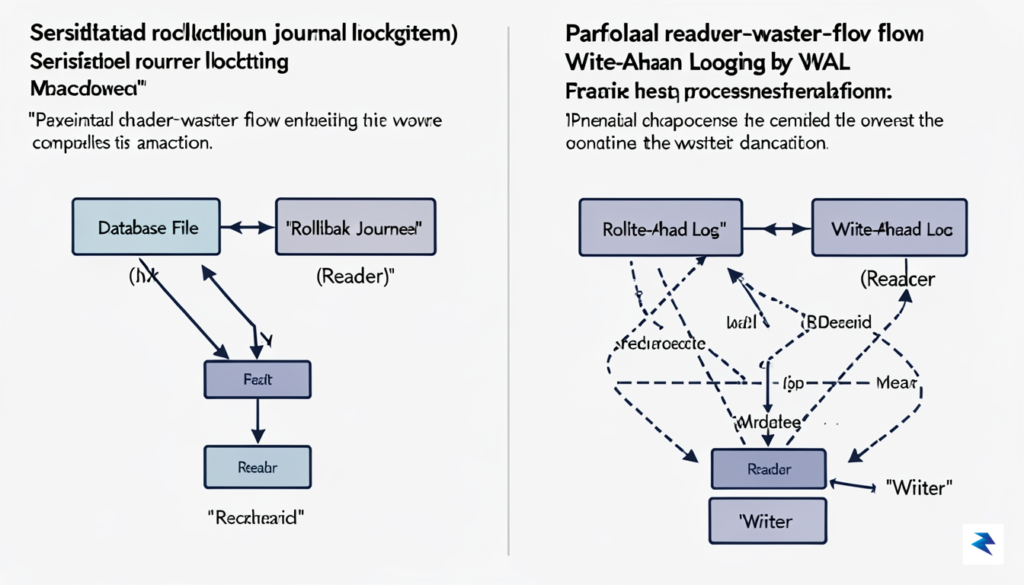
For most production workloads, enabling WAL mode is the single most effective way to eliminate lock contention and improve database responsiveness.
Despite the advantages of WAL mode, you must still be mindful of how your application code interacts with transactions. A common pitfall occurs when a developer initiates a BEGIN TRANSACTION without specifying the type of transaction. By default, SQLite starts a deferred transaction, which only upgrades to a write lock when a modification is actually attempted. If multiple connections attempt to upgrade from read to write simultaneously, they may encounter a deadlock scenario. To avoid this, consider using BEGIN IMMEDIATE if you know in advance that your transaction will involve a write. By locking the database for writing at the very beginning of the transaction, you guarantee that your process can finish its work without being interrupted by other writers halfway through its lifecycle.
Ultimately, high-performance SQLite usage is less about avoiding the engine’s locking mechanisms and more about designing your application flow to respect them. By keeping transactions short, utilizing WAL mode, and being intentional about your transaction types, you can achieve impressive concurrency levels. Remember that SQLite is designed to be embedded and local; while it is incredibly efficient, it is not intended for high-concurrency scenarios that require thousands of simultaneous write operations per second. By aligning your application architecture with the realities of file-level locking, you ensure that your database remains a reliable, high-speed foundation for your service.

For most production applications, the default rollback journal mode in SQLite can quickly become a bottleneck, especially when your workload demands concurrent reads and writes. Enabling Write-Ahead Logging (WAL) is the single most effective step you can take to alleviate this contention. Unlike the standard journal mode, which locks the entire database file during writes, WAL allows multiple readers to access the database simultaneously while a writer is active. This is achieved by appending changes to a separate -wal file, which is later merged into the main database file during a “checkpoint” operation. By decoupling reads from writes, you effectively eliminate the “reader starvation” that often plagues high-traffic applications.
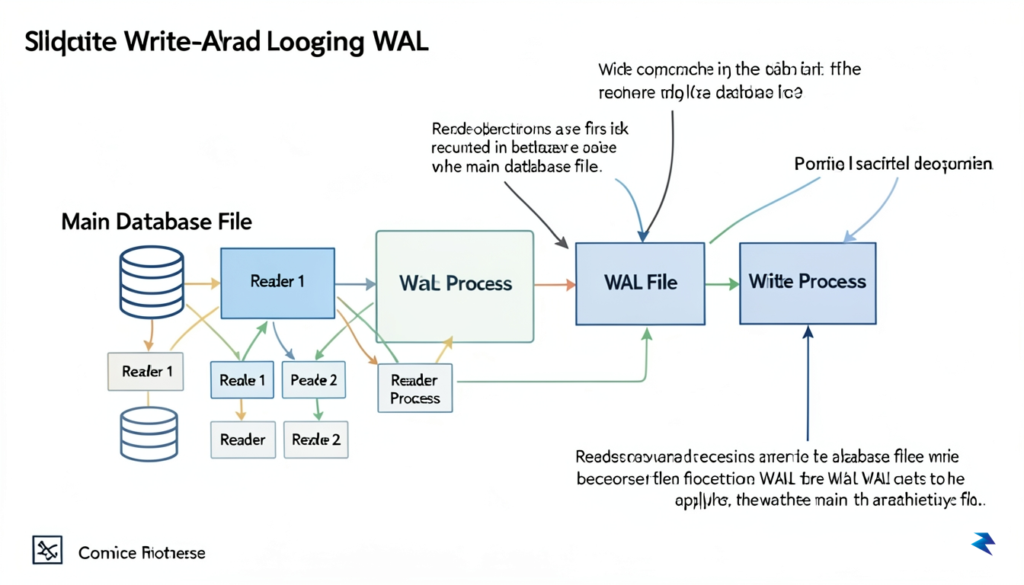
Implementing WAL is remarkably simple, requiring only the execution of the command PRAGMA journal_mode=WAL; on your database connection. However, once enabled, it is vital to consider how your system handles data durability versus raw speed. By adjusting the PRAGMA synchronous setting, you can choose the right balance for your specific use case. While SYNCHRONOUS=FULL is the safest setting, ensuring that every transaction is flushed to the physical disk, it can be significantly slower. For many workloads where a slight risk of data loss during a power failure is acceptable in exchange for massive performance gains, SYNCHRONOUS=NORMAL offers a much faster alternative that still maintains database integrity.
Beyond WAL, you can further optimize your environment by fine-tuning the cache and memory management settings. By default, SQLite may use a conservative cache size; using PRAGMA cache_size, you can allocate more RAM to store database pages, which drastically reduces the number of expensive disk I/O operations. For write-heavy workloads, you should also experiment with PRAGMA mmap_size, which allows SQLite to map the database file directly into memory. This technique can lead to substantial speed improvements on modern operating systems with sufficient available memory, as it allows the kernel to handle page access more efficiently than standard file read/write calls.
Pro Tip: When moving to a high-performance configuration, always ensure that your application logic is designed to handle occasional busy errors. Even with WAL enabled, SQLite remains a single-writer system, meaning you should still implement a robust retry strategy or use a connection pooler to manage database access gracefully during periods of extreme write contention.
Ultimately, performance tuning in SQLite is about understanding the hardware limitations of your production environment. If your application is running on solid-state storage (SSD), you will see different performance characteristics compared to traditional spinning disks, particularly when tuning checkpoints. Regularly monitoring your checkpoint behavior using PRAGMA wal_checkpoint or setting up automatic checkpointing intervals will prevent your WAL file from growing indefinitely, keeping your database lean and ensuring that read performance remains consistent over time. By balancing these knobs—journal mode, synchronization, and cache allocation—you can transform SQLite from a simple local storage engine into a high-throughput powerhouse capable of handling complex production demands.
Transitioning from a local development environment to a high-traffic production setup requires a fundamental shift in how you treat your database file. While SQLite is famously “serverless,” this design choice does not imply that it is maintenance-free; in fact, it demands the same level of rigorous oversight as a traditional client-server database like PostgreSQL. Treating your database file as a living, breathing asset means moving away from a “set it and forget it” mindset and embracing a proactive approach to infrastructure management.
The physical location of your database file is the first critical point of failure in production. You must store your database on local, low-latency block storage (such as NVMe or SSD drives) rather than network-attached storage or distributed file systems like NFS. Because SQLite relies on POSIX advisory locks to manage concurrency, network-based file systems often struggle to maintain consistency, leading to data corruption or severe performance degradation. Furthermore, you should implement an automated backup strategy that goes beyond simple file copying. Using the VACUUM INTO command or the online backup API ensures that you capture a consistent snapshot of the database while it is still actively serving traffic, preventing the pitfalls of copying a file while it is being modified.
Monitoring query latency is essential for identifying bottlenecks before they impact your users. Because SQLite operates within your application process, you cannot rely on external monitoring tools to “see” inside the database engine unless you instrument your code. By leveraging the sqlite3_trace_v2 API or logging long-running queries, you can gain visibility into which operations are taxing your system. Additionally, proactive maintenance tasks—specifically VACUUM and ANALYZE—should be automated through background jobs. These commands reclaim unused disk space and update internal statistics that the query planner relies on to choose the most efficient execution path.
Regular maintenance is not optional in production; it is the difference between a database that scales gracefully and one that grinds to a halt under the weight of accumulated fragmentation.
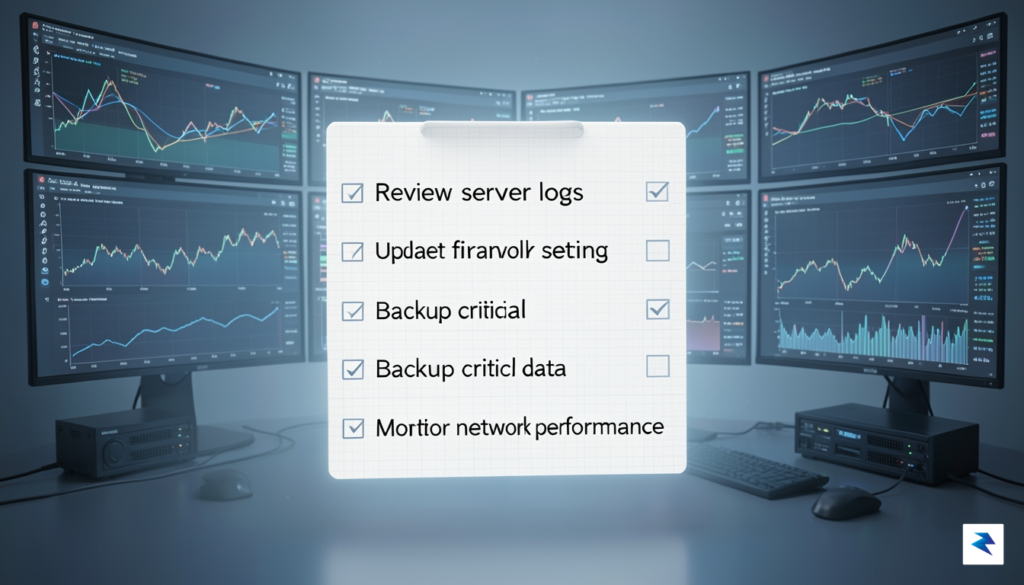
To maintain a healthy production environment, consider implementing the following checklist:
EXPLAIN QUERY PLAN on your most frequent queries to ensure your indexes remain effective as your data grows.PRAGMA busy_timeout to handle transient locks gracefully, preventing application-level errors during high-concurrency bursts.By treating your SQLite file with the same level of professional rigor applied to larger database clusters, you unlock its potential as a robust, high-performance engine capable of supporting significant production workloads. This disciplined approach minimizes downtime, optimizes storage utilization, and ensures that your application remains responsive as your user base expands.

Even seasoned engineers often encounter friction when deploying SQLite in production environments, primarily because the database’s simplicity can mask its complex requirements for hardware interaction. One of the most frequent roadblocks involves placing SQLite database files on network-attached storage (NAS) or shared network drives. Because SQLite relies on specific filesystem locking primitives—such as fcntl() or flock()—to ensure data integrity, network filesystems often fail to implement these locks correctly or inconsistently. This mismatch leads to corruption or the dreaded SQLITE_IOERR_LOCK error, which can bring your application to a grinding halt. To avoid this, always prioritize local, block-level storage for your database files, as the latency introduced by network protocols is fundamentally incompatible with the way SQLite manages its transaction journal.
Another common performance hurdle arises from improper handling of database locks during concurrent write operations. When multiple processes attempt to modify the database simultaneously, SQLite will return a SQLITE_BUSY error if it cannot acquire the necessary write lock. Many developers fail to configure the busy_timeout setting, which instructs the library to wait for a specified duration before giving up. By setting a reasonable timeout—typically between 5,000 and 30,000 milliseconds—you allow the database to queue transactions gracefully rather than forcing your application to crash or drop requests during temporary bursts of traffic. Implementing this simple configuration change is often the difference between a resilient production system and one that feels fragile under load.
Pro-Tip: Never attempt to manage your own retry logic in the application layer when SQLite provides a robust, built-in mechanism for handling contention. Always favor
PRAGMA busy_timeoutto let the engine manage internal queuing efficiently.
While connection pooling is a standard pattern in client-server databases like PostgreSQL or MySQL, it can be a catastrophic anti-pattern in SQLite. Because SQLite is a file-based engine, spawning numerous connections can lead to excessive file descriptor consumption and intense contention for the database’s write lock. Instead of maintaining a massive pool of open connections, aim for a single writer connection or a very small, serialized pool. If your application requires high-concurrency read access, consider enabling Write-Ahead Logging (WAL) mode. WAL allows multiple readers to operate simultaneously without blocking a writer, effectively decoupling read and write operations and significantly boosting overall throughput without the overhead of complex connection management.
Ultimately, preventing data integrity concerns requires a disciplined approach to filesystem interaction and connection lifecycle management. By respecting the physical limitations of the disk, configuring proper wait-states for busy periods, and avoiding unnecessary abstractions like large-scale connection pools, you can leverage SQLite as a high-performance engine capable of handling surprisingly heavy production workloads.
You must be logged in to post a comment.