
Why Rust Needs to Break Free from GitHub Dependency
The Centralization Problem in Modern Software Packaging The evolution of modern package management has been defined by a relentless pursuit of…
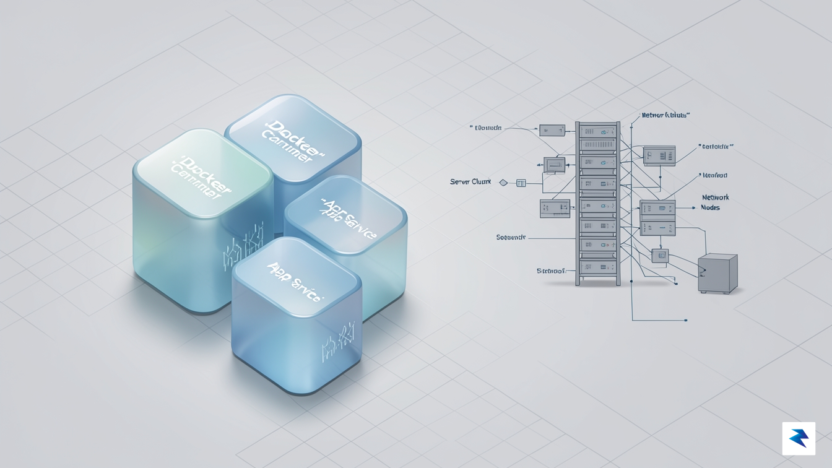
In the modern DevOps landscape, there is a pervasive assumption that production-grade infrastructure is synonymous with Kubernetes. This Kubernetes-first mentality has led many engineering teams to adopt an orchestration layer that is vastly more powerful—and complex—than their actual architecture requires. The reality is that Kubernetes introduces significant operational overhead, ranging from steep learning curves and intricate networking configurations to the necessity of dedicated personnel just to manage the cluster’s lifecycle. For many small-to-medium-sized applications, this “orchestration tax” far outweighs the benefits, creating a burden of maintenance that can stifle development velocity rather than enabling it.
The myth that high availability and zero-downtime deployments are exclusive to Kubernetes is a misconception that ignores the efficiency of simpler tools. Docker Compose, when combined with a robust reverse proxy like Nginx or Traefik, can provide a remarkably resilient deployment environment. By leveraging features such as rolling reloads and health checks, you can achieve the same end-user experience of continuous service without the cognitive load of managing node pools, ingress controllers, or complex YAML manifests. For monoliths, modular monoliths, or small microservice clusters, Docker Compose offers a deterministic, predictable environment that is easier to debug and faster to recover from during a failure.
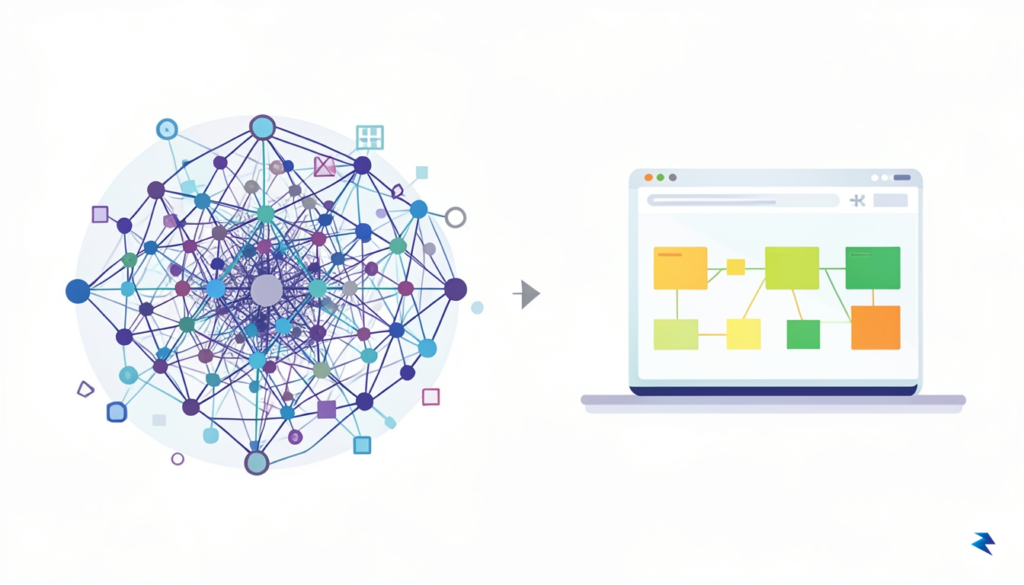
If your team spends more time fighting the orchestrator than shipping features, you have likely reached the point of diminishing returns.
Consider the resource requirements of your infrastructure. A minimal Kubernetes cluster consumes a non-trivial amount of memory and CPU just to run its own control plane and internal services, which can be a massive waste of resources on smaller VPS instances or private cloud servers. In contrast, a Docker Compose setup utilizes the host operating system’s native container capabilities directly, leaving nearly all of your hardware resources dedicated to your actual application logic. This efficiency is particularly advantageous for:
Ultimately, the decision to use Kubernetes should be driven by the technical necessity of your workload, not by industry trends or the fear of being “outdated.” When your application’s architecture is consolidated on one or two nodes, Docker Compose acts as a lightweight, reliable orchestrator that bridges the gap between simple docker run commands and the enterprise-level complexity of a full-scale cluster. By embracing a minimalist approach, you regain control over your infrastructure, reduce your attack surface, and simplify your deployment pipeline, allowing your team to focus on building value rather than managing abstractions.

At its core, the blue-green deployment strategy is a risk-mitigation technique that relies on maintaining two identical, production-ready environments. In this model, the “blue” environment represents your current, stable version of the application, while the “green” environment serves as the staging ground for the incoming update. By running these two environments in parallel, you create a safety net that allows you to test the new release in a live setting without impacting the end users who are currently interacting with the stable version. This approach fundamentally shifts the deployment mindset from a dangerous “replace-in-place” update to a controlled, reversible transition.
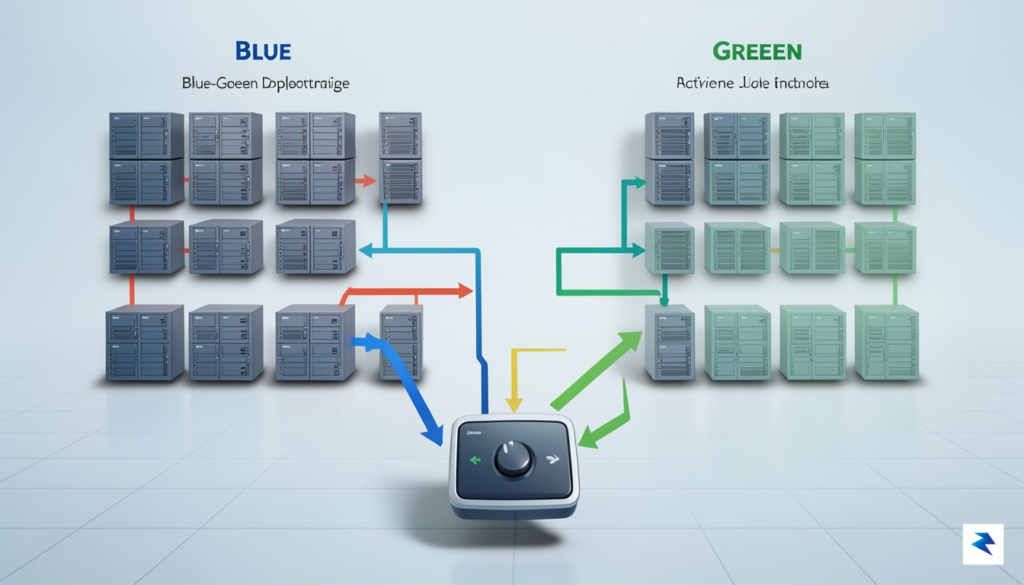
The mechanics of this strategy hinge entirely on the traffic routing layer, which acts as the master toggle. Once the green environment is deployed, configured, and fully verified through smoke tests, you simply update your load balancer or reverse proxy configuration to route incoming traffic from the blue environment to the green one. Because both environments are technically “live,” the transition happens almost instantaneously. If a critical bug is discovered shortly after the switch, the recovery process is trivial: you simply point the traffic back to the blue environment. This ability to roll back in seconds rather than minutes—or hours—is what makes the blue-green pattern the gold standard for achieving zero-downtime deployments.
The true power of the blue-green pattern lies in its ability to decouple the deployment of code from the release of features. By shifting traffic only after the new version is verified, you eliminate the “big bang” risk associated with traditional updates.
However, implementing this strategy requires more than just duplicated containers; it demands a disciplined approach to your application architecture. First and foremost, you must ensure that your database migrations are backward compatible. Since both versions of your application might share the same data store during the transition period, any schema change must support both the old and new code simultaneously. This usually involves a multi-step migration process where you add columns or tables without removing existing ones until the old version is completely decommissioned. Furthermore, your application must be idempotent, meaning that multiple instances of the service can process tasks or updates without causing data corruption or unintended side effects. By adhering to these prerequisites, you turn your deployment process into a predictable, repeatable operation that is entirely invisible to your users.
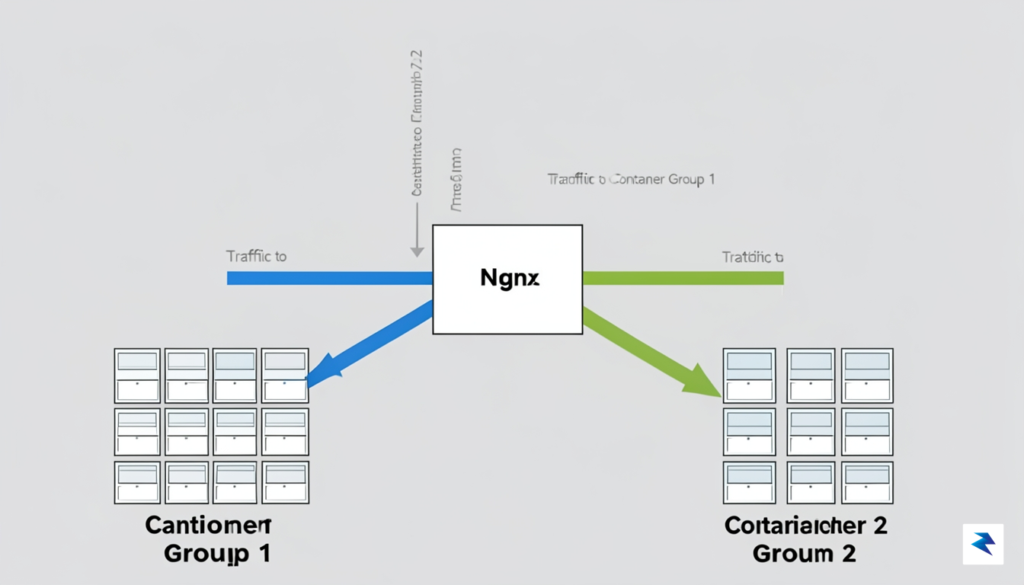
At the heart of any zero-downtime deployment strategy lies the reverse proxy, which serves as a sophisticated traffic controller capable of routing incoming requests across different versions of your application. By leveraging Nginx in front of your Docker containers, you create an abstraction layer that decouples your end-users from the underlying infrastructure. Instead of pointing your domain directly at a single container, you configure Nginx to manage two distinct upstream groups—often labeled as ‘Blue’ and ‘Green.’ This architecture ensures that when you are ready to deploy a new version, the proxy can seamlessly shift the flow of traffic from the stable, existing environment to the freshly initialized one without the users ever noticing a flicker in service availability.
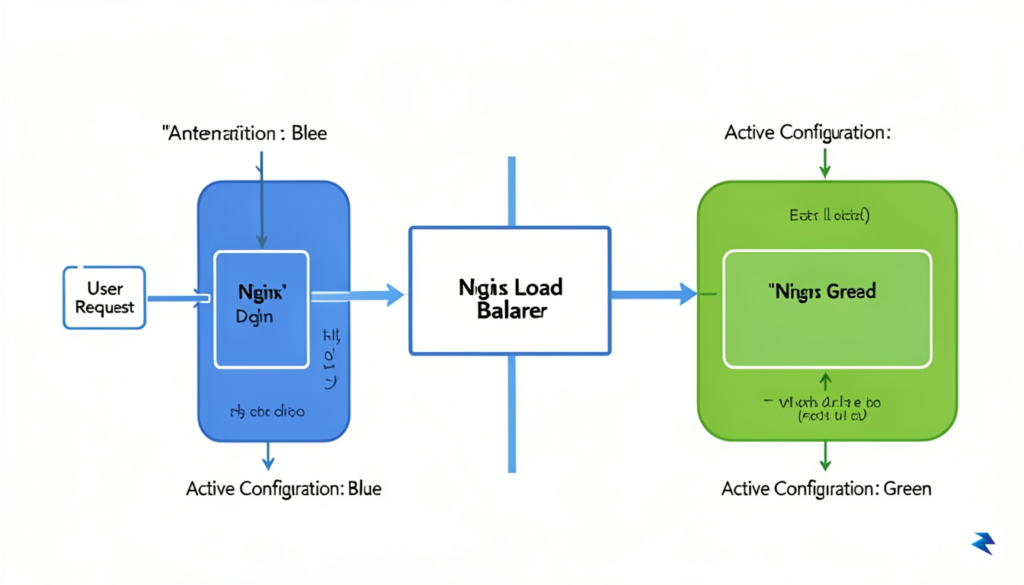
To achieve this seamless transition, you must master the art of the Nginx configuration reload. When it is time to switch traffic, you update your Nginx configuration files to point to the new upstream cluster and send a HUP signal to the Nginx master process. Unlike a full service restart, which would abruptly terminate active TCP connections, the reload command instructs the master process to parse the new configuration and gracefully fork new worker processes. These new workers begin handling incoming requests using the updated routing logic, while the old workers continue to process their existing requests until they complete. This graceful handoff is the secret to maintaining persistent user sessions and preventing dropped requests during a deployment window.
The primary advantage of using a load balancer for deployments is the ability to perform a ‘canary’ or ‘blue-green’ release, where you can verify the integrity of the new environment before committing the entirety of your production traffic to it.
Beyond simple routing, your proxy layer should incorporate robust health checks to ensure traffic is never sent to a container that is in a failed state. While Nginx’s basic configuration can detect a dead connection, you can enhance your reliability by using a sidecar process or an Nginx module to perform active probing of your application’s health endpoint. By ensuring that your ‘Green’ environment is fully warmed up—meaning it has passed its internal readiness probes and is successfully connected to the database—you mitigate the risk of routing users to an application that is technically “running” but not yet functional. This combination of graceful configuration reloads and rigorous health verification transforms your deployment process from a high-stakes, manual intervention into a reliable, automated routine that protects your users’ experience at every step of the lifecycle.
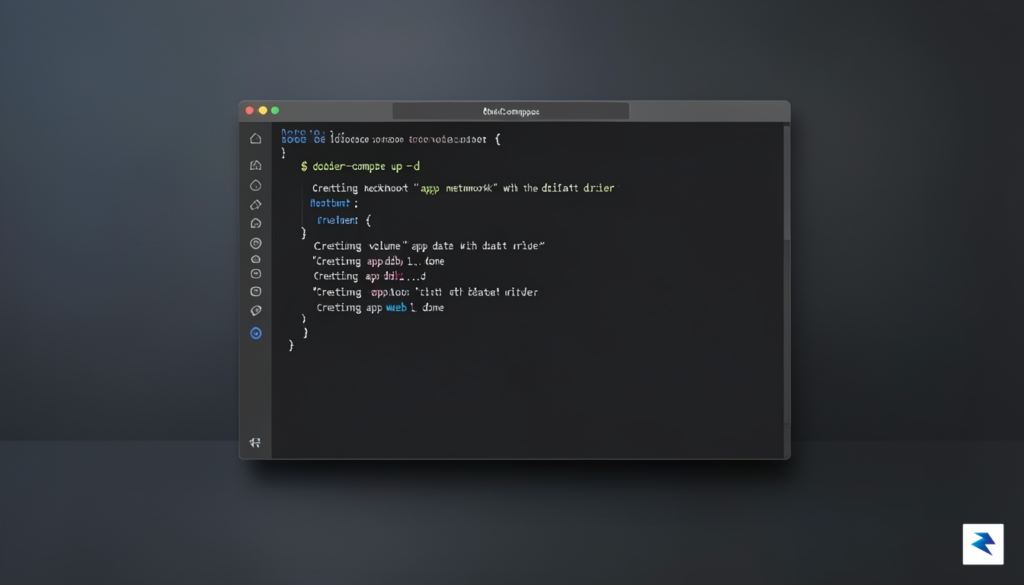
To achieve a seamless transition between application versions, we must leverage the -p (project name) flag in Docker Compose. By treating each deployment as a unique project—such as myapp_blue and myapp_green—we can spin up an entirely new stack alongside the existing one without causing any port conflicts. This isolation is the cornerstone of the blue-green strategy, allowing you to prepare the new environment in total silence while the live traffic continues to flow through the established container group.
The lifecycle begins with a standard docker-compose -p [project_name] up -d command. Once the services are healthy, you should perform internal verification tests, such as checking the application logs or hitting internal health-check endpoints, to ensure the new stack is ready for production traffic. Only after this rigorous verification is complete do we move to the final stage: updating the reverse proxy.
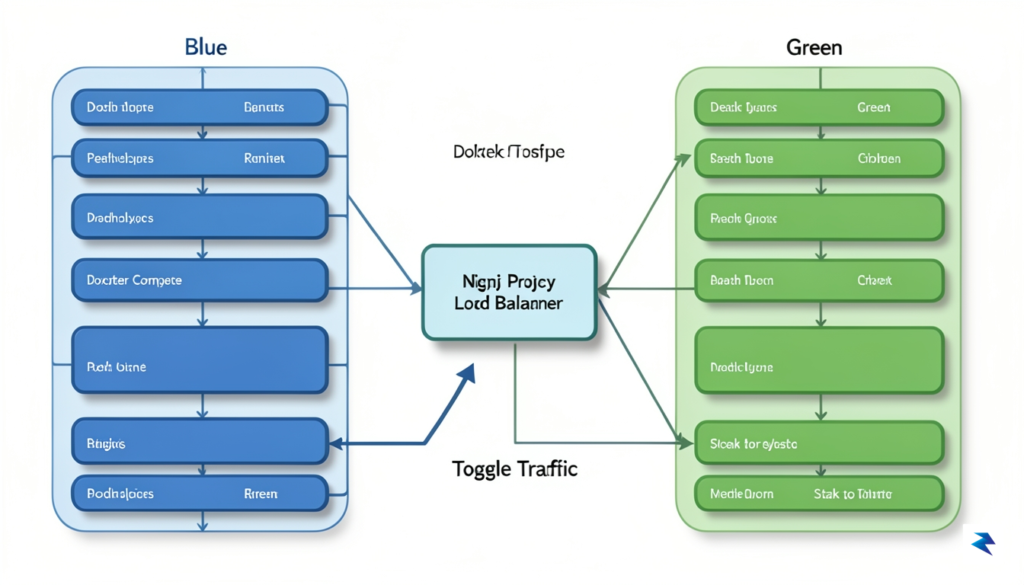
Manually managing these deployments is error-prone, so the most effective approach is to encapsulate the logic into a deployment script. By defining variables for your project names and target directories, you can create a robust, repeatable process that handles everything from the initial build to the final proxy reload. A typical script should follow this logical flow:
Pro-tip: Always ensure your proxy configuration reload is non-blocking. Using the
nginx -s reloadcommand is significantly safer than a full service restart, as it ensures that existing connections are completed before the configuration takes effect.
Below is a simplified shell script template that demonstrates this orchestration logic. By integrating this into your CI/CD pipeline, you minimize human intervention, ensuring that the deployment process remains consistent across every release. Remember to test this script in a staging environment first to verify that your specific application handles the container handover gracefully without dropping active user sessions.
# Deployment script example

PROJECT_NAME="myapp_$(date +%s)"

docker-compose -p $PROJECT_NAME up -d

# Wait for health check...

if [ $? -eq 0 ]; then

  ln -sfn /etc/nginx/sites-available/$PROJECT_NAME /etc/nginx/sites-enabled/default

  nginx -s reload

  # Cleanup old version...

fi
Ultimately, this workflow transforms your deployment from a risky manual task into a predictable, automated routine. By treating your infrastructure as immutable units managed by unique project names, you gain the ability to rollback instantly if the new version fails, simply by pointing the proxy back to the previous project name. This level of control is exactly what developers need to maintain high availability without the overhead of complex orchestration platforms.

The most significant hurdle in achieving truly zero-downtime deployments often revolves around managing persistent data and state. While swapping application containers might seem straightforward, the underlying database, file storage, or other stateful services present a far greater challenge. If your application logic evolves in a way that necessitates changes to your data schema, you are immediately faced with the dilemma of ensuring that both the old and new versions of your application code can gracefully interact with the database during the transition. A misstep here can lead to data corruption, application crashes, and ultimately, downtime, defeating the very purpose of the zero-downtime strategy.
The core problem lies in introducing “breaking changes” to your database schema. A breaking change is any modification that makes the schema incompatible with older versions of your application code. For instance, renaming a column, changing a column’s data type in a non-nullable way, or removing a table entirely without a transitional period will inevitably cause the older application version to fail when it tries to read from or write to the modified structure. Conversely, if the new application version expects a structure that the old application doesn’t provide when writing, you again encounter issues. This tight coupling between application code and database schema demands a robust, multi-stage approach to schema migrations that prioritizes continuous compatibility.
To navigate these complexities, the “expand and contract” pattern for database migrations is an indispensable technique for zero-downtime deployments. This pattern involves a series of carefully orchestrated steps over multiple deployment cycles, ensuring that the database schema remains compatible with both the old and new application versions at every stage.
This multi-step approach means that a single logical schema change might require two or three separate application deployments, each with its own database migration step. While it adds overhead, it guarantees that no application version ever encounters an incompatible database schema.
Key Takeaway: Breaking changes in your database schema are the ultimate enemy of zero-downtime deployments. Always aim for backward and forward compatibility during transitions.
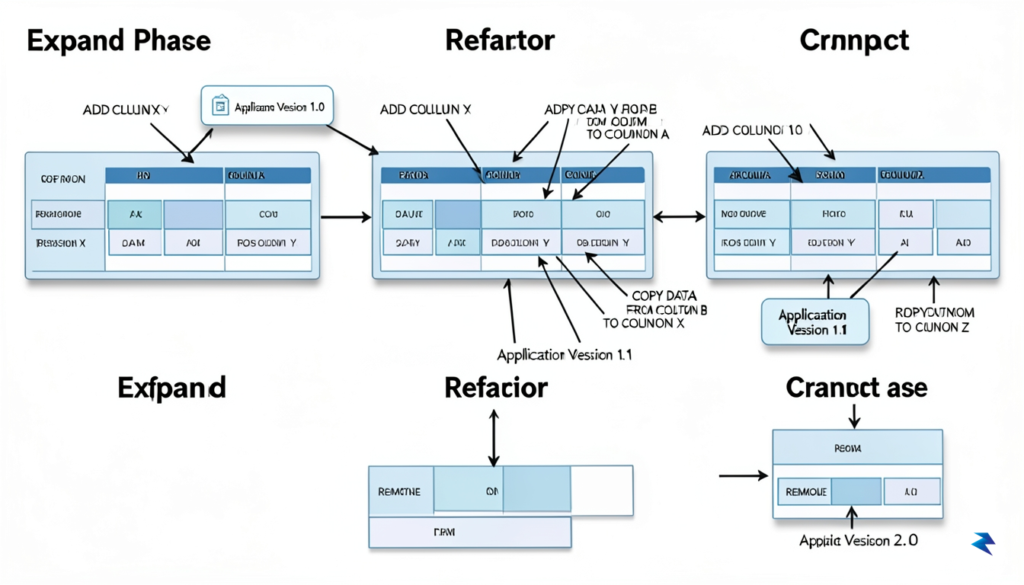
Beyond schema evolution, the physical storage of persistent data also requires careful consideration, especially when orchestrating container swaps with Docker Compose. For stateful services like databases (e.g., PostgreSQL, MySQL, Redis) or file storage services, you must ensure that their data persists across container restarts, updates, or even complete container replacements. Docker Compose handles this through named volumes or bind mounts.
When you define a named volume in your `docker-compose.yml` file and mount it to a database container, Docker manages the lifecycle of that volume separately from the container. This is crucial: if you update your database image and perform a `docker-compose up -d`, the old database container is replaced by a new one, but the *data volume* remains untouched and is automatically

Even with the most rigorous integration testing and a pristine staging environment, production remains inherently unpredictable. Real-world traffic patterns and edge-case data can trigger failures that were impossible to simulate, making a well-defined rollback strategy not just a luxury, but a fundamental requirement for system stability. Instead of relying on manual intervention during a crisis, you should treat the “panic button” as a first-class citizen of your deployment pipeline. By structuring your rollback script to point your reverse proxy—such as Nginx or Traefik—back to the previously known good container group, you can reduce your mean time to recovery (MTTR) from minutes of chaotic debugging to mere seconds of automated restoration.
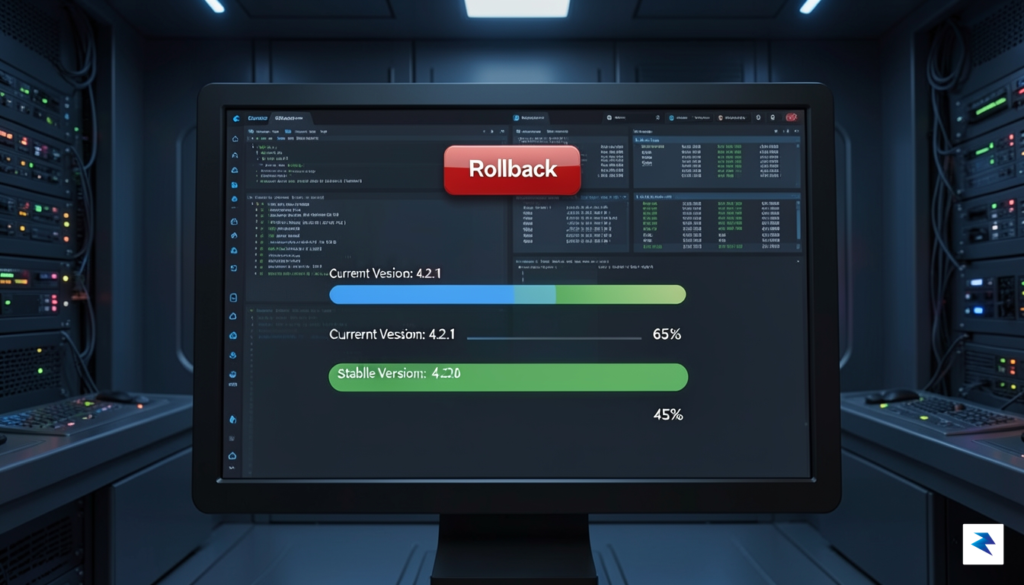
The cornerstone of a successful rollback strategy is the mandatory “soak period,” where the previous version of your application remains running and fully initialized even after the new version is deployed. By keeping the old containers active, you avoid the expensive and time-consuming process of rebuilding or redeploying from scratch should a regression occur. During this period, the reverse proxy continues to hold the configuration for the old environment, meaning that switching back is as simple as updating a symbolic link or reloading the proxy configuration. This approach essentially treats the old version as a standby “warm” backup, ensuring that you are never left without a functional application while you investigate what went wrong with the latest update.
A rollback should be a non-event; if you are scrambling to fix a live production error, you have already lost the battle. Automate the fallback so that the system chooses safety over novelty.
To ensure this automation is reliable, it is vital to implement automated smoke tests immediately following a deployment. These tests should be lightweight, focusing on critical paths such as database connectivity, authentication flow, and core API health checks. Your deployment script should be designed to monitor the results of these smoke tests; if they fail to return a 200 OK status or exceed latency thresholds, the script should trigger the rollback sequence automatically. By integrating these checks into your Docker Compose workflow, you remove human error from the equation, ensuring that the system only stays on the new version if it is demonstrably healthy. This proactive approach transforms your deployment process from a high-stakes gamble into a disciplined, reversible operation that protects your users from downtime at all costs.
You must be logged in to post a comment.