Understanding the Extended Support Lifecycle
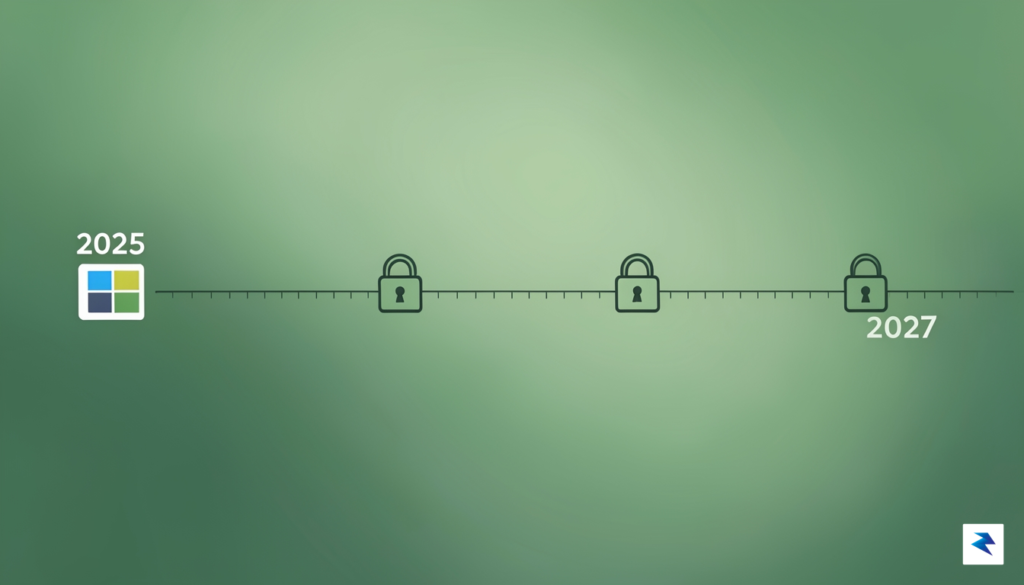
For millions of individuals still relying on Windows 10, the recent announcement from Microsoft marks a pivotal moment, fundamentally altering the trajectory of their computing future. The company has officially recalibrated its roadmap, pushing back the end-of-support date for Windows 10 from the original October 2025 to a new, more generous October 2027 deadline. This significant policy shift isn’t merely a delay; it represents a profound re-evaluation of software longevity and user needs, particularly for home users who now gain an unexpected two-year reprieve from an impending upgrade or security vulnerability.
At the heart of this extension lies the integration of the Extended Security Update (ESU) program for individual consumers. Historically, the ESU program has been an exclusive offering, primarily designed for large enterprise clients and educational institutions, allowing them to pay for additional years of critical and important security updates beyond a product’s mainstream support lifecycle. The decision to make this program accessible to home users signifies a major departure from previous strategies, providing a structured, albeit paid, pathway for those unable or unwilling to transition to Windows 11 by the original cutoff. This means that even after the initial mainstream support concludes, users can opt into a subscription service to continue receiving vital patches that protect against emerging threats.
This strategic pivot by Microsoft wasn’t made in a vacuum; it reflects a confluence of practical realities and growing external pressures. One undeniable factor is the vast install base of Windows 10, many of whom possess hardware that does not meet the stringent minimum requirements for Windows 11. Forcing an upgrade on these users would either render millions of perfectly functional machines obsolete or leave them exposed to security risks, creating a significant cybersecurity challenge. Furthermore, the company has faced increasing scrutiny and advocacy from the global sustainability community, which champions the reduction of electronic waste (e-waste). Mandating premature hardware upgrades for software compatibility directly contradicts efforts to extend the lifespan of electronic devices and minimize their environmental footprint.
“The extension of Windows 10 support through the ESU program for home users is a pragmatic response to both the immense existing install base and the rising global call for more sustainable technology practices. It grants users valuable time and choice, rather than forcing immediate, potentially costly, hardware changes.”
By extending support, Microsoft is not only addressing the immediate security concerns for a substantial portion of its user base but also demonstrating a more environmentally conscious approach to its product lifecycle. While Windows 11 remains the preferred and actively developed operating system, this extension acknowledges that not all users are ready or able to make that leap immediately. The ESU program offers a pragmatic bridge, allowing users to continue using their current setup securely while providing ample time to plan for future hardware or software transitions without the immediate pressure of a looming security cliff edge. This policy adjustment underscores a growing understanding that software longevity plays a crucial role in both user satisfaction and global environmental responsibility.
What This Means for Personal Device Security
While the announcement of extended support offers a welcome reprieve for those not yet ready to transition to Windows 11, it is essential to temper expectations regarding the nature of these updates. The Extended Security Updates (ESU) program is strictly surgical; its primary objective is to deliver critical security patches, address high-priority vulnerabilities, and provide necessary remediation for zero-day exploits. By narrowing the scope to these essential defensive measures, Microsoft is essentially providing a digital shield to prevent your system from becoming an easy target for malicious actors. However, it is vital to acknowledge that this is not a continuation of the platform’s active lifecycle. You will not see new feature updates, performance enhancements, or non-security bug fixes, meaning that the user experience of Windows 10 will remain effectively “frozen” in time while the rest of the software ecosystem continues to evolve around it.
Staying on an aging operating system, even with the benefit of security patches, remains a calculated risk that every user must weigh carefully. Modern cyber threats, such as ransomware and sophisticated data-scraping malware, often target vulnerabilities that evolve alongside software development. While these updates will close specific security gaps, they cannot compensate for the lack of modern, built-in architectural defenses present in newer operating systems. Furthermore, as third-party software developers and browser manufacturers shift their focus toward Windows 11 and beyond, you will likely encounter compatibility hurdles. Eventually, the applications you rely on daily may cease to receive updates for Windows 10, leaving you with software that is technically functional but increasingly incompatible with modern web standards and security protocols.

Maintaining a secure environment is more than just installing patches; it is about building a proactive defense strategy that acknowledges the inherent limitations of legacy software.
Ultimately, this extension buys you time rather than providing a long-term solution for your computing needs. If you choose to remain on Windows 10, you must treat your system with heightened vigilance. This means ensuring that your antivirus software is robust, your data is backed up to a secondary location, and you are extremely cautious about the links you click or the downloads you initiate. By keeping the OS patched, you are mitigating the most immediate risks of unauthorized access and system exploitation, but you are not immune to the broader shift toward modern, secure-by-design computing environments. Think of this extension as a temporary maintenance plan for a classic car: it keeps the engine running safely for a few more years, but it will never perform like the modern vehicles currently rolling off the assembly line.
Hardware Limitations and the Windows 11 Barrier
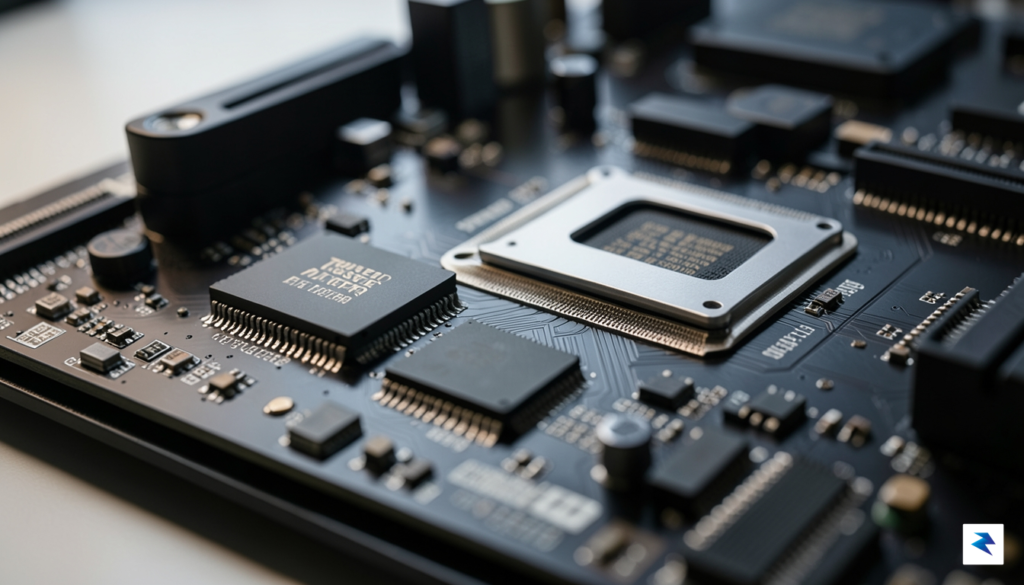
For millions of dedicated Windows users, the decision to remain on Windows 10 is rarely a matter of preference or stubbornness; it is a direct consequence of rigid hardware prerequisites that leave perfectly functional machines behind. When Microsoft launched Windows 11, the company introduced a strict set of system requirements that shifted the goalposts for what constitutes a “modern” computer. At the core of this transition are the mandates for Secure Boot and the Trusted Platform Module (TPM) version 2.0. While these features are designed to bolster system security against firmware-level attacks and unauthorized access, they effectively rendered millions of high-performing processors—some only a few years old—incompatible with the new operating system.
The technical barrier is compounded by the restrictive list of supported Central Processing Units (CPUs). Microsoft limited official Windows 11 support to Intel 8th Generation processors and newer, as well as AMD Ryzen 2000-series chips and beyond. This decision created a massive “compatibility gap” where users with powerful, high-end workstations found themselves barred from the upgrade simply because their chip architecture did not meet the specific, stringent criteria set by the manufacturer. Consequently, the user experience became fragmented: those with newer hardware enjoy the aesthetic and productivity updates of Windows 11, while others are forced to navigate a landscape of uncertainty regarding their machine’s future viability.
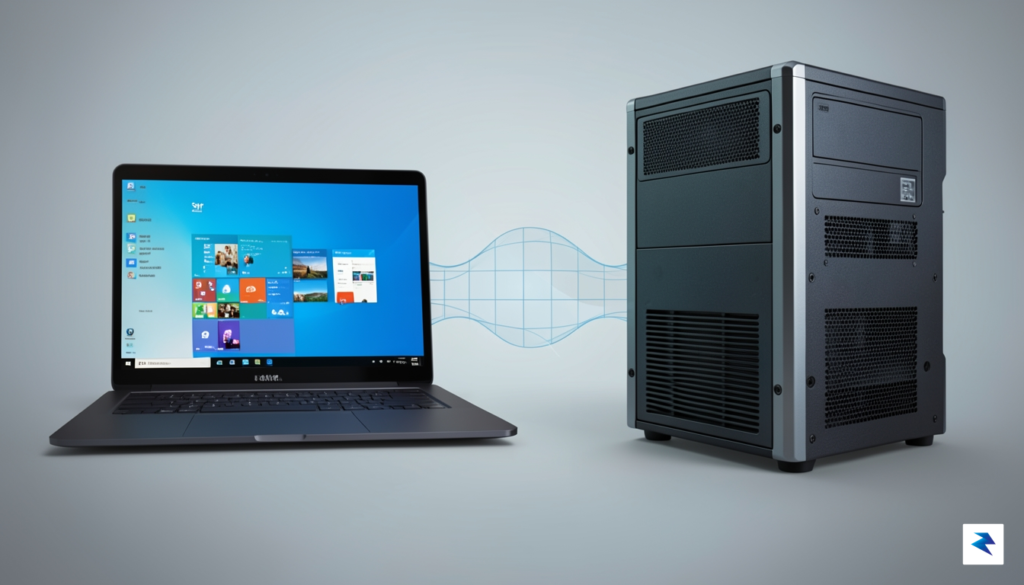
The extension of Windows 10 support until 2027 serves as a vital bridge, acknowledging that hardware longevity should not be dictated solely by software versioning mandates.
Microsoft maintains that these strict barriers were established to ensure a more stable and secure ecosystem, arguing that newer chips better support modern security protocols. However, for the average home user, this “security-first” approach often translates into unnecessary electronic waste. Many of these “incompatible” machines continue to operate at high speeds, handling demanding tasks like video editing, gaming, and complex multitasking with ease. By extending the security update timeline to 2027, Microsoft is providing a necessary lifeline to this demographic. This extension allows users to continue operating their machines securely without the immediate, costly pressure of purchasing brand-new hardware to meet software requirements that many feel are unnecessarily restrictive.
Ultimately, this reprieve shifts the focus from forced obsolescence back to user choice. It grants individuals and small businesses the time to plan their hardware upgrades on their own terms rather than being pushed by a ticking clock. As we look toward 2027, this extension highlights a growing tension in the tech industry: the ongoing struggle to balance rigorous security standards with the reality that hardware remains highly capable long after software developers choose to move on.
Strategic Options: Upgrade, Stay, or Transition
The announcement of extended security support through 2027 provides a vital window for users to weigh their technological future, but it also demands a structured approach to hardware lifecycle management. Deciding whether to keep your current machine, invest in a modern PC, or pivot to a new operating system altogether requires balancing your budget against your specific computing needs. To navigate this decision, consider your hardware’s current performance: if your machine struggles to keep up with modern web browsing or basic multitasking, the 2027 extension is merely a stay of execution rather than a long-term solution. Conversely, if your device is only a few years old and meets your daily requirements, extending its life through the Extended Security Update (ESU) program or simply maintaining it with caution can be a highly cost-effective and environmentally conscious choice that prevents unnecessary electronic waste.
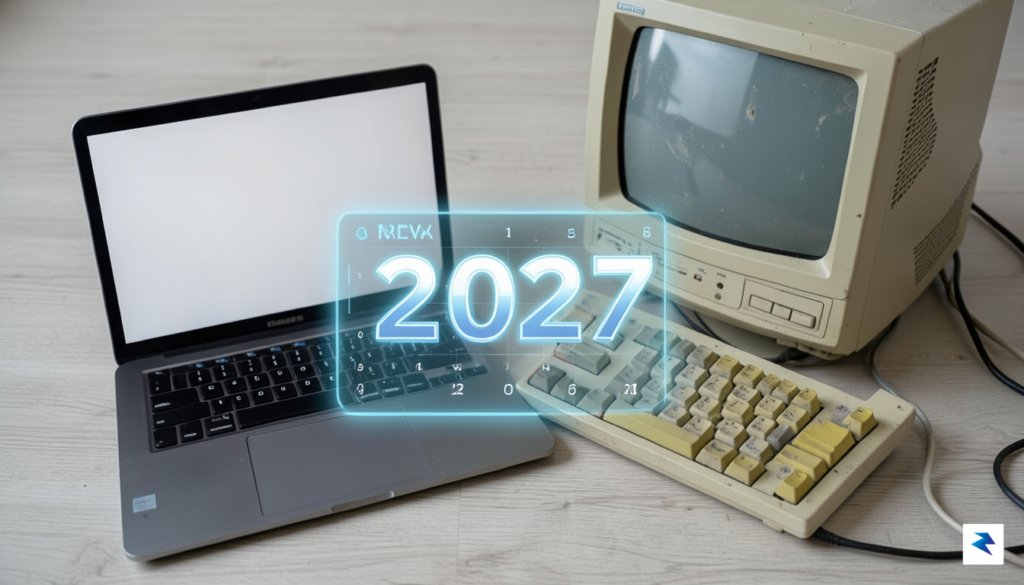
Evaluating Your Path Forward
For those looking to maximize the utility of their current hardware, the first step is a performance audit. If your computer is running on an older processor or lacks sufficient RAM, it may be time to look at the financial trade-offs of the ESU program. While Microsoft has opened this support to home users for the first time, you must calculate whether the cumulative cost of these annual security updates outweighs the price of a mid-range laptop that would come pre-loaded with Windows 11 and offer significantly better performance, power efficiency, and security features. If you are technically inclined, another viable alternative is transitioning to a lightweight Linux distribution. Many Linux flavors are designed specifically to breathe new life into older hardware, providing a secure, modern, and free environment that can handle web-based tasks and document editing with ease, effectively bypassing the need to replace your hardware entirely.
Key Takeaway: If your current computer is less than five years old, you are likely in a strong position to stick with it through 2027. However, if your hardware already feels sluggish, the upcoming support window should be viewed as a planning period to save for a new device rather than a reason to keep an aging machine indefinitely.
Ultimately, your decision should be guided by your risk tolerance and your reliance on Windows-exclusive software. If you depend on specialized applications that only function within the Windows ecosystem, upgrading your hardware before 2027 is the safest path to ensure compatibility with future software iterations. If your needs are primarily centered around a web browser, a streaming service, or simple productivity suites, you have the flexibility to explore Linux or continue with your current setup. By taking the time to evaluate these options now, you avoid the panic of a last-minute migration, ensuring that when the 2027 deadline finally arrives, your digital life remains secure and fully functional.