
Is Robinhood Turning Trading into Gambling? CEO Vlad Tenev Responds
The Evolution of Robinhood: Beyond the Gamification Debate For years, Robinhood stood at the center of a firestorm regarding the…


For a long time, users became accustomed to a relatively straightforward experience with AI tools, where usage was often measured by simple request counts. However, Google has fundamentally overhauled its approach to Gemini, moving away from these blunt metrics toward a sophisticated, complexity-based model. This shift acknowledges that not all prompts are created equal; a simple request to summarize a short email demands significantly fewer computational resources than an intensive request to analyze a massive dataset or generate complex code. By shifting to a system that accounts for the actual “weight” of every interaction, Google is moving toward a more sustainable infrastructure that better reflects the reality of generative AI overhead.
The primary driver behind this transition is the immense server load required to power high-level reasoning models. As Gemini becomes more capable, the underlying hardware requirements increase proportionally, making the previous “flat” usage models economically and technically unsustainable. By implementing a system that tallies usage based on token consumption and computational intensity, Google can better manage its massive server clusters, ensuring that resources are distributed fairly and efficiently. This transition ensures that the API and consumer services remain stable, even as the global demand for generative AI capabilities continues to skyrocket.
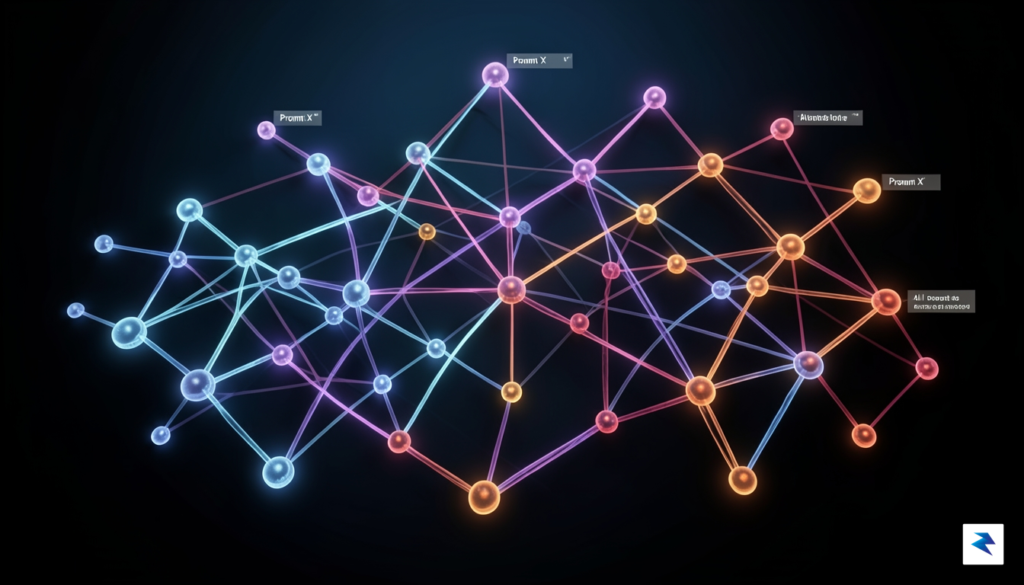
This evolution creates a distinct divide between the free tier of Gemini and the paid Gemini Advanced subscription, particularly in how quotas are interpreted and enforced. For free-tier users, the new system acts as a protective throttle, capping usage based on a dynamic pool of resources that fluctuates depending on current server traffic. In contrast, Gemini Advanced subscribers benefit from higher, more predictable thresholds, allowing for significantly more “heavy” computational lifting without hitting a hard wall as quickly. It is essential to recognize that this is not merely a change in numbers, but a change in philosophy:
The new quota system treats every prompt as a transaction of compute, meaning that complex tasks act as a larger withdrawal from your daily usage budget than simpler, routine queries.
Ultimately, power users who are used to the “unlimited” feeling of earlier AI iterations will need to adjust their expectations. The system is designed to provide a high-performance experience, but it requires a more mindful approach to prompt engineering. By understanding that long, multi-step queries contribute more heavily to your quota than concise, direct questions, you can better manage your interaction style to ensure that your access remains uninterrupted throughout the day.
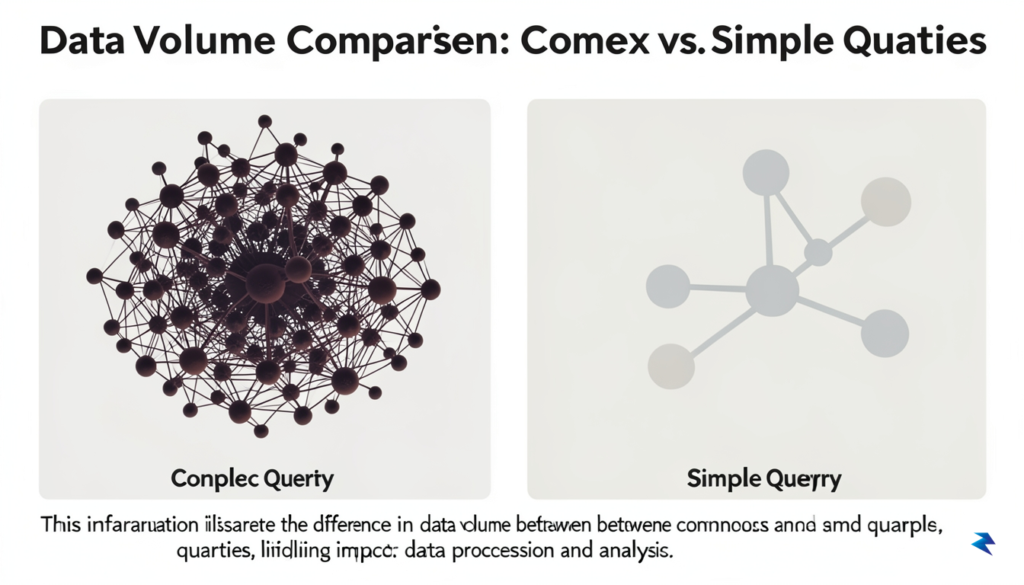
If you have recently encountered a “limit reached” error or noticed a perceptible lag in response times, you are likely bumping into the realities of how Gemini allocates its computational resources. It is a common misconception that rate limits are strictly based on the total number of prompts sent per hour. In reality, the Google Gemini ecosystem operates on a more dynamic “token budget” system. Every time you interact with the model, the backend calculates the computational cost of your specific request, meaning that not all prompts are created equal in the eyes of the server.
The primary factor driving these limits is the complexity of the task at hand. When you ask a simple, conversational question, the model requires relatively little “thought” and processing power. However, when you pivot to heavy-lifting tasks such as analyzing a massive CSV file, generating complex Python scripts, or summarizing a multi-page PDF, the model must process significantly more data. These tasks utilize a much larger share of the available context window, which essentially forces the system to work harder and consume more of your allocated quota in a single exchange. Consequently, one highly analytical prompt can sometimes “cost” as much as ten standard conversational queries.

Beyond the simple length of your text prompt, several specific variables trigger faster throttling. Image analysis and document uploads are particularly resource-intensive, as the model must first “encode” this data into a format it can understand before it can even begin to generate an answer. Similarly, code generation tasks require the model to perform multiple passes of logic to ensure syntax correctness and functional integrity. Because these operations are computationally expensive, the system naturally prioritizes these processes, which may lead to temporary throttling if you attempt to bundle too many of these complex requests together in a short window of time.
Pro-Tip: Think of your usage like a high-performance engine. If you consistently push the model to its limits with large file uploads and complex code generation, you will naturally reach your operational ceiling faster than someone using the tool primarily for short, text-based brainstorming.
Furthermore, you should be mindful of “burst” behavior, which occurs when you fire off multiple, rapid-fire prompts in quick succession. Even if your individual requests are relatively simple, the system monitors the total volume of compute cycles requested within a specific timeframe. If you send five prompts in ten seconds, the backend may flag this as an automated or high-intensity pattern, triggering a temporary cooling-off period to maintain server stability for all users. To avoid this, try to group your thoughts into a single, well-structured prompt rather than breaking them into several smaller messages. This not only preserves your quota but often results in a more cohesive and accurate response from the model.
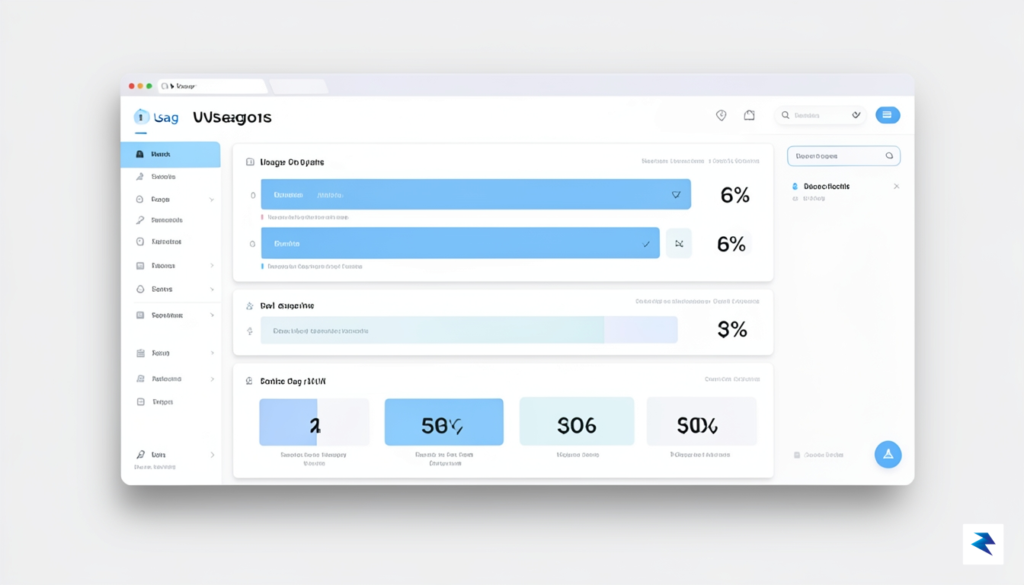
Gaining visibility into your AI consumption is the most effective way to ensure your projects remain uninterrupted. Within the Google AI Studio, you have access to a centralized dashboard that provides real-time insights into your quota utilization. To begin monitoring, navigate to the Settings menu located within your project dashboard. From there, select the Quota tab to view a detailed breakdown of your request limits, which are typically categorized by the specific model version you are currently deploying. This interface serves as your command center for understanding whether you are nearing your daily or per-minute token limits, allowing you to make data-driven decisions about your workflow intensity.
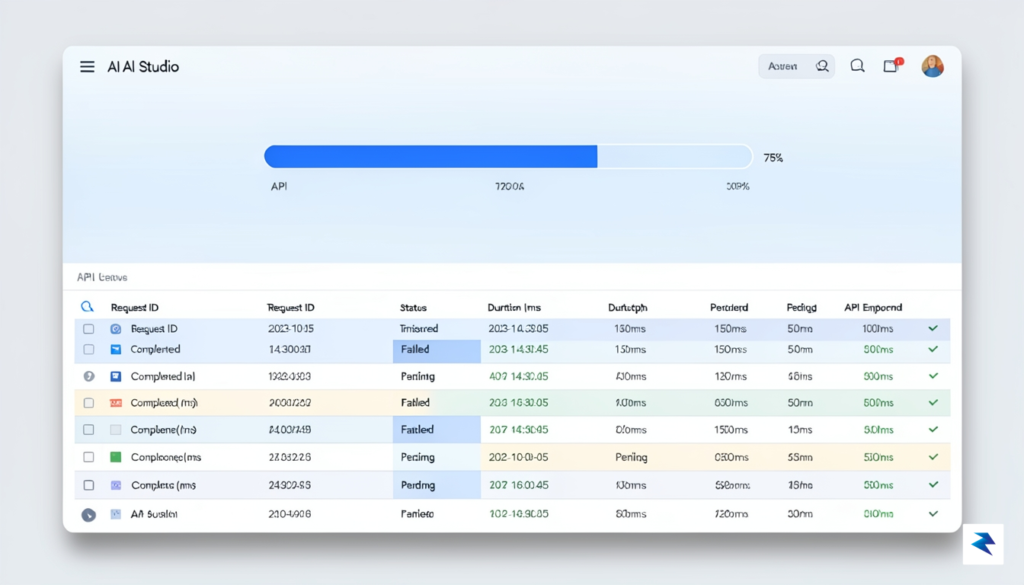
Interpreting the data points displayed on this dashboard is relatively straightforward once you understand the metrics. You will primarily see two key indicators: Requests Per Minute (RPM) and Tokens Per Minute (TPM). RPM measures the frequency of your calls to the API, while TPM tracks the sheer volume of text or data processed. If you notice your RPM is consistently hitting the ceiling while your TPM remains low, you might be sending too many small, frequent requests, which could be optimized through batching. Conversely, if your TPM is the primary constraint, your prompts may be overly verbose or include redundant context that consumes your allowance faster than necessary.
To avoid service interruptions, treat your usage dashboard as a routine check-in rather than a reactive measure taken only after a request fails.
Beyond simply viewing current statistics, it is highly recommended that you establish a system of proactive management to prevent hitting a “hard wall.” While Google’s platform does not always provide automated email “soft alerts” for every tier, you can cultivate personal habits to stay ahead of your limits. One effective strategy is to integrate a simple monitoring script within your own development environment that tracks the 429: Too Many Requests response code. By logging these specific errors, you can create a local report that highlights which tasks or times of day lead to the highest consumption spikes. Furthermore, consider implementing a “quota buffer” by capping your project’s automated processes at 80% of your total limit. This safety margin ensures that even during unexpected traffic surges, you maintain enough headroom to adjust your configurations before the system forces a total cessation of service.

Optimizing your interaction with Gemini is far more effective than simply limiting your usage. By mastering the art of precise prompting, you can drastically reduce the number of iterative requests required to reach a perfect output, thereby conserving your quota. Instead of firing off vague or broad queries, focus on contextual density: provide clear constraints, specify the desired tone, and outline the exact format you need from the start. A single, highly structured prompt that includes background information and explicit instructions often eliminates the need for multiple follow-up clarifications that consume additional tokens and processing power.
When you have a massive project, such as drafting a lengthy white paper or analyzing a complex dataset, avoid asking Gemini to handle the entire task in one monumental prompt. Large, monolithic requests often force the model to dedicate more computational resources to maintain coherence across a vast scope, which can lead to diminishing returns and rapid quota depletion. Instead, break your objective into logical, modular steps. By tackling one subsection or one analytical layer at a time, you keep the context window focused, resulting in higher-quality responses that require fewer revisions.
To maximize efficiency, treat Gemini as a specialized assistant for distinct phases of your workflow rather than a single-shot engine for the entire project.
A key strategy for managing your usage is matching the intensity of the request to the capabilities of the specific model tier. You do not always need the most advanced version of Gemini for routine tasks like summarizing a brief email, drafting a simple social media post, or performing basic arithmetic. Save your credits for Gemini Advanced when you are tackling high-stakes assignments, such as complex coding challenges, nuanced creative writing, or deep-dive research that requires extensive logical reasoning. By reserving your “power-user” quota for tasks that truly demand the highest reasoning capacity, you ensure that your access remains available when you need it most.

Ultimately, the goal is to cultivate a habit of intentional prompting. Review your past interactions to identify patterns where you might be asking for unnecessary refinements or repeating instructions. When you treat your interaction with the AI as a deliberate conversation rather than a trial-and-error process, you not only save resources but also improve your own ability to translate complex thoughts into structured, actionable requests. This disciplined approach ensures that you get the maximum possible value out of every single prompt, keeping you well within your usage limits while maintaining a high standard of productivity.

As we navigate the shifting landscape of generative AI, it is becoming increasingly clear that the era of unlimited, free-form exploration is transitioning into a phase of managed resource allocation. The compute power required to fuel sophisticated models like Gemini is immense, and as these systems become more capable, the infrastructure behind them must scale accordingly. This evolution represents a fundamental trade-off between raw AI performance and widespread, unbridled accessibility. By introducing tiered usage and quota systems, companies like Google are effectively balancing the need to democratize access to cutting-edge technology while ensuring that the underlying hardware can sustain high-quality service for millions of users simultaneously.
Looking toward the horizon, we can expect a growing divide in how AI is delivered across different user segments. For individual power users and creative professionals, the future will likely involve more refined subscription models that offer predictable performance tiers, while enterprise environments will move toward dedicated, high-capacity pipelines that guarantee stability for business-critical tasks. This shift suggests that AI will soon be treated less like a novelty web utility and more like a core professional infrastructure, similar to high-speed internet or cloud storage. Consequently, learning to work within these constraints today—by monitoring your usage and understanding the limitations of your current plan—is not just a matter of convenience; it is a strategic preparation for a future where AI integration is a standard, albeit managed, element of every professional and creative workflow.

Mastering the art of “thoughtful prompting” is the ultimate insurance policy against service limits. When you learn to provide context-rich, precise instructions, you minimize the need for iterative corrections and wasted cycles, effectively stretching your quota further.
To thrive in this environment, it is essential to cultivate a mindset of intentionality. Instead of treating AI as a bottomless well of compute, consider adopting a framework of “thoughtful prompting.” This means curating your interactions to prioritize quality over quantity, ensuring that each request is structured to yield maximum utility in a single pass. By refining your input strategies, you not only respect the service constraints of the platforms you rely on but also sharpen your own critical thinking skills. Ultimately, the users who will find the most success in the coming years are those who treat their AI quotas as a finite, valuable resource, leveraging them with precision to augment their capabilities rather than relying on them as a crutch for inefficient processes.
You must be logged in to post a comment.