YouTube Shorts Gets a TikTok Makeover: Everything You Need to Know
The Evolution of YouTube Shorts: Chasing the TikTok Experience The landscape of digital entertainment has undergone a seismic shift over the…
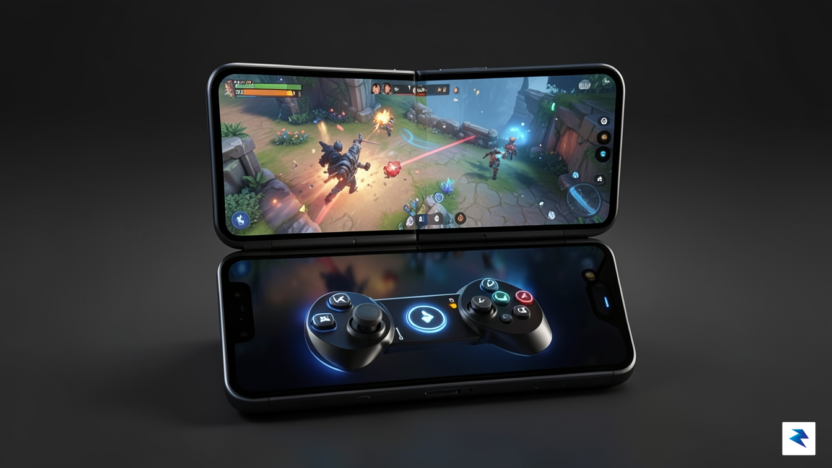
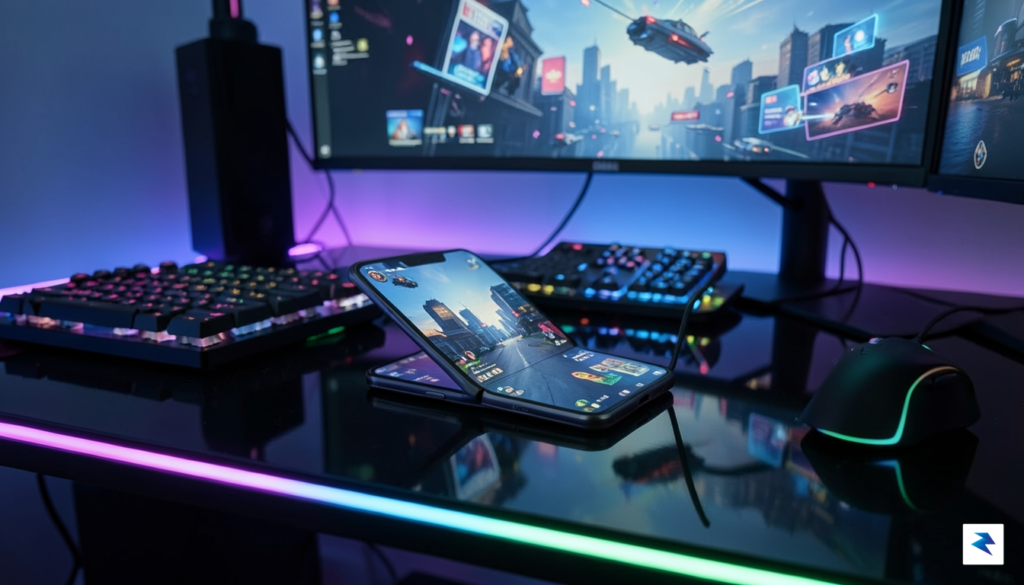
For years, the promise of foldable technology has centered on the “tablet-in-your-pocket” narrative, offering users a sprawling canvas for media consumption and multitasking. Yet, when it comes to high-fidelity mobile gaming, this expansive screen real estate has largely remained an underutilized asset. While the hardware has matured rapidly, the software experience has struggled to keep pace, leaving gamers to wrestle with stretched interfaces and awkward, flat touch controls that feel disjointed on a large display. The current landscape is defined by an ergonomic paradox: we have devices powerful enough to run console-quality titles, but the physical interaction with these games remains tethered to a non-tactile glass surface that offers no feedback or intuitive placement for complex control schemes.
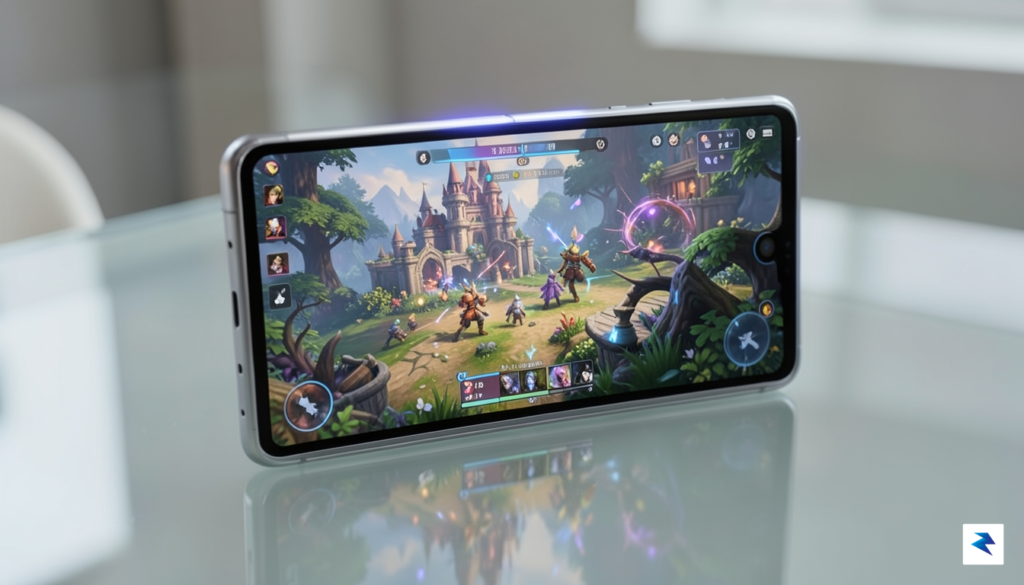
The fundamental issue lies in the lack of spatial awareness provided by traditional touch inputs on large, foldable screens. When playing a fast-paced shooter or an intricate strategy game, the center of the display often becomes a “dead zone” where fingers obscure crucial visual information, while the edges feel too far apart to reach comfortably without compromising your grip. Developers have attempted to patch these gaps with custom UI scaling, but without a system-level framework to manage these layouts, the experience remains fragmented and inconsistent. This is why Android 17’s focus on a specialized gaming mode is not just a luxury; it is the logical, necessary next step in the evolution of the platform.
By bridging the gap between hardware capability and user ergonomics, Google is finally acknowledging that a foldable device is not just a larger phone, but a unique gaming console that requires its own set of rules.
Moving forward, the integration of a dedicated gaming mode signifies a shift toward treating mobile gaming as a first-class citizen within the Android ecosystem. By leveraging native tools to reconfigure screen layouts, optimize touch latency, and potentially introduce haptic-inspired control overlays, Google is setting the stage for a much more immersive experience. This transition is vital because it moves us away from the “one size fits all” approach to app scaling, allowing for custom control zones that turn the internal display into a functional, ergonomic gamepad. As we look toward the future of mobile gaming, these enhancements ensure that the hardware’s potential is finally matched by a software environment that understands the unique physical demands of a foldable device.
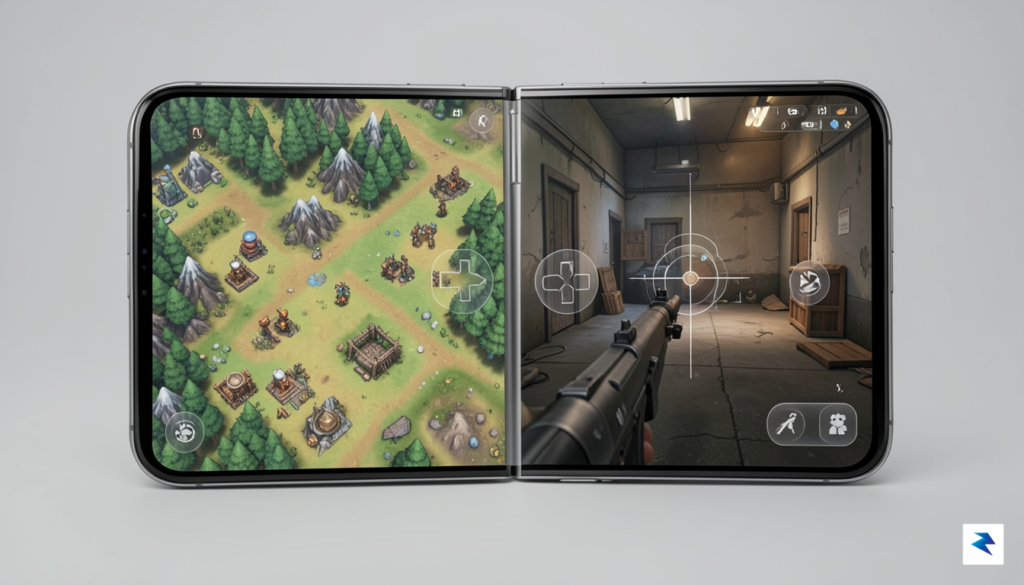
The standout innovation introduced with Android 17, and central to its new gaming paradigm, is the deeply integrated virtual controller. This ingenious system transforms one half of a foldable smartphone’s screen into a fully functional, dedicated gamepad, offering a seamless and intuitive control experience previously unachievable without external hardware. Unlike rudimentary overlay apps, this functionality is baked directly into the operating system at a fundamental level. When the device is folded into its L-shape or similar gaming stance, the system intelligently detects this orientation and dedicates a specific screen region to input, ensuring that touches are interpreted not as typical screen interactions but as precise gamepad commands.
At its core, the virtual controller works by mapping touch inputs to standard gamepad signals directly within the Android framework. When a user taps or swipes on the designated virtual button areas – be it a D-pad, action buttons (A, B, X, Y), or even virtual triggers – the system interprets these gestures as a physical button press would. This isn’t merely a visual overlay; the touch events are processed with a direct pipeline to the game’s input system, effectively emulating a connected physical controller. The OS manages the entire process, from recognizing the touch coordinate within a virtual button’s boundary to translating it into the corresponding digital signal that the game expects, all without the overhead typically associated with third-party software layers.
Crucially, this system-level integration is the secret sauce for achieving low-latency response times that closely mimic physical peripherals. Third-party virtual controllers often suffer from noticeable input lag because they operate as an application layer, relying on accessibility services or screen overlays to inject commands. Android 17 bypasses these inefficiencies entirely. By handling input mapping and signal transmission at the OS level, the delay between a user’s touch and the game’s reaction is dramatically reduced. This direct communication pathway ensures that every flick, tap, and hold is registered almost instantaneously, providing a competitive edge and a far more satisfying gaming experience, especially in fast-paced action or competitive multiplayer titles where milliseconds can make all the difference.
Furthermore, the potential for sophisticated haptic feedback integration elevates the virtual controller beyond simple touch input. Imagine not just seeing a button press register, but actually feeling a subtle, responsive vibration that simulates the tactile “click” of a physical button. Android 17’s deep integration allows for precise control over the device’s haptic engine, enabling developers to incorporate nuanced vibrations that correspond to in-game actions, button presses, or even environmental cues. This adds an immersive layer of physical feedback, making the virtual controls feel more substantial and responsive, thus bridging the gap between a purely visual interface and the tactile satisfaction of a traditional gamepad.
The stability and compatibility benefits over existing solutions are immense. Users of third-party apps often contend with inconsistent performance, mapping issues, or even compatibility problems with certain games that don’t recognize injected inputs correctly. Android 17’s native virtual controller eliminates these headaches. Because it functions as an intrinsic part of the operating system, it offers unparalleled stability and universal compatibility with virtually any game that supports standard gamepad inputs. This robust, consistent experience means gamers can simply unfold their device and jump into their favorite titles, confident that their inputs will be recognized flawlessly, without the need for complex setup or troubleshooting.
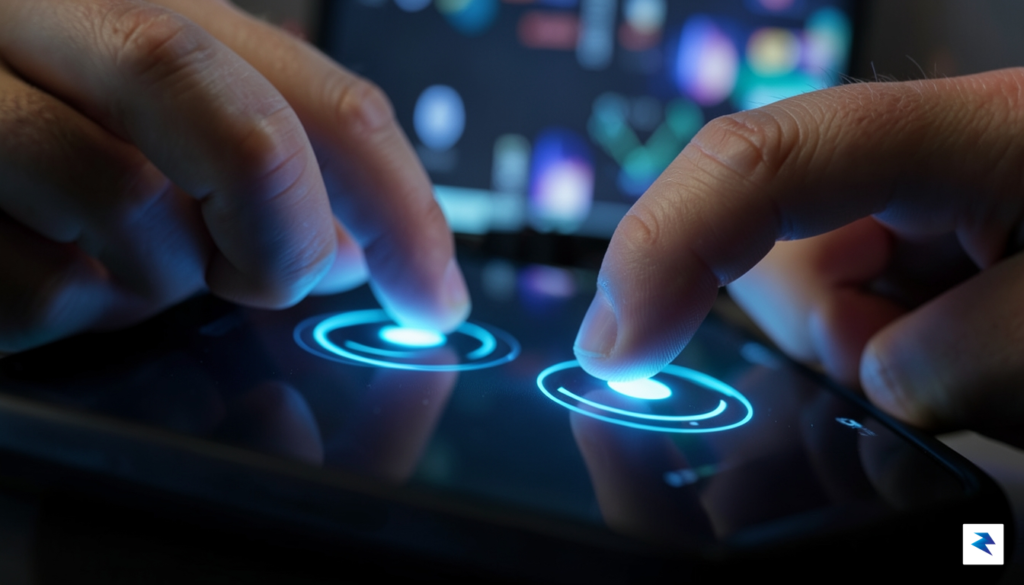
For years, the divide between mobile gaming and “real” gaming has been defined by the presence of physical tactile inputs. While professional gamers and enthusiasts often swear by dedicated hardware controllers—citing the precise actuation of mechanical switches and the ergonomic relief of a gripped device—these peripherals are inherently cumbersome. Carrying an extra piece of hardware every time you leave the house is a non-starter for the average user, leading to a compromise where players settle for the flat, unresponsive surface of a touchscreen. Android 17’s new foldable gaming mode attempts to dismantle this binary, positioning itself as the bridge between the portability of a smartphone and the intuitive layout of a console controller.
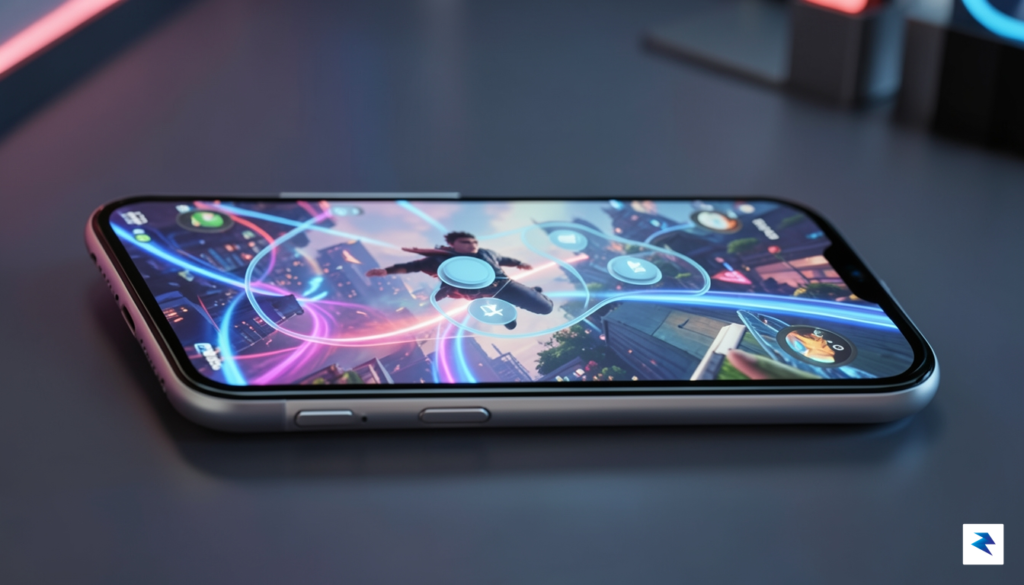
The primary struggle with software-based controls has always been the lack of physical feedback. When you press a button on a controller, the resistance and the “click” provide a sense of certainty that the input has been registered, whereas a touchscreen often leaves users wondering if their thumb landed perfectly on the virtual button. Furthermore, the dreaded “thumb fatigue”—caused by long periods of sliding fingers across flat glass—is a genuine barrier to extended play sessions. By utilizing the unique form factor of foldable devices, Android 17 reconfigures the screen real estate to mimic a split-controller setup. This allows for a more natural hand position that mimics the wideness of a traditional game pad, potentially reducing strain while providing a clearer view of the action.
The goal of this software innovation isn’t to replace the professional-grade controller, but to elevate the casual-to-mid-core gaming experience to a level where the hardware no longer feels like a hindrance.
While software-based inputs still contend with minor issues like latency or the occasional “ghost tap,” the optimization provided in this new mode is a significant leap forward. By mapping controls to the edges of the foldable display, the system allows the center of the screen to remain unobstructed, effectively turning a standard mobile device into a dedicated handheld console. For the vast majority of players who want to jump into a game during a commute or a quick break, this feature eliminates the need to carry external gear without sacrificing the intuitive feel of a button-based layout. It is a calculated move to prioritize ergonomics in a market that has long been dominated by flat, single-pane aesthetics.

The introduction of a native foldable gaming mode within Android 17 represents a fundamental shift in how the industry perceives mobile hardware. By moving beyond simple screen resizing, Google is effectively establishing a new standard that treats foldable devices as premium gaming consoles rather than mere oversized phones. This software-level commitment signals to developers that foldables are no longer an experimental niche, but a primary target for high-fidelity mobile experiences. As these specialized features become baked into the operating system, game studios will be increasingly incentivized to move away from generic “stretch-to-fit” layouts in favor of bespoke interfaces that leverage the unique aspect ratios and physical form factors of devices like the Pixel Fold or Galaxy Z Fold series.
This pivot toward hardware-aware software will likely trigger a ripple effect throughout the entire mobile ecosystem. When developers optimize titles specifically for foldable inputs—such as utilizing the secondary screen for inventory management, maps, or dedicated touch controls—it forces hardware manufacturers to innovate further in terms of grip, weight distribution, and thermal management. We are moving toward a future where a device’s “foldability” is considered a core gaming feature rather than an aesthetic luxury. Consequently, we can expect to see future hardware designs that prioritize ergonomic ridges, tactile haptic feedback zones, and enhanced cooling systems specifically engineered to support prolonged gaming sessions in the open-tablet orientation.
By standardizing the way games interface with foldable screens, Android 17 is laying the groundwork for a more specialized, professionalized mobile gaming market.
Ultimately, this evolution toward consistent software standards will lead to a more fragmented, yet significantly more specialized, gaming market. While this fragmentation might initially seem like a challenge for developers who must account for various screen sizes, it actually creates a landscape where dedicated hardware can truly shine. Rather than chasing a “one size fits all” optimization, studios can now lean into the strengths of specific form factors to create immersive, deep-strategy, or complex simulation games that simply do not work well on traditional bar-style phones. In the long run, this transition will likely push mobile gaming away from casual, short-burst titles and toward more sophisticated, console-quality experiences that justify the premium price tag of foldable technology.
You must be logged in to post a comment.