When Robots Block Responders: The Growing Safety Crisis of Autonomous Vehicles
The Growing Tension Between Autonomous Vehicles and Emergency Services The streets of major American cities are rapidly transforming, with the…
The evolution of the Surface brand over the last decade has been nothing short of transformative, moving from a niche hardware experiment into a mature, essential ecosystem that defines the modern Windows experience. As we navigate 2026, the lineup is no longer just a collection of tablets and laptops; it is a sophisticated hierarchy of silicon-driven tools designed to bridge the gap between human intent and digital execution. However, this expansion has inadvertently created a landscape of choice paralysis. With Microsoft now leaning heavily into AI-optimized neural processing units (NPUs) across every tier of their hardware, the lines between a professional-grade workstation and a student-focused ultraportable have become increasingly blurred, making the decision-making process more complex than it has ever been.
To make sense of the current offerings, one must look past the aggressive marketing jargon—which often prioritizes buzzwords like “Copilot integration” or “next-gen fluidity”—and focus on how the underlying architecture serves your specific daily rhythm. The integration of specialized silicon is now the primary differentiator, shifting the conversation away from traditional clock speeds and toward thermal efficiency and intelligent task management. Because these devices are now deeply woven into the fabric of cloud-based productivity, choosing the wrong machine isn’t just about losing a few frames per second; it’s about compromising your workflow efficiency for the next several years.
The most critical step in upgrading your hardware isn’t comparing benchmarks, but rather auditing your own digital lifestyle to see where the bottleneck actually lives.
Before you even begin to glance at the spec sheets or price tags, it is essential to categorize your primary use case into one of three distinct pillars: creative professional, enterprise power user, or academic explorer. Creative professionals require the color-accurate, high-refresh-rate displays and high-bandwidth memory configurations that define the premium Pro and Laptop Studio models. Conversely, the enterprise user needs rock-solid security protocols and long-range battery endurance for back-to-back hybrid meetings. Meanwhile, students and general users benefit most from the lightweight, cost-effective portability of the base-level models, which now pack enough AI-assisted power to handle research and multitasking with ease. By establishing your identity within these categories first, you can effectively strip away the unnecessary features that drive up costs, ensuring you invest only in the power you actually intend to utilize.
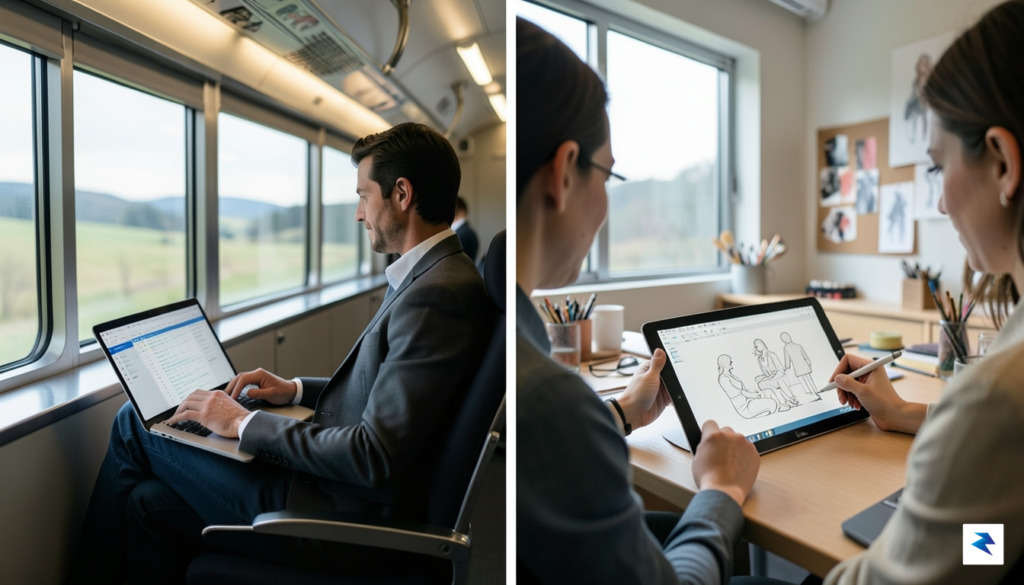
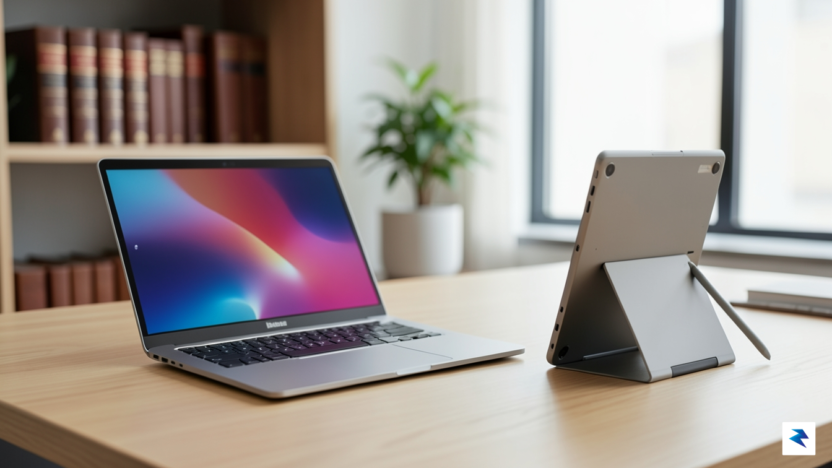
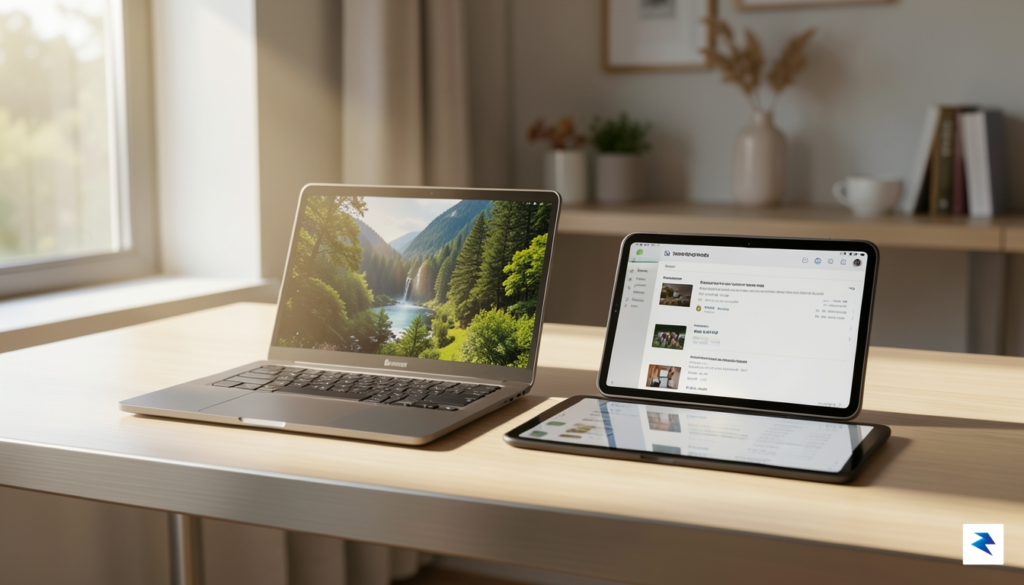
The fundamental choice between the Surface Laptop and the Surface Pro represents more than just a preference for aesthetics; it defines how you will interact with your digital workspace on a daily basis. At its core, the Surface Laptop provides a traditional, rigid clamshell design that prioritizes stability above all else. This configuration is engineered for users who spend the majority of their time working from a desk, a table, or even a tight airplane tray. The solid hinge mechanism ensures that the screen remains perfectly positioned regardless of the surface, offering a reassuringly firm typing experience that mimics the classic feel of a high-end workstation. If your workflow involves heavy document creation, extensive data entry, or long hours of coding, the inherent physical stability of the Surface Laptop remains its most compelling asset.
Conversely, the Surface Pro is built for a different kind of professional—one who values fluidity and mobile versatility. As a 2-in-1 device, it excels in environments where mobility is paramount, allowing you to transition from a tablet-based creative tool to a full productivity machine in seconds. However, this flexibility comes with a trade-off in ergonomics. Because the keyboard is a detachable cover, the device lacks the structural rigidity of a traditional laptop, which can make it feel somewhat precarious when trying to balance it on your lap. While modern kickstand designs have improved, they still require a flat, stable surface to truly shine, making the Surface Pro best suited for those who frequently move between cafes, meetings, and creative studios rather than those tethered to a traditional desk environment.
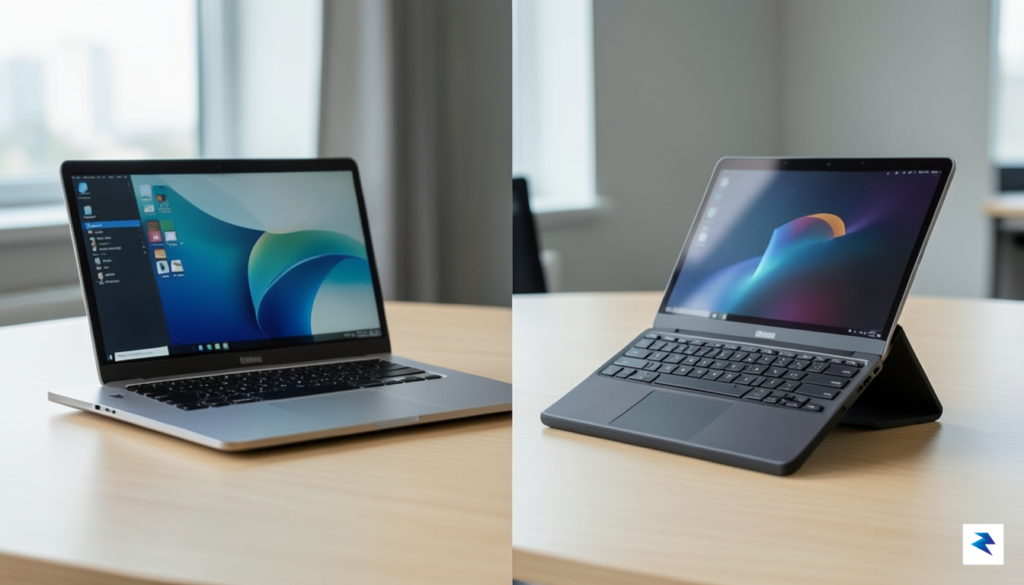
The choice between these two form factors ultimately boils down to your priority: do you value the unwavering stability of a traditional workstation, or does the unrivaled mobility of a tablet-hybrid better serve your dynamic professional workflow?
When considering the value proposition, it is important to factor in the hidden costs of these design choices. The Surface Laptop is a “ready-to-go” solution; the price you pay includes the chassis, the screen, and the integrated keyboard, which is tuned for maximum comfort and tactile feedback. In contrast, while the Surface Pro offers a more modular approach, you must often account for the additional cost of the signature keyboard cover to achieve a comparable typing experience. Furthermore, the Surface Laptop’s deck is constructed to feel like a singular, premium unit, whereas the Surface Pro’s reliance on a kickstand means your footprint on a desk is technically larger once you account for the angle of the display. Before committing, consider your primary work environment; if you find yourself constantly adjusting your screen angle while juggling a laptop on your knees, the stability of the Surface Laptop will likely prove to be the superior long-term investment.
Choosing the right configuration for your 2026 Surface device requires balancing your actual daily habits against the allure of “future-proofing.” The most significant shift in this year’s lineup is the distinction between ARM-based processors and traditional x86 architectures. For the vast majority of users—those primarily focused on web browsing, document creation, and video conferencing—the ARM-based chips offer superior battery efficiency and thermal management, making them the clear winner for productivity on the go. Conversely, if your workflow relies on legacy enterprise software or specialized creative suites that haven’t been fully optimized for ARM, the x86 options remain the necessary, albeit power-hungry, standard.
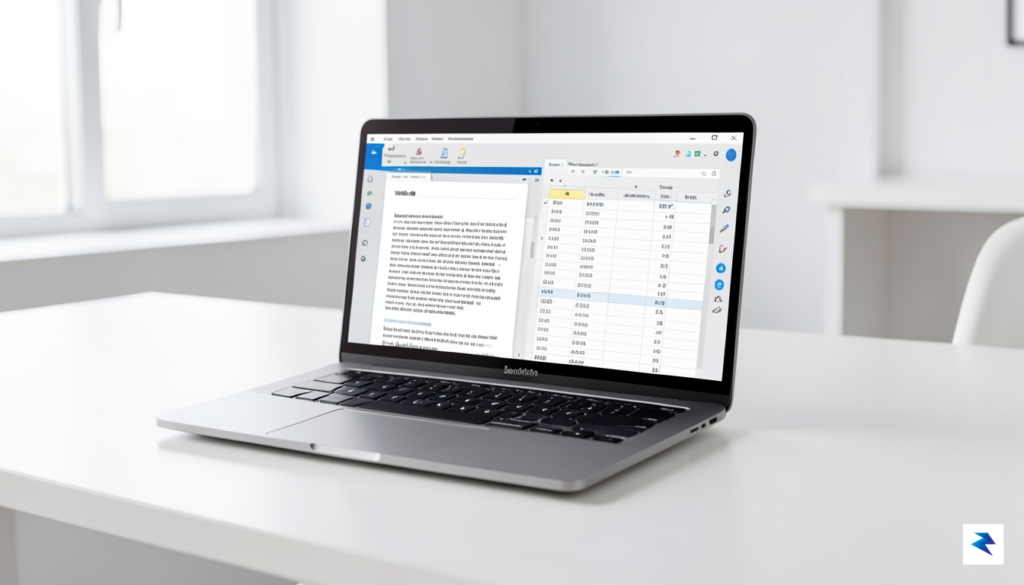
When it comes to memory, the “more is better” mantra can lead to unnecessary spending. If your daily workflow rarely extends beyond ten browser tabs, a word processor, and a music streaming app, 16GB of RAM is the sweet spot that offers longevity without the premium cost of higher tiers. However, if you are a power user who constantly juggles multiple virtual machines, heavy data sets, or complex photo editing software, jumping to 32GB or beyond is a worthwhile investment. It is important to remember that RAM is no longer user-upgradable in these thin-and-light chassis, so choosing the right amount at the point of purchase is critical for avoiding performance bottlenecks three years down the line.
Key Takeaway: Don’t fall for the trap of buying a flagship processor if your primary workload is lightweight; you are essentially paying for idle horsepower that will only generate extra heat and reduce your battery life.
Beyond the processor and RAM, consider how storage performance impacts your day-to-day experience. While many buyers obsess over having a terabyte of space, the speed of that drive—specifically the read/write cycles—is far more consequential for system responsiveness. Modern Surface devices utilize high-speed NVMe SSDs that ensure rapid boot times and near-instantaneous file access. Unless you are a video editor working with massive 4K raw files, you are often better served by a 512GB ultra-fast drive supplemented by cloud storage or external high-speed peripherals. Prioritizing drive speed over raw capacity ensures that your system feels snappy and responsive, even as the operating system and background processes continue to grow in complexity over time.

When you look at the spec sheets for the 2026 Surface lineup, the advertised battery life figures often suggest you can breeze through a full day of work without reaching for a charger. However, laboratory benchmarks frequently rely on idealized scenarios—such as looping video playback at low brightness—that rarely reflect the frantic reality of a professional workflow. In the real world, juggling a dozen browser tabs, constant background cloud syncing, and high-resolution video conferencing creates a much heavier load on the processor. Consequently, while a Surface Pro might promise 15 hours of endurance, users running power-hungry creative applications will find that reality closer to eight or nine hours, necessitating a strategic approach to power management.
The screen remains the single greatest culprit for accelerated battery drain across all Surface models. Pushing the high-refresh-rate PixelSense displays to their maximum brightness level is an invitation for your battery percentage to plummet significantly faster than you might expect. If you are working in a well-lit office or outdoors, you are essentially taxing your hardware twice: once by demanding high brightness and again by forcing the integrated graphics to push those extra pixels. To bridge the gap between lab ratings and daily utility, we recommend keeping your brightness locked at roughly 60 percent whenever possible and utilizing the built-in “Battery Saver” mode during lighter tasks like word processing or reading, which throttles non-essential background processes effectively.
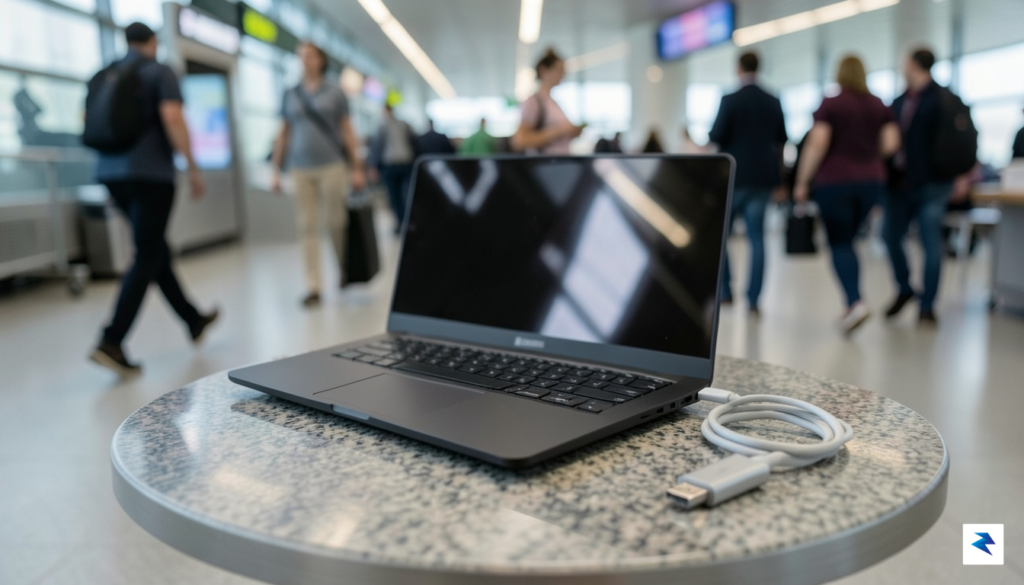
While the 2026 models feature impressive fast-charging capabilities, it is vital to manage your expectations when you are in a high-demand environment. Yes, you can regain a significant amount of power during a short layover or a lunch break, but this assumes you are using the correct high-wattage power adapter. Relying on a standard USB-C phone charger will result in a trickle charge that may barely keep the device alive while you work, rather than replenishing the battery. For power users who frequently travel, investing in a gallium nitride (GaN) charger that matches or exceeds the laptop’s maximum input wattage is not just a convenience—it is a necessity for maintaining a productive workflow throughout a long, unpredictable day.
Key Takeaway: Never rely solely on the “up to” battery hours advertised on the box. Subtract 25% from the manufacturer’s claim to get a more accurate estimate of how the device will perform under your specific, real-world professional workload.
Ultimately, the choice between the ultra-portable Surface Pro and the more traditional Surface Laptop comes down to how you plan to manage your power tether. The Pro models offer incredible versatility, but their thinner chassis leaves less room for the massive battery cells found in the Laptop series. If your priority is absolute longevity away from a wall outlet, the larger Surface Laptop models consistently outperform their tablet-hybrid counterparts in sustained, high-performance sessions. By adjusting your display settings and carrying a dedicated high-output charging brick, you can ensure that your Surface remains a reliable companion rather than a source of battery anxiety.
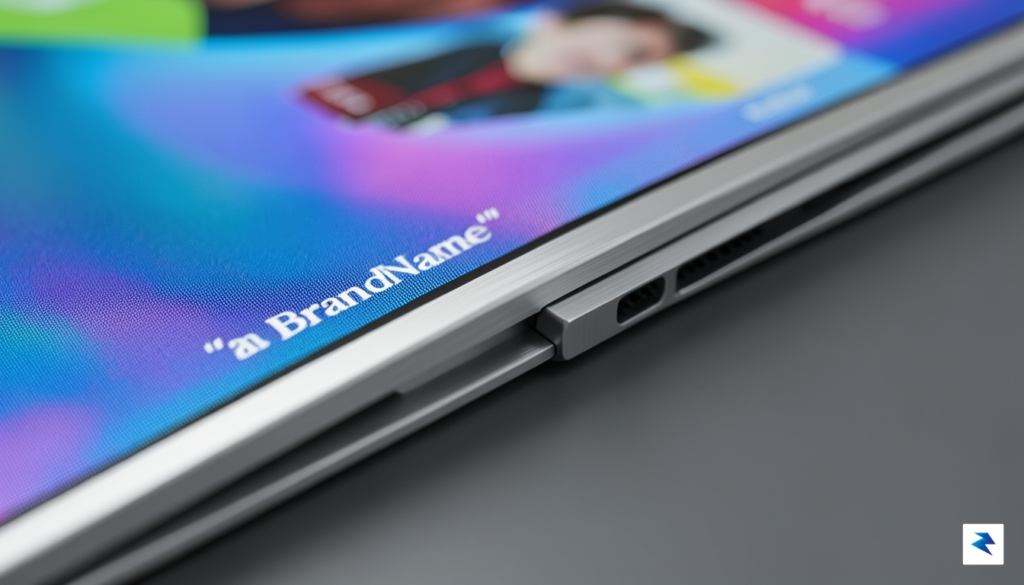
When you invest in a Surface device, you are paying for more than just internal specifications; you are paying for a distinct hardware philosophy that prioritizes vertical screen real estate. The signature 3:2 aspect ratio remains the gold standard for productivity in 2026, offering a taller canvas that allows users to view more rows in a spreadsheet, more lines of code, or entire paragraphs of a document without constant scrolling. By providing extra space along the vertical axis, Microsoft successfully bridges the gap between a portable laptop and a professional workstation, ensuring that every inch of the high-pixel-density display feels intentional and useful for daily multitasking.
The visual experience is further bolstered by the integration of Microsoft’s proprietary touch-screen technology, which has achieved an unprecedented level of responsiveness this year. Whether you are navigating complex interfaces with a finger or utilizing the precision of a digital pen for creative annotation, the glass-to-display lamination minimizes parallax, making the interaction feel remarkably tactile and grounded. This isn’t just a gimmick for casual scrolling; for professionals who rely on hybrid workflows, the ability to physically interact with the operating system provides a level of ergonomic flexibility that traditional clamshell laptops simply cannot replicate.
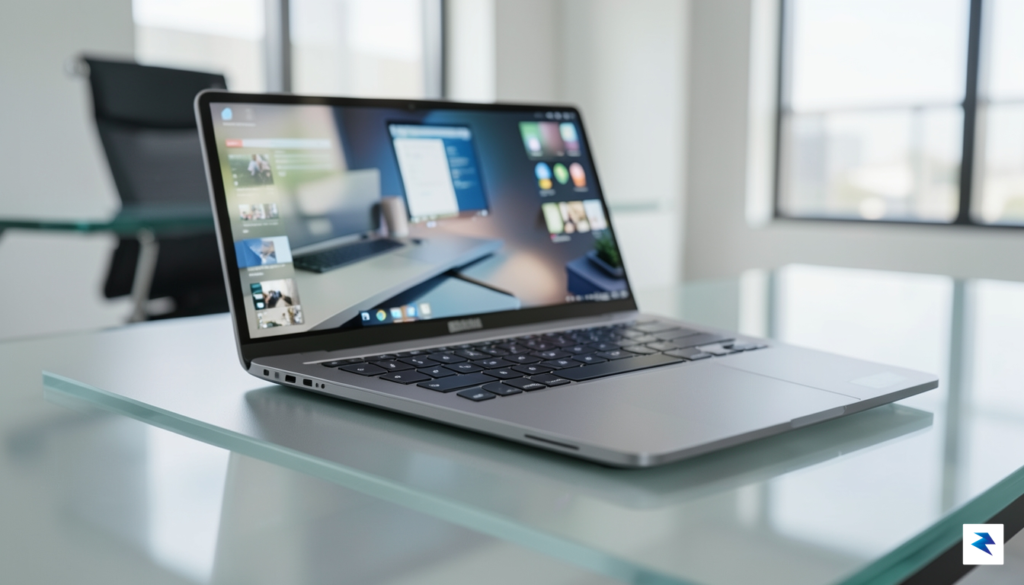
Beyond the screen, the build quality of the 2026 Surface lineup continues to set the benchmark for high-end aluminum construction. The anodized finish is not merely for aesthetics; it provides a hardened shell that is impressively resistant to the typical scuffs and oils that plague lesser laptops after months of use. While the lightweight nature of the chassis might initially feel delicate to some users, the structural integrity is reinforced by a rigid internal frame that prevents keyboard flex even under heavy typing pressure. This commitment to premium materials ensures that the device maintains its sophisticated, “out-of-the-box” look long after the initial purchase date, justifying the higher price point for those who prioritize long-term hardware aesthetics.
The true value of the Surface hardware lies in the marriage of structural rigidity and display ergonomics, ensuring that the device remains a reliable tool rather than just a fragile luxury item.
Finally, the evolution of the Surface hinge systems deserves recognition for its contribution to daily reliability. By engineering a hinge that is stiff enough to prevent screen wobble during aggressive touch interaction but fluid enough to allow for one-handed opening, Microsoft has managed to solve one of the most common friction points in laptop design. Over time, these hinges have proven to be exceptionally resistant to loosening, a common failure point in cheaper alternatives. Ultimately, while the Surface series carries a premium cost, the combination of a productivity-focused display ratio and a resilient, high-grade chassis creates a hardware package that prioritizes both long-term utility and sustained visual excellence.

While the allure of a discounted Surface device can be strong, especially when you see steep price cuts on older inventory, you must exercise extreme caution. In 2026, purchasing a device running on Intel 10th or 11th Gen processors—or even early ARM-based SQ chips—is a trap that will quickly lead to buyer’s remorse. These older chipsets are not merely slower; they struggle to keep pace with the power-hungry demands of modern Windows 11 features and heavy-duty productivity suites. You will likely find that these machines suffer from poor battery optimization and struggle to maintain cool temperatures, often resulting in aggressive thermal throttling that turns your workflow into a stuttering, frustrating experience.
Furthermore, the hardware limitations of older models extend far beyond just raw processor speed. Many legacy Surface models lack the integrated NPU (Neural Processing Unit) capabilities required for the next generation of AI-enhanced collaborative tools and real-time security features that are becoming standard in the current ecosystem. When you invest in a refurbished unit from several years ago, you are often buying hardware that is already near its end-of-life cycle for firmware updates and driver support. Consequently, you may find yourself unable to leverage the most stable version of the operating system, leaving your device vulnerable to security gaps and performance degradation that newer, entry-level models simply do not face.
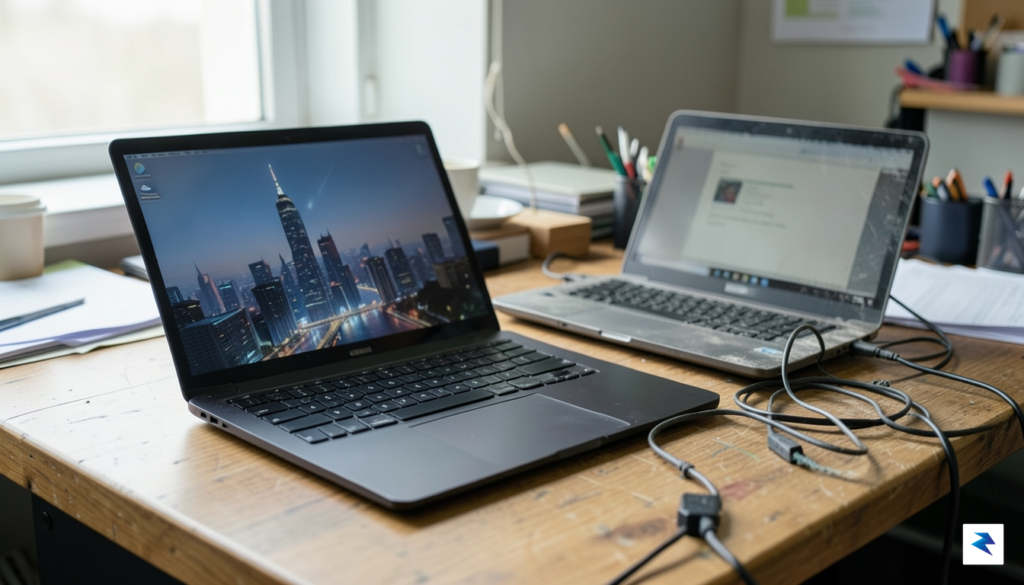
Pro Tip: Avoid any Surface model with less than 16GB of RAM in 2026. While 8GB might have been the standard budget choice in the past, modern web browsers and background applications will quickly choke an 8GB system, rendering the machine unresponsive during standard multitasking.
It is almost always a better financial decision to purchase a base-model current-generation Surface rather than a high-end, top-tier model from four or five years ago. Modern entry-level hardware is built on significantly more efficient architectures that provide better thermal management, vastly improved battery life, and guaranteed longevity. When you buy old, you inherit someone else’s battery degradation and potential component fatigue, whereas a current entry-level device ensures you have a fresh warranty and the latest hardware standards, such as faster Wi-Fi 7 connectivity and optimized power efficiency. Do not let the “premium” price tag of an old flagship distract you from the reality that hardware obsolescence is the most expensive cost of all.
You must be logged in to post a comment.