Why Prime Day Is the Optimal Time to Buy a Kindle

For many bibliophiles, the quest for the perfect e-reader is often hindered by the premium price tags attached to the latest hardware. However, Amazon’s Prime Day has cemented itself as the singular, most effective window for consumers to upgrade their digital reading setup. Historically, the pricing patterns for the Kindle lineup follow a predictable, cyclical trajectory, and it is during this mid-year event that these devices reach their lowest points of the entire fiscal year. While retailers may offer sporadic promotions throughout the spring or autumn, none match the sheer depth of the discounts seen during Prime Day, making it the strategic benchmark for anyone waiting to invest in a new Paperwhite, Colorsoft, or Kids edition.
The primary driver behind these aggressive discounts is Amazon’s desire to integrate as many users as possible into its proprietary ecosystem. By lowering the barrier to entry, the company ensures that more readers are consuming digital content, purchasing e-books, and utilizing subscription services like Kindle Unlimited. This strategy creates a “halo effect” where the hardware sale acts as a loss leader, incentivizing long-term engagement with the Amazon storefront. For the budget-conscious shopper, this creates a unique win-win scenario: you secure industry-leading hardware at a fraction of the MSRP, while the company secures a loyal, long-term customer.
Prime Day consistently serves as the price floor for Kindle hardware, offering a level of affordability that rarely resurfaces until the subsequent year’s event cycle.
Many consumers frequently debate whether they should hold out for Black Friday or the traditional holiday shopping season to make their purchase. While those later months do offer competitive pricing, they are often characterized by supply chain volatility and a focus on bundled gift sets rather than standalone hardware discounts. In contrast, Prime Day offers a more streamlined shopping experience with direct, transparent price slashes that apply across the entire product range. By securing your Kindle in mid-year, you avoid the seasonal stress of the holiday rush and gain months of additional reading time, effectively maximizing the return on your investment well before the end of the calendar year.
Decoding the Kindle Lineup: Choosing Your Perfect Device
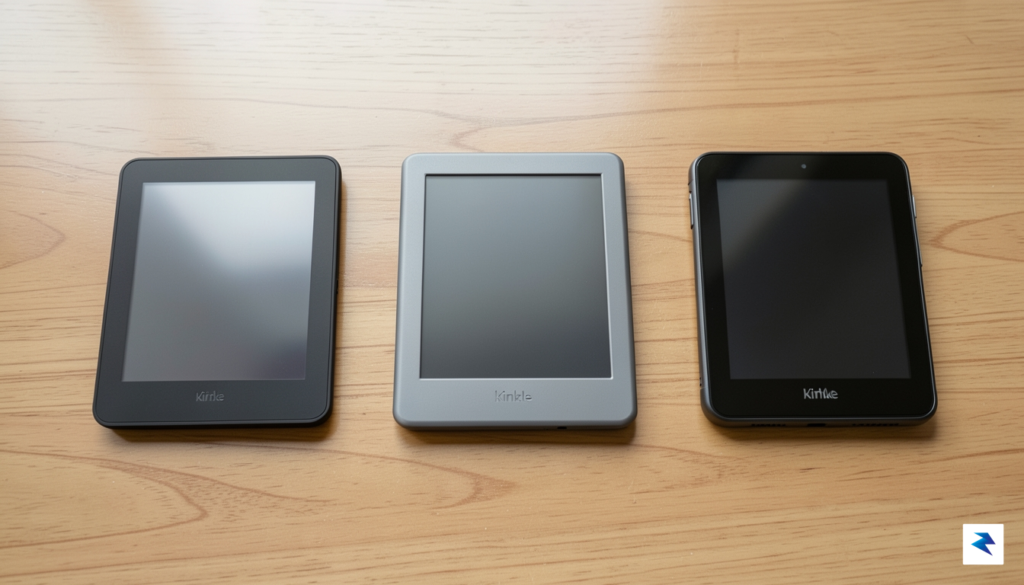
Navigating the Kindle ecosystem can feel overwhelming given the rapid advancements in e-ink technology, but distinguishing between the core models essentially comes down to your personal reading priorities. The Kindle Paperwhite remains the gold standard for dedicated readers who prioritize a distraction-free environment, high-contrast text, and portability. With its signature glare-free display and IPX8 waterproof rating, it is the ultimate companion for heavy travelers who need a device that can withstand beach trips, long flights, or a rainy commute. The battery life on the latest Paperwhite is particularly impressive, often lasting up to ten weeks on a single charge, which is a massive advantage for users who prefer not to hunt for power outlets while on the move.
For those whose literary interests extend beyond text-heavy novels, the Kindle Colorsoft represents a significant leap forward in hardware capability. This model utilizes advanced color e-ink technology, making it the ideal choice for readers who frequently engage with graphic novels, travel guides, or textbooks containing charts and illustrations. While the color palette is more muted than a traditional LCD tablet, it provides a comfortable, eye-friendly experience that preserves the paper-like feel of e-readers while adding necessary visual context. If you find yourself constantly zooming in on black-and-white maps or struggling to interpret monochrome diagrams, the Colorsoft offers a vibrant utility that justifies the investment, especially when picked up during promotional events like Prime Day.
The best Kindle for you depends less on the price tag and more on whether your library is primarily composed of prose, visual media, or shared family titles.
Finally, the Kindle Kids edition is specifically engineered to bridge the gap between durable hardware and a controlled digital environment. Beyond the rugged protective cover and the two-year worry-free guarantee, these devices provide parents with granular control through the Amazon Parent Dashboard, ensuring that young readers stay focused on age-appropriate content without the interference of social media or web browsing. Storage capacity is another crucial factor to consider across all three models; while the base models are generally sufficient for thousands of books, power users or those storing large color graphic files should lean toward the higher-tier storage options to avoid library management headaches. Ultimately, whether you select the Paperwhite for its endurance, the Colorsoft for its visual versatility, or the Kids edition for its peace-of-mind features, aligning the device’s technical specifications with your daily reading habits will ensure you get the most value out of your purchase.
Analyzing the 2026 Prime Day Discounts: What to Expect
When browsing the impressive ‘up to 36% off’ claims for 2026 Prime Day Kindle deals, it’s essential to approach these figures with a savvy buyer’s mindset. While such a significant percentage is indeed attainable, it rarely applies to a standalone Kindle device purchased on its own. Instead, these peak discounts are typically reserved for specific configurations, often representing the maximum possible saving when multiple factors align. Understanding this distinction is the first step in setting realistic
Hidden Costs and Considerations Beyond the Sale Price
While the allure of a significant discount during Prime Day is undeniable, the sticker price is merely the entry point for your digital reading journey. Calculating the total cost of ownership requires looking beyond the hardware to the ecosystem of services and physical add-ons that define the actual daily experience. Often, these devices are bundled with trial subscriptions to Kindle Unlimited or Audible, which provide a vast library of content at your fingertips. However, it is essential to remember that these services transition to recurring monthly charges once the promotional period expires; failing to track these renewals can quickly offset the savings you achieved on the initial device purchase.
Beyond digital subscriptions, the physical protection of your investment is a practical necessity that should be factored into your budget. Because Kindles are designed for portability, they are susceptible to drops, scratches, and screen damage during commutes or travel. While a basic device might seem affordable, adding a high-quality, magnetic-closure case—which automatically wakes or sleeps your device—and a matte screen protector can easily add $30 to $50 to your total outlay. Though these accessories are optional, they are highly recommended for preserving the longevity of your e-reader, as screen replacements are rarely cost-effective compared to the price of a new unit.

Investing in Longevity and Resale Value
When evaluating the long-term value, it is helpful to consider the hardware’s lifespan. Amazon’s e-readers are remarkably durable, often lasting five to seven years before the battery begins to degrade or the software becomes sluggish. Because of this longevity, a Kindle often holds a surprising amount of its resale value on secondary markets. If you decide to upgrade to a newer model in the future, you can frequently recoup a portion of your initial investment by selling your old device, provided you have kept it in excellent condition with a protective cover.
Pro-Tip: Before committing to a bundle, assess your reading habits. If you primarily borrow books from your local library through Libby, you may not need the recurring expense of Kindle Unlimited, allowing you to allocate those funds toward a premium case or a higher-capacity storage model instead.
Finally, do not overlook the power delivery aspect of your new device. While most Kindles ship with a USB-C charging cable, they rarely include a dedicated wall adapter in the box. If you do not have a spare high-quality charging block at home, you will need to purchase one to ensure efficient charging. By accounting for these auxiliary costs—subscriptions, protective gear, and charging accessories—you can make an informed decision that aligns with your budget and ensures your reading experience remains seamless and frustration-free for years to come.
Maximizing Your Investment: Prime Day Bundles and Ecosystem Perks

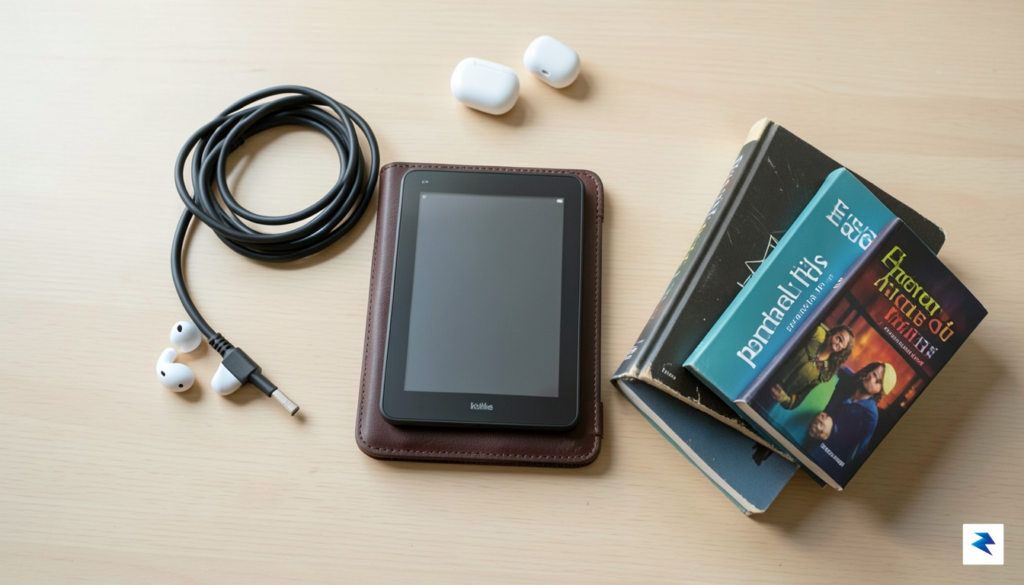
Securing a discounted device is only the first step toward transforming your reading habits; true value lies in how you integrate the hardware into your existing digital life. During Prime Day 2026, the most savvy shoppers will look beyond standalone e-readers and focus on curated bundles. Often, these packages pair your new Kindle with essential accessories like magnetic covers, power adapters, or extended warranties, which provide significantly more utility than purchasing each item separately later. By opting for a bundle, you are not merely buying a screen; you are investing in a protected, ready-to-use reading system that saves you money on the “hidden” costs of ownership.
Strategies for Curating Your Digital Library
Once you have your device in hand, the next phase of maximizing your investment involves managing your digital content efficiently to avoid the “clutter effect.” Rather than downloading every free ebook you find, use the Kindle’s Collections feature to categorize your library by genre, reading status, or thematic interest. Prime members should take full advantage of Prime Reading, a rotating selection of books, magazines, and comics that comes at no additional cost. Furthermore, consider synchronizing your library with services like Libby, which allows you to borrow ebooks from your local public library directly to your Kindle, effectively turning your device into a gateway to thousands of titles without spending a dime beyond your initial hardware purchase.
To extract the most value from your Kindle, treat it as a curated sanctuary rather than a junk drawer; regularly archive finished titles to keep your home screen clean and focused on your current “To-Be-Read” list.
Your Prime Day Setup Checklist
To ensure you hit the ground running the moment your package arrives, follow this essential setup checklist designed for immediate enjoyment:
- Register Immediately: Log in with your primary Amazon account during the initial boot sequence to automatically sync any previously purchased content and your existing highlights or notes.
- Optimize Battery Life: Navigate to the settings menu to adjust the warmth and brightness of your display, which not only improves eye comfort but also significantly extends your time between charges.
- Personalize Your Experience: Experiment with custom fonts, line spacing, and margin widths to find the visual configuration that makes long-form reading most effortless for your specific eyesight.
- Enable Send-to-Kindle: Install the browser extension or app on your computer and smartphone to easily send long-form articles, PDFs, and documents from the web directly to your e-reader for distraction-free reading later.
By treating your Kindle as a central hub for your literary life rather than a standalone gadget, you elevate the device from a mere electronic toy to an indispensable personal assistant. When you combine the initial hardware discount with a proactive approach to managing your library and optimizing settings, the return on your investment becomes substantial. You aren’t just buying a reader; you are building a personalized, portable library that scales with your reading habits for years to come.