
BNB Chain’s New Layer-1: Powering the Future of AI Trading at 100k TPS
The Evolution of High-Performance Blockchains As the decentralized finance (DeFi) ecosystem continues its rapid expansion and maturation, the…
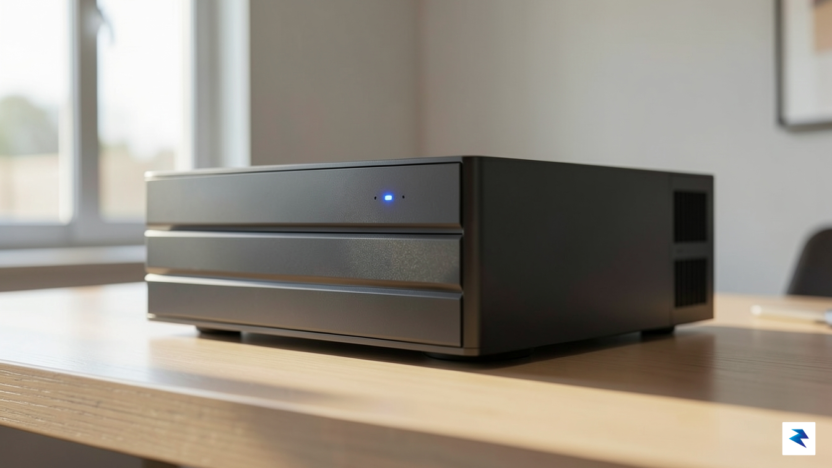
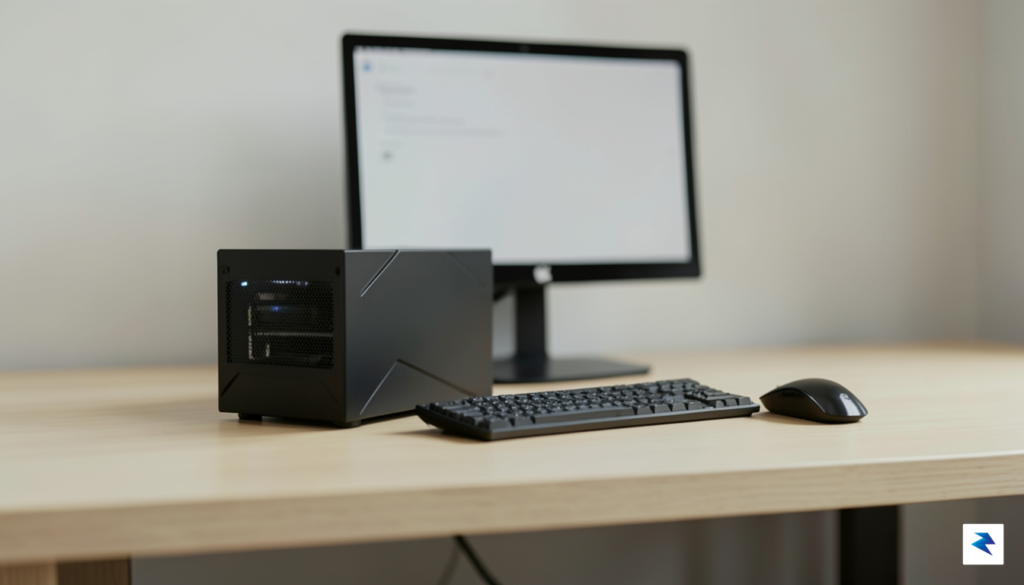
For many enthusiasts, the initial allure of a plug-and-play NAS appliance quickly fades into a realization of restrictive boundaries. Commercial devices from major vendors often arrive bundled with layers of proprietary software—bloatware designed to simplify management at the cost of performance, transparency, and user agency. By opting for a minimalist ZFS build, you effectively strip away the “black box” nature of these pre-packaged systems, replacing opaque, vendor-locked processes with a transparent, highly efficient storage architecture that you control from the ground up.
When you build your own server, you eliminate the overhead of manufacturer-specific operating systems that consume precious CPU cycles and RAM. Instead of running a bloated suite of telemetry-heavy background tasks, a minimalist ZFS setup focuses exclusively on data integrity and high-speed throughput. This approach allows for significantly better hardware utilization; you can allocate your system’s resources precisely where they are needed, whether that is for serving media, hosting backups, or running containerized applications, without competing with unnecessary vendor services.
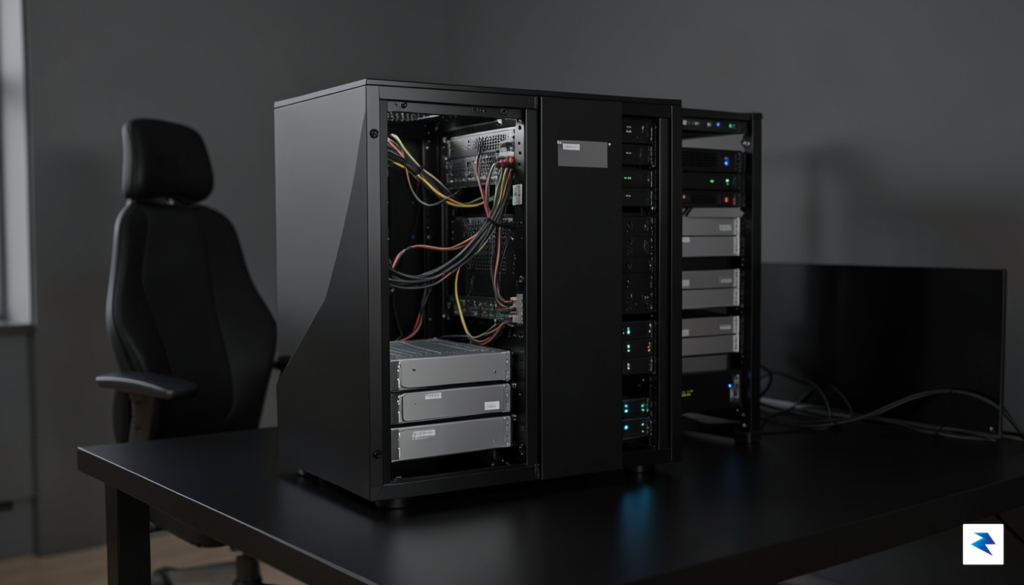
The true power of a custom ZFS build lies not just in the storage efficiency, but in the ownership of the stack; when you understand exactly how your data is written, verified, and protected, you transition from a mere user to a steward of your own digital infrastructure.
Beyond the technical performance, there is immense educational value in managing your own server stack. Relying on proprietary RAID implementations often means that if the hardware controller fails, your data recovery options are limited to the vendor’s specific ecosystem. Conversely, ZFS is a filesystem designed for the modern era, offering self-healing capabilities through checksumming that proprietary RAID simply cannot match. By configuring the system yourself, you gain a deep, functional understanding of how ZFS handles snapshots, compression, and pool health. This knowledge is invaluable, transforming a simple storage project into a robust skill set that ensures your data remains secure, portable, and accessible, regardless of future hardware changes or software shifts in the storage industry.
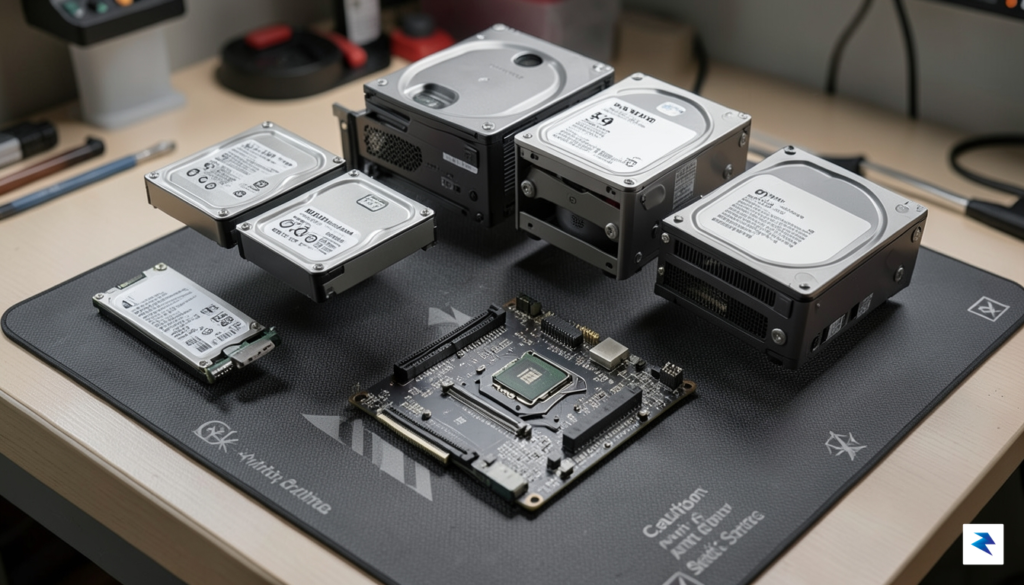
Building a robust ZFS storage server requires a delicate equilibrium between raw performance and long-term energy sustainability. While enterprise-grade rackmount servers are notorious for their power consumption and noise, the modern DIY enthusiast can leverage power-efficient platforms like Intel’s N-series processors or low-TDP Core i3 chips to maintain a 24/7 environment without inflating the monthly utility bill. The goal is to select components that support AES-NI instruction sets, which are essential for hardware-accelerated encryption and data integrity operations, ensuring that your CPU doesn’t struggle under the heavy computational load inherent in ZFS checksumming and compression tasks.
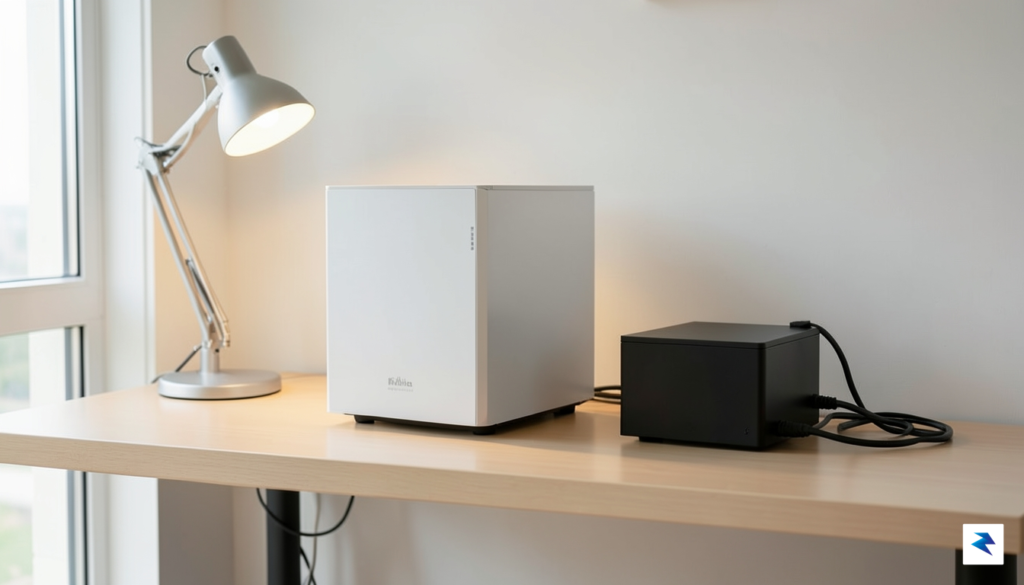
When selecting your internal components, prioritizing ECC (Error Correction Code) RAM is the most critical decision you will make for data stability. ZFS relies heavily on system memory to manage its Adaptive Replacement Cache (ARC), and because it treats your RAM as a primary line of defense against data corruption, any bit-flip caused by cosmic rays or hardware faults can be catastrophic if not caught. While non-ECC memory can work for casual setups, true ZFS reliability is built on the foundation of ECC-capable motherboards and modules, which effectively neutralize the risk of silent data corruption before it reaches your storage pool.
Key Takeaway: Never compromise on RAM stability when dealing with ZFS; ECC memory is the gold standard for protecting your data integrity, acting as an essential safeguard against silent errors that standard consumer-grade hardware simply cannot mitigate.
Beyond the silicon, your storage configuration strategy dictates both the performance characteristics and the power profile of your NAS. Choosing between mirroring (RAID 10 equivalent) and RAID-Z arrays requires a practical look at your use case: mirrors offer faster resilvering times and easier expansion, making them ideal for high-performance SFF builds, whereas RAID-Z provides higher storage efficiency at the cost of increased parity overhead and higher CPU utilization during write operations. Furthermore, because your NAS will be running continuously, thermal management is paramount. Opting for cases with optimized airflow allows you to run your fans at lower, quieter speeds, extending the lifespan of your mechanical hard drives and ensuring that the internal ambient temperature remains stable, even during intensive background scrubbing sessions.
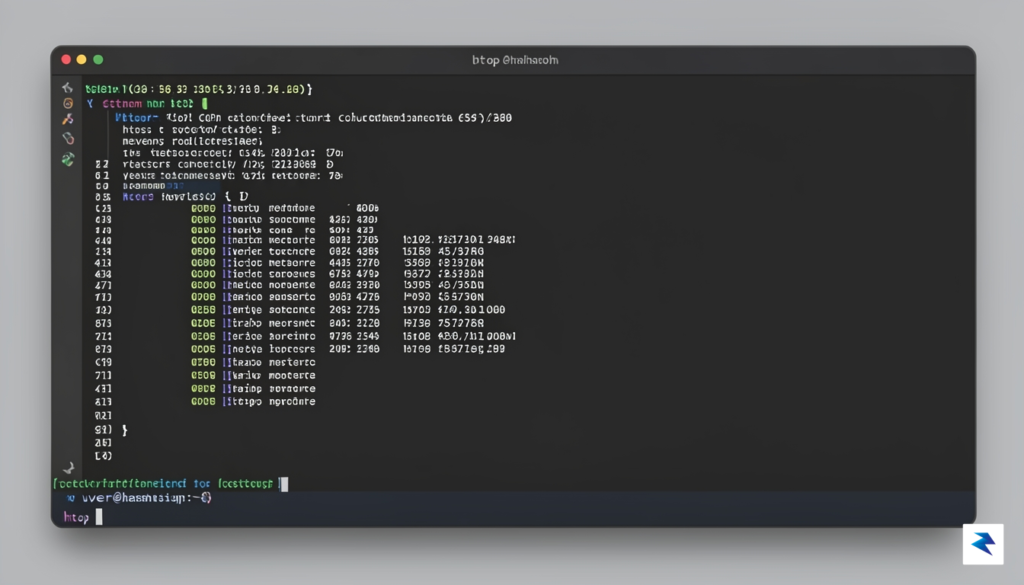
When you step away from the polished, turnkey experience of dedicated NAS appliances, you gain something far more valuable than mere convenience: total ownership of your storage stack. Many users are initially drawn to pre-packaged solutions or monolithic operating systems that bundle ZFS with heavy web interfaces, but these “all-in-one” platforms often introduce unnecessary overhead. By choosing a lean, vanilla distribution like Debian or Alpine Linux as your foundation, you effectively remove the bloat of proprietary telemetry, unrequested background services, and complex GUI layers that often obscure the underlying state of your system. A minimal installation ensures that your compute resources—specifically CPU cycles and RAM—are dedicated entirely to data integrity and ZFS performance rather than maintaining a bloated management portal.
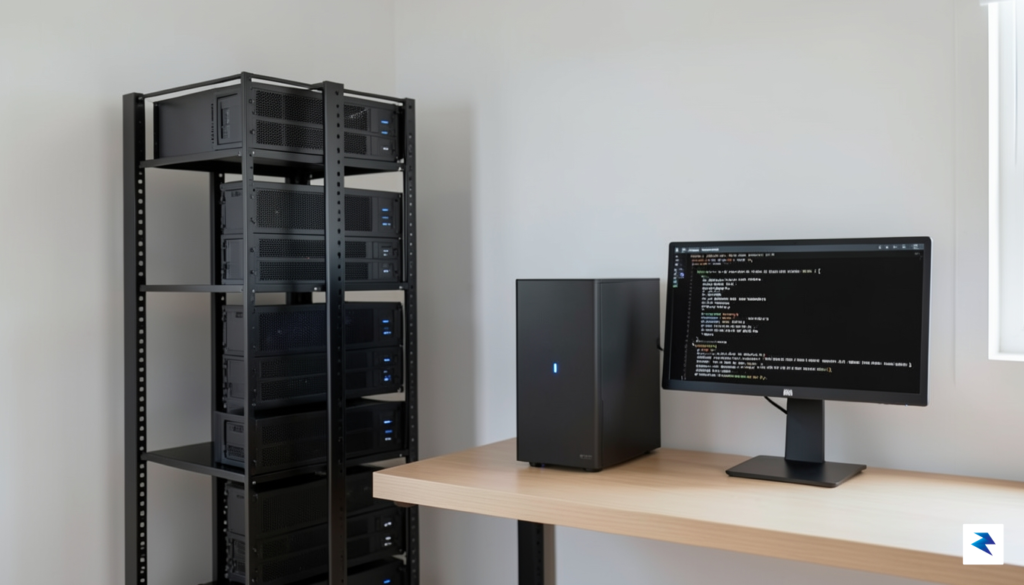
Debian, in particular, stands out as the gold standard for this approach due to its legendary stability and the vast, battle-tested nature of its software repositories. When you build your NAS on Debian, you are working with a predictable environment where package management is transparent, and updates are handled through standard, well-documented channels. Alpine Linux takes this minimalist philosophy even further; its use of the musl libc and the apk package manager results in an incredibly small memory footprint. Because Alpine runs primarily from RAM, it offers an additional layer of isolation that can be beneficial for high-uptime storage servers, though it does require a slightly steeper learning curve compared to the more ubiquitous Debian ecosystem.
The most robust ZFS implementation is one where you understand exactly which services are running. By stripping away the “appliance” facade, you transform your NAS from a black box into a transparent, predictable tool that you can troubleshoot and audit with complete confidence.
Minimizing your operating system’s attack surface is perhaps the most significant security advantage of this DIY strategy. A typical NAS appliance comes pre-loaded with numerous ports and services—often enabled by default—that you may never use, creating unnecessary entry points for bad actors. In a stripped-back setup, you only install what is strictly required to serve your files, such as Samba, NFS, or an SSH daemon. This “need-to-know” approach to software installation means that your system remains lean, secure, and significantly easier to audit. Ultimately, by avoiding the “black box” nature of heavy-duty NAS distributions, you are not just building a storage server; you are cultivating a professional-grade environment that respects your hardware and provides the longevity that proprietary software simply cannot match.

At its core, ZFS is far more than a traditional filesystem; it functions as an enterprise-grade data management engine that integrates volume management with a hierarchical file system. To begin your setup, you must first define a storage pool (zpool), which acts as the logical container for your physical disks. Unlike hardware RAID controllers that struggle with abstraction, ZFS pools treat your drives as a unified resource, allowing you to easily scale capacity or add redundancy mirrors as your needs grow. By using the command zpool create, you are essentially telling the operating system to pool the raw throughput of your drives, providing a foundation that is both performant and exceptionally resilient to hardware failures.
Once your pool is active, the real magic happens at the dataset level. Datasets are lightweight, flexible file systems that sit atop your pool, enabling you to apply specific policies—such as compression, encryption, or quotas—to different types of data without needing to reformat your disks. For a minimal NAS, I recommend enabling lz4 compression, which is incredibly efficient and often increases read/write speeds by reducing the amount of data that needs to be physically written to the drive. Furthermore, tuning your recordsize to match your specific workload—such as 1M for media storage or 128k for general files—ensures that your disks work optimally, preventing unnecessary overhead and fragmentation.
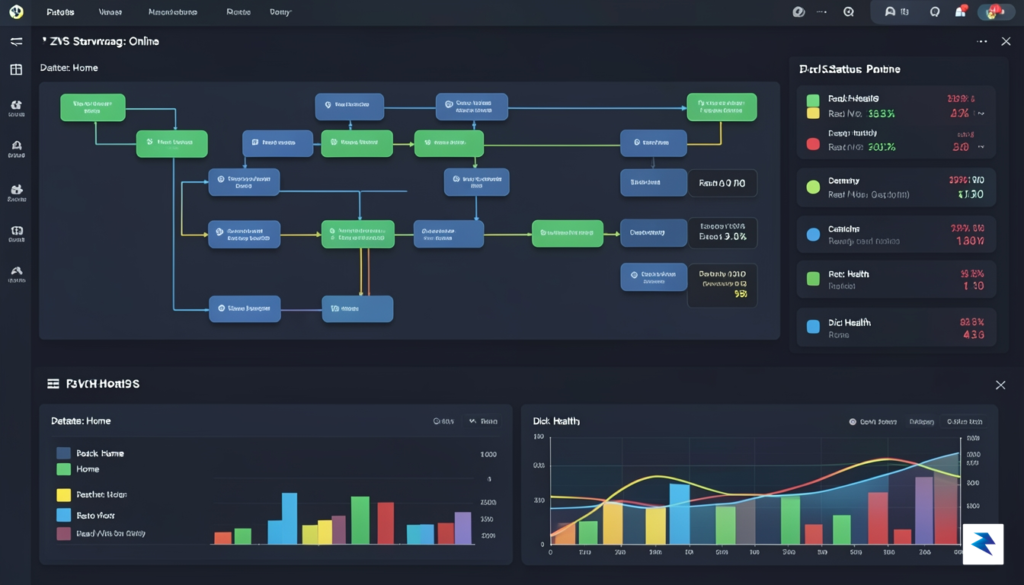
ZFS protects your data with end-to-end checksumming, meaning every single block of data is validated the moment it is written and verified every time it is read.
The primary advantage of this architecture is the ironclad protection it offers against bit rot. While traditional filesystems often remain oblivious to silent data corruption, ZFS automatically calculates checksums for every block of data it stores. During every read operation, the system re-verifies these checksums; if the data doesn’t match, ZFS identifies the error and, if you are using redundancy like RAID-Z or mirrors, automatically repairs the corrupted block using the known-good parity data. This self-healing capability is the hallmark of ZFS and ensures that your precious photos, documents, and media remain pristine over many years of storage.
Finally, you should leverage ZFS snapshots to create an automated safety net for your files. Because snapshots in ZFS are essentially instantaneous and take up zero additional space until data is modified, they are the most effective way to recover from accidental deletions or ransomware attacks. By configuring a simple recurring snapshot schedule—using tools like zfs-auto-snapshot—you can revert your entire NAS to a known-good state in seconds. When combined with the inherent integrity checks and efficient dataset management, these features turn a simple DIY build into a professional-grade storage appliance that rivals even the most expensive commercial solutions.
When you strip away the polished, all-in-one dashboards of commercial NAS appliances, you inherit total control over your infrastructure, but you also inherit the responsibility for its defense. Without a vendor-managed layer to patch vulnerabilities or enforce settings, your server is effectively a blank slate that requires a proactive security posture. The goal is to move away from “security by obscurity” and toward a hardened, principle-of-least-privilege environment that treats your internal network as a potential attack vector.

The first step in hardening your ZFS server is implementing a robust firewall strategy. While many users rely on the simplicity of ufw (Uncomplicated Firewall) for basic rule sets, transitioning to nftables offers superior performance and complex filtering capabilities that are better suited for a high-performance NAS. You should adopt a “deny-all” approach by default, explicitly whitelisting only the ports required for your specific services—such as ZFS replication or local file sharing—and dropping all other unsolicited incoming traffic. By closing every port that isn’t strictly necessary, you drastically reduce your server’s attack surface before an adversary even attempts to probe your network.
Exposing your storage server directly to the public internet is a critical mistake that invites brute-force attacks. Instead, you must facilitate remote access through a secure, encrypted tunnel like WireGuard. By deploying a VPN on your server, you ensure that your NAS remains effectively invisible to the outside world, requiring a valid cryptographic handshake before any internal services become reachable. Furthermore, access to the server command line should be strictly limited to SSH using key-based authentication. You should disable password-based logins entirely in your sshd_config file and, where possible, utilize hardware security keys to provide an additional layer of non-repudiable identity verification.
Pro Tip: Always disable root login over SSH and change the default port to a non-standard number to silence the constant noise of automated botnet scans, though remember that this is merely a minor deterrent, not a substitute for strong keys and a proper firewall.
Beyond network configurations, the integrity of your server depends on the services you leave running. A minimal NAS should prioritize a lean software stack; if a service isn’t essential to your ZFS data management or local storage goals, it shouldn’t be installed or enabled. Regularly audit your active processes using ss -tulpn to identify open listening ports and trace them back to their source applications. By removing unnecessary daemons, you eliminate potential entry points for exploits, ensuring that your DIY storage solution remains a fortress of stability rather than a gateway for compromise.
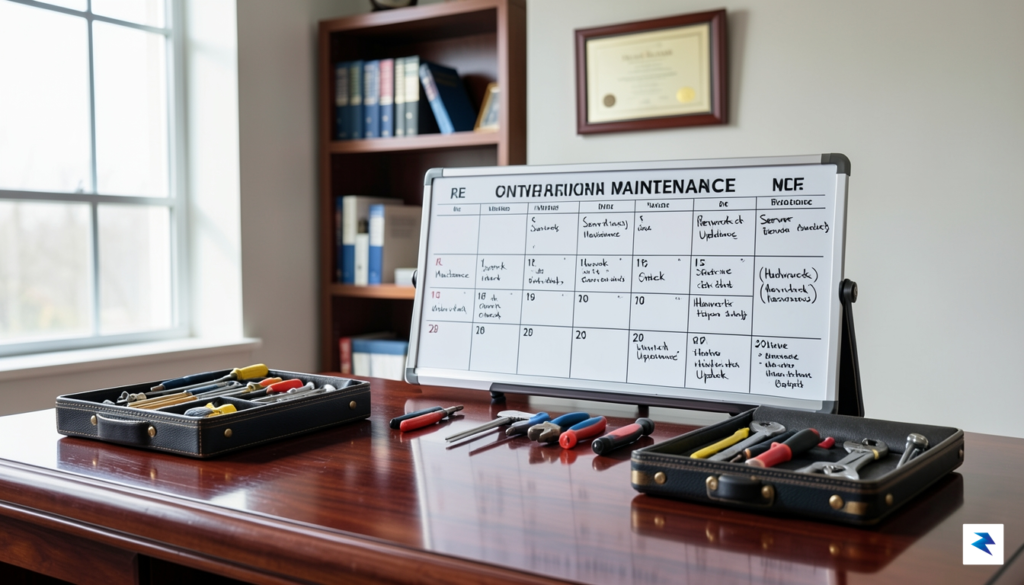
The true advantage of a minimal ZFS build lies in its predictability, but long-term data integrity requires a proactive approach rather than a reactive one. Because you have bypassed the guided interface of commercial NAS appliances, you are the primary custodian of your system’s health. Fortunately, ZFS is designed to automate the heavy lifting, provided you configure a few essential cron jobs and monitoring services. The cornerstone of this maintenance strategy is the periodic scrub, which instructs ZFS to traverse your entire dataset, verify checksums, and automatically repair any silent data corruption it detects. By scheduling a monthly scrub via a simple system-level cron job, you ensure that your data is constantly validated without requiring your manual oversight.
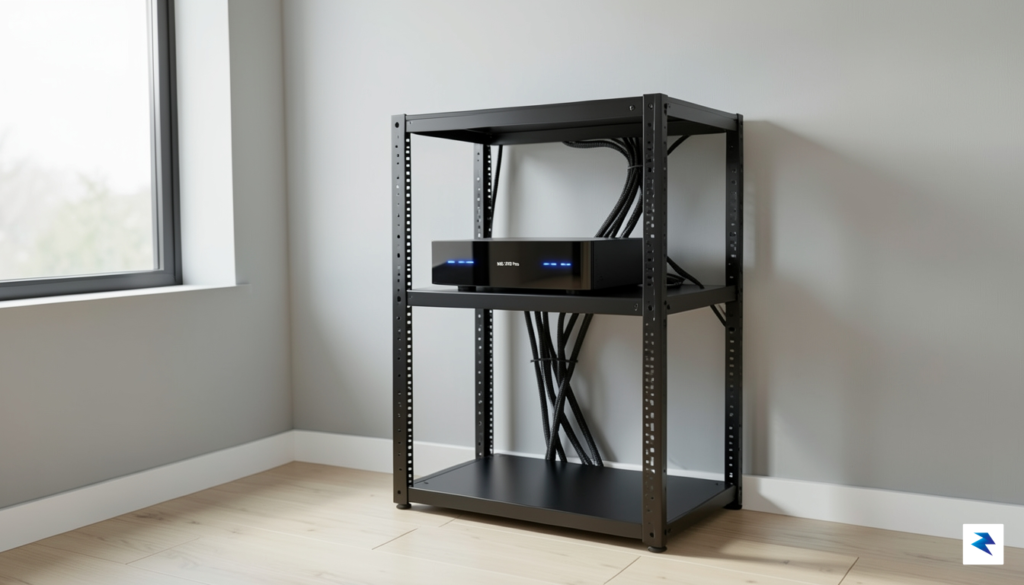
While ZFS manages the data, you must manage the hardware. A minimal system is prone to “silent failure” if you aren’t watching the drive health metrics. Installing and configuring smartmontools is non-negotiable; it monitors the S.M.A.R.T. data of your drives and allows you to set up automated background tests. To bridge the gap between technical logs and actionable awareness, integrate a simple notification script—such as msmtp or a dedicated webhook for platforms like Discord or Telegram—to alert you immediately if a drive reports an increase in bad sectors or a high temperature reading.
A robust maintenance plan is not about constantly tinkering with your server, but rather about building a system that alerts you only when human intervention is strictly necessary.
Beyond software tasks, effective stewardship involves planning for the physical lifecycle of your hardware. Even the best consumer-grade hard drives have a typical operational lifespan of three to five years, and it is wise to establish a rotation or replacement strategy before failure becomes an emergency. Keep a log of when each drive was commissioned, as this allows you to preemptively replace aging disks one by one, letting ZFS resilver the data onto a new drive without downtime. Furthermore, ensure that your backup strategy remains consistent; even with ZFS’s self-healing capabilities, a hardware refresh or a catastrophic power surge can still lead to data loss if you aren’t following the 3-2-1 backup rule. By keeping your system minimalist and your documentation clear, you ensure that your NAS remains a reliable digital foundation for years to come.
You must be logged in to post a comment.