
Which MacBook Should You Buy in 2026? A Practical Guide
The 2026 MacBook Landscape: Understanding Your Needs In 2026, the Apple Silicon ecosystem has reached a level of maturity that fundamentally…

In our hyper-connected landscape, the ability to transmit your location has evolved from a niche novelty into a cornerstone of modern digital literacy. What once required complex GPS hardware or cumbersome manual check-ins is now an instantaneous, seamless process integrated directly into our mobile ecosystems. This shift has fundamentally changed how we navigate both our personal safety and our daily logistics, transforming our smartphones into reliable anchors that keep us tethered to our loved ones, regardless of the distance between us.
Understanding the distinction between location methods is critical for using these tools effectively. Static location sharing, often referred to as “dropping a pin,” provides a fixed snapshot of your whereabouts at a single moment in time. This is perfect for meeting a friend at a specific coffee shop or sharing a trailhead coordinate for a weekend hike. Conversely, real-time or live location tracking creates a continuous digital breadcrumb trail that updates as you move. This dynamic feature is indispensable for scenarios where movement is involved, such as ensuring a student arrives home safely from school or coordinating a meeting point in a crowded, shifting environment like a music festival or a busy transit hub.
True safety comes from knowing when to share and, more importantly, when to stop. Mastering the granular privacy controls in your device settings is the most effective way to harness this technology without compromising your long-term security.
While the convenience of being “findable” is undeniable, it is equally vital to approach location sharing with a mindset of intentionality. Modern operating systems have made great strides in providing users with fine-tuned privacy controls, allowing you to grant temporary access, limit sharing to specific individuals, or revoke permissions entirely with a single tap. By treating your location data as a sensitive asset, you can enjoy the peace of mind that comes with staying connected while maintaining strict boundaries over who sees your movements and for how long. Ultimately, the goal is to leverage these powerful tools to enhance your quality of life rather than letting them dictate it, ensuring that your digital footprint remains a choice rather than an inevitability.
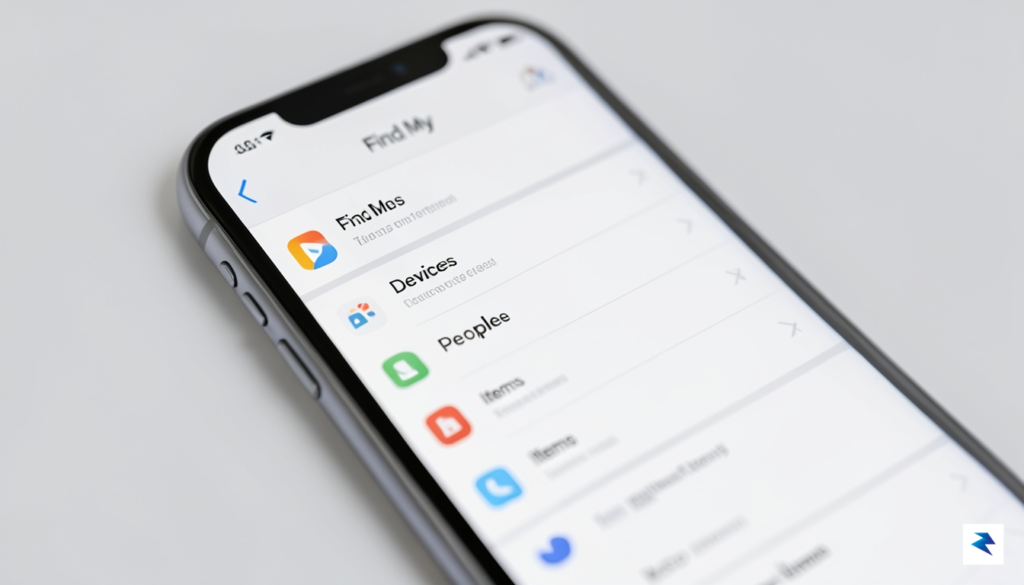
Apple has built location sharing into the very core of the iOS experience, ensuring that your data remains encrypted and accessible only to those you explicitly authorize. By leveraging the power of the Find My app and the iMessage interface, you can maintain a constant, real-time link with your inner circle without ever needing to install third-party tracking services. Whether you are coordinating a meetup in a crowded city or simply ensuring a loved one arrives home safely after a late-night drive, Apple’s native ecosystem provides a seamless, privacy-focused solution that operates reliably in the background.
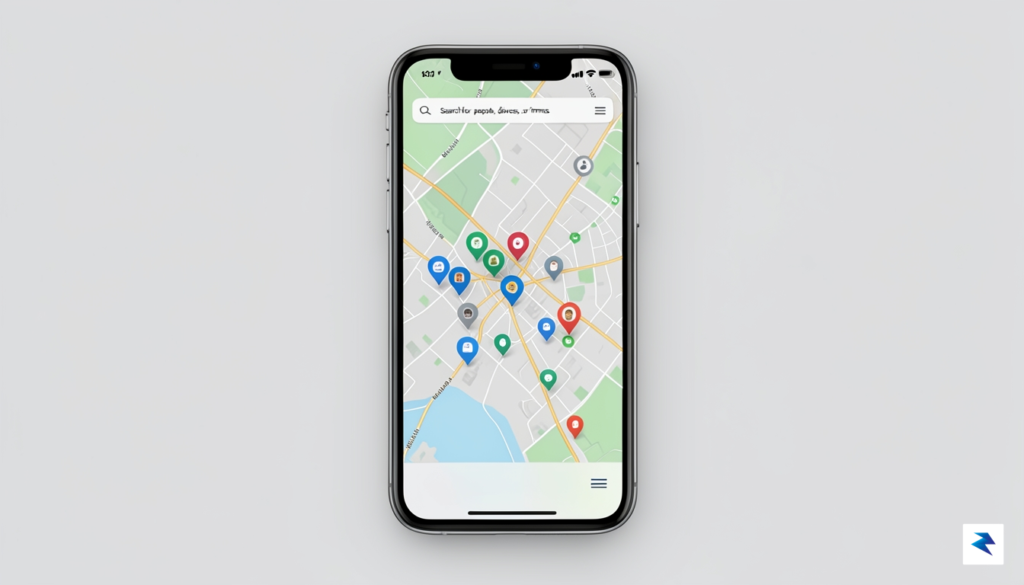
The most robust method for ongoing location monitoring is through the dedicated Find My application. To begin, open the app and tap on the “People” tab located at the bottom of your screen. From there, select the plus (+) icon or “Share My Location” to enter the contact information of the person you wish to track. Once you have selected a contact, you can choose to share your location for one hour, until the end of the day, or indefinitely. This flexibility is particularly useful for temporary events, such as music festivals or airport pickups, where you only need to provide visibility for a limited window of time.
It is important to understand the distinction between sharing with individual contacts and utilizing Family Sharing. When you share with a specific contact, you are granting them individual access to your live coordinates, which you can revoke at any time by toggling the “Stop Sharing My Location” switch within their contact card. Conversely, if you have established a Family Sharing group, your location is automatically available to members of that group by default. This is an excellent feature for parents managing children’s devices or partners who prefer a permanent, transparent connection. However, you can always visit the “Family” section within your Apple ID settings to customize which members have access to your location data, ensuring that you maintain full control over your digital footprint.
Pro Tip: If you find yourself frequently sharing your location with the same group of people, consider setting up a “Label” for your home or work address within the Find My app. This allows your contacts to receive automated notifications when you arrive at or leave these specific geofenced areas, saving you the trouble of sending manual updates.
Regardless of the method you choose, the system is designed to provide complete transparency. Your iPhone will periodically display subtle notifications when your location is being accessed, and you can quickly review a list of everyone who currently has visibility into your whereabouts by checking the “People” tab in Find My. By regularly auditing these permissions, you can strike the perfect balance between personal safety and digital privacy.
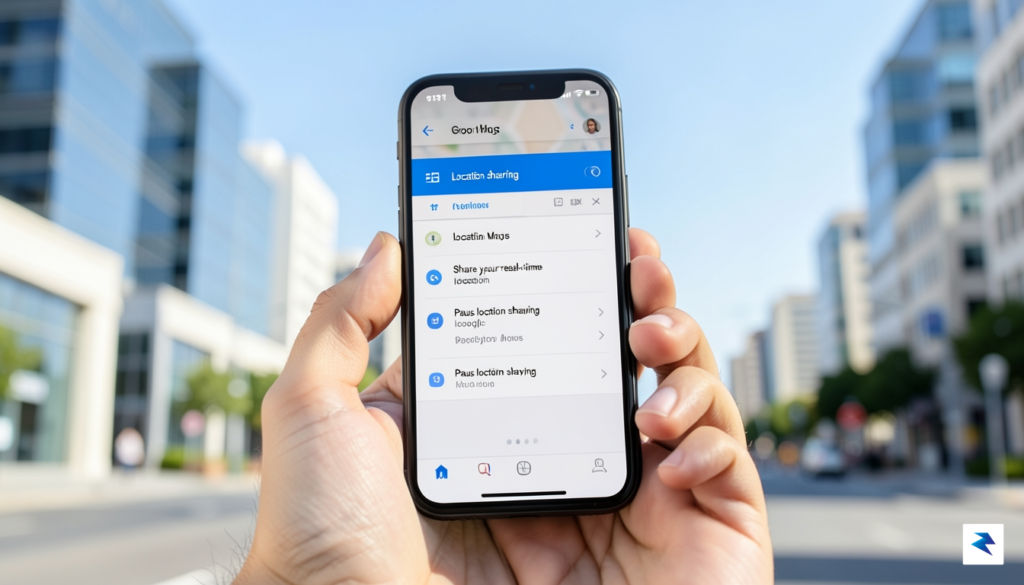
For Android users, Google Maps remains the gold standard for location sharing, primarily because of its deep integration with the operating system and its inherent cross-platform compatibility. Because Google Maps functions independently of the device’s manufacturer, it allows you to share your real-time movements with anyone, whether they are carrying another Android smartphone or an iPhone. To get started, simply open the Google Maps app and tap your profile icon located in the top-right corner of the screen. From the resulting menu, select Location Sharing, which acts as your primary dashboard for managing who can see your whereabouts and for how long.
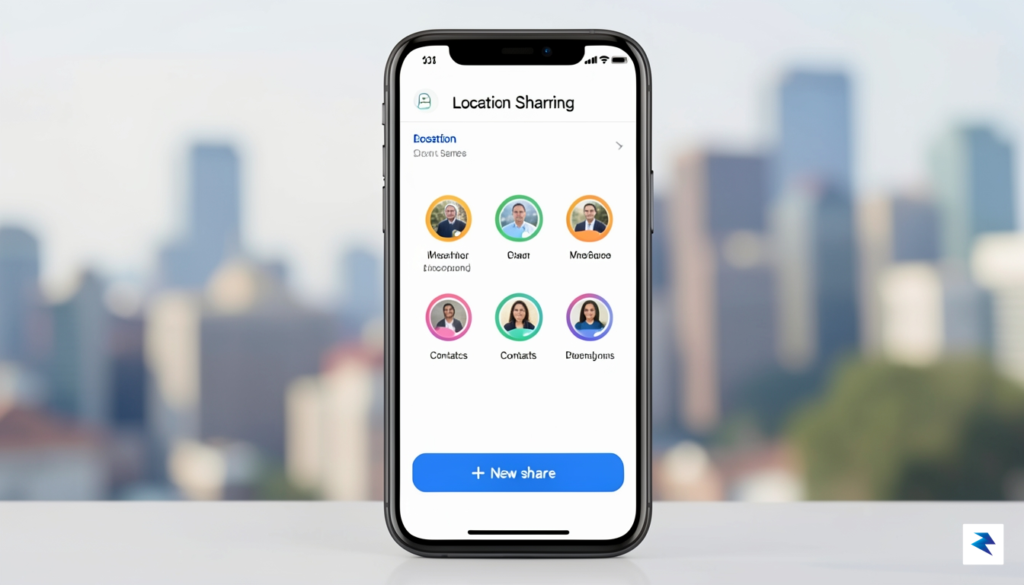
Once you are within the Location Sharing interface, tapping the New share button provides you with two distinct paths for broadcasting your position. If you want to share with someone frequently, Google Maps will pull directly from your Google Contacts, allowing you to select a friend or family member with a single tap. This method is the most seamless way to provide ongoing access to your location, as it utilizes the recipient’s Google account to authorize the stream. For those who do not use Google services or simply need to send a one-off update, you can select the More options or Copy to clipboard feature. This generates a unique, secure URL that you can paste into any messaging app, email, or social media platform. Once the recipient clicks that link, they will be able to view your live progress via their web browser, regardless of their own device’s ecosystem.
One of the most critical aspects of digital safety is controlling exactly how long your location is exposed to others. When you initiate a share, Google Maps gives you two primary duration settings: “Until you turn this off” or a specific timed interval. If you choose a timed interval, you can use the plus and minus buttons to increment the duration by hours or days, ensuring that your location broadcast automatically expires once your event or commute concludes. This “set it and forget it” functionality is an excellent way to maintain privacy, as it eliminates the risk of accidentally leaving your location data active indefinitely after you have reached your destination safely.
Pro Tip: Always review your active shares periodically. Even if you set a timer, it is good practice to open the Location Sharing menu occasionally to ensure you haven’t left a permanent link active for someone who no longer needs that level of access.
By leveraging these granular controls, you turn your smartphone into a powerful safety tool that works consistently across all mobile platforms. Whether you are coordinating a meetup in a crowded city or simply letting a loved one know you are on your way home, the combination of Google’s contact integration and flexible link-sharing ensures that you remain in control of your digital footprint at all times.
While Apple’s Find My and Google’s Maps integration provide seamless, system-level tracking, they often lack the granular control required by families or diverse groups operating across different operating systems. Third-party applications bridge this gap by offering a unified interface that functions identically regardless of whether a user carries an iPhone or an Android device. These specialized tools often provide advanced features like custom geofencing—which alerts you the moment a family member arrives at school or work—and comprehensive driving reports that analyze speed, harsh braking, and phone usage while behind the wheel. For those managing complex logistics or prioritizing constant connectivity, these platforms offer a level of robustness that native software simply hasn’t matched yet.
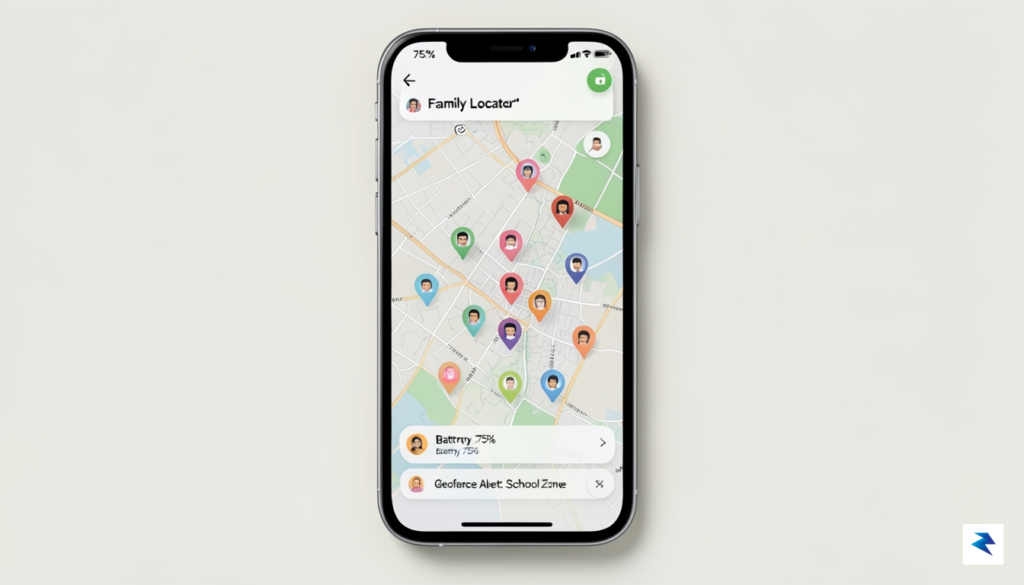
Life360 has effectively become the gold standard for family safety and coordination. Unlike basic location sharing, it creates a persistent “Circle” where members can view real-time movements, battery levels, and even emergency crash detection data. The primary advantage here is the platform-agnostic nature of the service; it functions as a neutral layer above the OS, ensuring that your data isn’t siloed within a single manufacturer’s ecosystem. However, users should be aware that the most advanced features, such as 24/7 roadside assistance or identity theft protection, are locked behind a monthly subscription model, which might be overkill for casual users who only need to share their location during a weekend trip.
For more casual or temporary needs, WhatsApp remains an incredibly popular, albeit limited, alternative. Its “Live Location” feature is exceptionally easy to use for meetups, concerts, or group travel because it leverages an app that most people already have installed on their phones. Because it relies on end-to-end encryption, it provides a layer of security that many users find reassuring, though it lacks the permanent geofencing and historical data logging found in dedicated safety apps. It is best viewed as a temporary convenience tool rather than a comprehensive monitoring solution, as the sharing session must be manually initiated and expires after a set duration.
When selecting a third-party app, always review the privacy policy to understand how your location data is stored, shared, or monetized, as these private entities often have different business models than platform-native services like Apple or Google.
Ultimately, the choice between native features and third-party apps comes down to your specific privacy requirements and utility needs. While native services are generally more integrated into the OS and arguably better at preserving battery life, third-party apps provide a cross-platform parity that is often essential for diverse families. If you prioritize deep data history and automated safety alerts, a dedicated service is likely worth the investment. Conversely, if you are only looking for a quick, temporary way to share your path with a friend, utilizing the built-in tools or encrypted messaging apps will serve your needs without requiring an additional account or subscription.

Sharing your real-time location is a significant digital privilege that you grant to others, yet it is remarkably easy for these permissions to accumulate over time. We often authorize location sharing for temporary needs—such as meeting a friend at a crowded festival or letting a family member track a late-night commute—and then neglect to revoke that access once the need has passed. Auditing these settings periodically is not just a matter of decluttering your digital life; it is a fundamental pillar of personal security. By taking a proactive approach to your location settings, you ensure that you remain the sole gatekeeper of your whereabouts.
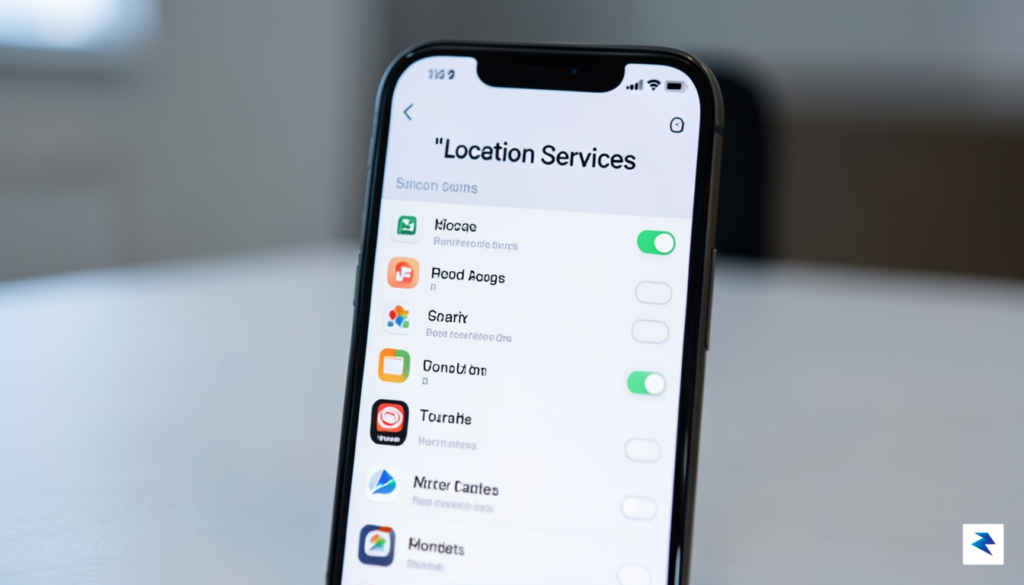
To begin your audit, dive into your phone’s system settings to review which applications currently hold the keys to your GPS data. On both iOS and Android, navigate to the Privacy or Location section, where you will find a granular list of every app that has requested your coordinates. Look specifically for apps set to “Always” access; this is the most permissive setting and should generally be reserved only for essential navigation or safety tools. If you find social media apps, retail stores, or games with “Always” access, switch them to “While Using” or disable them entirely. This simple adjustment prevents apps from tracking your movements in the background when they have no legitimate reason to do so.
Beyond individual apps, you must evaluate who in your personal circle can see your live location. Within the Find My app on iPhone or the Google Maps location sharing interface on Android, you will often find a list of “active” shares. If you see names of people you no longer need to share with, tap on their profile and select “Stop Sharing.” It is also critical to manage the historical data your phone collects about your frequent destinations. On an iPhone, navigate to Settings > Privacy & Security > Location Services > System Services > Significant Locations to clear your history and turn the feature off if you prefer not to have a logged map of your life. Similarly, Google Maps users should visit their “Timeline” settings in the Google account dashboard to delete past location logs and pause future tracking.
Think of your location data as a key to your front door; you wouldn’t give a spare key to a stranger, so don’t leave your digital location settings open for longer than necessary.
If you find this process overwhelming, consider setting a recurring calendar reminder every three months to perform a “privacy sweep.” This habit ensures that your digital footprint remains minimal and that you aren’t inadvertently broadcasting your location to long-forgotten contacts or unnecessary background processes. By maintaining this discipline, you can enjoy the undeniable convenience of modern location-sharing technology without compromising your personal safety or privacy.
Beyond the casual convenience of meeting friends for dinner or tracking a package, your smartphone is a sophisticated, life-saving tool that can act as a critical bridge during high-stakes emergencies. Both iOS and Android ecosystems have integrated robust SOS features that are specifically engineered to bypass standard navigation tools and transmit your precise coordinates directly to first responders. Because these features rely on GPS, cellular data, and Wi-Fi triangulation simultaneously, they provide a much higher level of accuracy than a manually shared map pin, ensuring that help can locate you even in unfamiliar or remote environments.
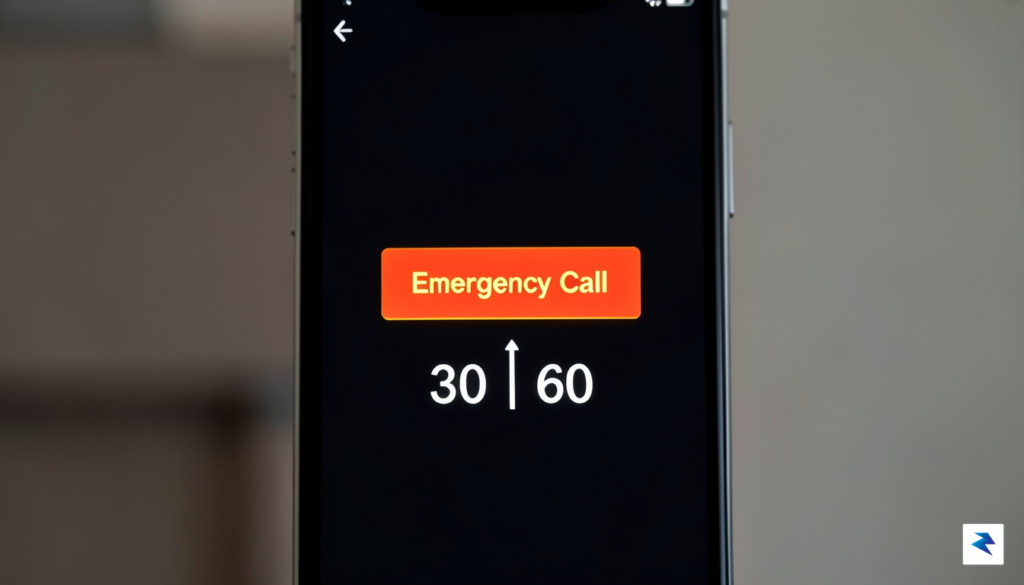
For iPhone users, the Emergency SOS feature is designed to be triggered intuitively during a crisis. By pressing and holding the side button along with one of the volume buttons, you initiate a countdown that sounds an alert before automatically dialing local emergency services. Once the call concludes, your device takes an additional, vital step: it sends a text message to your pre-selected emergency contacts, notifying them of your current location and providing real-time updates if your position shifts. To ensure this is ready when you need it, navigate to your Settings, select “Emergency SOS,” and confirm that “Call with Hold and Release” is enabled, along with your designated emergency contacts in the Health app.
Android devices utilize a powerful, background-integrated tool known as Emergency Location Service (ELS). Unlike manual location sharing, ELS activates automatically the moment you dial an emergency number, such as 911 or 112. The system seamlessly pulls data from Wi-Fi, sensors, and GPS to generate a highly accurate location “payload” that is sent directly to emergency dispatchers. This process happens entirely in the background, requiring no action from the user beyond making the initial call. It is highly recommended that you verify this feature is active by heading to your device’s Location settings and confirming that “Emergency Location Service” is toggled to the “On” position, as it serves as a silent guardian that works when you are most vulnerable.
Pro-tip: Never wait for an emergency to learn these steps. Take five minutes today to verify your emergency contacts in your phone’s health and safety settings, and ensure that your location permissions are granted to system-level emergency services to prevent any technical hurdles during a genuine crisis.
Ultimately, these tools are not intended for daily social coordination; they are specialized safety layers that prioritize speed and data precision. By configuring these settings in advance, you transform your phone from a standard digital companion into a reliable emergency beacon. Always remember that while technology is a remarkable asset, your safety is paramount—familiarize yourself with these physical button triggers today so that, in a moment of distress, the process becomes second nature.
You must be logged in to post a comment.