Understanding EU Chat Control 1.0: What It Means for Your Digital Privacy
Understanding the EU Chat Control 1.0 Mandate The recent greenlighting of the "Chat Control 1.0" framework by the European Parliament…
In 2026, the Apple Silicon ecosystem has reached a level of maturity that fundamentally changes how we approach hardware investments. For years, the prevailing advice was to “buy the most powerful machine you can afford” to future-proof your setup. Today, however, that mantra is largely outdated. Because even the entry-level M-series chips now offer performance that would have been considered workstation-grade just a few years ago, the challenge is no longer finding enough power—it is avoiding the temptation to overspend on headroom you will never actually utilize. The gap between a standard MacBook and a top-tier Pro model has shifted from being about raw utility to being about specific, specialized bottlenecks.
To navigate this landscape, you must first categorize yourself into one of three primary user personas. Identifying your workflow is the only way to ensure your purchase aligns with your actual daily requirements rather than aspirational ones:
The goal of your purchase should be efficiency, not excess. A machine that sits idle with unused cores is not an investment; it is a wasted opportunity to allocate your budget toward better accessories, software subscriptions, or simply keeping money in your pocket.
Understanding these distinctions is vital because Apple’s current lineup is designed to penalize those who shop based on brand prestige rather than functional necessity. If you are an Essential User, buying into the Pro line often results in carrying unnecessary weight and paying for cooling fans that will rarely turn on. Conversely, a Power User attempting to save money with an entry-level Air will find their productivity hampered by thermal throttling and memory swapping during intense projects. By carefully mapping your specific workflow against these categories, you can bypass the marketing noise and select a tool that serves your actual goals rather than just your ego.
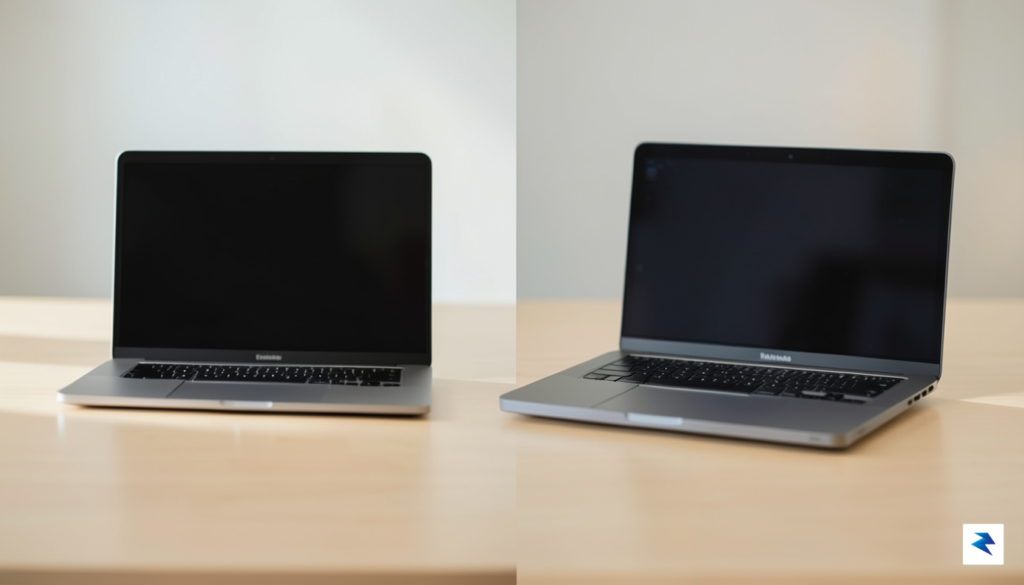
The evolution of the MacBook Air has been nothing short of transformative; what was once a secondary device for light typing and web browsing is now a legitimate workhorse capable of handling the daily requirements of 90% of users. By stripping away the internal cooling fan, Apple has created a whisper-quiet machine that relies on efficient silicon architecture to manage power. For most, this fanless design is actually a benefit rather than a drawback, as it eliminates moving parts that accumulate dust and noise. Because the M-series chips in the Air are so thermally efficient, they handle “bursty” tasks—like launching dozens of apps, editing high-resolution photos, or compiling code—with remarkable speed. You are rarely waiting on the hardware; instead, you are limited only by your own workflow.
However, the laws of physics eventually catch up when you move from sporadic tasks to sustained, heavy-duty processing. This is where the MacBook Pro reclaims its title as the professional’s tool of choice. When you are rendering complex 3D animations, exporting 8K video timelines, or running intensive simulation software for hours on end, the Pro’s active cooling system is a necessity. While the Air will eventually throttle its performance to prevent overheating during these prolonged marathons, the Pro’s fans keep the internal temperature stable, allowing the chip to sustain maximum clock speeds indefinitely. If your livelihood depends on the machine finishing a render before a client meeting, that active thermal management isn’t just a technical specification; it is a vital insurance policy for your productivity.
Beyond the internal cooling systems, the divide between these two machines is defined by their visual and physical identities. The MacBook Pro now features a stunning ProMotion OLED display that delivers deeper blacks, higher peak brightness, and a fluid 120Hz refresh rate that makes every scroll feel instantaneous. In contrast, the MacBook Air utilizes a high-quality Liquid Retina display that remains excellent for general productivity but lacks the sheer contrast and motion smoothness that creative professionals require for color grading or precise animation work.
Think of the MacBook Air as a world-class sprinter: it is incredibly fast, agile, and perfect for getting tasks done quickly. The MacBook Pro, by comparison, is a heavy-duty marathon runner: it may weigh more, but it is engineered to maintain peak output over long, grueling distances without breaking a sweat.
Ultimately, the decision comes down to the trade-off between portability and overhead. If you value a lightweight chassis that disappears into your backpack and you rarely push your CPU to 100% capacity for more than a few minutes at a time, the Air is the superior choice. Conversely, if your daily life involves “heavy lifting” that keeps your processors pegged at maximum utilization, the extra weight and thickness of the Pro are a small price to pay for the sustained performance and superior display fidelity that allow professionals to work without compromise.

Navigating Apple’s silicon lineup in 2026 can feel like decoding a complex puzzle, but the secret lies in understanding that these chips are not just faster iterations of one another; they are purpose-built engines designed for specific workflows. The base M-series chip remains the gold standard for most users, offering incredible efficiency for everyday productivity, web development, and even light 4K video editing. However, as you climb the ladder toward the Pro, Max, and Ultra variants, you aren’t just gaining raw clock speed. You are gaining additional hardware-accelerated media engines, increased memory bandwidth, and a significantly higher core count for both the CPU and GPU. Understanding these tiers is essential because buying a “Max” chip for a task that only requires a “Base” chip won’t make your apps run faster—it will simply drain your battery and your wallet for performance you never actually tap into.
The magic of modern MacBooks lies in the Unified Memory Architecture (UMA), which allows the CPU, GPU, and Neural Engine to access the same pool of high-speed memory without having to copy data between different locations. While many consumers instinctively gravitate toward maxing out their RAM, it is a common misconception that more memory will magically solve performance bottlenecks. In reality, if your workload is computationally heavy—such as training large machine learning models or rendering complex 3D scenes—the bottleneck is often the chip’s core count and memory bandwidth, not the total amount of gigabytes available. If you pair a massive amount of RAM with a base-level chip, you are essentially giving a small engine a massive fuel tank; it won’t make the car go any faster on the racetrack.
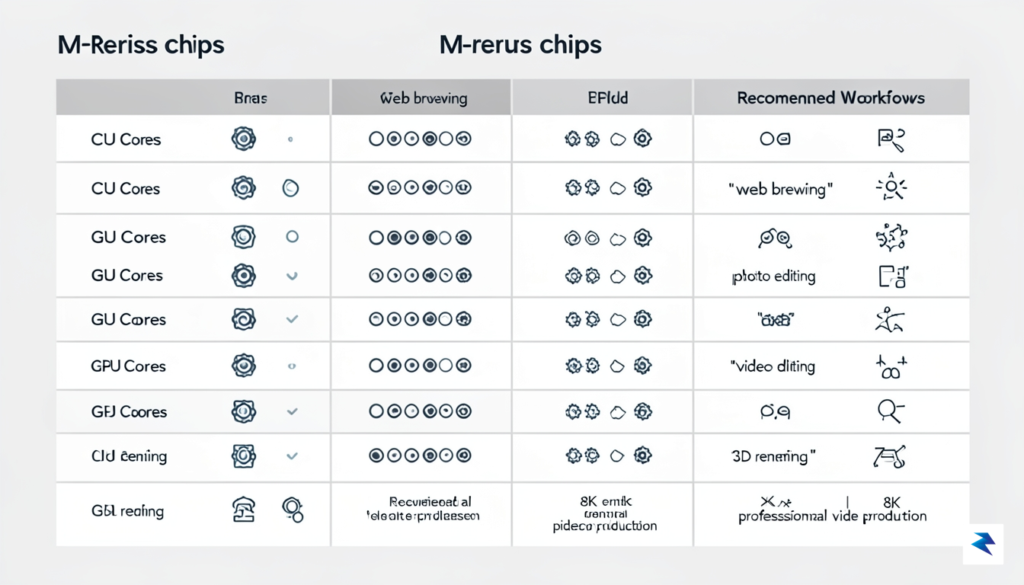
To help you decide which tier belongs in your backpack, consider how your specific professional tools interact with hardware. The following breakdown offers a practical guide to matching your digital needs with the correct chip architecture:
Key Takeaway: Never prioritize RAM capacity over chip tier if your work involves heavy rendering or computation. A high-tier chip with moderate RAM will almost always outperform a low-tier chip with maximum RAM when the CPU or GPU is under sustained load.
Ultimately, your decision should be dictated by the “worst-case scenario” of your daily workflow. If you only experience a slowdown once a month, you likely do not need to upgrade to a Max or Ultra chip. However, if your current machine forces you to wait for progress bars or causes your fans to spin at maximum capacity for hours, that is a clear signal that you have outgrown the base-tier architecture. By focusing on the chip’s capabilities first and the memory capacity as a secondary, task-dependent variable, you can ensure your 2026 MacBook purchase remains a powerful, reliable tool for years to come.
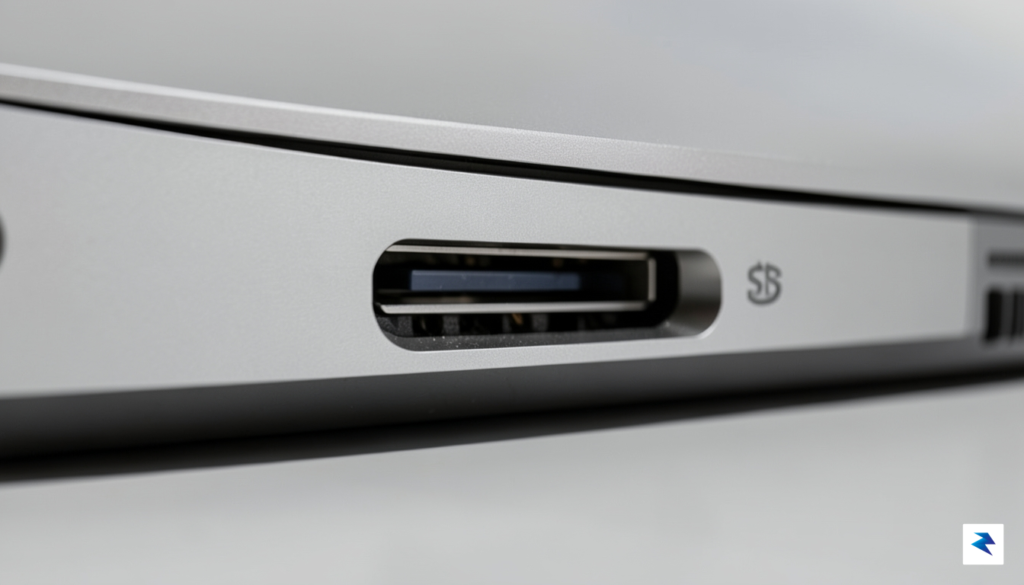
When configuring a MacBook in 2026, the most common pitfall is falling into the trap of “spec-chasing” rather than genuinely future-proofing. Apple’s pricing structure for internal upgrades is notoriously steep, often referred to as the “Apple Tax,” where jumping to higher tiers of integrated storage can quickly inflate your total cost by hundreds of dollars. The critical reality you must accept is that because both memory and storage are soldered directly to the logic board, the configuration you choose at checkout is permanent. You cannot upgrade these components later, which makes the initial decision a high-stakes balancing act between what you need today and what you will require three to five years down the line.
For the vast majority of users, the most rational strategy is to prioritize Unified Memory over internal flash storage. While it may be tempting to pay a premium for a 1TB or 2TB internal drive, 16GB of RAM has firmly become the non-negotiable baseline for a sustainable computing experience in 2026. Models equipped with 8GB of memory will inevitably struggle with the increasing demands of modern web browsers, background applications, and operating system updates, leading to heavy reliance on memory swapping that slows down your entire system. By opting for 16GB or higher, you ensure that your Mac remains responsive and capable of multitasking without frustration, even as software requirements continue to climb.
The golden rule of Mac configuration: Treat memory as a fixed, internal necessity and storage as a flexible, external utility.
Conversely, you can save significant capital by resisting the urge to max out your internal storage. Media professionals and power users should pivot toward a hybrid workflow: keep your active project files on the internal drive, but offload your archival footage, large photo libraries, and media collections to high-speed external NVMe SSDs. With the ubiquity of Thunderbolt 4 and USB4 interfaces, external storage solutions in 2026 are fast enough to edit 4K or even 8K video directly from the drive without a noticeable bottleneck. This approach not only provides you with essentially infinite storage expandability at a fraction of the cost of Apple’s built-in upgrades, but it also allows you to carry your data across different machines effortlessly.
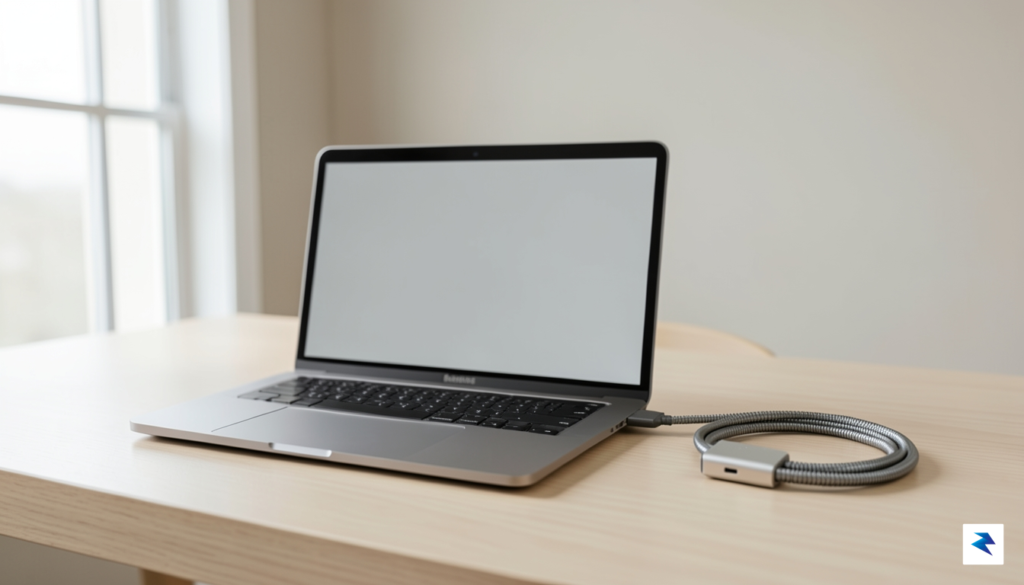
Ultimately, true future-proofing is about investing in the longevity of the machine’s performance rather than hoarding digital space. If you are debating between an extra 512GB of internal storage or an upgrade to the next tier of memory, always choose the memory. Internal storage is a finite resource that gets filled quickly regardless of capacity, whereas memory is the engine that dictates how many tasks your computer can handle simultaneously. By being strategic with your external storage needs and ensuring your RAM is sufficient for the next several years, you will build a machine that feels just as fast on its third birthday as it did on the day you unboxed it.
Choosing the right machine isn’t about chasing the highest spec sheet; it is about identifying the friction points in your current workflow and selecting the tool that removes them. For the vast majority of users, the 13-inch or 15-inch MacBook Air remains the definitive champion of value. It strikes a near-perfect balance between thermal efficiency, battery longevity, and portability. If your day-to-day involves web development, creative writing, or heavy administrative work, the Air is not just a secondary choice—it is a powerhouse that will feel remarkably fast for years to come.
If your workflow involves high-resolution video rendering, complex 3D modeling, or compiling massive codebases, the 14-inch or 16-inch MacBook Pro is the only logical investment. These machines are designed for sustained performance, utilizing active cooling systems that prevent the throttling often seen in thinner chassis. While the price point is significantly higher, the inclusion of the Pro-tier chips and the stunning Liquid Retina XDR display provides a tangible return on investment for those who bill by the hour. Do not settle for an Air if you find yourself waiting for progress bars to finish; your time is worth more than the price difference between these models.
Before finalizing your purchase, run through this mental checklist to ensure you aren’t overspending on vanity specs or underspending on essential longevity:
The best MacBook is the one that stays out of your way. If you find yourself constantly managing your settings or waiting for your computer to catch up to your thoughts, you have chosen the wrong tool for your specific workflow.
Ultimately, your decision should prioritize the balance between the weight you carry daily and the processing power you require during your peak hours. If you are a student or a mobile professional, the portability of the Air will improve your quality of life far more than the extra cores of a Pro. Conversely, if you are desk-bound and pushing hardware to its limits, prioritize thermal headroom. By aligning your purchase with these practical realities rather than marketing hype, you ensure that your investment remains a productive asset rather than a source of technological frustration for the next four years.
You must be logged in to post a comment.