Virginia Bans Sale of Geolocation Data: What Businesses and Consumers Need to Know
Understanding the New Virginia Geolocation Law Virginia has officially ushered in a new era of digital accountability, marking a significant…

For many years, businesses struggled with fragmented software landscapes where customer relationship management (CRM) and enterprise resource planning (ERP) systems operated in isolated pockets. Microsoft Dynamics 365 represents a fundamental shift away from these siloed environments, evolving from a traditional, static CRM into a comprehensive, cloud-native hybrid platform. By fusing intelligent business applications into a single ecosystem, it allows organizations to manage marketing, sales, customer service, and operations under one unified umbrella. This transition reflects a modern business necessity: the ability to move fluidly between front-office customer interactions and back-office operational requirements without losing critical context or data integrity.
At the heart of this transformation is the Microsoft Dataverse, formerly known as the Common Data Service. This intelligent data backbone is what elevates Dynamics 365 from a mere collection of apps to a cohesive ecosystem. By standardizing data entities across the entire suite, the platform ensures that every department works from a “single source of truth.” Whether a salesperson is updating an account in the CRM or a warehouse manager is adjusting stock levels in the ERP module, the information is instantly synchronized. This structural approach effectively eliminates the friction of manual data entry and reduces the risk of conflicting records, providing leadership with real-time, accurate business intelligence that spans the entire enterprise.
The true power of Dynamics 365 lies in its modular architecture; companies are not forced to adopt an all-or-nothing approach. Instead, they can deploy specific modules that address immediate pain points and scale the solution as their operational complexity grows.
Furthermore, the platform’s utility is magnified by its deep, native integration with the broader Microsoft 365 environment. Because it shares the same identity and security infrastructure as Teams, Outlook, and Excel, employees can interact with business data without leaving their familiar daily workspaces. A user can track an email directly into a customer record from Outlook, update a project forecast in Excel that syncs back to the Dynamics dashboard, or collaborate on a service case within a Microsoft Teams channel. This seamless connectivity lowers the barrier to adoption and fosters a culture of productivity, as staff members spend less time toggling between disparate applications and more time utilizing the platform’s AI-driven insights to drive growth and improve customer experiences.

At its core, Microsoft Dynamics 365 acts as a central nervous system for business operations, seamlessly unifying Sales, Marketing, and Customer Service modules. By breaking down the traditional silos between these departments, the platform ensures that every customer touchpoint is informed by a comprehensive data history. For sales professionals, this means moving beyond basic contact management toward intelligent pipeline optimization. With robust lead scoring capabilities, the system automatically prioritizes prospects based on their engagement levels and firmographic data, allowing sales teams to dedicate their energy to the opportunities most likely to convert.
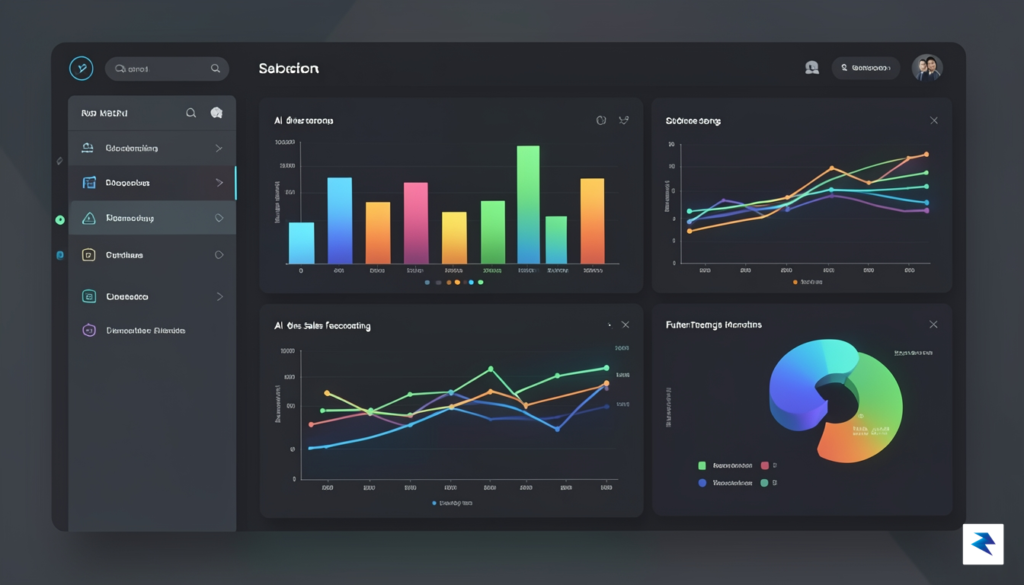
The true power of the platform is amplified by the deep integration of Copilot, Microsoft’s generative AI assistant, which fundamentally changes how teams interact with their data. Rather than spending hours on administrative manual entry, representatives can leverage Copilot to automatically summarize complex client calls, extract key action items, and draft personalized follow-up emails that resonate with the recipient’s specific needs. These AI-driven insights extend into sales forecasting as well, where the system analyzes historical patterns and real-time market signals to provide precise revenue predictions. By automating these repetitive yet critical tasks, Dynamics 365 empowers users to focus on high-value interactions that foster genuine relationship growth.
Marketing teams benefit equally from the platform’s sophisticated customer journey mapping tools. Through a drag-and-drop interface, marketers can design multi-channel campaigns that react dynamically to user behavior. If a prospect clicks a link in an email but does not visit the pricing page, the system can automatically trigger a secondary nurture sequence tailored to overcome that specific hesitation. This level of granular control ensures that messaging remains relevant throughout the entire buyer’s journey, significantly increasing conversion rates compared to static, mass-blast marketing strategies.
The integration of AI into CRM workflows is no longer a luxury; it is a necessity for teams aiming to maintain a competitive edge in a fast-paced digital marketplace.
Furthermore, the Customer Service module bridges the gap between sales and post-purchase success by providing a 360-degree view of every client. When a customer reaches out with an inquiry, service agents are immediately presented with the full context of the account, including previous purchases, open sales opportunities, and recent marketing interactions. This continuity of service not only resolves issues faster but also opens doors for proactive upselling and cross-selling. By leveraging Relationship Insights, the platform can even detect subtle shifts in customer sentiment, alerting account managers to potential churn risks before they escalate into lost business.
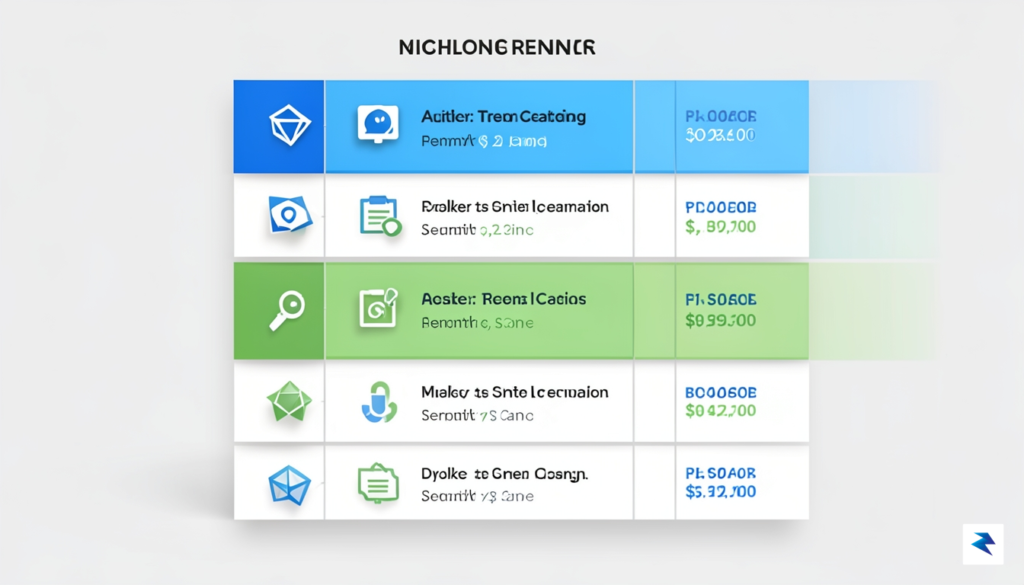
Deciphering the financial commitment required for Microsoft Dynamics 365 often feels like solving a complex puzzle, primarily because the platform is designed to be highly modular rather than a “one-size-fits-all” solution. At the heart of this structure is the distinction between Full Users and Team Members. Full Users require access to the comprehensive feature sets of the application—such as full Sales or Customer Service modules—and are priced accordingly as premium seats. In contrast, Team Member licenses are designed for employees who need to perform basic tasks, like updating customer records or submitting time entries, without requiring access to the entire depth of the CRM functionality. By strategically assigning these roles, organizations can significantly optimize their spend, ensuring that power users have the tools they need while light users remain cost-effective.
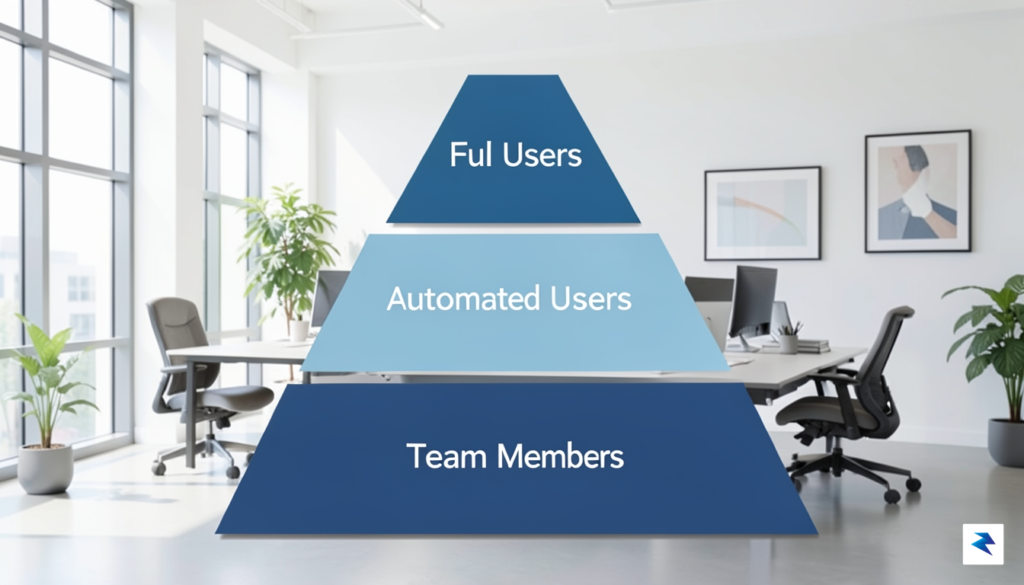
Beyond individual user roles, Microsoft utilizes a tiered approach to application access, most notably seen in the breakdown between Sales Professional and Sales Enterprise. The Professional tier is tailored for businesses that require essential CRM capabilities without the complexity of advanced automation or custom coding. Conversely, the Enterprise tier unlocks deep functionality, including advanced forecasting, embedded intelligence, and extensive customization options. Understanding this distinction is vital because paying for Enterprise features that your team isn’t using can quickly inflate your overhead. Many organizations find success by adopting a hybrid licensing model, where a core group of power users operates on Enterprise licenses while the broader sales team utilizes the Professional tier to keep monthly recurring costs manageable.
To avoid budget creep, treat your licensing strategy as a living document; as your team grows or your processes evolve, audit your license assignments quarterly to ensure you aren’t paying for unused premium features.
It is also critical to look beyond the per-user price tag to account for the “hidden” operational costs that often surprise new adopters. Storage fees are a frequent point of contention, as Microsoft provides a baseline of database capacity that may be quickly exhausted by high volumes of customer interactions or large attachments, necessitating additional storage purchases. Furthermore, businesses that rely on heavy automation or third-party integrations must be mindful of API request limits, which govern how often the platform can communicate with other software. Finally, as you look to leverage cutting-edge capabilities like Copilot or other premium AI add-ons, you should anticipate supplementary costs that sit on top of your standard subscription. By forecasting these technical expenses alongside your seat count, you can build a realistic, long-term budget that supports both your current operations and your future growth goals.
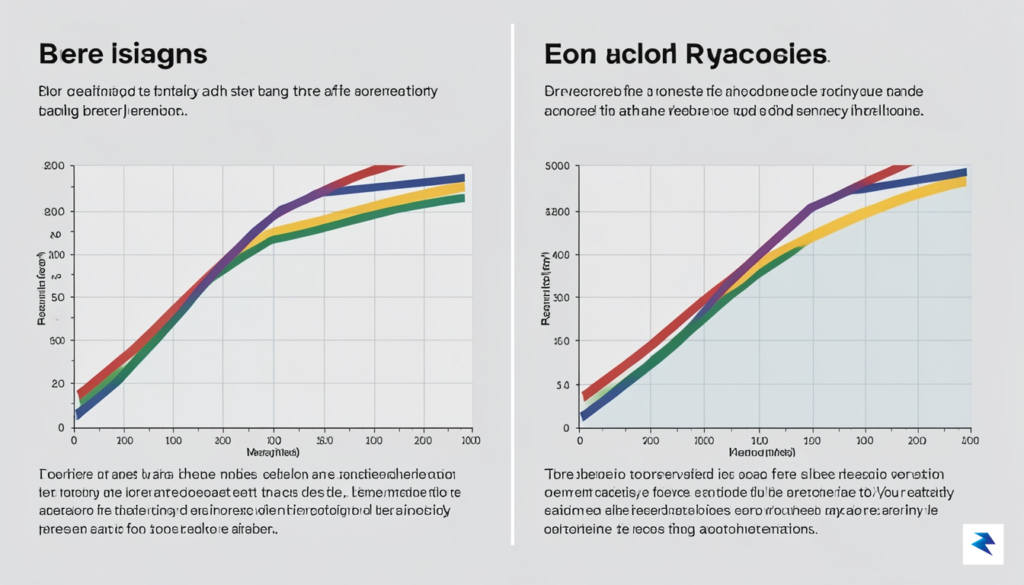
Microsoft Dynamics 365 stands as a titan in the CRM landscape, primarily due to its unparalleled ability to weave into the existing Microsoft ecosystem. For organizations already heavily invested in Azure, Office 365, and Power BI, the platform offers a seamless flow of data that is difficult for competitors to replicate. Its deep customization capabilities allow enterprise-level businesses to architect complex workflows that align perfectly with bespoke internal processes. Furthermore, the backing of Azure’s robust security infrastructure ensures that sensitive customer data remains fortified, providing peace of mind for organizations operating in highly regulated industries.
However, this immense power comes with a significant trade-off in the form of complexity. Unlike the “plug-and-play” nature of modern SaaS platforms, Dynamics 365 often requires dedicated administrative staff or external consultants to configure, maintain, and update the system. Users frequently report a steep learning curve, as the interface can feel fragmented or inconsistent across different modules. This administrative overhead translates into a higher total cost of ownership, making it a potentially daunting choice for smaller teams that lack the technical resources to manage such a sophisticated environment.
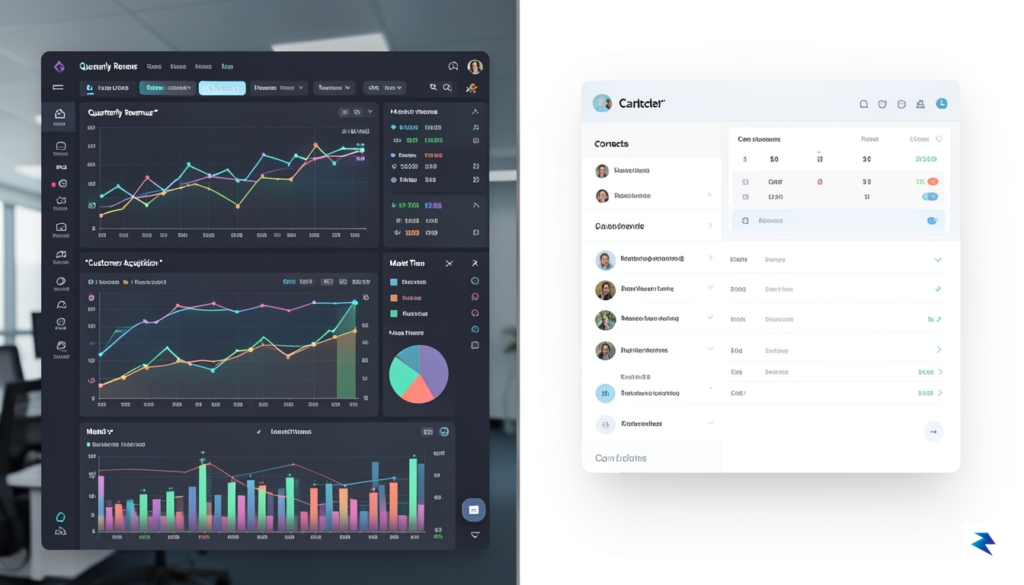
When measuring Dynamics 365 against the broader market, the competitive landscape often boils down to a choice between customization, usability, and ecosystem dominance:
Ultimately, the decision rests on your organization’s technical maturity. If you require deep, proprietary data integration and a long-term enterprise roadmap, Dynamics 365 is a powerhouse; if your primary goal is speed-to-market and low administrative burden, you may find more value in a more agile, user-centric alternative.
Ultimately, Microsoft Dynamics 365 is best utilized as the backbone of a digital transformation strategy rather than a simple contact management tool. It is an investment in infrastructure that demands a clear understanding of your internal capabilities. By carefully weighing the requirement for rigid, high-security customization against the need for a streamlined, user-friendly experience, you can determine whether the Microsoft stack is the right fit for your specific growth trajectory.

Transitioning to Microsoft Dynamics 365 is rarely just a technical upgrade; it is a fundamental shift in how your organization handles customer relationships and operational data. To avoid the common trap of creating expensive “shelf-ware,” businesses must move away from a “big bang” deployment model toward a phased implementation strategy. By breaking the rollout into manageable modules—starting with core CRM functions before expanding into advanced automation or AI-driven analytics—teams can maintain momentum and address feedback loops in real-time. This iterative approach allows staff to adapt to new workflows without feeling overwhelmed, ensuring that each phase delivers tangible value before the next layer of complexity is introduced.
Before any software is installed, the integrity of your existing data must be the highest priority. Migrating “dirty” or redundant data into a new, powerful ecosystem like Dynamics 365 will only amplify existing inefficiencies and erode user trust from day one. Dedicate significant time to data cleansing, deduplication, and mapping exercises to ensure that the information entering the new system is accurate and actionable. Without a solid data strategy, even the most sophisticated features of the platform will fail to provide the insights necessary for informed decision-making.

Technology is only as effective as the people who use it, which is why change management and comprehensive user training are the true determinants of success. Many projects falter because they focus too heavily on configuration while neglecting the human element of adoption. Develop a robust training program that caters to different roles within the company, emphasizing how the system makes their specific daily tasks easier rather than just focusing on corporate reporting requirements. When employees view the platform as an assistant that simplifies their workload rather than a surveillance tool, adoption rates climb significantly.
Successful digital transformation is 20% technology implementation and 80% organizational change management.
Furthermore, defining the long-term relationship between your internal IT staff and external Microsoft Partners is vital for sustainability. While internal teams understand your unique business nuances and daily operational pain points, Microsoft Partners bring the specialized architectural expertise needed for complex integrations and security configurations. The most successful organizations treat their partners as strategic advisors who guide the roadmap, while empowering internal “power users” to handle day-to-day configurations and user support. This collaborative model ensures that your system remains agile enough to evolve alongside your business goals, rather than becoming a rigid, static piece of software that requires expensive professional services for every minor adjustment.
You must be logged in to post a comment.