
OpenRA: How the Open-Source Engine is Saving Classic RTS Gaming
The Legacy of Real-Time Strategy In the mid-to-late 1990s, the real-time strategy (RTS) genre stood at the absolute zenith of PC gaming…

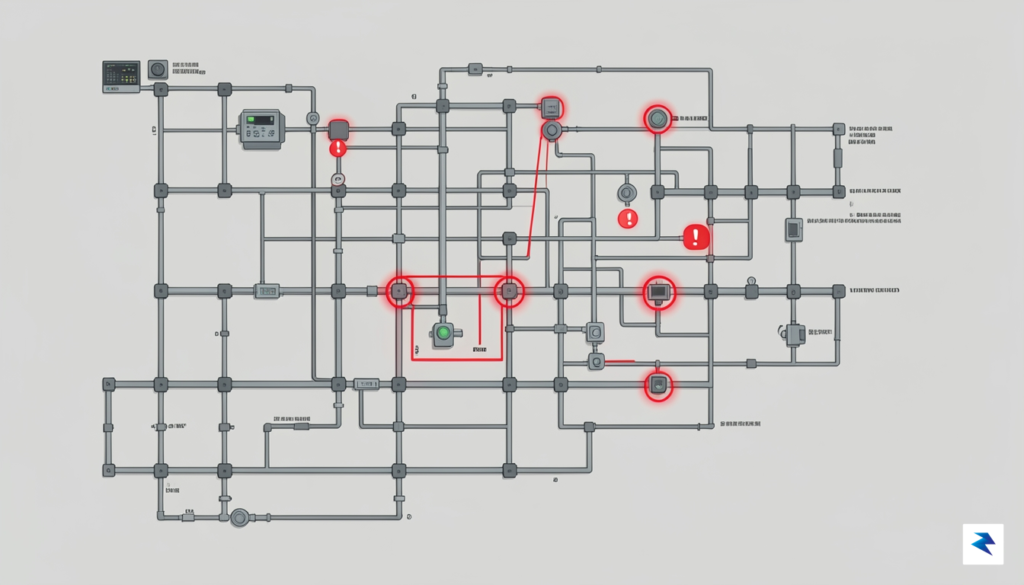
When the X Window System (commonly known as X11) was first conceived in the mid-1980s, its primary goal was to provide a robust, network-transparent graphical environment for workstations. Security, in the modern sense of isolating applications and protecting user data, was simply not a primary design consideration for a system largely intended for trusted users on trusted networks. This historical context is crucial for understanding why X11 operates on a fundamental principle of “trust-by-default,” where any client application connected to the X display server is granted extensive privileges, essentially treating all applications as if they are equally benign and cooperative.
This inherent trust model translates directly into significant security vulnerabilities. Once an application establishes a connection with the X server, it gains the ability to interact with the display in ways that can compromise user privacy and system integrity. For instance, any X11 client can intercept keystrokes intended for other windows, effectively performing keystroke logging across the entire desktop. Furthermore, it can capture screenshots of any part of the display, regardless of which application “owns” that window, allowing malicious software to visually snoop on sensitive information. Beyond passive observation, a rogue client can also inject synthetic input events—mimicking mouse clicks or keyboard presses—into other applications, potentially controlling them or triggering unintended actions without user consent. These capabilities create a vast attack surface, making it difficult to maintain robust security boundaries between different graphical applications.
In an era dominated by web browsers, password managers, and secure communication tools, these legacy architectural decisions pose a profound risk. Imagine a scenario where a seemingly innocuous utility application, perhaps a custom desktop widget or a themed clock, has a hidden malicious component. Due to X11’s design, this application could easily log your banking passwords as you type them into a browser, capture screenshots of confidential documents you’re working on, or even manipulate your email client to send messages without your knowledge. Modern applications are built with an expectation of OS-level isolation, but X11 fundamentally undermines this by providing a shared, overly permissive environment where a single compromised application can potentially spy on or control all others. This lack of granular permission control makes it incredibly challenging to secure sensitive operations within a standard X11 session.
Clearly, such deep-seated architectural vulnerabilities necessitate advanced mitigation strategies, especially for users and organizations handling sensitive data. Relying solely on application-level security or traditional operating system firewalls is insufficient when the display server itself acts as a single point of failure and trust. To address these fundamental design flaws and bring X11 into alignment with modern security expectations, new approaches are required that can effectively isolate applications from each other and from the X server’s broad privileges, even while they share the same graphical environment. This need for robust isolation is precisely where containerization technologies offer a promising path forward.
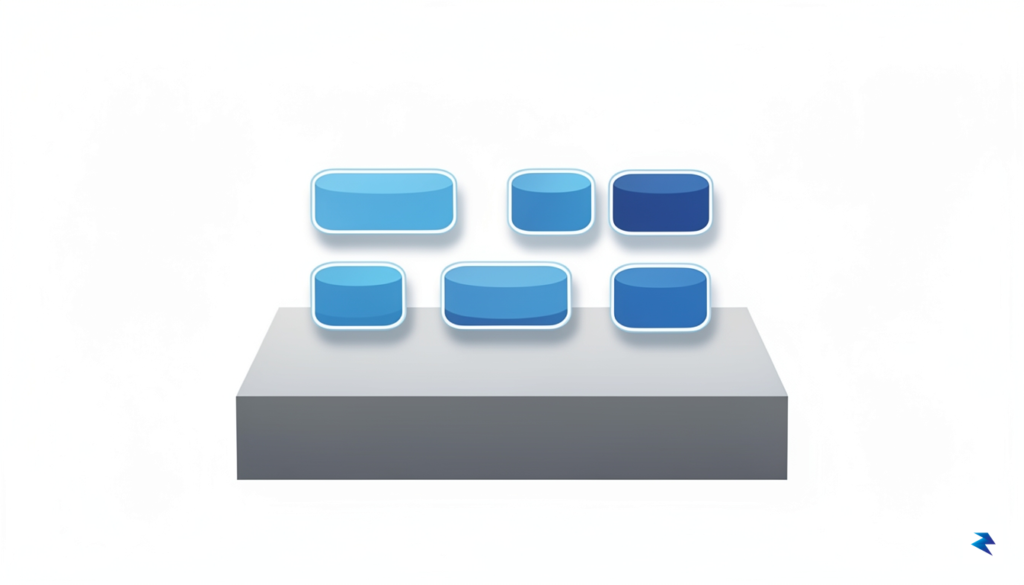
Linux Containers (LXC) represent a compelling middle ground in the realm of application isolation, offering a robust solution that avoids the substantial overhead associated with traditional virtual machines (VMs). Unlike full virtualization, which emulates an entire hardware stack and runs a complete guest operating system atop a hypervisor, LXC leverages the host operating system’s kernel directly. This fundamental difference means that LXC containers are significantly lighter, starting faster and consuming far fewer resources, making them an ideal choice for isolating individual applications or services without the resource penalty of running multiple kernels. It’s akin to having a highly efficient, self-contained environment for your application, rather than a whole separate computer.
The magic behind LXC’s efficient isolation primarily stems from two powerful Linux kernel features: **namespaces** and **cgroups**. Namespaces are the fundamental building blocks that partition kernel resources, allowing a container to have its own isolated view of the system. For instance, a **PID namespace** ensures that processes inside the container see their own `init` process (PID 1) and a distinct set of process IDs, completely separate from the host’s process tree. Similarly, a **Mount namespace** provides the container with its own independent filesystem hierarchy, preventing it from directly accessing or modifying the host’s root filesystem. Furthermore, a **Network namespace** gives the container its own network stack, including its own IP addresses, routing tables, and network interfaces, effectively isolating its network activity from the host and other containers.
Complementing namespaces, **cgroups (control groups)** provide the essential mechanism for resource management and allocation. While namespaces isolate *what* a process can see, cgroups control *how much* resources a process or group of processes can consume. This includes limiting CPU time, memory usage, network bandwidth, and I/O operations. By carefully configuring cgroups, we can prevent a misbehaving or malicious application within a container from monopolizing host resources, thus ensuring system stability and fairness. Together, namespaces and cgroups forge a powerful security boundary, confining applications to their designated sandbox and significantly reducing their potential impact on the host system.
The security boundary provided by LXC, while not as absolute as that of a full hardware-virtualized VM (as containers share the host kernel), is remarkably effective for isolating user-space applications. By restricting an application’s access to only the resources it explicitly needs and preventing it from seeing or interacting with other parts of the host system, the attack surface is drastically minimized. Should an application within an LXC container be compromised, the potential damage is contained within its isolated environment, making it far more difficult for an attacker to escalate privileges or affect the underlying host. This makes LXC a potent tool for running potentially untrusted applications, particularly those with graphical interfaces, where full virtualization might be overkill.
This lightweight and efficient isolation model makes LXC particularly well-suited for running individual GUI applications, such as those relying on the X11 display server. Traditionally, running a potentially vulnerable X11 application directly on the host system poses significant risks, as X11’s default security model can be permissive. With LXC, you can encapsulate the entire application, along with its dependencies, within a container. The application can then securely render its interface to the host’s X server (or a Wayland compositor) while its core processes, data, and potential vulnerabilities remain confined within the isolated environment. This approach provides a smooth, native-like user experience without the excessive resource consumption and performance penalties often associated with running a full desktop environment inside a heavy virtual machine, making it an excellent balance between security and usability for desktop applications.
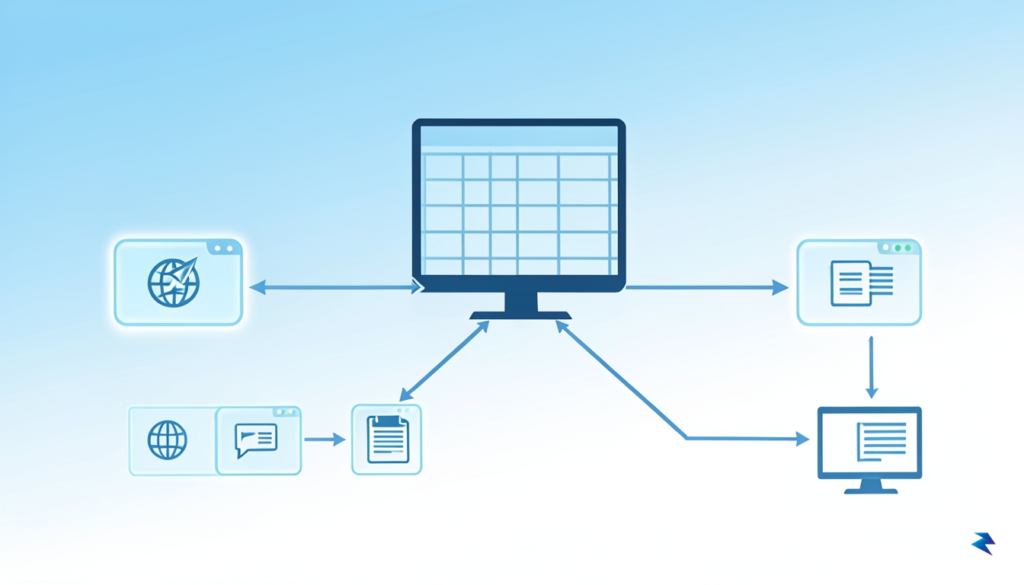
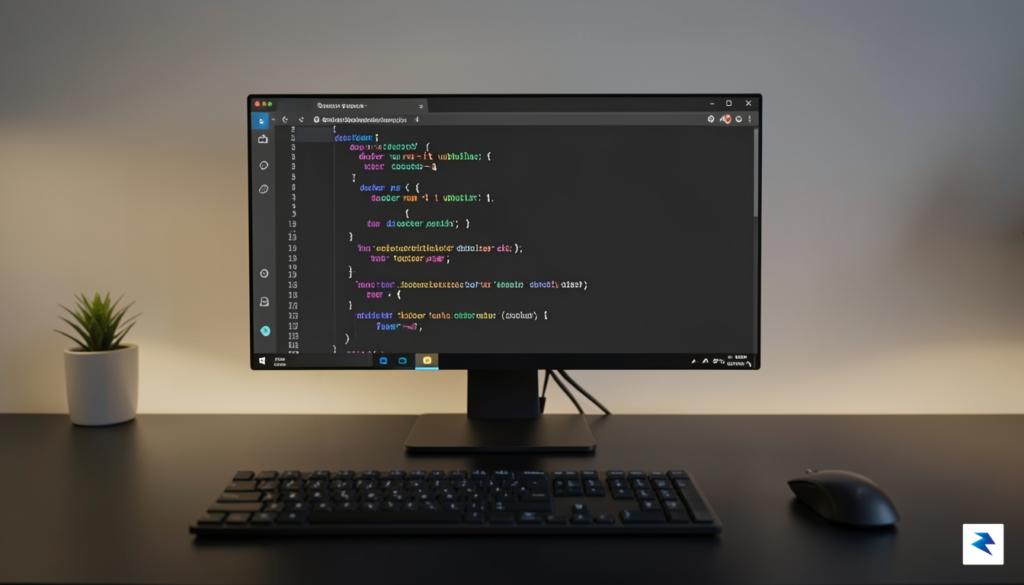
Running a graphical user interface (GUI) application inside an LXC container presents a unique set of challenges and opportunities. While the core benefit lies in isolating potentially untrusted applications from your host system, this very isolation also means that the confined application needs a specialized pathway to display its windows and interact with your desktop environment. Bridging this gap between the secure container and your host’s X11 server is a crucial step, demanding careful configuration to ensure the containerized application behaves and appears as expected, offering both security and usability.
To successfully project a GUI application from an LXC container onto your host desktop, several fundamental components must be meticulously configured. First and foremost, the container requires direct access to the host’s X11 server, which is typically facilitated by sharing the X11 socket. This socket acts as the communication conduit for all graphical operations. Secondly, the DISPLAY environment variable inside the container must be accurately set to point to your host’s display, effectively guiding the application to the correct rendering destination. Without these two foundational steps, your containerized application would simply lack the necessary information and access to render its graphical interface.
The host’s X11 socket, commonly found at paths like /tmp/.X11-unix/X0, serves as the primary endpoint for X clients. To make this accessible to the container, it must be bind-mounted directly into the container’s filesystem. This ensures that the containerized application can communicate with the host’s X11 server as if it were running natively on the host. Beyond merely mounting the socket, it is paramount to ensure correct file permissions and, crucially, to manage user ID (UID) and group ID (GID) mapping. Matching the user ID of the application runner inside the container with a corresponding user on the host that has X11 access is often necessary to prevent permission errors and maintain security boundaries, ensuring legitimate communication without undue privilege escalation.
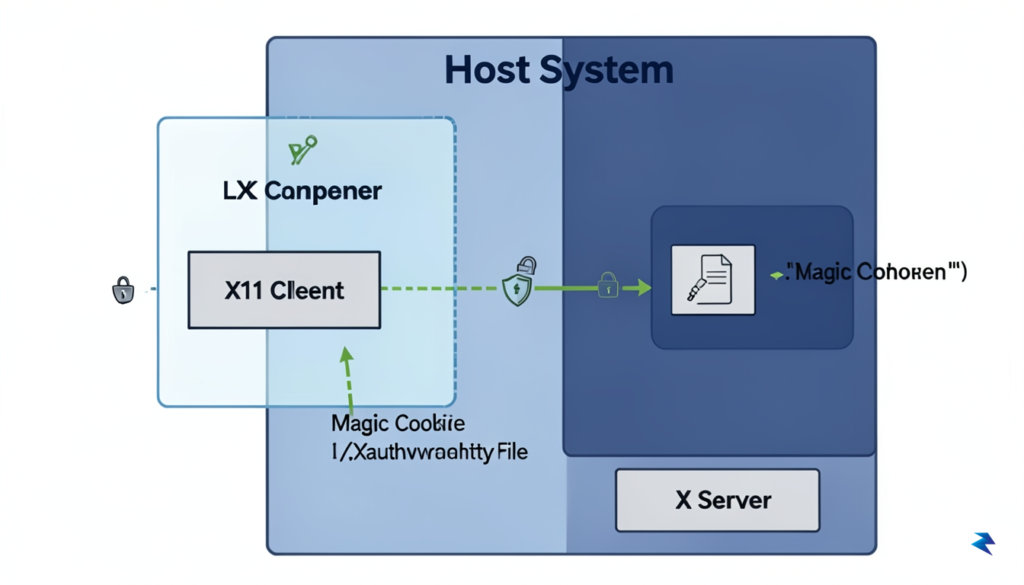
Once the X11 socket is accessible within the container, the DISPLAY environment variable becomes critical. It typically needs to be set to a value like :0 or unix:0, instructing the application to connect to the local X11 server via the shared socket. Complementing this, xauth plays an indispensable role in securing these graphical connections. xauth manages authorization keys, often referred to as “magic cookies,” which the X server uses to verify that a client is permitted to connect and display content. By carefully copying the appropriate .Xauthority file or specific authorization keys from the host to the container, the containerized application can authenticate itself with the X server, thereby preventing unauthorized applications from interacting with your display and adding a robust layer of security to your graphical session.
[IMAGE: A diagram showing an LXC container with an arrow pointing to a host X11 server, highlighting shared
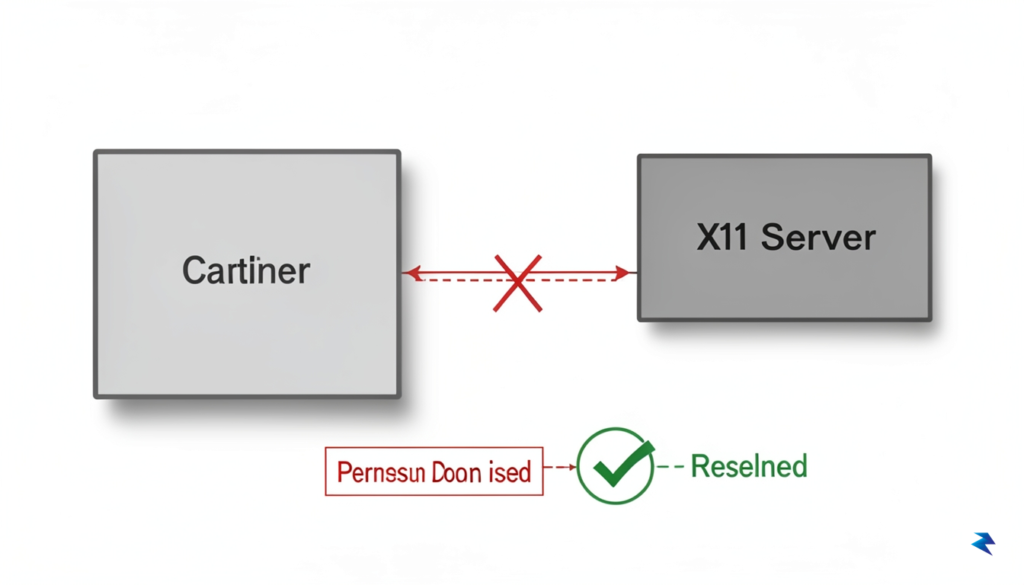
One of the most significant hurdles when integrating X11 applications within LXC containers stems from the fundamental design of the X Window System itself. Conceived in an era where multi-user isolation and granular permissions were less of a paramount concern for desktop environments, X11 was not built with sophisticated access control mechanisms in mind. This legacy creates complexity when attempting to securely expose the host’s graphical display server to applications running inside an isolated container, often leading to frustrating permission denied errors and stability issues if not configured meticulously. Properly navigating these intricacies is crucial not only for functionality but also for maintaining the security integrity of both your host system and the contained applications.
A primary source of permission headaches in this setup is the mismatch between User IDs (UIDs) and Group IDs (GIDs) inside the container and on the host system. LXC containers, by default, often run their `root` user or a specific application user with UIDs and GIDs that do not directly correspond to the host user’s identity. When an application inside the container attempts to access the X11 socket on the host (typically `/tmp/.X11-unix/X0`), it does so with its internal UID/GID. If these identifiers don’t align with the permissions set on the host’s X11 socket, or if the container user isn’t part of the necessary groups (like `video` or `input` on the host, if direct device access is attempted), the connection will be refused. This subtle but critical discrepancy can block an otherwise perfectly configured application from displaying its graphical interface.
Faced with these persistent permission errors, many users are tempted to resort to the quick fix of running `xhost +local:` on their host machine. While this command effectively grants any local application, including those within your LXC container, permission to connect to your X server, it comes with significant security implications. Essentially, it opens your X server to *any* process running on your local machine, allowing it to potentially snoop on your keystrokes, capture screenshots, or even inject commands into other running X applications. In the context of security-enhanced containers, this workaround completely negates the isolation benefits, creating a gaping security hole that should be avoided at all costs.
Instead of broadly opening your X server, the secure and recommended approach for granting access is through the X authority mechanism, often referred to as “magic cookies.” This method relies on a secret key stored in your host’s `~/.Xauthority` file. When an X client (your containerized app) attempts to connect to the X server, it presents this magic cookie for authentication. If the cookie matches the one known by the X server, access is granted.
To leverage this securely, you need to ensure the container has access to your host’s `XAUTHORITY` file and the `DISPLAY` environment variable is correctly set. The most straightforward way is to bind-mount your host’s `.Xauthority` file into the container and pass the `DISPLAY` variable. For example, in your LXC configuration or during container startup, you might use:
lxc.mount.entry = /home/youruser/.Xauthority var/run/host-Xauthority none bind,create=file 0 0

lxc.environment = DISPLAY=:0

lxc.environment = XAUTHORITY=/var/run/host-Xauthority
This ensures that the container receives the specific, authenticated key required to connect to your X server, without exposing it to unauthorized applications. For more dynamic scenarios, you can also use the `xauth generate` command on the host to create a new, temporary magic cookie and then transfer only that specific cookie to the container, offering even finer-grained control.
Beyond visual output, getting sound to work seamlessly with containerized GUI applications is another common hurdle. X11 itself doesn’t handle audio; that’s the domain of sound servers like PulseAudio or the newer Pipewire. To enable sound for your containerized applications, you’ll need to bridge the container’s audio output to your host’s sound server.
For PulseAudio, the typical solution involves forwarding the PulseAudio socket from the host into the container. This allows applications inside the container to “see” and connect to the host’s running PulseAudio daemon. You’ll need to bind-mount the PulseAudio socket and potentially its client configuration into the container, and then set the `PULSE_SERVER` environment variable. A common setup would involve:
lxc.mount.entry = /run/user/$(id -u)/pulse/native var/run/host-pulse-native none bind,create=file 0 0

lxc.environment = PULSE_SERVER=/var/run/host-pulse-native
Remember that the path to the `pulse/native` socket might vary slightly depending on your distribution and PulseAudio configuration. For Pipewire, the process is largely similar, as Pipewire aims for full compatibility with PulseAudio clients and offers its own socket for communication. By carefully configuring these bind mounts and environment variables, you can ensure that your containerized X11 applications not only display correctly but also produce sound without compromising your system’s security posture.

Implementing LXC for X11 application isolation represents a significant shift in how we perceive desktop security, yet it is rarely the most straightforward solution for the average user. While containerization offers a robust boundary that effectively traps X11 clients within a restricted namespace, it introduces a non-trivial amount of maintenance overhead. Unlike standard application management, running desktop software in containers requires users to manually configure display sockets, handle shared memory permissions, and manage persistent data volumes. For many, this added complexity can become a barrier to productivity, especially when simpler alternatives like Flatpak—which provides built-in sandboxing—or the native security architecture of Wayland already offer substantial protection against the inherent vulnerabilities of the X11 protocol.
When considering the landscape of Linux security, one must weigh these options against their specific use cases. Wayland, for instance, eliminates the massive architectural flaws of X11 by design, rendering the need for heavy-duty containerization less critical for standard applications. Meanwhile, Firejail provides a more lightweight approach to sandboxing that requires significantly less configuration than a full LXC container. However, these alternatives often lack the granular, deep-system isolation that LXC provides. If your workflow involves executing proprietary, untrusted, or legacy binaries that require full system-call filtering and isolated filesystem access, LXC remains a superior, albeit more involved, defense mechanism.
While LXC provides a fortress-like environment, it is not a silver bullet; the best security architecture is the one that you can consistently maintain without sacrificing your daily operational requirements.
Ultimately, the decision to adopt LXC for desktop hardening depends on your personal threat model and technical aptitude. If you are a power user or security enthusiast who prioritizes extreme isolation for niche software, the performance overhead is negligible compared to the peace of mind gained. Conversely, for users who require seamless updates and high-performance hardware acceleration, the hurdles of containerized X11 applications might prove more frustrating than the security gains are worth. As the Linux desktop ecosystem continues to evolve toward more secure-by-default protocols like Wayland, the necessity for manual containerization will likely diminish, but for now, it remains a powerful tool for those willing to trade convenience for absolute control.
You must be logged in to post a comment.