The $2B AI Revolution: Why OpenAI Researchers Are Moving to Drug Discovery
The Intersection of Generative AI and Pharmaceutical Innovation The pharmaceutical industry has long grappled with an intractable challenge:…
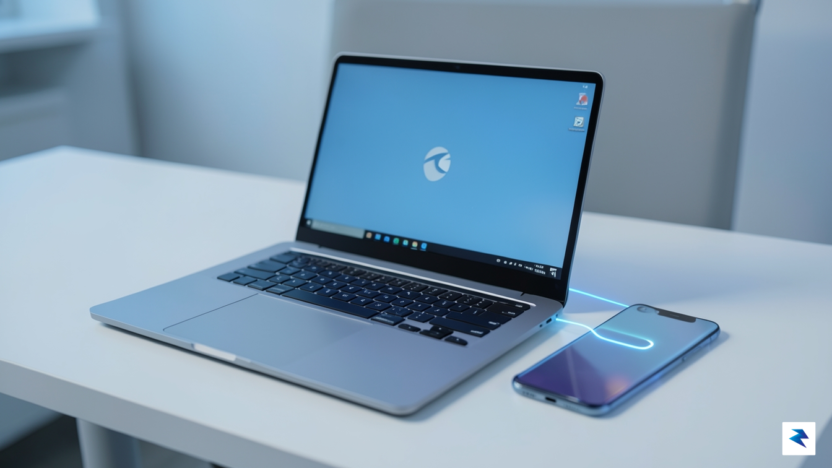
For over a decade, Microsoft has grappled with the inherent friction between the desktop workstation and the mobile device. In the early days, this struggle manifested as disparate, disjointed efforts—largely focused on simple file synchronization or basic contact management—that often felt like afterthoughts rather than core OS experiences. The introduction of the “Your Phone” app marked a significant turning point, offering users a bridge to view messages, photos, and basic notifications directly on their desktops. While this was a welcome convenience, it remained a peripheral “companion” experience, a separate window that lived on the periphery of the user’s workflow rather than feeling like a native extension of the Windows environment.
As mobile computing has become the primary point of entry for the modern digital life, the limitations of these early tools have become increasingly apparent. Users no longer just want to glance at a notification; they demand a fluid, high-fidelity connection that allows for seamless task handoffs and shared workflows. Consequently, Microsoft has shifted its strategy from creating a siloed “phone app” to weaving mobile functionality directly into the fabric of Windows 11. By elevating these features to a system-level status, Microsoft is moving away from the “companion” model and toward a “unified ecosystem” model, where the barrier between a user’s Android or iOS device and their PC effectively dissolves.
This strategic pivot is not merely about convenience; it is a vital defensive and offensive maneuver in an era defined by hardware agnosticism. With the rise of remote work and cloud-based productivity, the operating system that best manages the “flow state” between devices wins the user’s loyalty. If a user can drag and drop files from a phone directly into a Windows app, or mirror a mobile application with zero latency, they are significantly less likely to gravitate toward competing platforms that offer a fractured experience. By doubling down on this deeper integration now, Microsoft is attempting to anchor the Windows 11 user experience firmly in the center of the mobile-first world.
The goal of this evolution is to transform the PC from a static workstation into a dynamic hub that treats mobile devices as natural, deeply integrated extensions of the desktop OS.
Ultimately, the current push signifies a recognition that the “desktop-only” era has ended. To maintain relevance, Windows must act as a connective tissue that understands the context of a user’s mobile activity. Whether it is through enhanced clipboard sharing, cross-device app streaming, or instantaneous photo access, the new Windows 11 approach aims to minimize the cognitive load associated with switching devices. As these features continue to mature, the distinction between “phone tasks” and “PC tasks” will likely fade, ushering in an era where the hardware is secondary to the continuity of the user’s digital workspace.
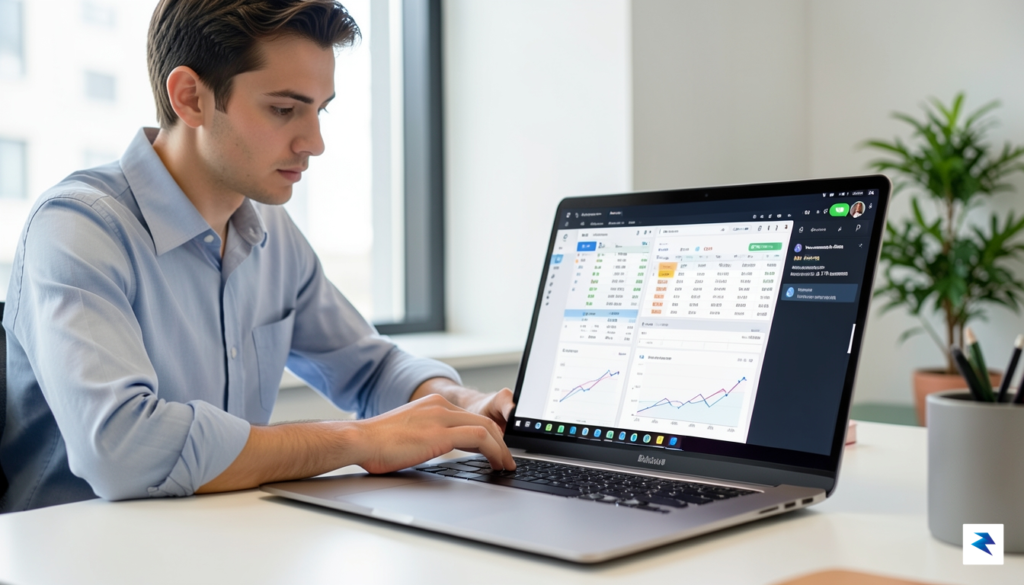
For the modern professional, the greatest enemy of deep work is the constant, fractured attention caused by context switching. Every time you reach for your smartphone to check a notification, retrieve a photo, or reply to a quick text, you break the cognitive momentum required for complex tasks. Microsoft’s latest integration updates aim to eliminate this friction by effectively extending your mobile environment into the Windows 11 interface. By surfacing essential mobile functionality directly within the Start menu and system tray, the operating system allows you to manage your digital life without ever breaking your gaze from your primary monitor.
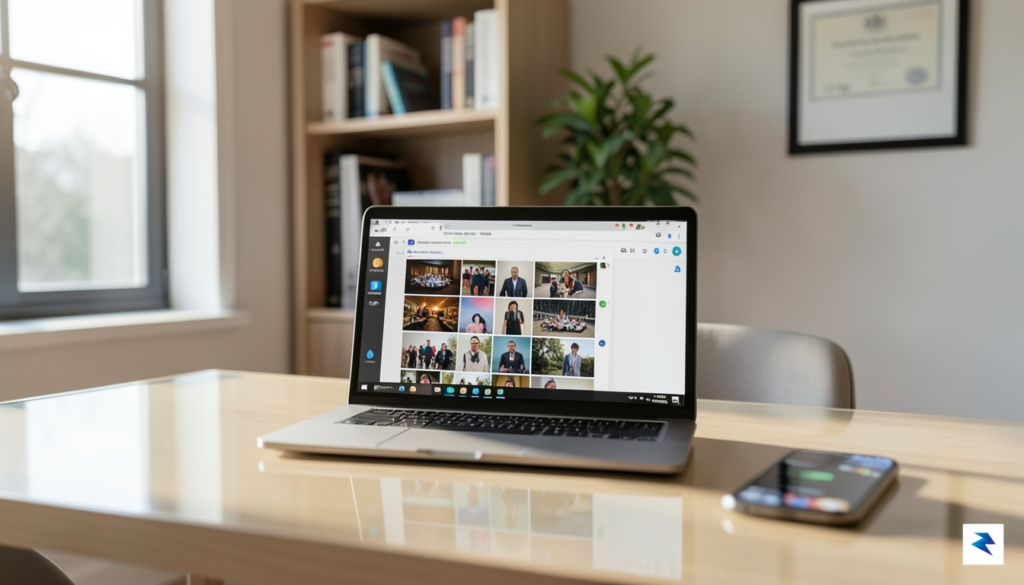
The practical benefits of this evolution are immediately apparent in your daily workflow. Imagine you are drafting a project proposal or editing a presentation; instead of unlocking your phone to pull a reference image from your camera roll, you can now access your most recent photos directly through the Start menu. This simple change removes the physical and mental hurdle of handling a separate device, ensuring that your hands stay on the keyboard and your focus remains centered on your workspace. Furthermore, the enhanced system tray controls mean that SMS messages and critical alerts appear as native Windows notifications. You can draft and send replies through your PC’s keyboard, maintaining a professional cadence without the distraction of a glowing phone screen sitting on your desk.
The true value of this integration isn’t just convenience; it is the preservation of your “flow state” by keeping all necessary digital assets within a single, unified workspace.
Beyond simple notifications, the seamless file-sharing capabilities are poised to significantly reduce the time spent on administrative overhead. Whether you are transferring high-resolution captures for a design project or quickly moving a document scanned on the go, the barrier between mobile and desktop is becoming increasingly porous. Because these files integrate directly into the Windows file system, you spend less time managing transfers and more time executing on your objectives. By minimizing the need to physically interact with your phone, you effectively reclaim those small pockets of time that would otherwise be lost to device switching, ultimately leading to a more streamlined and efficient workday.
At the core of this seamless interoperability lies the Microsoft account, which functions as a secure digital bridge connecting your mobile device to the Windows 11 ecosystem. By authenticating both your Android smartphone and your PC through a unified identity, Microsoft establishes a trusted environment where data can flow securely across platforms. Once this identity link is verified, the system leverages a sophisticated combination of cloud-based synchronization and local peer-to-peer connections to ensure that your digital workspace remains consistent regardless of which device you are interacting with at any given moment.
To achieve the low-latency responsiveness required for real-time notifications and instant file access, the integration utilizes advanced communication protocols. When you receive a text or an app notification on your phone, the system doesn’t rely solely on the cloud; instead, it initiates a low-latency Wi-Fi Direct handshake. This creates a dedicated, high-speed tunnel between the devices that bypasses the congestion of public network traffic. By maintaining this persistent, encrypted connection, Windows 11 can mirror your phone’s status in near real-time, ensuring that interactions feel instantaneous rather than delayed by synchronization intervals.
The integration relies on a secure API handshake that treats the Android subsystem as a privileged peripheral, ensuring that data packets are encrypted from end-to-end throughout the transmission process.
Handling cross-platform file system requests is perhaps the most complex technical hurdle Microsoft has navigated. When a user drags a file from their phone to their desktop, Windows 11 performs a secure API handshake that authenticates the file’s integrity before allowing it into the local file system. This process involves the Windows Subsystem for Android (WSA) acting as a virtualization layer that translates Android’s file permissions into Windows-compatible NTFS structures. Consequently, the user experiences a simple drag-and-drop action, while the underlying architecture is busy validating security certificates and managing temporary buffer storage to prevent data corruption during the transfer.
While the software abstraction makes this appear seamless, the underlying technology does have specific hardware dependencies. For optimal performance, both devices must support specific iterations of Bluetooth Low Energy (BLE) and Wi-Fi Direct protocols, which are essential for maintaining the persistent connection without draining excessive battery life. Furthermore, users must ensure their Windows 11 build is up to date, as the integration relies on specific kernel-level features introduced in the latest Windows feature updates to handle the virtualization of mobile applications. By standardizing these requirements, Microsoft ensures that the experience remains stable and secure, effectively turning your smartphone into an extension of your desktop environment.

As Microsoft deepens the ties between mobile devices and the Windows 11 ecosystem, the conversation inevitably shifts toward the sanctity of user data. While the allure of seamless synchronization—where your latest photos, text messages, and clipboard items appear instantly across screens—is undeniable, it necessitates a robust framework of trust. To manage this, Microsoft has implemented end-to-end encryption protocols for sensitive data transmissions, such as SMS relay and file transfers. By ensuring that data remains encrypted both in transit and at rest, the company aims to mitigate the risks associated with cloud-based syncing, effectively creating a private tunnel that only your authenticated devices can access.
Beyond the technical backbone of encryption, Microsoft is placing a renewed emphasis on granular user control. Recognizing that not every user wants their entire digital life mirrored across multiple platforms, Windows 11 provides a centralized dashboard within the Link to Windows settings. Here, users can toggle specific integrations on or off, allowing for a customized balance between convenience and privacy. If you prefer to keep your phone’s notification stream separate from your desktop workflow, or if you want to restrict which folders are accessible for cloud syncing, the interface is designed to make these permissions transparent and easily reversible. This “opt-in” philosophy ensures that you remain the ultimate gatekeeper of your digital footprint.
True convenience should never come at the expense of autonomy; the ability to selectively sync data is the cornerstone of a modern, privacy-conscious operating system.
Of course, deeper integration does raise valid questions regarding how data collection policies interact with these synchronized services. Microsoft has been under increased scrutiny to clarify how diagnostic data and telemetry interact with cross-device features. In response, the company has begun providing more detailed transparency reports, detailing what information is strictly necessary for service functionality versus what is used for analytical improvements. It is essential for users to review these privacy disclosures periodically, as the “Connected Experiences” settings are often where the most critical data-sharing preferences are managed. By staying informed about these policies, you can enjoy the productivity gains of a unified workflow while maintaining a clear understanding of exactly where your data resides and how it is being utilized by the platform.
This initiative represents far more than a simple convenience update; it signals a fundamental shift in how we conceive of the personal computing environment. As Microsoft continues to bridge the gap between Windows 11 and mobile devices, we are witnessing the early stages of a transition toward a truly device-agnostic ecosystem. In the near future, the physical boundaries between a pocket-sized screen and a desktop monitor will likely dissolve, allowing users to move fluidly between tasks without the cognitive friction of switching hardware. This evolution suggests a paradigm where the operating system acts as a persistent, invisible layer that follows the user, rather than being tethered to a specific piece of silicon.
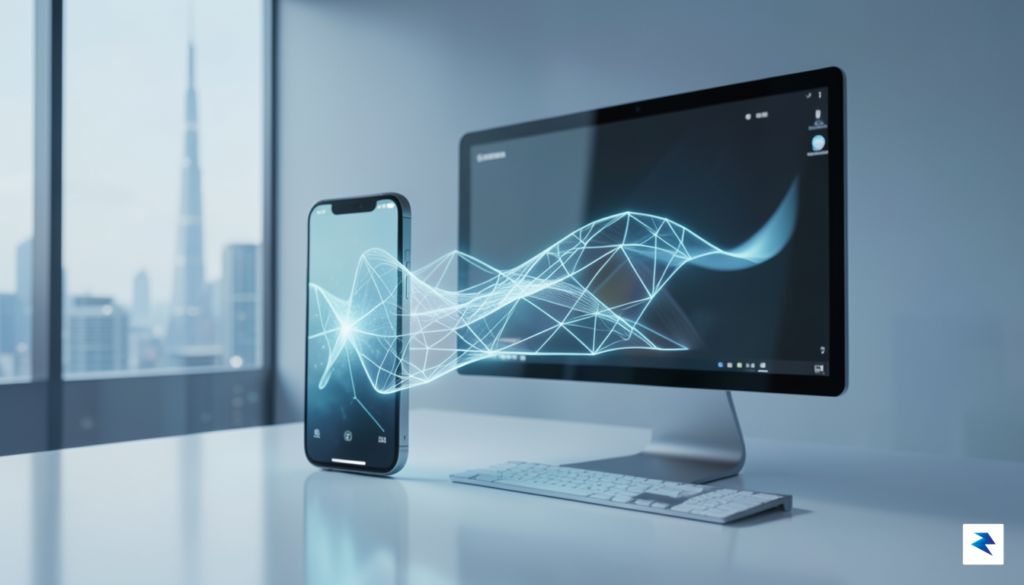
Looking ahead, we can anticipate a move toward native app streaming that feels indistinguishable from running local software. Imagine a scenario where mobile-exclusive productivity tools or creative applications are projected directly onto your Windows desktop, complete with full keyboard and mouse support, while simultaneously maintaining sync with your phone’s background processes. While Apple’s “walled garden” approach currently limits the extent to which third-party ecosystems can integrate with iOS, mounting industry pressure and changing regulatory landscapes may eventually force more open interoperability. If these barriers continue to erode, the dream of a platform-agnostic experience—where your data and workflow remain intact regardless of whether you are using an Android, iOS, or Windows device—could finally become a reality.
The ultimate goal of modern OS design is to make the hardware invisible, ensuring that the user’s intent is the only thing that matters, regardless of the screen size or device type being used at that moment.
Ultimately, this push by Microsoft forces the rest of the industry to reconsider their own ecosystem strategies. Competitors can no longer rely on hardware silos to keep users engaged; they must now compete on the quality of their integration and the fluidity of their cross-device experience. As operating systems become increasingly modular, the most successful companies will be those that prioritize a unified workflow over proprietary lock-in. By treating the smartphone as a natural extension of the workstation rather than a separate island of data, Microsoft is setting a new benchmark for productivity, ensuring that the desktop experience remains vibrant and essential in an increasingly mobile-first world.
You must be logged in to post a comment.