
How Microsoft’s New Windows 11 Phone Integration Changes Your Workflow
The Evolution of the Windows-Mobile Ecosystem For over a decade, Microsoft has grappled with the inherent friction between the desktop…
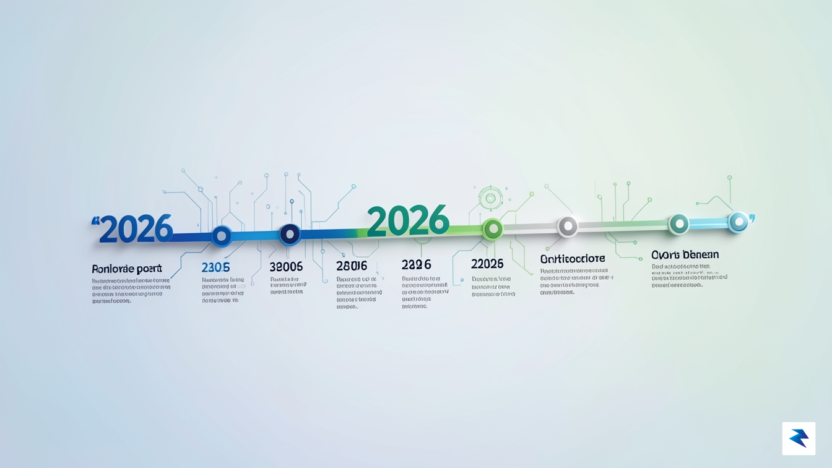
At the heart of every IT environment lies the Microsoft Lifecycle Policy, a foundational framework that dictates the lifespan of software products and determines when organizations must transition to newer versions. This policy serves as a predictable roadmap for developers and system administrators, defining how long a product receives updates, security patches, and technical assistance. As we march toward 2026, many organizations find themselves at a critical juncture where long-standing software versions are reaching their final “end-of-life” status. Navigating these deadlines is not merely a matter of compliance; it is a fundamental requirement for maintaining operational continuity and safeguarding your digital assets against an increasingly hostile threat landscape.
To fully grasp the urgency of the upcoming milestones, it is essential to distinguish between the two primary phases of Microsoft’s support model: Mainstream Support and Extended Support. During the Mainstream phase, users typically receive everything from security updates and non-security fixes to new feature enhancements and design changes. Once a product transitions into the Extended Support phase, the focus narrows significantly; Microsoft limits its efforts to providing critical security patches and paid support services, while feature development ceases entirely. When a product hits its final expiration date, the support lifecycle concludes, leaving the software vulnerable to exploits that are no longer addressed by the manufacturer.
The reasoning behind these rigid timelines is rooted in Microsoft’s broader strategic pivot toward cloud-first initiatives and the modernization of its software ecosystem. By retiring legacy architecture, Microsoft can concentrate its engineering resources on performance optimization and the integration of advanced artificial intelligence, rather than maintaining compatibility with aging, inefficient codebases. Furthermore, legacy systems often lack the robust security hooks required to defend against modern cyber threats, making their retirement a necessary step in protecting the global ecosystem. Keeping outdated software in production is not just a technical debt issue; it is a security liability that creates gaps in your defense perimeter that attackers are eager to exploit.
The expiration of support for key products in 2026 acts as a forcing function for digital transformation, compelling organizations to move beyond static, on-premises reliance and embrace the agility of modern, cloud-native solutions.
Ultimately, the 2026 deadlines should be viewed as an opportunity to modernize rather than a mere administrative burden. By proactively planning for these transitions, IT leaders can ensure that their teams avoid the chaotic, last-minute migrations that often lead to data loss or service outages. Adopting a forward-thinking approach allows your organization to leverage the enhanced performance, better compatibility, and superior security protocols inherent in the latest software releases. As the deadline approaches, prioritizing these upgrades will define the resilience and competitive edge of your infrastructure for years to come.

As we approach the 2026 calendar year, enterprise IT departments must prepare for a significant wave of software retirements that will reshape their operational landscape. Several foundational Microsoft products are slated to reach their official “End-of-Life” (EOL) or “End-of-Support” (EOS) milestones, meaning they will no longer receive security updates, non-security patches, or assisted technical support. This shift primarily impacts core server infrastructure and legacy productivity suites that have served as the backbone for many organizations for the better part of a decade. Identifying these components now is not merely a proactive housekeeping measure; it is a critical requirement for maintaining compliance, protecting intellectual property, and ensuring the continued stability of your digital ecosystem.
The 2026 sunset list includes several major versions of staple enterprise tools that organizations rely on daily. Key products reaching their expiration include specific iterations of Windows Server and SQL Server, which necessitate a migration strategy to newer, cloud-integrated versions or current on-premises releases. Furthermore, various legacy versions of SharePoint Server are approaching their final support dates, forcing teams to evaluate whether to consolidate their data management into SharePoint Online or migrate to a more modern infrastructure. These transitions are complex, often requiring months of planning to ensure that interdependencies between legacy databases and front-end applications remain functional throughout the migration process.
Running software beyond its support lifecycle is one of the most significant security risks an organization can face, as unpatched vulnerabilities become open invitations for malicious actors to infiltrate your network.
The implications of failing to act before these deadlines extend far beyond simple technical inconvenience. From an operational perspective, continuing to run unsupported versions leaves your business exposed to critical security threats for which no fixes will ever be issued. Furthermore, many regulatory frameworks—such as GDPR, HIPAA, or PCI-DSS—strictly mandate that organizations maintain supported software to ensure data protection. By operating on EOL systems, you risk failing audits, incurring heavy fines, and potentially voiding service level agreements with your clients. Furthermore, the financial burden of maintaining these systems often skyrockets, as specialized third-party support services or “Extended Security Updates” (ESUs) carry a premium price tag that consistently increases in cost the longer you delay your upgrade path.
Ultimately, the transition away from expiring software is the perfect opportunity to modernize your technology stack. Instead of viewing these deadlines as a burden, IT leaders should use them as a catalyst to move toward more scalable, cloud-native solutions that reduce the need for future manual maintenance. By systematically decommissioning outdated systems in favor of current versions, your organization will not only close critical security gaps but also unlock performance enhancements and new feature sets that were previously inaccessible on your legacy platforms.
The most immediate and severe consequence of allowing your software to reach its end-of-life date is the creation of a permanent “vulnerability window.” Once Microsoft officially ceases support for a product, they stop issuing security patches, bug fixes, and technical assistance. In the eyes of a cybercriminal, this transition signals an open invitation. Because new exploits are constantly discovered in any complex operating system, software that no longer receives updates becomes a static target with known, unpatchable weaknesses. Hackers actively reverse-engineer the security updates released for newer, supported versions of the software to identify the underlying flaws, which they then weaponize against organizations still clinging to the legacy, unsupported infrastructure.
Beyond the technical reality of increased exploitability, operating on unsupported systems creates a direct pathway to massive regulatory failure. Most modern industry frameworks, such as HIPAA for healthcare, PCI-DSS for payment processing, and GDPR for data privacy, explicitly mandate the use of supported, up-to-date software to ensure the protection of sensitive information. By continuing to run end-of-life platforms, your organization essentially forfeits its ability to demonstrate “due diligence” during a security audit. Should a data breach occur on an unsupported system, regulators are far more likely to impose maximum fines, as the failure to maintain basic software hygiene is often viewed as gross negligence rather than an unavoidable technical mishap.
The cost of a proactive migration is almost always a fraction of the cost associated with a single data breach, regulatory fine, or period of extended operational downtime caused by a legacy system failure.
Furthermore, the risks extend well beyond the realm of external threats and legal penalties. Relying on outdated infrastructure often creates a domino effect of compatibility issues that can paralyze your internal operations. Modern security tools, antivirus suites, and cloud-based integrations are frequently designed to be incompatible with legacy frameworks, leaving your sensitive data essentially “unprotected” even if you attempt to layer on third-party security solutions. This creates a false sense of security that can be more dangerous than having no security at all, as IT teams may believe they are shielded while critical gaps remain exposed. Consequently, the decision to ignore upcoming support deadlines is not merely a hardware or software upgrade choice; it is a fundamental business decision regarding your organization’s risk appetite and its commitment to operational continuity.
Ultimately, the transition away from expiring software should be viewed as a critical defensive maneuver. By prioritizing these migrations, you are effectively closing the digital doors that malicious actors use to gain unauthorized access to your private networks. Organizations that wait until the final deadline often find themselves in a state of chaotic, rushed migration, which leads to configuration errors and further security vulnerabilities. Planning your transition months, or even years, in advance ensures that you maintain the integrity of your data, the trust of your clients, and the compliance status required to operate in today’s strictly regulated global marketplace.
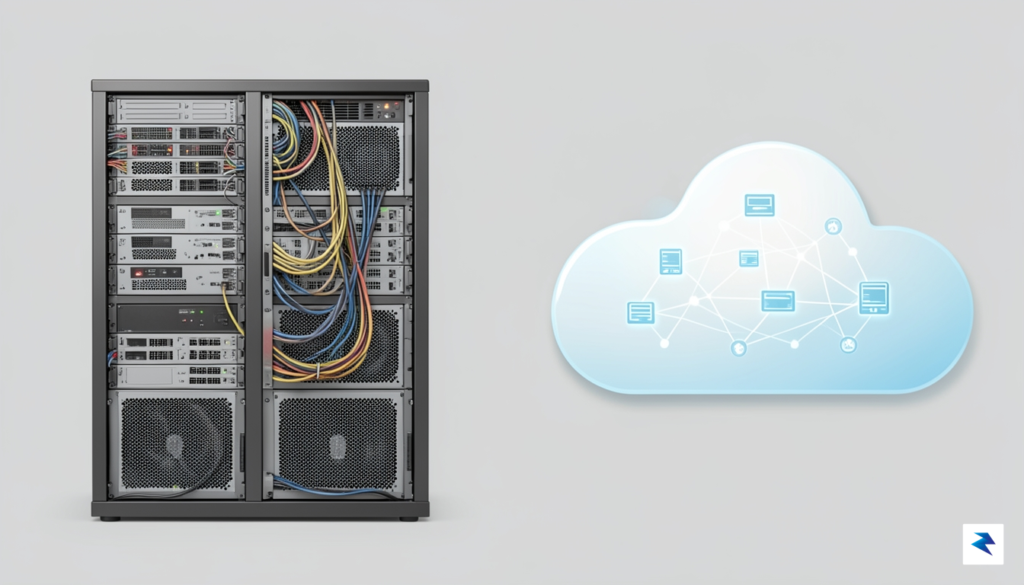
The looming 2026 support sunset represents far more than a simple patch management task; it is a critical inflection point for your organization’s infrastructure strategy. As you approach this deadline, the binary choice between refreshing legacy on-premise hardware and pivoting to a cloud-native model like Microsoft Azure requires a rigorous analysis of your operational goals. While on-premise upgrades offer the comfort of localized control and predictable data sovereignty, the cloud introduces a level of elasticity and automated security that is increasingly difficult to replicate within a private data center. IT leaders must now weigh the burden of technical debt against the potential for long-term agility, ensuring that whichever path is selected aligns with the company’s broader digital transformation roadmap.

Opting to maintain an on-premise environment is often driven by strict regulatory compliance, low-latency requirements, or a desire to avoid the recurring operational expenditures associated with cloud subscriptions. Upgrading to the latest on-premise versions ensures that your team retains full oversight of the entire stack, from the physical hardware to the application layer. However, this path demands significant upfront capital expenditure and ongoing maintenance cycles that can distract your internal IT teams from higher-value innovation. If your organization has highly specialized hardware dependencies or unique security mandates that prohibit public cloud usage, a localized refresh remains a viable, albeit labor-intensive, strategy to navigate the 2026 transition.
Conversely, migrating to a cloud environment like Azure transforms your infrastructure from a static cost center into a scalable engine for growth. By shifting to the cloud, you effectively offload the complexities of hardware maintenance, physical security, and high availability to Microsoft’s global infrastructure. This transition allows your IT staff to move away from “keeping the lights on” and toward optimizing workflows and deploying modern, high-performance applications. The cloud also provides built-in disaster recovery and automated compliance features that are often prohibitively expensive to build and maintain in an on-premise setting, making it a compelling choice for businesses prioritizing speed and resilience.
To decide your path, consider the “three-pillar framework”: Total Cost of Ownership (TCO), Operational Agility, and Risk Tolerance. If your current technical debt is hindering feature deployment, cloud migration likely offers the highest ROI. If your business model relies on immutable, air-gapped data control, a modernized on-premise upgrade is the safer, more strategic bet.
Ultimately, there is no one-size-fits-all solution for the 2026 deadline. The most successful organizations are those that conduct a thorough audit of their current workloads to identify which assets would benefit from the cloud’s scalability and which remain better suited for dedicated, on-premise hardware. By viewing this transition not as a chore, but as a strategic opportunity to shed outdated systems, you can ensure that your organization remains secure, compliant, and competitive well beyond the end-of-support date.

Successfully navigating the impending 2026 support deadlines requires more than just a reactive approach; it demands a proactive, multi-phased roadmap that prioritizes operational continuity. For IT managers, the transition period should ideally span 6 to 12 months, allowing ample time to address technical debt and unforeseen compatibility issues. The process begins with a comprehensive inventory audit, where you must map every instance of legacy software across your organization. By cataloging these assets, you can prioritize which systems are mission-critical and require immediate attention versus those that might be candidates for consolidation or cloud migration.
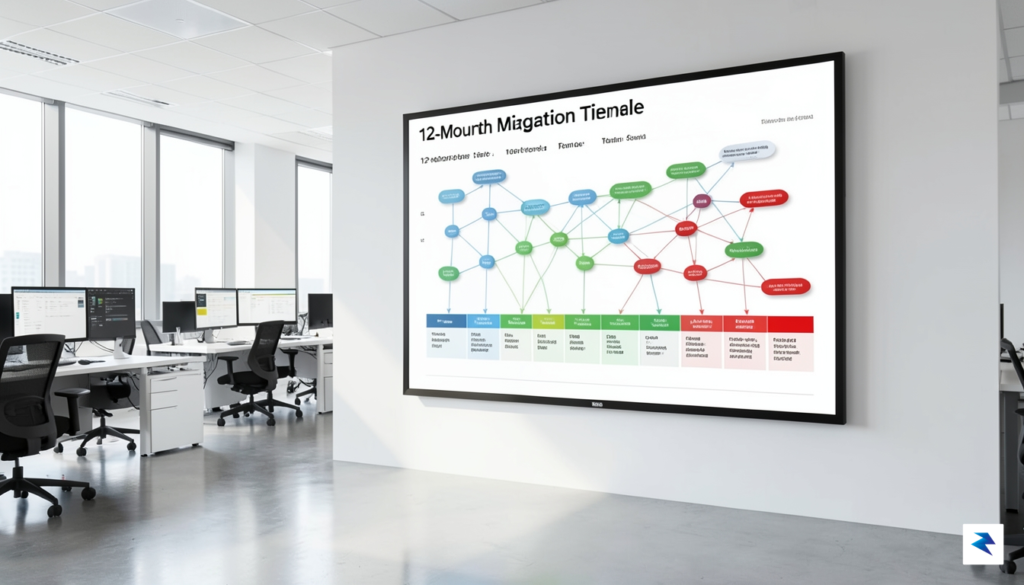
Once your landscape is fully mapped, the focus must shift to securing the necessary resources and stakeholder buy-in. Budget allocation is often the most significant hurdle, so it is essential to present a clear business case that highlights the security risks and potential financial penalties of running unsupported software. Early communication with department heads is crucial here; by involving them early, you can manage expectations regarding downtime and productivity shifts. A well-communicated plan ensures that the transition is viewed as a strategic upgrade rather than a disruptive inconvenience, fostering a culture of cooperation across the enterprise.
Preparation is the difference between a seamless upgrade and a costly system failure. By developing a comprehensive migration strategy now, organizations can avoid the ‘last-minute’ rush and ensure their move to supported versions is handled with minimal downtime.
Execution should never happen in a live production environment without rigorous validation. Establishing a dedicated testing environment—or a “sandbox”—is the only way to ensure that your new software versions will play nicely with your existing proprietary applications and third-party plugins. During this phase, you should implement a phased deployment strategy, moving small groups or low-impact departments over first. This “canary” approach allows your team to identify and resolve bugs in a controlled setting before a company-wide rollout.
Finally, never underestimate the power of staff training. Even the most technically sound migration will fail if your team lacks the knowledge to navigate the updated systems. By integrating documentation, video tutorials, and interactive Q&A sessions into your rollout plan, you reduce the burden on your help desk and minimize the “frustration factor” that often accompanies software changes. Remember, a successful migration is measured not just by the stability of the servers, but by the efficiency of the people using the tools every day.
You must be logged in to post a comment.