
Understanding Actegories: Bridging Abstract Math and Software Action
Introduction to Actegories: A New Paradigm For decades, category theory has served as the elegant scaffolding of computer science, providing a…
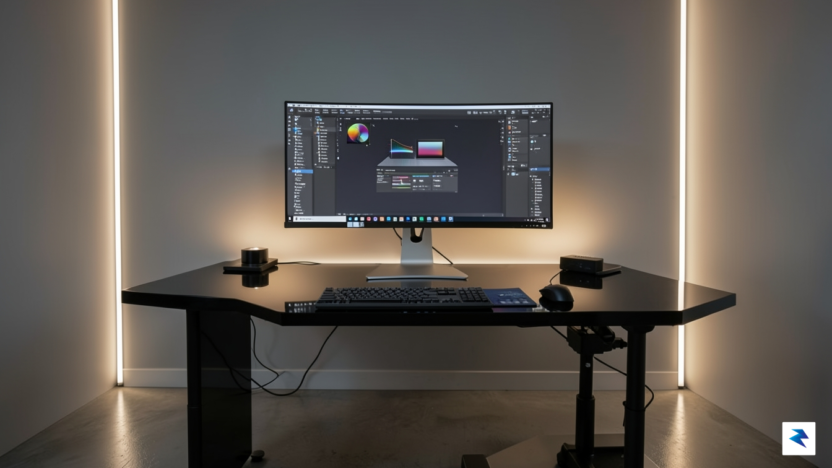
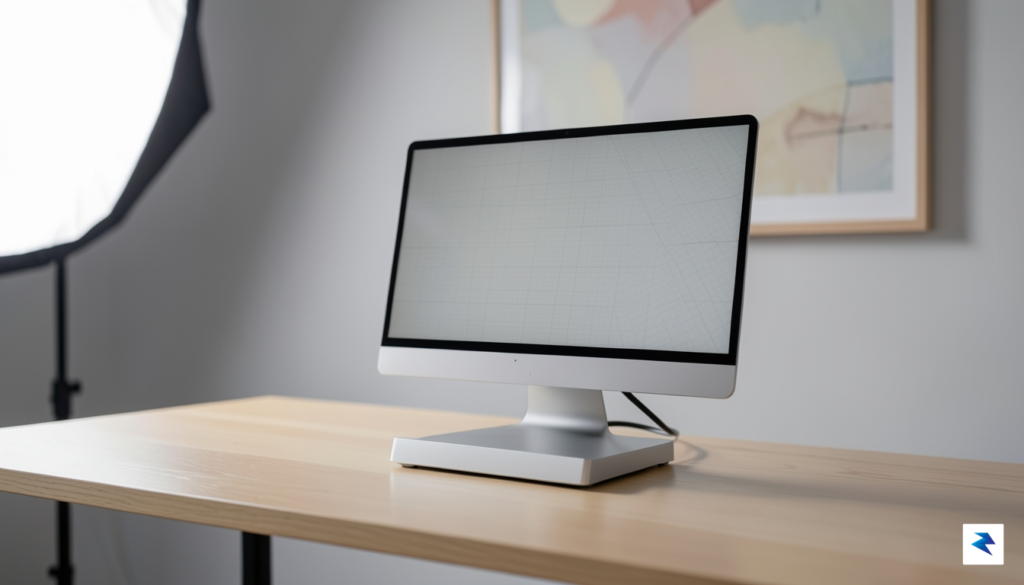
At its core, the Mac Studio powered by the M2 Ultra remains a titan of modern computing, serving as a testament to Apple’s mastery of silicon integration. By merging two M2 Max chips via the UltraFusion interconnect, this machine provides an architecture that effectively doubles the performance metrics of its predecessor, offering up to 24 CPU cores and 76 GPU cores. For creative professionals, the true genius lies in the Unified Memory architecture, which allows the CPU and GPU to access a massive pool of high-bandwidth memory simultaneously. This eliminates the traditional bottlenecks associated with discrete VRAM, making the M2 Ultra an exceptional candidate for complex tasks like high-resolution 8K video color grading, massive 3D scene rendering in Blender or Cinema 4D, and compiling colossal software codebases.
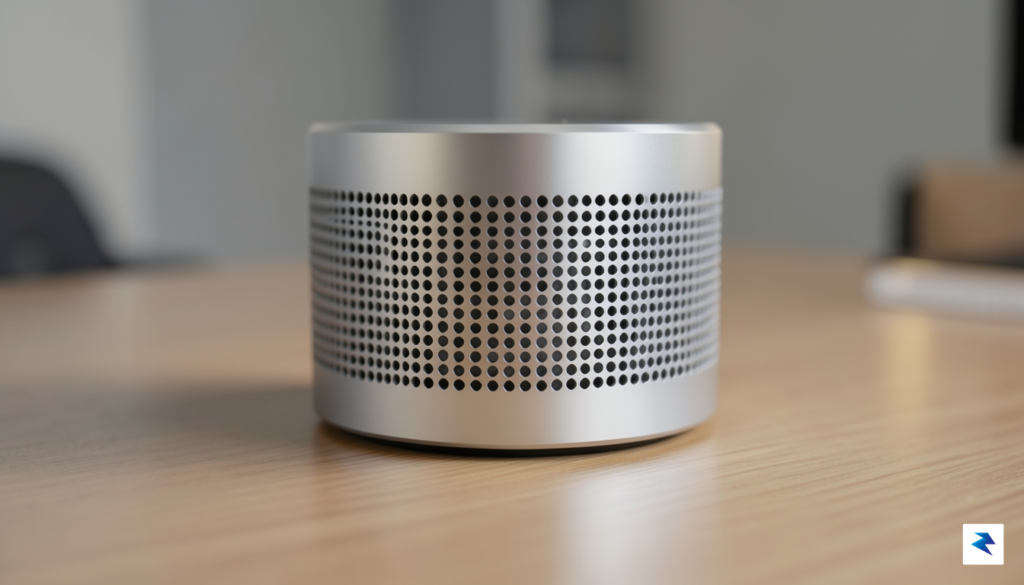
The longevity of the M2 Ultra is arguably its most compelling feature, as it comfortably handles workflows that would bring standard consumer-grade hardware to a standstill. Even as software becomes increasingly demanding, the sheer thermal efficiency and processing overhead of the M2 Ultra ensure that it remains a reliable backbone for high-end production houses and independent creators alike. While some might argue that the rapid pace of silicon evolution makes current hardware feel “dated,” the reality is that the M2 Ultra is still significantly ahead of the performance requirements for most industry-standard applications. It is effectively “overkill” for the average user, yet for those whose time is literally measured in render frames and export minutes, the machine provides a tangible return on investment by keeping creative momentum uninterrupted.
The M2 Ultra isn’t just about raw speed; it is about providing a stable, high-bandwidth environment where professional applications can operate without the constraints of traditional desktop hardware limitations.
When considering whether this machine is still the right choice, it is essential to categorize your specific professional needs. If your daily operations involve heavy multitasking, real-time 3D viewport navigation, or processing enormous datasets, the Mac Studio continues to set the gold standard for performance-per-watt. While the tech industry is always looking toward the next horizon, the M2 Ultra proves that current hardware does not suddenly become obsolete simply because a future generation is on the roadmap. It remains a formidable powerhouse that bridges the gap between high-end desktop workstations and the efficiency of Apple Silicon, ensuring that your creative output stays ahead of the curve regardless of the inevitable next-generation releases.
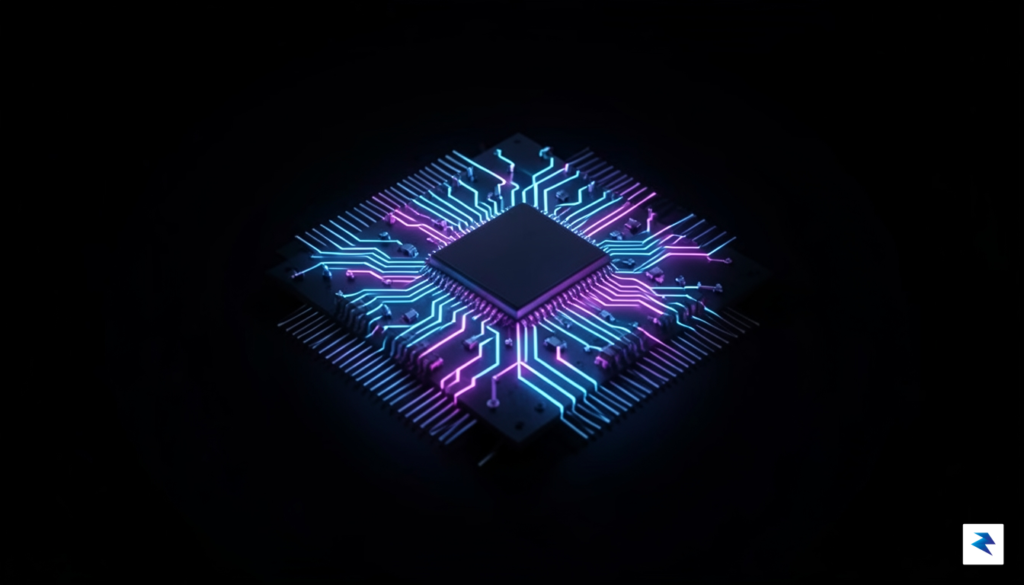
The anticipation surrounding the M5 Ultra is largely tethered to the expected transition to 2nm process technology. While the current M2 Ultra has proven itself a formidable workhorse, a move to the 2nm node would represent a monumental shift in transistor density and power management. By shrinking the architecture further, Apple is poised to squeeze even more logic into the same physical footprint, which translates to a more efficient thermal envelope. For the professional user, this doesn’t just mean a faster clock speed; it implies a machine that can sustain peak performance during grueling 8K video renders or complex 3D simulations without hitting the thermal throttling limits that occasionally plague smaller enclosures.
Beyond raw power, the most significant evolution will likely manifest in the Neural Engine’s capability to handle local AI tasks. As the industry shifts toward on-device Large Language Models (LLMs) and local image generation, the current bottleneck for many Mac Studio users is the speed at which their silicon can parse complex weights and parameters. The M5 Ultra is rumored to introduce a drastically overhauled NPU architecture, potentially doubling the TOPS (trillions of operations per second) compared to its predecessors. This advancement is critical for creators who rely on real-time noise reduction, AI-driven upscaling in DaVinci Resolve, or local fine-tuning of generative models, as it allows for fluid workflows that currently require offloading processes to the cloud or dedicated server-side hardware.
If your professional survival depends on cutting-edge AI integration and local machine learning, the M5 Ultra’s projected leap in memory bandwidth and neural throughput will likely make the current generation feel obsolete in short order.
Another area where the M5 Ultra is expected to shine is in its unified memory architecture, specifically regarding bandwidth. While the M2 Ultra already offers impressive memory throughput, the demands of high-fidelity ray tracing and massive scene geometry in tools like Octane or Redshift require even faster data access between the GPU and the system memory. By potentially moving to faster memory standards, the M5 Ultra could bridge the gap that currently exists between specialized workstation GPUs and Apple’s unified approach. For users managing scenes with millions of polygons and massive texture arrays, this bandwidth improvement will manifest as snappier viewport responsiveness and significantly faster “time to first pixel” when initiating heavy renders.
Ultimately, the decision to wait for this next iteration rests on whether your current bottlenecks are strictly CPU-bound or if they relate to the emerging demands of the AI-driven creative landscape. If you are currently hitting a wall with local machine learning tasks or find that your memory bandwidth is choking your most complex 3D projects, the 2nm transition offers a tangible, future-proof solution. However, if your current Mac Studio handles your daily video editing and design output without stuttering, it is worth considering that the M5 Ultra will likely be priced at a premium that reflects its status as the absolute pinnacle of Apple’s silicon prowess.
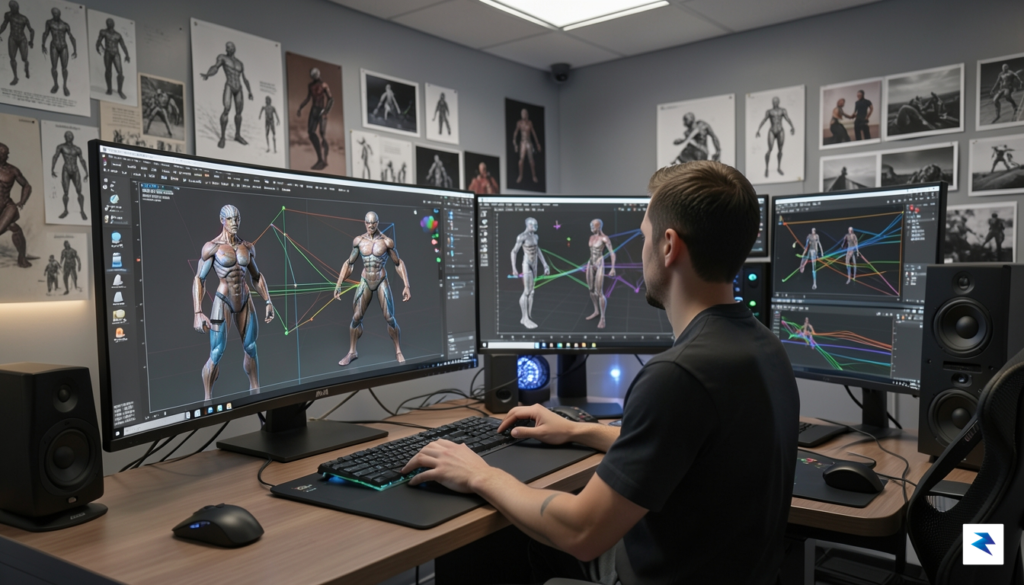
Determining whether to pull the trigger on a Mac Studio today or wait for the M5 Ultra iteration requires a cold, hard look at your actual daily output. For many creative professionals, the leap from M2 Ultra to M5 Ultra will represent a shift in efficiency rather than a fundamental change in capability. If your current workflow involves 4K editing, standard web development, or vector-based graphic design, the M2 Ultra is likely already handling these tasks with significant overhead. Upgrading in this context is often a matter of chasing diminishing returns, where the time saved in export cycles may not offset the significant financial investment of a brand-new machine.
To better understand where you stand, consider how your specific professional profile interacts with current silicon limitations. The following breakdown illustrates the divide between those who need the latest hardware and those who are better served by current-gen stability:
Always distinguish between a workflow bottleneck and a workflow inconvenience. If a machine is actively preventing you from completing a task, it is a bottleneck; if it simply makes you wait an extra three minutes for an export, it is an inconvenience.
Ultimately, software optimization frequently plays a larger role in performance than raw silicon power. Before assuming that your hardware is the culprit behind sluggish performance, verify that your current software stack is fully optimized for Apple Silicon. Often, developers find that switching to native applications or refining their resource management yields performance gains that mimic a hardware upgrade. If your current machine meets your deadlines consistently, the M5 Ultra is a luxury; if you are regularly losing billable hours to render bars and spinning wheels, the next-gen leap is a necessary investment in your professional infrastructure.

Investing in a high-end workstation like the Mac Studio is rarely just a tech purchase; it is a significant capital expenditure that requires a cold, hard look at the balance between current operational needs and future-proofing. Many professionals fall into the trap of viewing hardware purely through the lens of depreciation, fearing that the moment they unbox a new machine, its resale value begins to plummet. While it is true that Apple Silicon Macs have historically maintained their resale value better than their Intel-based predecessors, treating a professional tool as a financial asset is often a miscalculation. The real metric that matters for a business or a creative freelancer is not the eventual resale price, but the “cost of waiting”—the quantifiable loss of revenue or billable hours that occurs when your current hardware becomes a bottleneck for your workflow.

When evaluating the “cost of waiting,” consider the time lost to rendering delays, software hangs, or the inability to utilize modern features like advanced AI upscaling or complex 8K editing timelines. If a machine currently saves you just one hour of productivity per week, at a modest professional rate of $100 per hour, you are losing over $5,000 in potential revenue over the course of a single year. By delaying a purchase for twelve months in anticipation of an M5 Ultra chip, you might “save” on the purchase price, but you could easily incur a productivity deficit that far outweighs the cost of the hardware itself. For many, the M2 Ultra or even the M4 series provides more than enough overhead to sustain operations, making the wait for hypothetical future silicon a net negative for your bottom line.
The most expensive computer is the one that prevents you from finishing your work on time. Always prioritize current capacity over future theoretical benchmarks.
For small businesses and independent contractors, the conversation often shifts to tax strategy and equipment refresh cycles. In many jurisdictions, the immediate expensing of hardware under programs like Section 179 allows you to deduct the full purchase price of a Mac Studio from your taxable income, effectively lowering the net cost of the hardware. Waiting for a future iteration means missing out on immediate tax benefits and forcing your team to work with aging equipment that may suffer from increased downtime or repair costs. Furthermore, professional hardware cycles typically operate on a three-to-five-year rotation. By buying today, you align your hardware refresh with your current project needs, ensuring that your equipment is optimized for the software tools you use right now, rather than waiting for an elusive future release that may or may not provide a meaningful leap in your specific workflow.

Deciding whether to commit to the current Mac Studio or hold out for the upcoming M5 Ultra requires a cold, analytical look at your current workflow requirements versus your long-term growth trajectory. If your existing hardware is failing, or if you are currently hemorrhaging billable hours due to thermal throttling or render bottlenecks, the current M2 Ultra remains a professional-grade workhorse that will easily outperform almost any other workstation on the market. In these scenarios, waiting for a hypothetical future release is a false economy; the cost of lost productivity during an upgrade cycle almost always outweighs the marginal gains of waiting for the next silicon iteration.
Conversely, if your current machine is performing adequately and you are considering an upgrade primarily to stay on the bleeding edge, patience is your best financial strategy. The M5 generation is widely expected to bring significant architectural shifts, particularly regarding neural engine performance and unified memory bandwidth, which will be essential for those deeply invested in local large language models (LLMs) and complex generative AI workflows. If your budget is not tied to immediate project deadlines, waiting allows you to avoid the “early adopter’s tax” and ensures that your next purchase is fully optimized for the software requirements of the next three to five years.
The golden rule for high-end hardware investment: Buy for the project in front of you, but budget for the technology of tomorrow.
For those caught in the middle—needing more power but hesitant to pay full price for older silicon—the refurbished market offers a strategic bridge. Purchasing a certified refurbished Mac Studio provides the performance you need today at a significantly lower price point, effectively acting as a “stop-gap” machine that can be resold when the M5 Ultra eventually launches. This approach minimizes your total cost of ownership and allows you to transition to the newest architecture without feeling the sting of a high-depreciation purchase made just months before a product refresh.
Ultimately, the Mac Studio is a precision instrument, not a commodity. Whether you choose to invest in the current generation or wait for the next, ensure that your decision is tethered to tangible business outcomes rather than the simple desire for the latest specification sheet. By aligning your hardware refresh cycle with your actual creative output, you ensure that your studio remains both profitable and prepared for whatever technical demands the future holds.
You must be logged in to post a comment.