
Supreme Court Declines Roundup Lawsuit: What It Means for Bayer and the Future of Litigation
Understanding the Supreme Court’s Ruling on Roundup The Supreme Court’s recent decision to decline hearing the appeal brought against Bayer…
In a series of communications that have drawn significant attention from the cybersecurity community, LastPass recently disclosed that unauthorized actors gained access to its systems through a third-party cloud storage service. This incident began when a threat actor leveraged information obtained from a previous breach to compromise a senior developer’s workstation. By exploiting this entry point, the attacker was able to access a shared cloud-based development environment, which contained encrypted backups of customer data. This chain of events highlights the persistent nature of modern cyber threats, where attackers systematically pivot through an organization’s infrastructure to find the most valuable targets.
A critical distinction that users must understand is the difference between the exposure of vault data and the compromise of master passwords. The company has clarified that the attacker did not gain access to users’ actual encrypted password vaults, nor were the master passwords, which are never stored by the service, exposed. Instead, the breach primarily involved the exfiltration of metadata, such as company names, end-user names, billing addresses, email addresses, and telephone numbers. While the encrypted vaults themselves were copied, they remain protected by a layer of encryption that requires the user’s individual master password to unlock, meaning the security of the data remains dependent on the strength of the user’s chosen passphrase.
It is essential to remember that while metadata was exposed, the core vault data remains encrypted. The primary security risk involves the potential for targeted phishing campaigns based on the information leaked, rather than an immediate decryption of your saved passwords.
Following the discovery of the incident, LastPass initiated a comprehensive incident response protocol to contain the threat and bolster its defenses. They immediately engaged a leading cybersecurity forensics firm to conduct an extensive investigation and notified law enforcement agencies. Furthermore, the company has since implemented stricter access controls, enhanced monitoring across their development environments, and rotated credentials for internal systems to prevent any further unauthorized activity. For those using the service, the most important takeaway is that these events serve as a sobering reminder of the importance of robust security practices. Users are strongly encouraged to ensure their master password is unique, complex, and not used on any other website, as this remains the final and most effective line of defense against unauthorized access to their encrypted records.

The core dilemma inherent in modern password management stems from a structural paradox: by centralizing our digital identities for the sake of convenience, we inadvertently create a high-value “honeypot” for cybercriminals. Password managers are designed to be the ultimate vault, holding the keys to everything from personal banking and email accounts to sensitive corporate infrastructure. However, this centralization creates a single point of failure that is extraordinarily attractive to sophisticated threat actors. When a platform manages millions of encrypted vaults, it becomes an inevitable target; a successful breach of the provider’s infrastructure offers a massive return on investment for attackers compared to the tedious process of compromising individual users one by one.

This reality has sparked a growing debate regarding the security trade-offs between cloud-based synchronization and local, device-only encryption models. Cloud-based password managers prioritize accessibility, allowing users to sync their credentials across smartphones, laptops, and tablets seamlessly. While these services typically utilize robust encryption protocols, the data must eventually exist on the provider’s servers in some form, even if it is encrypted at rest. Conversely, local-only storage models keep the master database on the user’s personal hardware. While this removes the risk of a centralized provider breach, it places the entire burden of data backup, recovery, and security updates on the user, who may lack the technical expertise to manage those risks effectively.
The security of a password manager is only as strong as the infrastructure protecting it; when that infrastructure is centralized, the scope of a potential compromise is magnified exponentially.
The evolution of threat actors has shifted significantly in recent years, moving away from opportunistic “smash and grab” attacks toward targeted campaigns against identity management systems. Malicious actors now understand that if they can compromise the service provider itself, they may bypass the need to crack individual user passwords if they can capture metadata, account structures, or even user-specific salts used in the encryption process. This persistent targeting of identity infrastructure means that password managers must go beyond standard encryption; they are now forced to operate as high-security fortresses, constantly fending off nation-state level actors and advanced persistent threats (APTs) that utilize zero-day exploits and social engineering to gain entry to the backend systems where the “vaults” reside.
Ultimately, users must accept that no digital storage method is entirely devoid of risk. While password managers remain significantly safer than the dangerous habit of password reuse or writing credentials down on sticky notes, they are not immune to the realities of modern cybersecurity. Understanding that your password manager is a critical piece of infrastructure—not just a convenient tool—is the first step toward better digital hygiene. By layering additional security measures, such as hardware-based multi-factor authentication (MFA) and ensuring that master passwords are long, unique, and never shared, users can significantly mitigate the impact of even a total compromise at the provider level.

To determine the true impact of this security incident on your personal digital life, it is essential to distinguish between the two primary categories of information potentially compromised: vault data and account metadata. The vault data encompasses the sensitive information you have stored within the service, including your saved usernames, passwords, secure notes, and potentially sensitive attachments. Conversely, account metadata refers to the peripheral details surrounding your account, such as your email address, billing information, and account settings. While the exposure of metadata can lead to an increase in targeted phishing attempts or social engineering attacks, the potential compromise of your encrypted vault represents a far more significant security challenge that requires a more rigorous defensive response.
It is important to understand that your passwords remained protected by encryption throughout this breach, meaning they were not stored in plain text. LastPass utilizes robust AES-256 bit encryption, which is the industry standard for securing sensitive digital assets. Because your vault is encrypted, an unauthorized party who gains access to these files still faces the daunting task of “cracking” the encryption keys. However, the strength of this protection is fundamentally tied to the quality of your master password. If your master password is weak, generic, or has been reused across other compromised services, the effectiveness of the encryption is significantly diminished, making the contents of your vault vulnerable to brute-force attacks.
The security of your encrypted data is only as strong as the complexity and uniqueness of your master password. If an attacker possesses your encrypted vault, a weak master password is the only barrier standing between them and your credentials.
Given these risks, you must adopt a proactive security posture, regardless of whether your specific vault was successfully decrypted by unauthorized actors. The most critical step is the immediate rotation of your master password to a longer, more complex string that you have never used elsewhere. Furthermore, you should prioritize updating the credentials for your most sensitive accounts, such as primary email addresses, financial institutions, and medical portals. By treating the vault contents as potentially accessible, you shift your defense from a reactive mindset to a proactive one, ensuring that even in the unlikely event your encryption is bypassed, the potential damage remains strictly contained.
While the news of a security incident can be unsettling, it is crucial to move beyond initial panic and adopt a methodical, proactive approach to your digital hygiene. Rather than viewing this as an insurmountable crisis, treat it as a necessary catalyst to harden your defenses. By taking immediate, deliberate actions, you can significantly reduce the risk of unauthorized access to your most sensitive accounts and ensure that your digital footprint remains secure against future threats.
The first and most vital step is to update your Master Password immediately. Ensure that this new password is not only complex—incorporating a mix of uppercase and lowercase letters, numbers, and symbols—but also entirely unique, meaning it should not be reused across any other platform. Once your vault is secured, turn your attention to your multi-factor authentication (2FA) settings. If you were previously using SMS-based 2FA, consider migrating to a dedicated authenticator app or a physical security key, as these methods offer significantly higher protection against SIM-swapping and interception attacks. Strengthening these layers acts as a robust firewall, ensuring that even if one credential is compromised, the attacker remains blocked from your sensitive data.

Not all accounts carry the same level of risk, so prioritize your audit based on potential impact. Start by changing the passwords for your primary email account and any financial platforms, such as online banking or investment portals. Because your email often serves as the “master key” for resetting other passwords, securing it with a unique, high-entropy string is non-negotiable. Furthermore, use this opportunity to review your account recovery options, ensuring that your secondary email addresses and recovery phone numbers are current and under your exclusive control.
Remember: A single breached password should never compromise your entire digital life. Using a unique password for every single service is the single most effective way to contain the damage of a potential data leak.
Beyond updating your specific passwords, you must remain vigilant against credential stuffing, a common tactic where hackers test stolen login pairs across various websites to see where they might work. To combat this, monitor your account activity logs regularly for any unrecognized logins or unusual geolocation alerts. If a service offers a “log out of all devices” feature, use it after changing your password to terminate any existing sessions that an unauthorized party might still be holding. By staying informed and maintaining these proactive habits, you transform your digital security from a passive state into an active, resilient defense system that adapts to the evolving threat landscape.
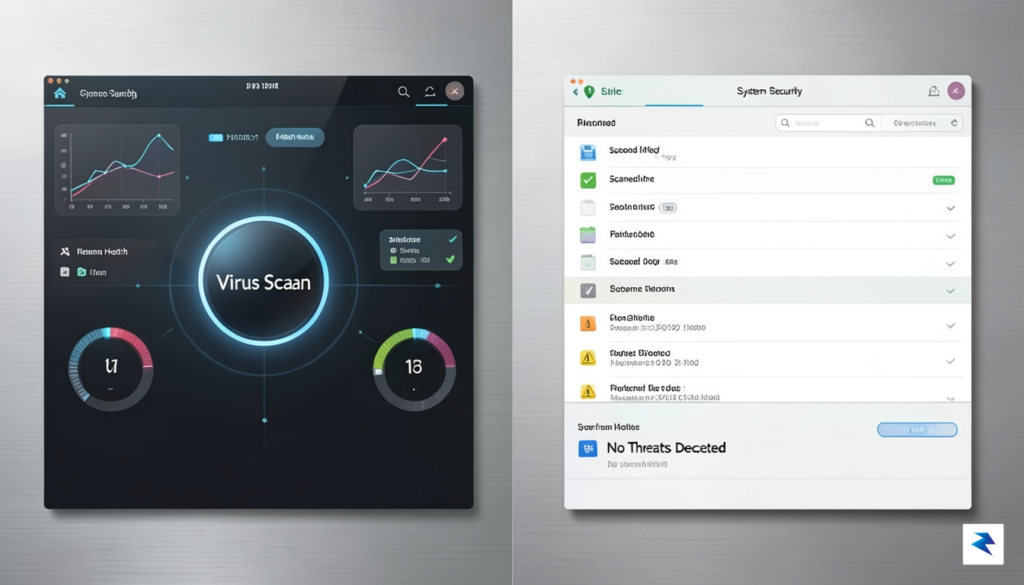
When the security of your digital vault is compromised, the natural reaction is to reassess the tools you rely on to protect your most sensitive information. Choosing a successor to your current password manager requires more than just picking a popular brand; it demands a critical look at the underlying architecture that defines how your data is handled. A primary consideration is the distinction between proprietary and open-source models. While proprietary software often offers a polished user experience and dedicated support, open-source solutions allow the global security community to audit the codebase for vulnerabilities. This transparency can be a significant advantage, as it ensures that security claims are verifiable rather than based solely on the vendor’s promises.
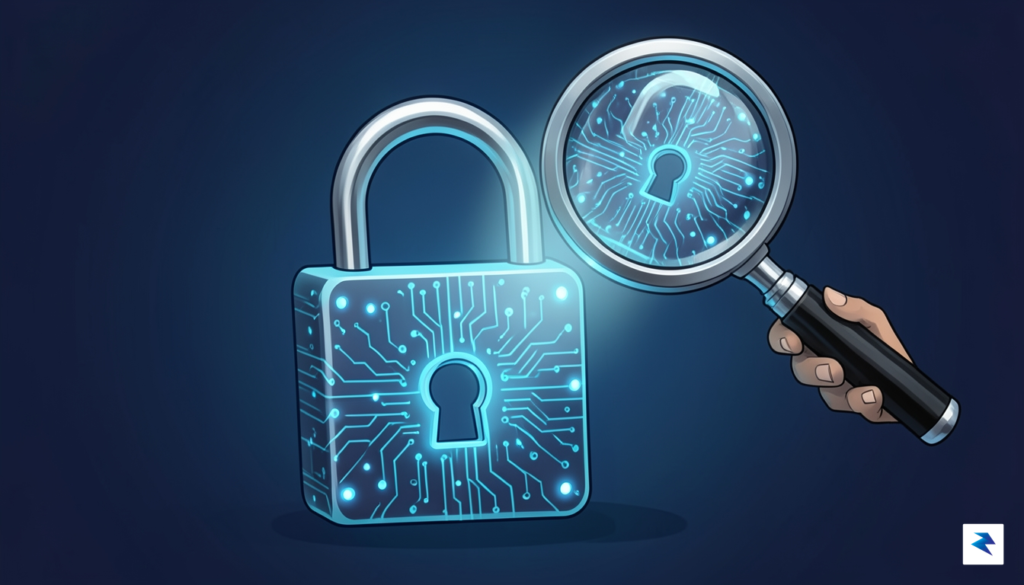
Regardless of the software model, the most vital feature to look for is a zero-knowledge architecture. This security standard ensures that the service provider never has access to your master password or your unencrypted data. In this model, encryption and decryption occur exclusively on your local device, meaning that even if the company’s servers were breached, the attackers would only ever see jumbled, useless cipher-text. You should also prioritize platforms that offer robust hardware security, such as support for FIDO2/WebAuthn hardware keys like YubiKey. These physical tokens add a critical layer of defense that remains immune to phishing attacks, providing a far more secure experience than standard SMS-based or app-based two-factor authentication.
To ensure true data sovereignty, seek out services that allow for local-only synchronization or the ability to host your own encrypted vault, effectively removing the reliance on a third-party cloud infrastructure entirely.
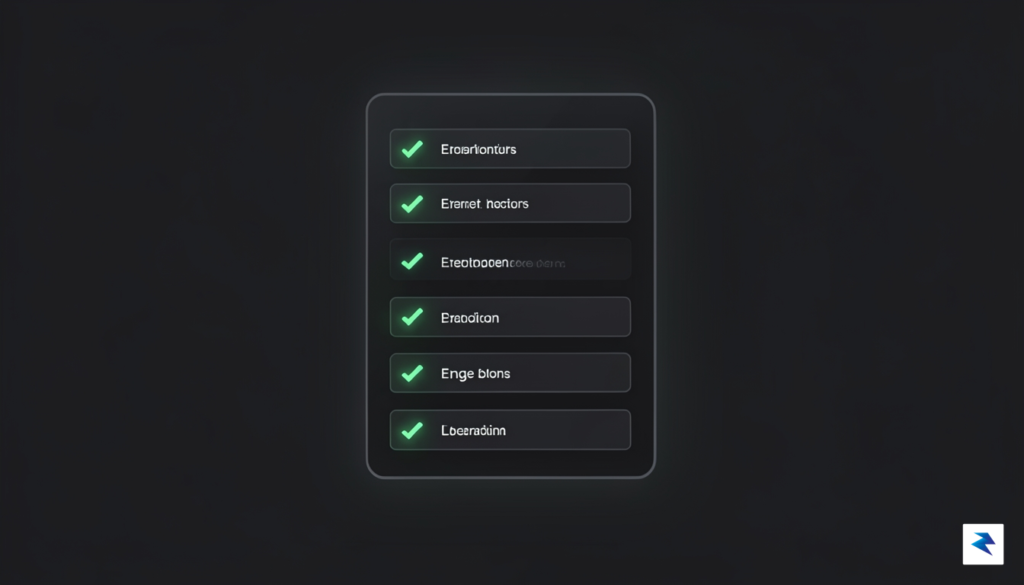
If you are currently evaluating a migration, use the following checklist to ensure your new provider meets modern security benchmarks:
Ultimately, the transition process is an opportunity to improve your overall digital hygiene. As you migrate your credentials, take the time to purge old, unused accounts and update weak passwords that may have been exposed in previous incidents. By moving toward a solution that emphasizes local control, verifiable transparency, and hardware-backed authentication, you can build a more resilient security posture that protects your digital identity far more effectively than the standard convenience-first models.
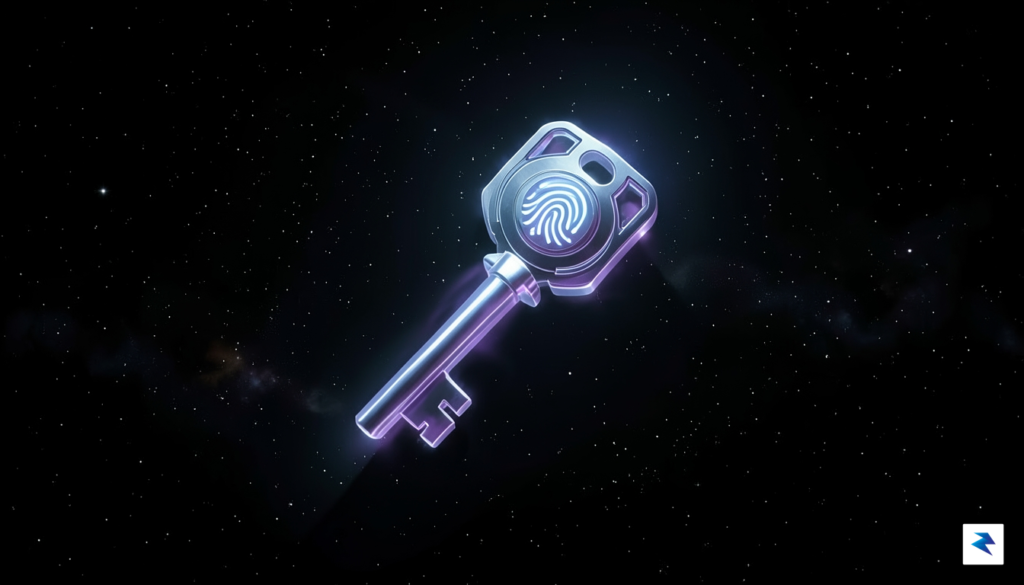
The recurring vulnerabilities associated with traditional password managers highlight a fundamental flaw in our current digital security architecture: the reliance on a single, high-value secret that, if compromised, exposes an entire vault of sensitive data. As we look toward the future, the industry is rapidly transitioning toward a passwordless paradigm centered on the FIDO2 standard and passkeys. Unlike conventional passwords, which are susceptible to phishing, credential stuffing, and server-side leaks, passkeys use public-key cryptography to verify identities. In this model, your device holds a private key that never leaves your hardware, while the service only stores the corresponding public key. This structural change ensures that even if a service provider suffers a catastrophic database breach, there are no “master passwords” for hackers to steal, crack, or decrypt.
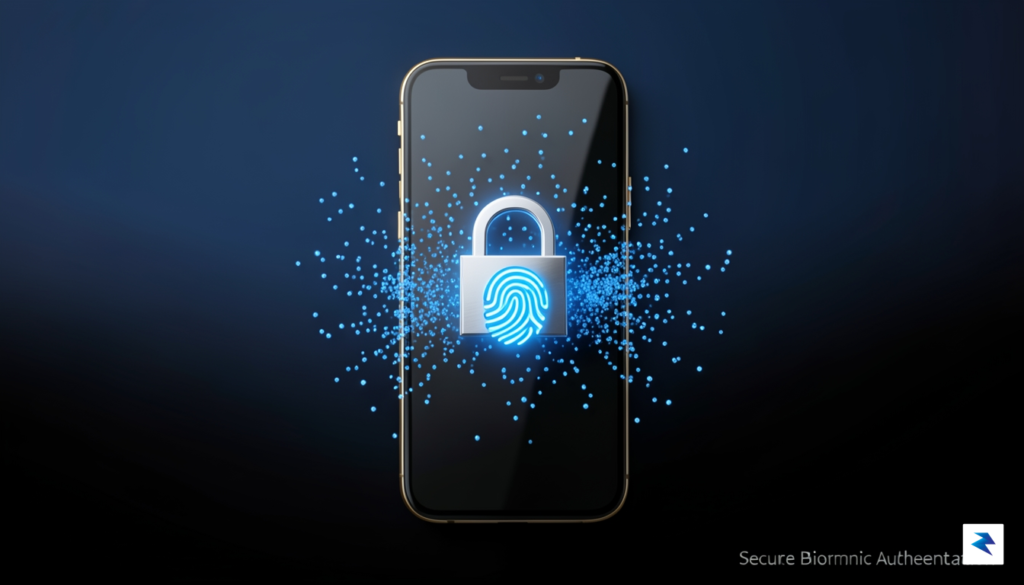
Beyond the technical superiority of cryptography, passkeys represent a massive improvement in user experience by eliminating the burden of memorizing or managing complex strings of characters. Because the authentication process is tied to your physical device—verified through biometrics like FaceID or a fingerprint sensor—it creates a seamless link between the user and their account. This shift effectively mitigates the risk of mass data breaches that have plagued centralized password vaults for years. When you no longer rely on a static secret that must be transmitted to and stored on a third-party server, you remove the primary incentive for attackers to target the service provider’s infrastructure. By decentralizing the authentication process, we strip away the “honey pot” effect that makes password managers such attractive targets for malicious actors.
The most secure password is one that does not exist at all. Adopting passkeys isn’t just about convenience; it is about fundamentally changing the threat model of the internet.
However, moving toward a passwordless future does not mean abandoning the principles of security hygiene. Instead, it encourages a “defense in depth” mindset where multiple layers of protection work in tandem to secure your digital footprint. Even as we adopt passkeys, it remains critical to utilize hardware security keys for high-stakes accounts, such as email providers and banking portals, to provide an extra layer of physical hardware verification. Furthermore, users should continue to monitor their digital presence, enable multi-factor authentication everywhere it is supported, and remain skeptical of unsolicited requests for credentials. By combining the cryptographic strength of FIDO2-based passkeys with a vigilant, layered approach to online behavior, we can finally move past the era of the master password and toward a landscape where our personal data is significantly harder to compromise.
You must be logged in to post a comment.